Select the change
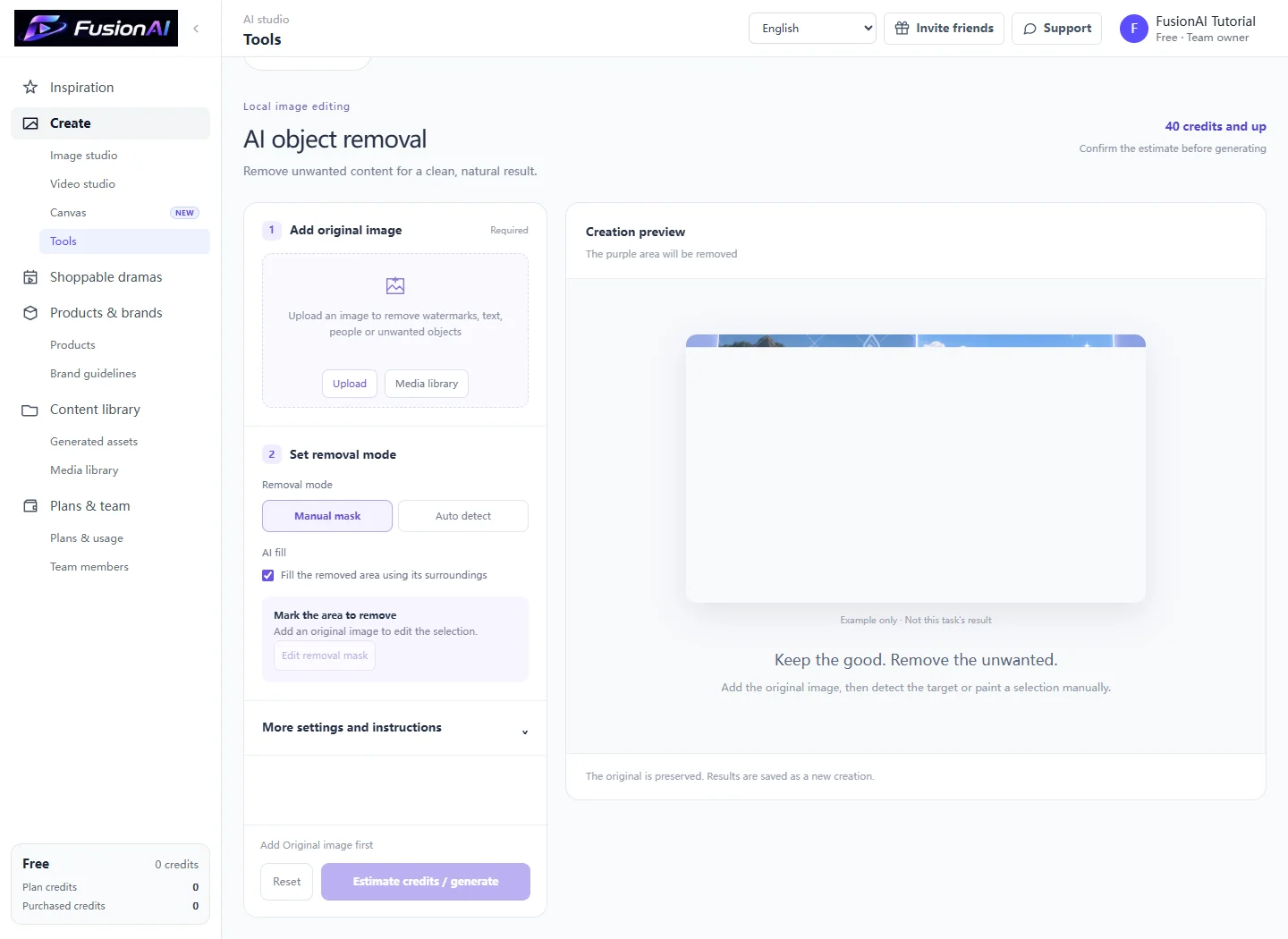
Name or mark the distraction with the controls offered by the tool. Avoid including a product edge in the edit accidentally.

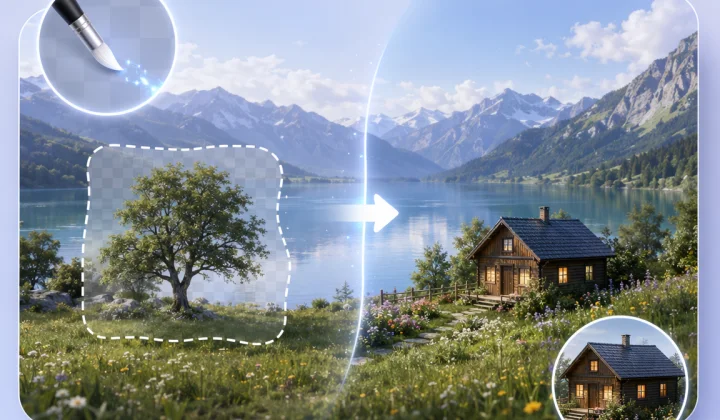
Remove a specified object or temporary distraction from an image. Review how the missing area is filled and protect the product details around it.
Choisissez Paramètres et passez en revue l'estimation de crédit dans l'espace de travail.
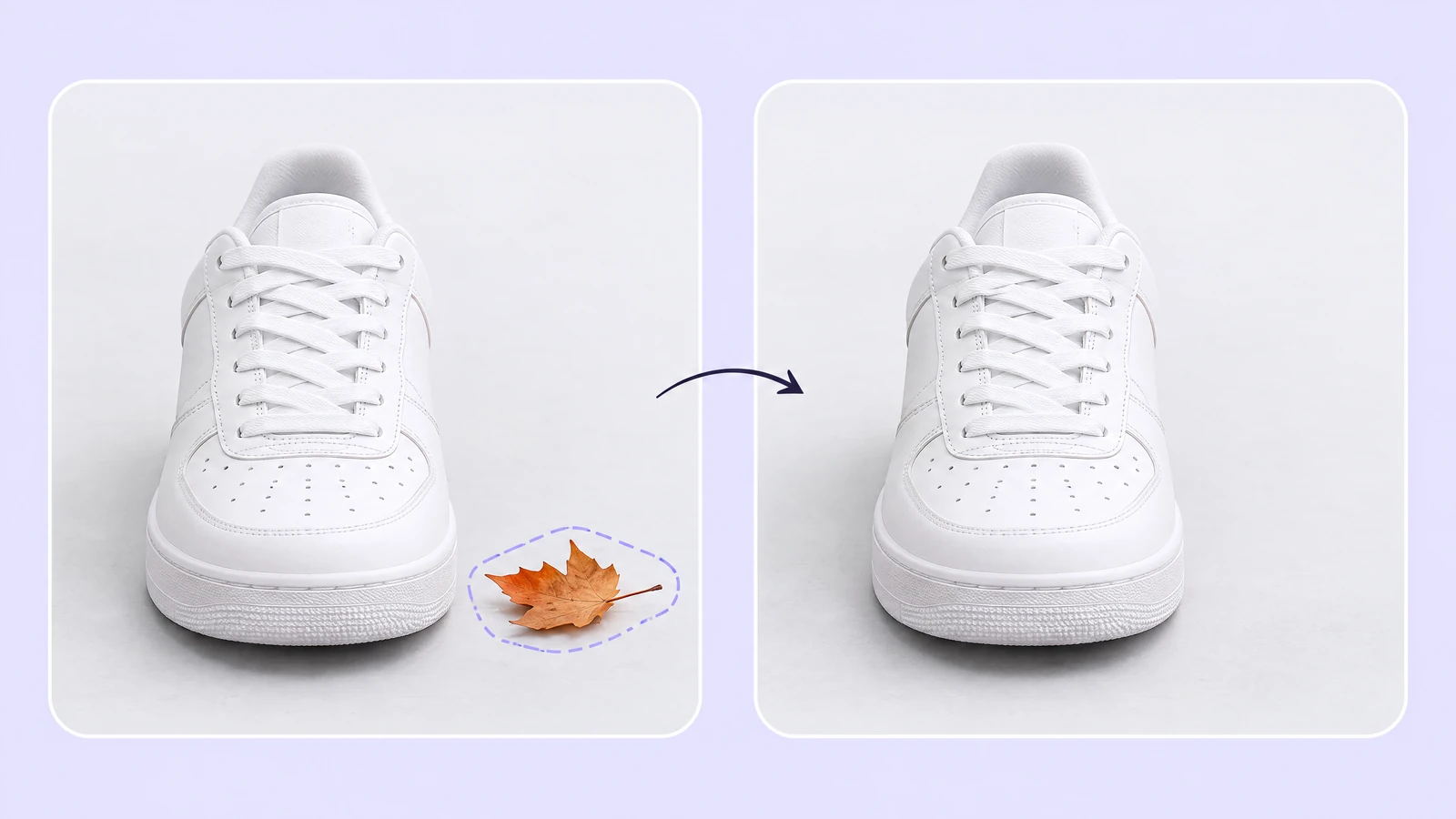
Name or mark the distraction with the controls offered by the tool. Avoid including a product edge in the edit accidentally.
The model infers the surface behind the removed object; it does not recover hidden original pixels.
Look for repeated texture, broken straight lines, inconsistent shadows and missing nearby parts.
Upload the source and identify the object without changing unrelated areas.
Explain the surface or setting that should remain, and keep nearby product geometry fixed.
Compare the edited region and the full image with the original. Save the result only when both are usable.
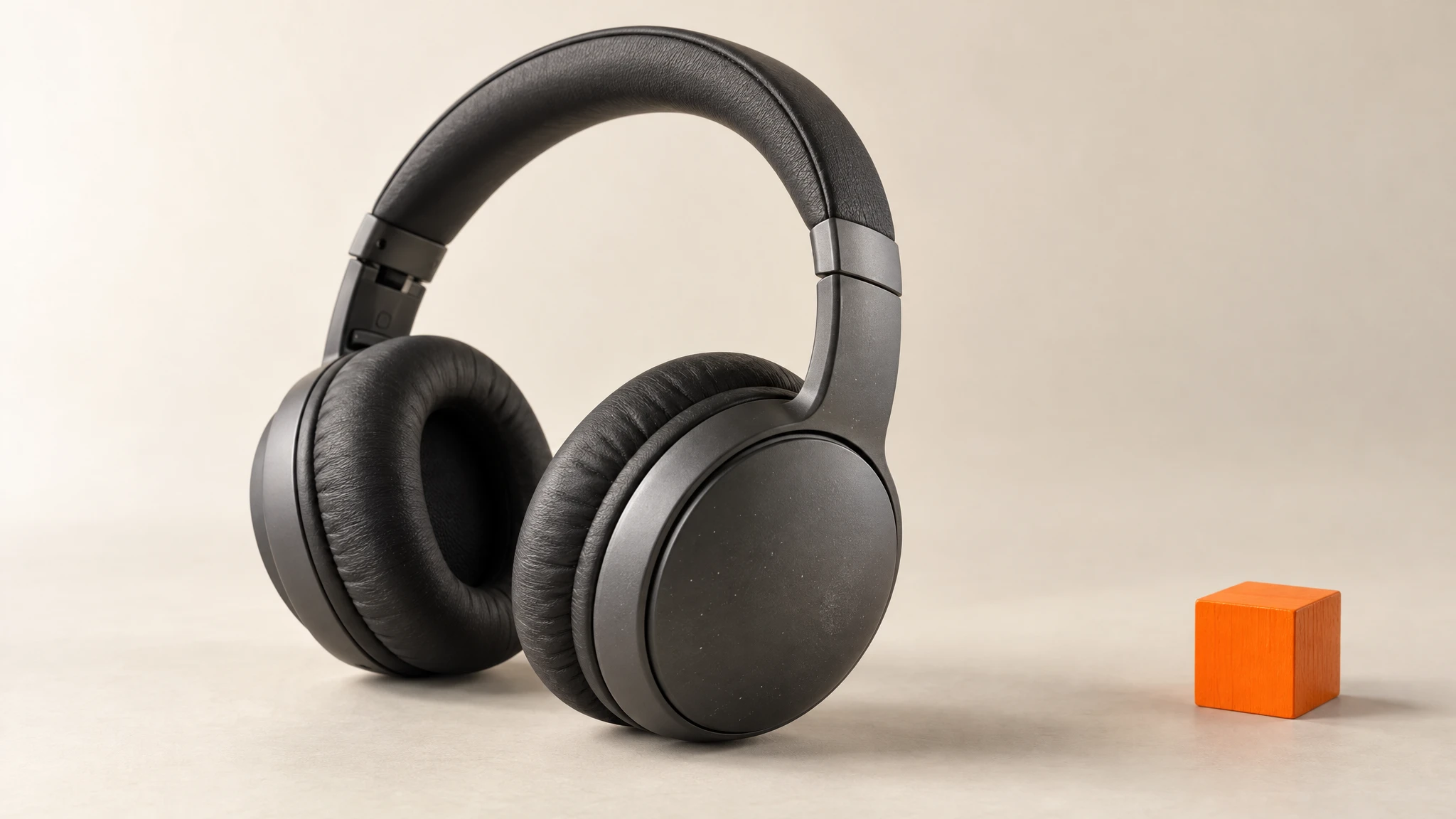
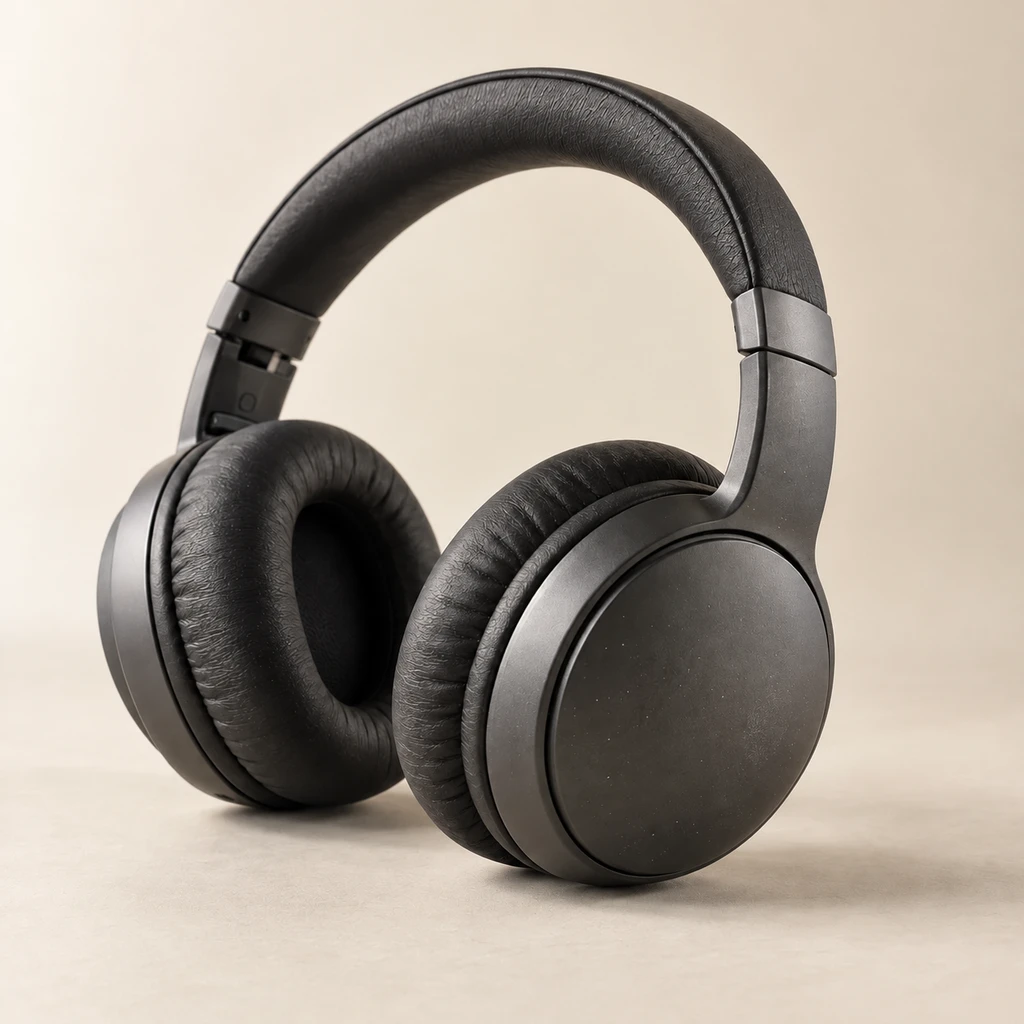
The orange cube is absent in the output. A continuous pale tabletop replaces its area while the headphones and their visible surface flecks remain.
The square output is more tightly cropped than the landscape source. Check product contours and reconstructed shadows before use; this example does not demonstrate a precise masked edit.
Afficher l'invite, le modèle, les paramètres et l'enregistrement des tâches →
Inspect shadows cast by the removed object as well as the object itself.
Do not treat inferred detail as real product evidence.
Use retouching when the goal is surface refinement, not removal.
No. The fill is inferred. Use the result as an edited visual and review it against your intended setting.
A selected area may include too much context or a difficult boundary. Return to the original, narrow the edit and inspect nearby details.
Use only material you are entitled to edit and remove only details that can legitimately be changed for the intended use.
Apportez les bonnes entrées. Gardez le résultat qui fonctionne pour votre mémoire.