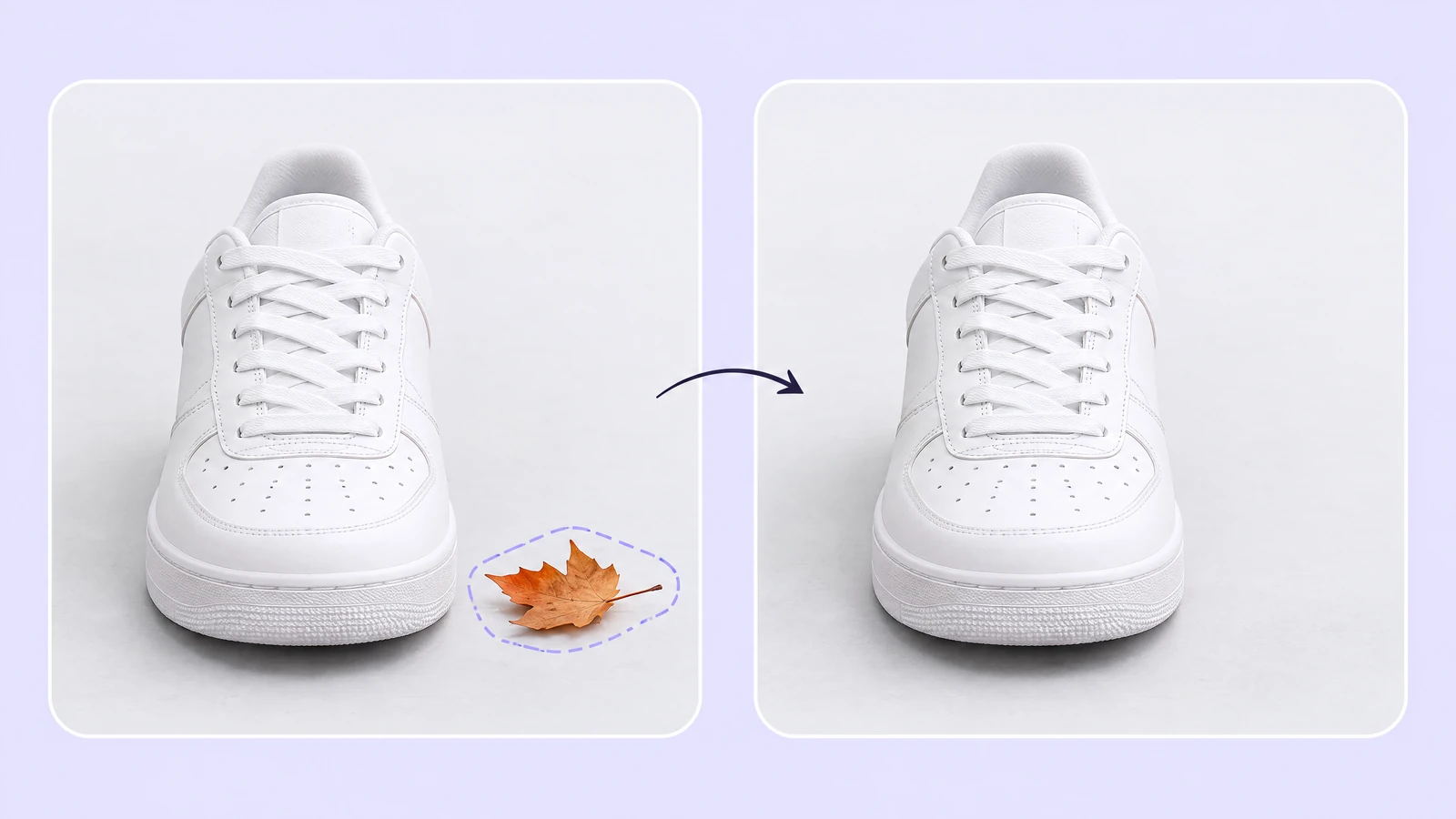
Surface and defects
Distinguish dust or a temporary mark from an intentional texture, seam or wear condition.

Affinez les défauts de distraction, les bords et les reflets d'une photographie de produit existante. Conservez la géométrie, le matériau et les étiquettes de l'article comme référence pour l'acceptation.
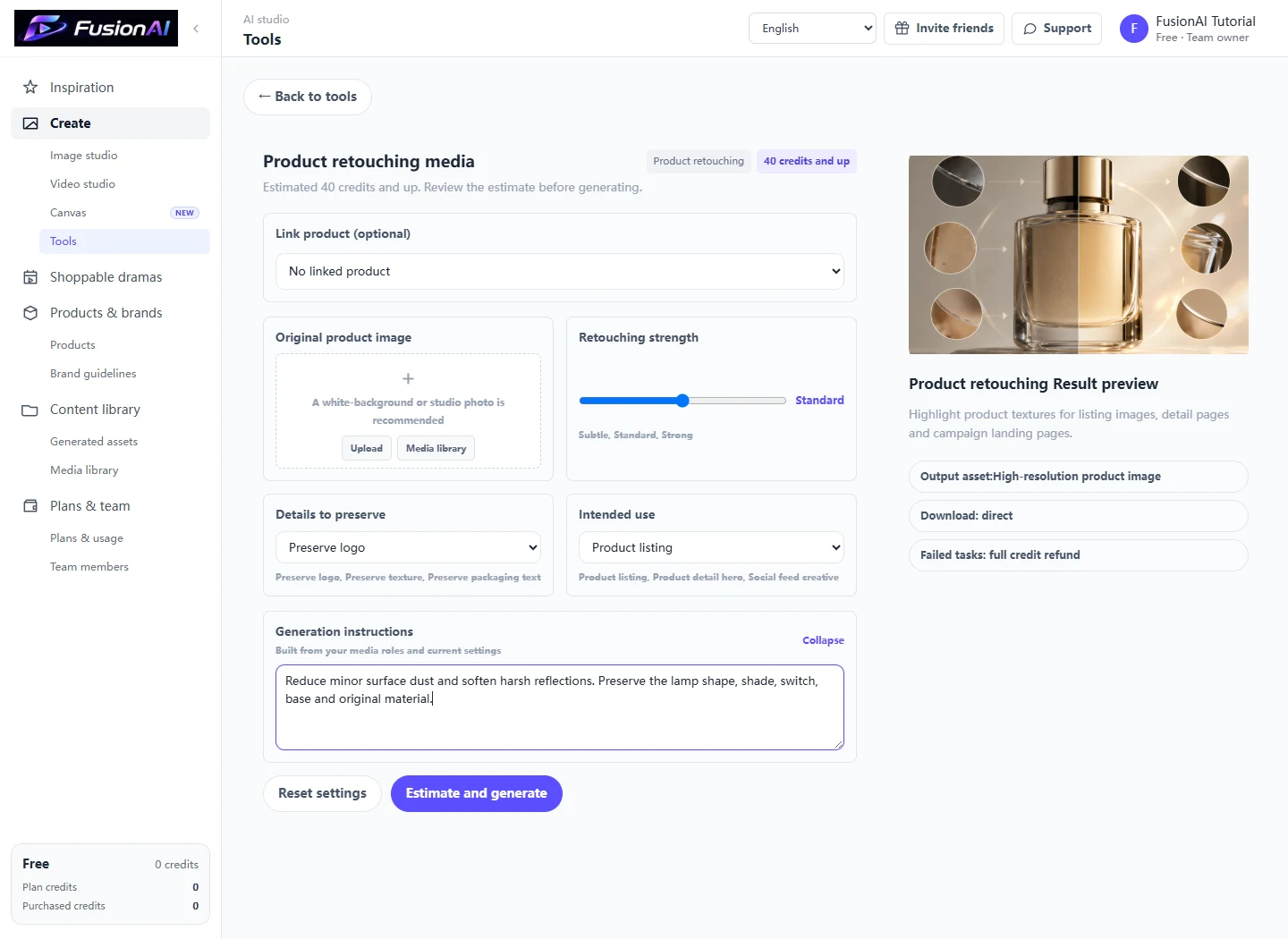
Choisissez Paramètres et passez en revue l'estimation de crédit dans l'espace de travail.

Distinguish dust or a temporary mark from an intentional texture, seam or wear condition.
Refine distracting transitions without inventing a new silhouette or material finish.
Describe one correction at a time and compare the candidate with the original at full size.
Upload the original and describe the defects that can be changed, keeping labels and geometry fixed.
Use the available strength and prompt settings. Avoid asking for a new design while preserving every detail.
Inspect texture, gloss, edges and lettering. Retain useful versions and reject changes to the actual product.
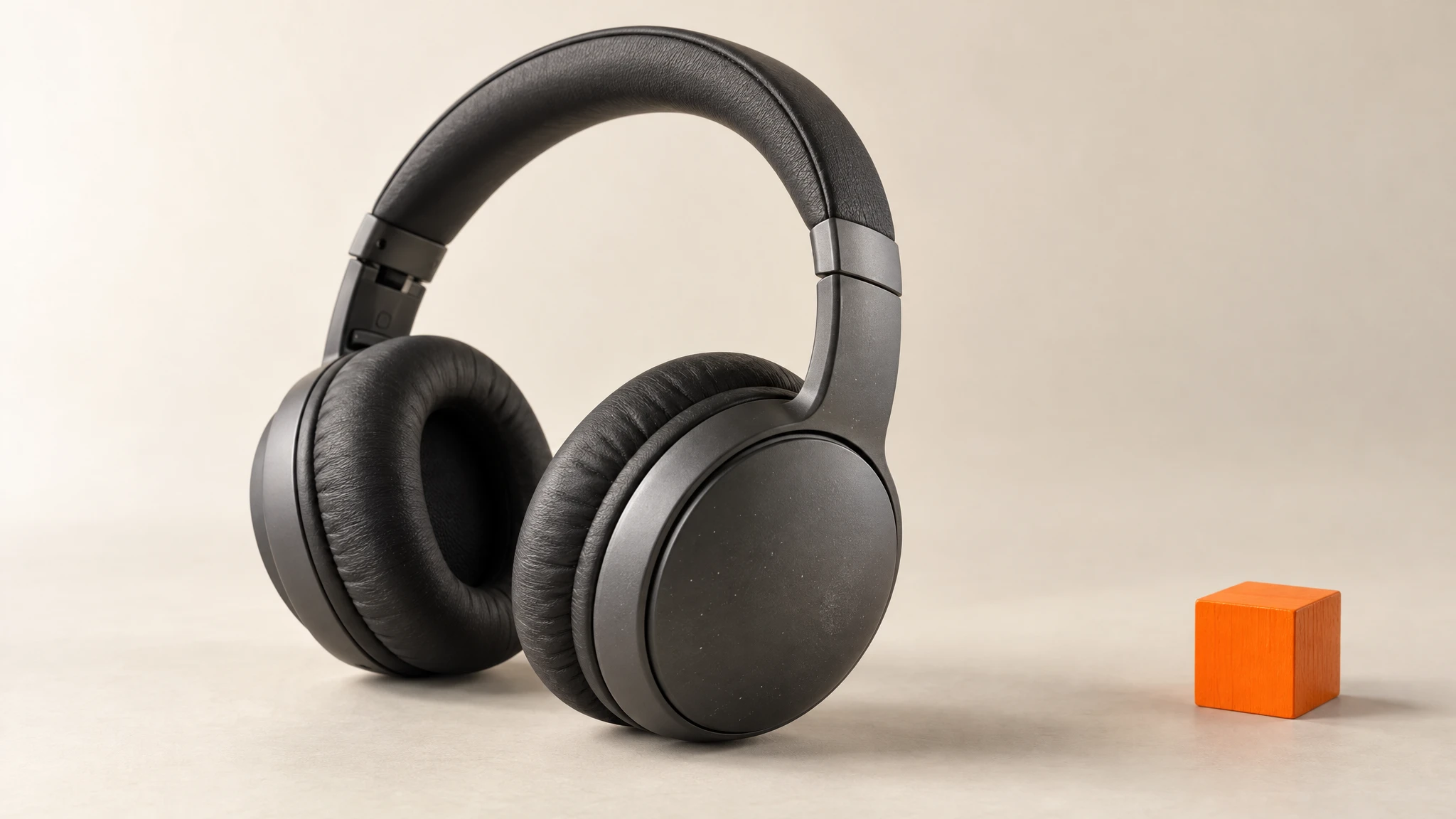
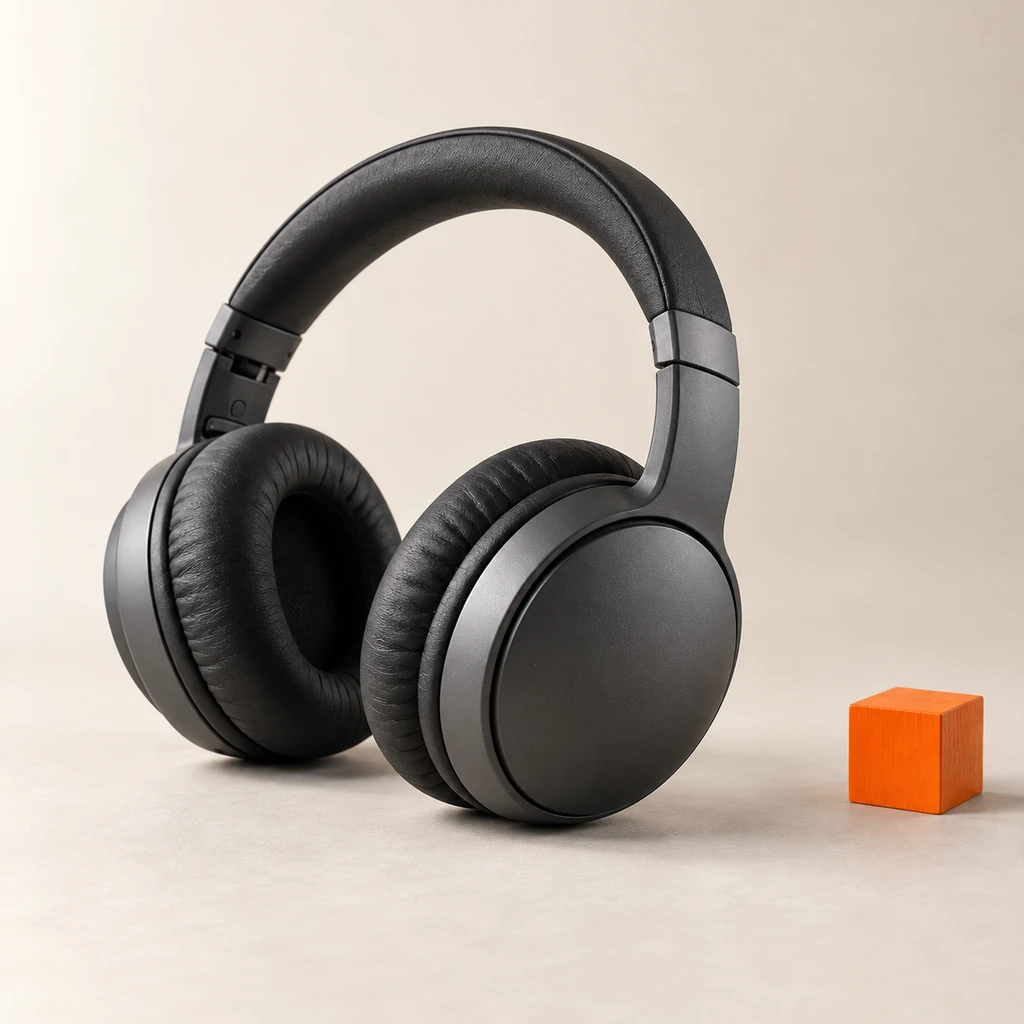
L'oreillette avant semble plus propre et le cube orange reste. Le serre-tête, les coussins et la construction globale du casque restent reconnaissables.
La sortie recadre la source du paysage en un carré et modifie l'espacement relatif. Il ne s'agit pas d'un nettoyage qui conserve les pixels ou d'un test de précision des couleurs mesuré.
Do not erase condition information that a buyer needs.
A cleaner image is not evidence of a different material or finish.
Keep originals and selected versions for review.
Retouching improves the product photo; object removal deletes a specified distraction and fills its area. Use the operation matching the actual change.
Check every character against the original. Generated detail can be plausible without being accurate.
Use the dedicated batch fashion tool and inspect each source-to-result pair rather than assuming every SKU receives the same safe change.
Utilisez le nettoyage des écouteurs enregistrés pour définir une modification bornée, comparer l'original et la sortie, et distinguer la correction de surface de la recadrage ou de la refonte.
Lisez le didacticiel étape par étape →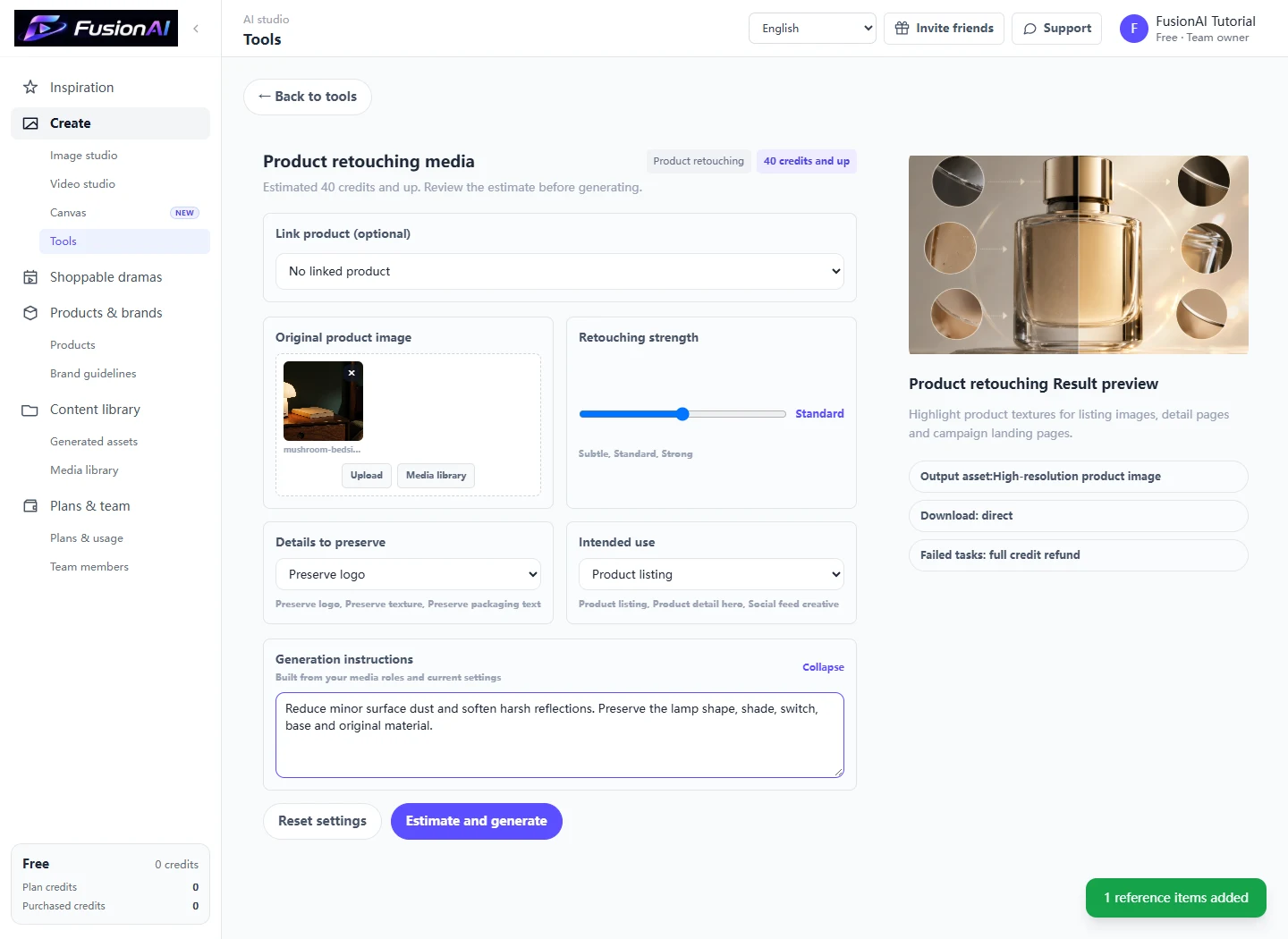
Apportez les bonnes entrées. Gardez le résultat qui fonctionne pour votre mémoire.