Surface and defects
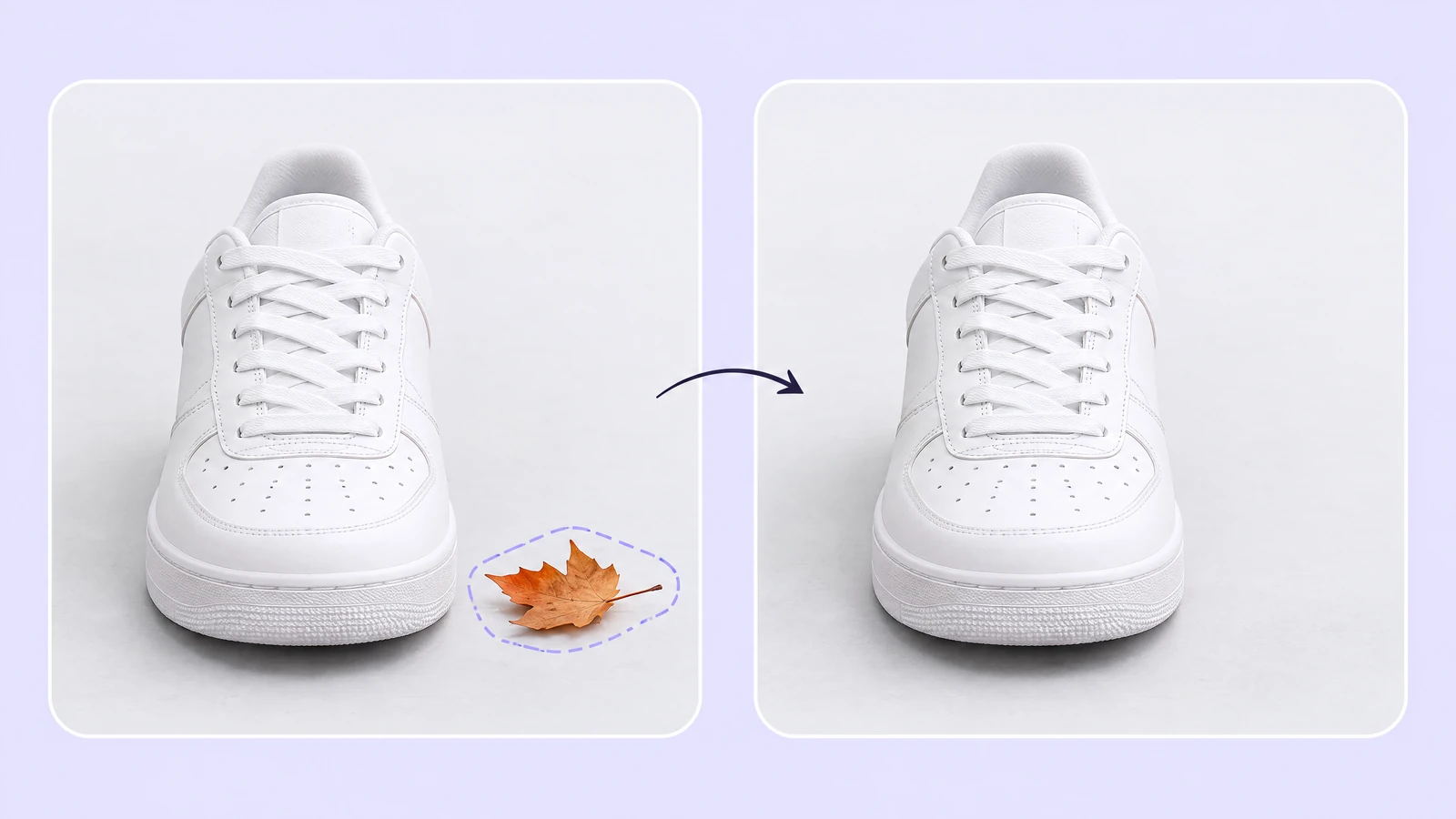
Distinguish dust or a temporary mark from an intentional texture, seam or wear condition.

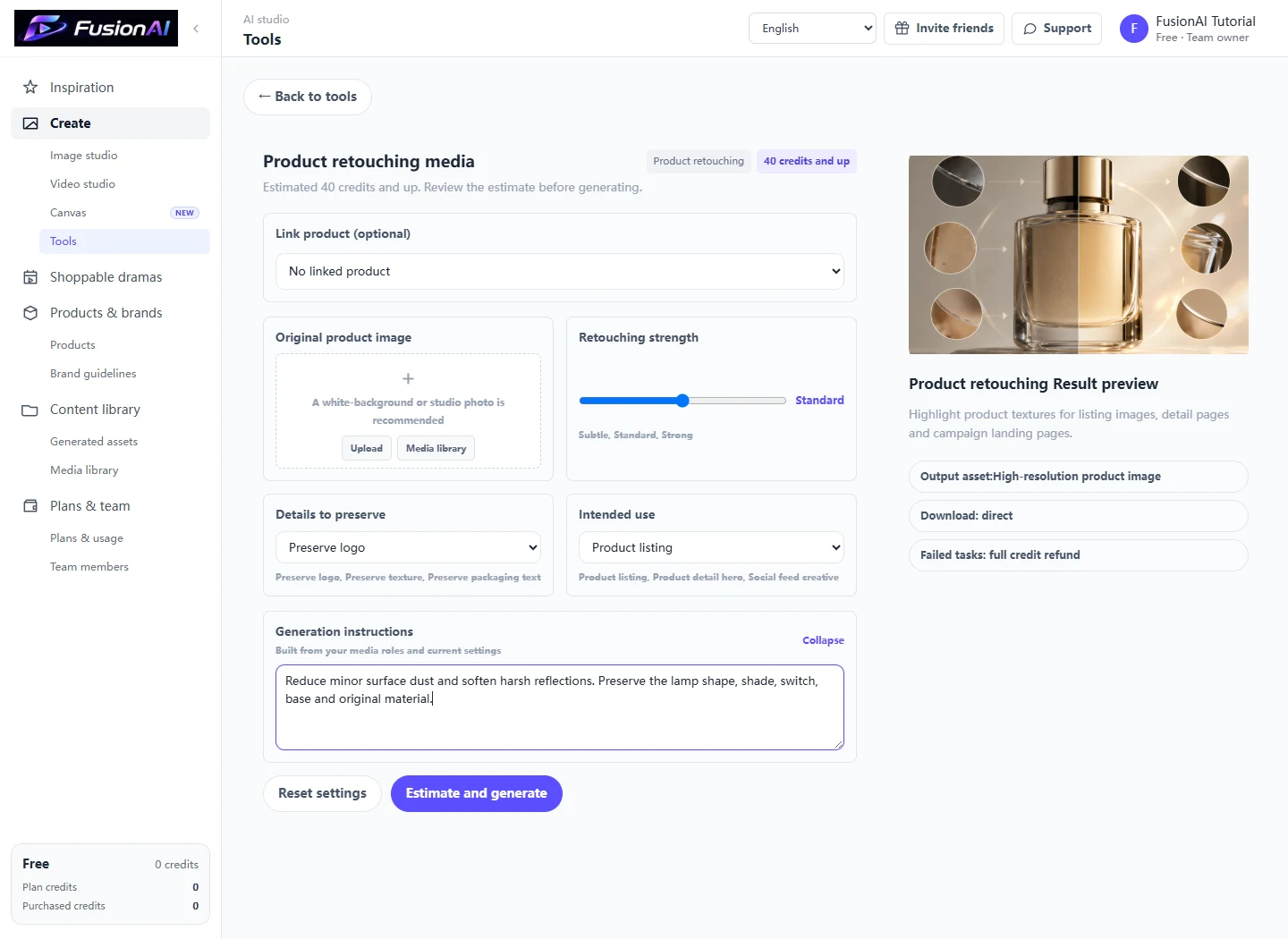
기존 제품 사진에서 산만한 결함, 가장자리 및 반사를 개선합니다. 항목의 형상, 재질 및 레이블을 수락을 위한 참조로 유지하십시오.
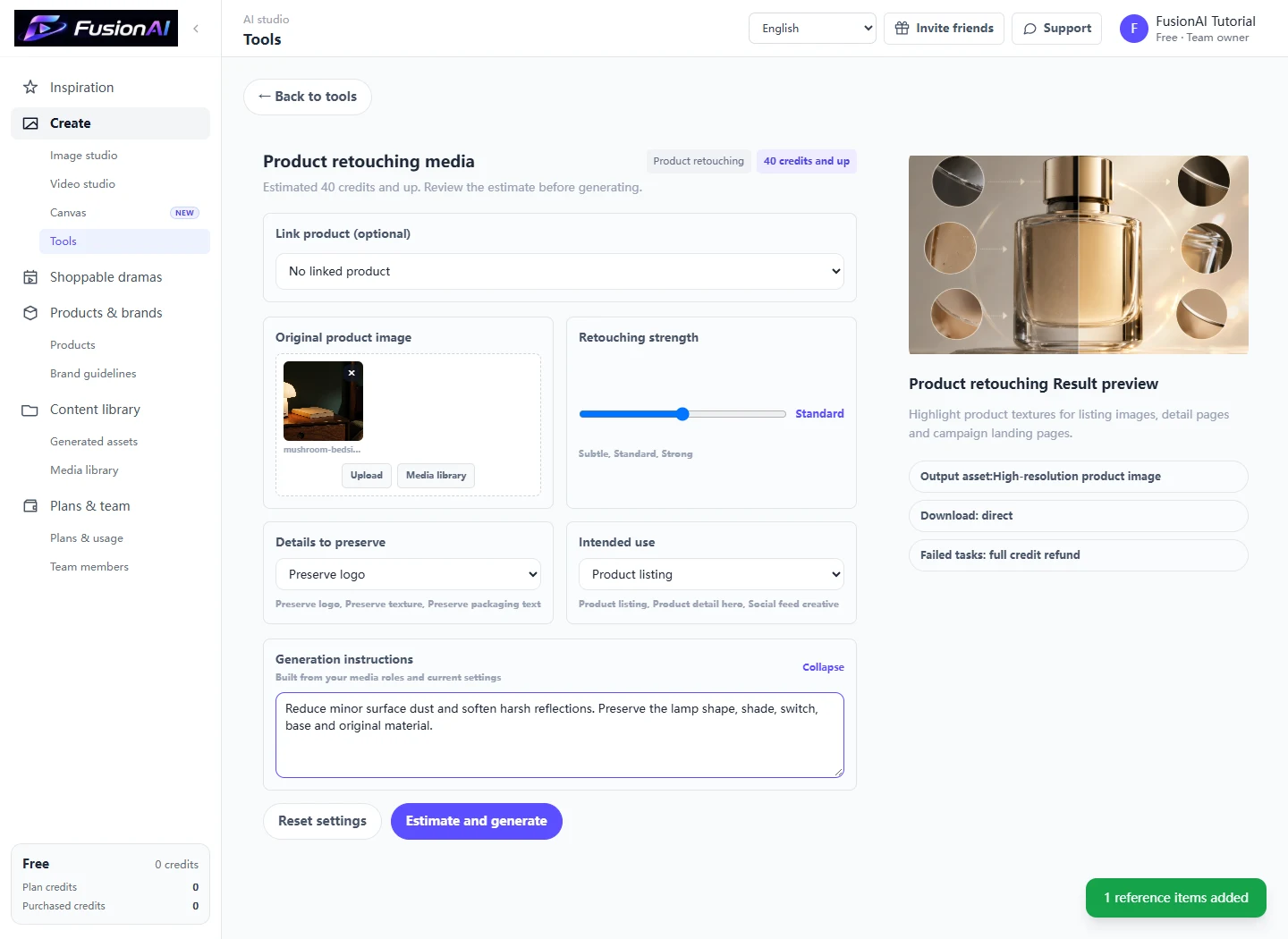
설정을 선택하고 작업 공간에서 신용 추정치를 검토합니다.

Distinguish dust or a temporary mark from an intentional texture, seam or wear condition.
Refine distracting transitions without inventing a new silhouette or material finish.
Describe one correction at a time and compare the candidate with the original at full size.
Upload the original and describe the defects that can be changed, keeping labels and geometry fixed.
Use the available strength and prompt settings. Avoid asking for a new design while preserving every detail.
Inspect texture, gloss, edges and lettering. Retain useful versions and reject changes to the actual product.
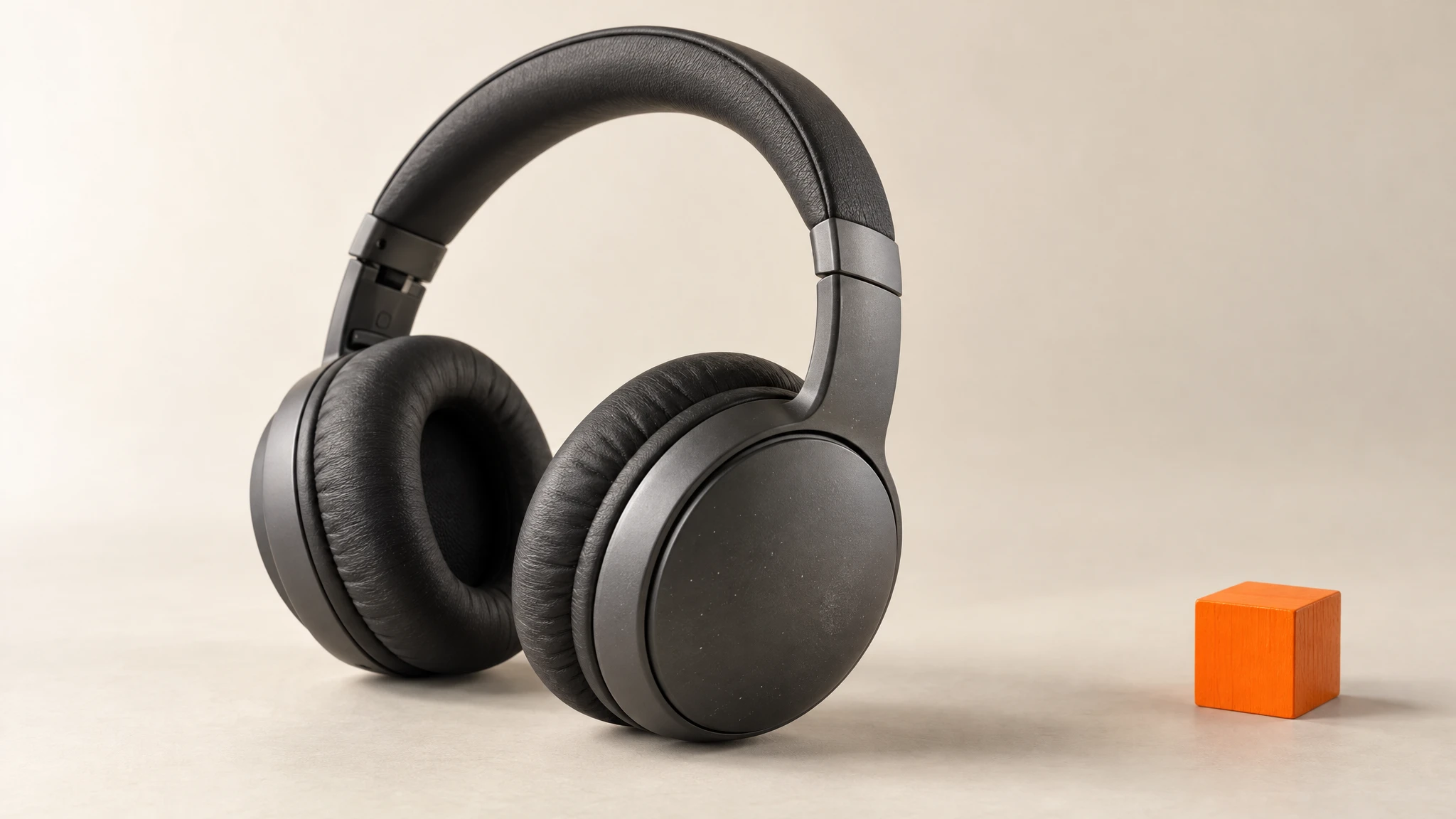
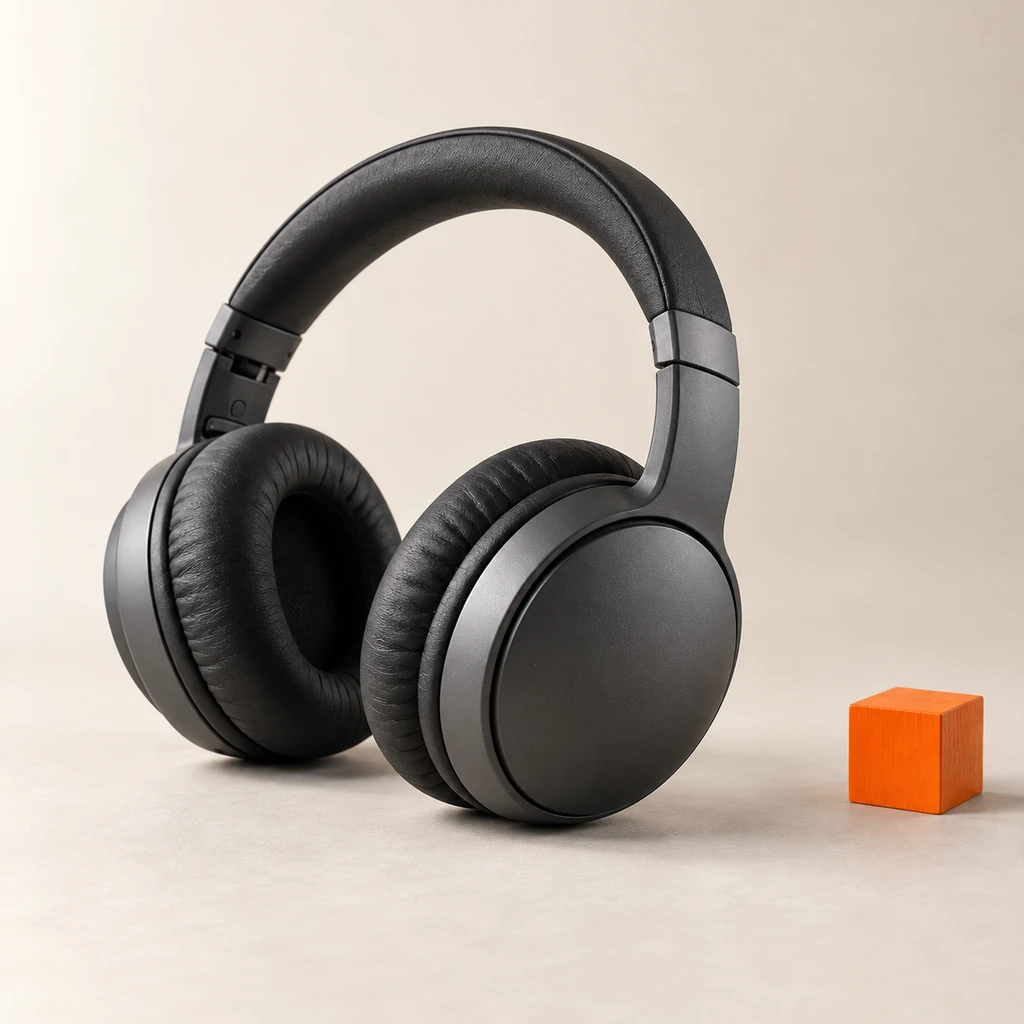
전면 이어컵이 더 깔끔해 보이고 주황색 큐브가 남아 있습니다. 헤드밴드, 쿠션 및 전체 헤드폰 구조는 여전히 알아볼 수 있습니다.
출력은 가로 소스를 정사각형으로 재구성하고 상대 간격을 변경합니다. 이것은 픽셀 보존 정리나 측정된 색상 정확도 테스트가 아닙니다.
Do not erase condition information that a buyer needs.
A cleaner image is not evidence of a different material or finish.
Keep originals and selected versions for review.
Retouching improves the product photo; object removal deletes a specified distraction and fills its area. Use the operation matching the actual change.
Check every character against the original. Generated detail can be plausible without being accurate.
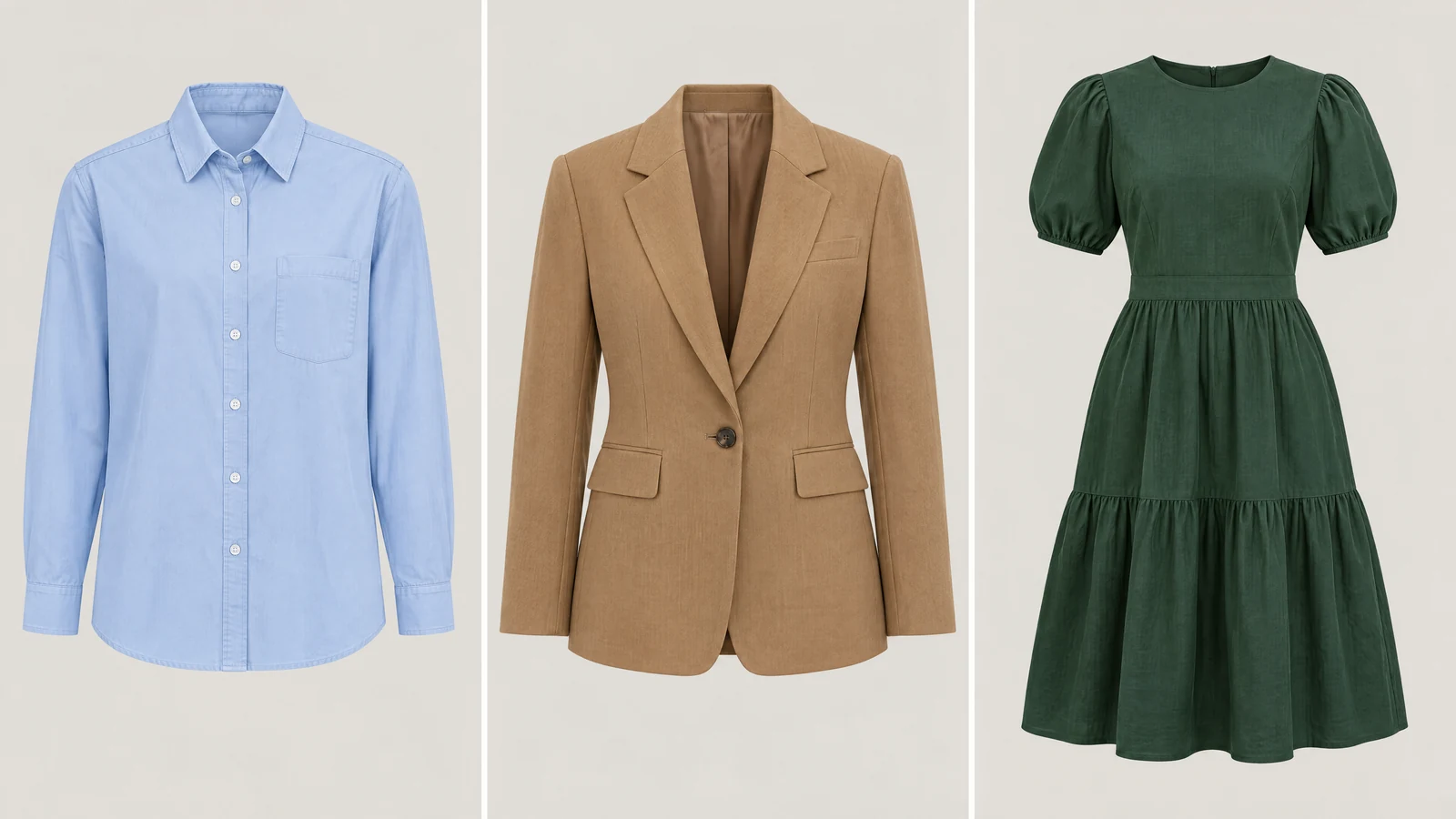
Use the dedicated batch fashion tool and inspect each source-to-result pair rather than assuming every SKU receives the same safe change.
녹음된 헤드폰 정리를 사용하여 경계 편집을 정의하고, 원본과 출력을 비교하고, 표면 보정을 재구성 또는 재설계와 구별합니다.
단계별 자습서 → 를 읽으십시오