스크립트 및 스토리보드
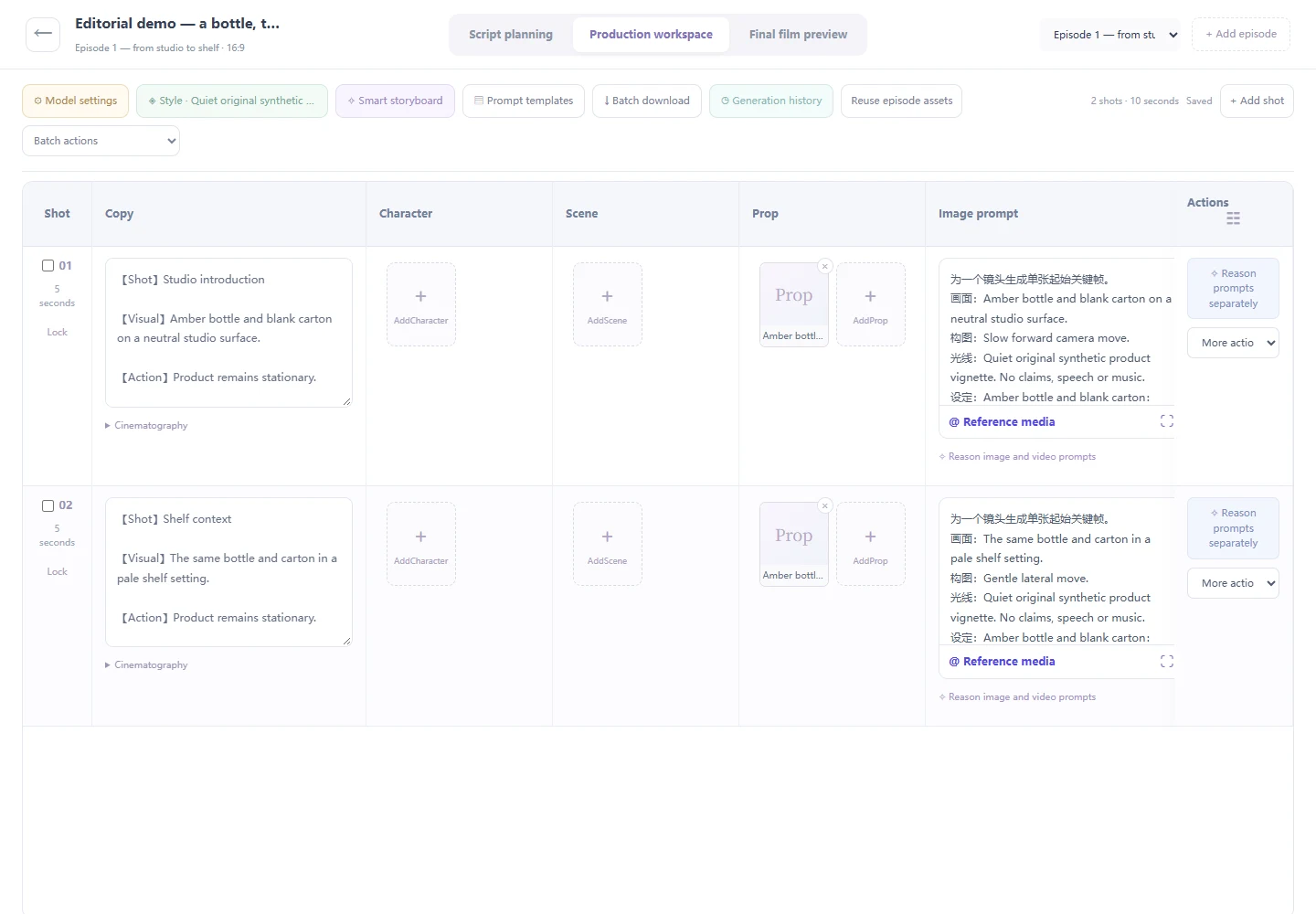
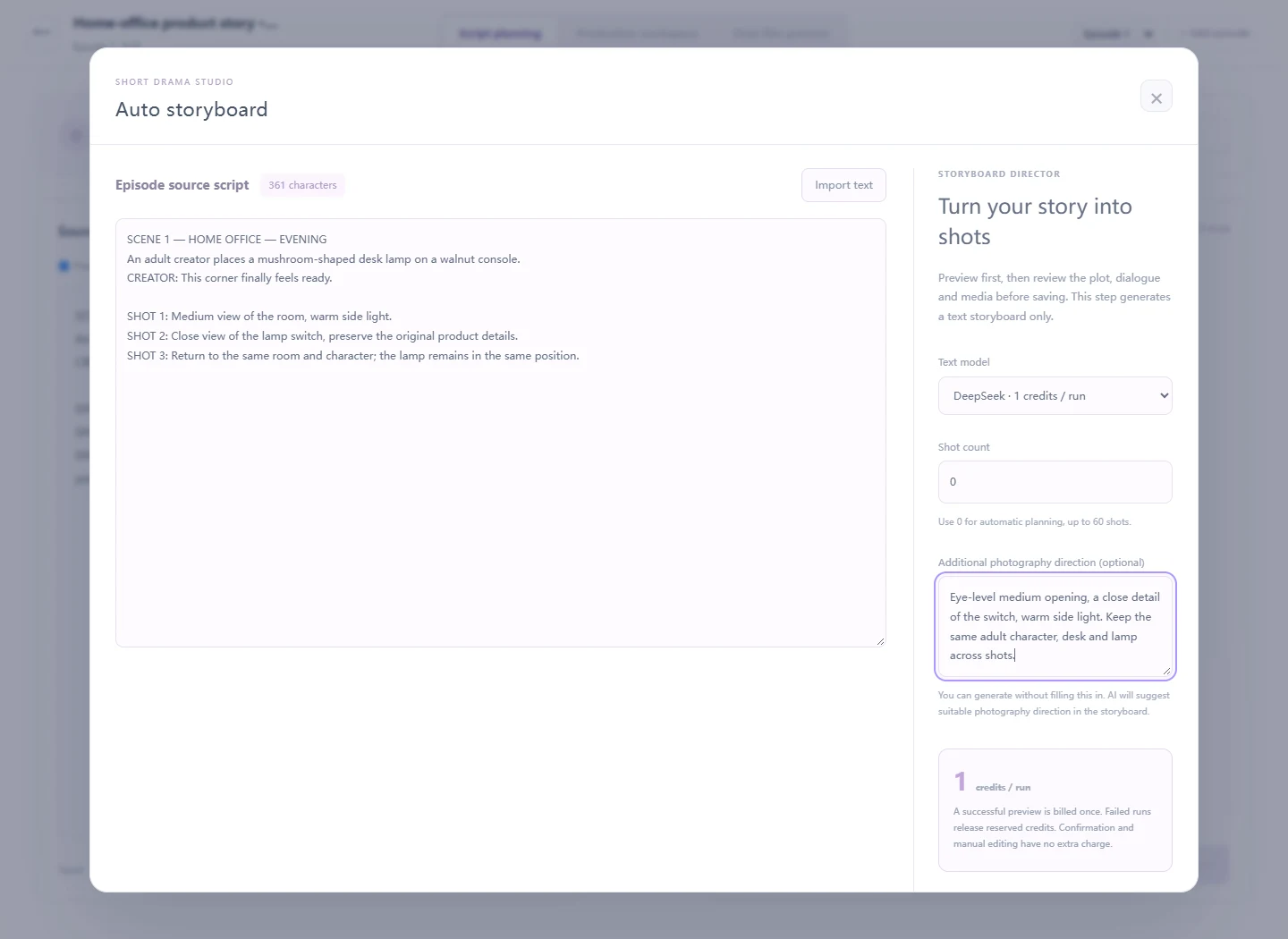
Review actions and dialogue before confirming the storyboard. Camera guidance can be added when useful and is not mandatory.

Organize a product story as episodes and shots. Review the script, reuse characters and props, select keyframes, then assemble the video versions that work together.
설정을 선택하고 작업 공간에서 신용 추정치를 검토합니다.
Review actions and dialogue before confirming the storyboard. Camera guidance can be added when useful and is not mandatory.
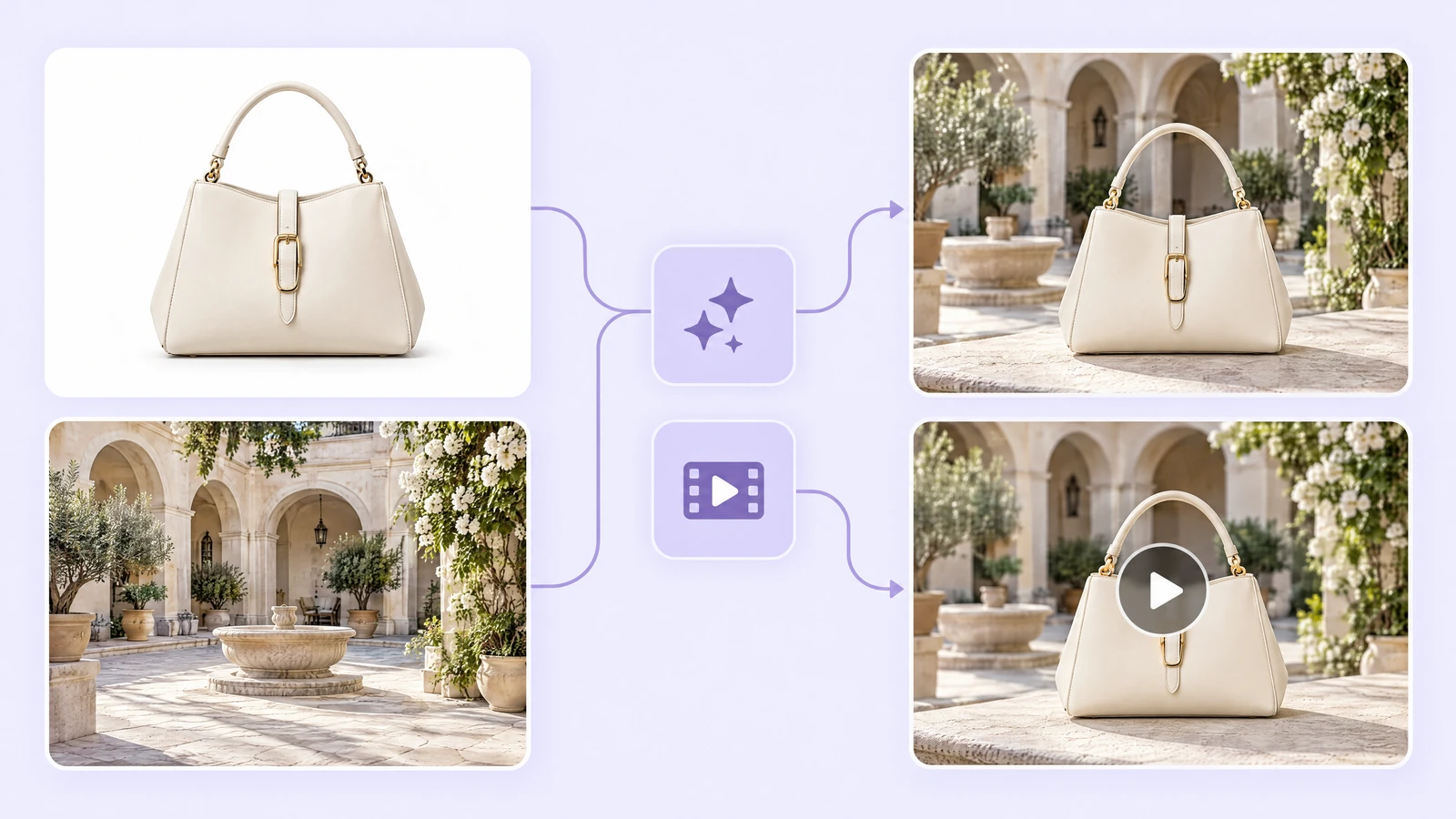
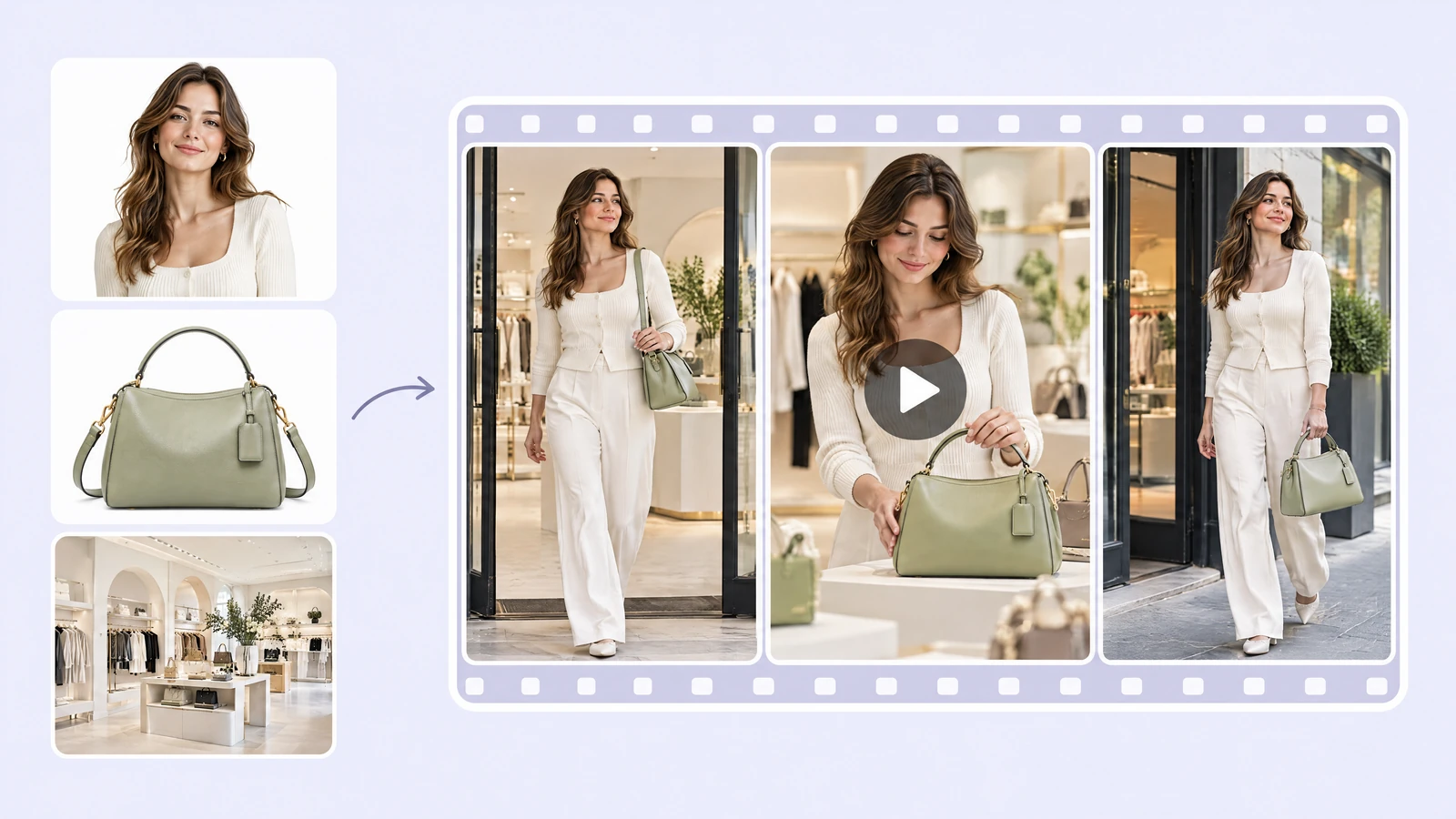
Keep names and selected images consistent for characters, props and scenes. Reuse an approved asset instead of rebuilding it for every shot.
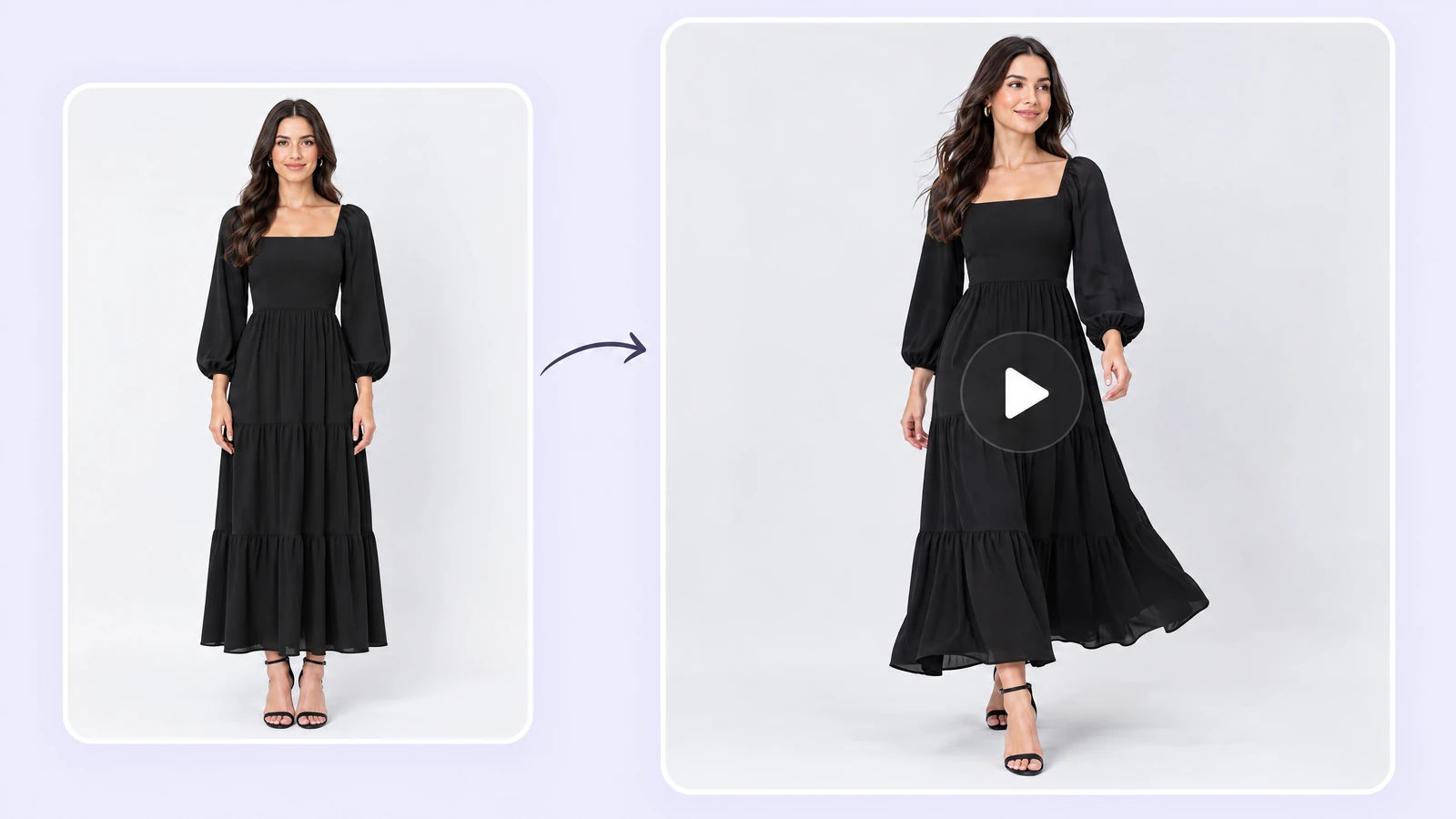
Choose a keyframe candidate, attach the intended references and review each generated clip before composing the sequence.
Import or write the script, check product facts and review the shot breakdown. Confirm usable boards before entering the workbench.
Prepare named assets, select keyframes and describe their roles through the reference controls. Inspect product and character continuity.
Review the full sequence, choose each shot’s usable version and compose the final video. Revisit the responsible shot when something drifts.
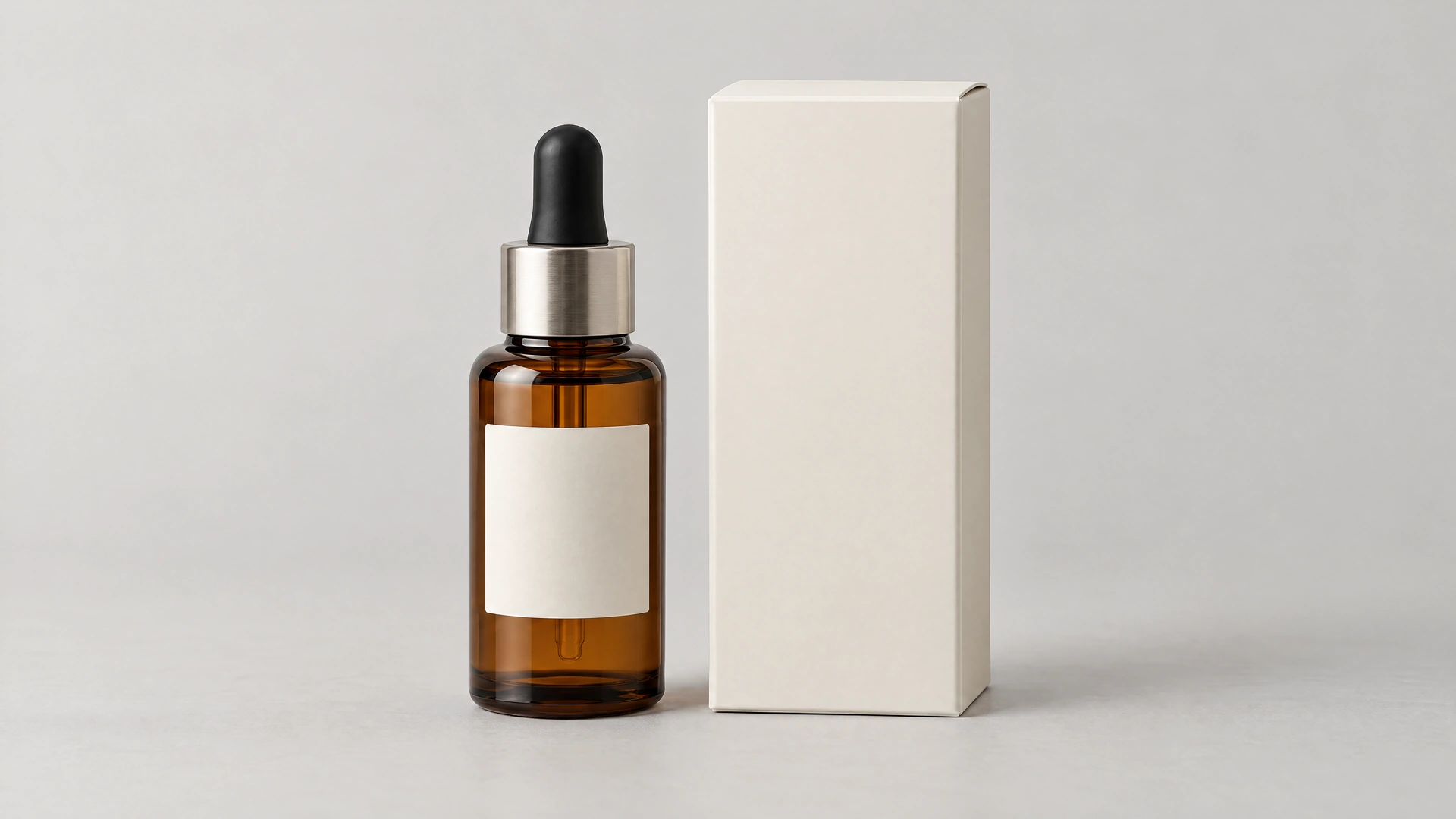
실제 에피소드에는 선택한 키프레임과 기존 비디오 자료가 포함된 두 개의 계획된 샷이 포함되어 있습니다. 플랫폼 구성 완료; 다운로드한 마스터는 장면 변경 전체에서 디코딩하고 두 클립을 순서대로 재생합니다.
스크립트는 수동으로 작성되었으며 소스 클립은 에피소드에서 선택하기 전에 비디오 스튜디오에서 생성되었습니다. 이것은 AI 스크립트 생성 또는 모든 에피소드 자산의 자동 생성을 테스트하지 않습니다. 첫 번째 샷은 엔딩에 빡빡한 헤드룸이 있습니다. 장면 변경은 말이나 음악이 없는 스트레이트 컷입니다.
No. Add shot size, angle, light or lens direction only when it communicates an important creative choice.
Use the available episode asset reuse control, then confirm the imported references and selected images before generating.
Choose an available history image or revise the responsible shot when it is editable. Keep the intended candidate selected before video generation.
에피소드를 만들고, 샷 계획을 확인하고, 자산을 할당하고, 두 개의 원본 클립을 조립합니다. 이 연습은 수동 스크립트 계획과 생성된 미디어 및 구성을 명확하게 구분합니다.
단계별 자습서 → 를 읽으십시오