スクリプトとストーリーボード
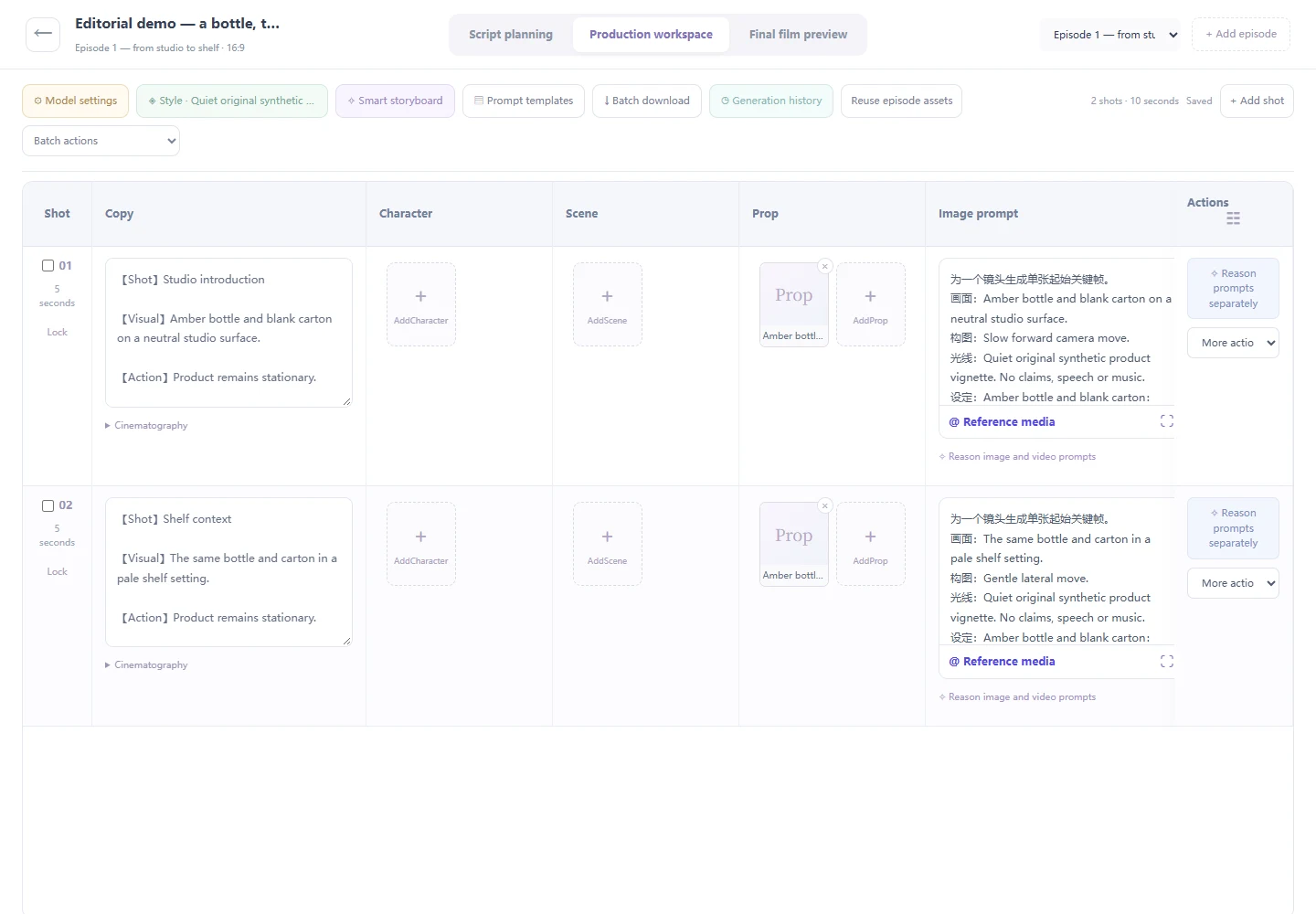
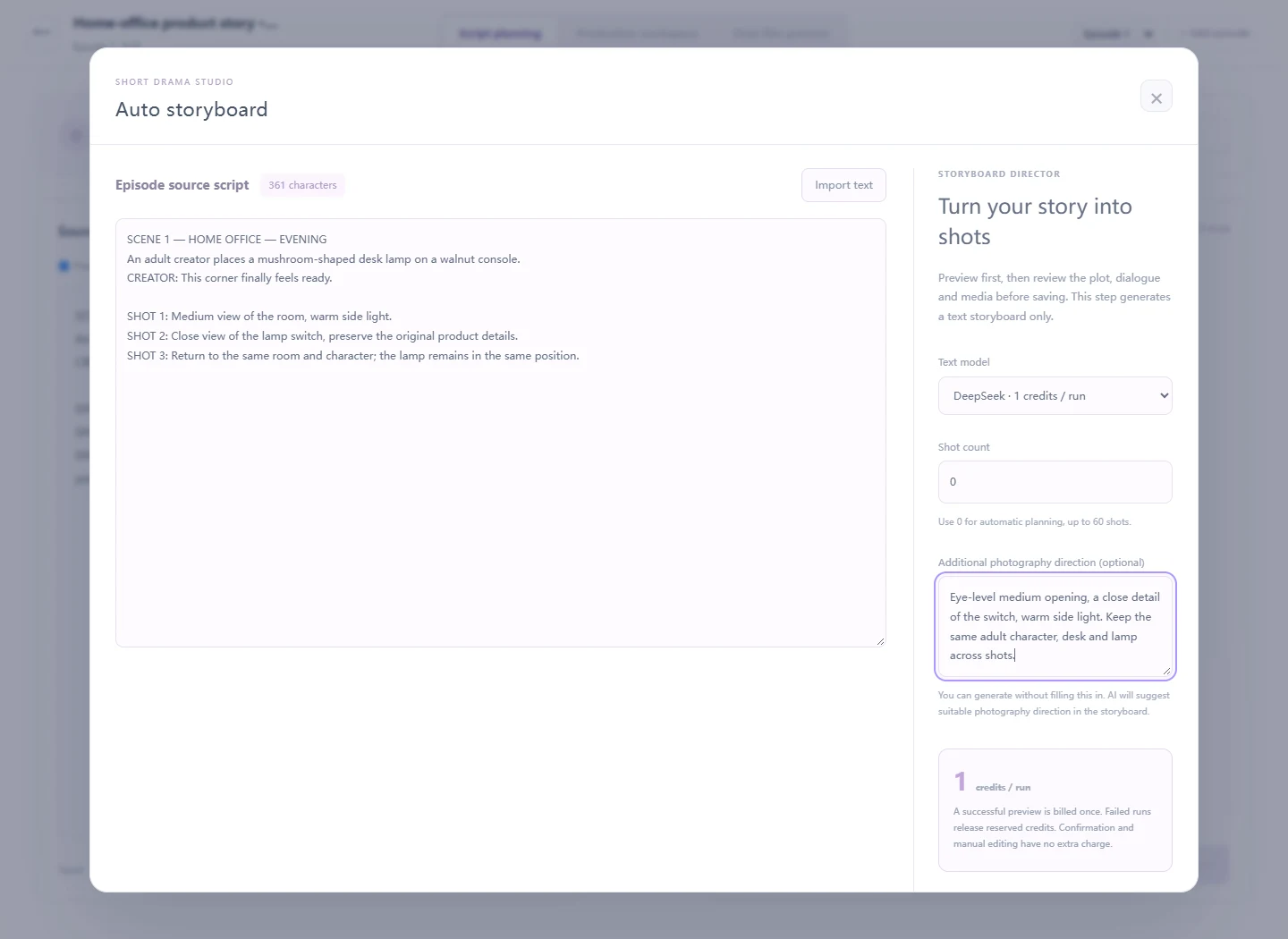
Review actions and dialogue before confirming the storyboard. Camera guidance can be added when useful and is not mandatory.

Organize a product story as episodes and shots. Review the script, reuse characters and props, select keyframes, then assemble the video versions that work together.
[設定] を選択し、ワークスペースで信用見積もりを確認します。
Review actions and dialogue before confirming the storyboard. Camera guidance can be added when useful and is not mandatory.
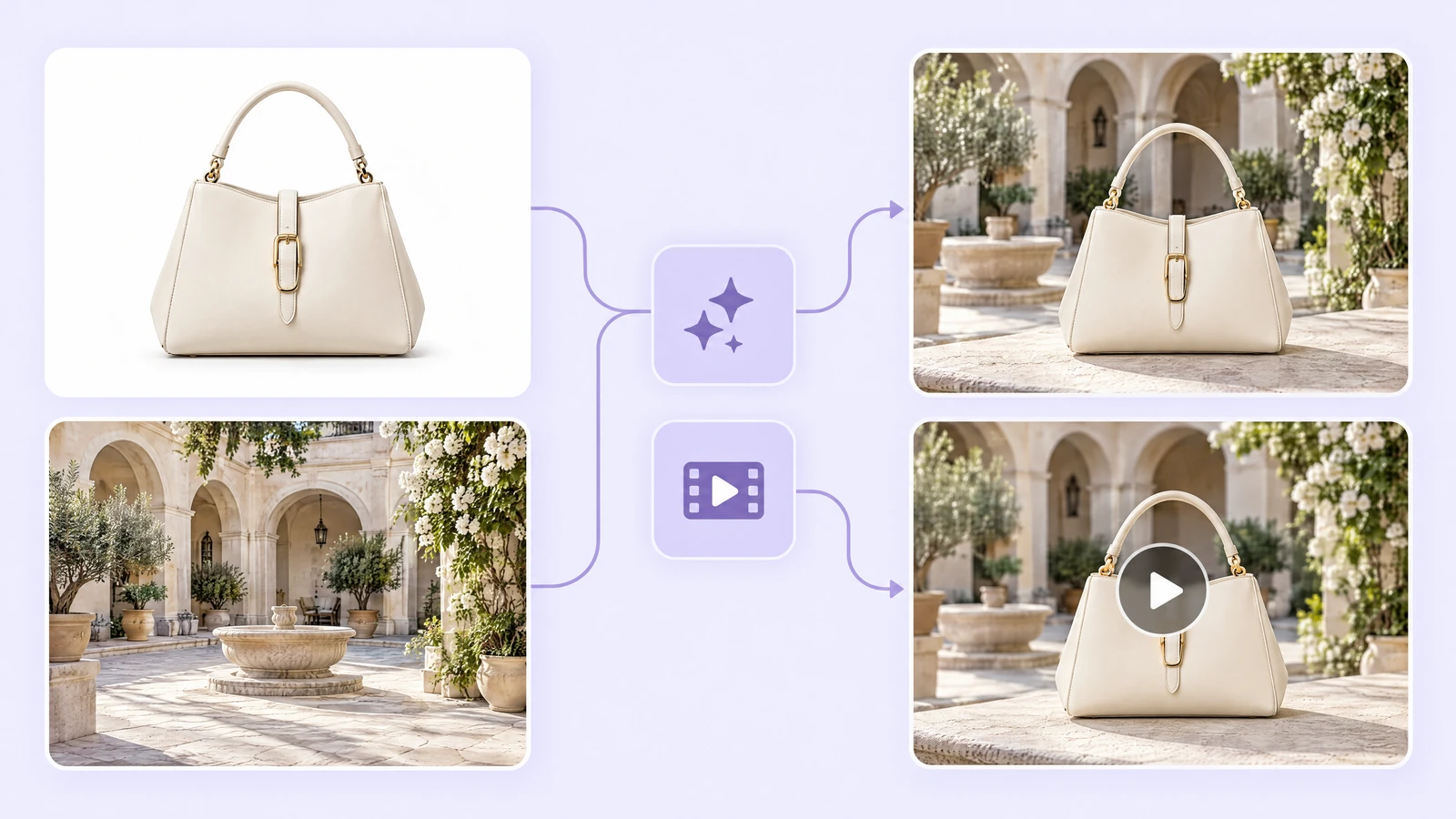
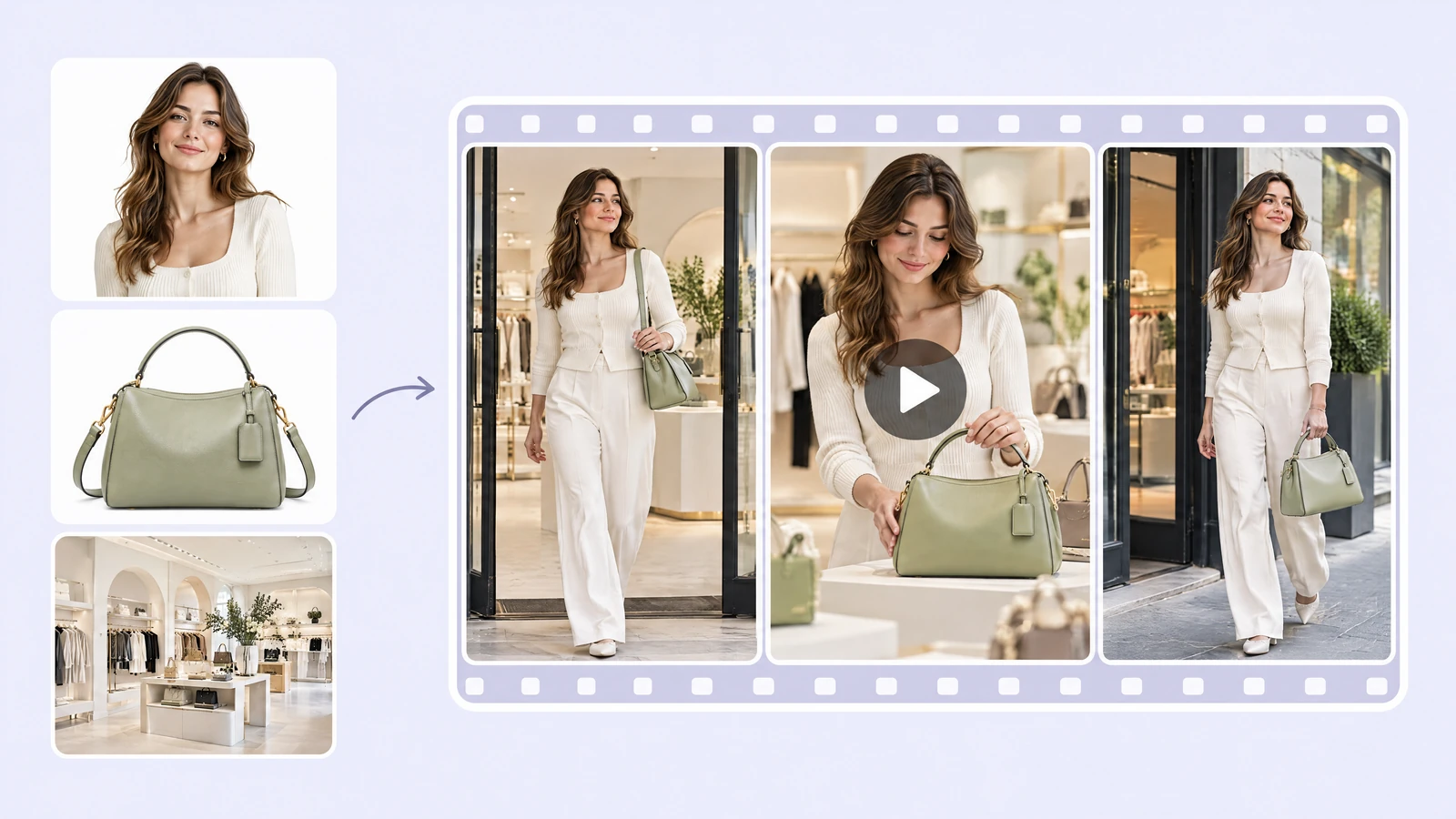
Keep names and selected images consistent for characters, props and scenes. Reuse an approved asset instead of rebuilding it for every shot.
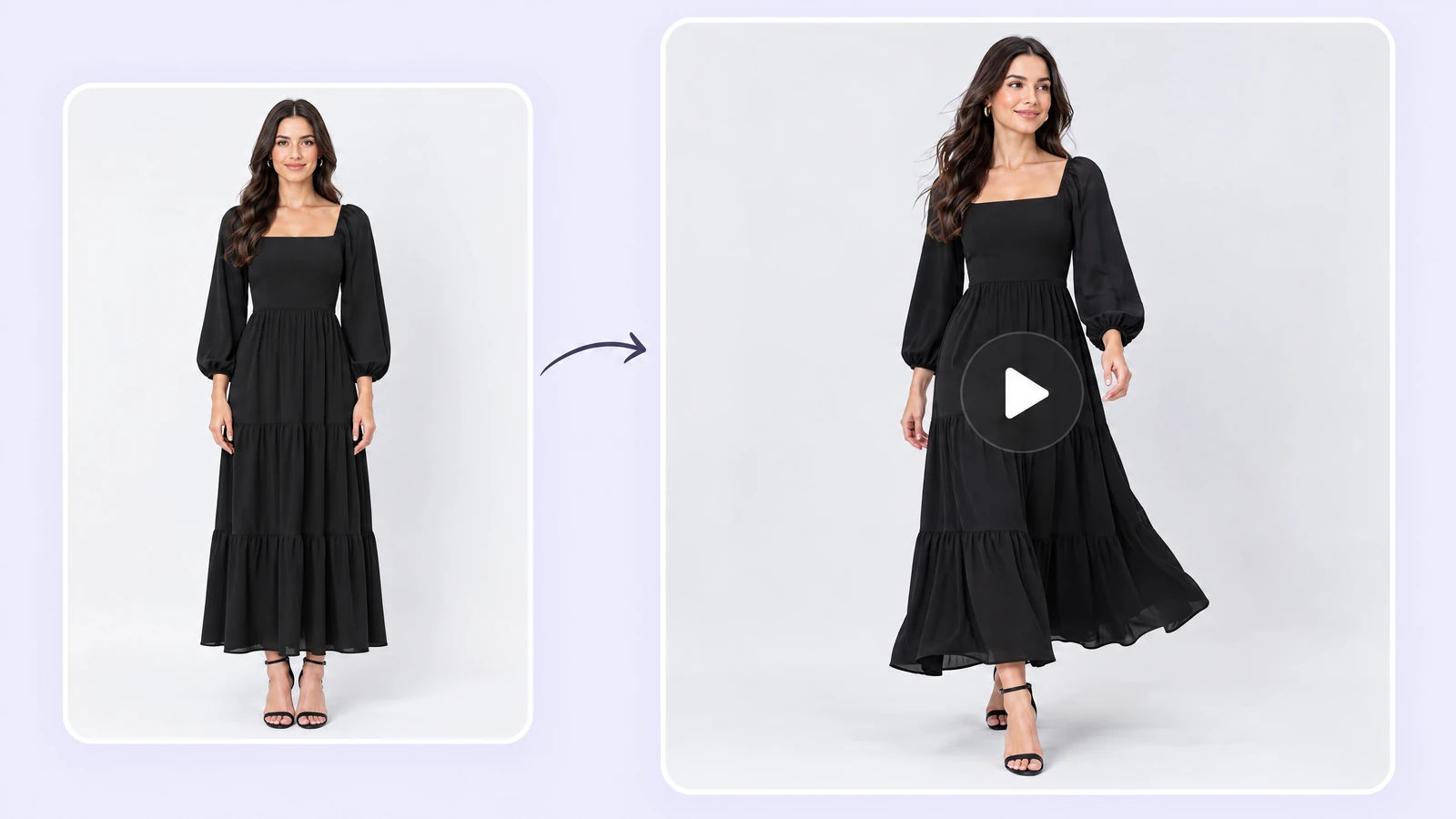
Choose a keyframe candidate, attach the intended references and review each generated clip before composing the sequence.
Import or write the script, check product facts and review the shot breakdown. Confirm usable boards before entering the workbench.
Prepare named assets, select keyframes and describe their roles through the reference controls. Inspect product and character continuity.
Review the full sequence, choose each shot’s usable version and compose the final video. Revisit the responsible shot when something drifts.
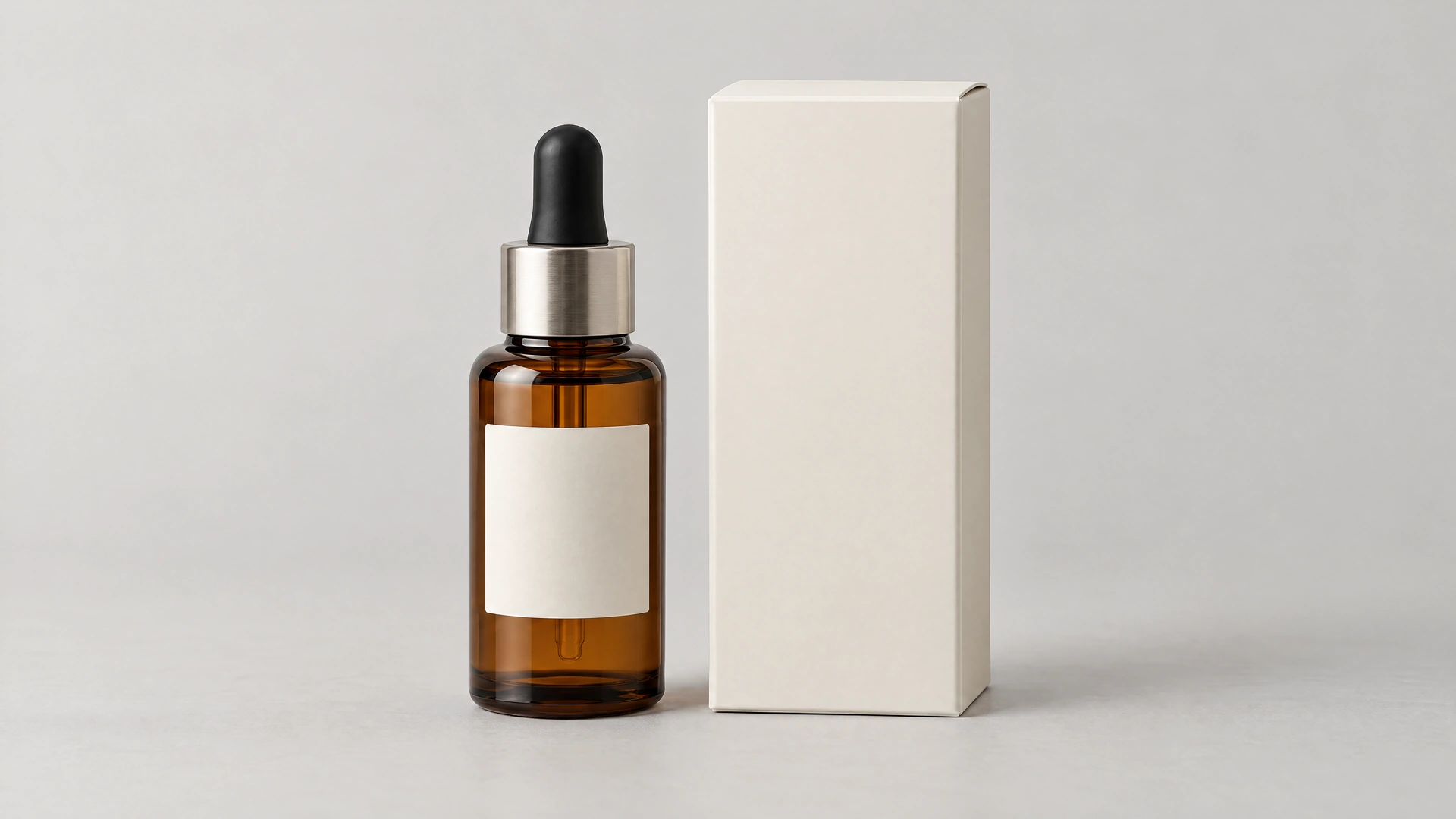
実際のエピソードには、選択したキーフレームと既存のビデオ マテリアルを使用した 2 つの計画されたショットが含まれています。 プラットフォームの構成が完了しました。 ダウンロードしたマスターは、シーンチェンジ全体でデコードし、両方のクリップを順番に再生します。
スクリプトは手動で作成され、ソース クリップはエピソードで選択する前にビデオ スタジオで生成されました。 これは、すべてのエピソード アセットの AI スクリプトの生成または自動生成をテストしません。 最初のショットは、エンディングでヘッドルームがきついです。 シーンの変更は、話や音楽のないストレート カットです。
No. Add shot size, angle, light or lens direction only when it communicates an important creative choice.
Use the available episode asset reuse control, then confirm the imported references and selected images before generating.
Choose an available history image or revise the responsible shot when it is editable. Keep the intended candidate selected before video generation.
エピソードを作成し、ショット プランを確認し、アセットを割り当てて、2 つのオリジナル クリップを組み立てます。 このチュートリアルでは、手動のスクリプト計画を生成されたメディアと構成から明確に分けています。
ステップバイステップのチュートリアルをお読みください →