Surface and defects
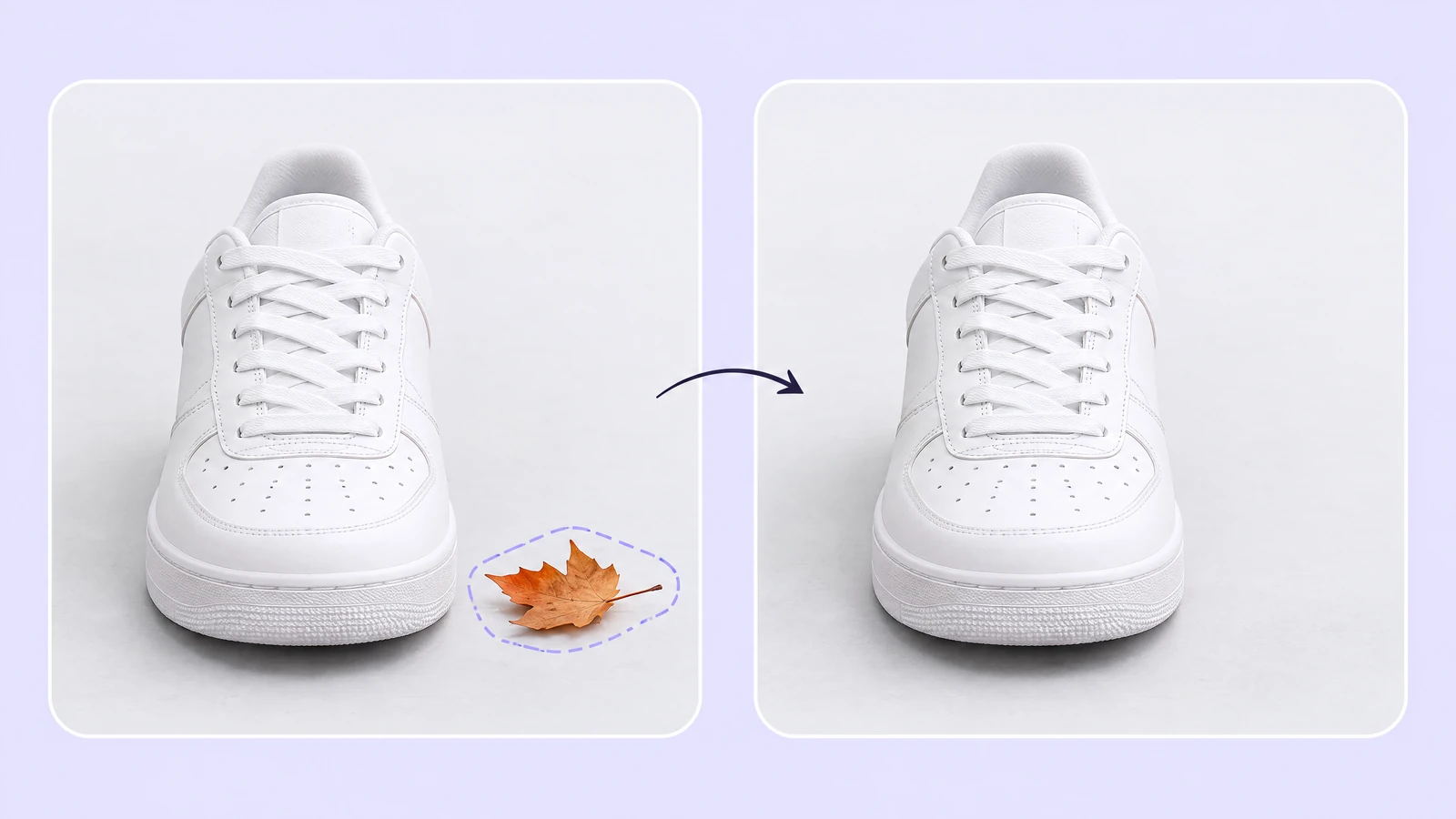
Distinguish dust or a temporary mark from an intentional texture, seam or wear condition.

Refina los defectos, bordes y reflejos que distraen en una fotografía de producto existente. Mantenga la geometría, el material y las etiquetas del artículo como referencia para la aceptación.
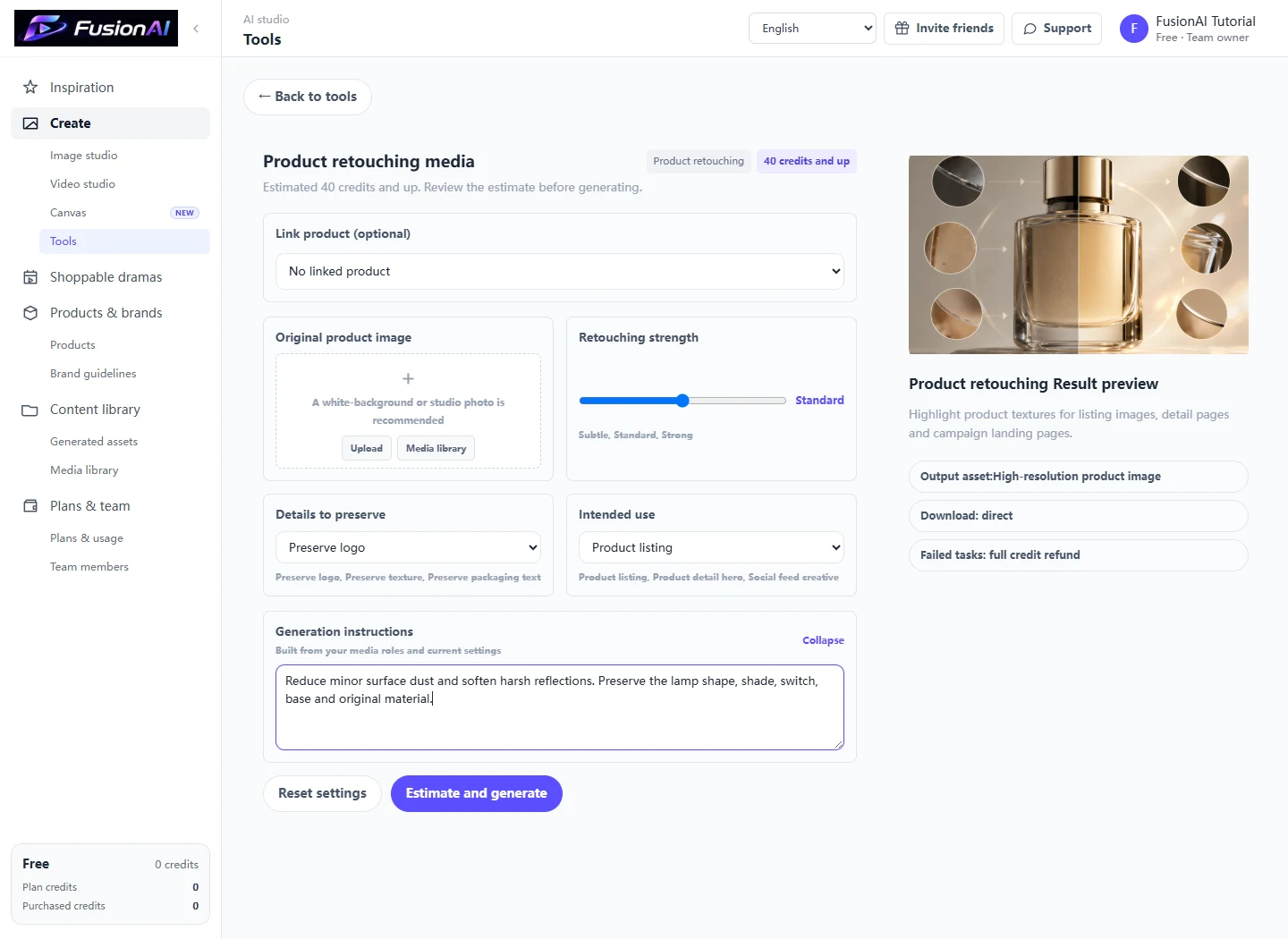
Elija Configuración y revise la estimación de crédito en el espacio de trabajo.

Distinguish dust or a temporary mark from an intentional texture, seam or wear condition.
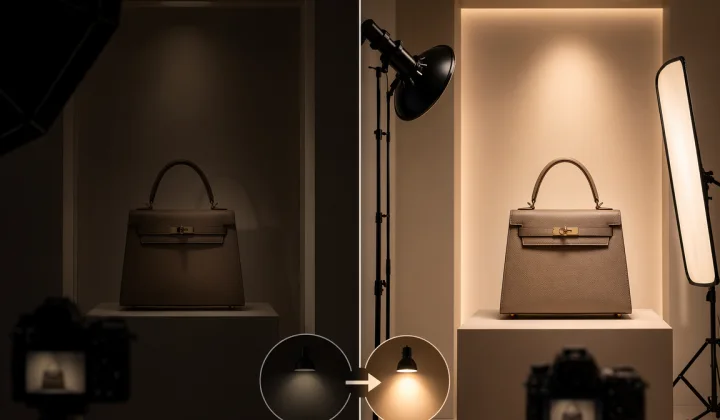
Refine distracting transitions without inventing a new silhouette or material finish.
Describe one correction at a time and compare the candidate with the original at full size.
Upload the original and describe the defects that can be changed, keeping labels and geometry fixed.
Use the available strength and prompt settings. Avoid asking for a new design while preserving every detail.
Inspect texture, gloss, edges and lettering. Retain useful versions and reject changes to the actual product.
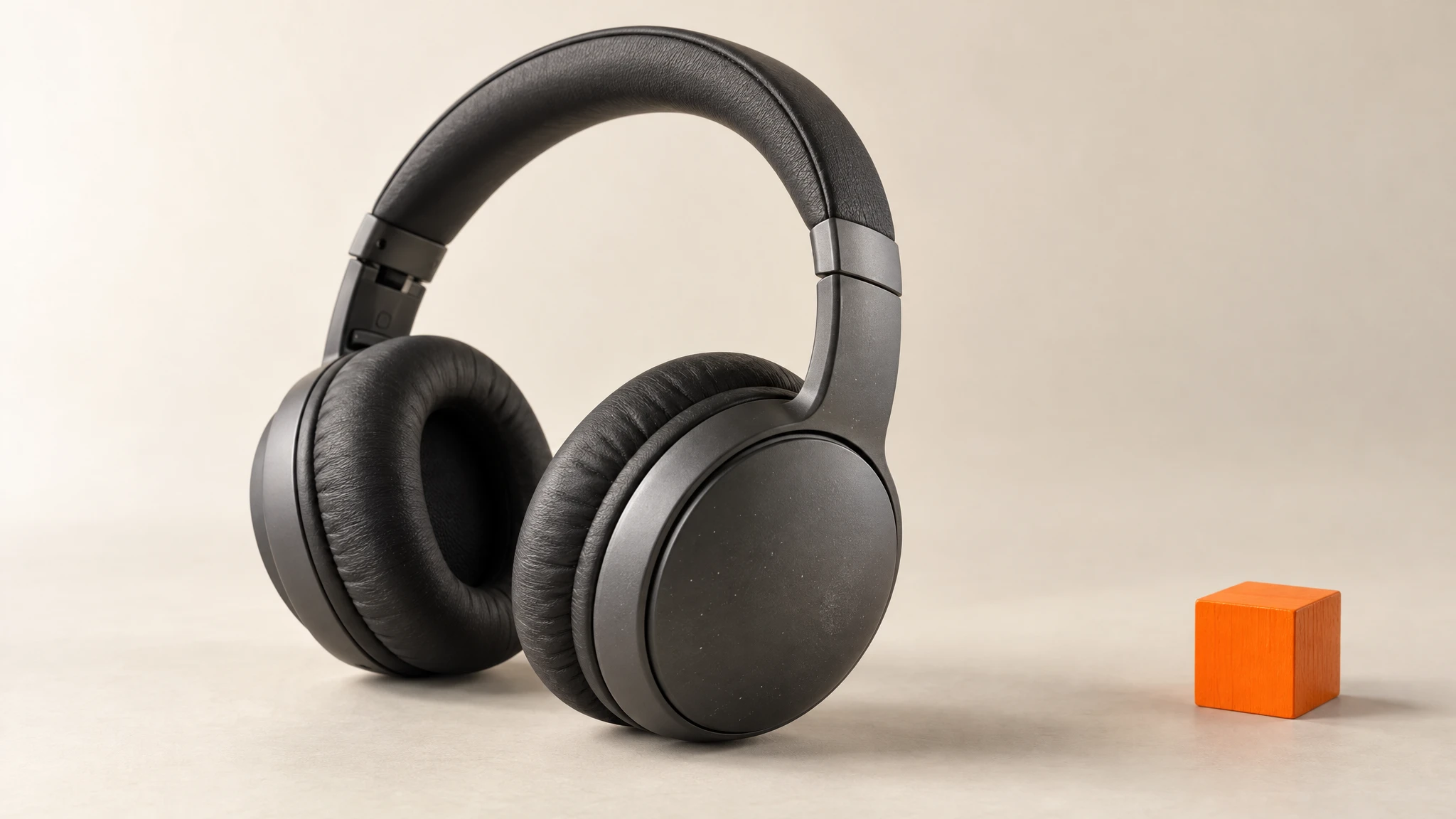
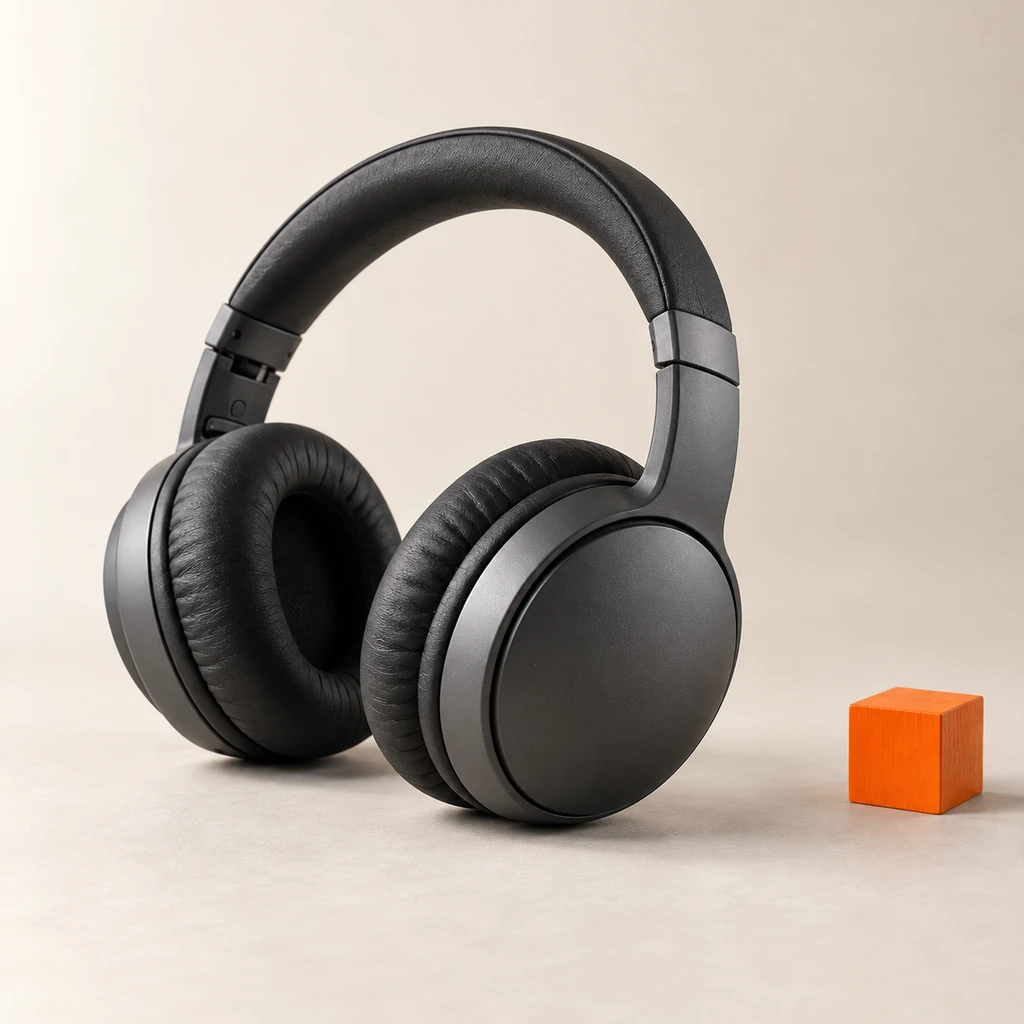
El auricular delantero se ve más limpio y el cubo naranja permanece. La diadema, los cojines y la construcción general de los auriculares siguen siendo reconocibles.
La salida reformula la fuente de paisaje a un cuadrado y cambia el espaciado relativo. Esta no es una limpieza de píxeles o una prueba de precisión de color medida.
Do not erase condition information that a buyer needs.
A cleaner image is not evidence of a different material or finish.
Keep originals and selected versions for review.
Retouching improves the product photo; object removal deletes a specified distraction and fills its area. Use the operation matching the actual change.
Check every character against the original. Generated detail can be plausible without being accurate.
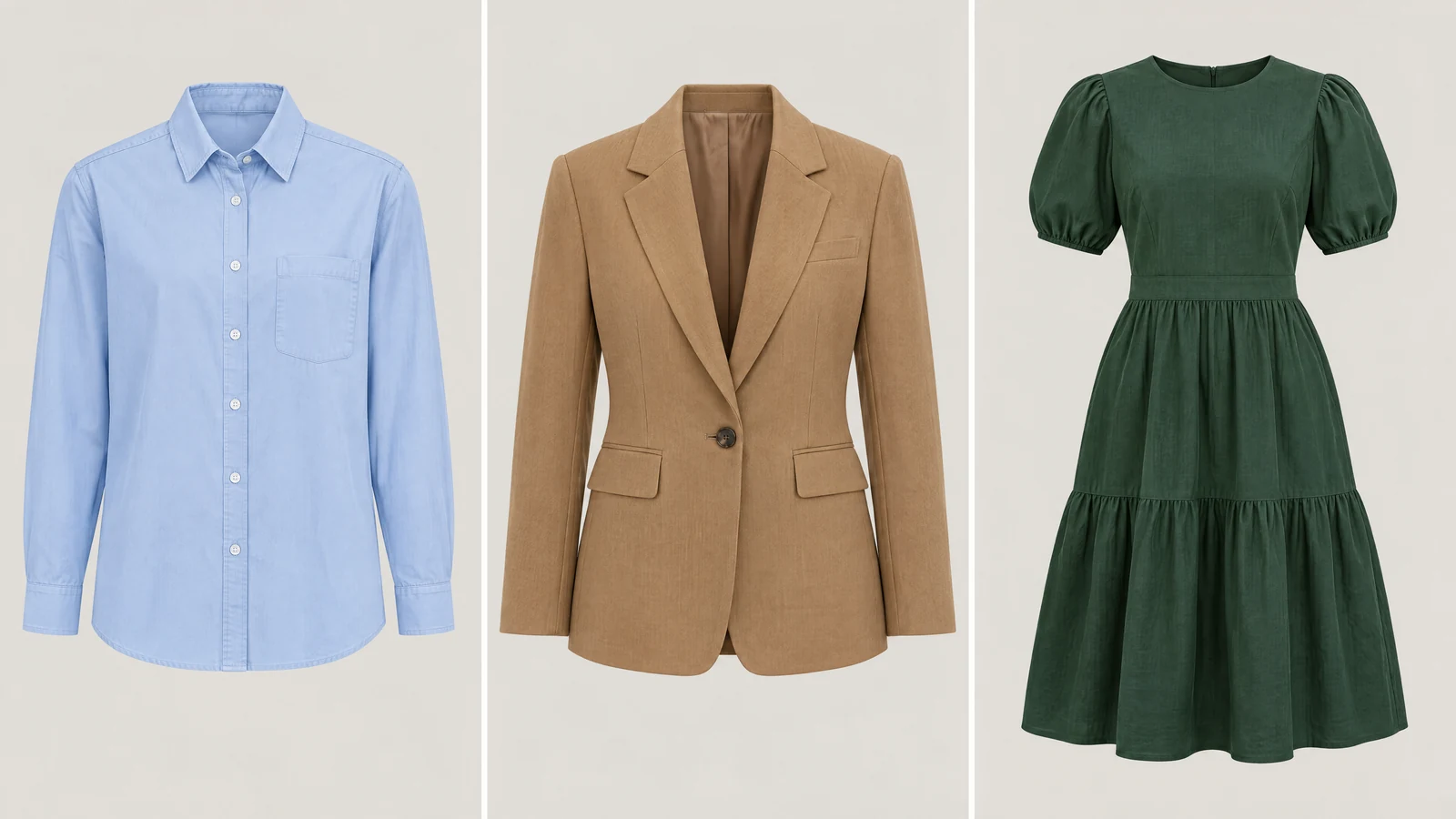
Use the dedicated batch fashion tool and inspect each source-to-result pair rather than assuming every SKU receives the same safe change.
Use la limpieza de auriculares grabada para definir una edición acotada, comparar el original y la salida, y distinguir la corrección de superficie de la reestructuración o el rediseño.
Lea el tutorial paso a paso →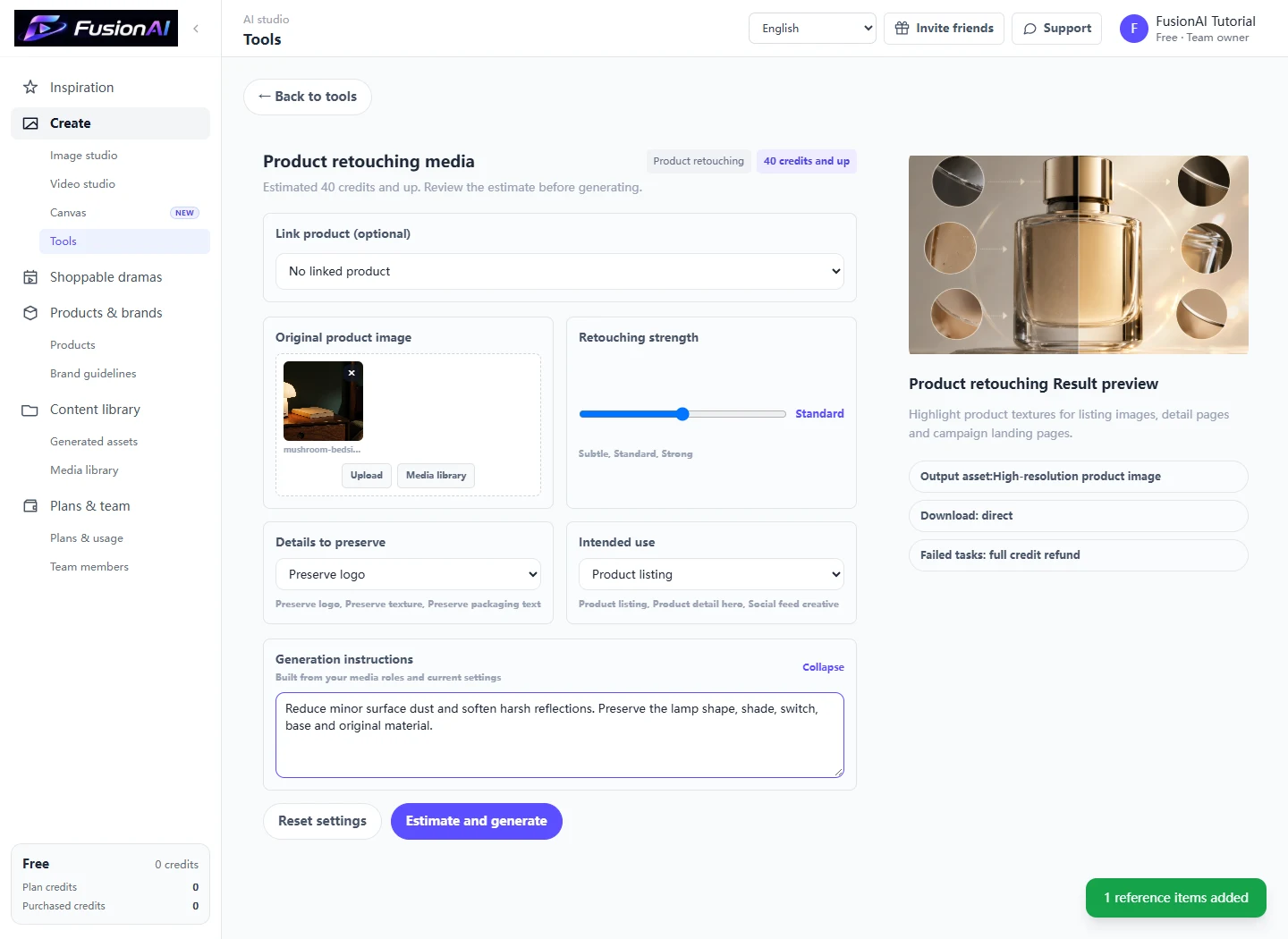
Trae las entradas correctas. Mantenga el resultado que funciona para su resumen.