Surface and defects
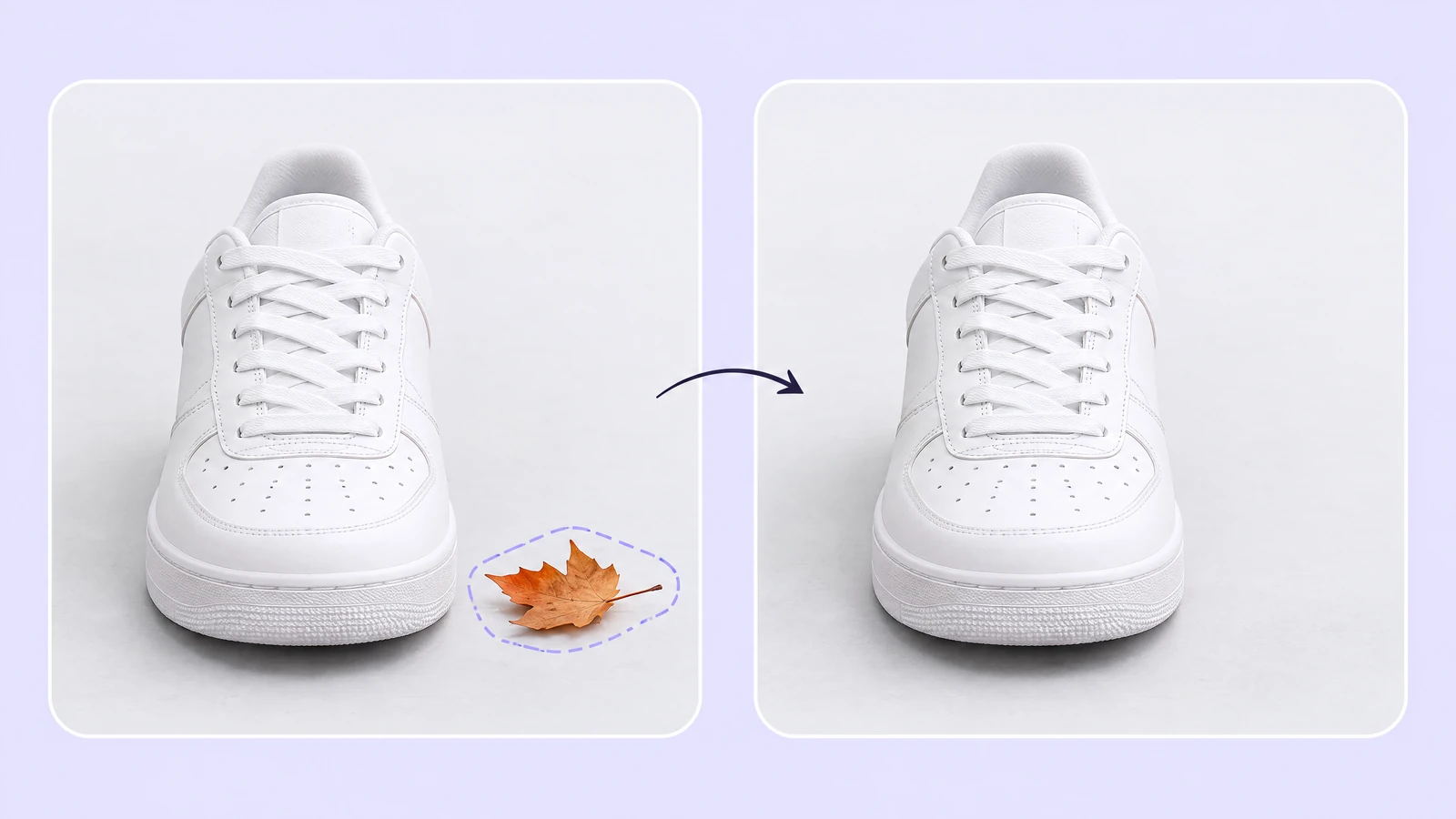
Distinguish dust or a temporary mark from an intentional texture, seam or wear condition.

Refine defeitos, bordas e reflexos distrativos em uma fotografia de produto existente. Mantenha a geometria, o material e os rótulos do item como referência para aceitação.
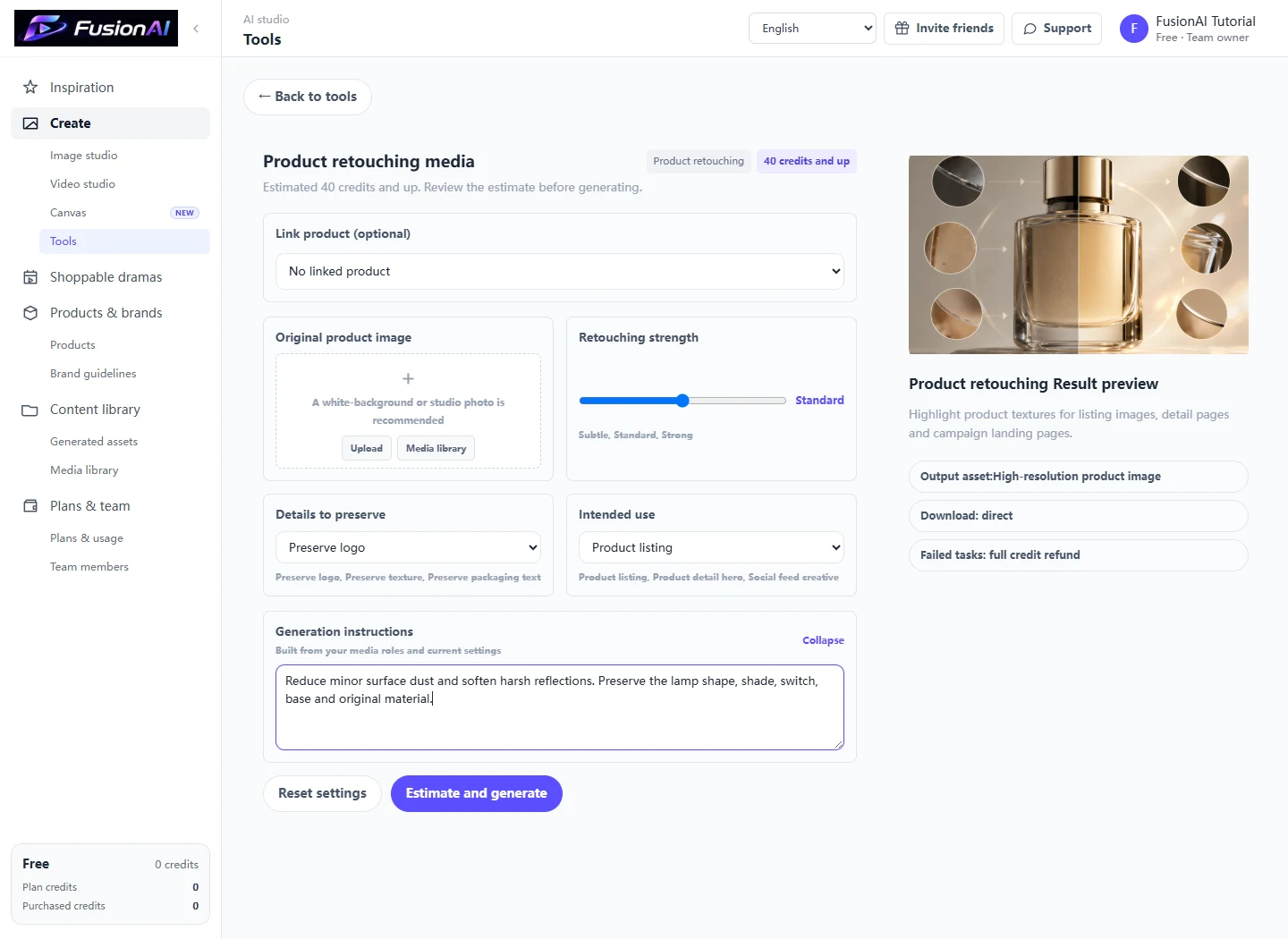
Escolha Configurações e revise a estimativa de crédito na área de trabalho.

Distinguish dust or a temporary mark from an intentional texture, seam or wear condition.
Refine distracting transitions without inventing a new silhouette or material finish.
Describe one correction at a time and compare the candidate with the original at full size.
Upload the original and describe the defects that can be changed, keeping labels and geometry fixed.
Use the available strength and prompt settings. Avoid asking for a new design while preserving every detail.
Inspect texture, gloss, edges and lettering. Retain useful versions and reject changes to the actual product.
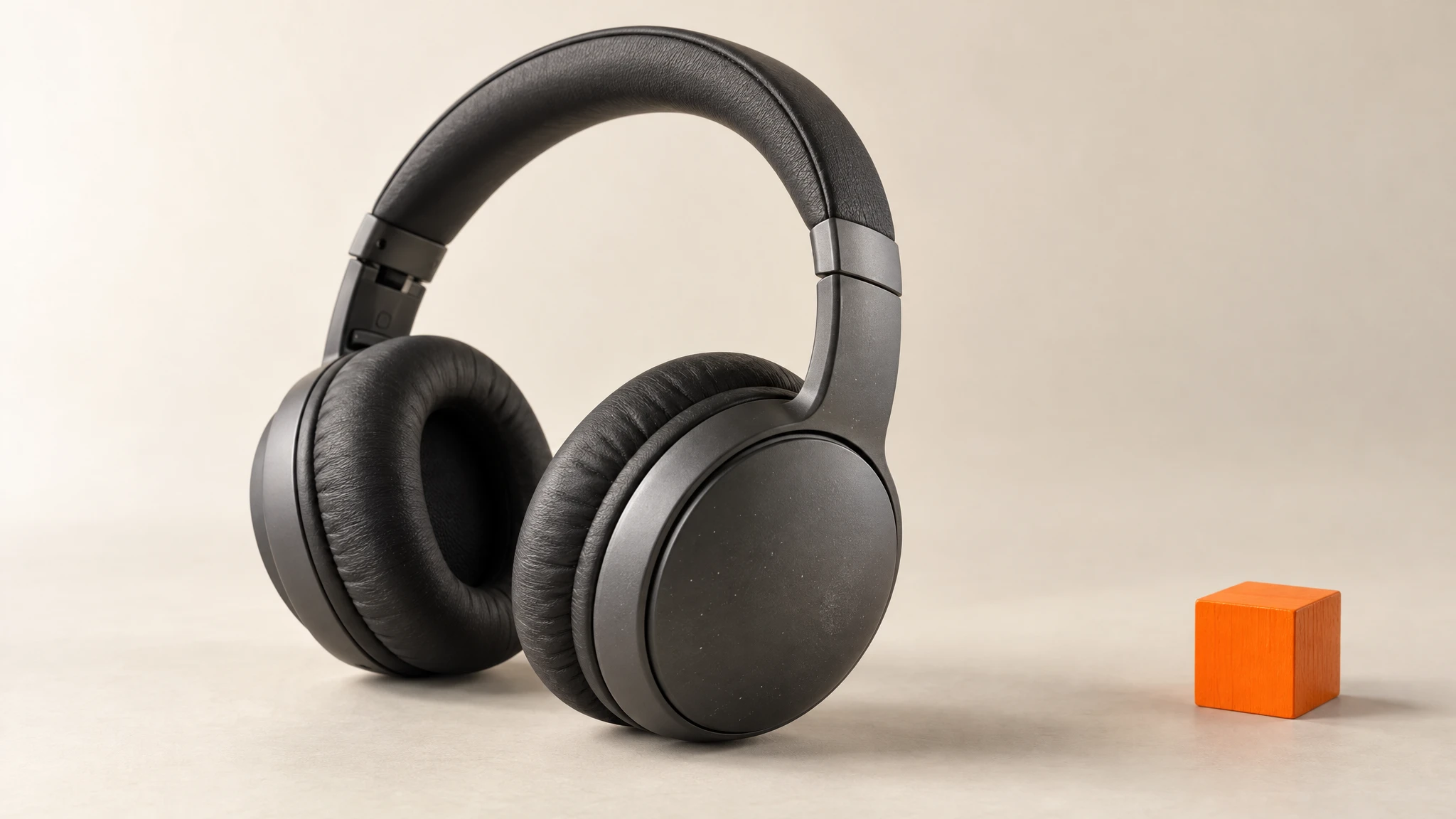
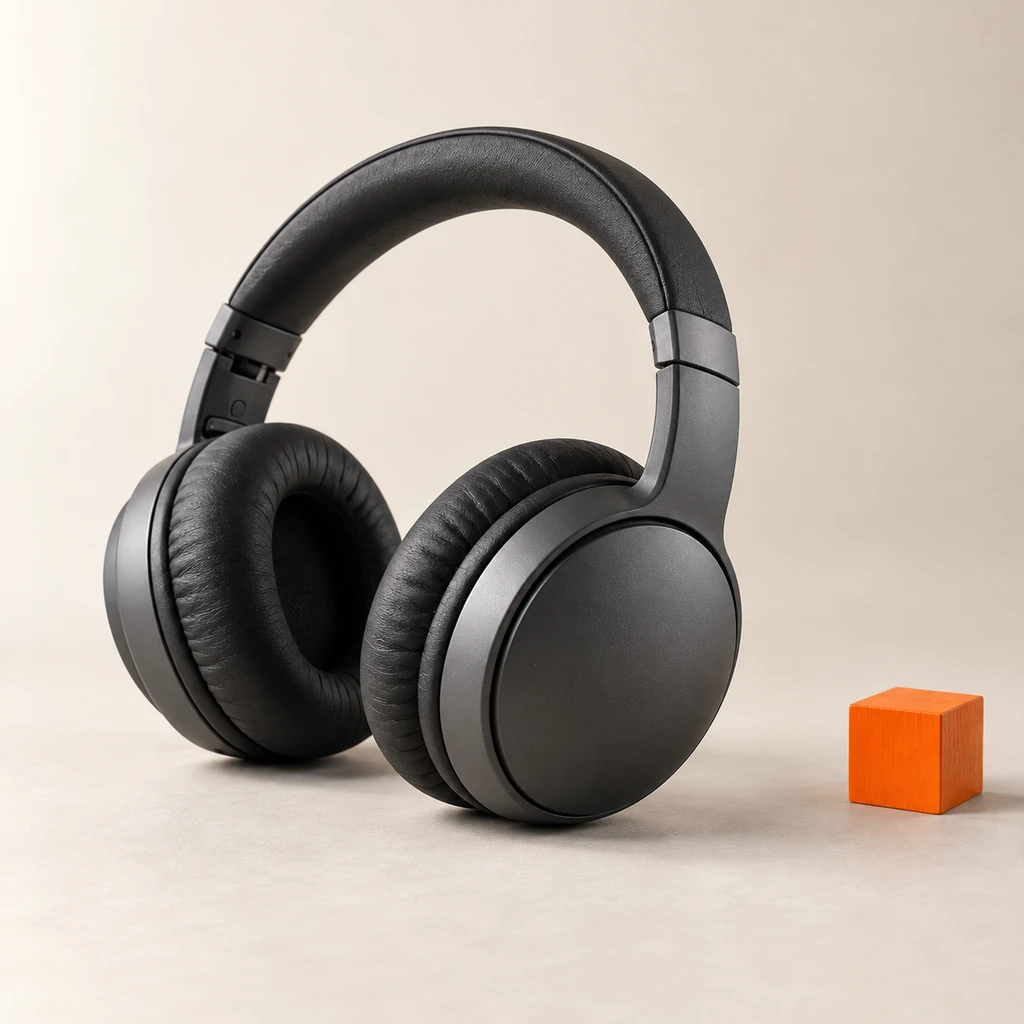
O fone de ouvido parece mais limpo e o cubo laranja permanece. A faixa de cabeça, almofadas e a construção geral do fone de ouvido permanecem reconhecíveis.
A saída reformula a origem da paisagem para um quadrado e altera o espaçamento relativo. Esta não é uma limpeza de preservação de pixels ou um teste de precisão de cor medido.
Do not erase condition information that a buyer needs.
A cleaner image is not evidence of a different material or finish.
Keep originals and selected versions for review.
Retouching improves the product photo; object removal deletes a specified distraction and fills its area. Use the operation matching the actual change.
Check every character against the original. Generated detail can be plausible without being accurate.
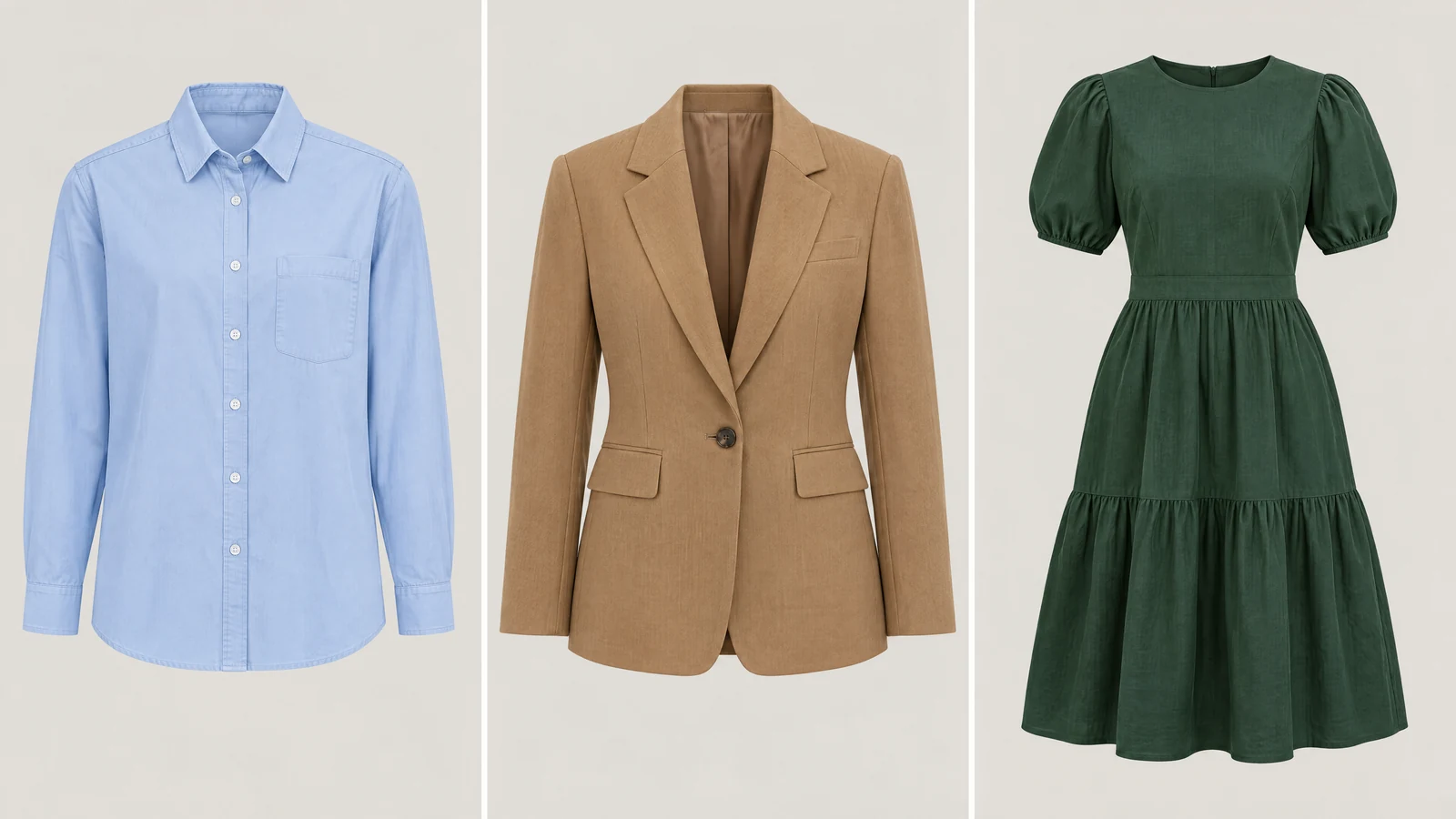
Use the dedicated batch fashion tool and inspect each source-to-result pair rather than assuming every SKU receives the same safe change.
Use a limpeza do fone de ouvido gravado para definir uma edição limitada, comparar o original e a saída e distinguir a correção de superfície de reenquadramento ou redesenho.
Leia o tutorial passo a passo →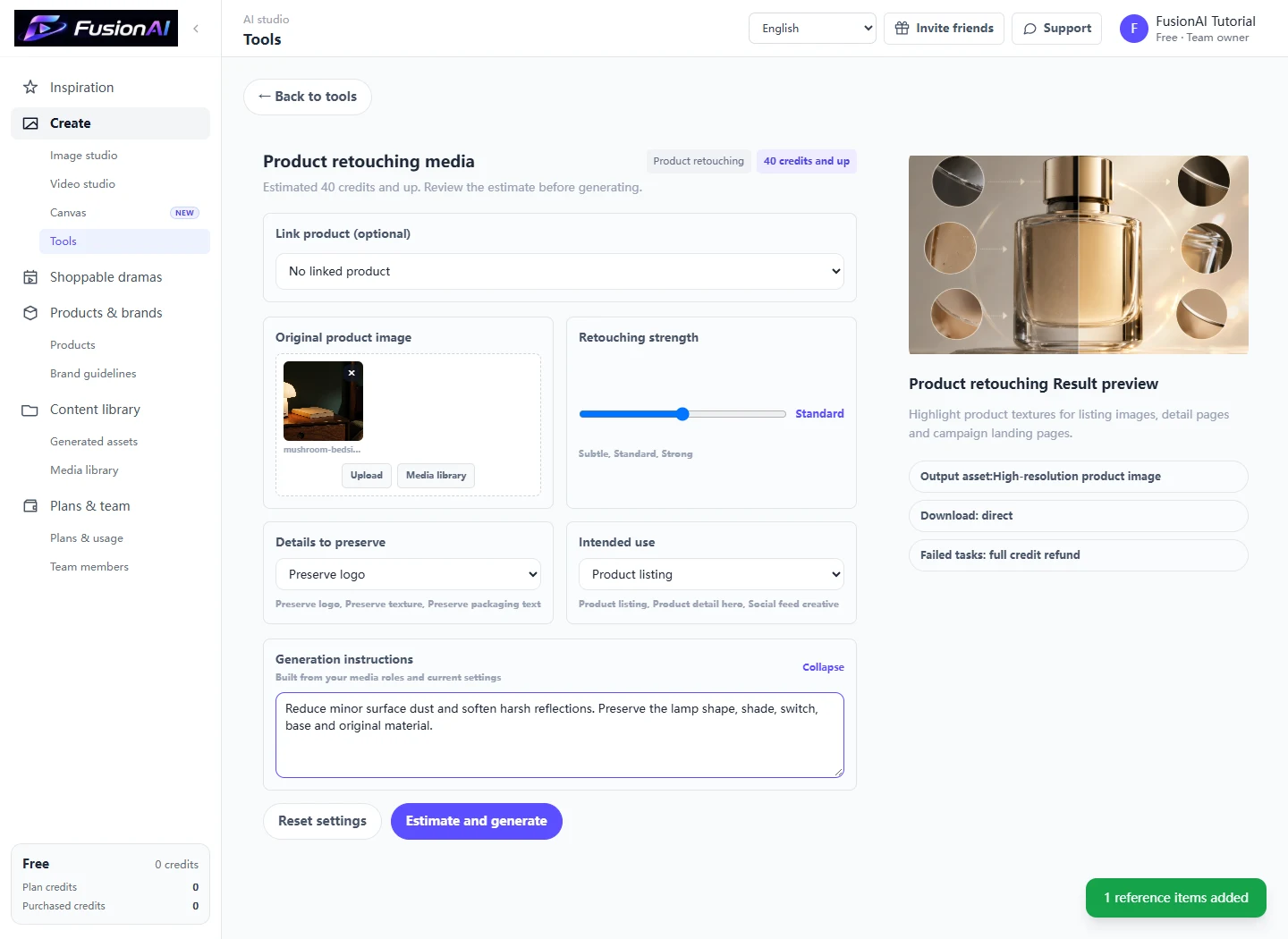
Traga as entradas certas. Mantenha o resultado que funciona para o seu briefing.