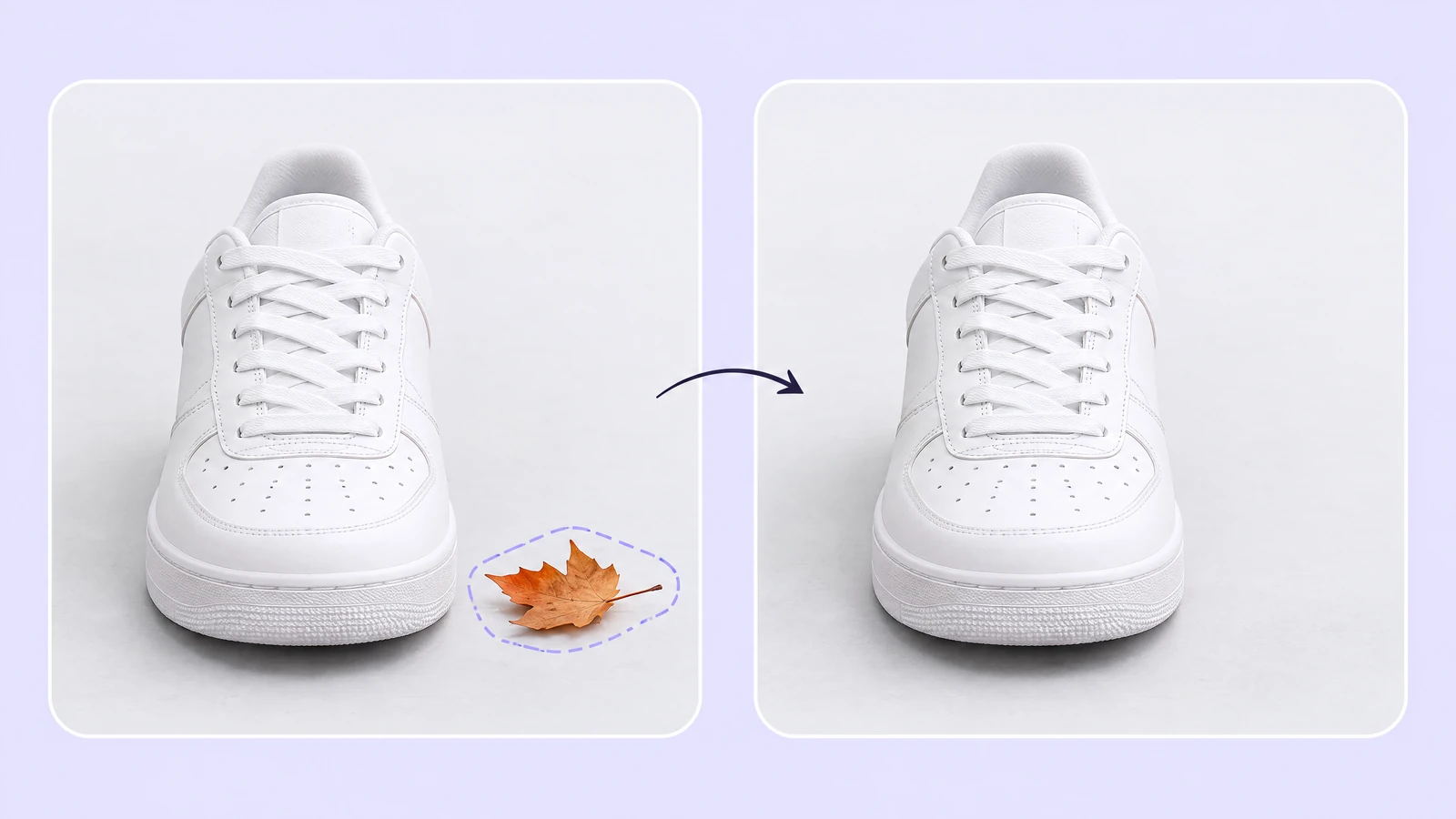
Surface and defects
Distinguish dust or a temporary mark from an intentional texture, seam or wear condition.

Tinh chỉnh các khuyết tật, cạnh và phản xạ gây mất tập trung trong một bức ảnh sản phẩm hiện có. Giữ hình dạng, vật liệu và nhãn của mặt hàng làm tham chiếu để chấp nhận.
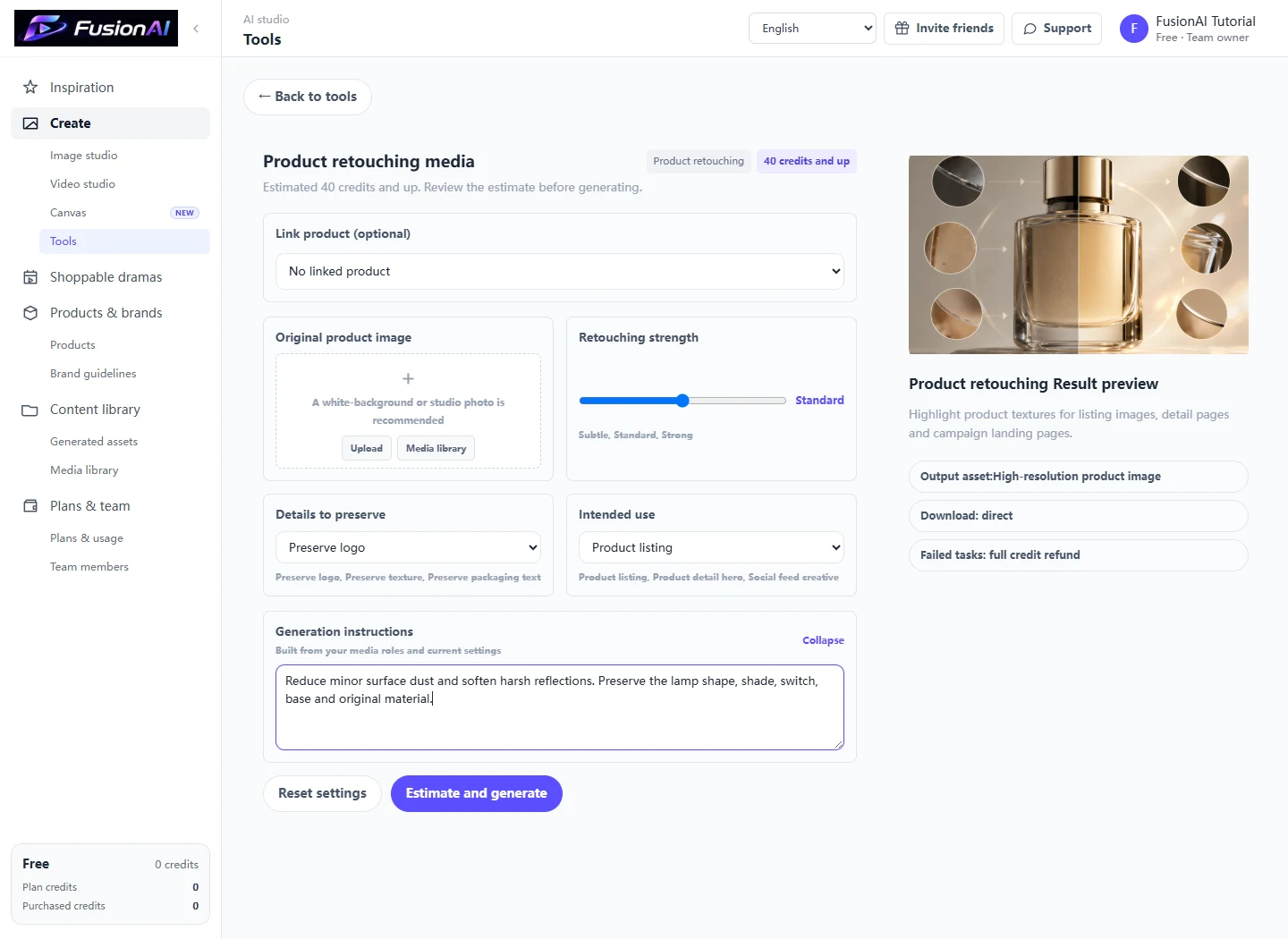
Chọn Cài đặt và xem xét ước tính tín dụng trong không gian làm việc.

Distinguish dust or a temporary mark from an intentional texture, seam or wear condition.
Refine distracting transitions without inventing a new silhouette or material finish.
Describe one correction at a time and compare the candidate with the original at full size.
Upload the original and describe the defects that can be changed, keeping labels and geometry fixed.
Use the available strength and prompt settings. Avoid asking for a new design while preserving every detail.
Inspect texture, gloss, edges and lettering. Retain useful versions and reject changes to the actual product.
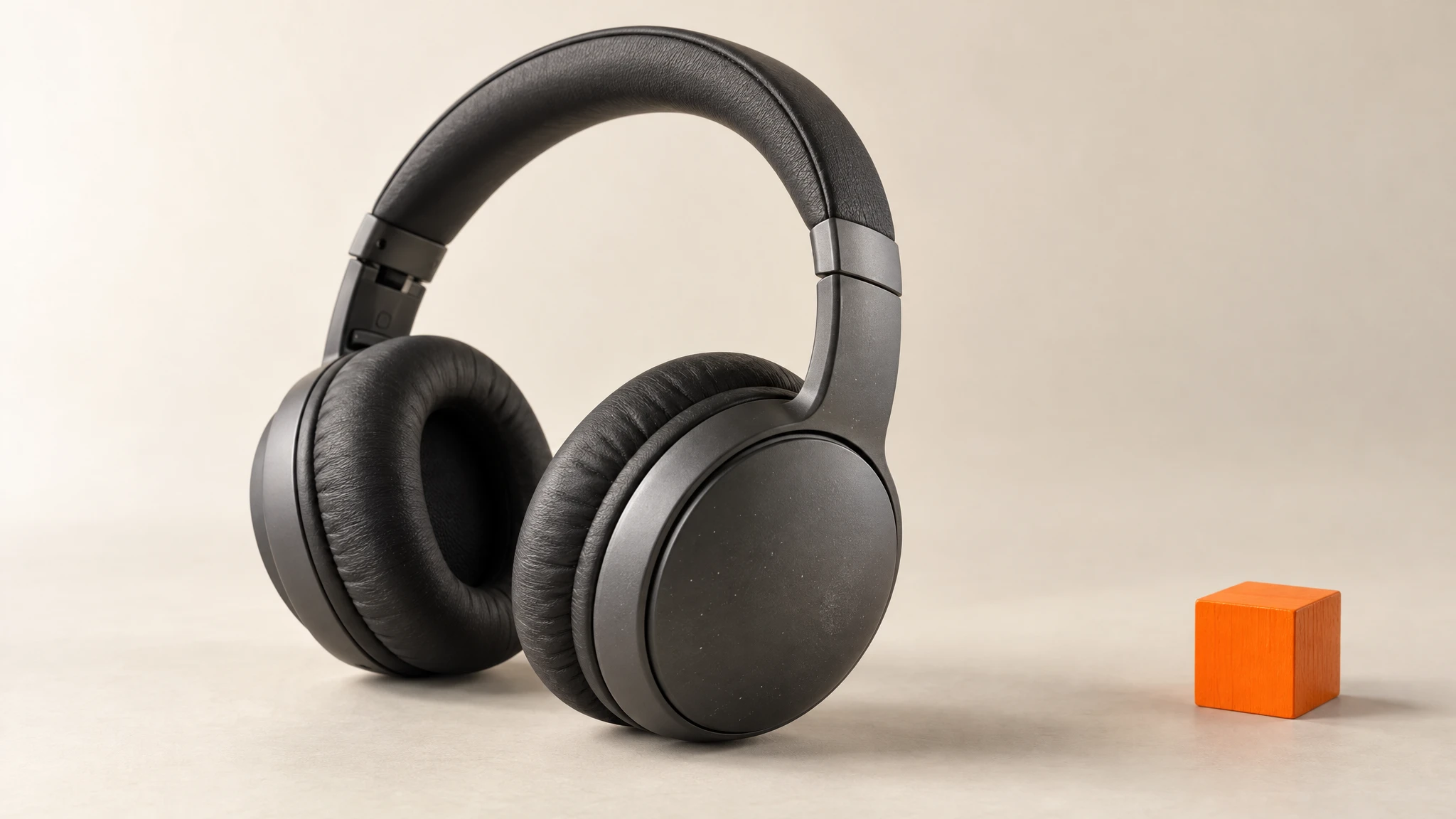
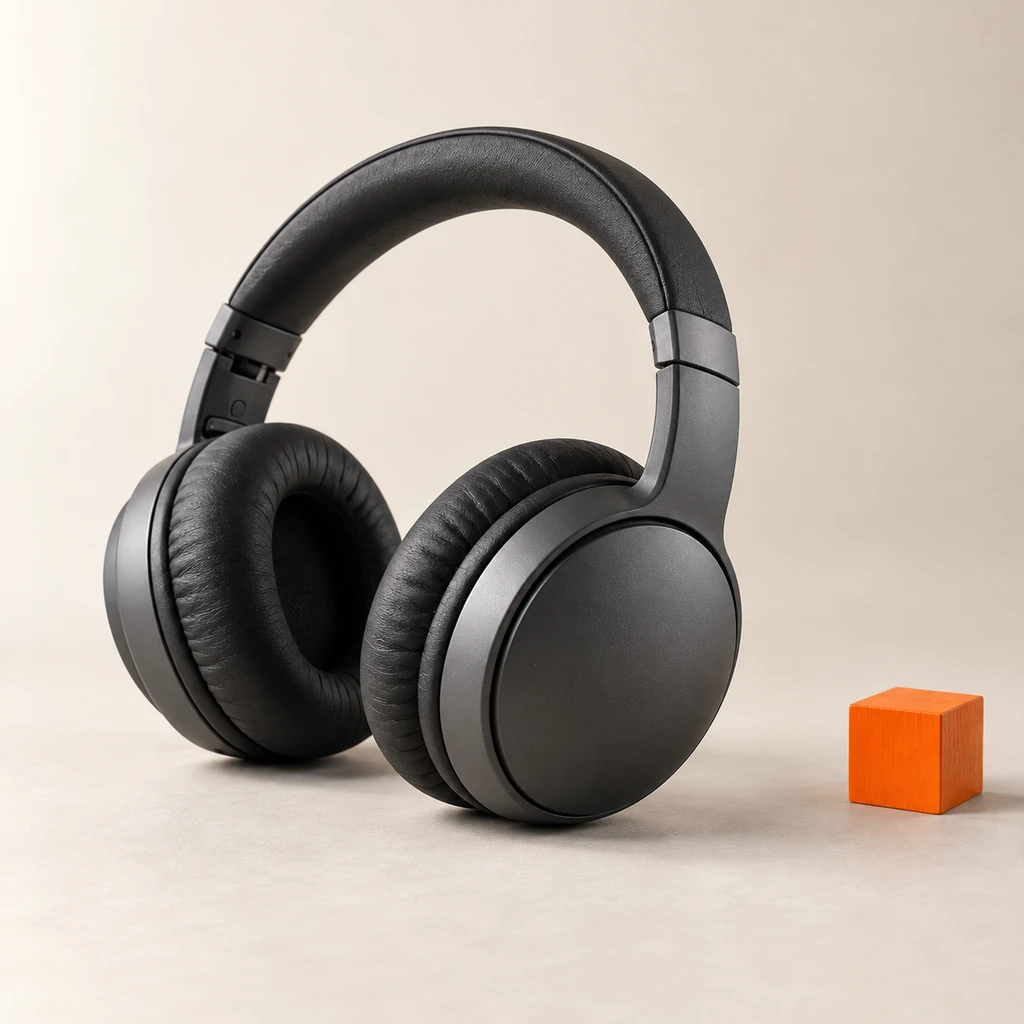
Cầm tai phía trước trông sạch sẽ hơn và hình khối màu cam vẫn còn. Băng đô, đệm và cấu trúc tai nghe tổng thể vẫn có thể nhận biết được.
Đầu ra điều chỉnh nguồn cảnh quan thành một hình vuông và thay đổi khoảng cách tương đối. Đây không phải là dọn dẹp bảo toàn pixel hoặc kiểm tra độ chính xác màu được đo.
Do not erase condition information that a buyer needs.
A cleaner image is not evidence of a different material or finish.
Keep originals and selected versions for review.
Retouching improves the product photo; object removal deletes a specified distraction and fills its area. Use the operation matching the actual change.
Check every character against the original. Generated detail can be plausible without being accurate.
Use the dedicated batch fashion tool and inspect each source-to-result pair rather than assuming every SKU receives the same safe change.
Sử dụng quá trình dọn dẹp tai nghe đã ghi để xác định chỉnh sửa có giới hạn, so sánh bản gốc và đầu ra, đồng thời phân biệt hiệu chỉnh bề mặt với việc sắp xếp lại hoặc thiết kế lại.
Đọc hướng dẫn từng bước →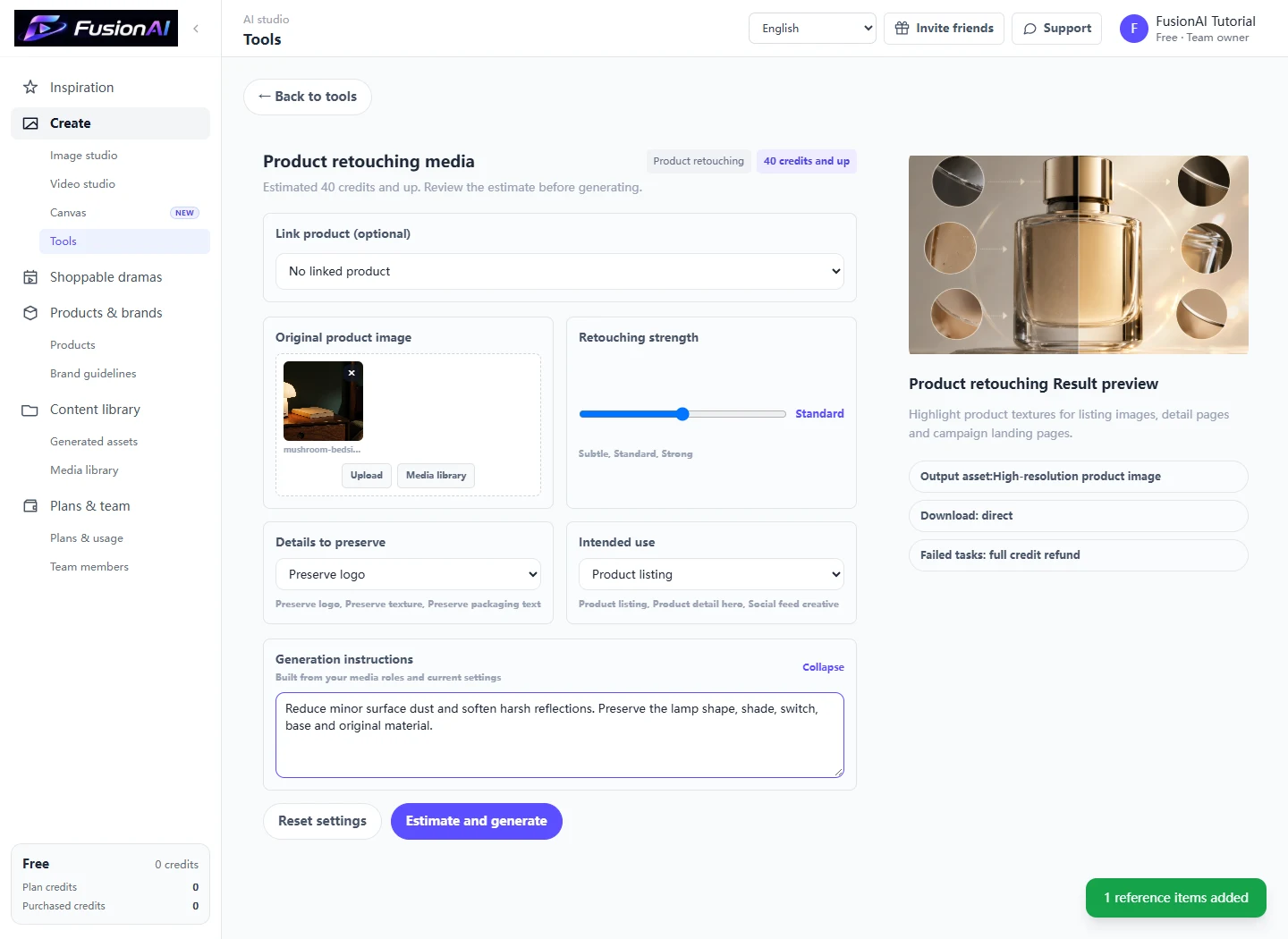
mang các đầu vào phù hợp. Giữ kết quả hoạt động cho bản tóm tắt của bạn.