Surface and defects
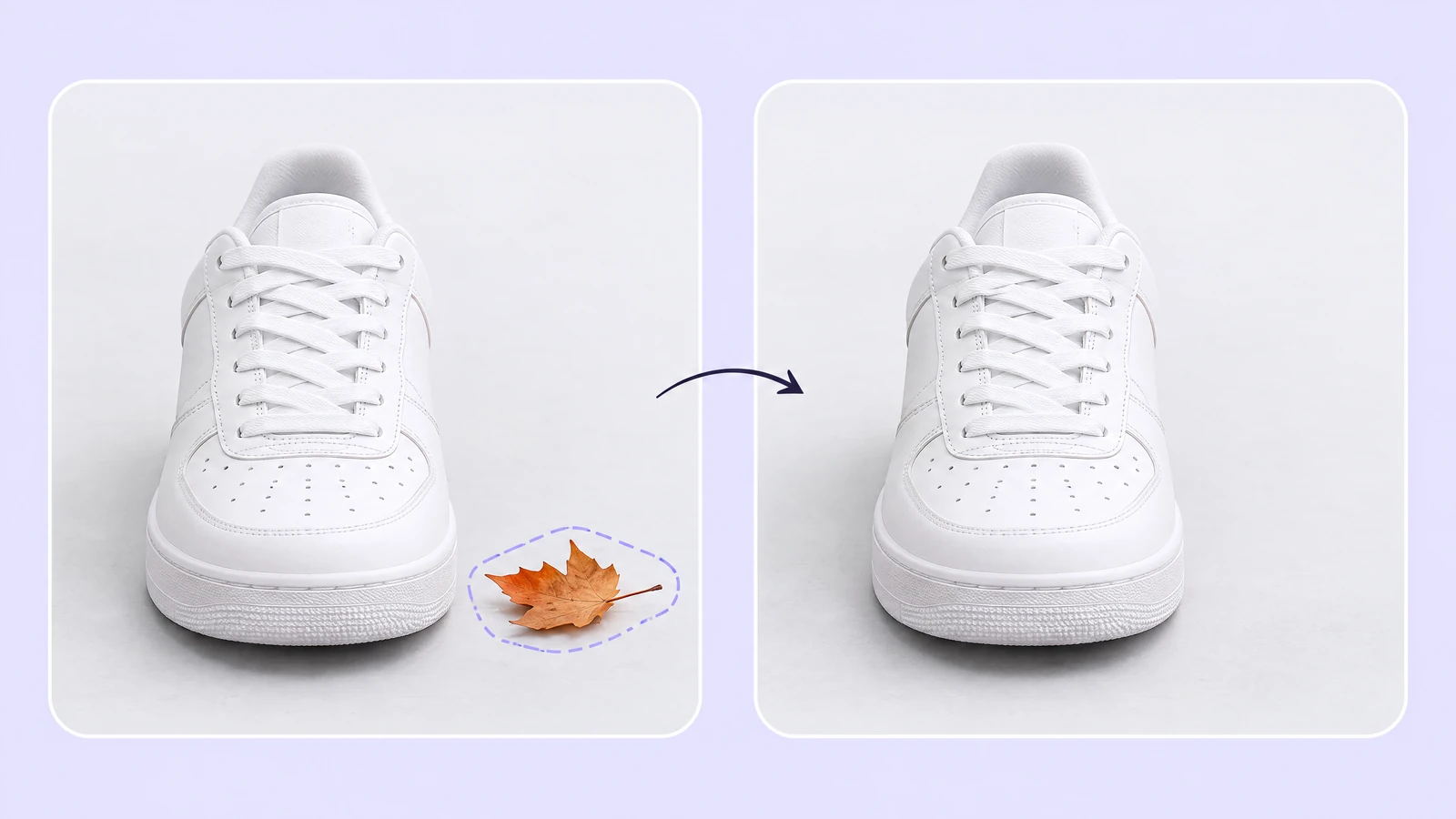
Distinguish dust or a temporary mark from an intentional texture, seam or wear condition.

既存の製品写真の気を散らす欠陥、エッジ、反射を改善します。 アイテムのジオメトリ、マテリアル、およびラベルを受け入れの参照として保持します。
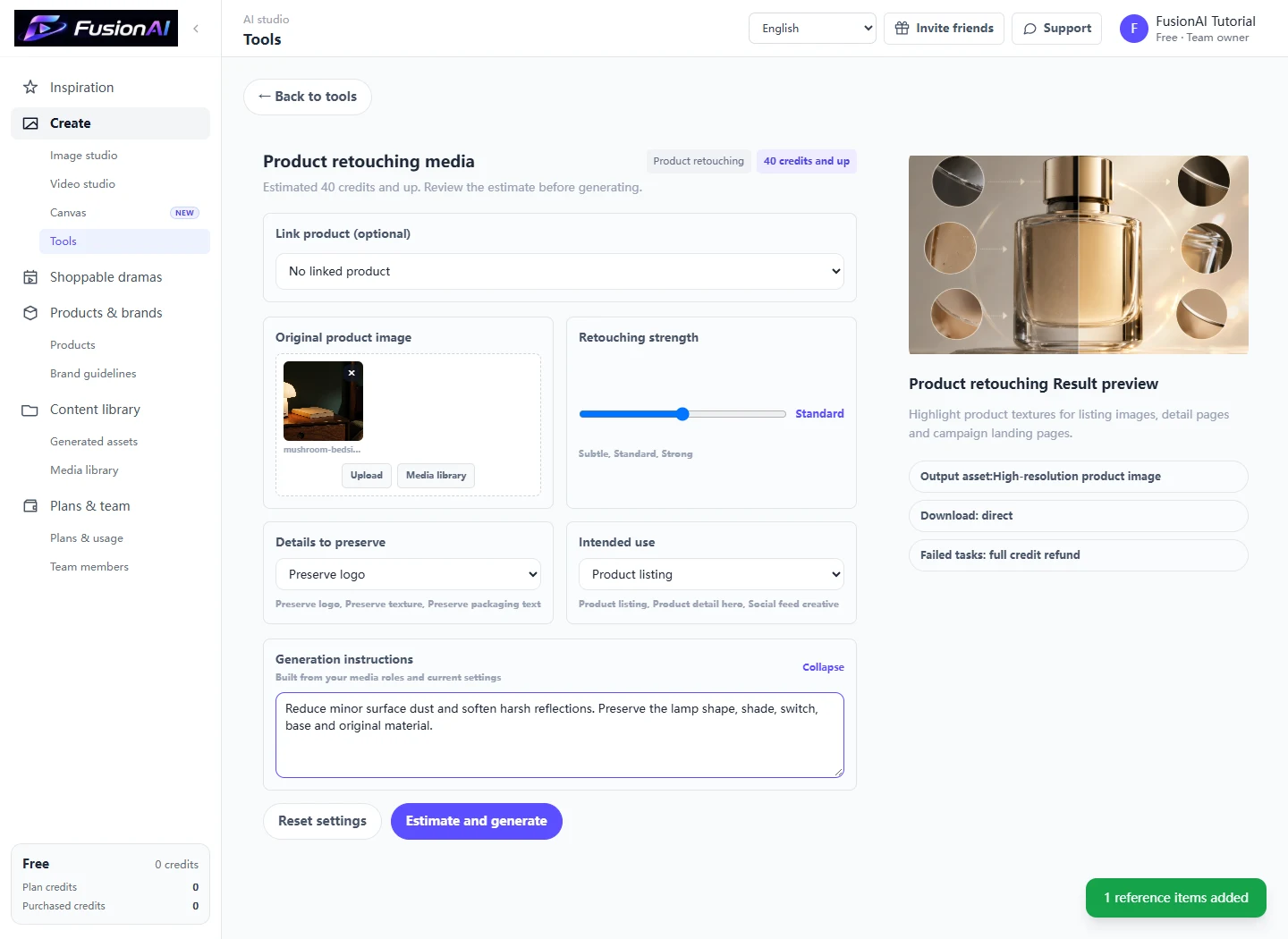
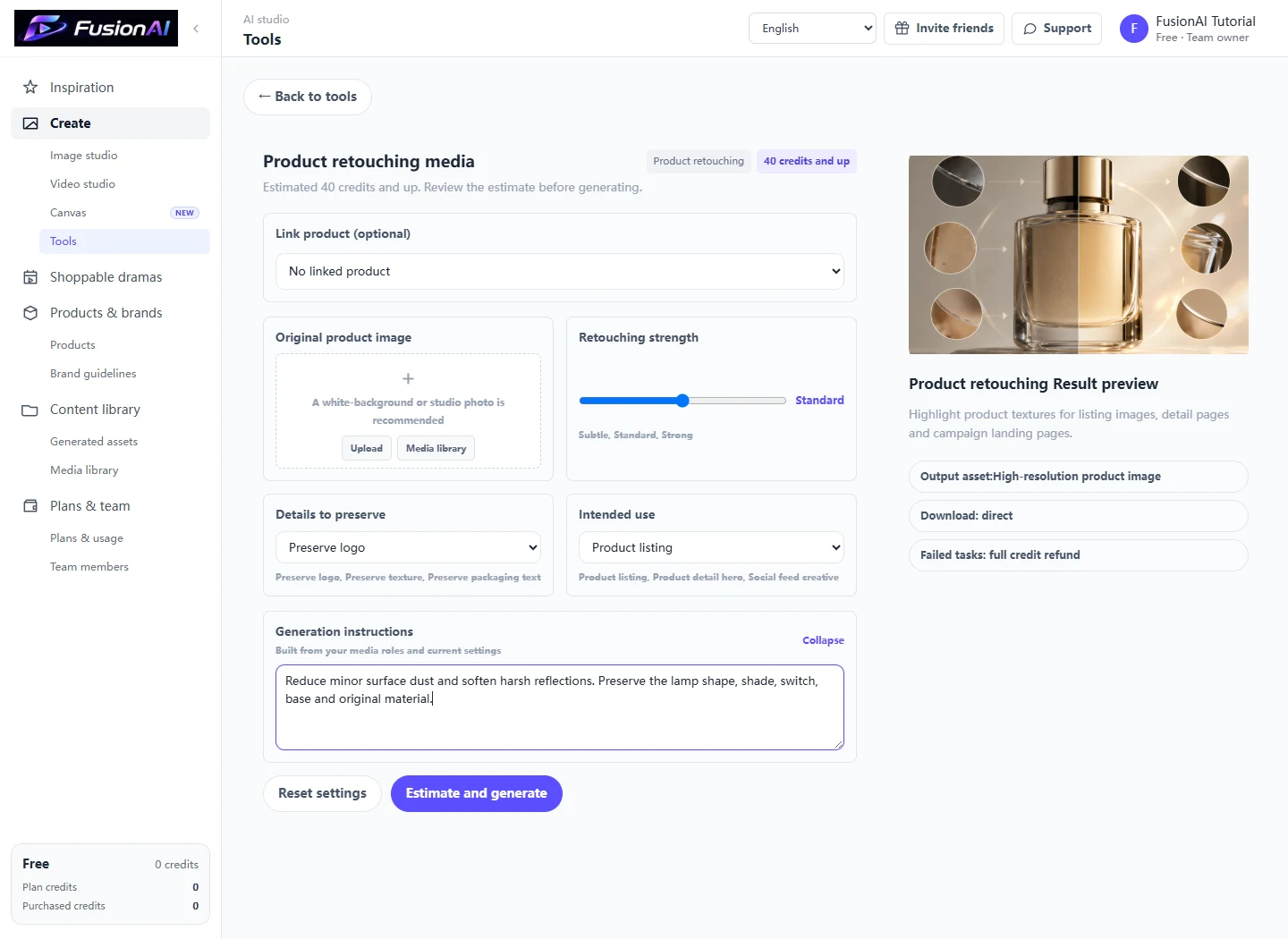
[設定] を選択し、ワークスペースで信用見積もりを確認します。

Distinguish dust or a temporary mark from an intentional texture, seam or wear condition.
Refine distracting transitions without inventing a new silhouette or material finish.
Describe one correction at a time and compare the candidate with the original at full size.
Upload the original and describe the defects that can be changed, keeping labels and geometry fixed.
Use the available strength and prompt settings. Avoid asking for a new design while preserving every detail.
Inspect texture, gloss, edges and lettering. Retain useful versions and reject changes to the actual product.
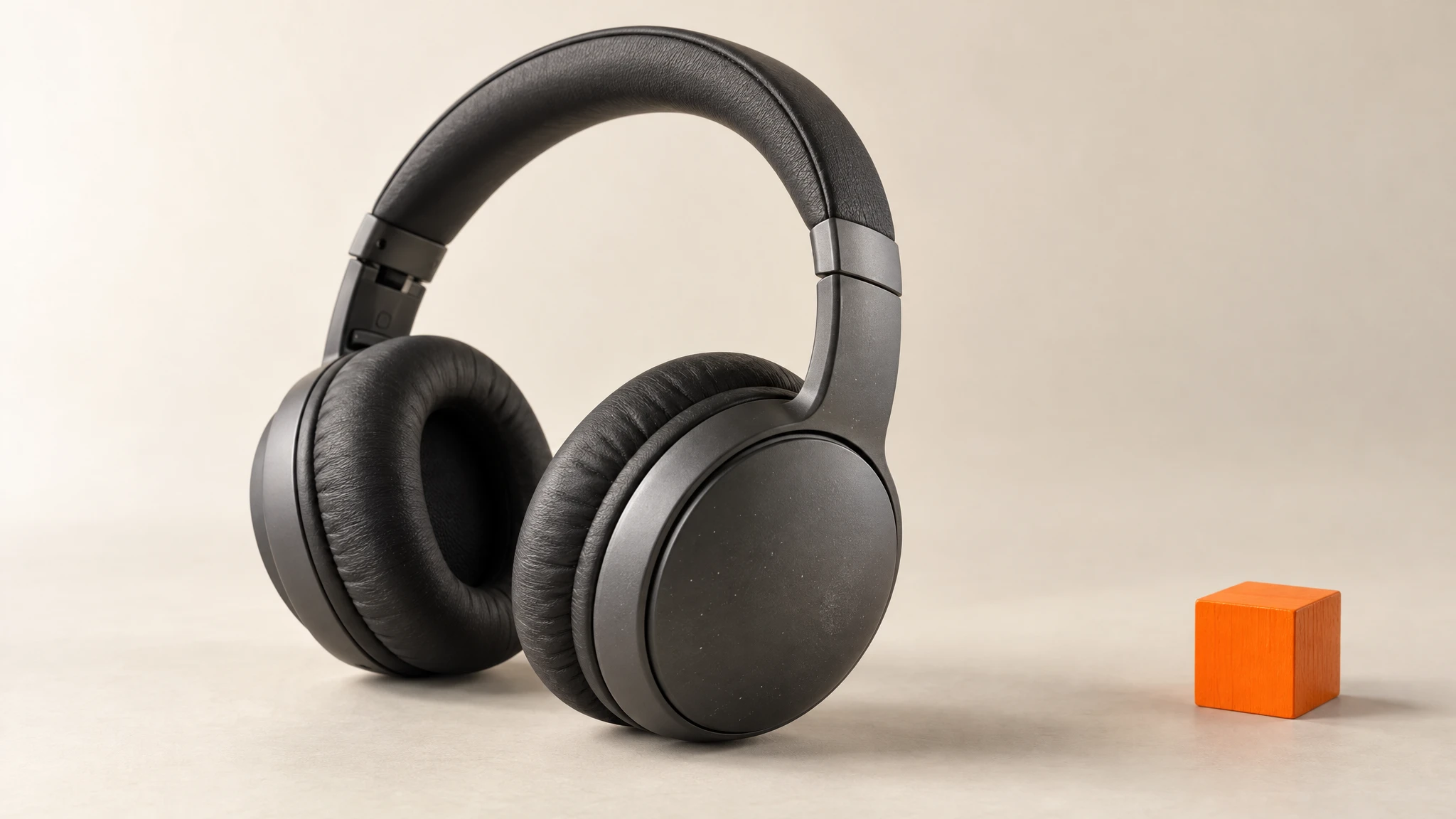
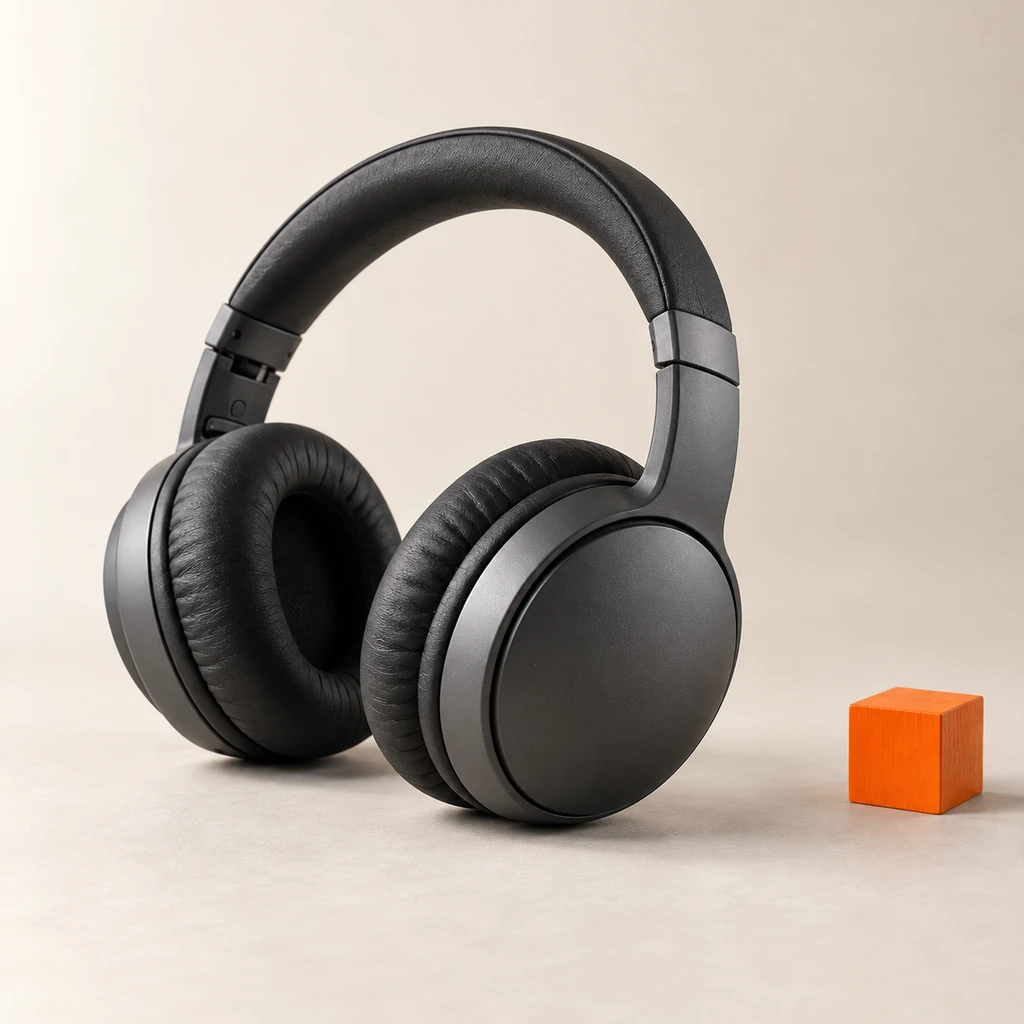
フロント イヤーカップはよりきれいに見え、オレンジ色の立方体が残っています。 ヘッドバンド、クッション、ヘッドフォン全体の構造は依然として認識できます。
出力は、ランドスケープ ソースを正方形に再構成し、相対間隔を変更します。 これは、ピクセルを保存するクリーンアップや、測定された色精度テストではありません。
Do not erase condition information that a buyer needs.
A cleaner image is not evidence of a different material or finish.
Keep originals and selected versions for review.
Retouching improves the product photo; object removal deletes a specified distraction and fills its area. Use the operation matching the actual change.
Check every character against the original. Generated detail can be plausible without being accurate.
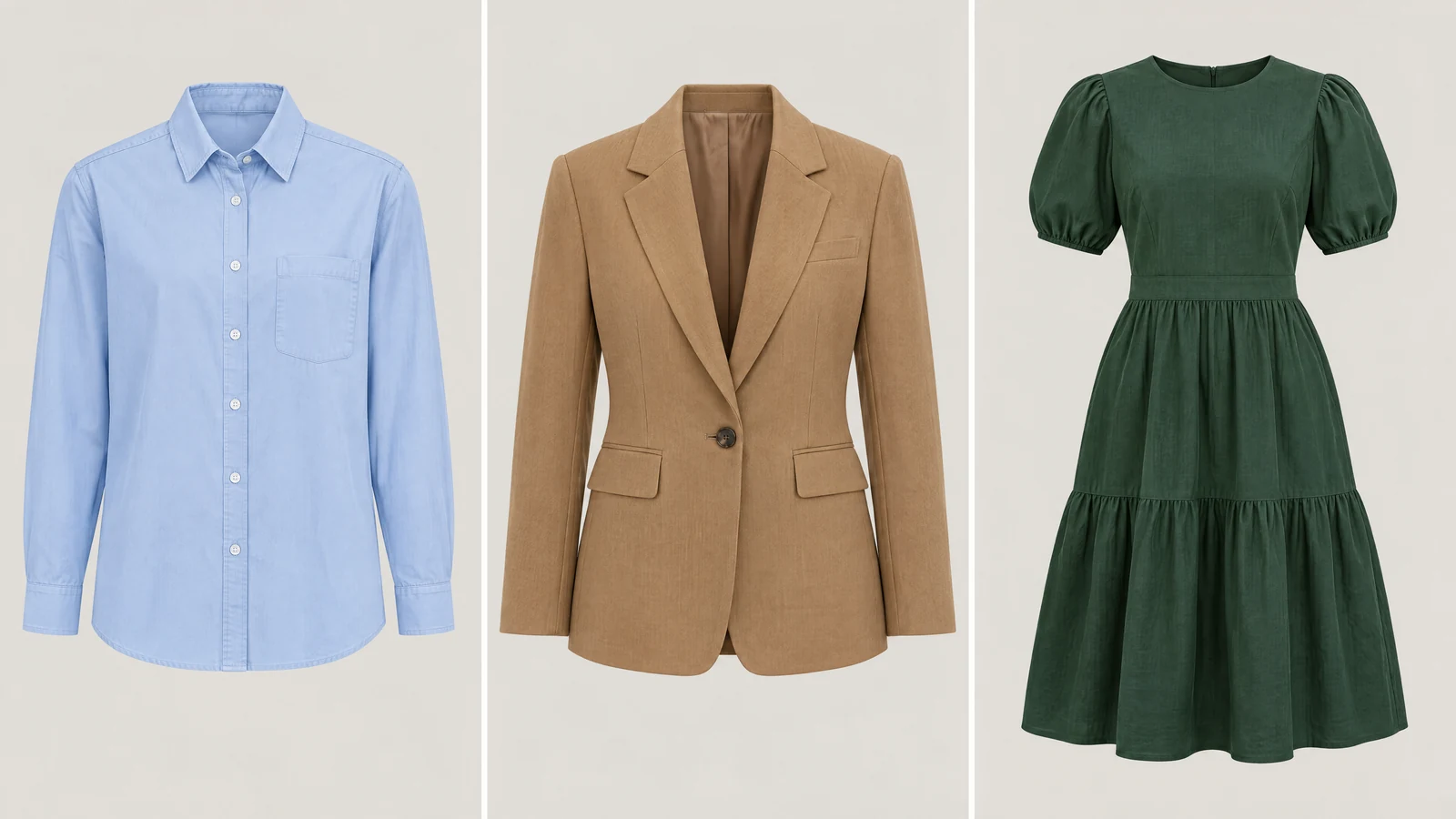
Use the dedicated batch fashion tool and inspect each source-to-result pair rather than assuming every SKU receives the same safe change.
記録されたヘッドフォンのクリーンアップを使用して、有界編集を定義し、元と出力を比較し、表面の補正と再設計と再設計を区別します。
ステップバイステップのチュートリアルをお読みください →