Surface and defects
Distinguish dust or a temporary mark from an intentional texture, seam or wear condition.

Affina difetti, bordi e riflessi che distraggono in una fotografia di prodotto esistente. Mantieni la geometria, il materiale e le etichette dell'articolo come riferimento per l'accettazione.
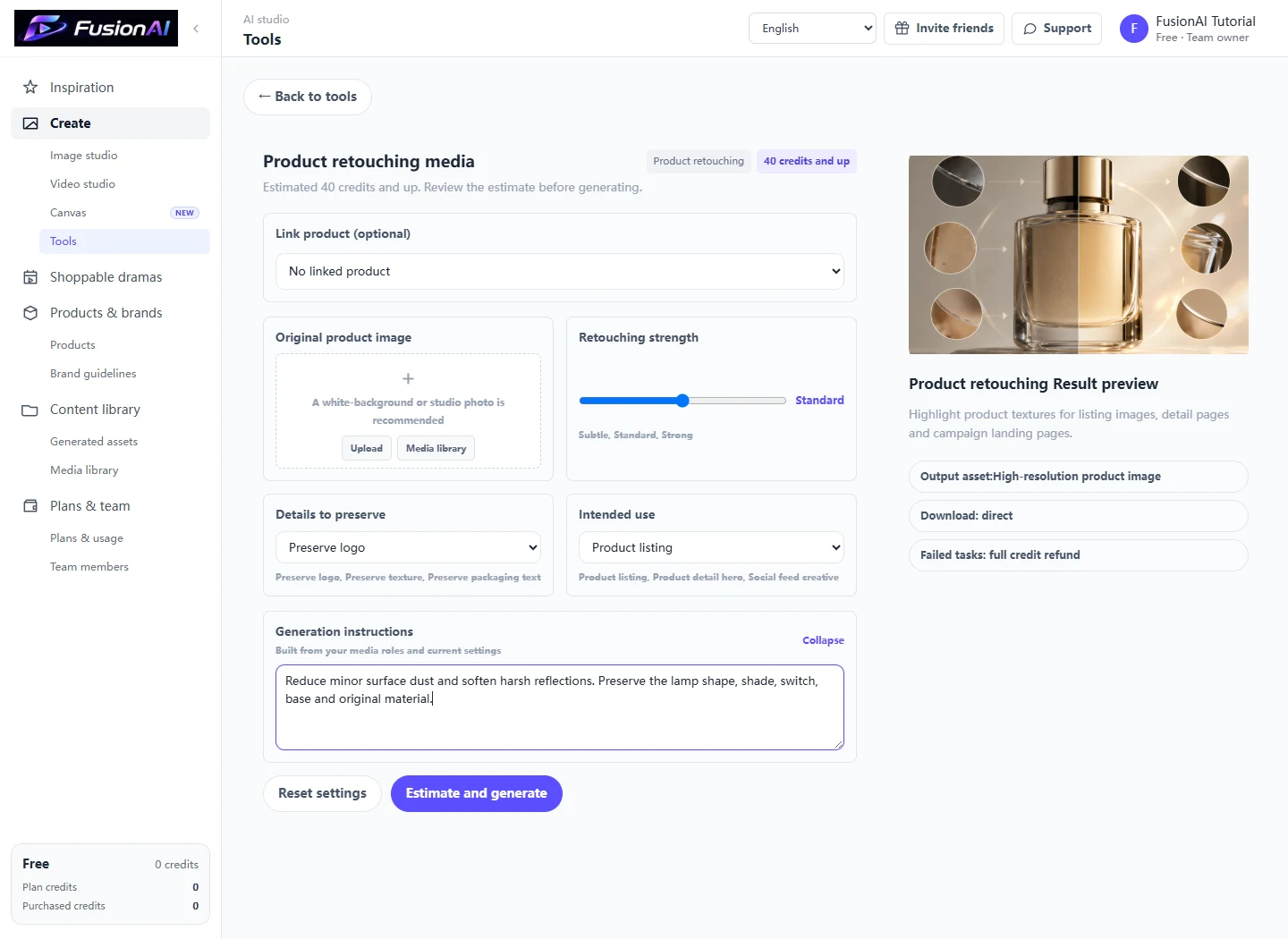
Scegli Impostazioni e rivedi la stima del credito nell'area di lavoro.

Distinguish dust or a temporary mark from an intentional texture, seam or wear condition.
Refine distracting transitions without inventing a new silhouette or material finish.
Describe one correction at a time and compare the candidate with the original at full size.
Upload the original and describe the defects that can be changed, keeping labels and geometry fixed.
Use the available strength and prompt settings. Avoid asking for a new design while preserving every detail.
Inspect texture, gloss, edges and lettering. Retain useful versions and reject changes to the actual product.
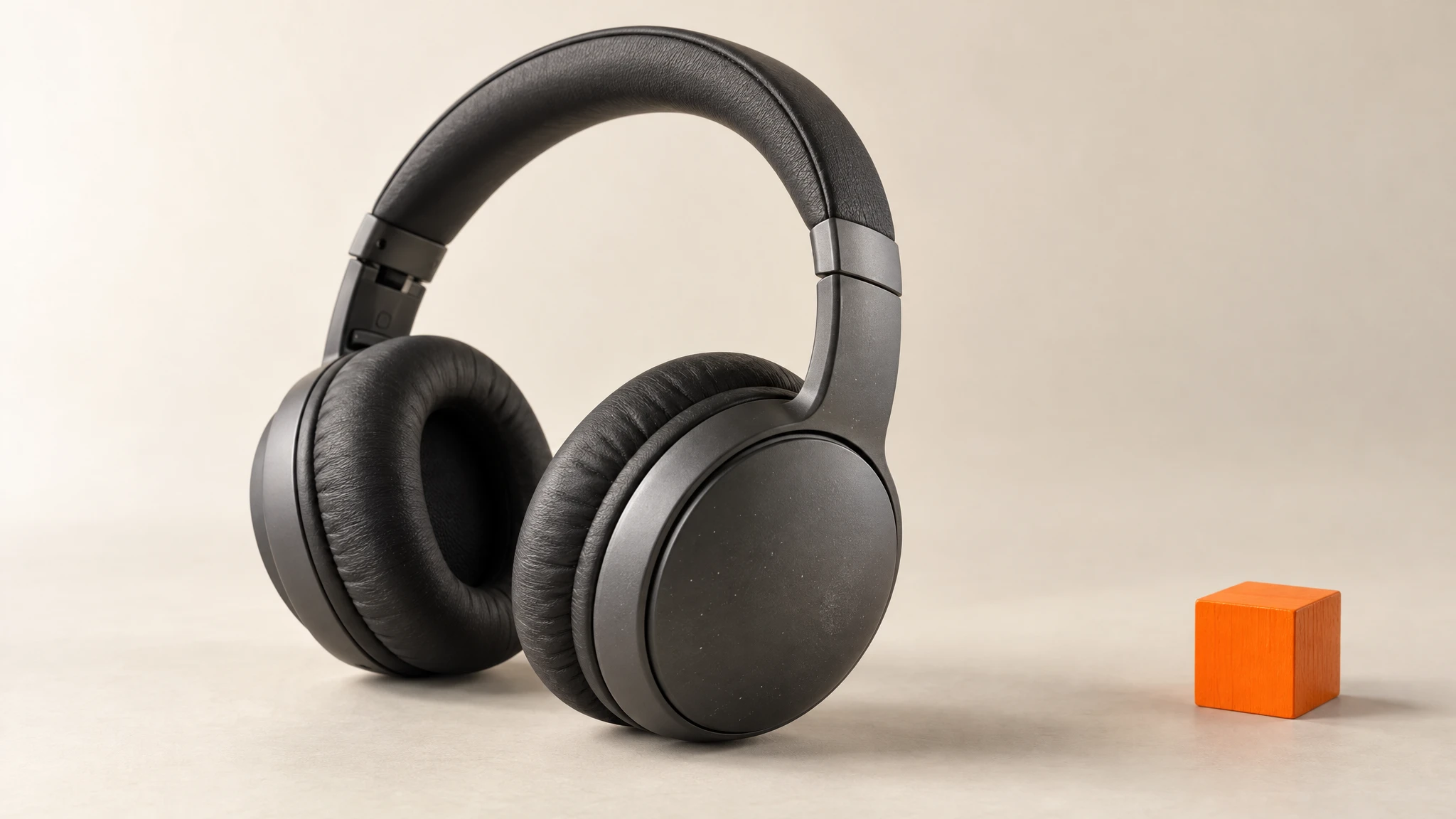
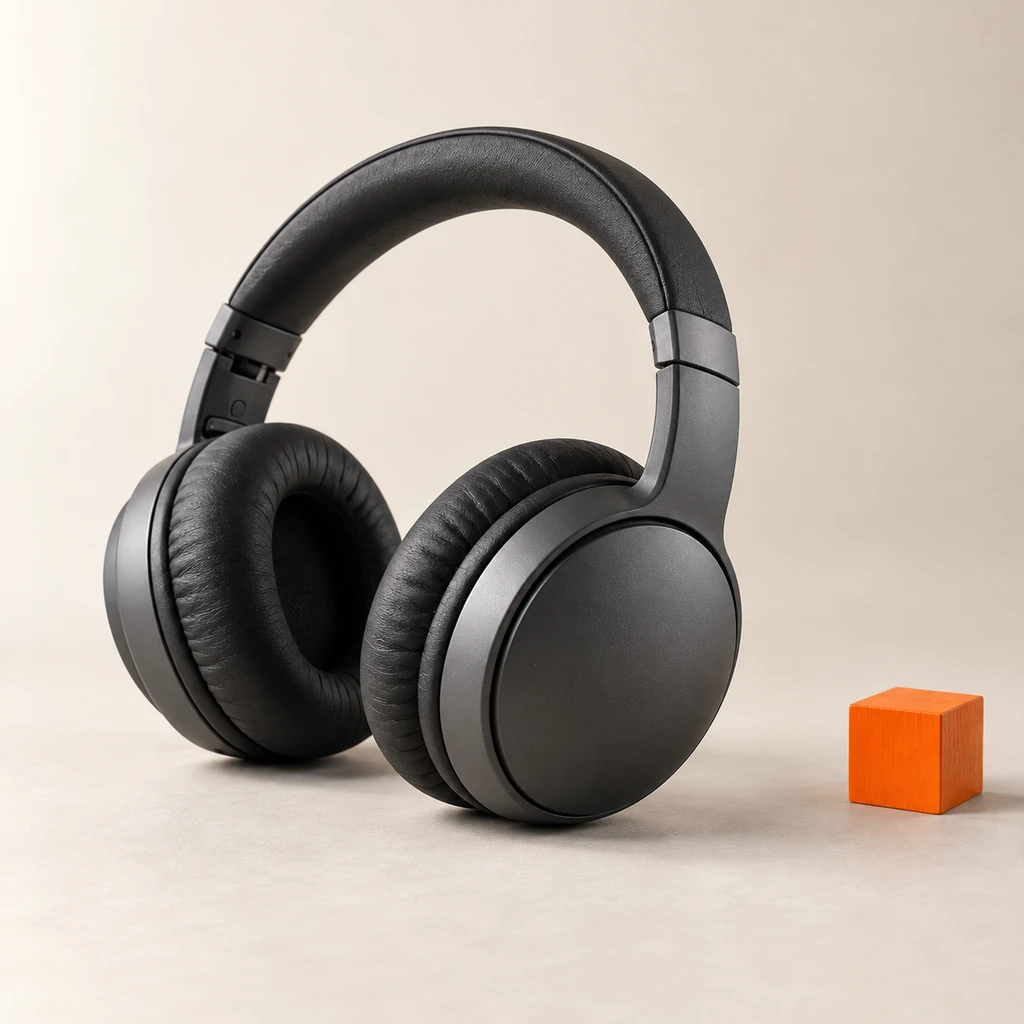
Il padiglione anteriore sembra più pulito e il cubo arancione rimane. La fascia, i cuscini e la costruzione generale delle cuffie rimangono riconoscibili.
L'output riformula la sorgente orizzontale in un quadrato e modifica la relativa spaziatura. Questa non è una pulizia che preserva i pixel o un test di precisione del colore misurato.
Do not erase condition information that a buyer needs.
A cleaner image is not evidence of a different material or finish.
Keep originals and selected versions for review.
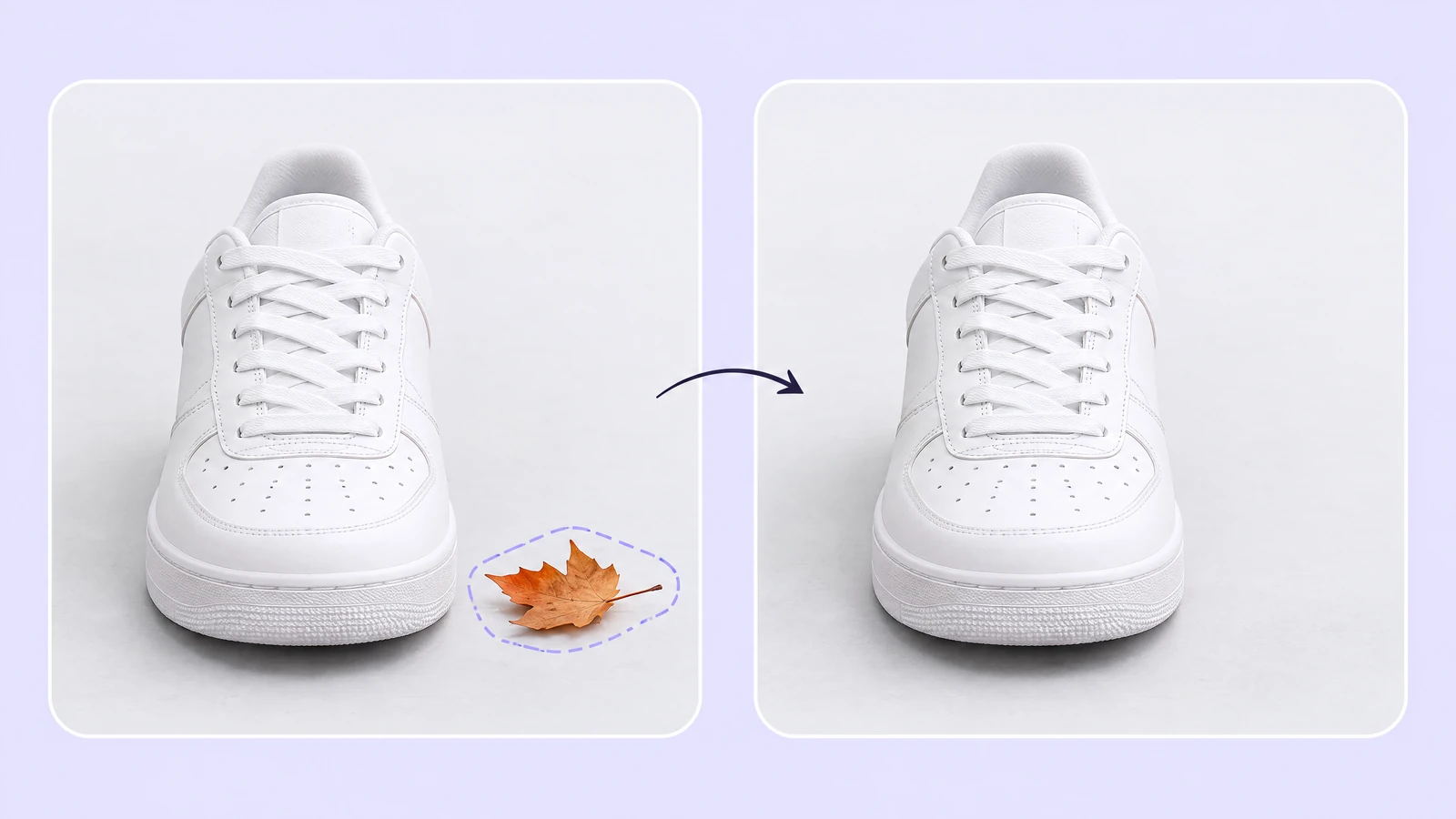
Retouching improves the product photo; object removal deletes a specified distraction and fills its area. Use the operation matching the actual change.
Check every character against the original. Generated detail can be plausible without being accurate.
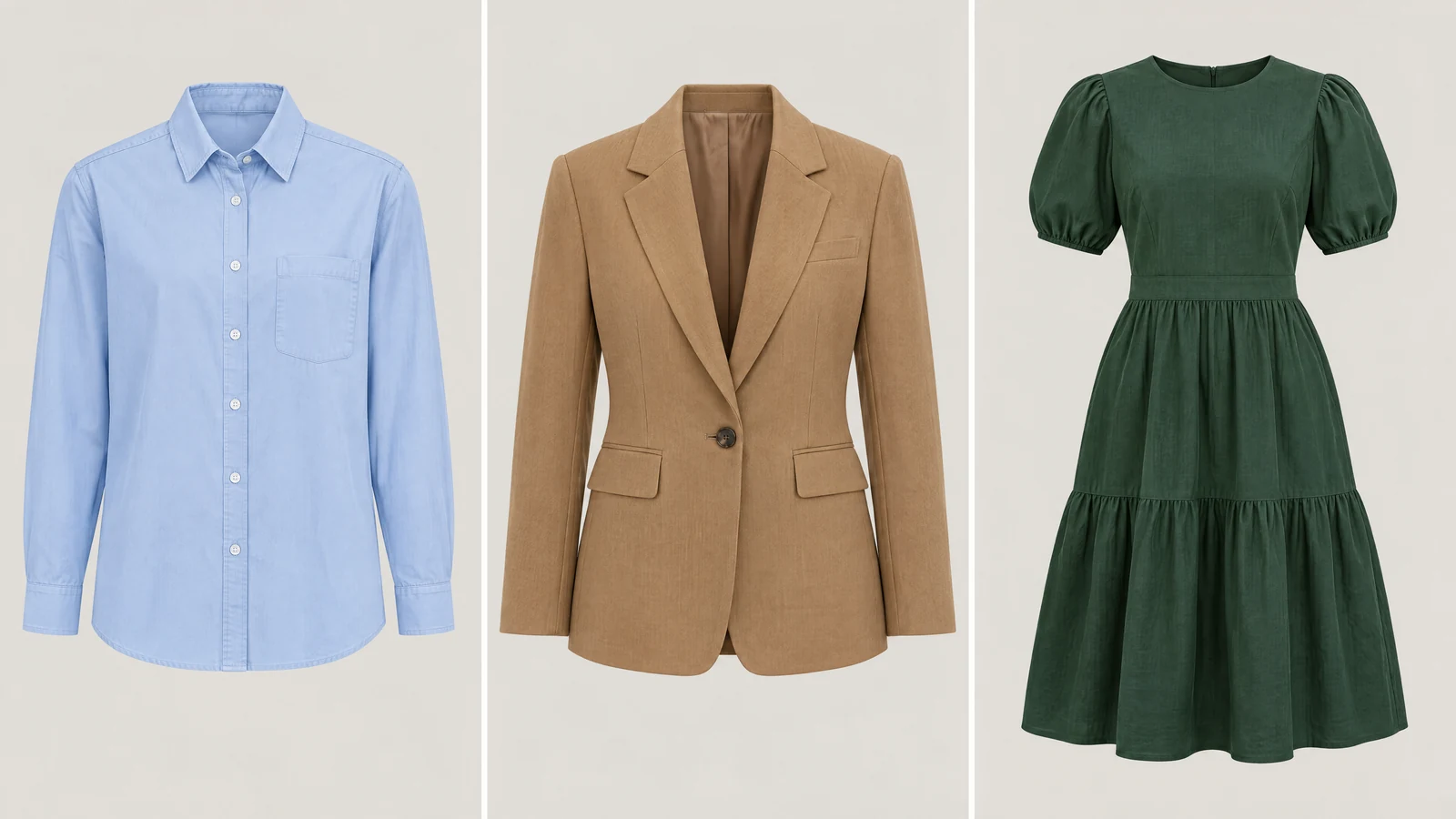
Use the dedicated batch fashion tool and inspect each source-to-result pair rather than assuming every SKU receives the same safe change.
Utilizzare la pulizia delle cuffie registrata per definire una modifica limitata, confrontare l'originale e l'output e distinguere la correzione della superficie dalla riformulazione o dalla riprogettazione.
Leggi il tutorial passo dopo passo →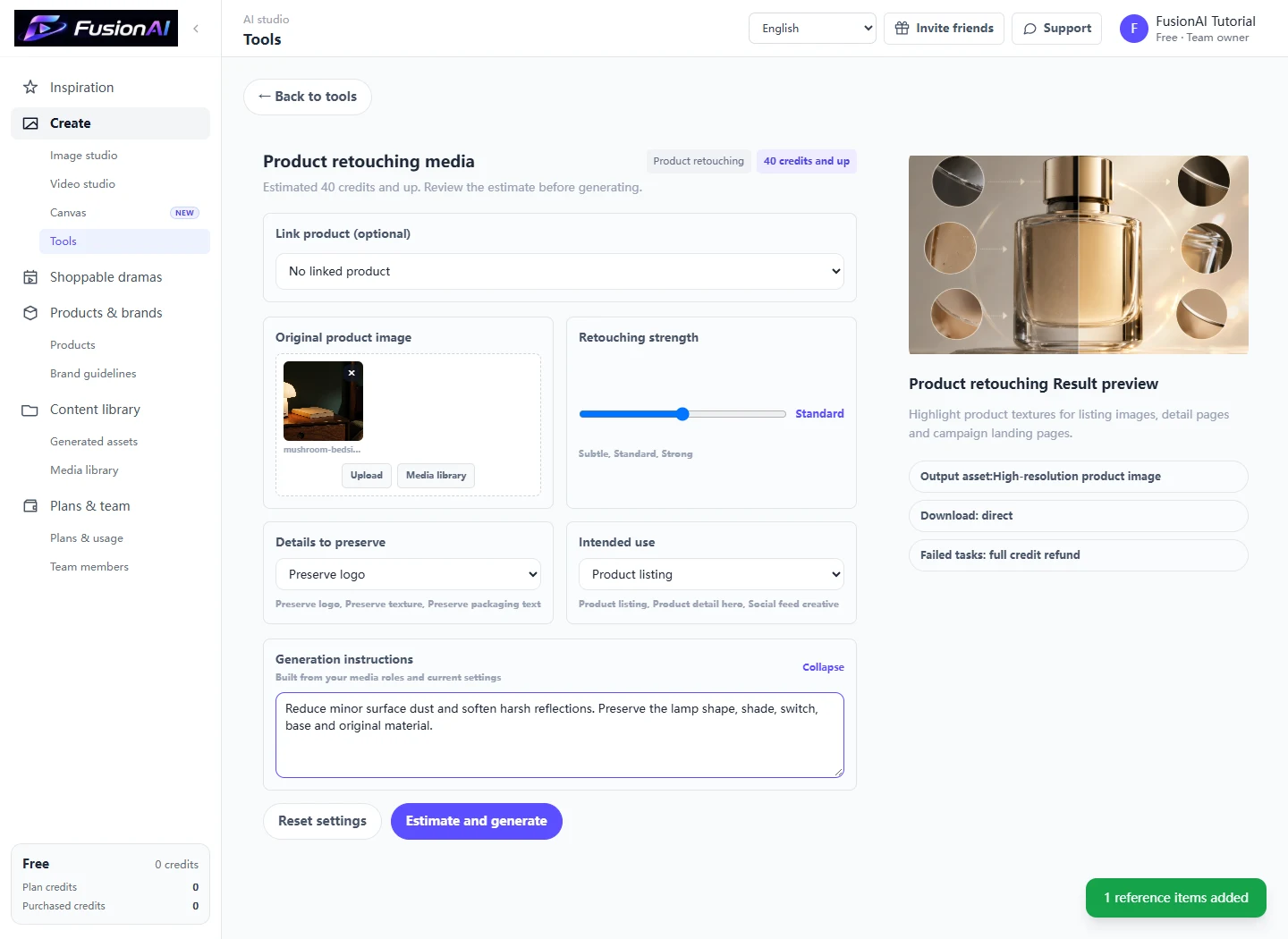
Porta gli input giusti. Mantieni il risultato che funziona per il tuo brief.