
Scegli il giusto FusionAI Workspace per il tuo compito
Team contenuti di FusionAI · Updated 2026-11-12 · 1 min read
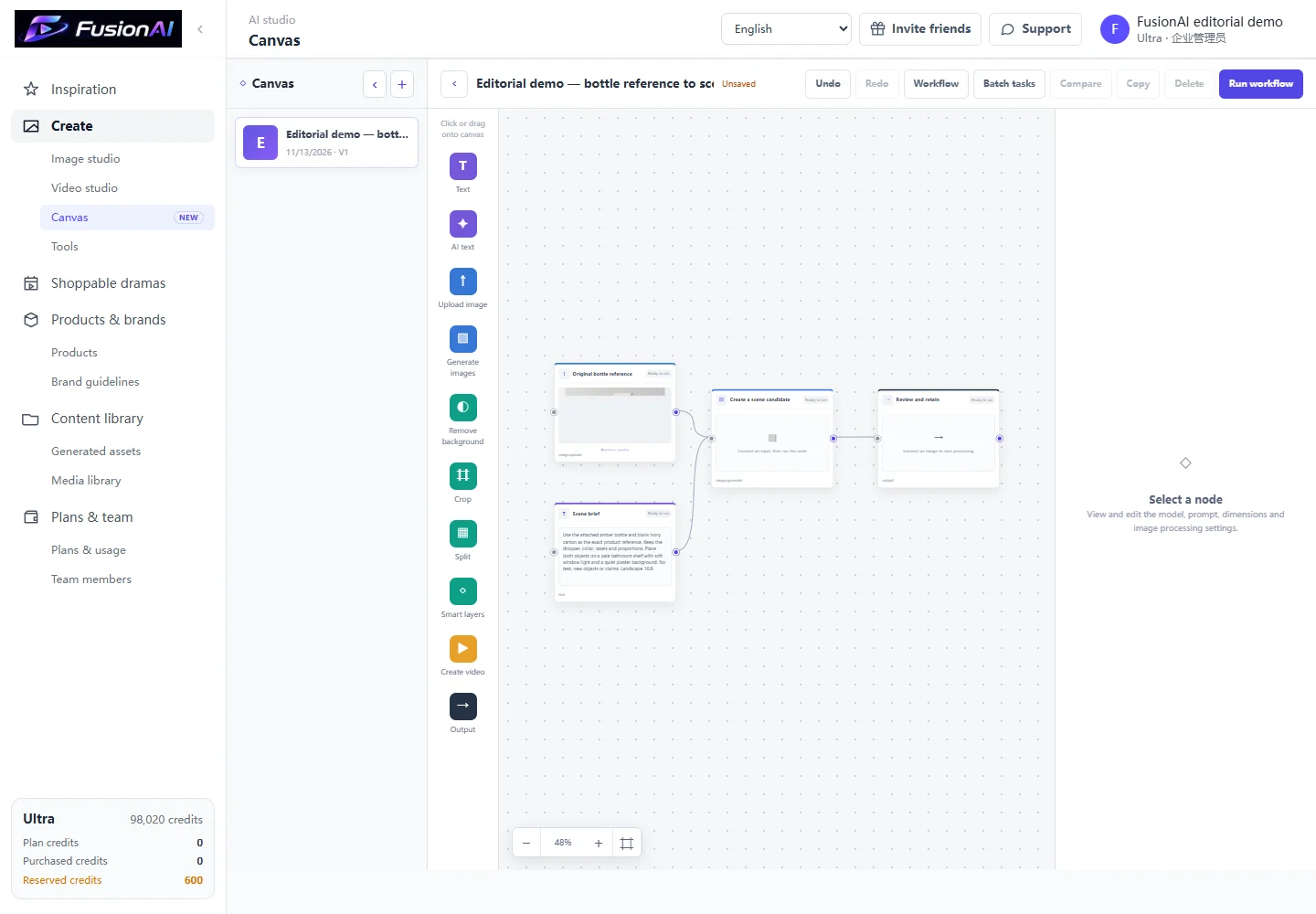
Follow the current FusionAI workspace. Check the selected model, settings and credit estimate before confirming a generation.
1. Choose by the deliverable
Use image studio for a new image or a reference edit; video studio for an individual moving shot; product image sets for several coordinated image purposes. Start a drama project when script, assets and shot order need to stay together.
2. Use Canvas for a repeatable chain
When one stage’s output becomes the next stage’s input, make those connections explicit on Canvas. Keep the source, brief, generation and review stages separate. Check every intermediate asset before carrying it forward.
3. Reuse approved assets, not unchecked assumptions
A product library or brand record helps carry facts and direction into supported tasks. References must still be attached and selected. Reusing a product name alone does not guarantee that a later model sees its image.
4. Keep a reviewable handoff
Retain the original, selected version, model, settings and intended placement. Keep planning examples separate from completed outputs. Compare image and video results with verified product facts before publication.