
Nano Banana su FusionAI: risoluzione dei problemi di riferimento e di uscita
Team contenuti di FusionAI · Aggiornato 2026-11-12 · 2 Min Leggi
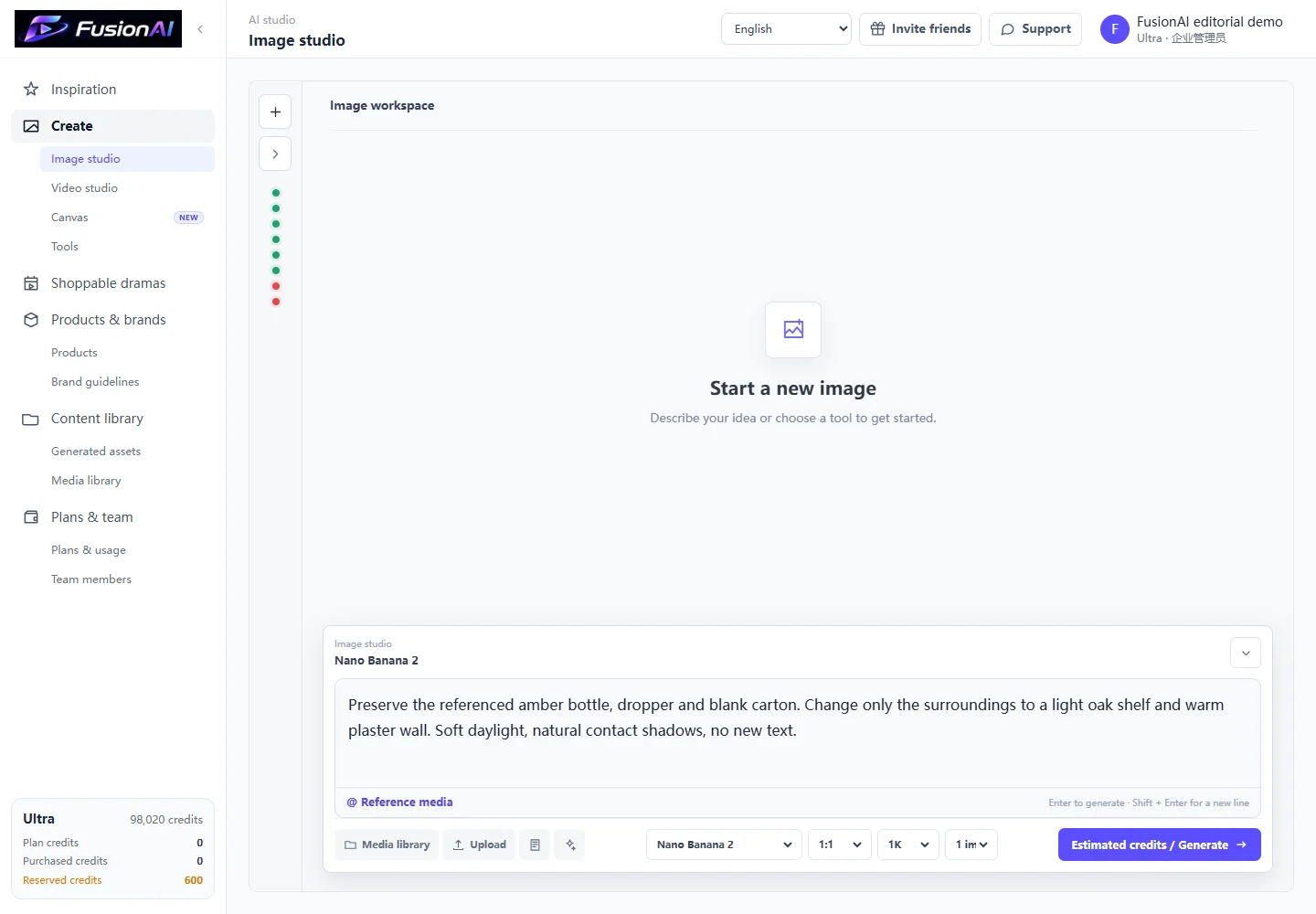
Follow the current FusionAI workspace. Check the selected model, settings and credit estimate before confirming a generation.
1. Why is my reference missing?
Typing a filename is not an attachment. Upload or select the file, wait for a preview and check its selected state. Use a supported still-image format and inspect the original if a format error appears.
2. Am I using 2 or Pro?
Check the model selector before submission and the completed task record afterwards. The published model guide explains the catalog entries; a screenshot or generic product name alone does not prove which version ran.
3. Why did the product change during a scene edit?
Separate source facts from creative direction and simplify the first edit. If geometry drifts, return to the original instead of repeatedly editing an inaccurate candidate. Compare seams, fasteners, label position and proportions at full size.
4. Why is the estimate different from an example?
The selected version, resolution and reference count can change the estimate. Examples record their own request and settlement; they are not quotations for every later task. Review Subscription & Usage and the task record when checking a charge.
5. What should I do with generated text?
Compare spelling, punctuation and line breaks with approved copy. If typography is important, finish it in your layout process rather than treating a plausible generated label as verified product information.