
Inicie uma tarefa Midjourney text-to-image em FusionAI
Equipe de Conteúdo do FusionAI · Updated 2026-11-12 · 1 min read
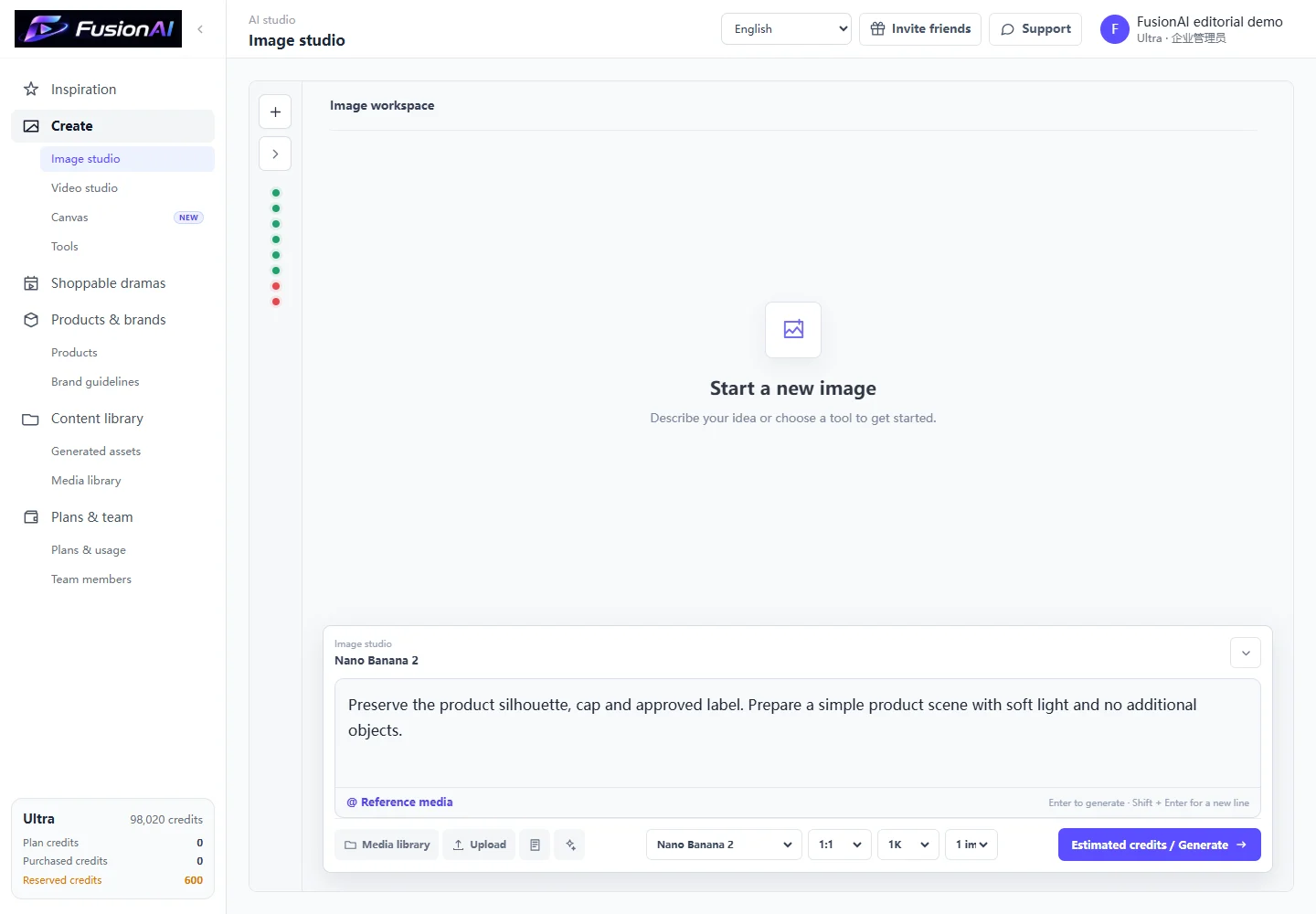
Follow the current FusionAI workspace. Check the selected model, settings and credit estimate before confirming a generation.
1. Use a visual brief for a new concept
State the subject, setting, composition, light and intended style. Treat an original concept differently from an exact-SKU edit: a text description does not establish the precise product you sell.
2. Check the published entry
Open image studio and choose an available Midjourney entry. Read the supported controls and input requirements in the actual selector; do not assume that every feature of another Midjourney interface is integrated here.
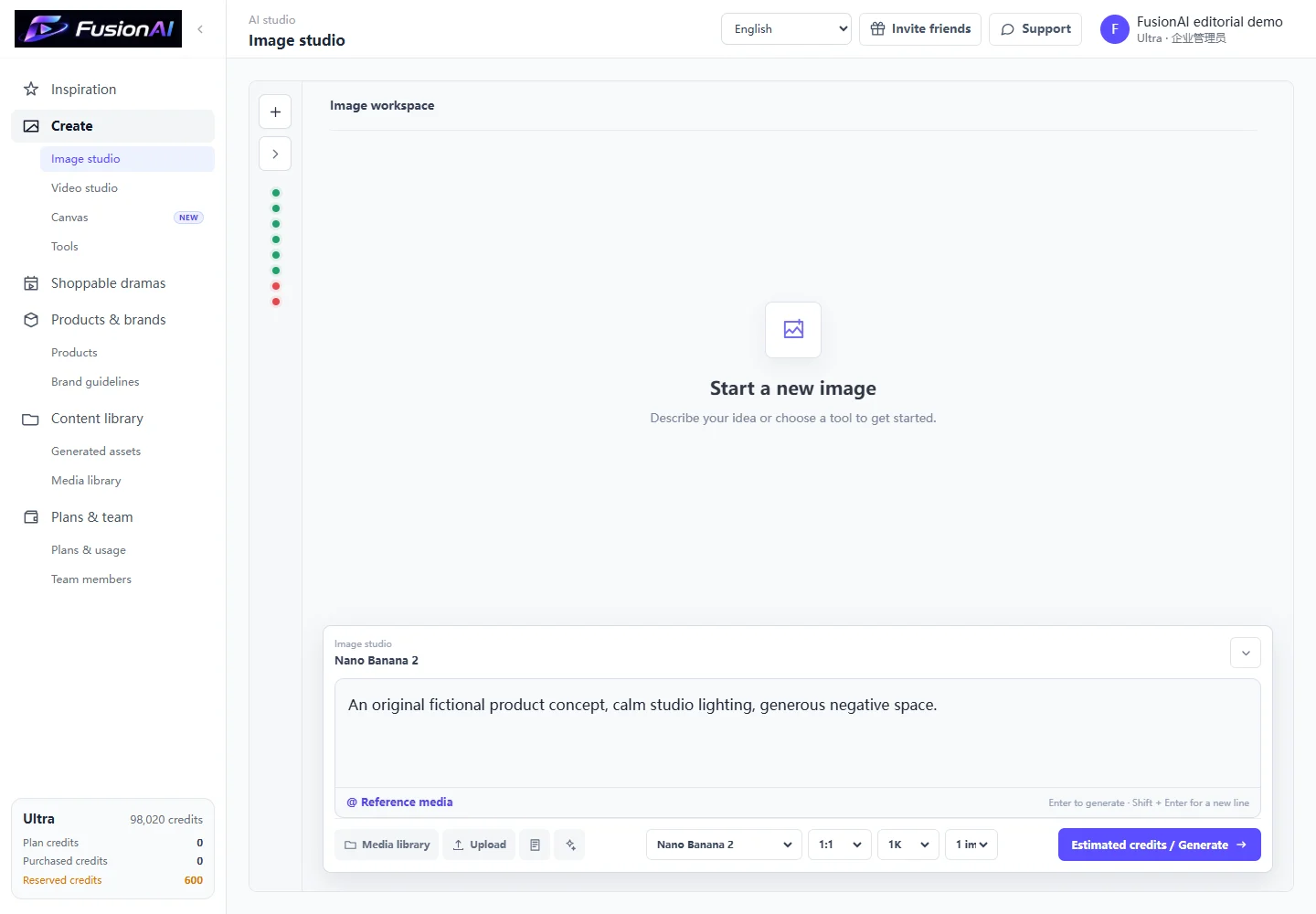
3. Generate one representative direction
Choose the output ratio for its intended placement, read the estimate and submit a focused brief. Review subject arrangement and visual direction before making more variants. This interface walkthrough is not a new model benchmark.
4. Keep the useful direction
Inspect generated details and any lettering. Save the selected image with its prompt and settings. For a product identity that must be retained, use a reference-editing workflow suited to that task.