
So bearbeiten Sie eine Produktreferenz mit Nano Banana 2
FusionAI Content-Team · Aktualisiert 2026-11-12 · 2 Min Read
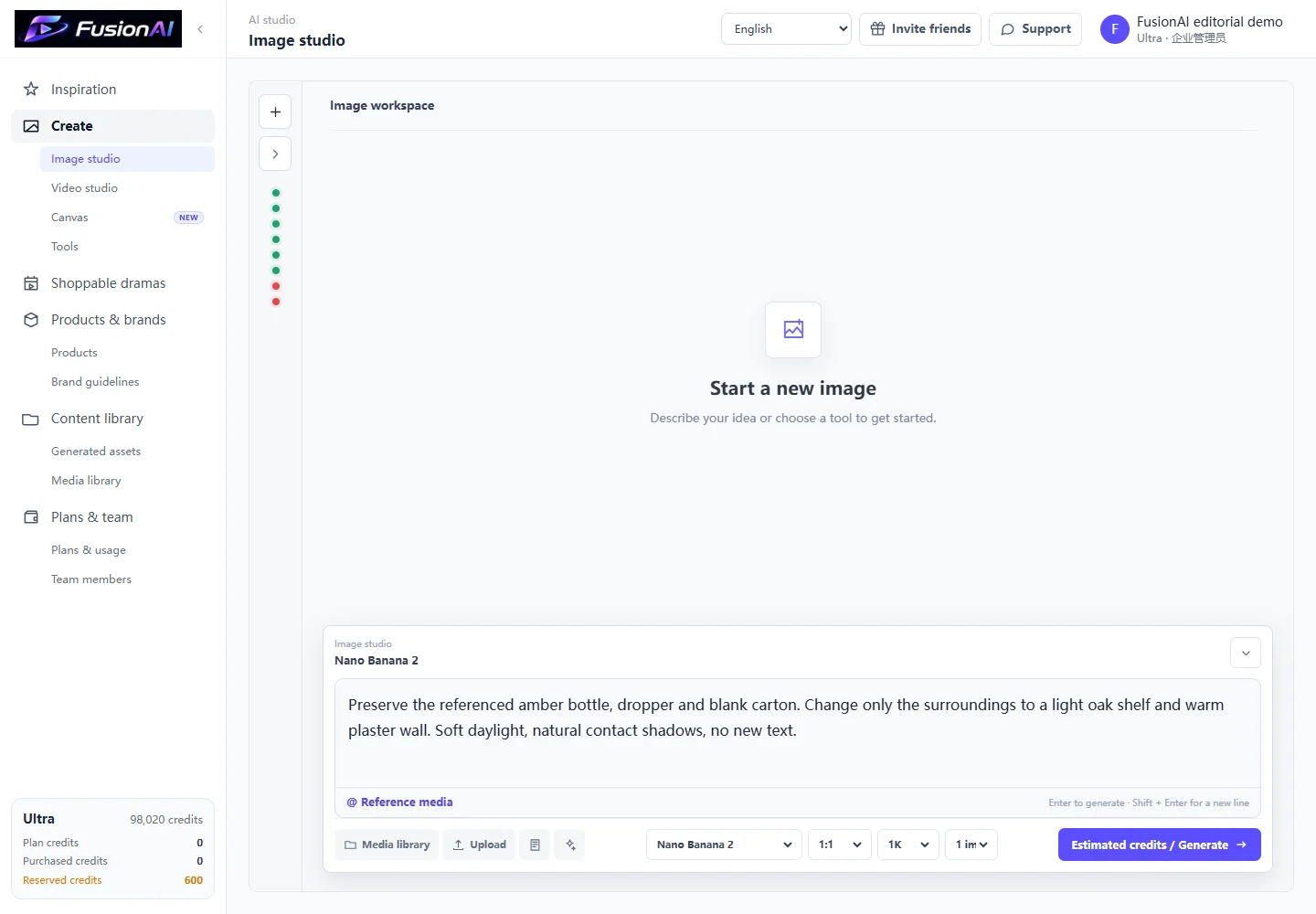
Follow the current FusionAI workspace. Check the selected model, settings and credit estimate before confirming a generation.
1. Prepare the product before opening the composer
Use a clear PNG or JPEG showing the whole product. For an existing SKU, list the silhouette, material, closures and approved text that must remain. A separate room or style reference should have a separate job.
2. Select the exact entry and attach the source
Open image studio and choose Nano Banana 2. Upload the original or select it from materials, wait for the thumbnail and confirm that the intended reference remains selected. This guide uses the 2 entry; it does not establish a Pro comparison.
3. Write the edit as preservation plus change
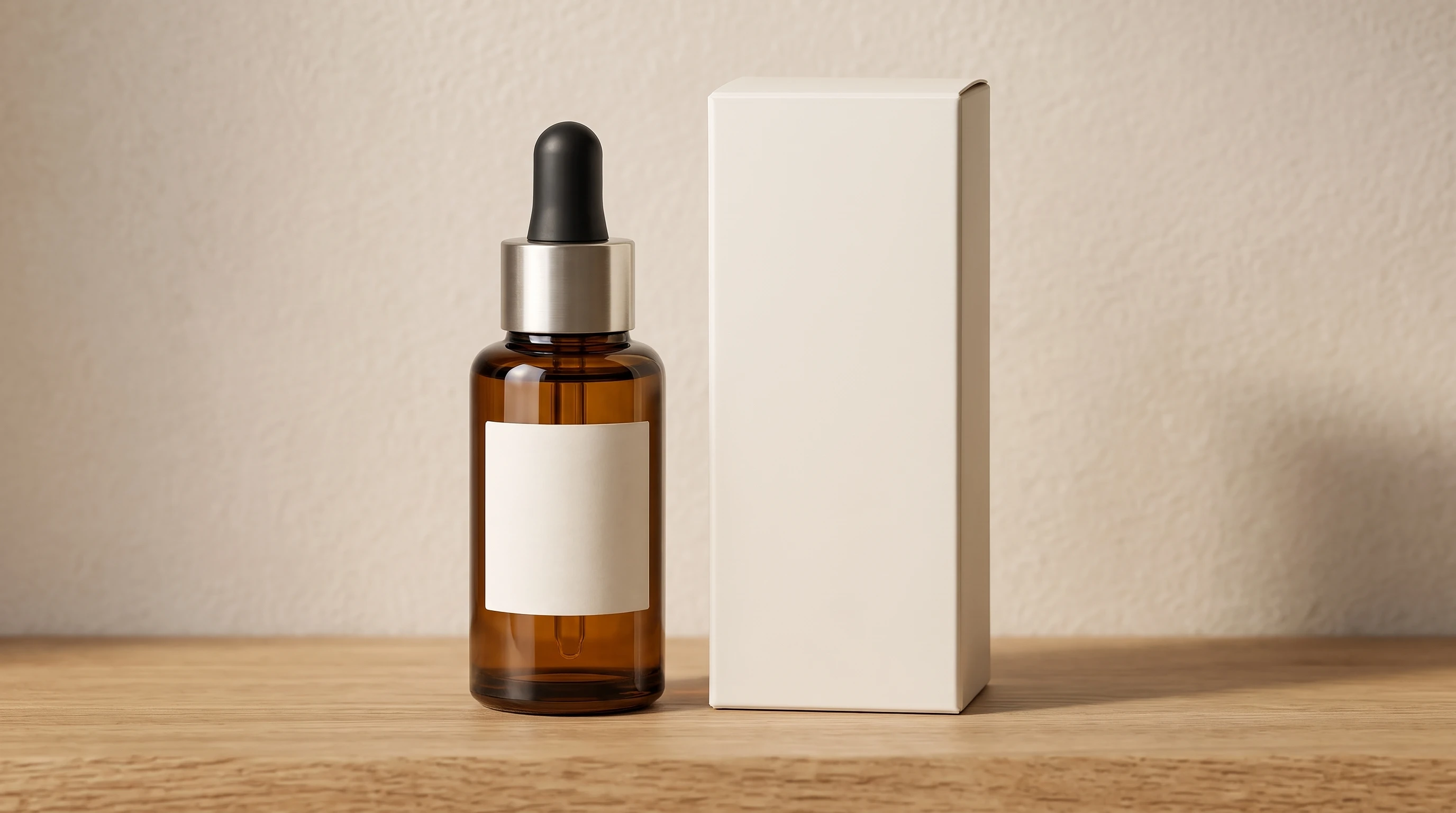
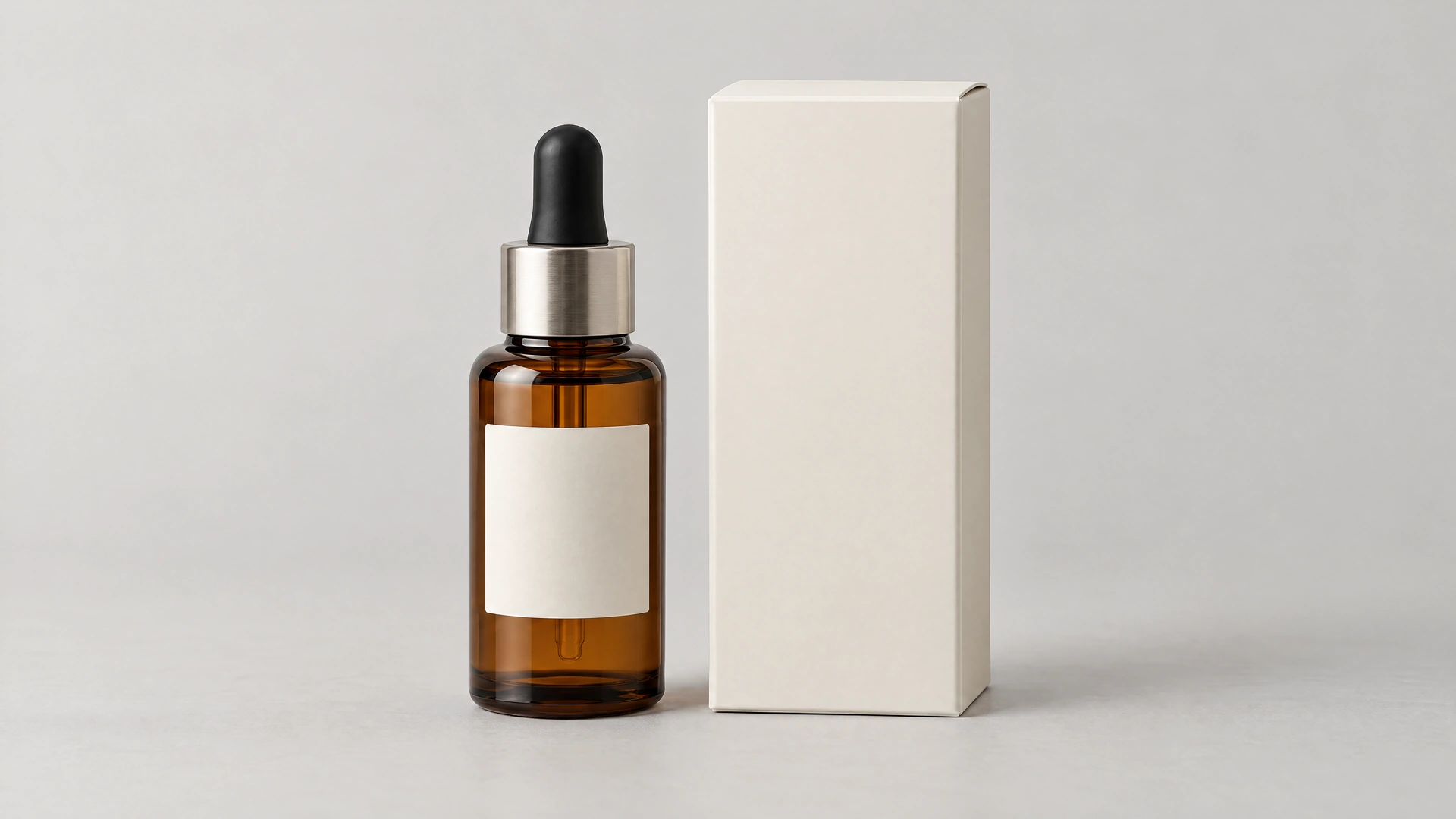
In the measured example, the source is an original synthetic amber bottle and blank carton. The request preserves the bottle, dropper, collar and labels while changing the surroundings to an oak shelf and warm plaster wall. It adds no ingredient claims or brand copy.
4. Choose settings, then check the estimate
The recorded request used 16:9, 2K and one output. Its completed output is 2752 × 1536 and the local task charged 51 platform credits. This is one dated task record, not a fixed tariff. Read the current estimate for your own selected settings.
5. Compare the source and completed result
The output retains the amber bottle, dark dropper and blank carton in a new wooden setting. Inspect the cap and box proportions, glass reflections and contact shadows at full size. Blank labels make this a scene-editing test, not evidence of accurate typography.
Inspect the actual task
The output retains an amber bottle, dark dropper, silver collar and blank carton. The studio background changes to wood and warm plaster, with contact shadows beneath both objects.
One actual Nano Banana 2 scene edit, not a Pro comparison or typography test. The product is synthetic; exact physical dimensions and label accuracy are not established.
View model, prompt, parameters and task record