
GPT 이미지 제품군으로 첫 번째 제품 장면 만들기
FusionAI 콘텐츠 팀 · 업데이트된 2026-11-12 · 2 MIN 읽기
Follow the current FusionAI workspace. Check the selected model, settings and credit estimate before confirming a generation.
1. Start with a useful image task
Decide whether you need a new concept or an edit of an existing SKU. For an edit, prepare the source photograph and list the product details that cannot change before describing a new surface or room.
2. Choose the precise model entry
Open image studio and inspect the GPT Image entries currently published in the selector. Keep the selected entry, ratio and resolution in your task record. The linked packaging example was generated with Sunburst and does not compare every entry in the family.
3. Attach the reference and give the edit boundaries
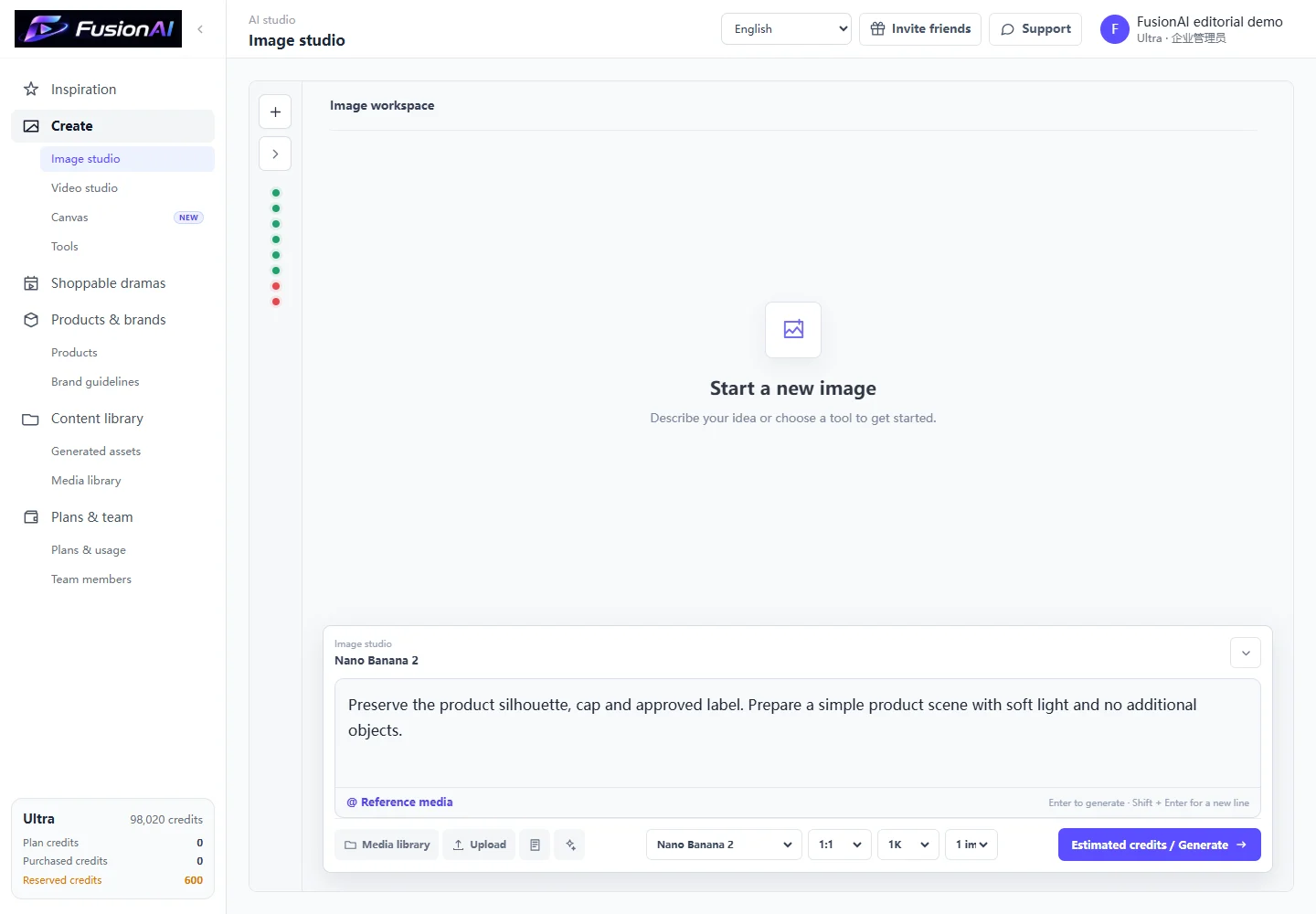
Wait for the thumbnail, then write the fixed product facts, requested change, composition, light and exclusions. In the packaging example the amber bottle and blank box remain the reference while only the setting changes.
4. Review the completed file
Read the estimate before confirming. After completion, inspect the full-size file and compare the bottle silhouette, collar, carton construction and shadows. A visually attractive image can still change a factual product detail.
5. Move to a set only when the direction works
Keep the usable candidate and its original source. If you need hero, feature, context and detail images, open AI product image sets and give each image a separate purpose rather than requesting one crowded composition.
Inspect the actual task
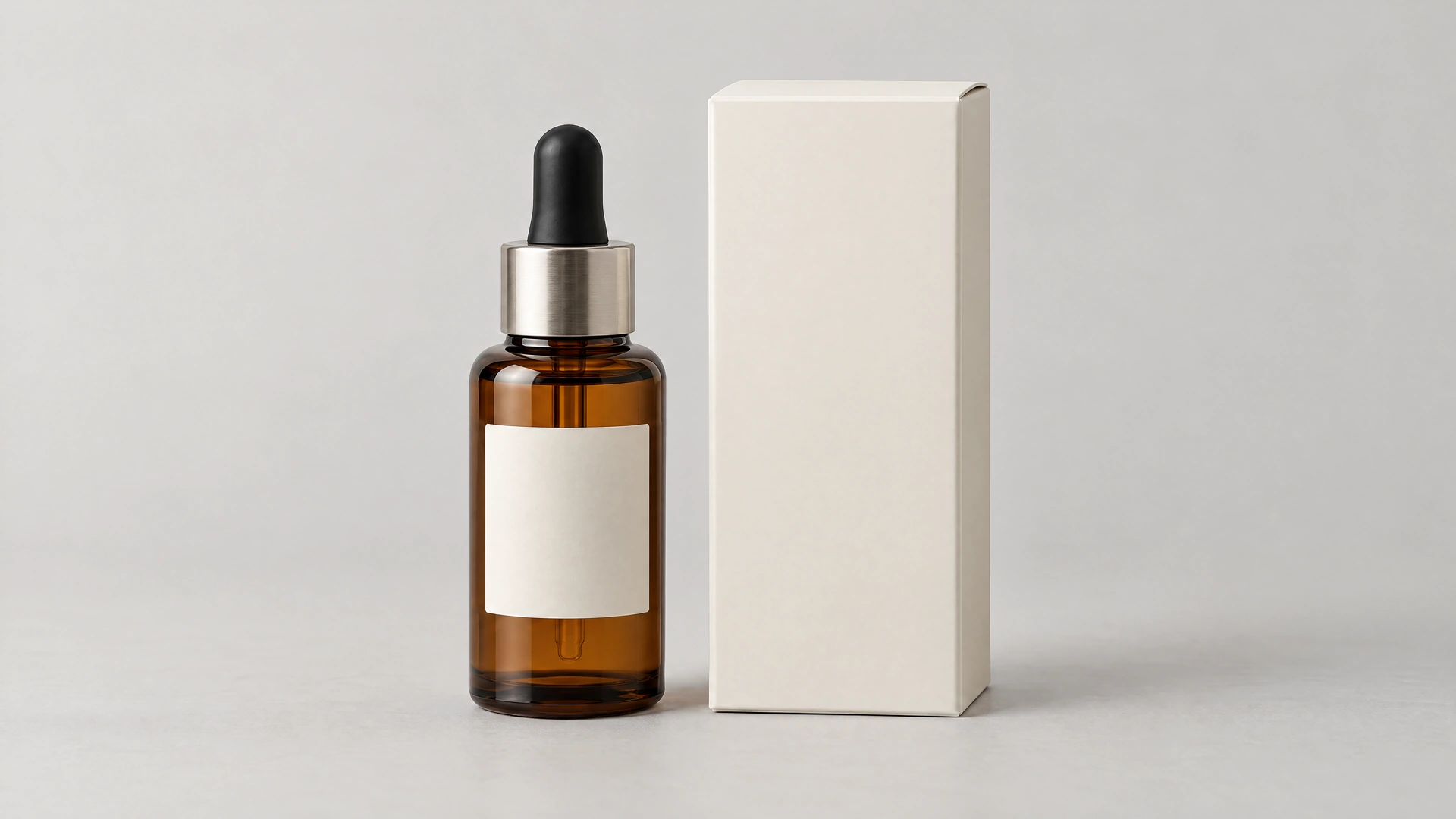
이미지는 호박색 병, 검은색 점적기, 은색 고리 및 상아 판지를 돌 선반에 놓는 동안 보관합니다. 라벨이 비어 있으므로 성분이나 혜택 청구가 도입되지 않습니다.
이 합성 브랜드가 없는 예는 텍스트 충실도를 테스트하거나 스킨케어 성능을 입증하지 않습니다. 일반 게시 프로세스를 통해 확인된 브랜드 사본만 추가하고 최종 포장 세부 정보를 검사하십시오.
View model, prompt, parameters and task record