
GPT Image Family で最初の製品シーンを作成する
FusionAI コンテンツチーム · 2026-11-12 · 2 を更新しました
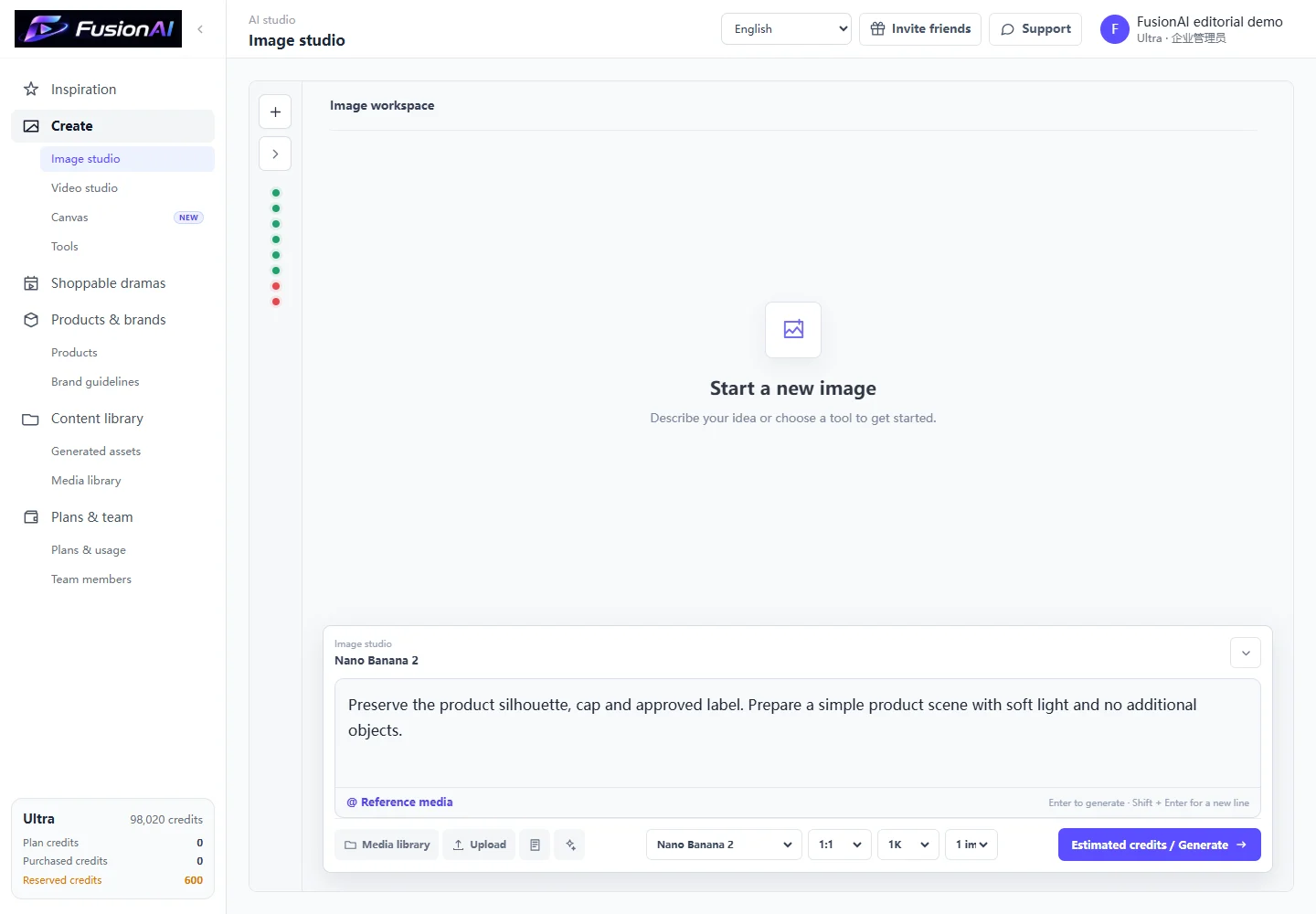
Follow the current FusionAI workspace. Check the selected model, settings and credit estimate before confirming a generation.
1. Start with a useful image task
Decide whether you need a new concept or an edit of an existing SKU. For an edit, prepare the source photograph and list the product details that cannot change before describing a new surface or room.
2. Choose the precise model entry
Open image studio and inspect the GPT Image entries currently published in the selector. Keep the selected entry, ratio and resolution in your task record. The linked packaging example was generated with Sunburst and does not compare every entry in the family.
3. Attach the reference and give the edit boundaries
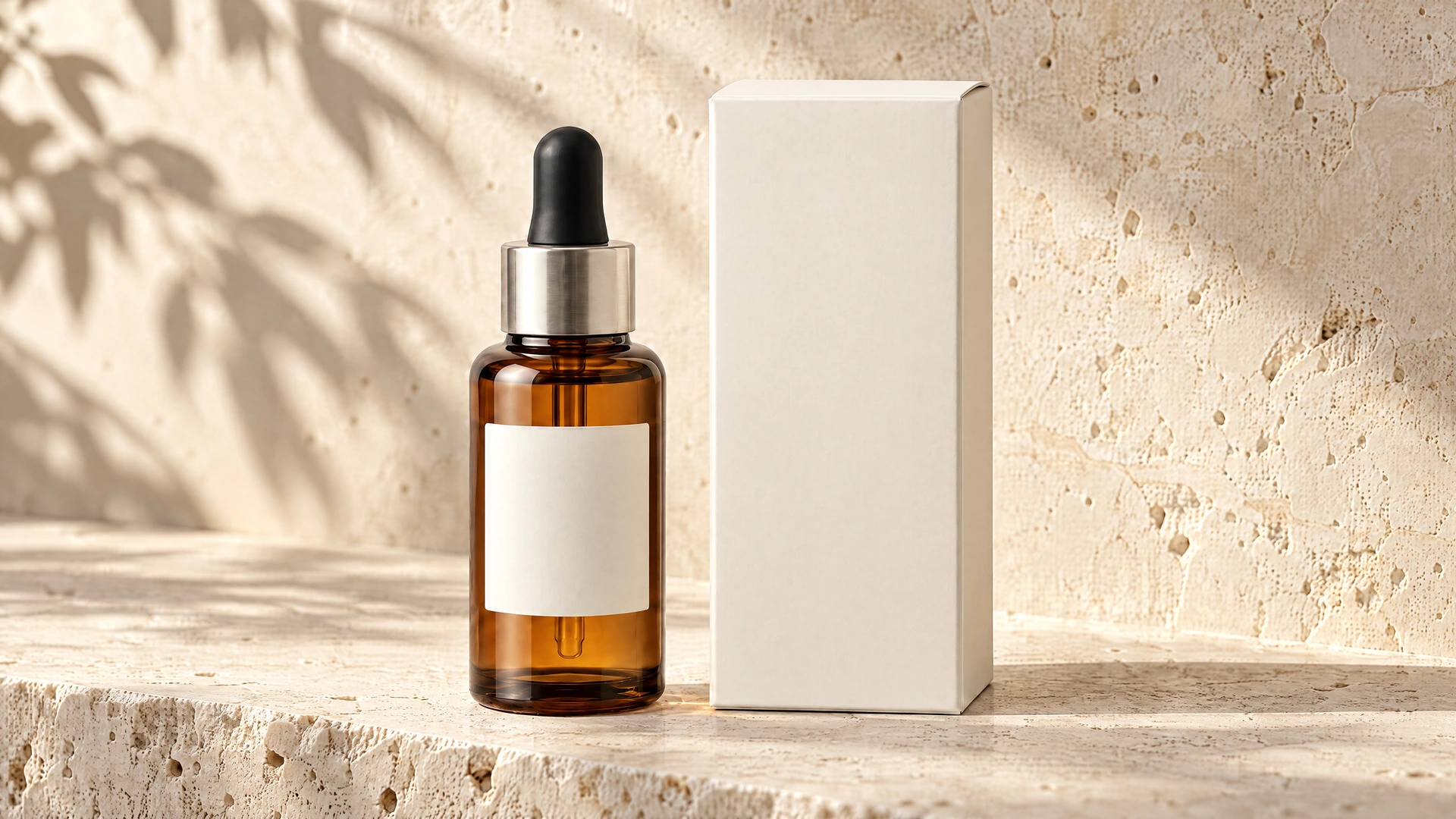
Wait for the thumbnail, then write the fixed product facts, requested change, composition, light and exclusions. In the packaging example the amber bottle and blank box remain the reference while only the setting changes.
4. Review the completed file
Read the estimate before confirming. After completion, inspect the full-size file and compare the bottle silhouette, collar, carton construction and shadows. A visually attractive image can still change a factual product detail.
5. Move to a set only when the direction works
Keep the usable candidate and its original source. If you need hero, feature, context and detail images, open AI product image sets and give each image a separate purpose rather than requesting one crowded composition.
Inspect the actual task
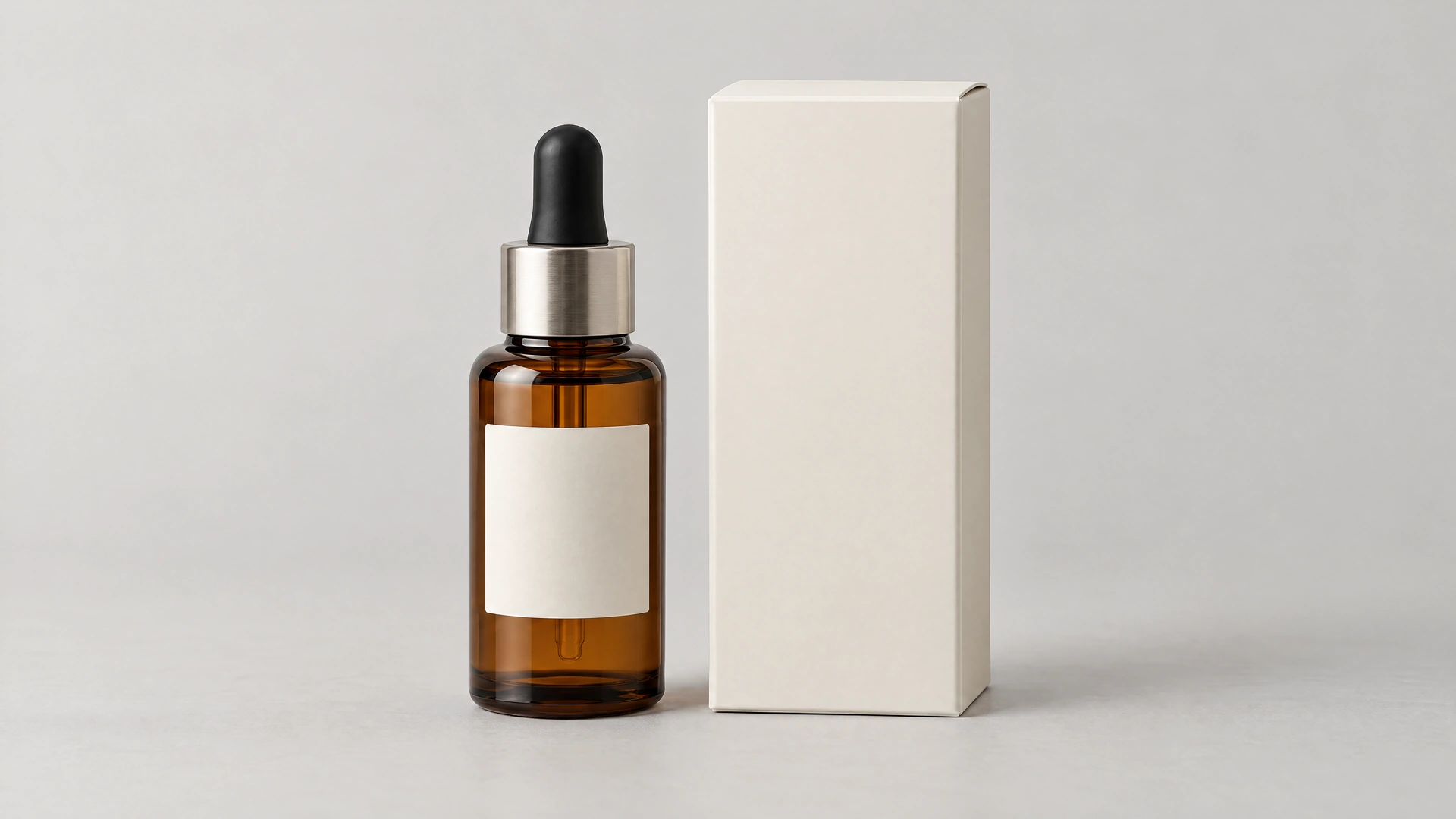
この画像では、琥珀色のボトル、黒のスポイト、シルバー カラー、アイボリー カートンを石の棚に置いたままにしています。 ラベルは空白のままであるため、成分や特典の請求はありません。
この合成ブランドのない例は、テキストの忠実度をテストしたり、スキンケアのパフォーマンスを証明したりしません。 通常の発行プロセスを通じて検証済みのブランド コピーのみを追加し、最終的なパッケージの詳細を検査します。
View model, prompt, parameters and task record