
Crie sua primeira cena de produto com a família GPT Image
Equipe de Conteúdo do FusionAI · Atualizado 2026-11-12 · 2 Mina ler
Follow the current FusionAI workspace. Check the selected model, settings and credit estimate before confirming a generation.
1. Start with a useful image task
Decide whether you need a new concept or an edit of an existing SKU. For an edit, prepare the source photograph and list the product details that cannot change before describing a new surface or room.
2. Choose the precise model entry
Open image studio and inspect the GPT Image entries currently published in the selector. Keep the selected entry, ratio and resolution in your task record. The linked packaging example was generated with Sunburst and does not compare every entry in the family.
3. Attach the reference and give the edit boundaries
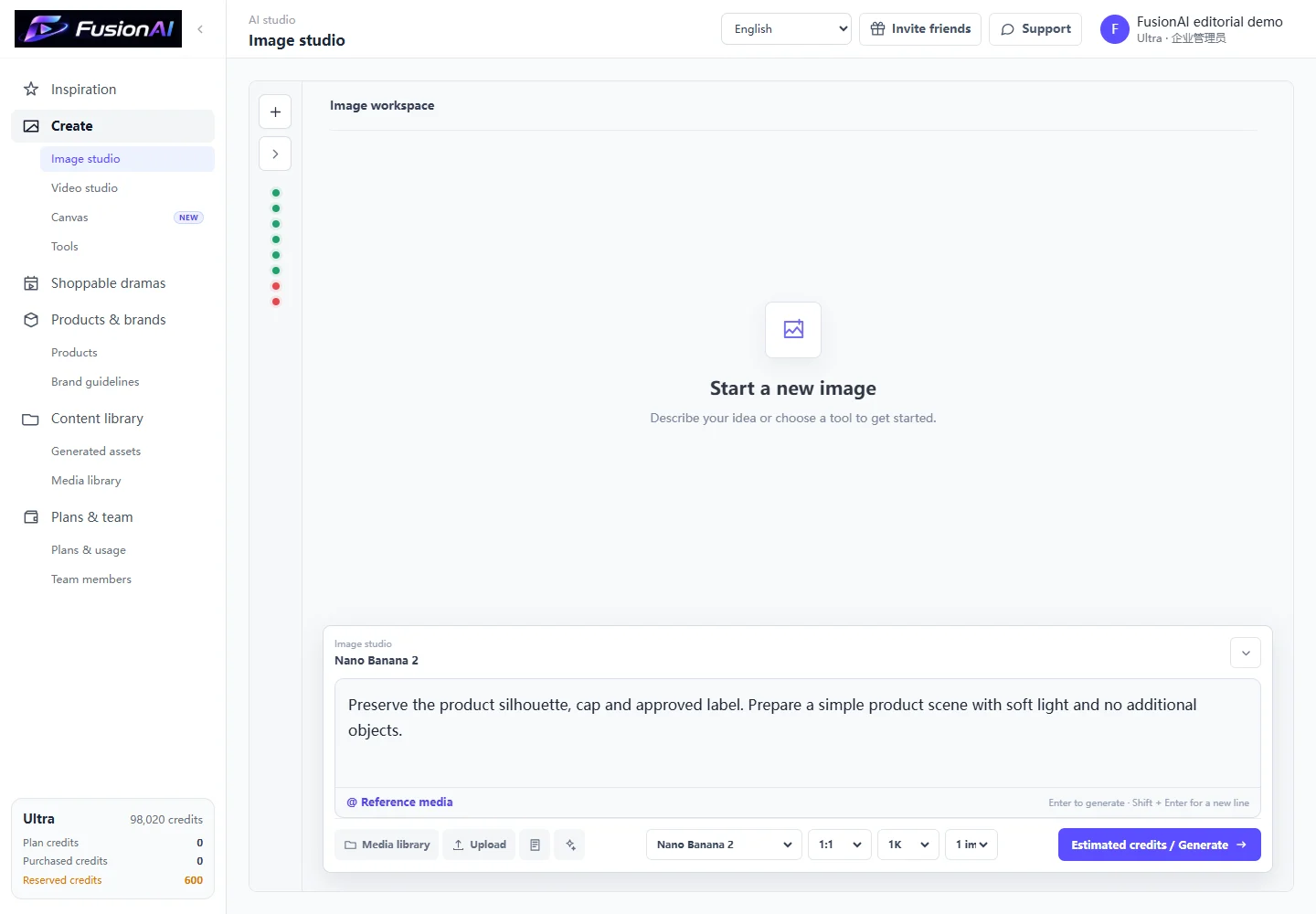
Wait for the thumbnail, then write the fixed product facts, requested change, composition, light and exclusions. In the packaging example the amber bottle and blank box remain the reference while only the setting changes.
4. Review the completed file
Read the estimate before confirming. After completion, inspect the full-size file and compare the bottle silhouette, collar, carton construction and shadows. A visually attractive image can still change a factual product detail.
5. Move to a set only when the direction works
Keep the usable candidate and its original source. If you need hero, feature, context and detail images, open AI product image sets and give each image a separate purpose rather than requesting one crowded composition.
Inspect the actual task
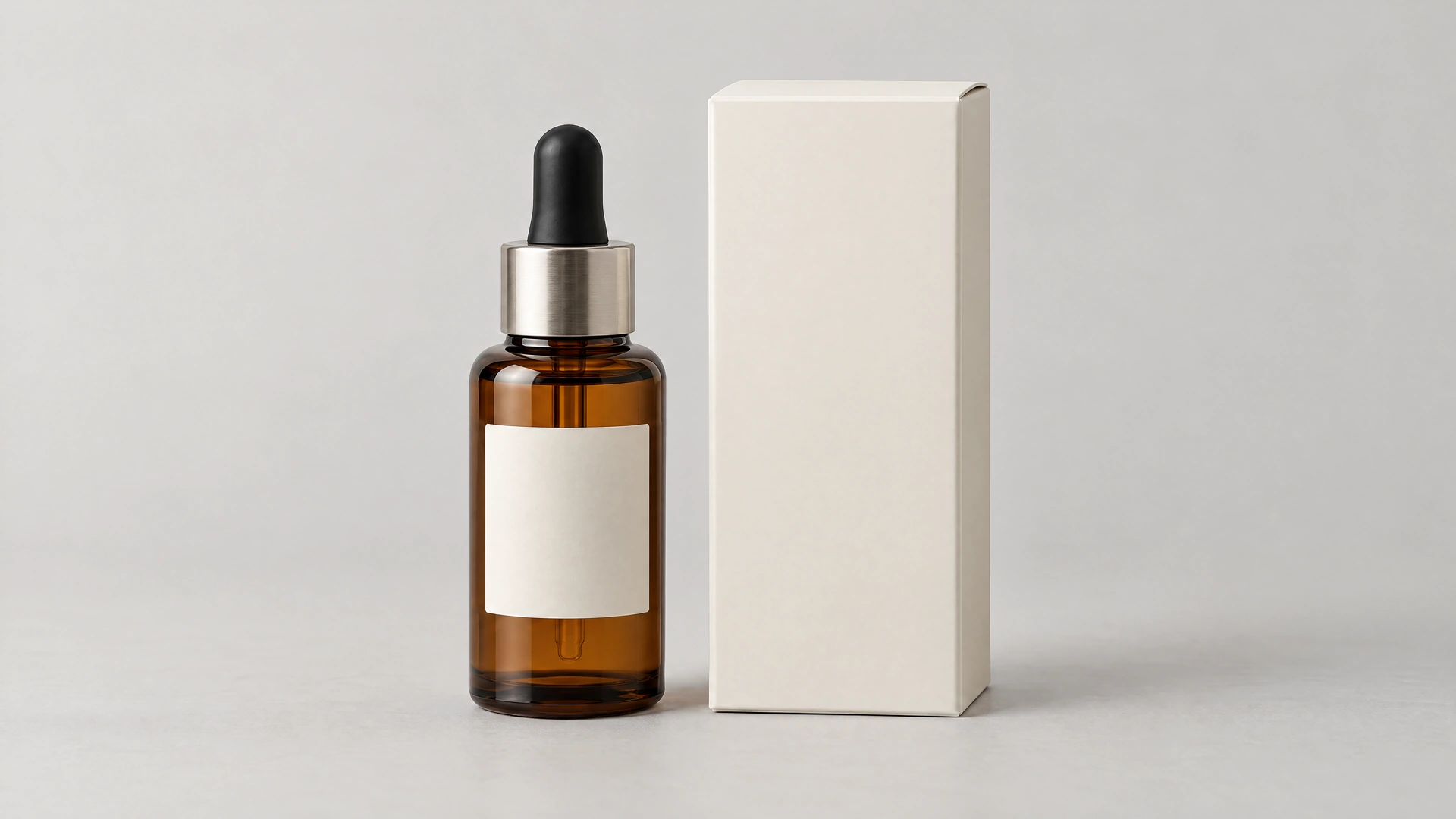
A imagem mantém a garrafa âmbar, o conta-gotas preto, a gola de prata e a caixa de marfim, enquanto os coloca em uma borda de pedra. Os rótulos permanecem em branco, portanto, nenhum ingrediente ou afirmação de benefício é introduzido.
Este exemplo sintético sem marca não testa a fidelidade do texto ou comprova o desempenho do cuidado da pele. Adicione apenas uma cópia verificada da marca por meio de seu processo de publicação normal e inspecione os detalhes finais da embalagem.
View model, prompt, parameters and task record