
Créez votre première scène de produit avec la famille d'images GPT
Équipe de contenu FusionAI · Mise à jour 2026-11-12 · 2 min Lecture
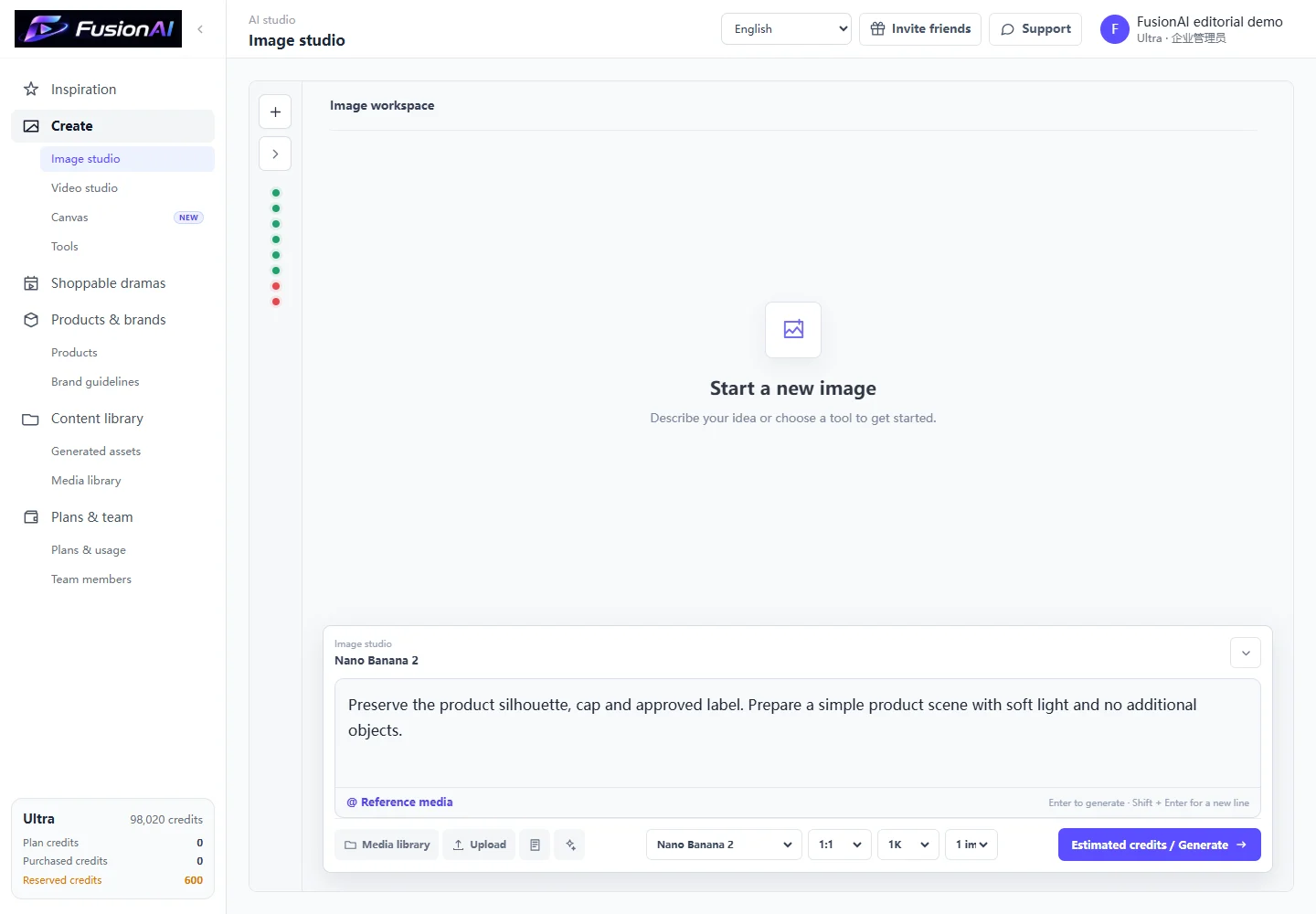
Follow the current FusionAI workspace. Check the selected model, settings and credit estimate before confirming a generation.
1. Start with a useful image task
Decide whether you need a new concept or an edit of an existing SKU. For an edit, prepare the source photograph and list the product details that cannot change before describing a new surface or room.
2. Choose the precise model entry
Open image studio and inspect the GPT Image entries currently published in the selector. Keep the selected entry, ratio and resolution in your task record. The linked packaging example was generated with Sunburst and does not compare every entry in the family.
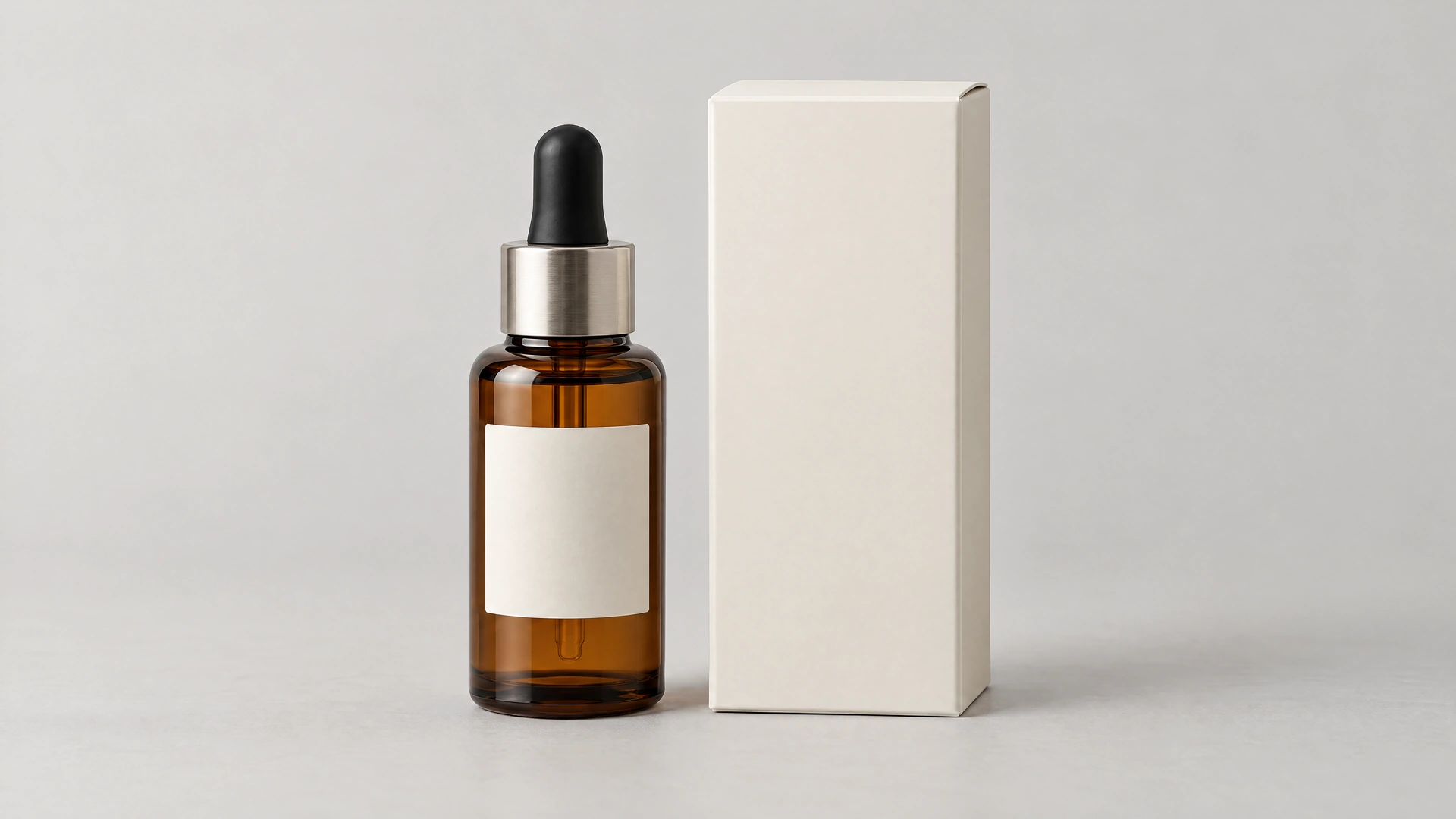
3. Attach the reference and give the edit boundaries
Wait for the thumbnail, then write the fixed product facts, requested change, composition, light and exclusions. In the packaging example the amber bottle and blank box remain the reference while only the setting changes.
4. Review the completed file
Read the estimate before confirming. After completion, inspect the full-size file and compare the bottle silhouette, collar, carton construction and shadows. A visually attractive image can still change a factual product detail.
5. Move to a set only when the direction works
Keep the usable candidate and its original source. If you need hero, feature, context and detail images, open AI product image sets and give each image a separate purpose rather than requesting one crowded composition.
Inspect the actual task
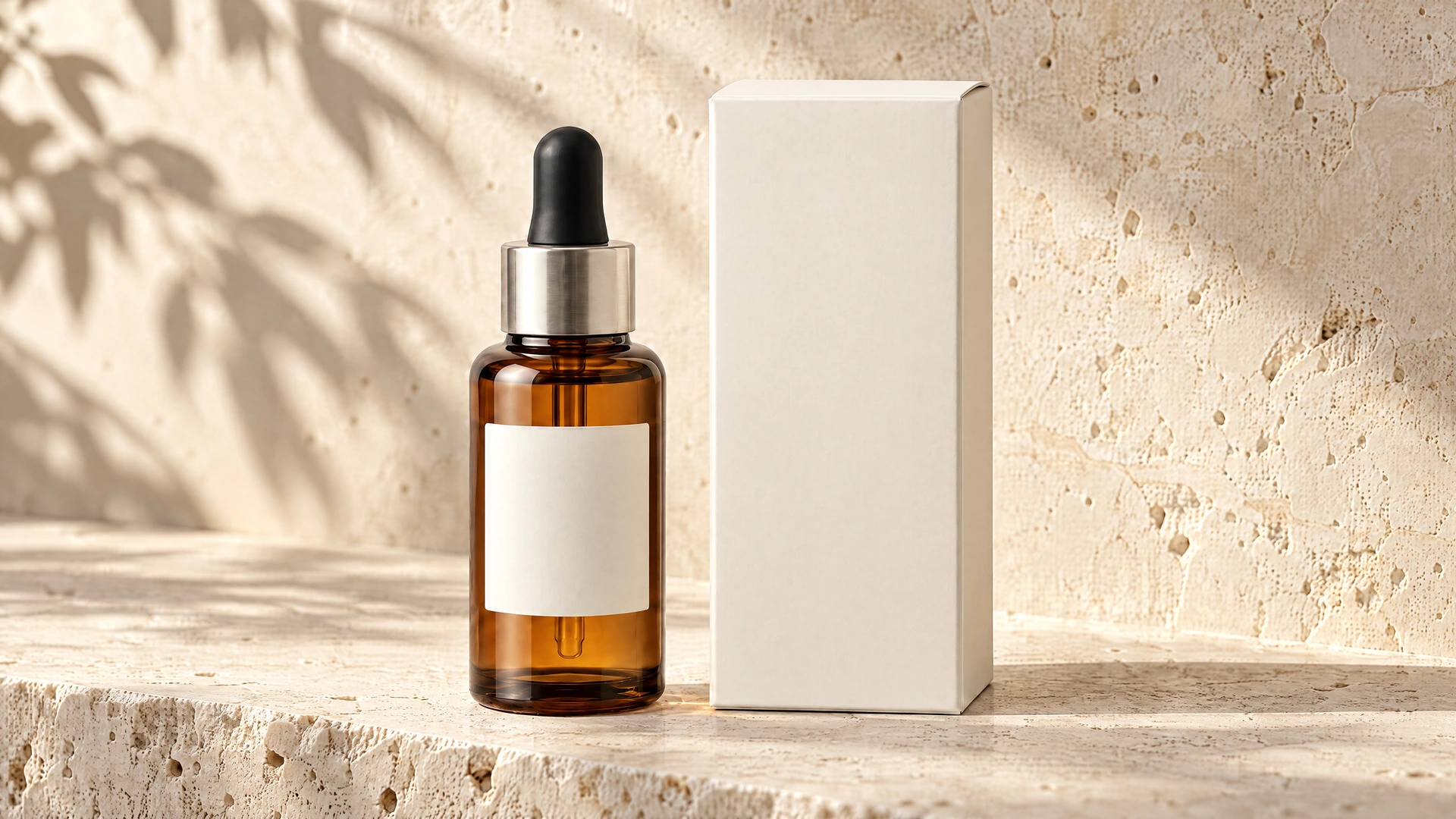
L'image conserve la bouteille d'ambre, le compte-gouttes noir, le collier en argent et le carton en ivoire tout en les plaçant sur un rebord de pierre. Les étiquettes restent vides, de sorte qu'aucune réclamation d'ingrédient ou de prestation n'est introduite.
Cet exemple synthétique sans marque ne teste pas la fidélité du texte ou ne prouve pas les performances des soins de la peau. Ajoutez uniquement une copie de marque vérifiée grâce à votre processus de publication normal et inspectez les détails de l'emballage final.
View model, prompt, parameters and task record