
Tạo cảnh sản phẩm đầu tiên của bạn với gia đình hình ảnh GPT
Đội ngũ nội dung FusionAI · Đã cập nhật 2026-11-12 · 2 phút đọc
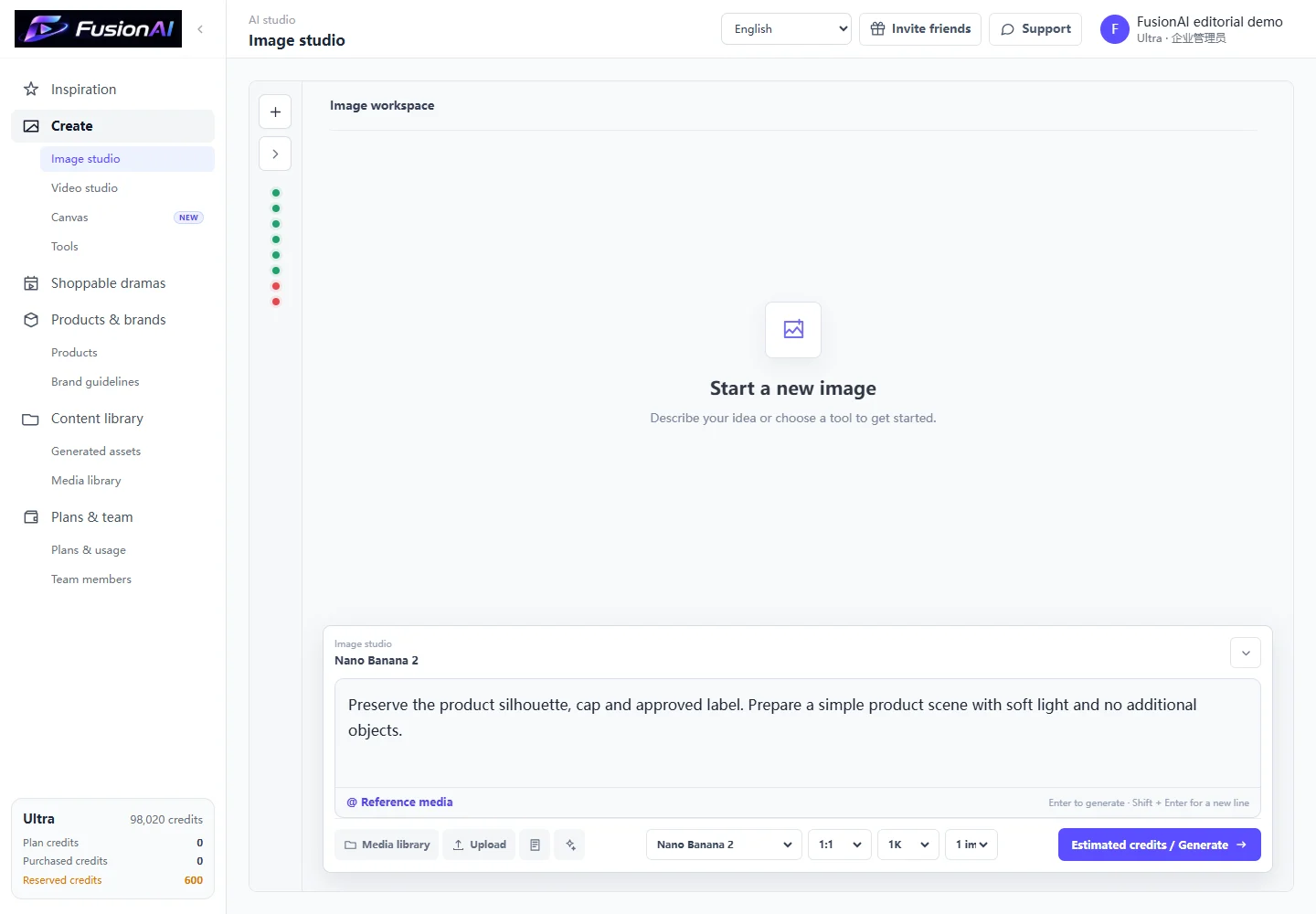
Follow the current FusionAI workspace. Check the selected model, settings and credit estimate before confirming a generation.
1. Start with a useful image task
Decide whether you need a new concept or an edit of an existing SKU. For an edit, prepare the source photograph and list the product details that cannot change before describing a new surface or room.
2. Choose the precise model entry
Open image studio and inspect the GPT Image entries currently published in the selector. Keep the selected entry, ratio and resolution in your task record. The linked packaging example was generated with Sunburst and does not compare every entry in the family.
3. Attach the reference and give the edit boundaries
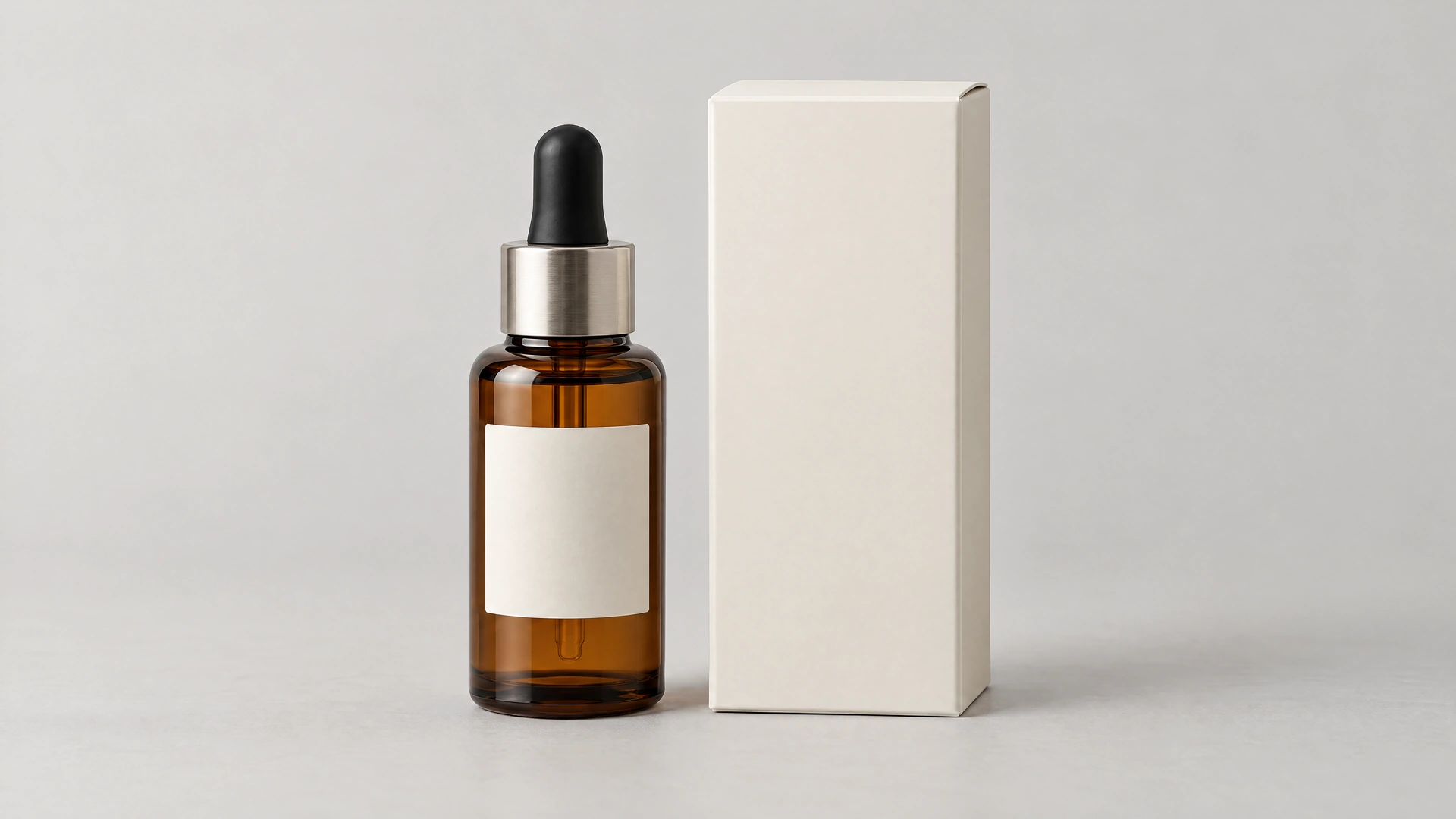
Wait for the thumbnail, then write the fixed product facts, requested change, composition, light and exclusions. In the packaging example the amber bottle and blank box remain the reference while only the setting changes.
4. Review the completed file
Read the estimate before confirming. After completion, inspect the full-size file and compare the bottle silhouette, collar, carton construction and shadows. A visually attractive image can still change a factual product detail.
5. Move to a set only when the direction works
Keep the usable candidate and its original source. If you need hero, feature, context and detail images, open AI product image sets and give each image a separate purpose rather than requesting one crowded composition.
Inspect the actual task
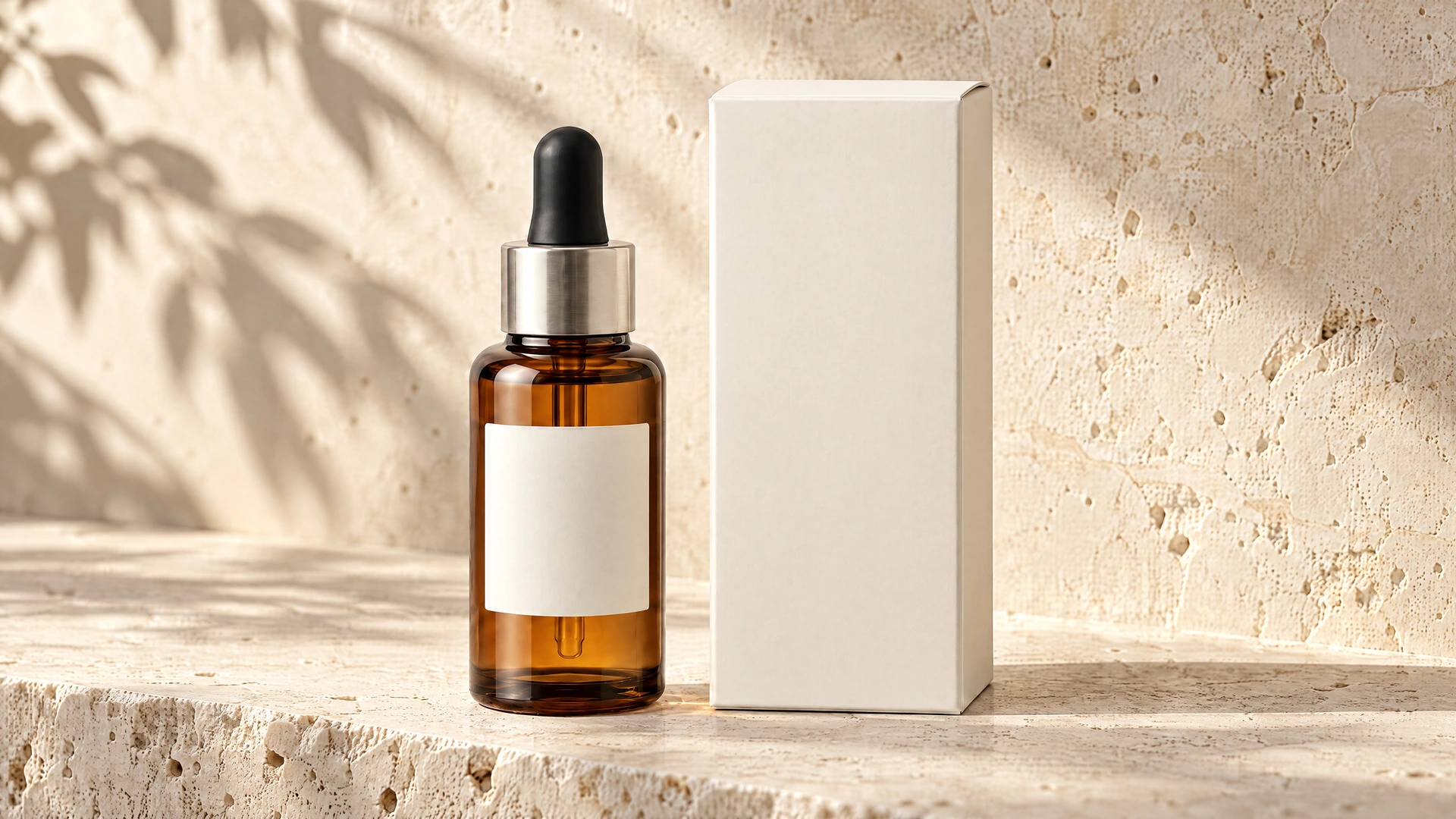
Hình ảnh giữ chai màu hổ phách, ống nhỏ giọt màu đen, cổ áo bạc và thùng carton ngà trong khi đặt chúng trên một mỏm đá. Các nhãn vẫn trống, vì vậy không có yêu cầu về thành phần hoặc lợi ích nào được giới thiệu.
Ví dụ tổng hợp không có nhãn hiệu này không kiểm tra độ trung thực của văn bản hoặc chứng minh hiệu suất chăm sóc da. Chỉ thêm bản sao thương hiệu đã được xác minh thông qua quy trình xuất bản thông thường của bạn và kiểm tra các chi tiết đóng gói cuối cùng.
View model, prompt, parameters and task record