Product retouching
An isolated main-image candidate kept separate from lifestyle assets.

Build an ASIN evidence set with separate roles for the main image, secondary gallery, eligible A+ modules and product video. Start with what the listing must prove about the exact item being sold.
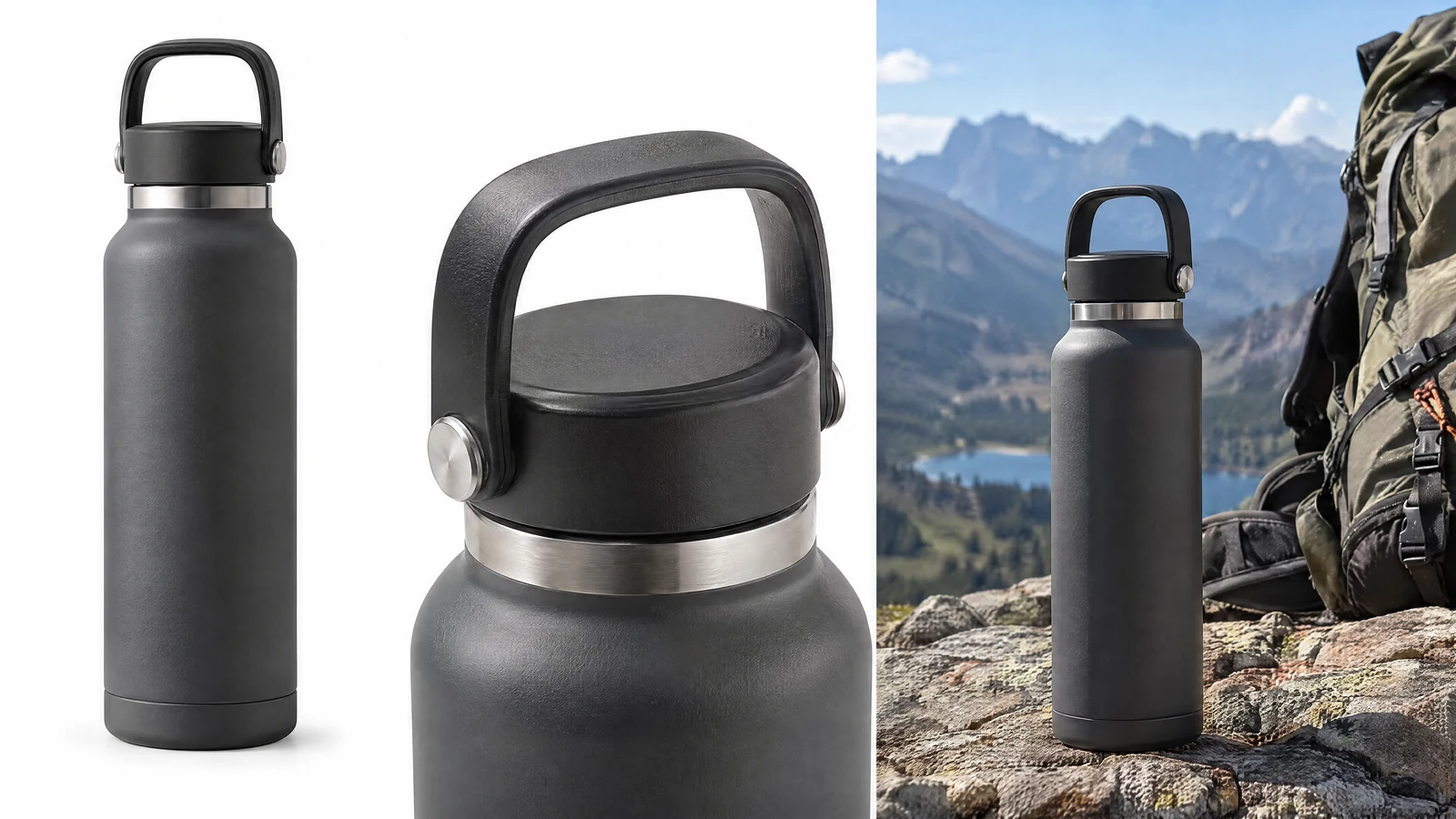
Choose the asset your next project needs
An isolated main-image candidate kept separate from lifestyle assets.
A secondary gallery organized by product facts, detail, scale and use.
Lifestyle and feature assets intended for the correct listing placement.
A short demonstration whose action agrees with the physical product.
Original product photographs, exact SKU contents, confirmed dimensions and your current marketplace category requirements.
Retouch the real SKU photograph without changing its quantity, geometry, labels or supplied accessories. Check the current marketplace and category rules before selecting the background, model presentation and framing. A polished result still requires listing review.
Open Product retouching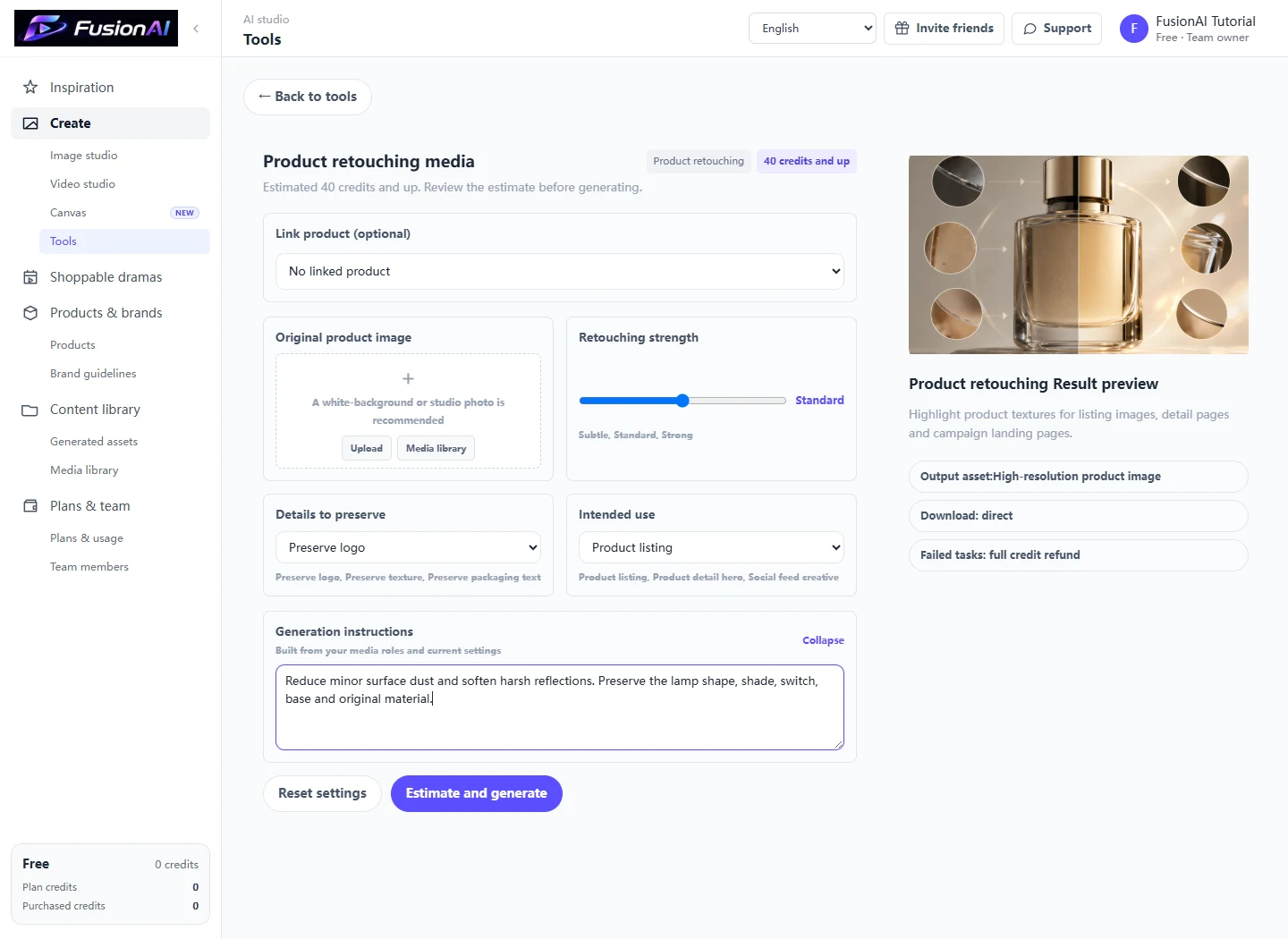
Plan distinct views for included contents, a real construction detail, verified dimensions and a relevant use situation. Supply measurements from product records. Generated scale, packaging text or accessories must not become invented evidence.
Open AI product image sets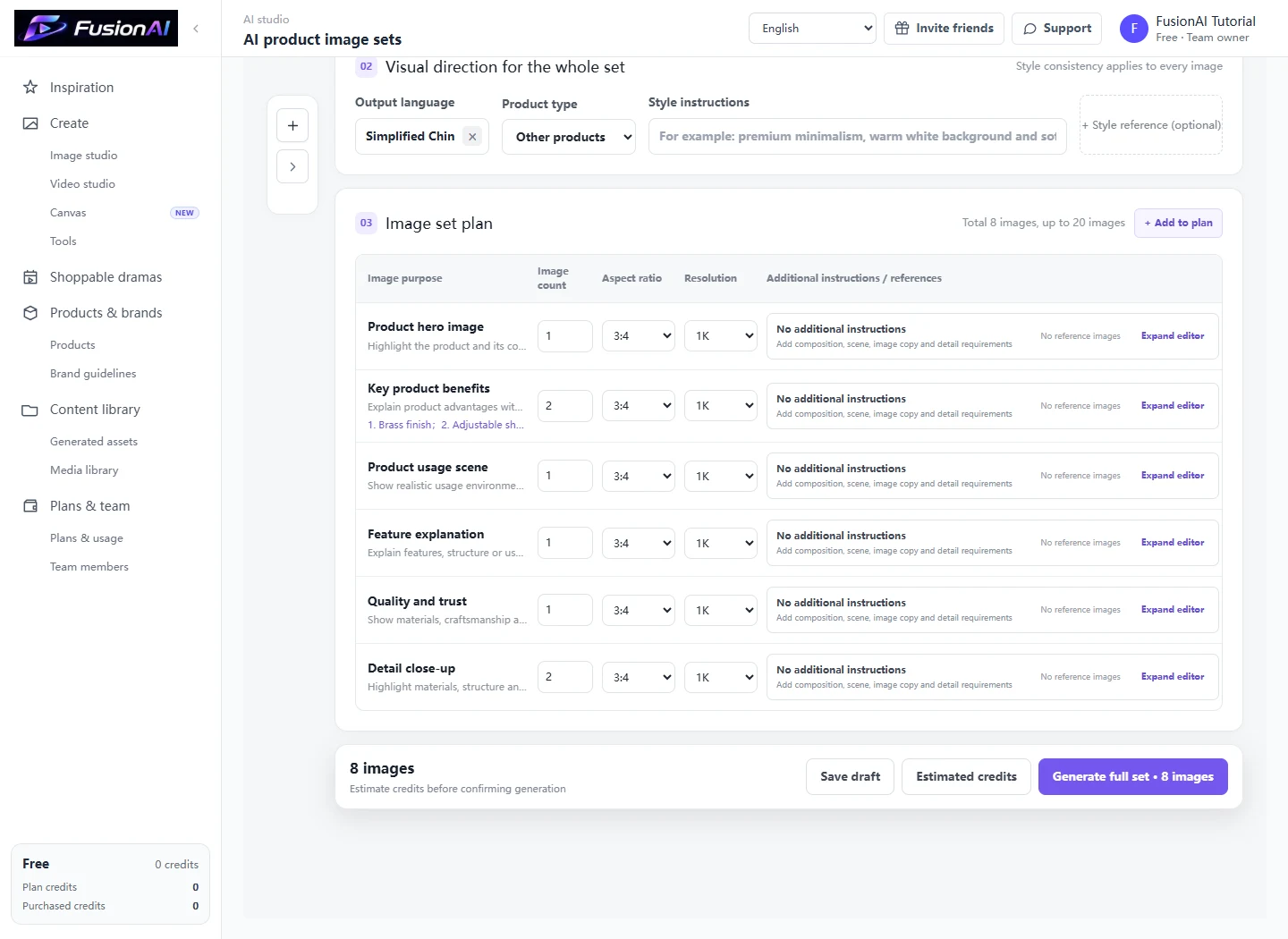
Use background replacement to show where the item is used while preserving product scale and included contents. Prepare A+ source images separately from the main-image candidate, then choose permitted modules in Seller Central if the ASIN is eligible.
Open Product background replacement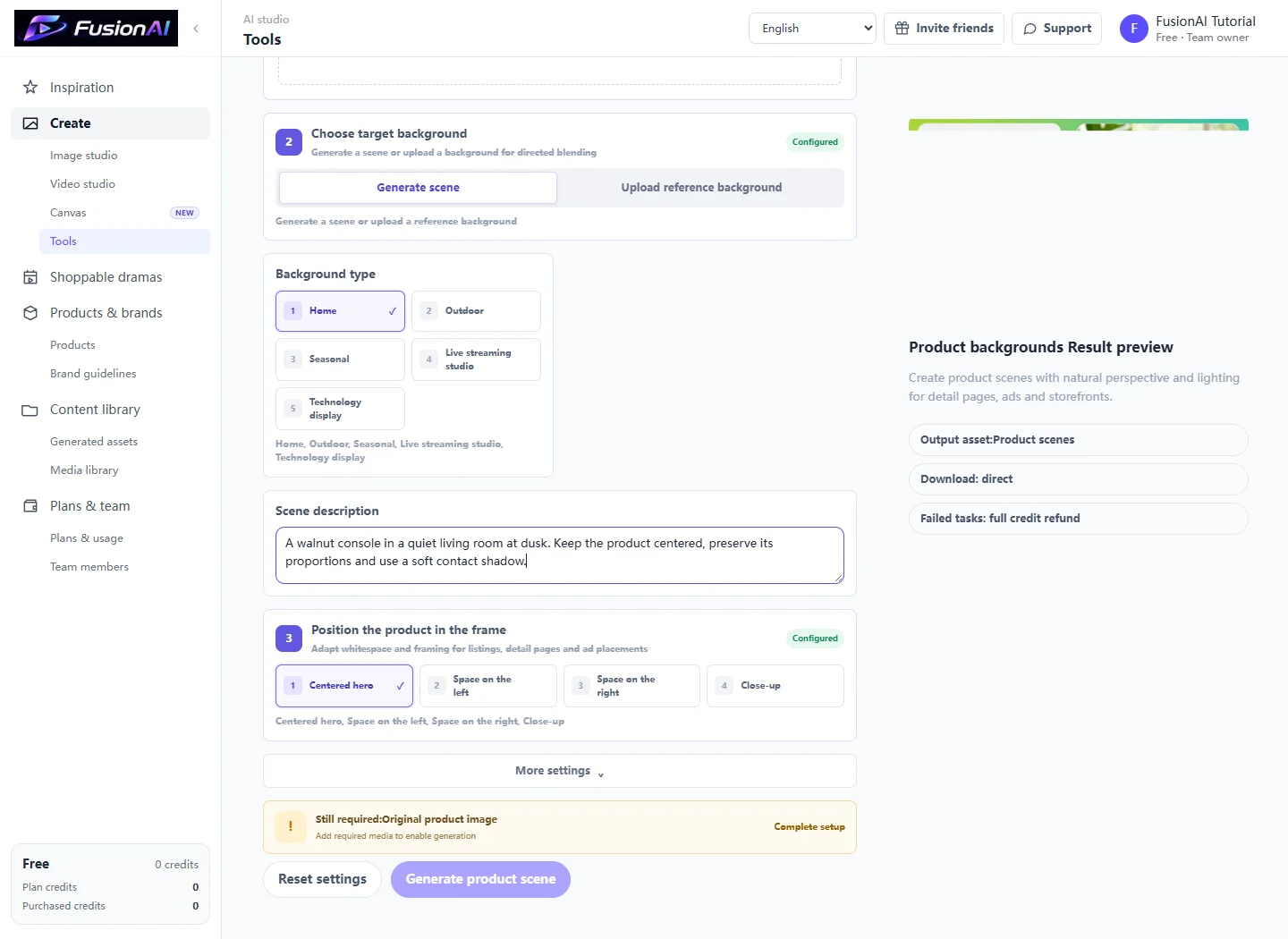
Begin with a checked reference and show one useful action, such as opening a lid or operating a real switch. Inspect the whole clip for invented mechanisms or changing parts. Upload through the video options actually available to the selling account.
Open AI video creation
For a bottle sold without a gift box, do not show an extra box as included in the MAIN candidate. Use secondary images to clarify the cap, size or use, and eligible A+ modules for richer descriptions. Verify claims and attachments in each file, then check current category rules.
Explore: Check one offer against the physical productExample: prepare a listing for a stainless travel bottle sold with one screw lid. Keep a real white-background product photograph as the main-image starting point. Use separate secondary views for the lid seal, actual capacity and cup-holder context. Show no spare cap, cleaning brush or thermal performance claim unless supported by the SKU and test records.
Open Product retouchingIllustrative handoff plan for a travel bottle supplied with one screw lid. This is a production checklist, not an approved Amazon listing or A+ submission.
| Folder / destination | Asset to prepare | Evidence and publication check |
|---|---|---|
| 01-MAIN | An accurate product-first candidate from the real SKU photograph | Check current marketplace and category presentation rules; do not substitute a lifestyle scene. |
| 02-GALLERY | Included contents, lid detail, measured dimensions and use context | The source photograph proves components; product records prove dimensions. Props are not supplied items. |
| 03-A-PLUS | Source layouts for the account’s eligible modules | Confirm Basic/Premium access and module requirements in Seller Central before generating layouts. |
| 04-VIDEO | One plausible action and a matching product poster | Inspect the whole clip; verify that opening or closing mechanics match the actual item. |
| 05-REVIEW | ASIN, variation, source, selected version and reviewer notes | Separate factual review from the platform’s listing or module approval. |
Keep a SKU fact sheet next to the creative brief. Do not add a spare cap, performance claim, certification badge or accessory without supporting product evidence. Export selected files and complete the merchant’s own publication checks.
Check product completeness, included items, background, text and any category-specific main-image rules.
Check the main image against the exact marketplace and category guidance; do not apply lifestyle-image rules to the MAIN slot.
Confirm the ASIN, variation, quantity and included components across all images. Measurements and performance statements must come from verified records.
Review A+ eligibility and restrictions in Seller Central. Check mobile readability and remove prohibited promotional or external-contact material.
Improve defects, edges and reflections while checking product shape, labels and material against the original.
 Explore product
Plan hero, feature, lifestyle and detail images for one product. Adjust each image purpose, prompt, reference and output language.
 Explore product
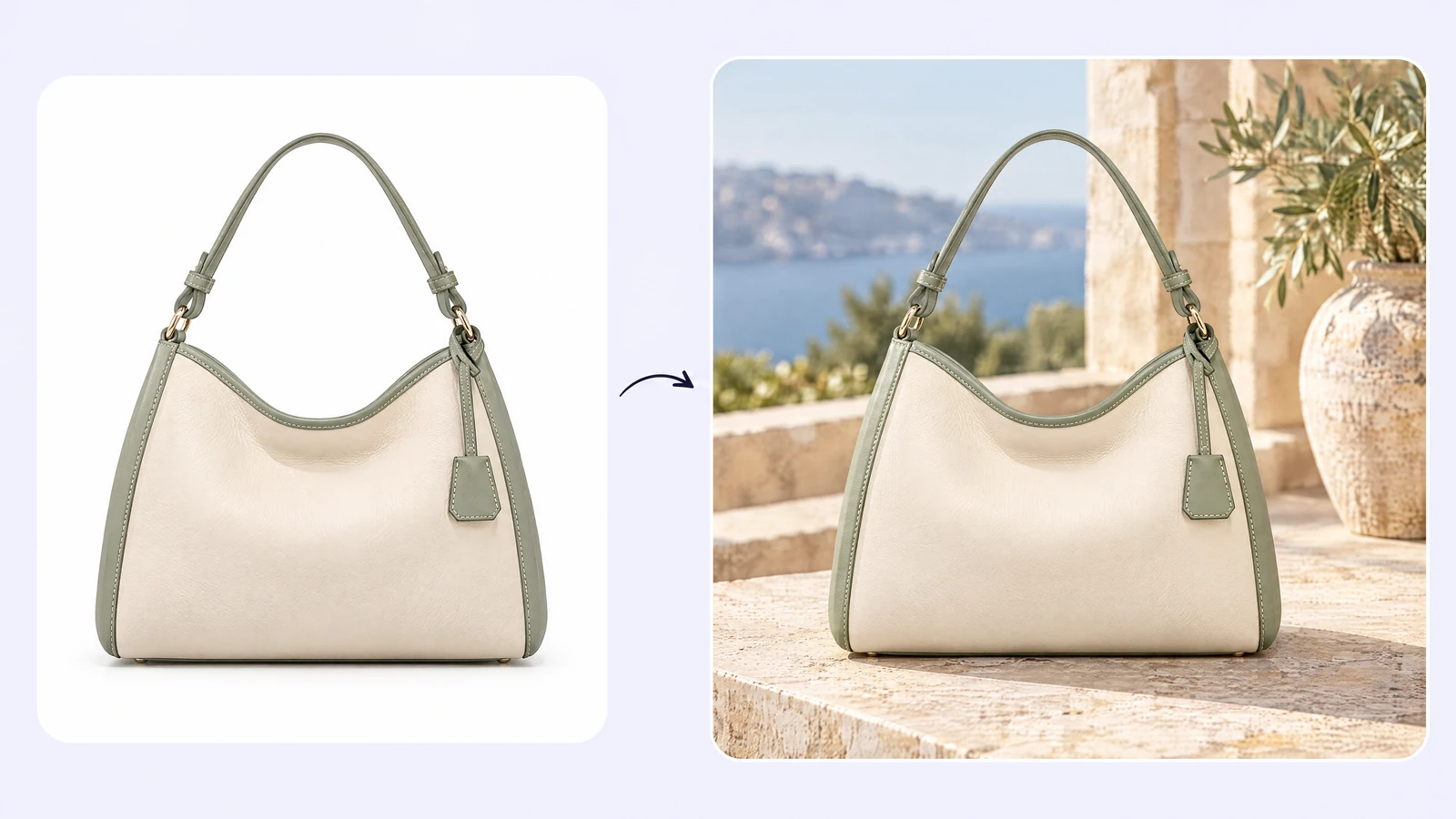
Place an existing product into a new setting, using a generated scene or reference background. Review scale, lighting, edges and contact shadows.
 Explore product
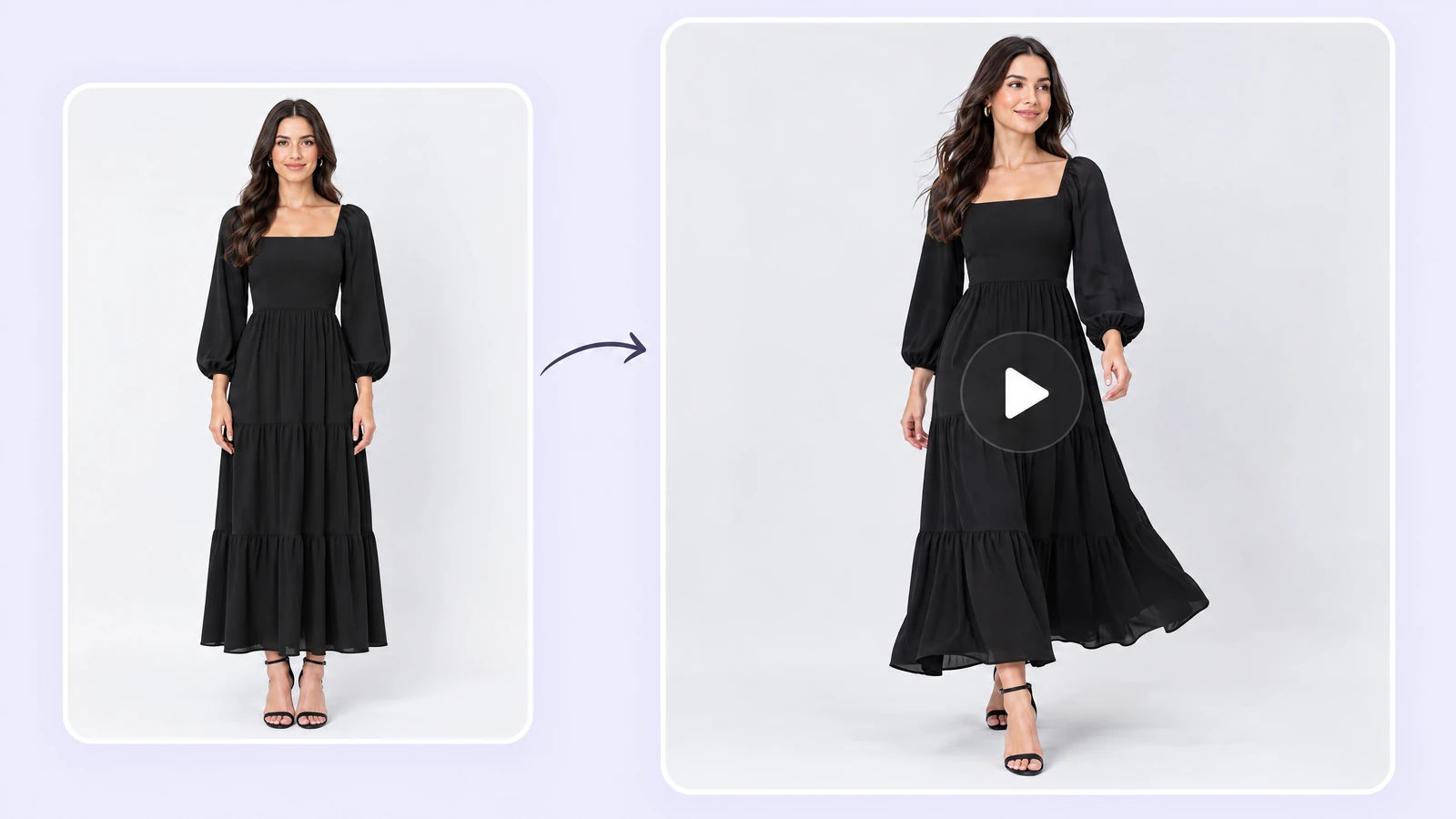
Turn text, images and supported multimodal references into individual video shots.
 Explore product
| Listing surface | Asset purpose | Preparation boundary |
|---|---|---|
| MAIN image | Identify the exact product offered | Check the current marketplace and category guidance independently. |
| Secondary gallery | Explain contents, construction, dimensions and use | Use original detail evidence and verified measurements. |
| Basic A+ | Supplement the product explanation in available modules | Confirm account and ASIN eligibility before preparing layouts. |
| Premium A+ | Prepare richer modules only when available | Do not assume Basic access includes video or every interactive feature. |
| Product video | Demonstrate one real use action | Check the upload option available to the account and review the full clip. |
Record the exact product variation, package quantity, supplied accessories, dimensions and supported feature claims. Photograph the real product and keep clear views of details that generation may alter. For a travel bottle sold with one screw lid, the creative brief must not acquire a spare cap or cleaning brush just because they make a scene attractive. A new image is not new evidence of capacity, insulation or certification.
The MAIN image introduces the offered product in search and on the detail page. Amazon’s general guidance includes a pure white background and accurate product representation, with category-specific presentation rules that need independent checking. Start from the real product photograph, use refinement conservatively and inspect completeness, quantity and framing. Do not treat a lifestyle scene, a feature collage or an A+ banner as automatically suitable for MAIN. Read the current rule for the target marketplace and product type.
Write a question beside each planned gallery image: what is included, how a part closes, how large the item is, or where it is used. Then select the source that can support that answer. Use real close-ups for tiny construction details and measured records for dimensions. In AI product image sets, direct these purposes separately. Keep decorative props visually distinct from supplied contents, and verify any generated labels before accepting the image.
A+ is supplemental product and brand content, not another name for the main gallery. The available modules depend on the account, ASIN and program eligibility shown in Seller Central. Plan assets for the modules you actually have: product explanation, supported comparison information or brand context. Basic and Premium capabilities differ. Do not sell the merchant a video or interactive layout on the assumption that every account can publish it.
Check Amazon’s current A+ guidelines before production. Common restrictions cover promotional prices, shipping information, external links, QR codes, contact details and unsupported superiority claims. Keep feature language connected to product evidence. A comparison should explain verified differences in the appropriate product line, rather than inventing a competitor claim. Preview the actual module on desktop and mobile before submitting it through Seller Central.
Use an approved reference and a modest action that agrees with the physical product. A bottle clip might show a hand opening the real lid; it should not invent a new locking mechanism, extra parts or a performance test. Play the entire output and inspect the opening, middle and final frame. Product-video availability and placement depend on the account and Amazon’s tools; FusionAI does not upload or submit the listing for the merchant.
Name the selected exports by ASIN, variation and intended surface so MAIN, secondary, A+ and video files cannot be confused. Retain originals and rejection notes when an output changes product facts. Complete the merchant’s own listing and module reviews in Seller Central. Neither a generated image nor this workflow certifies compliance, guarantees acceptance or establishes a sales result.
They have different purposes and review rules. MAIN usually needs a product-first presentation meeting the category requirements; A+ is supplemental detail and brand content in eligible modules. Prepare them as separate deliverables even when they use the same factual reference.
No. Compare the candidate with the real SKU and the current image guidance for the destination marketplace and category. FusionAI generates and edits media; it does not certify compliance or guarantee listing approval.
Available A+ features depend on the account, ASIN and program eligibility shown in Seller Central. Basic and Premium modules differ. Confirm access first, then create source assets for the modules you can actually use.
Check the current A+ guidelines before production. Common restricted content includes pricing or promotional details, shipping promises, external links, QR codes and contact details. Product claims also need evidence; module approval remains Amazon’s decision.
Source guidance checked on 11 November 2026. Recheck the destination platform before publishing.
Product and supplementary images prepared for your own category compliance review.
Start with Product retouching