
Resources for your next creation
Find practical tutorials, industry news and FusionAI company updates. Learn how to prepare references, choose tools and review the result.
No matching content. Try a different keyword or category.
 Industry news
How to Use AI to Generate Images and Choose the Right Tool for Your Task
Learn how to choose AI tools for image generation, reference-based editing, object removal, and clothing try-on, with practical workflows and model-selection tips.
Explore guide TutorialShoppable Drama Tutorial: From Script to Finished Video
Build a three-shot product story in FusionAI. Follow a real ceramic mug example from script and storyboard to shot production, continuity review and final export.
Explore guide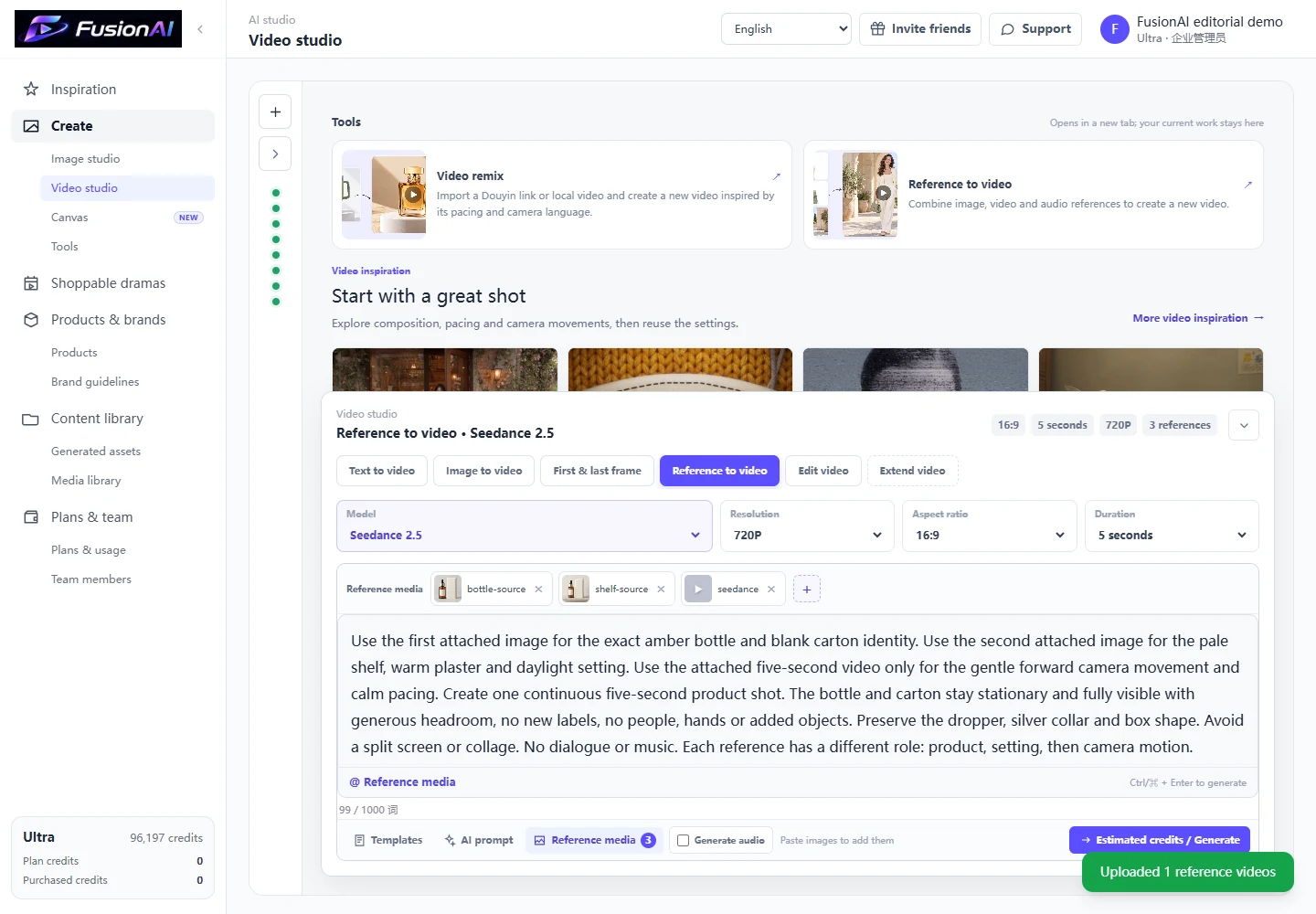 Tutorial
How to Create a Product Video with Image and Motion References
Use product and setting images plus an original motion-reference clip in Seedance 2.5. Attach real files, define their roles and review the complete result.
Explore guide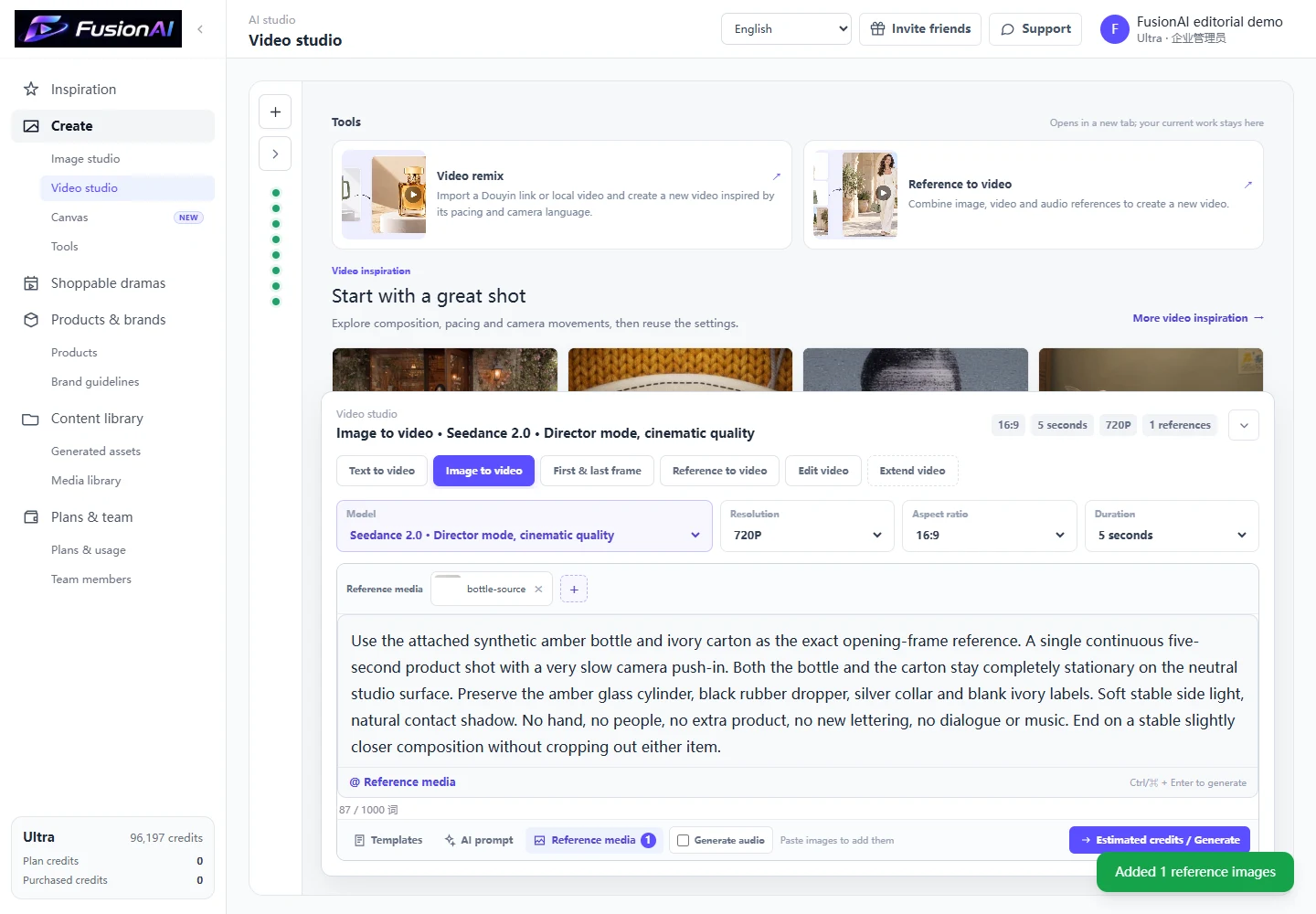 Tutorial
How to Make a Five-Second Product Video from a Starting Image
Follow a recorded Seedance 2.0 image-to-video task, from an approved opening composition to a full review of the returned five-second clip.
Explore guide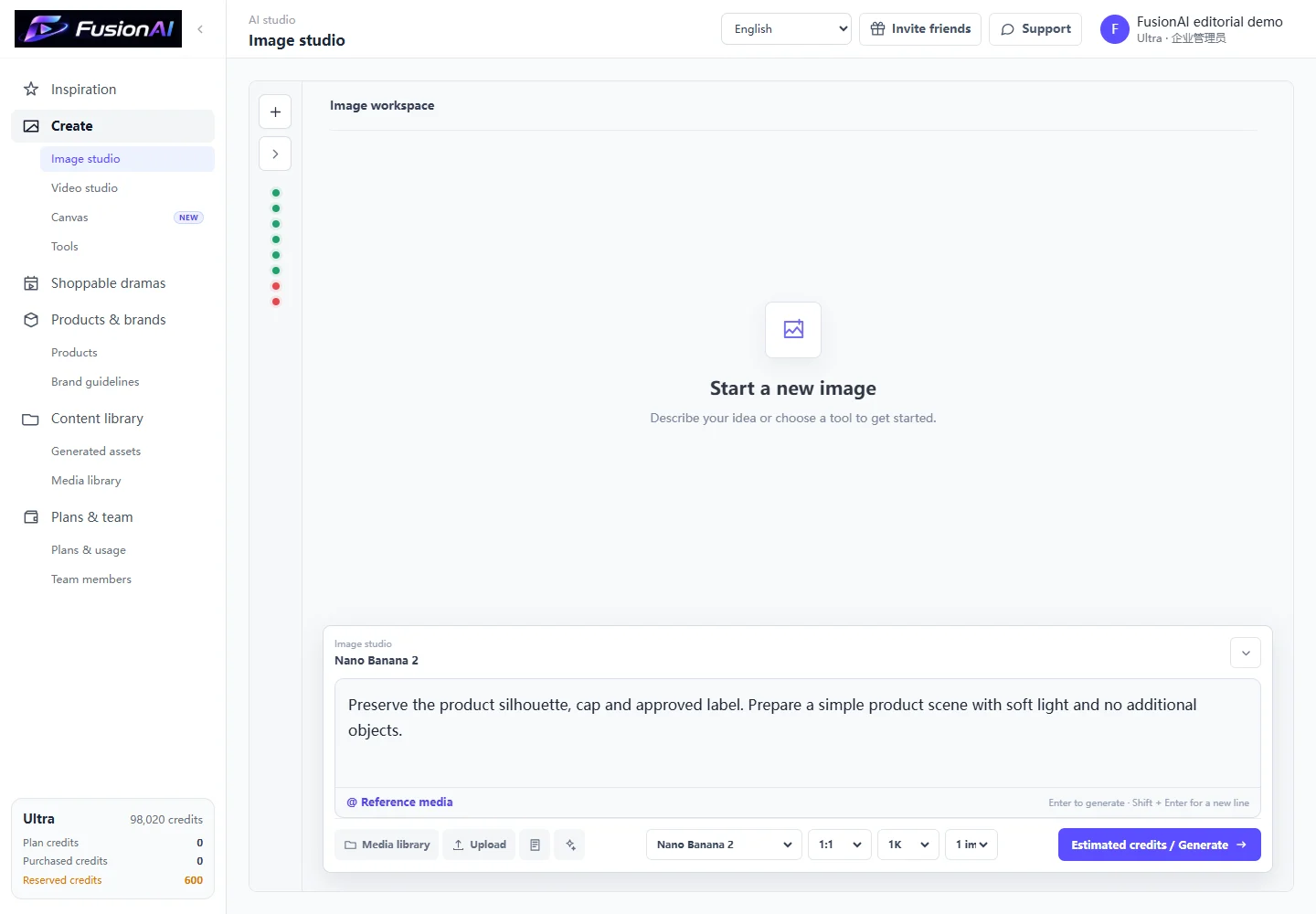 Tutorial
Start a Midjourney Text-to-Image Task in FusionAI
Prepare a visual brief, check the available Midjourney entry and inspect composition before expanding an idea.
Explore guide Tutorial
How to Edit a Product Reference with Nano Banana 2
Upload a product reference, select Nano Banana 2, write a bounded scene edit and compare the actual result with the source.
Explore guide Tutorial
Create Your First Product Scene with the GPT Image Family
Choose an entry, attach the actual product, write one scene change and review the result against the original.
Explore guide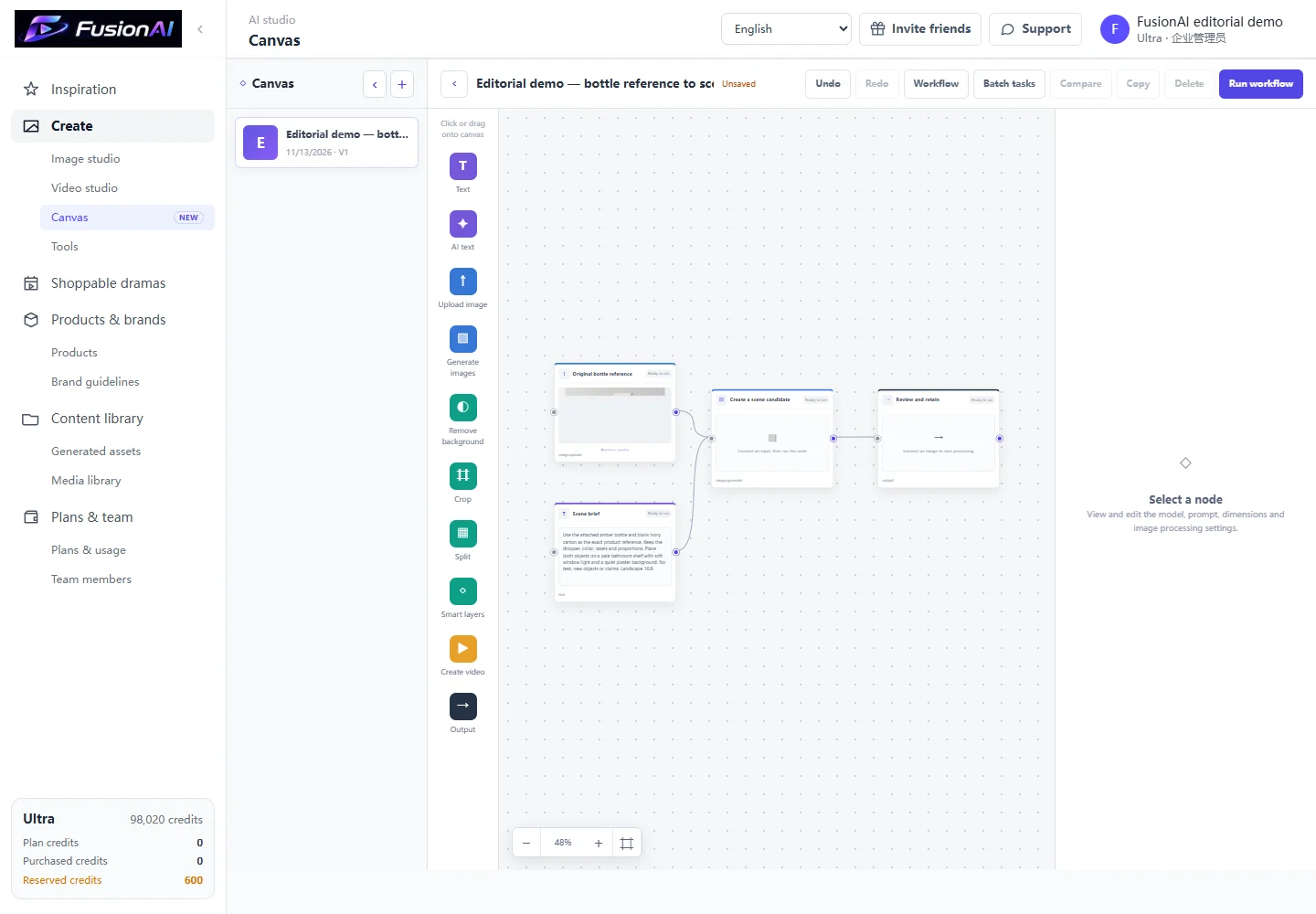 Tutorial
Choose the Right FusionAI Workspace for Your Task
Match the deliverable to an image request, a video shot, a product image set, an episode project or a reusable canvas.
Explore guide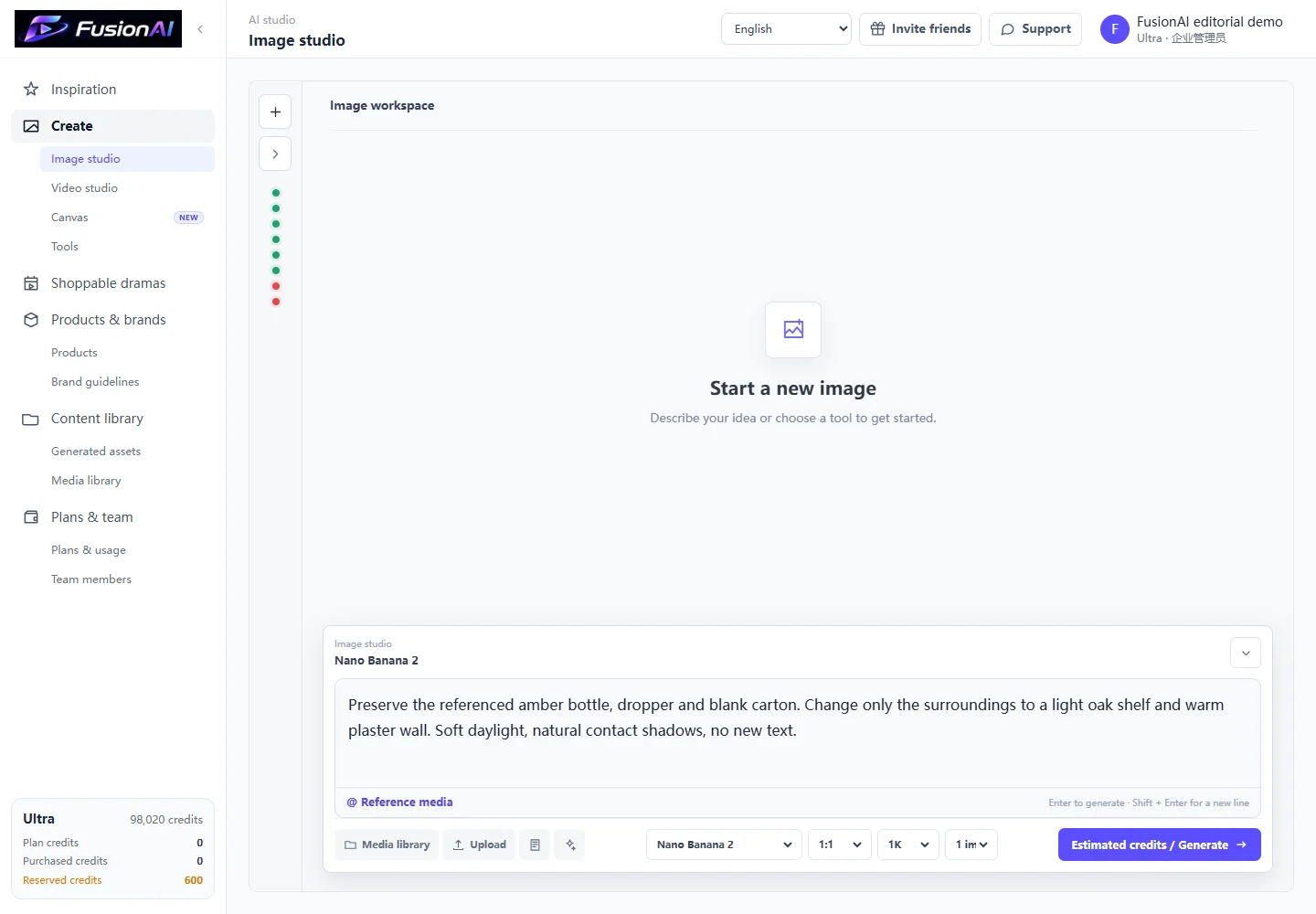 Tutorial
Nano Banana on FusionAI: Reference and Output Troubleshooting
Resolve missing references, unclear version selection, unexpected product changes and output-review questions before submitting another task.
Explore guide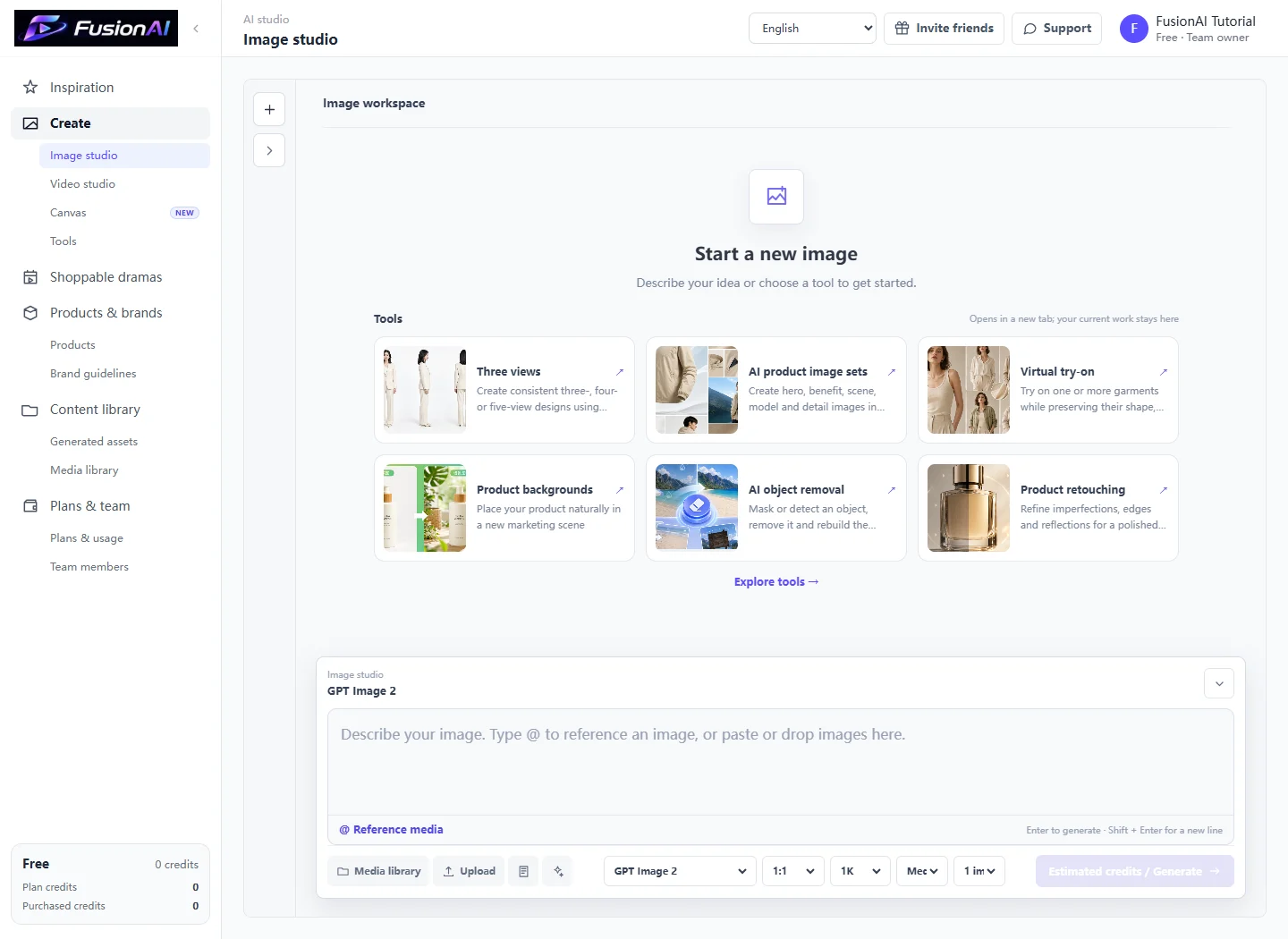 Tutorial
Start with your first product brief
Choose the right workspace, prepare references and review a first request before generation.
Explore guide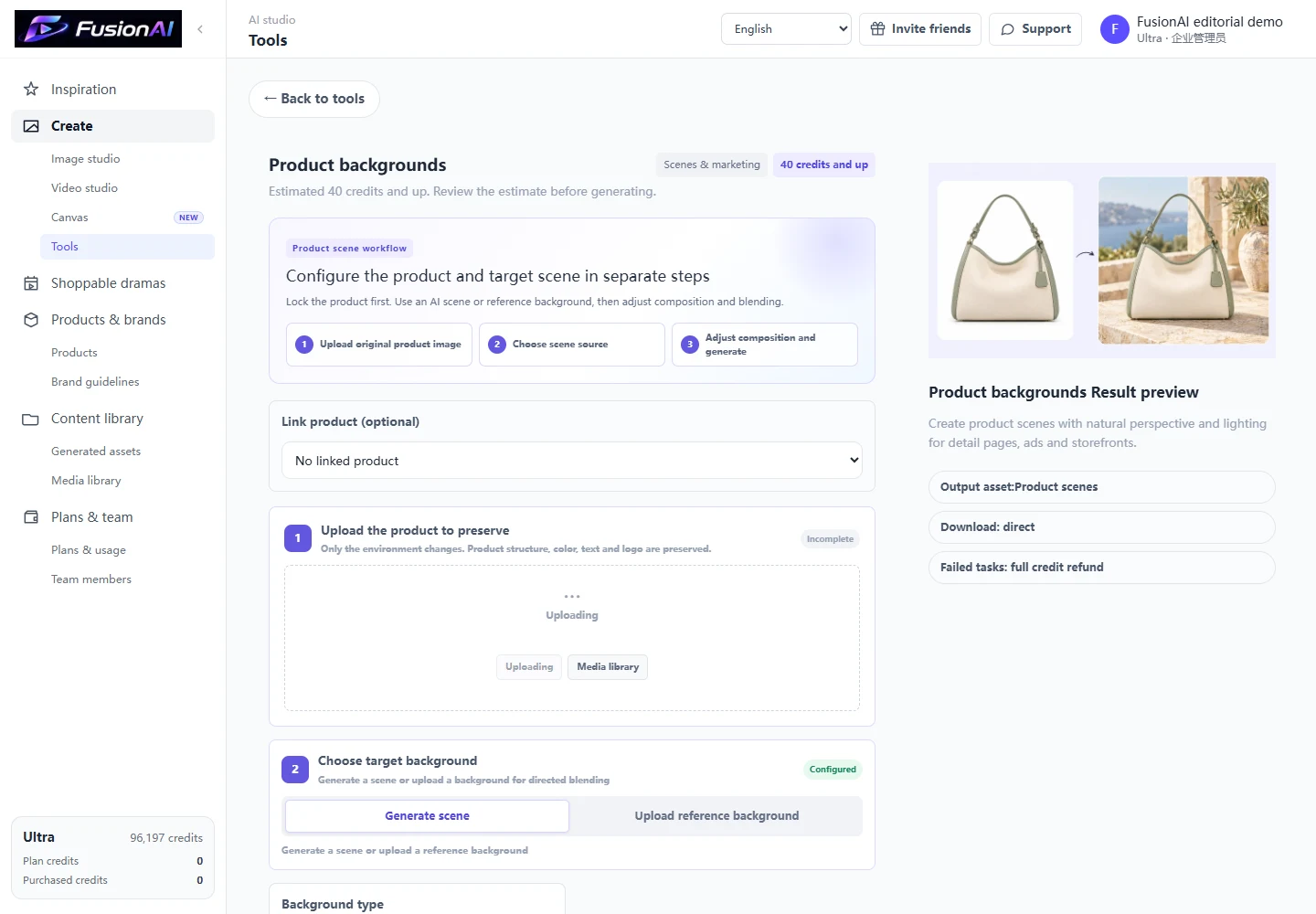 Tutorial
How to Change a Product Background and Review the Result
Move a synthetic skincare bottle from a studio reference to a limestone shelf. Follow the actual background tool, then check packaging, edges and contact shadows.
Explore guide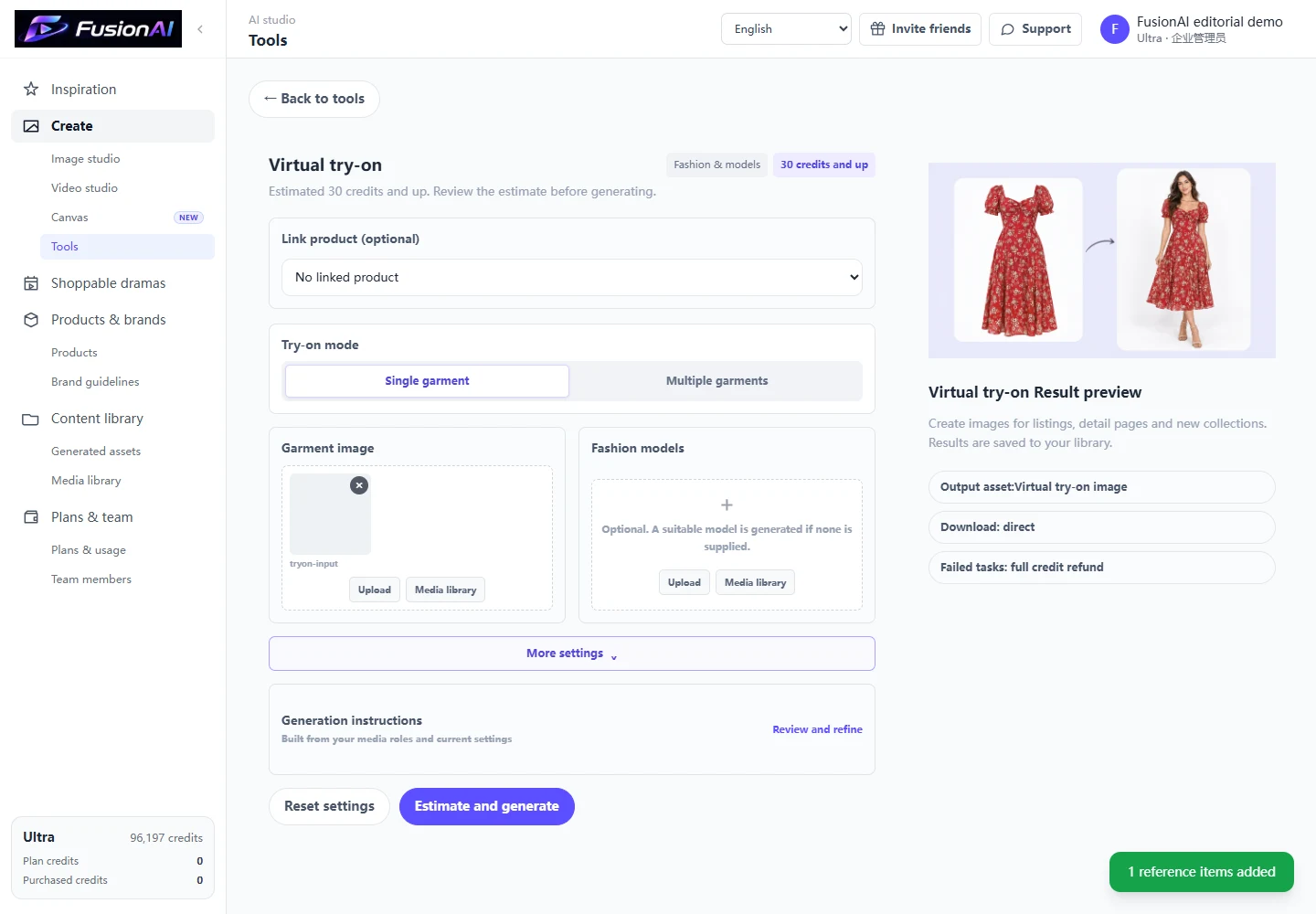 Tutorial
How to Turn a Flat-Lay Garment into a Model Try-On Image
Use a clear garment image in FusionAI clothing try-on, choose the appropriate inputs and review neckline, belt, seams and silhouette before selecting a result.
Explore guide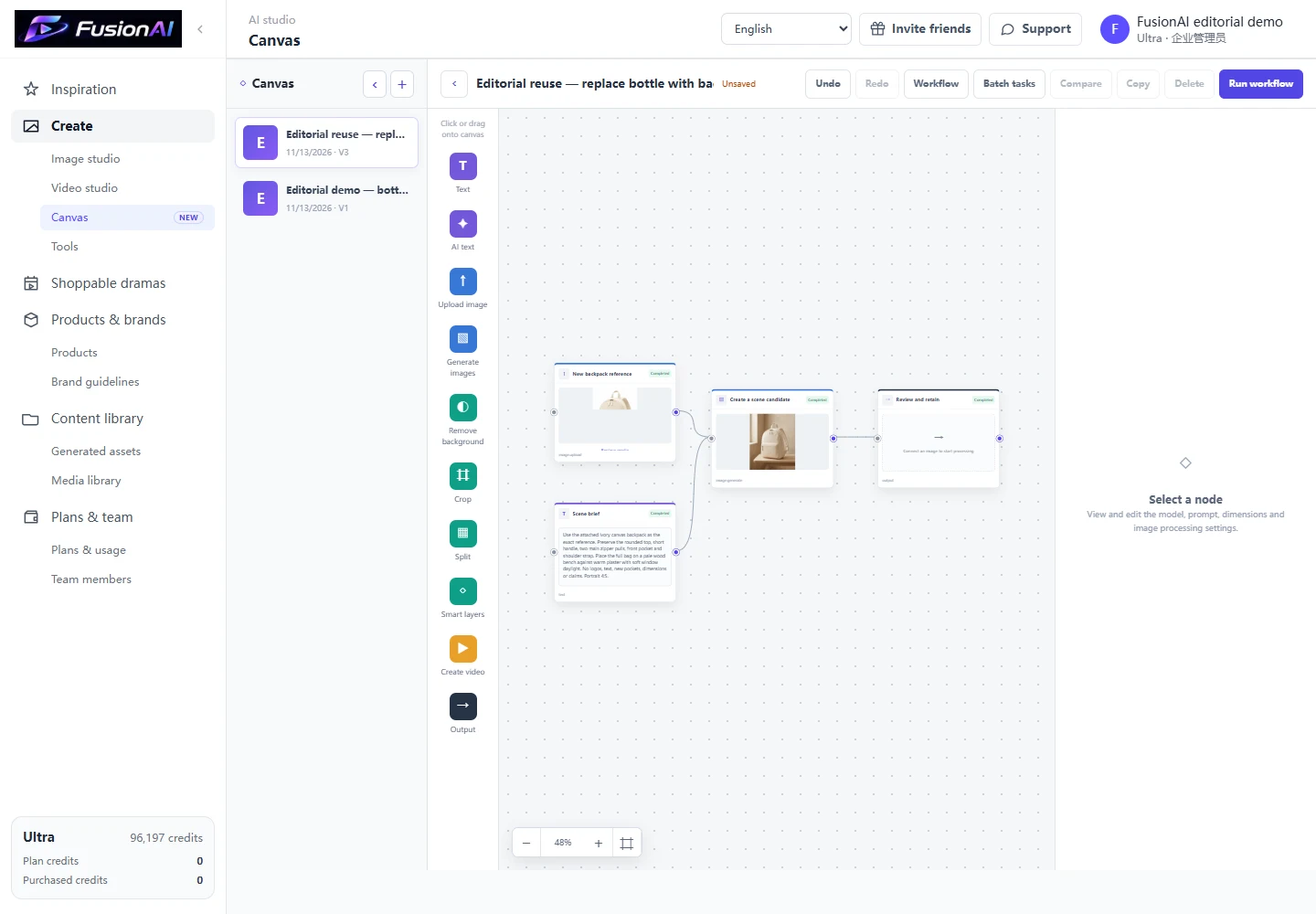 Tutorial
Build and Reuse a Product Image Workflow on Canvas
Follow a four-node image workflow, inspect its run and reuse the graph with a different product reference. Understand what is reused and what still needs review.
Explore guide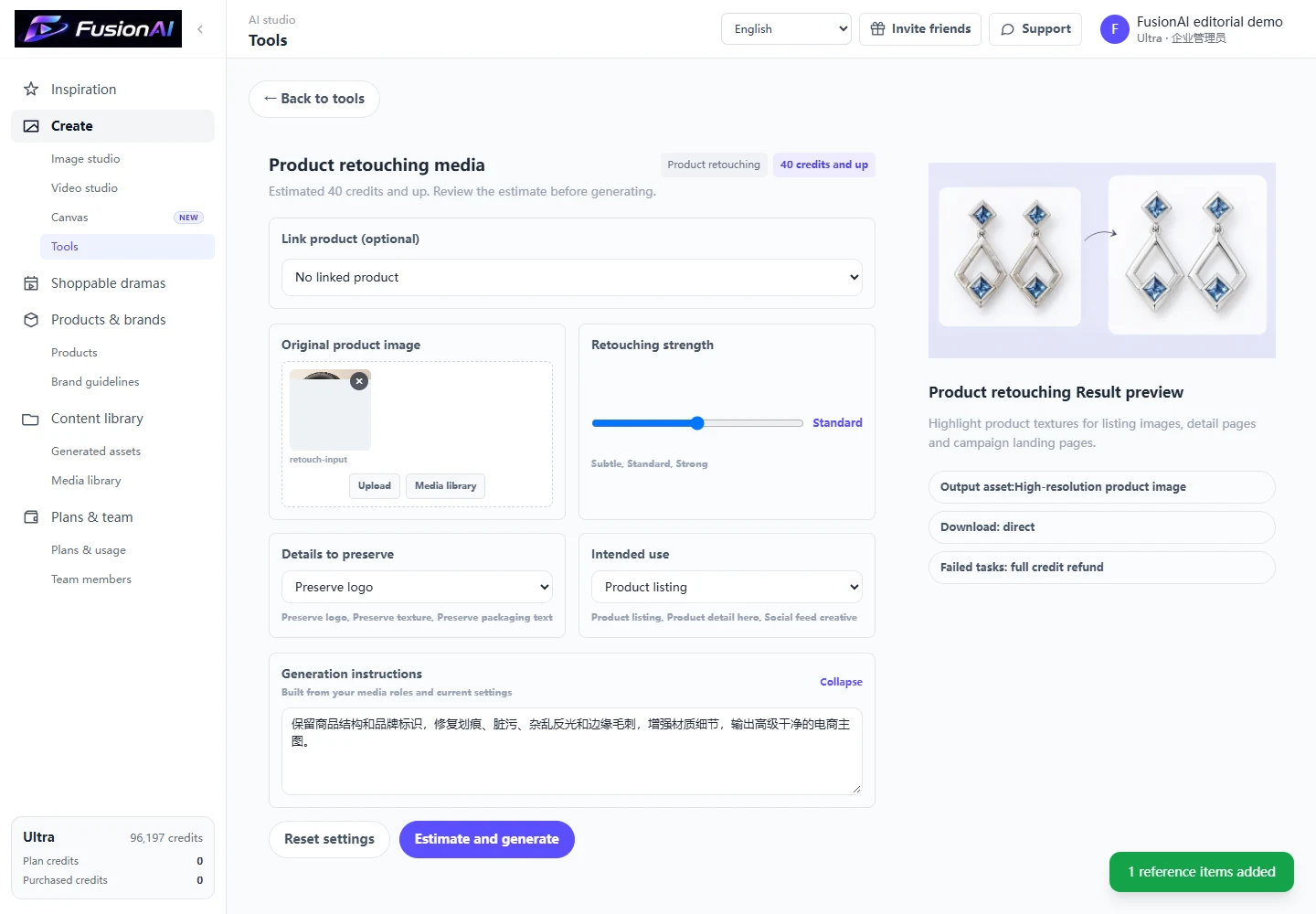 Tutorial
How to Retouch a Product Photo and Check What Changed
Use the recorded headphone cleanup to define a bounded edit, compare the original and output, and distinguish surface correction from reframing or redesign.
Explore guideTutorialKeep product identity when editing an image
A practical ai image creation walkthrough with actual FusionAI screenshots, request setup and a result-review checklist.
Explore guide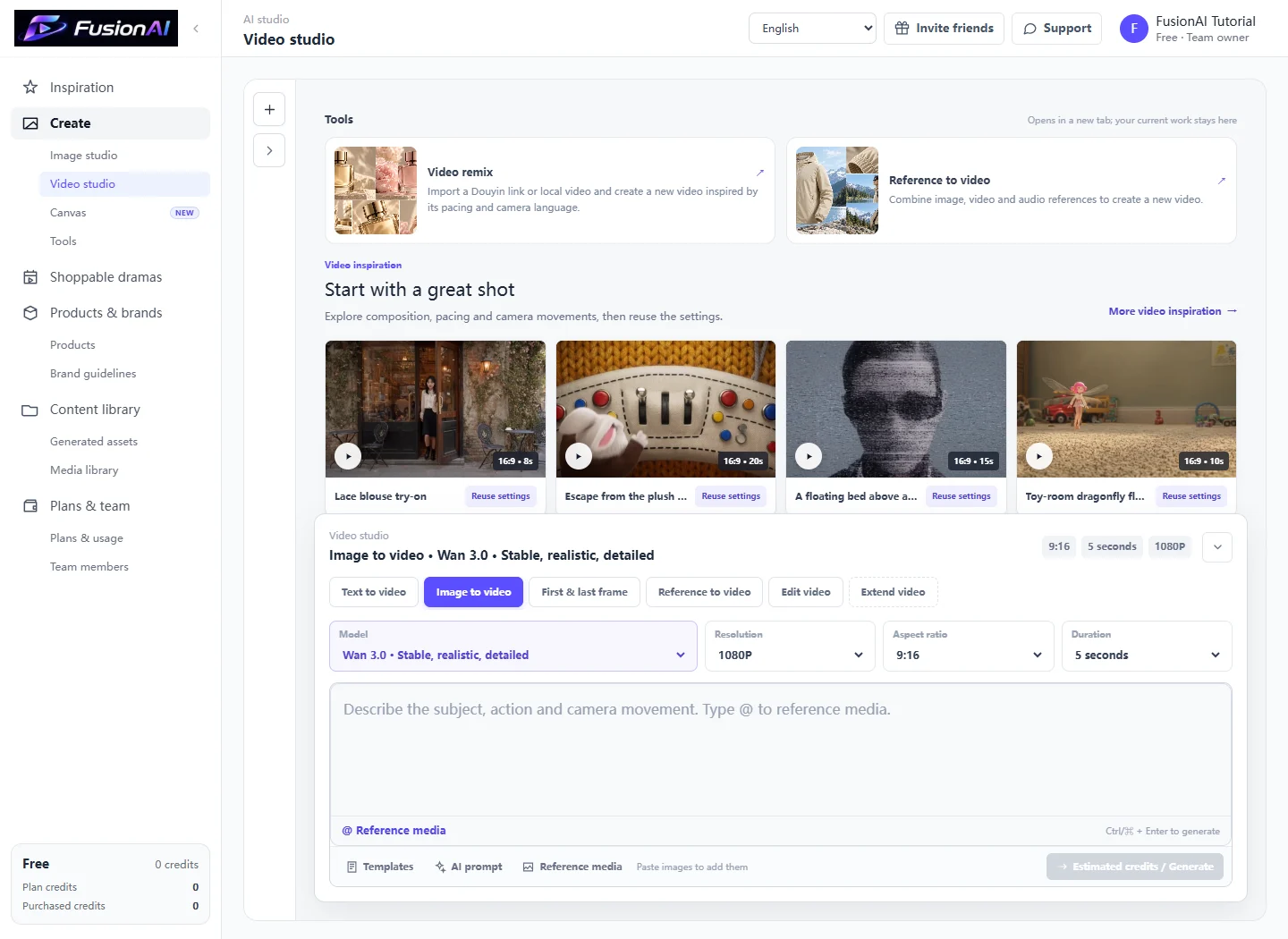 Tutorial
Create a Wan video brief from a product image
A practical ai video creation walkthrough with actual FusionAI screenshots, request setup and a result-review checklist.
Explore guide Tutorial
Plan reusable characters, props and scenes for an episode
A practical shoppable drama studio walkthrough with actual FusionAI screenshots, request setup and a result-review checklist.
Explore guide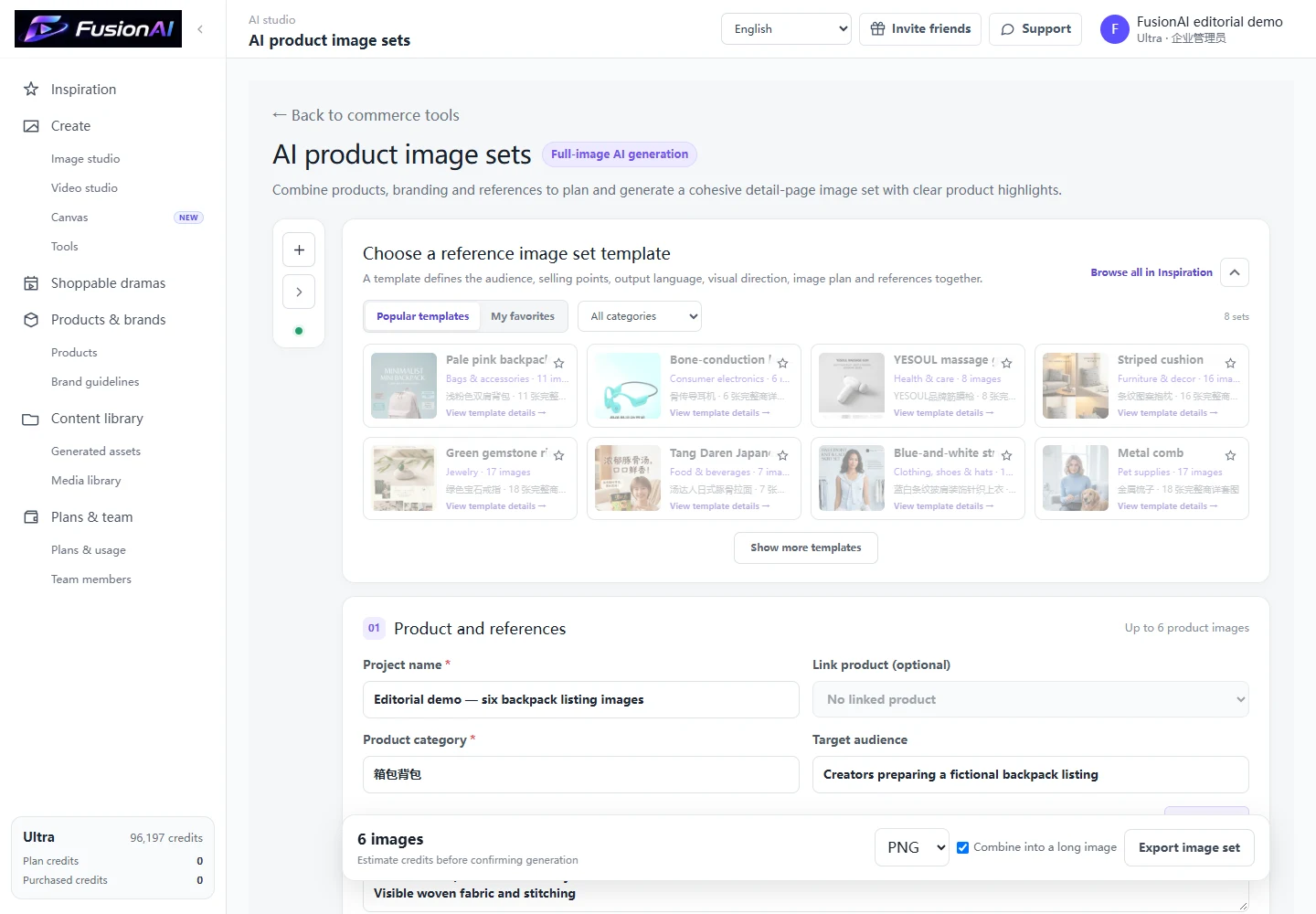 Tutorial
How to Create a Six-Image Ecommerce Product Set
Build a complete six-image set from one fictional backpack reference, assign a job to each image and review the returned set before export.
Explore guide