
Video tutorials
Discover how to create cinematic AI animations with FusionAI Academy. Master text-to-video tools like Wan 3.0, Kling, and Seedance to upgrade your production.
Edit an existing product video
Replace product
Replace a handheld product with your own SKU in FusionAI Video Remix. Set one product reference, preserve the original action, and review grips, labels, and occlusion throughout the clip.
Explore: Replace productReplace scene
Move a product or presenter into a new setting with FusionAI Video Remix. Use a matching camera angle and lighting direction, then check foreground edges and background stability across the shot.
Explore: Replace sceneReplace character
Use an authorized portrait to replace a person in a reference clip. Learn how to request a face-only change, preserve expression timing, and compare head turns and audio before exporting.
Explore: Replace character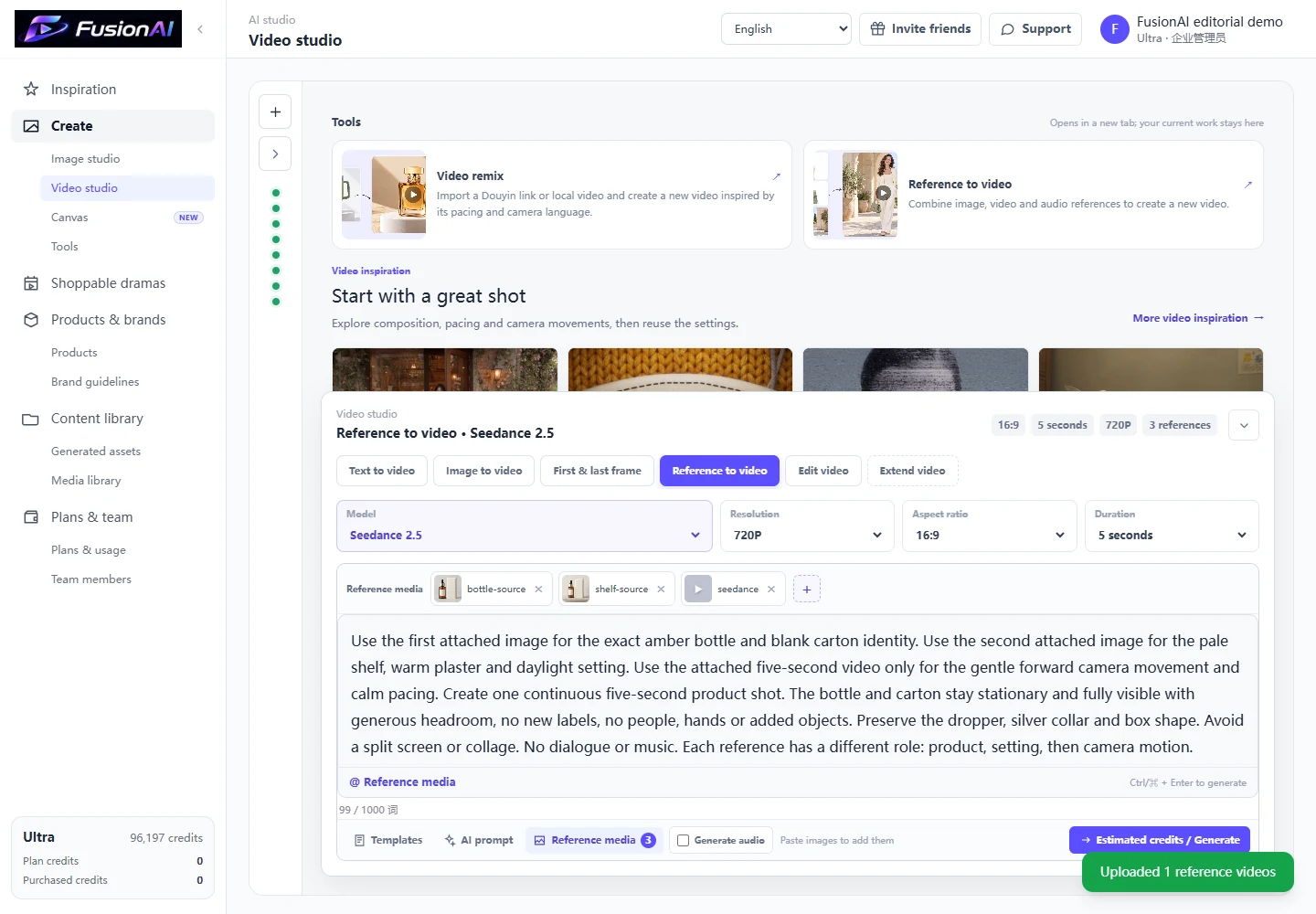
How to Create a Product Video with Image and Motion References
Use product and setting images plus an original motion-reference clip in Seedance 2.5. Attach real files, define their roles and review the complete result.
Read more ↗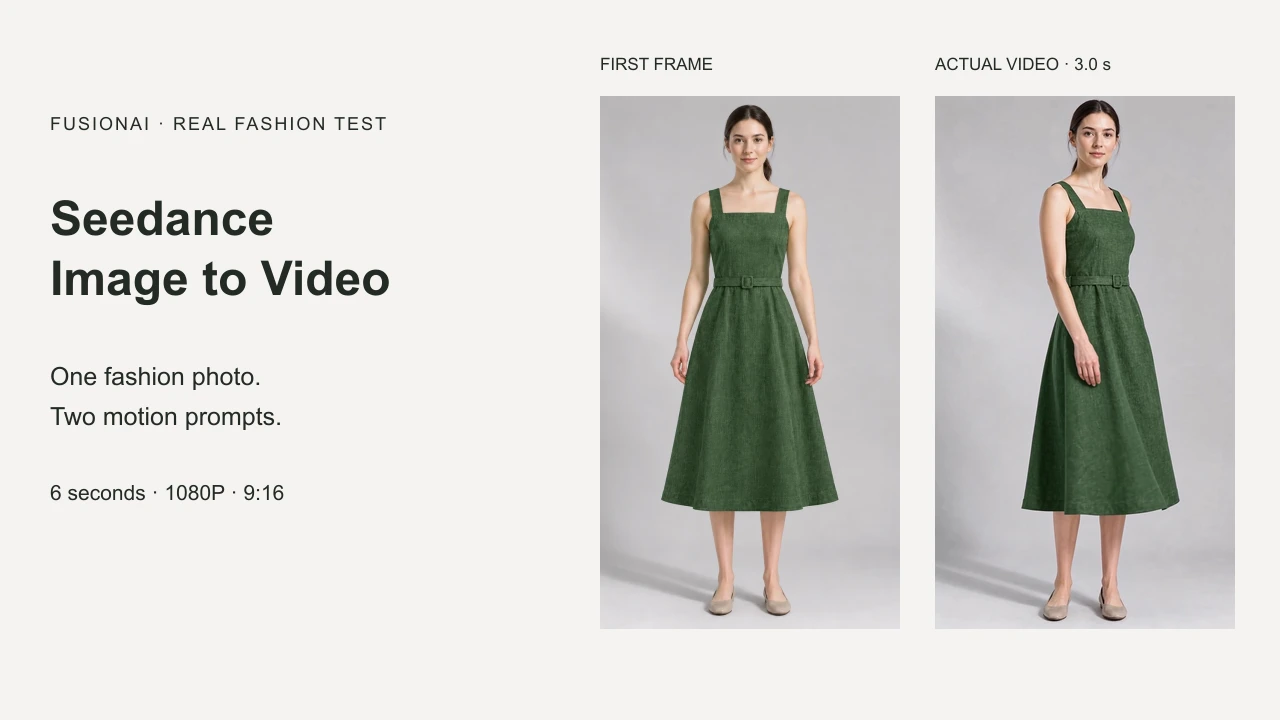
Seedance Image to Video: A Real Fashion Animation Test
Turn one fashion model photo into a Seedance video. Follow two real six-second tests, compare the dress details in motion, and reuse the exact prompts and settings.
Read more ↗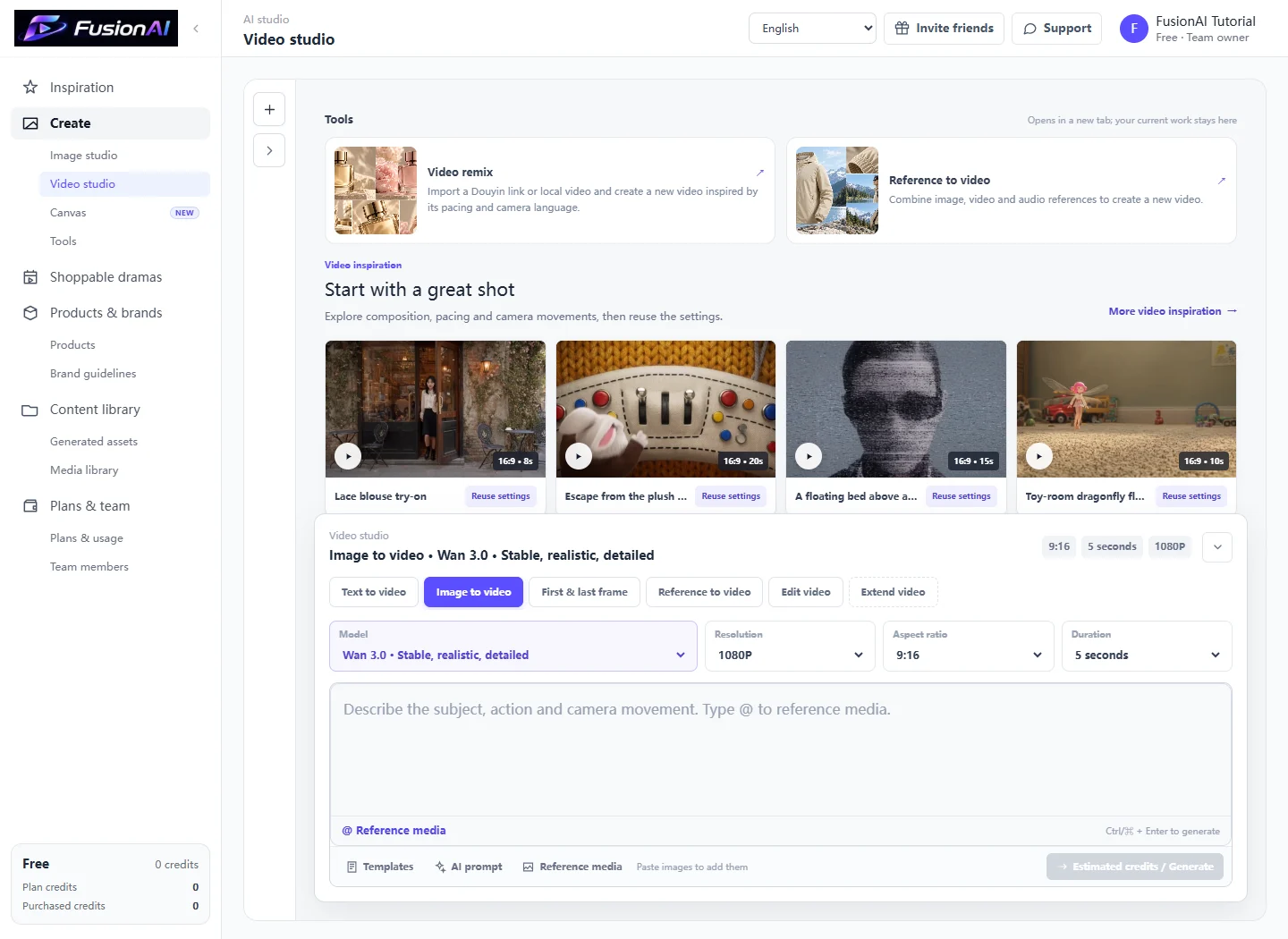
Create a Wan video brief from a product image
A practical ai video creation walkthrough with actual FusionAI screenshots, request setup and a result-review checklist.
Read more ↗