Product retouching
Readable product views from inconsistent supplier shoots.

Bring mixed supplier photography into one store presentation while retaining exact item identity and documented selling rights.
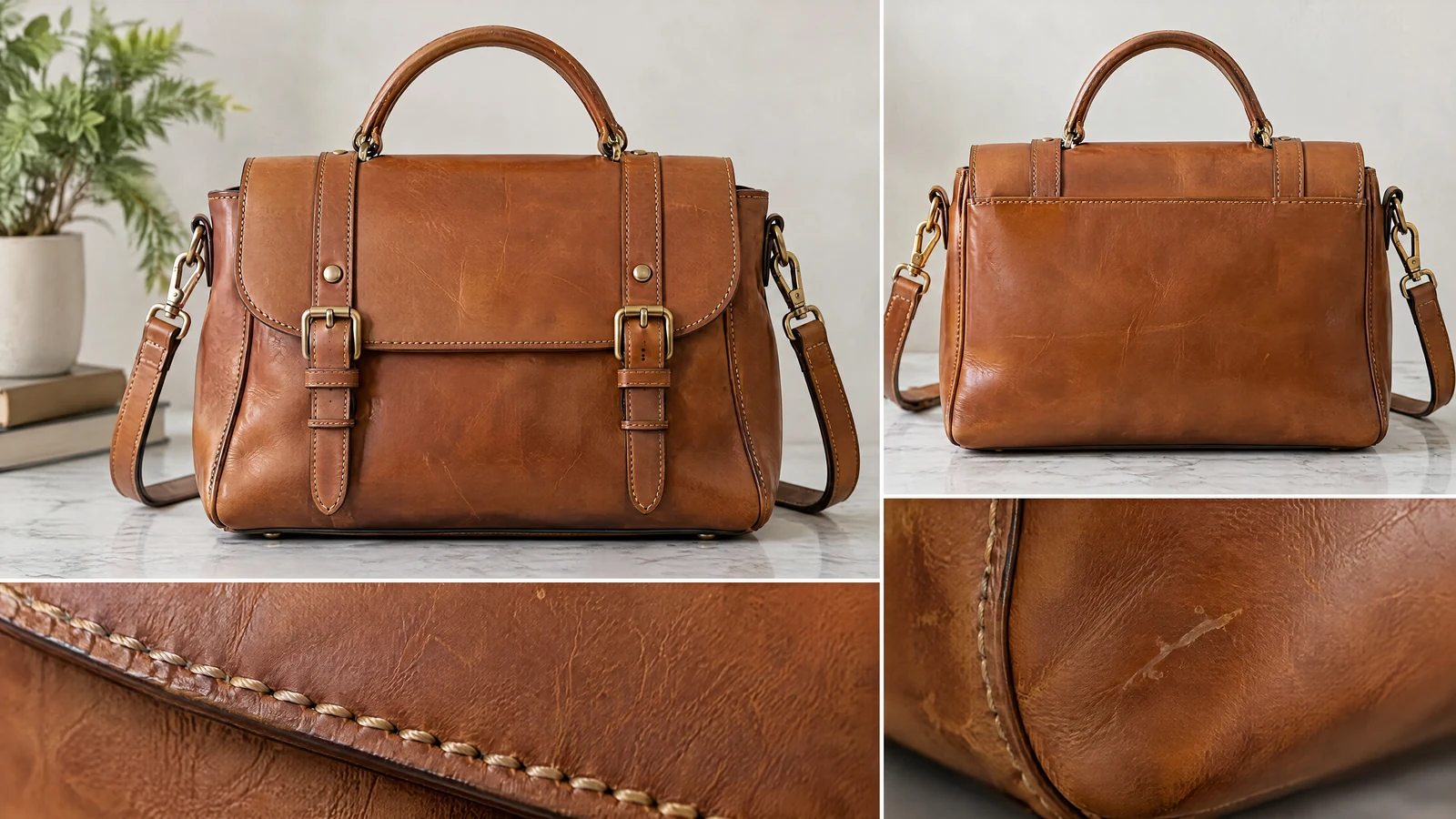
Choose the asset your next project needs
Readable product views from inconsistent supplier shoots.
A comparable collection grid across different suppliers.
A listing set tied to the exact supplier variant.
A reusable preparation workflow with traceable item inputs.
Supplier or self-shot images you may edit, SKU records and a list of confirmed product facts.
Improve exposure and distracting reflections without replacing packaging, labels or recognizable product features. Flag unclear source details instead of inventing them.
Open Product retouching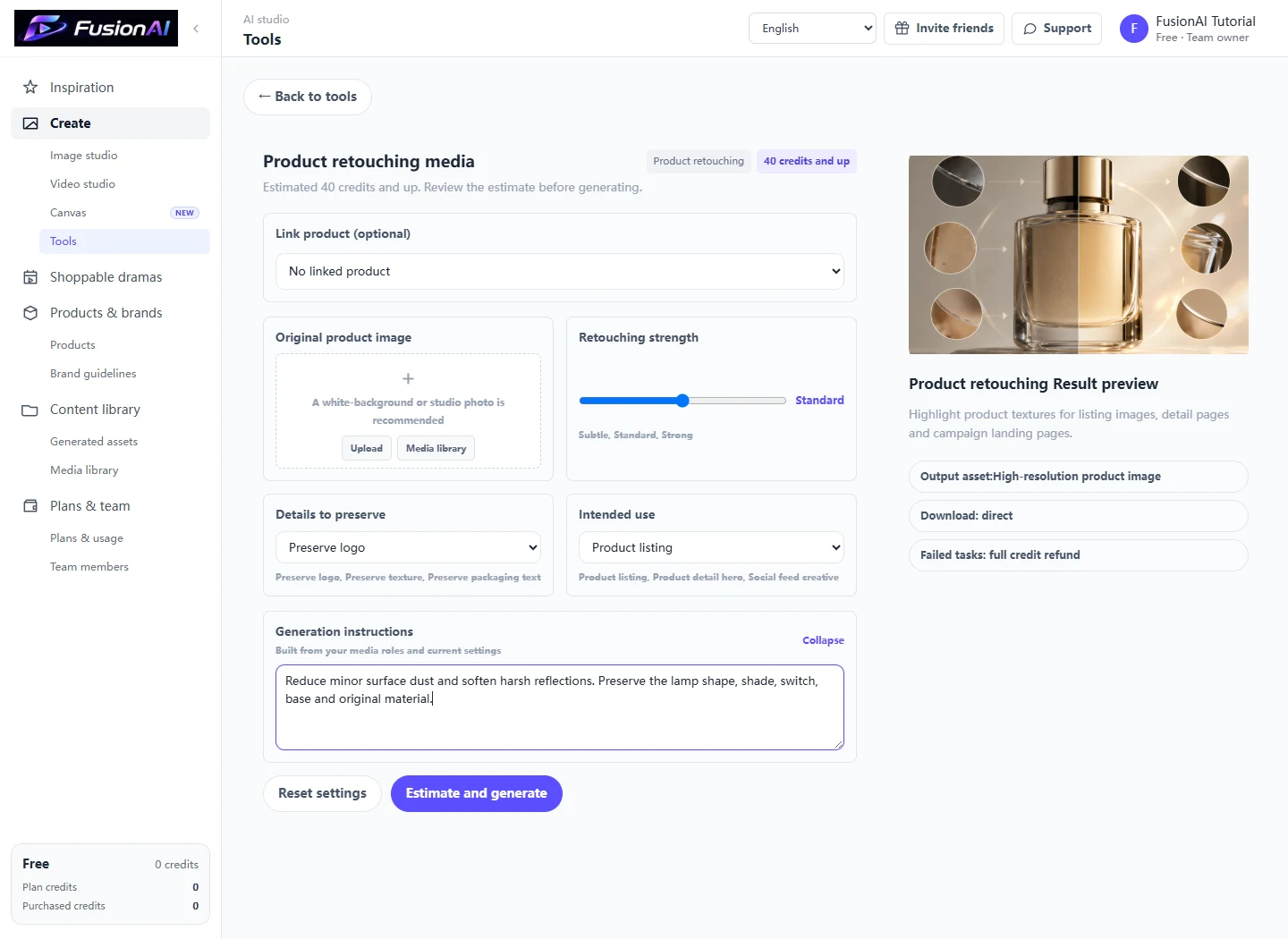
Use a consistent background family and framing rule for mixed categories. Check that reflections, transparent edges and included components survive the replacement.
Open Product background replacement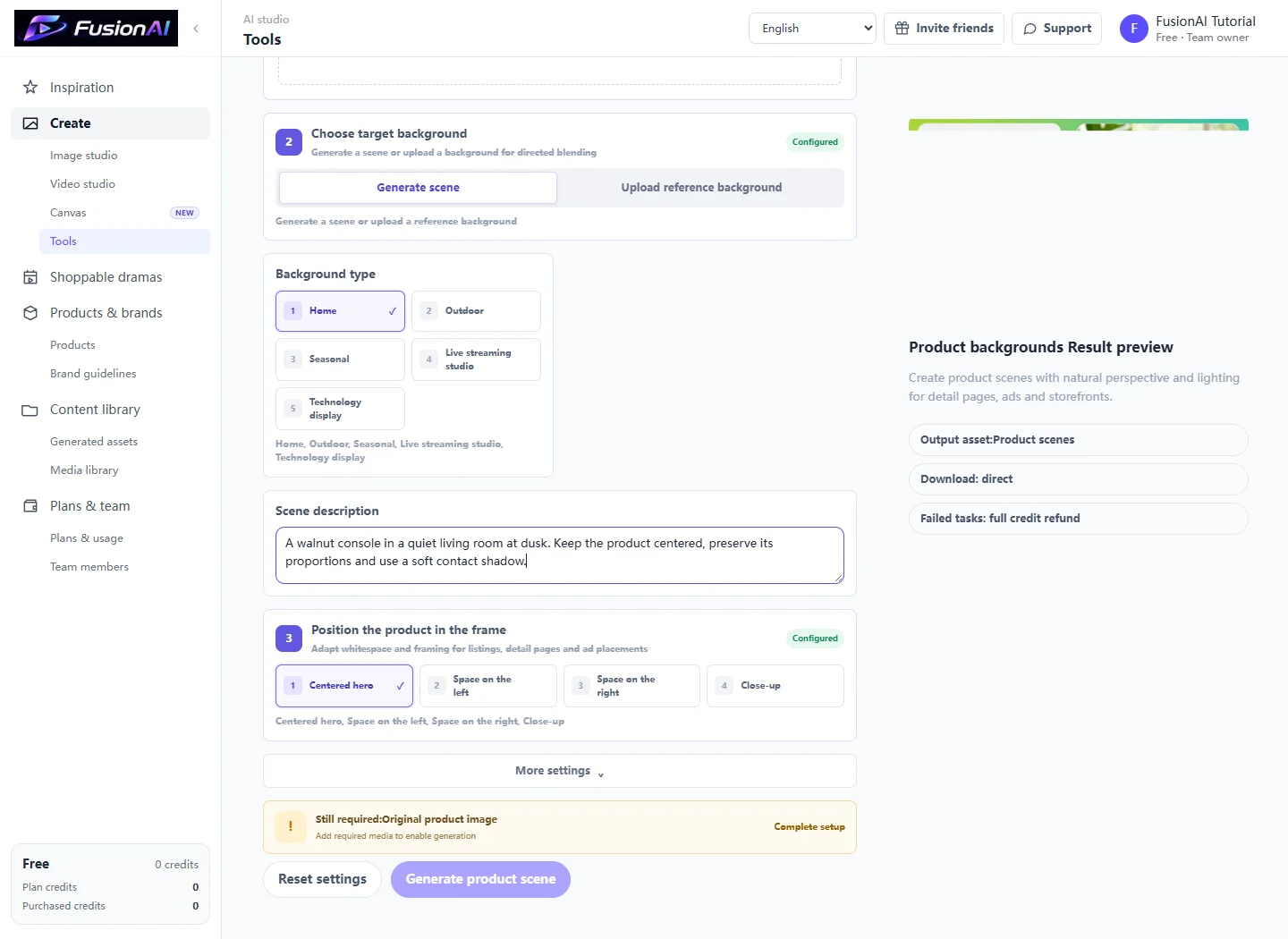
Use verified records for dimensions and package contents in the image plan. Do not transfer a feature claim from a similar-looking supplier item.
Open AI product image sets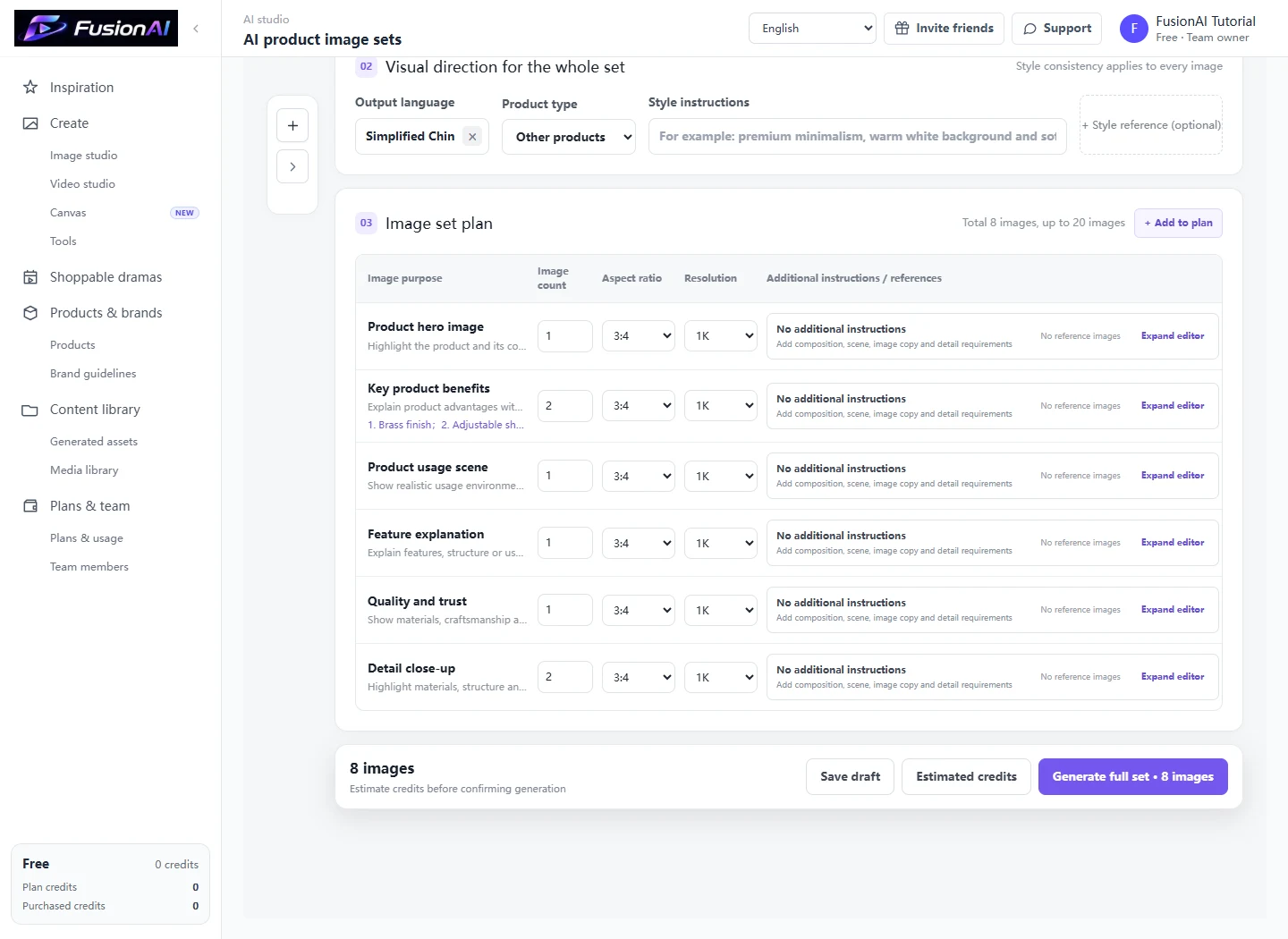
Keep the original reference and item identifier beside the reusable canvas stages. Check the selected output at each stage before passing it downstream.
Open Canvas workflows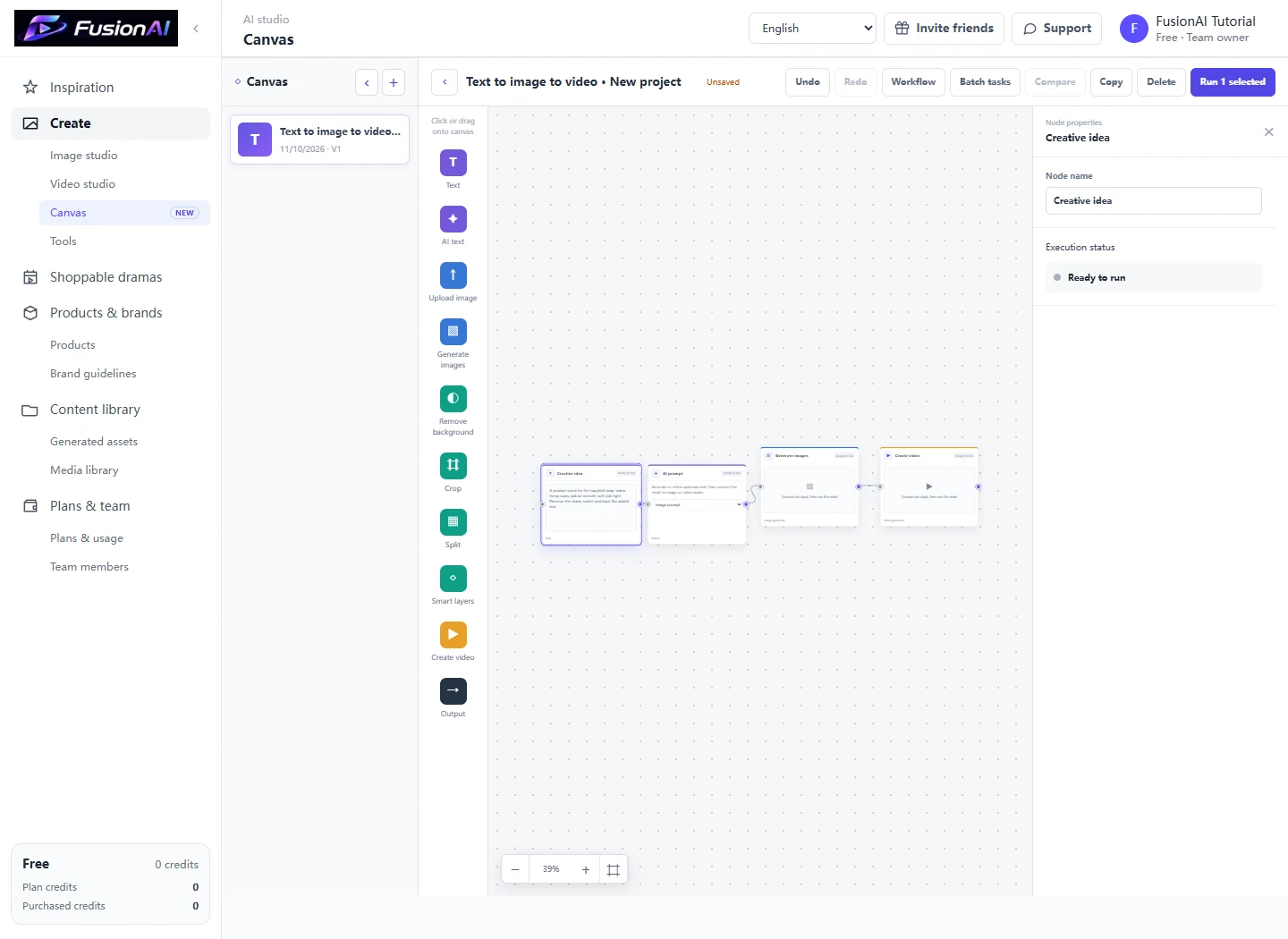
Standardize an authorized kitchen-tool range on a warm neutral surface. Preserve the original handles, packaging labels and piece counts, then name selected exports by supplier and SKU before assembling the storefront grid.
Open Product retouchingPreserve product identity and packaging while checking whether source defects or missing details remain visible.
Confirm editing and publication rights for every supplier source.
Match packaging and accessories to the actual supplied variant.
Quarantine images whose source detail cannot be verified.
Improve defects, edges and reflections while checking product shape, labels and material against the original.
 Explore product
Place an existing product into a new setting, using a generated scene or reference background. Review scale, lighting, edges and contact shadows.
 Explore product
Plan hero, feature, lifestyle and detail images for one product. Adjust each image purpose, prompt, reference and output language.
 Explore product
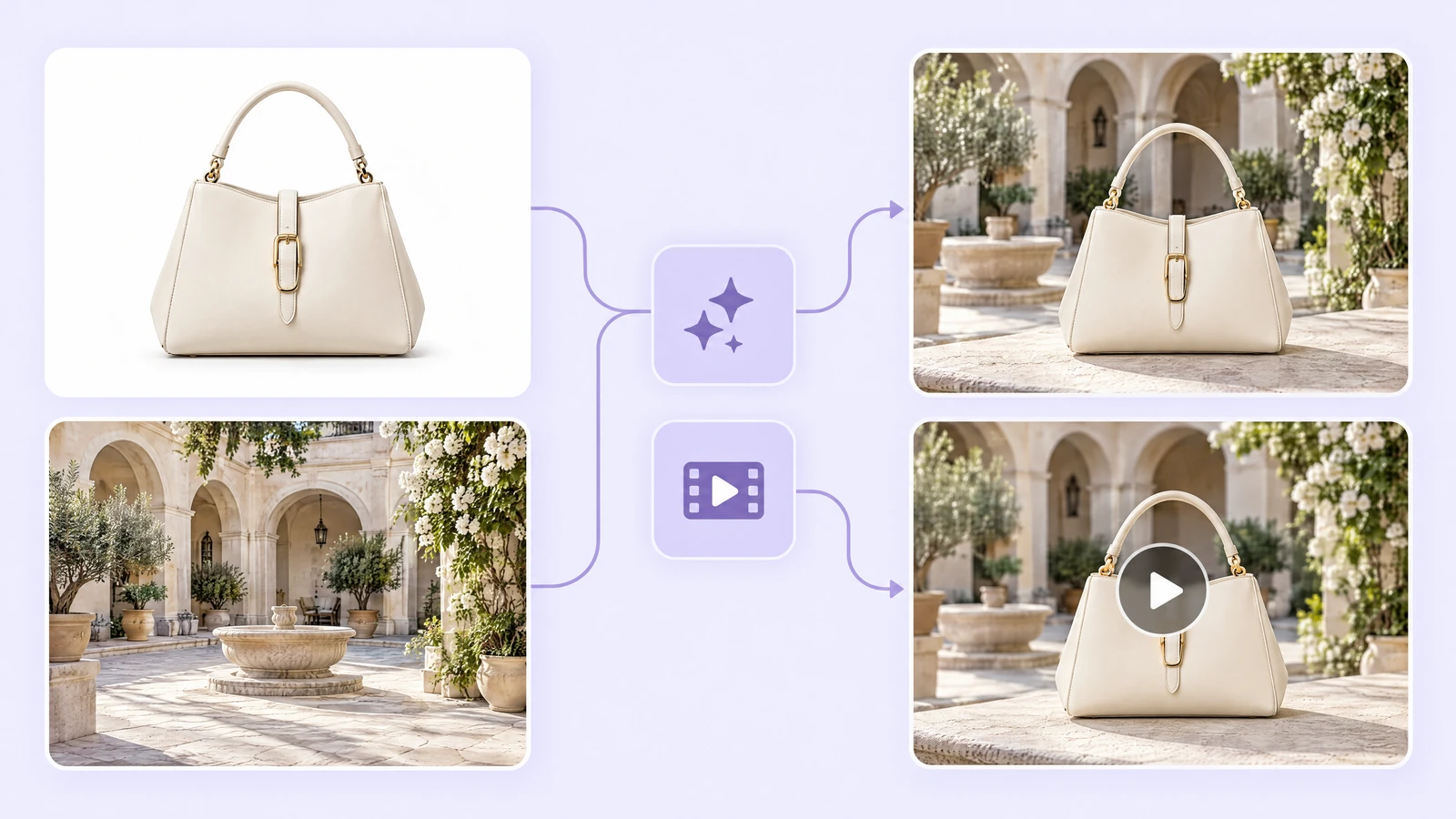
Connect text, uploaded references, image processing and video generation on a reusable creative canvas.
 Explore product
You can coordinate presentation. Do not replace manufacturer labels or imply a brand relationship that the product records do not support.
Request a clearer authorized source or take a new photograph. A plausible generated texture does not verify the construction of the actual product.
A consistent store presentation across products from different source shoots.
Start with Product retouching