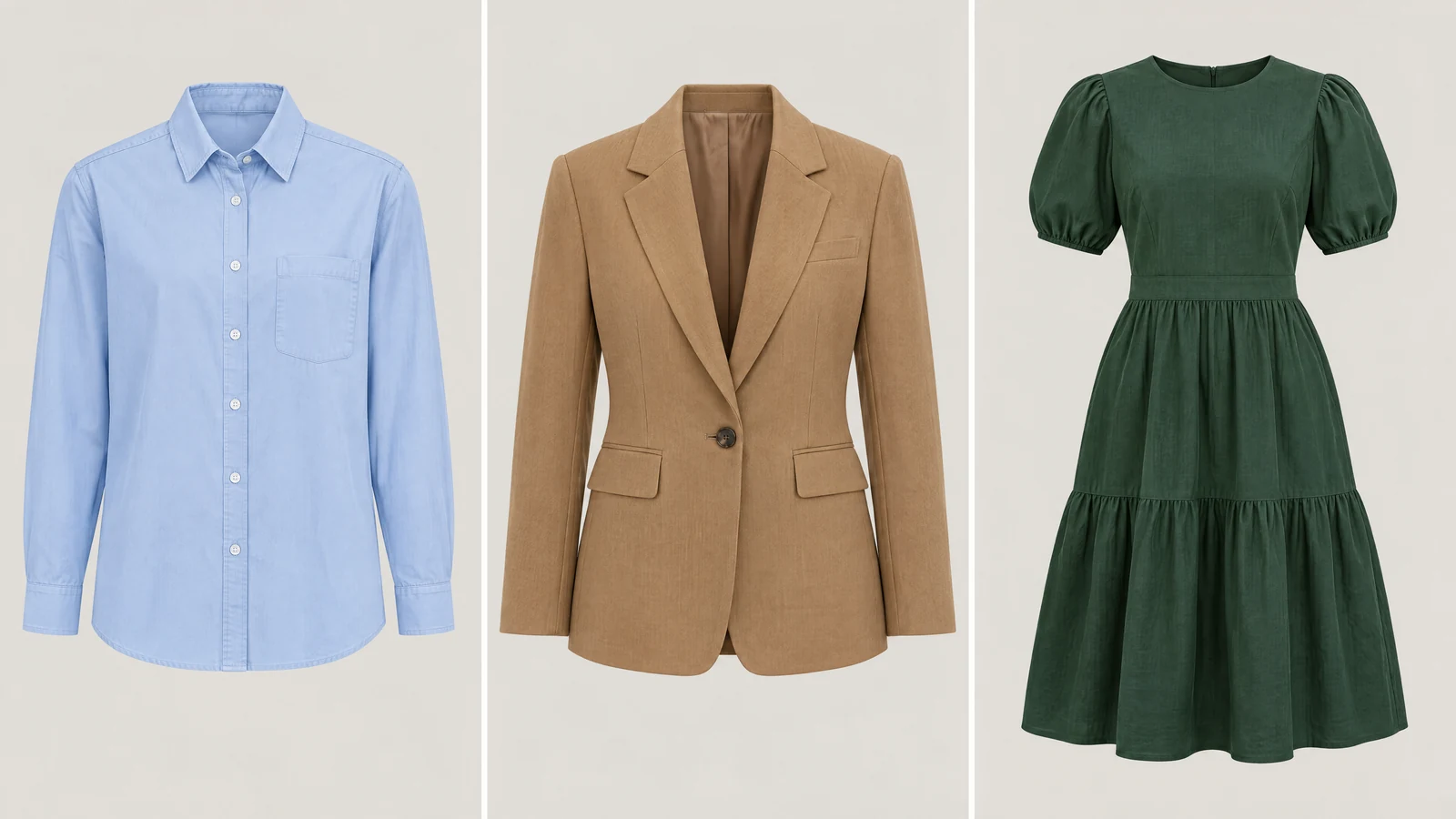
Garment-led visual
Keep the source responsible for construction and print. Do not replace missing design facts with invented details.

Turn a garment reference into a wearing visual. Use an optional permitted adult model reference when you need a particular appearance, and check the garment construction in every result.
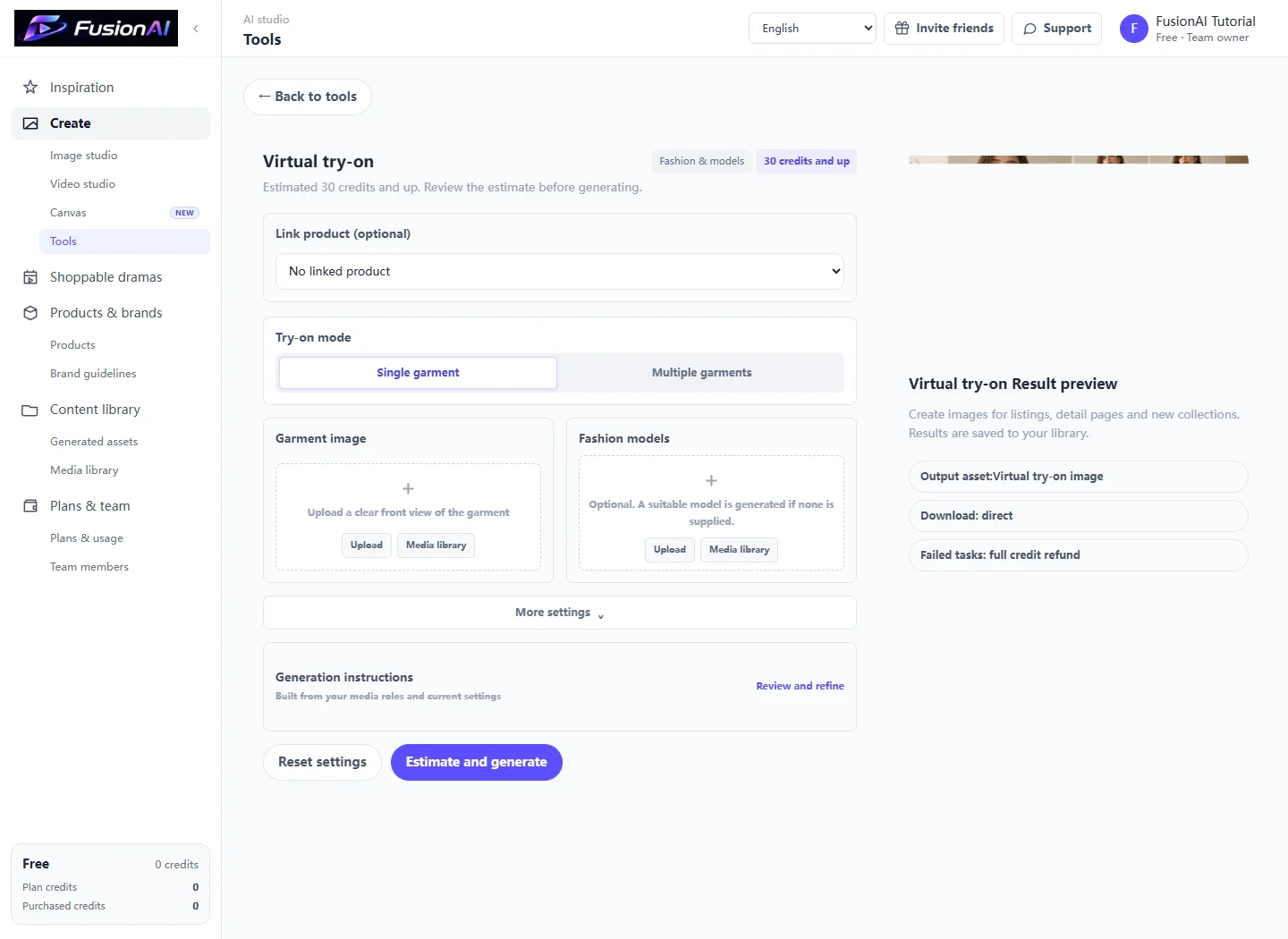
Choose settings and review the credit estimate in the workspace.
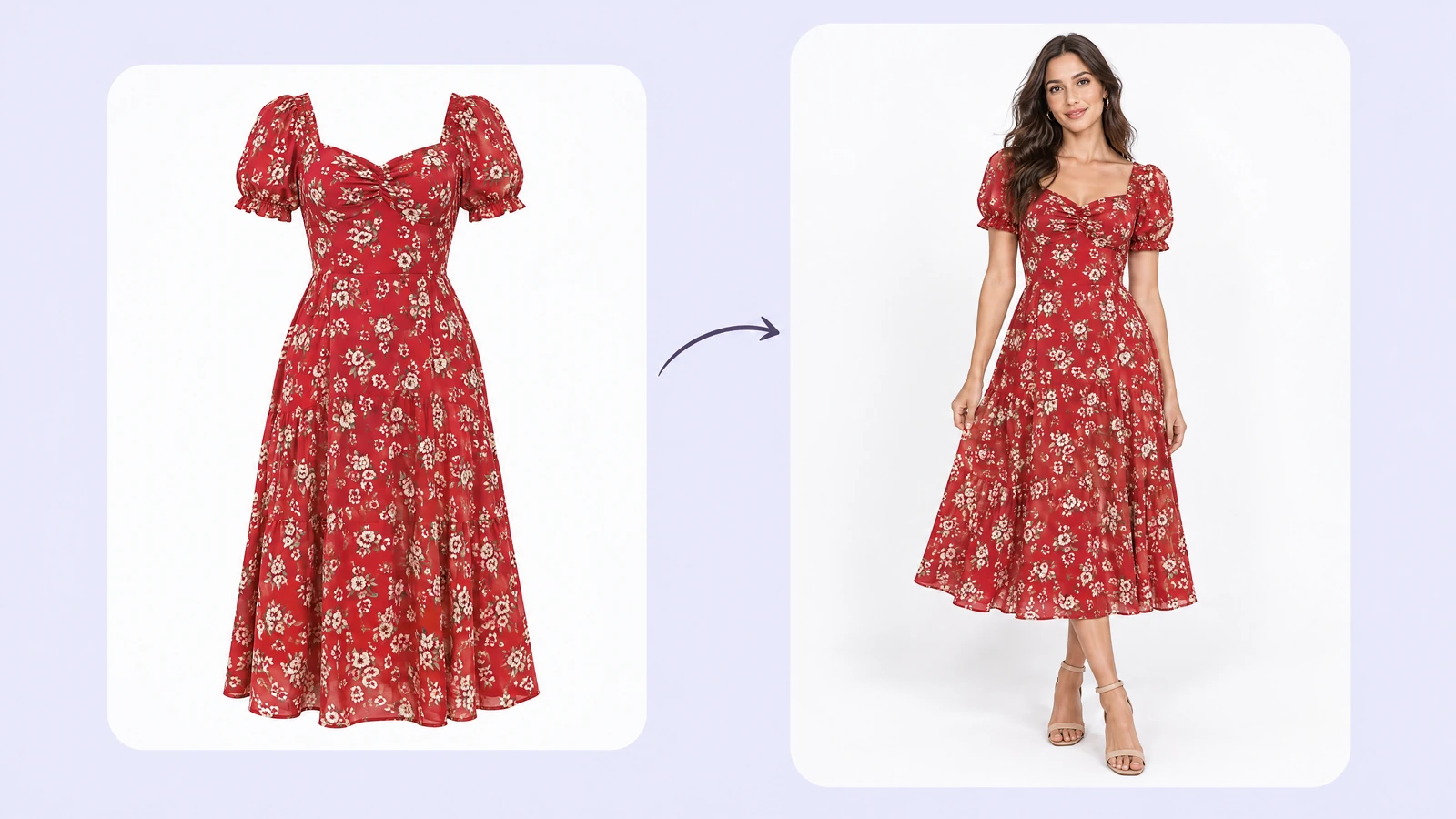
Keep the source responsible for construction and print. Do not replace missing design facts with invented details.
Use a permitted reference for appearance or pose when supported. A model reference is not required for every request.
Reuse the approved direction, while checking the neckline, fastening and texture separately for each garment.
Use a full, readable source and identify the design details that must remain unchanged.
Add an adult model reference if needed, then describe pose, crop and environment without contradictory styling.
Compare seams, pattern, coverage, hands and face. Keep a selected image only after reviewing it against the garment.
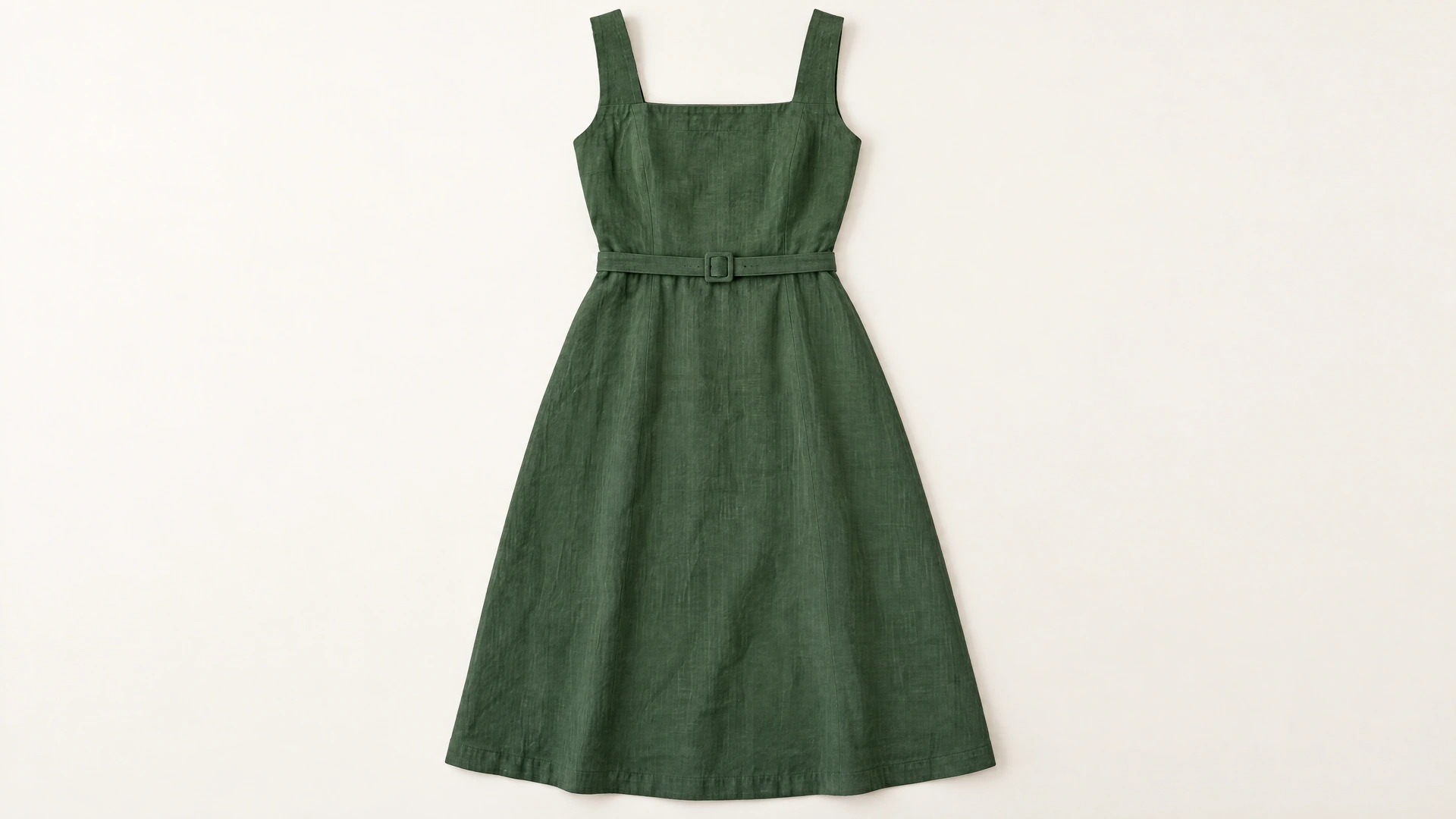
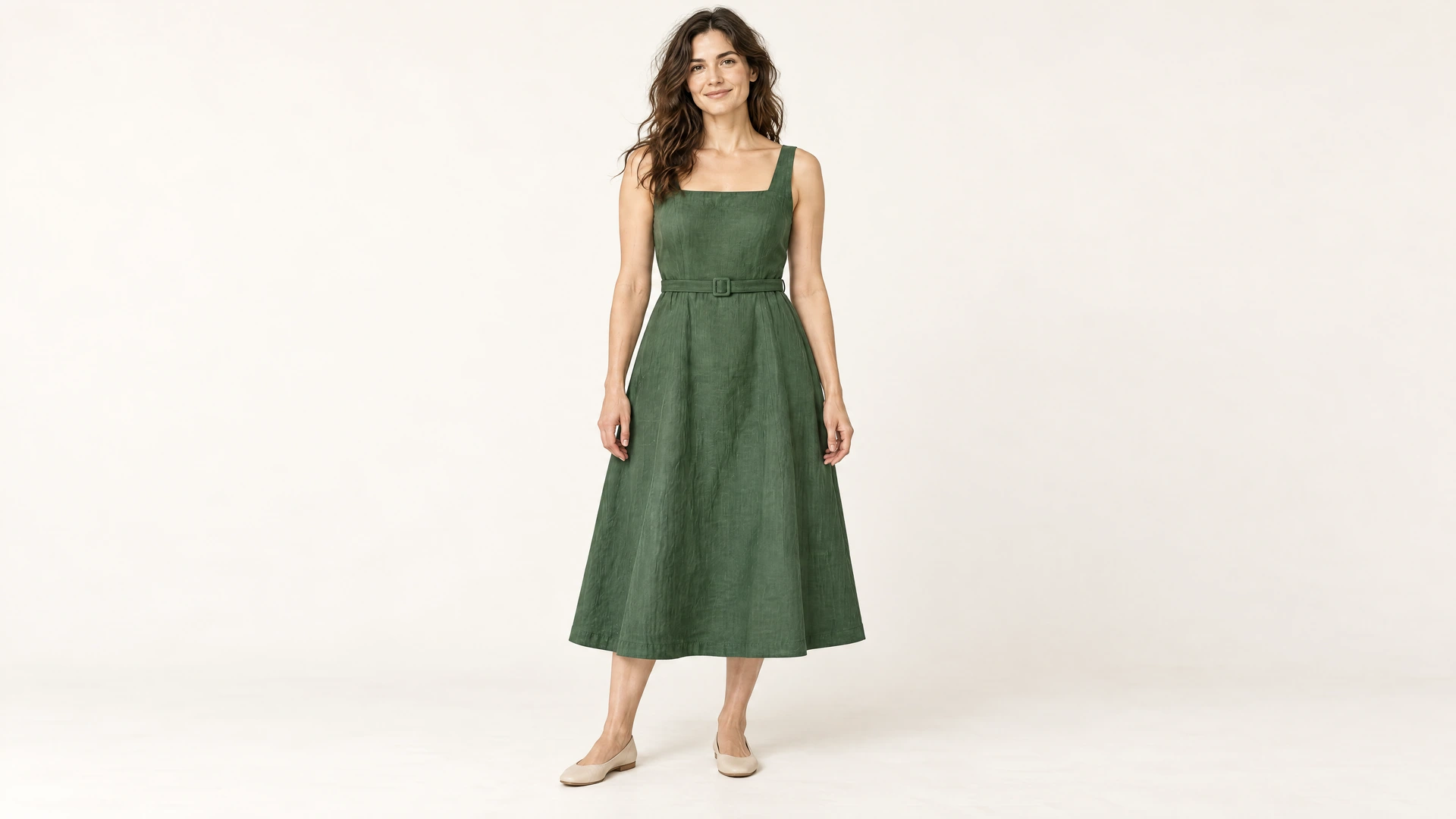
The wearing visual retains the forest-green color, square neckline, broad straps and matching belt. Fabric folds and the skirt silhouette change with the pose and body context.
The adult model and garment reference are synthetic. This example does not establish fit, size accuracy or a real person’s appearance. Inspect neckline, buckle, hem and fabric against the source before use.
A generated wearing image is not a fit or size measurement.
Check intentional pleats and asymmetry rather than automatically smoothing them.
Review print placement and fastening count at full size.
No. The model reference is optional where the selected workflow supports it; use it when a specific permitted appearance matters.
No. It creates a visual interpretation, not a physical fit simulation or sizing recommendation.
Reuse the direction and reference policy, but check each SKU’s design and pattern separately.
Use a clear garment image in FusionAI clothing try-on, choose the appropriate inputs and review neckline, belt, seams and silhouette before selecting a result.
Read the step-by-step tutorial →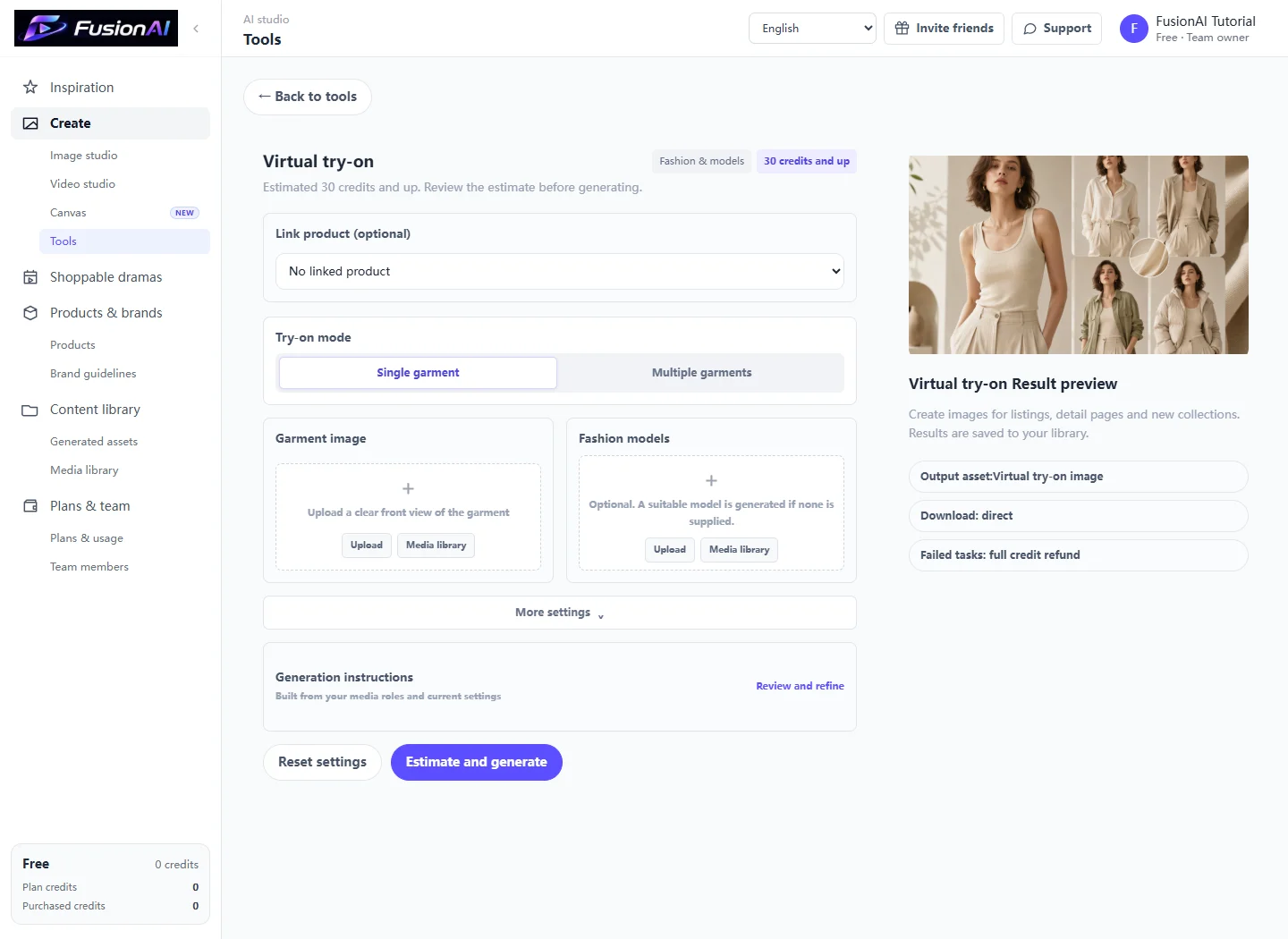
Bring the right inputs. Keep the result that works for your brief.