AI image inpainting
A region-limited color candidate.

Explore an approved color change within a defined region while protecting the product details outside that region.
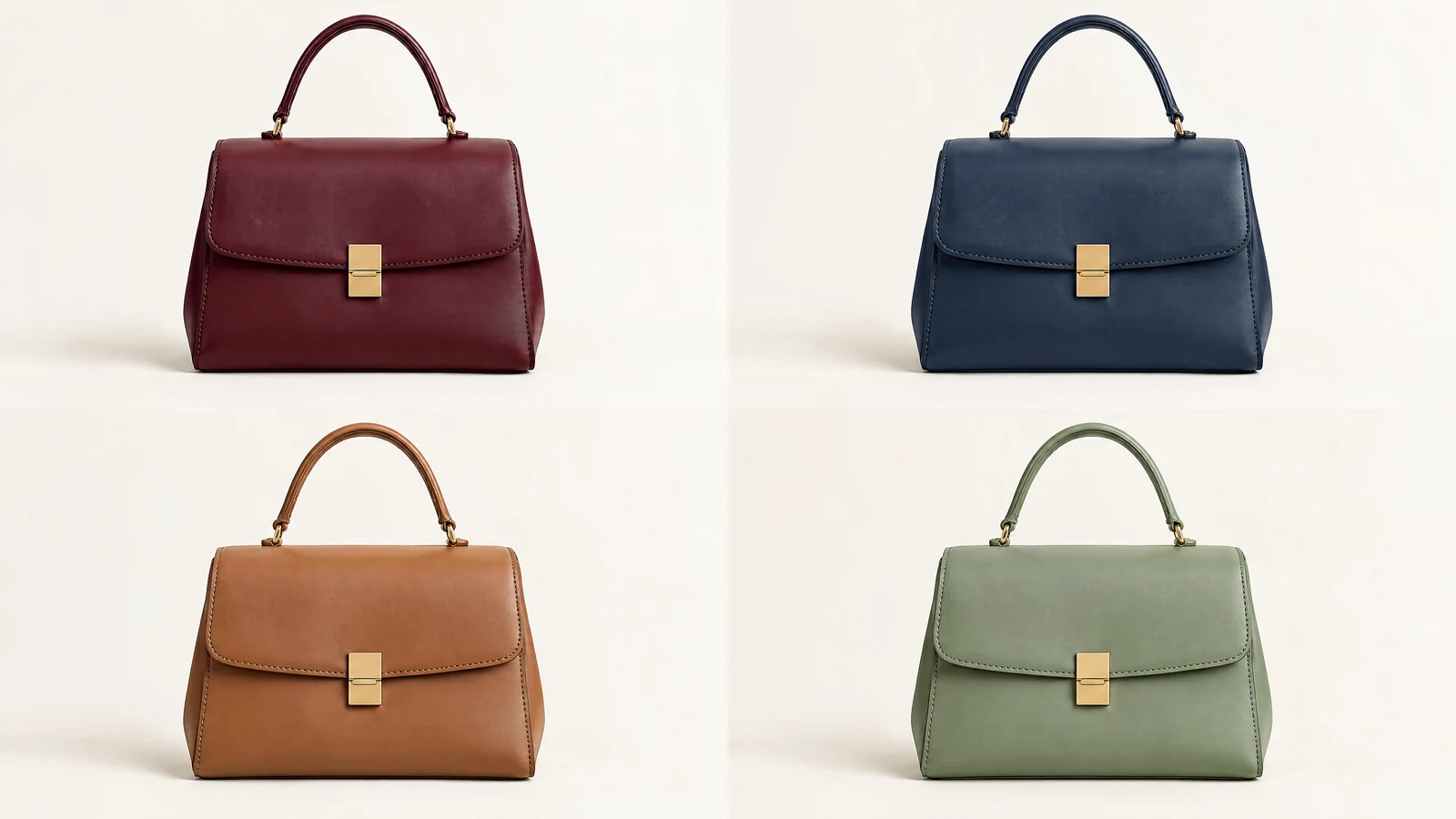
Choose the asset your next project needs
A region-limited color candidate.
A directed edit with explicit unchanged elements.
A color review based on the approved reference.
A checked colorway set mapped to actual variants.
A product photograph, a confirmed color reference and a precise editable-region description.
Select the editable fabric or surface region and supply the target color reference. Keep adjacent hardware, logos and shadows outside the intended change.
Open AI image inpainting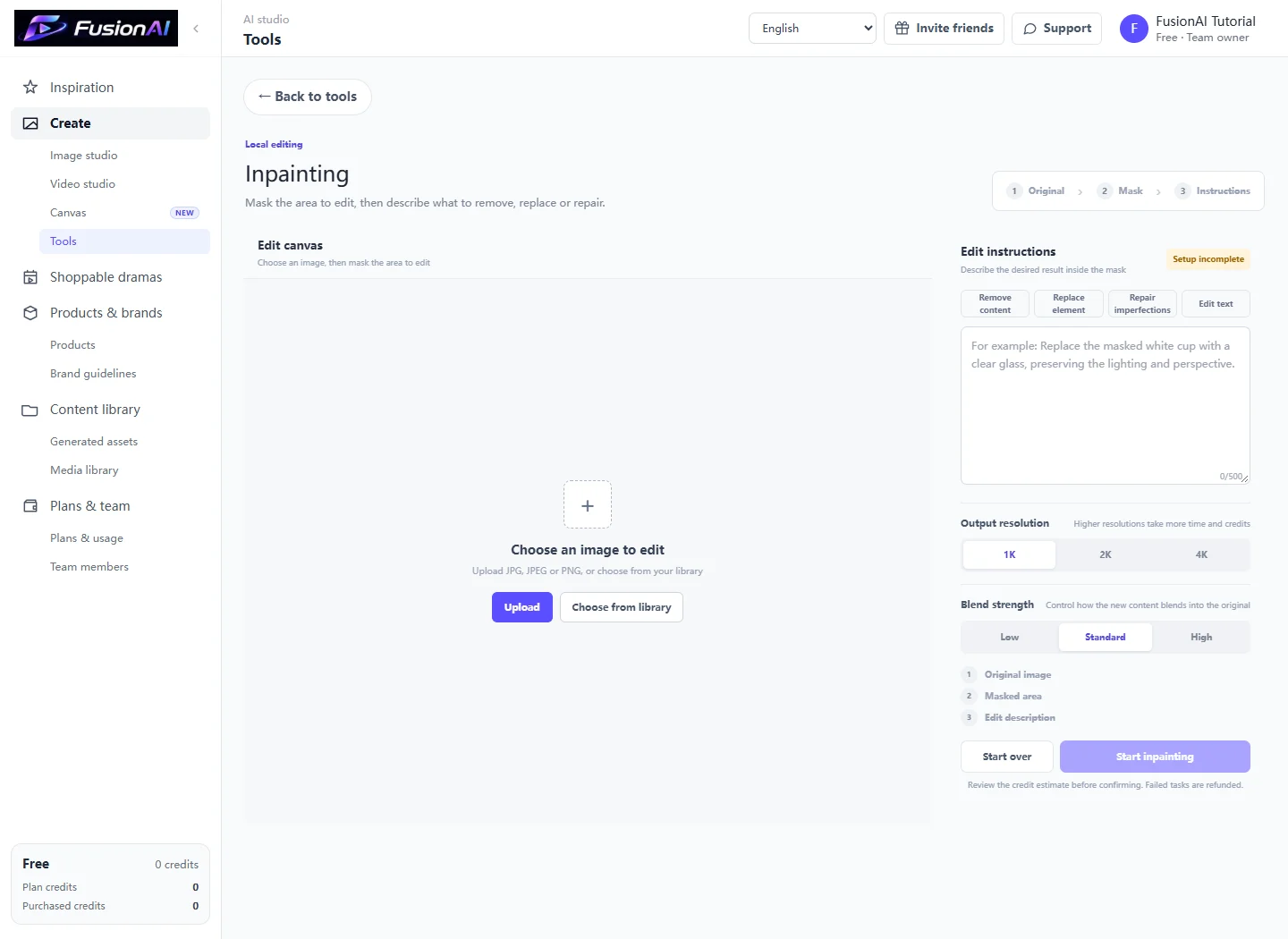
Describe which material changes color and which construction details remain. Inspect spillover at seams, straps and reflective edges.
Open AI photo editor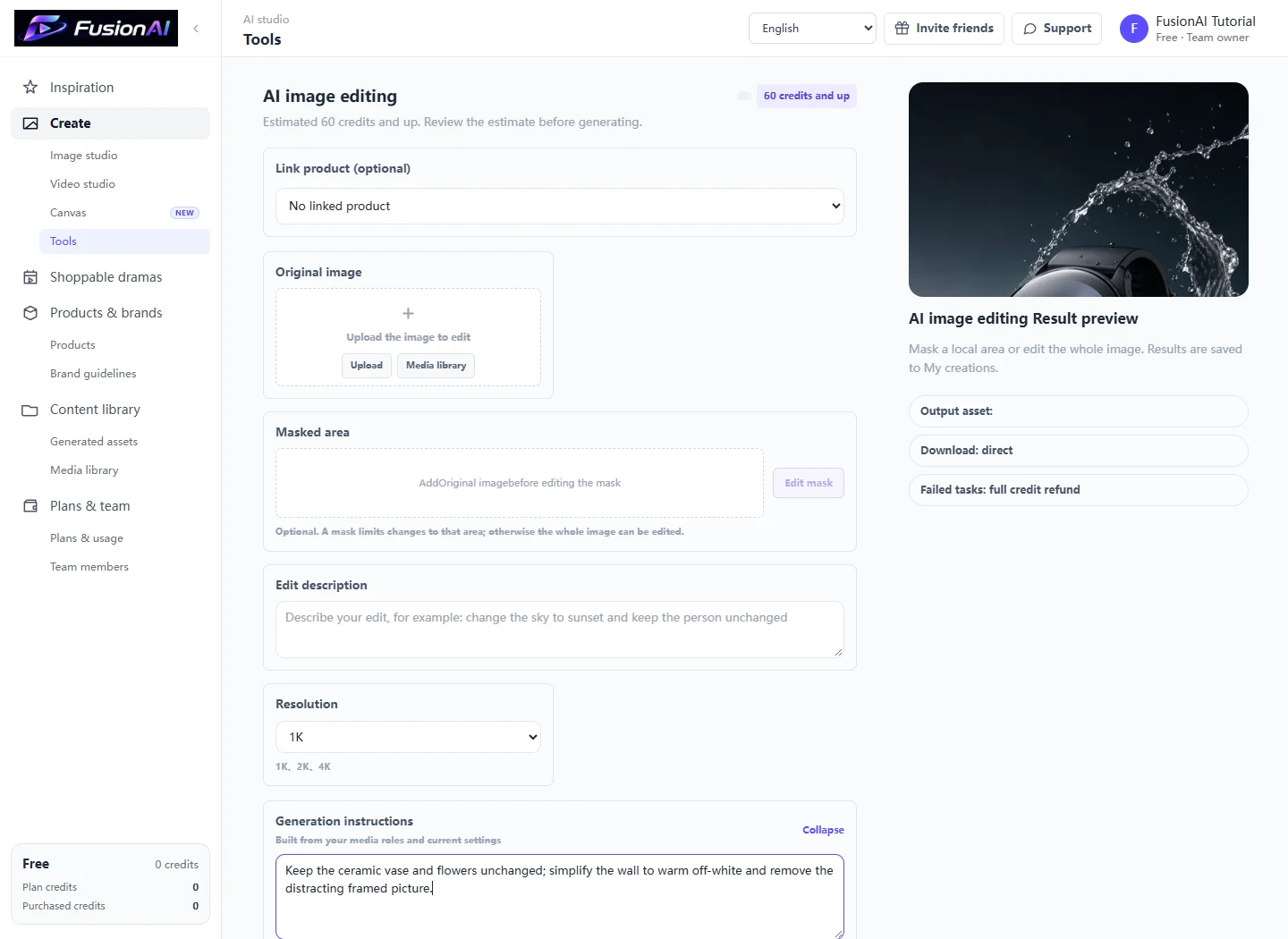
Use a controlled viewing direction when checking the candidate against the approved swatch. Separate a lighting impression from an actual variant color.
Open AI product lighting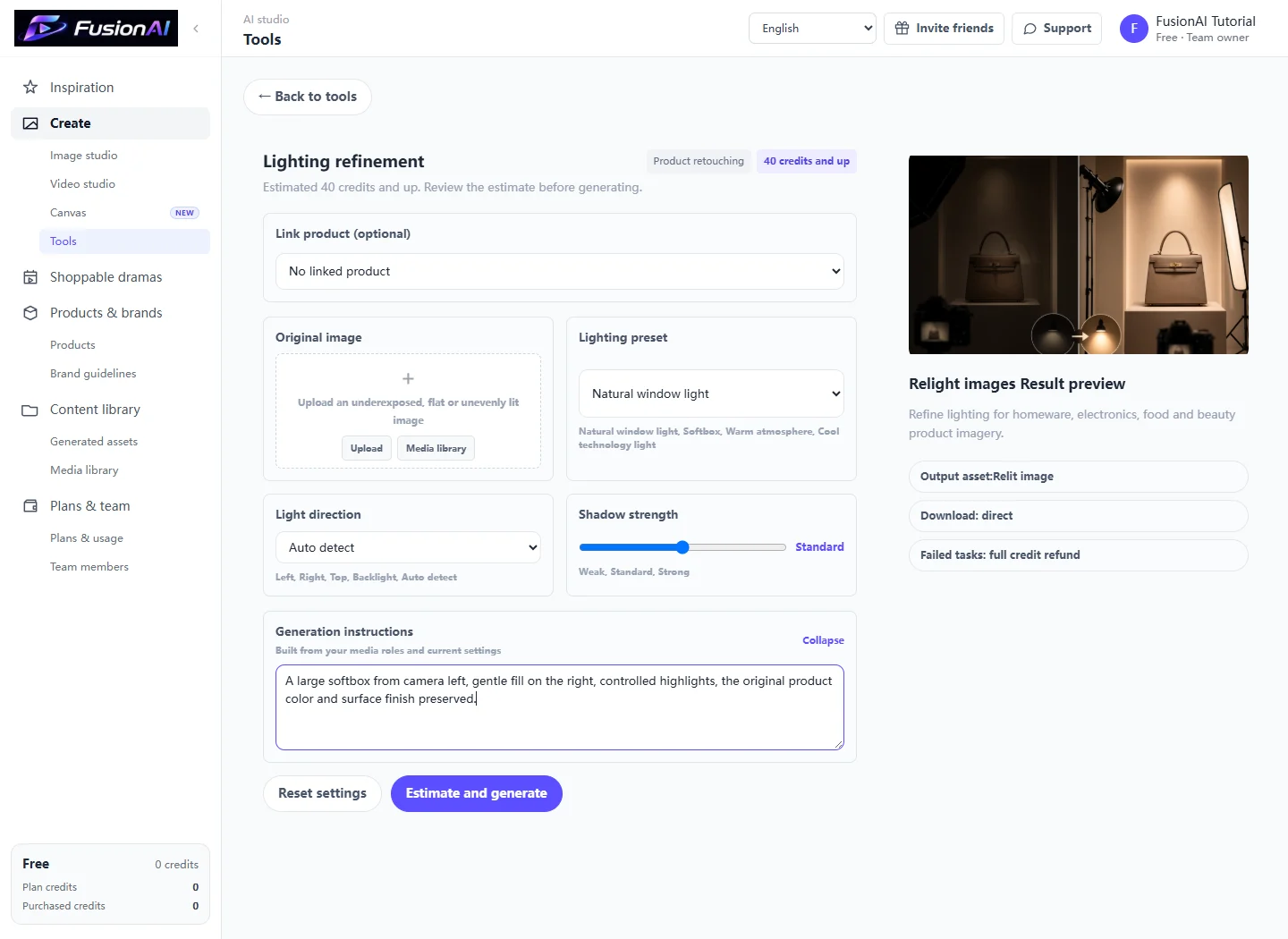
Keep each approved variant separate in the image plan and file names. Do not let an exploratory color candidate imply that a SKU is available.
Open AI product image sets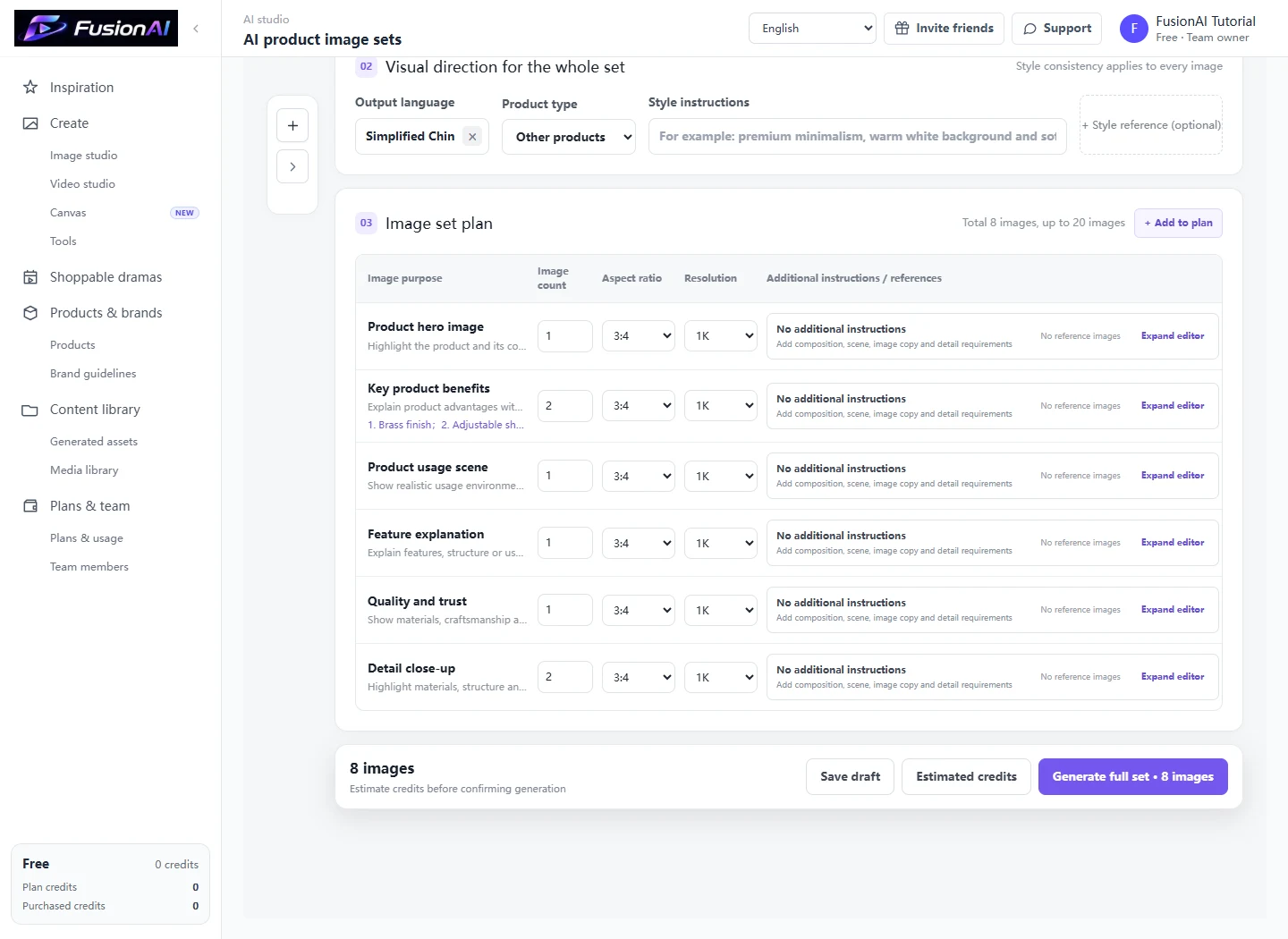
Change only the fabric panel of a backpack to an approved navy reference. Preserve the black straps, silver zippers, label and original lighting. Compare the result with a physical sample before using it as a sold color.
Open AI image inpaintingCheck color under neutral viewing conditions and ensure logos, seams, hardware and non-target regions remain unchanged.
Check seams and boundaries for unwanted color changes.
Keep material texture and printed markings unchanged.
Do not treat generated color as a manufacturing proof.
Mark a region and describe the local replacement, checking the boundary and its fit with the surrounding image.
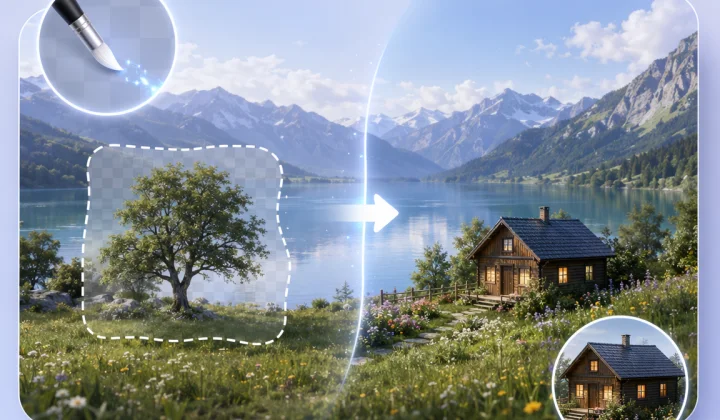 Explore product
Use natural-language instructions for whole-image or selected-region edits. Keep factual product details under review.
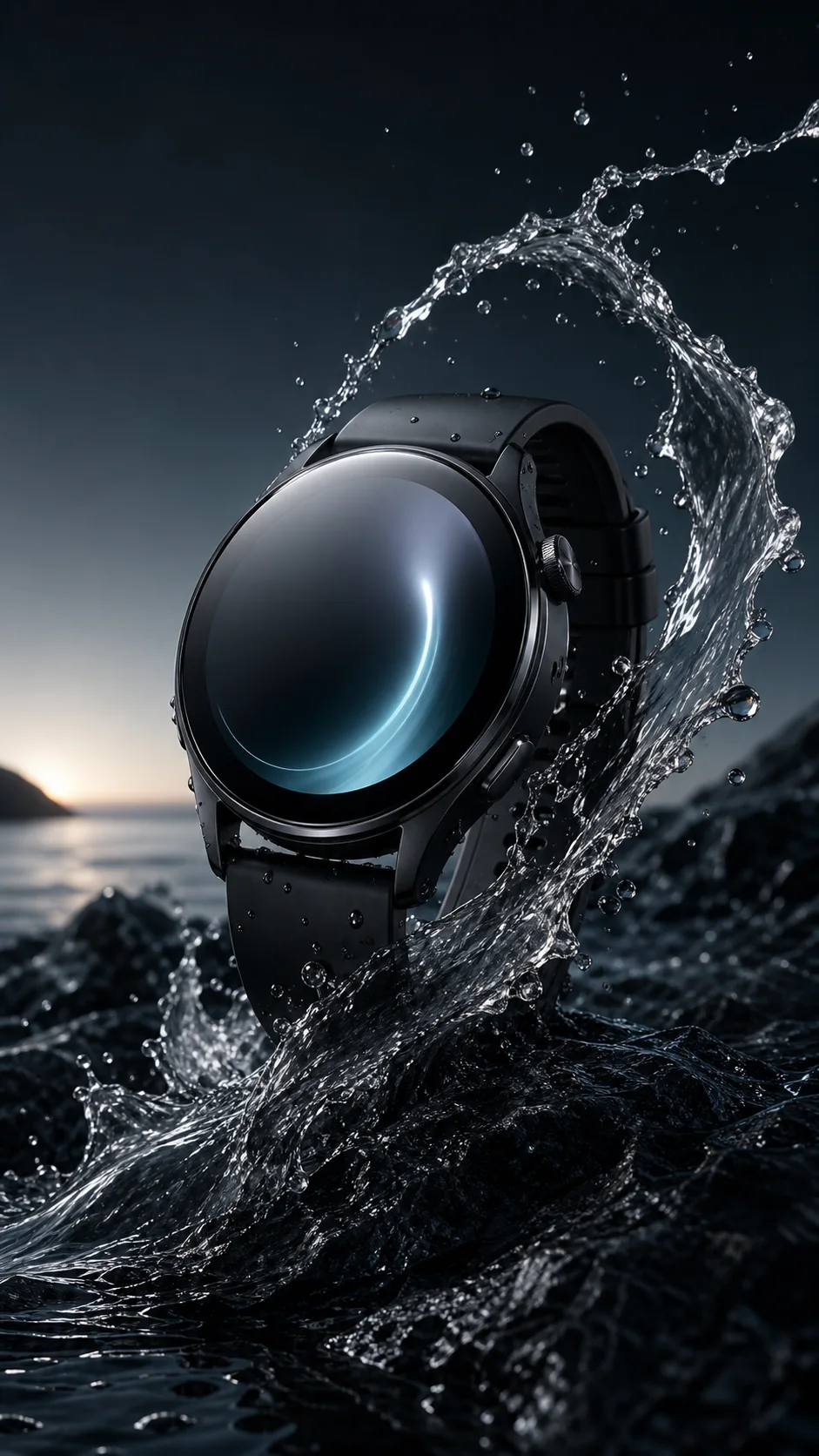 Explore product
Explore window light, softbox and other available lighting treatments. Check the resulting color and material appearance.
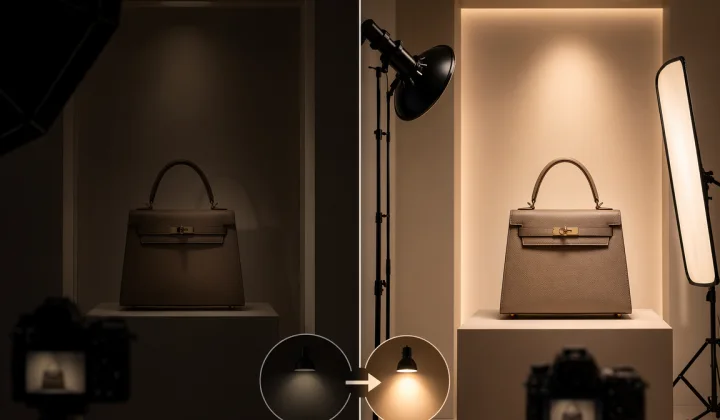 Explore product
Plan hero, feature, lifestyle and detail images for one product. Adjust each image purpose, prompt, reference and output language.
 Explore product
No. Use the approved sample or production specification as the authority. Display conditions and generated edits can alter color perception.
A precise region reduces unintended changes to surrounding materials. It still needs inspection for spillover, texture changes and altered hardware.
Color-variation candidates that preserve the surrounding design.
Start with AI image inpainting