Prepare your inputs
Open the reference video tool and choose a model that exposes reference generation.

Assign different roles to product images, motion videos and audio references in a supported video model. Review the resulting motion and subject details.
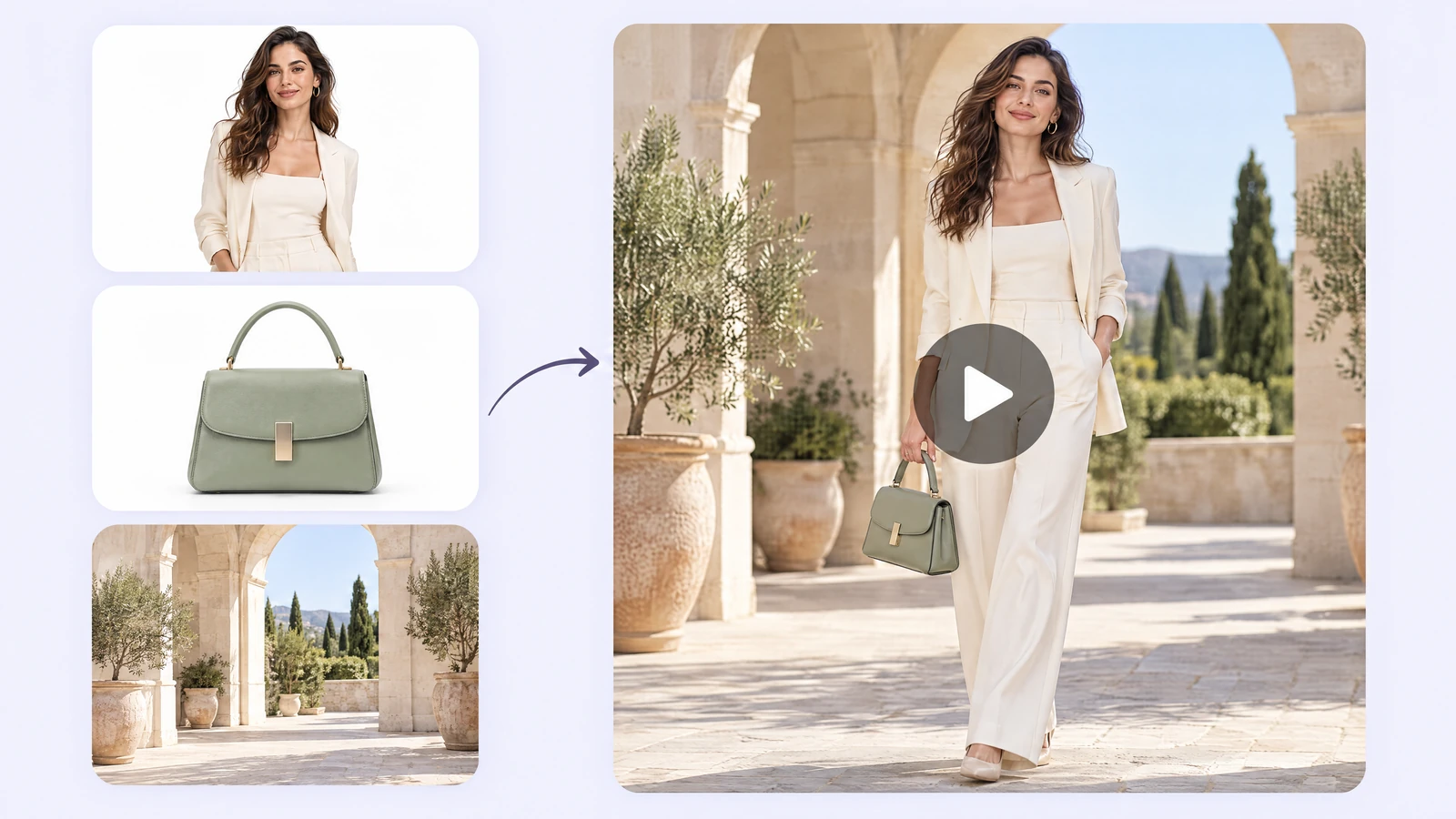
Explore the actual FusionAI interface before opening your workspace.
A permitted motion reference, product or subject references, and a clear new-scene brief.
Try this workflow Interface preview · no generation is started here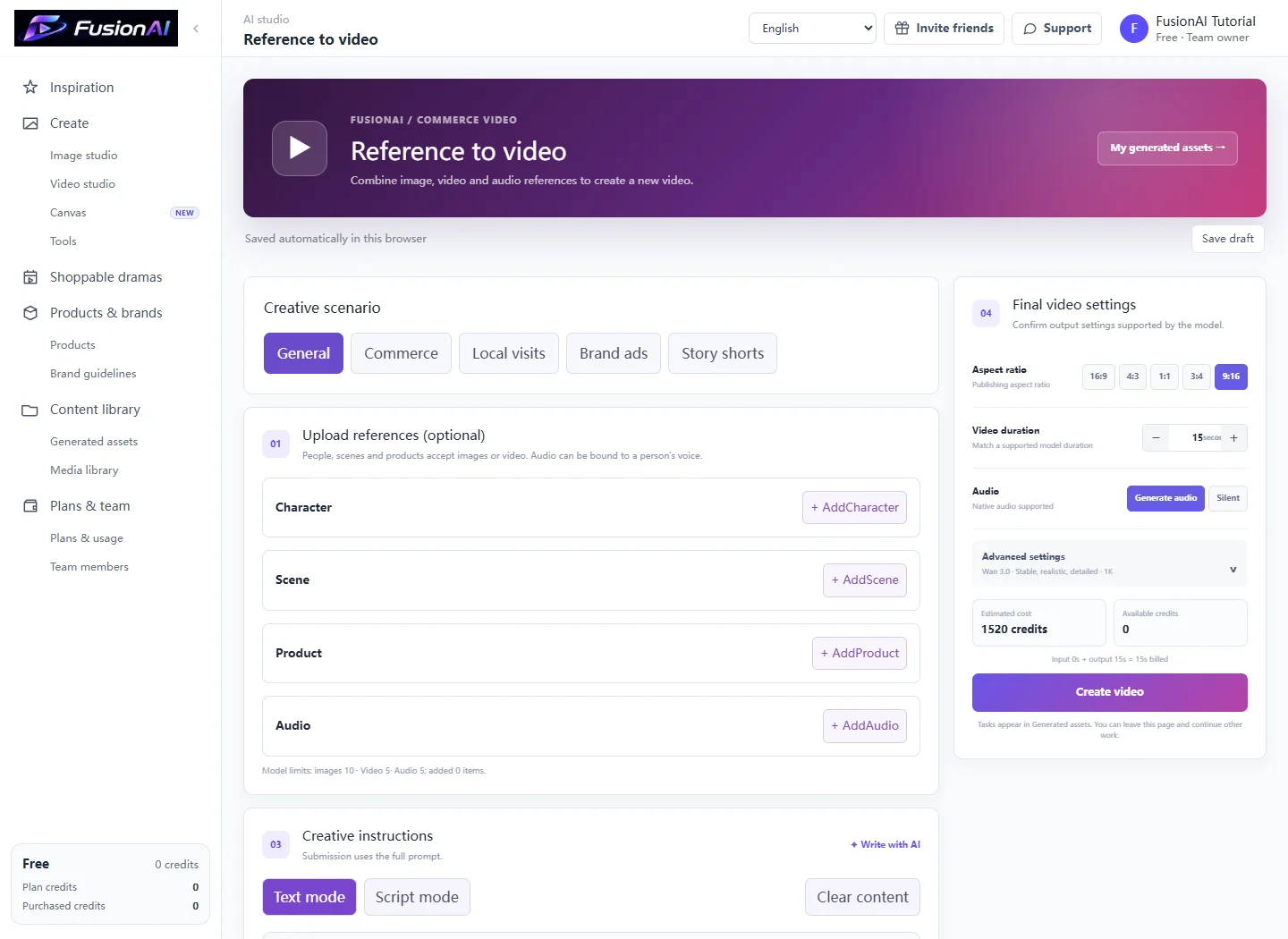
Attach each source and describe whether it provides appearance, movement, setting or sound.
Try this workflow Interface preview · no generation is started hereCheck reference roles, motion plausibility, product identity and accidental reproduction of source branding.
Try this workflow Interface preview · no generation is started hereA reference-guided video candidate.
Try this workflow Interface preview · no generation is started hereKeep one clear SKU reference for shape and packaging. Describe whether the item stays fixed, rotates or enters the shot.
Explore: Product image sets appearanceState what to borrow: the camera move, hand movement or rhythm. If the motion clip conflicts with the product photo, prioritize the photo for identity and simplify the move.
Explore: Motion video sets the movementAn audio reference is useful only when the selected mode accepts it. Use the first-frame workflow for a shot driven by one still; use Remix to replace something in an existing video.
Explore: Audio is optional and model dependentAssign different roles to product images, motion videos and audio references in a supported video model. Review the resulting motion and subject details.
A permitted motion reference, product or subject references, and a clear new-scene brief.
Attach each source and describe whether it provides appearance, movement, setting or sound.
Check reference roles, motion plausibility, product identity and accidental reproduction of source branding.
Prepare your references, make intentional choices and inspect the result.
Open the reference video tool and choose a model that exposes reference generation.
Attach each source and describe whether it provides appearance, movement, setting or sound. Write the new scene and camera intention. Check duration, picture quality, reference limits and estimate.
Play the full candidate and inspect the product, motion and unwanted source elements.
Continue with video structure remix. Keep your product references and review criteria close as you move into the next part of production.
Explore Video structure remix
A permitted motion reference, product or subject references, and a clear new-scene brief.
Attach each source and describe whether it provides appearance, movement, setting or sound.
Check reference roles, motion plausibility, product identity and accidental reproduction of source branding.
Analyze a permitted reference video and adapt its shot structure to your own product, story and assets. A new creative does not guarantee the performance of the reference.
Explore product ↗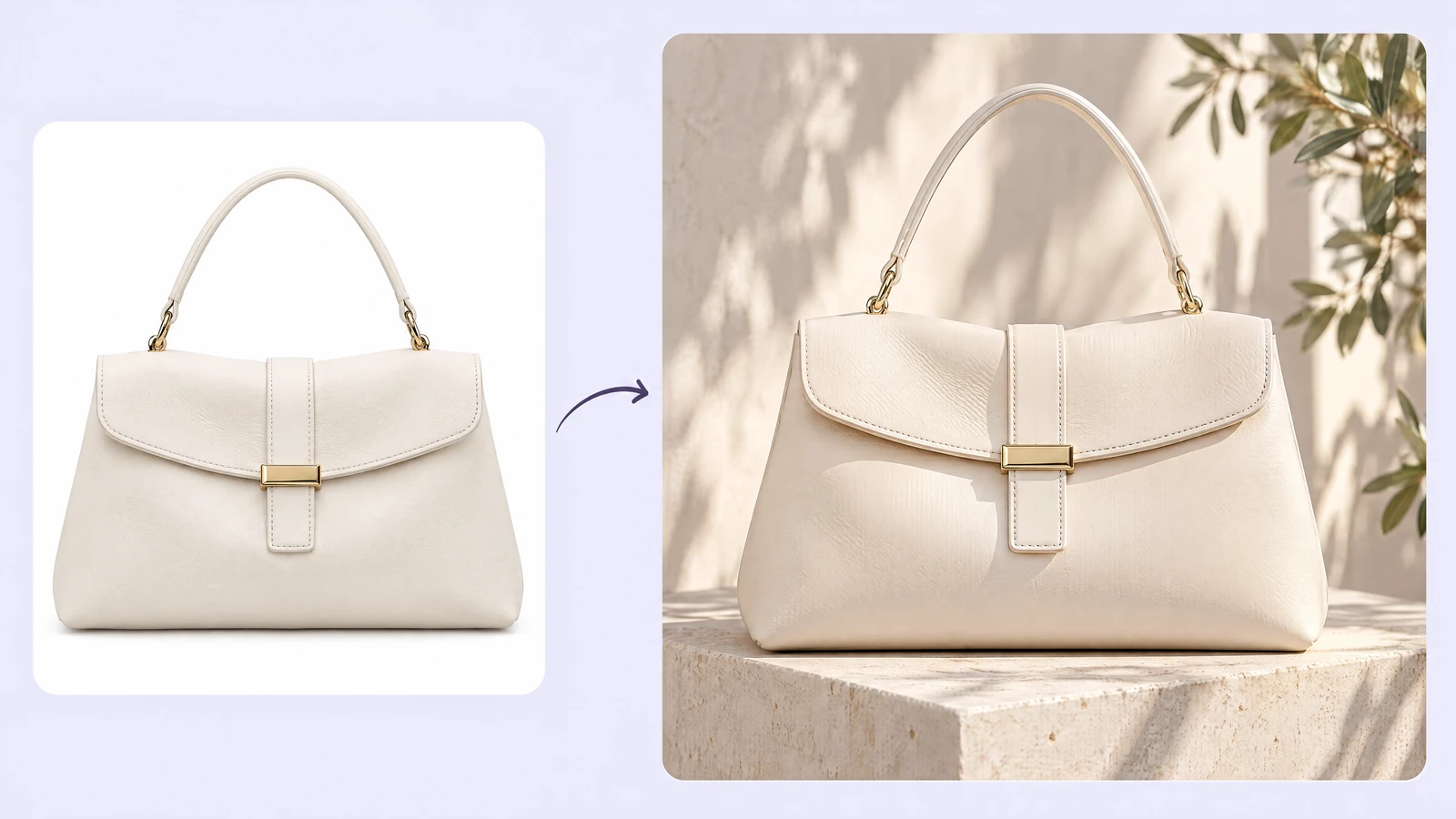
Create product scenes, campaign visuals and image variations from your brief and supported reference images.
Explore product ↗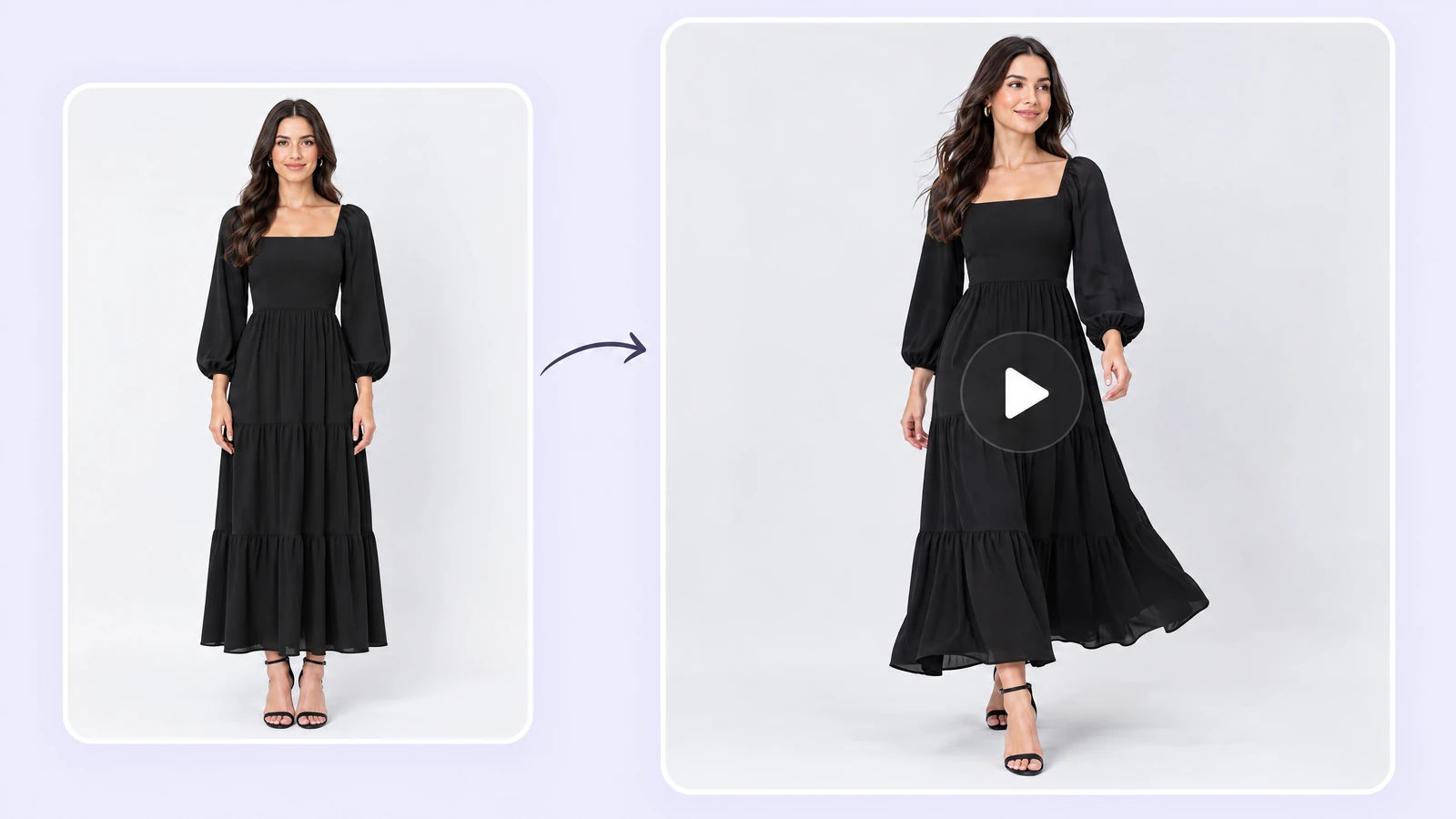
Turn text, images and supported multimodal references into individual video shots.
Explore product ↗
Plan hero, feature, lifestyle and detail images for one product. Adjust each image purpose, prompt, reference and output language.
Explore product ↗A permitted motion reference, product or subject references, and a clear new-scene brief.
A reference-guided video candidate.
Check reference roles, motion plausibility, product identity and accidental reproduction of source branding.
Open the workspace, choose the supported model and settings, and review the displayed credit estimate before confirming generation. Subscription plans and credit packs are listed on the pricing page.
Use references you are entitled to use and check the input requirements in the workspace. Available formats, reference counts and output settings depend on the tool and selected model.
Prepare your inputs, explore the possibilities and choose what works for your brand.