Product retouching
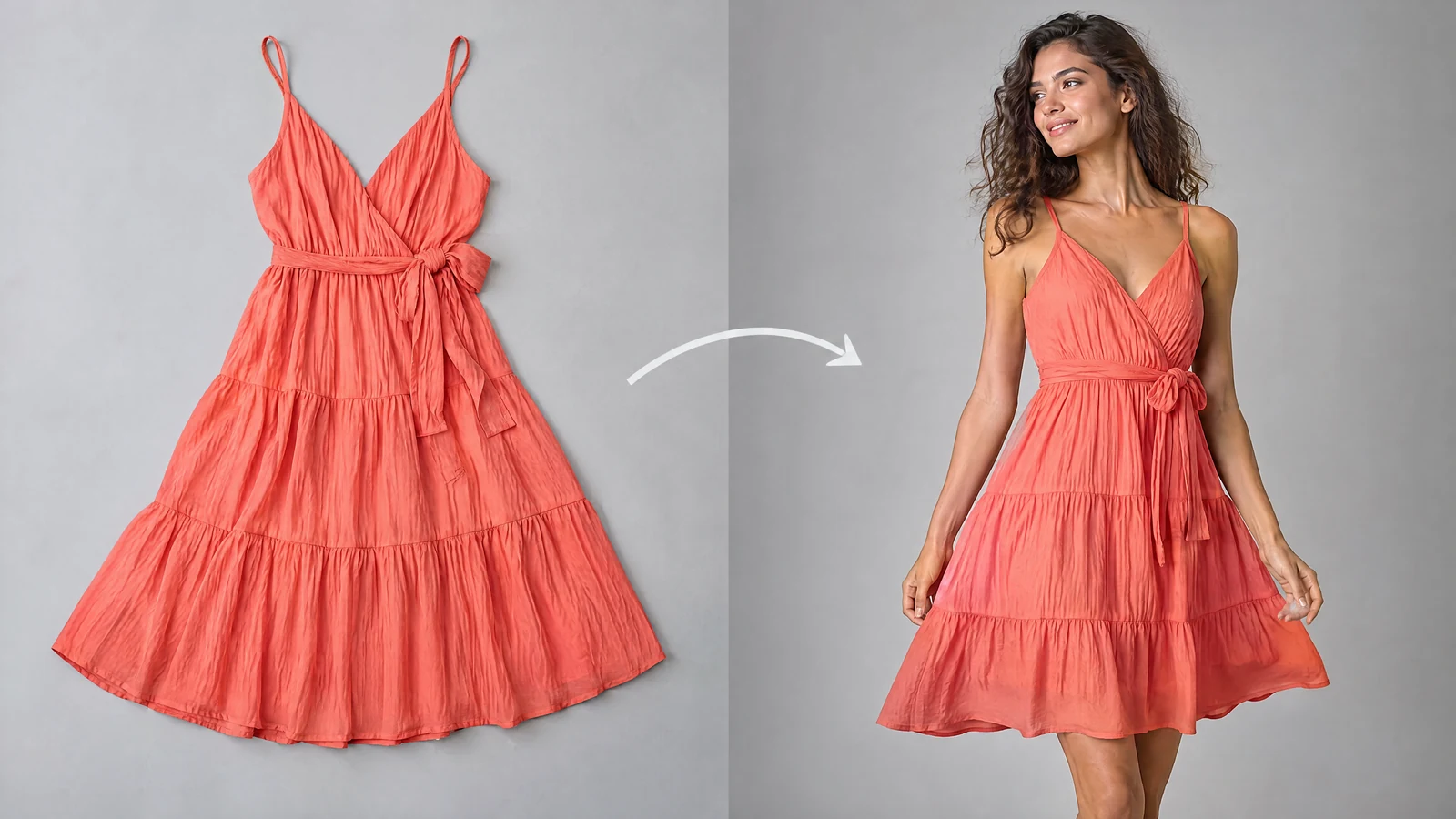
A garment source suitable for wearing-image comparison.

Turn a photographed garment into a wearing illustration while keeping the real flat lay available for construction and size decisions.
Choose the asset your next project needs
A garment source suitable for wearing-image comparison.
A checked wearing illustration for the actual garment.
A gallery balancing styling and construction evidence.
A supplementary movement clip with stable garment detail.
A sharp flat-lay garment image and a permitted adult model reference with a compatible pose.
Choose a sharp flat lay with the full silhouette visible. Keep original detail photographs for buttons, prints and any construction hidden by folds.
Open Product retouching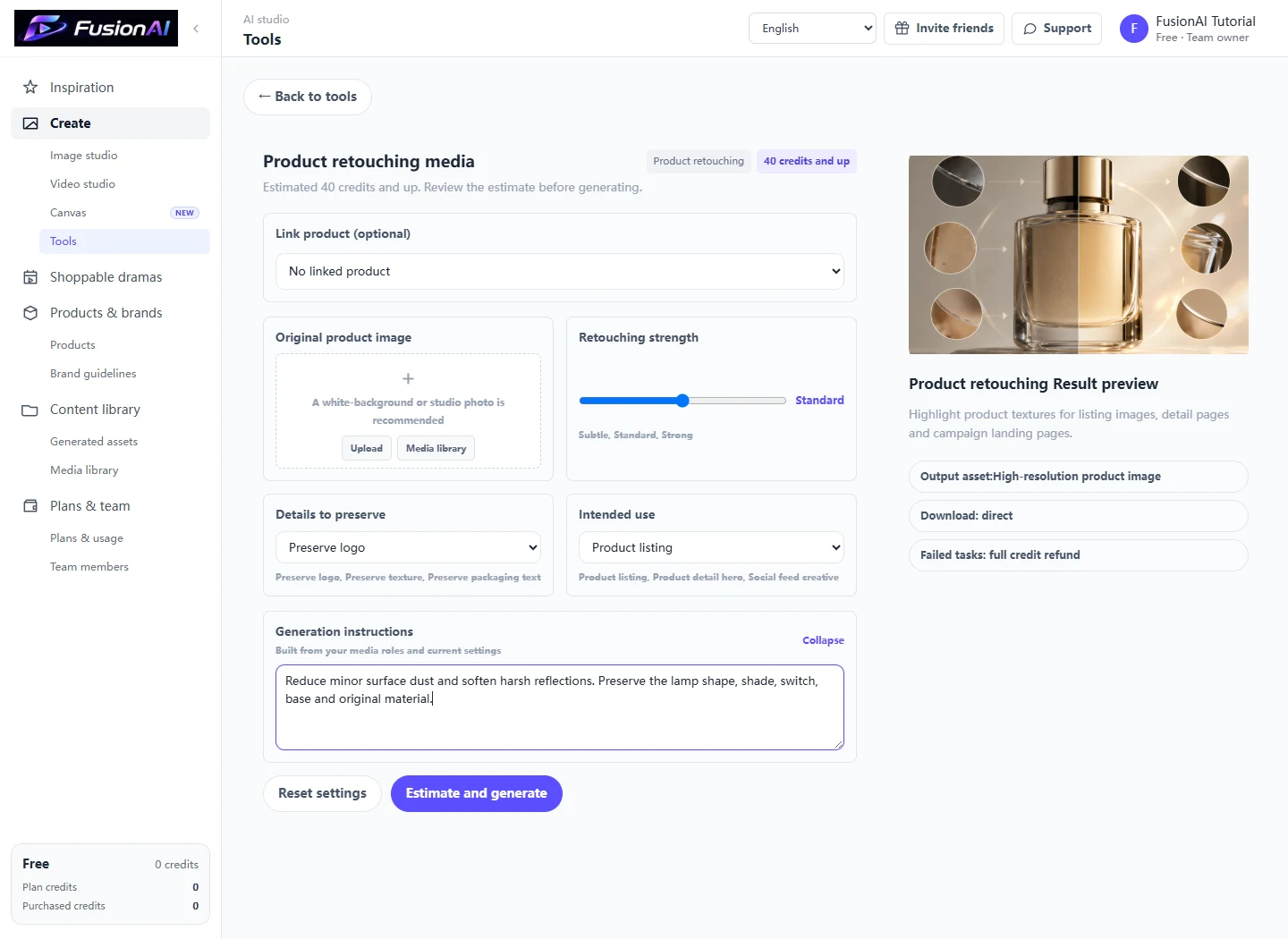
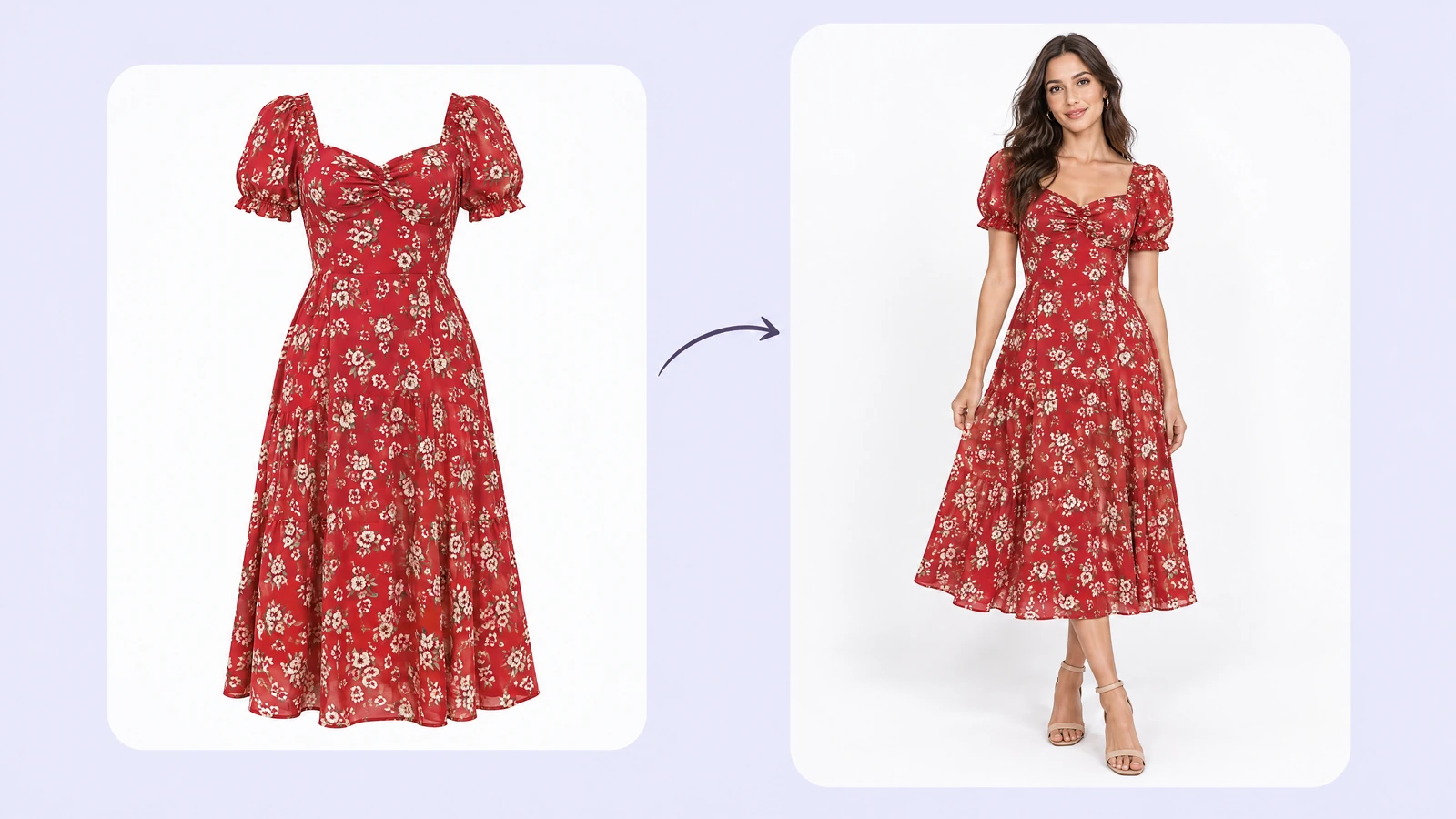
Use a permitted adult model reference with compatible framing. Review sleeve length, neckline and drape rather than accepting a plausible-looking outfit immediately.
Open Virtual clothing try-on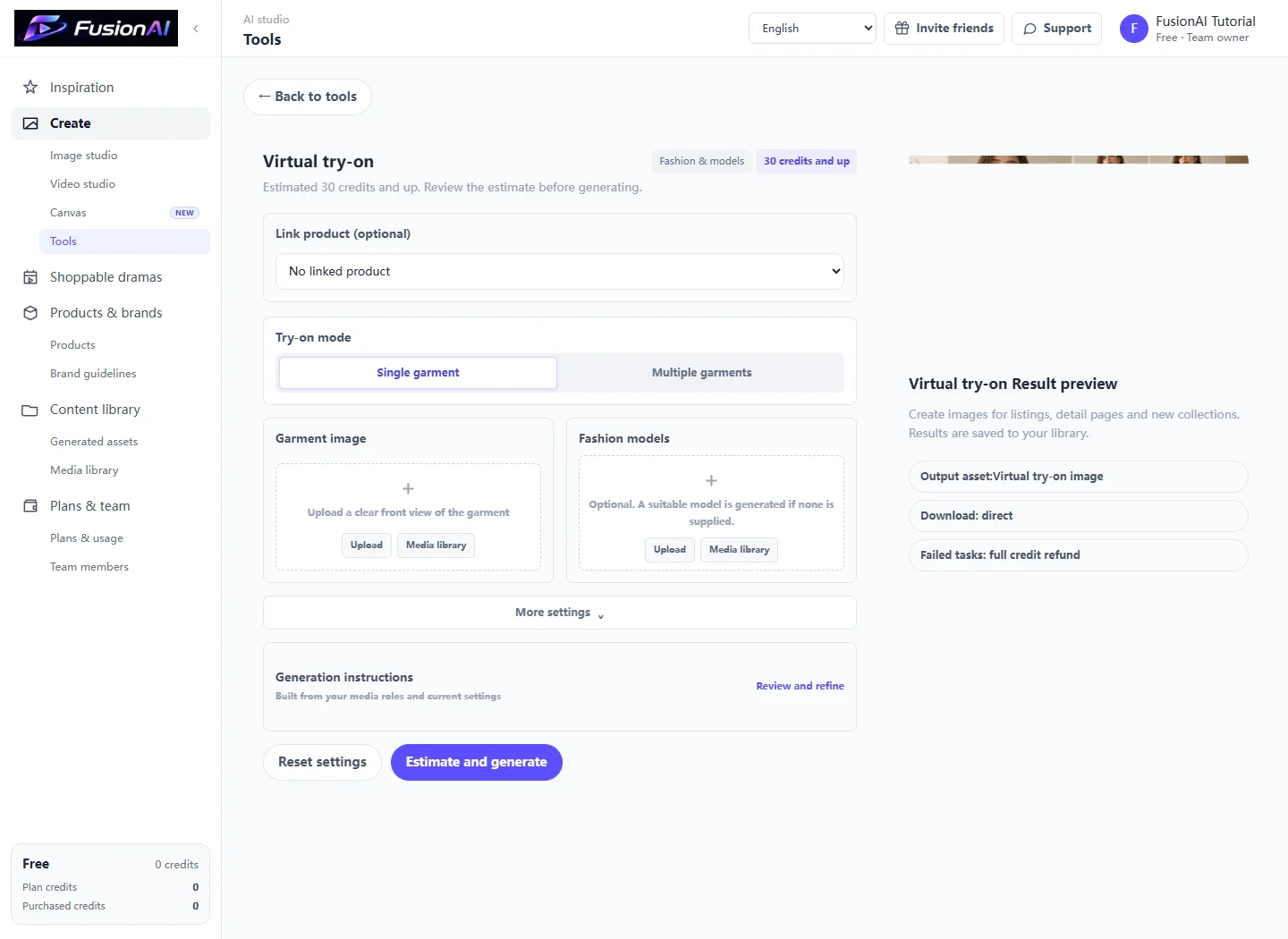
Keep the original flat lay and measurements alongside the wearing view. Plan a separate detail image for any feature that the pose hides.
Open AI product image sets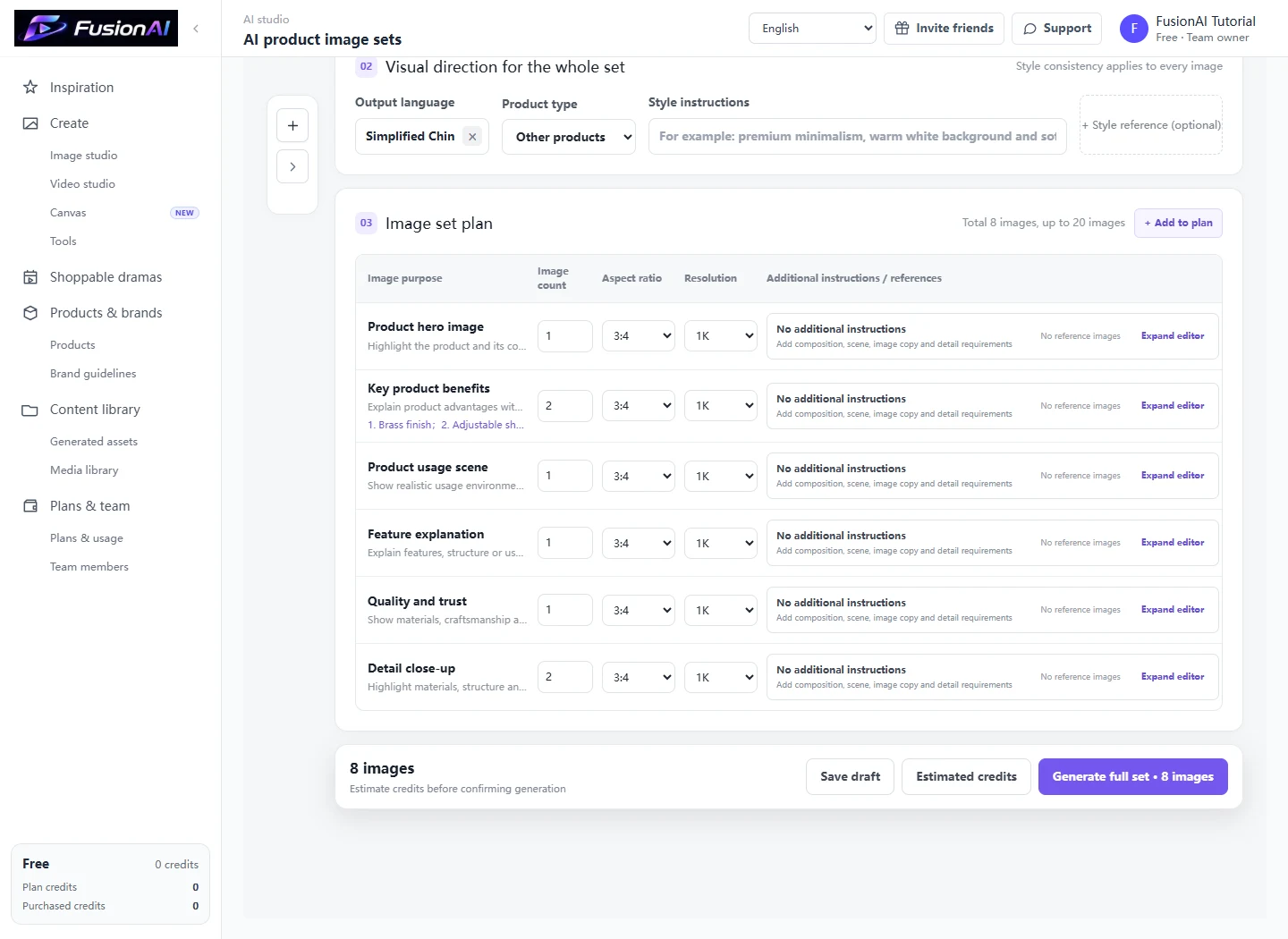
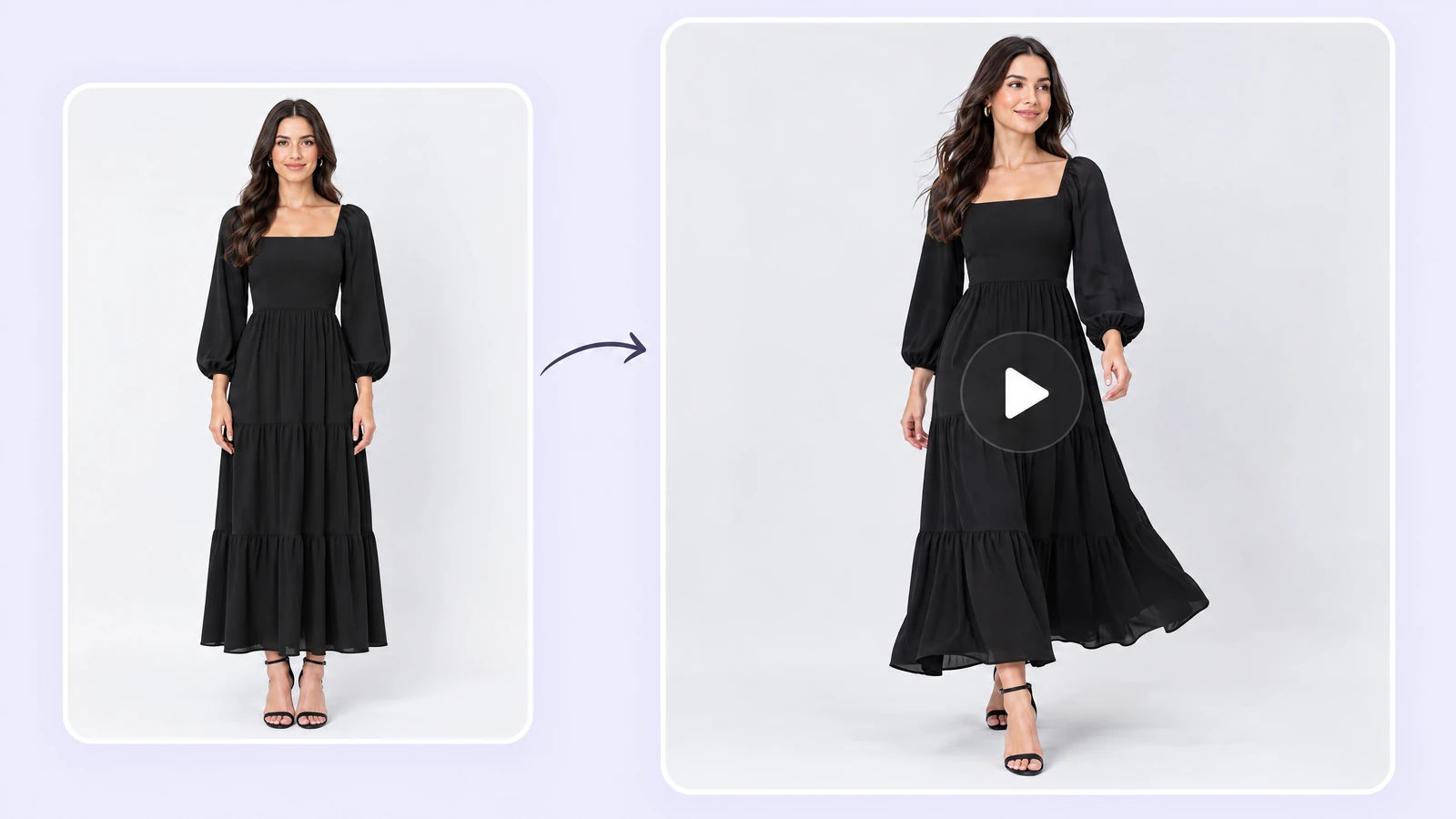
Use one simple movement after the garment still passes review. Check that model motion does not change garment length, print placement or fastenings.
Open AI video creation
Show a six-button cardigan on a relaxed adult reference with arms clear of the front. Preserve the knit pattern, neckline and hem length; keep the original flat lay and actual measurements in the final product gallery.
Open Product retouchingCompare garment length, proportions, print location, closures and drape with the original.
Compare garment proportions with the flat lay and measurements.
Inspect print placement where folds or hands cross the garment.
Describe the result as styling, not proof of exact fit.
Improve defects, edges and reflections while checking product shape, labels and material against the original.
 Explore product
Create a wearing visual from a garment or outfit and an optional model reference. Check prints, construction and fit representation.
 Explore product
Plan hero, feature, lifestyle and detail images for one product. Adjust each image purpose, prompt, reference and output language.
 Explore product
Turn text, images and supported multimodal references into individual video shots.
 Explore product
This workflow creates a visual illustration. Size and fit advice should come from actual garment measurements and your established sizing process.
Use a clearer source or an alternate pose. Do not rely on an invented sleeve shape to describe the sold garment.
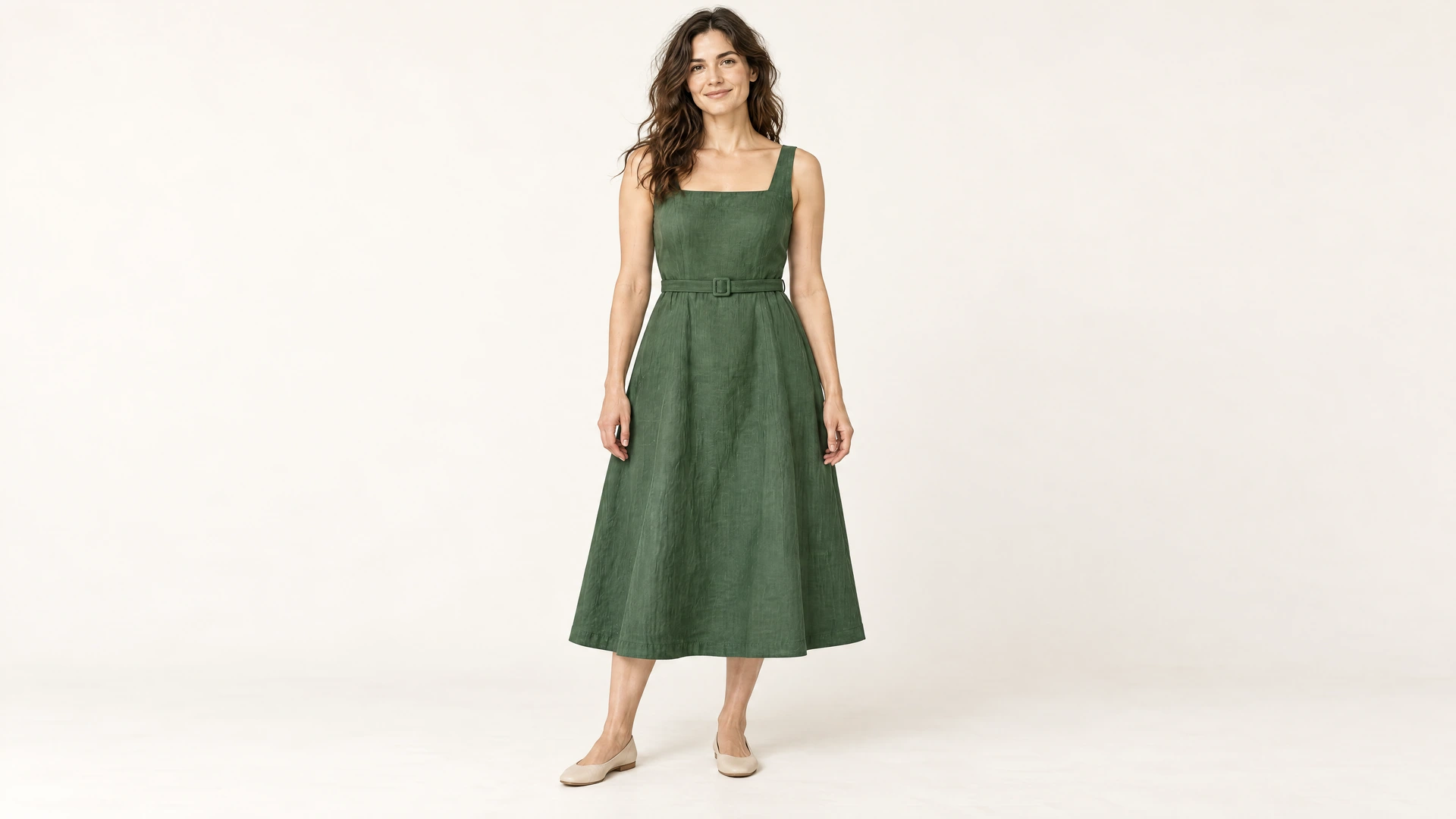
Model: GPT Image 2.5 Sunburst · FusionAI Open API
Parameters: Requested: 4K, 3840 × 2160, high quality, 1 image. Received: 3840 × 2160.
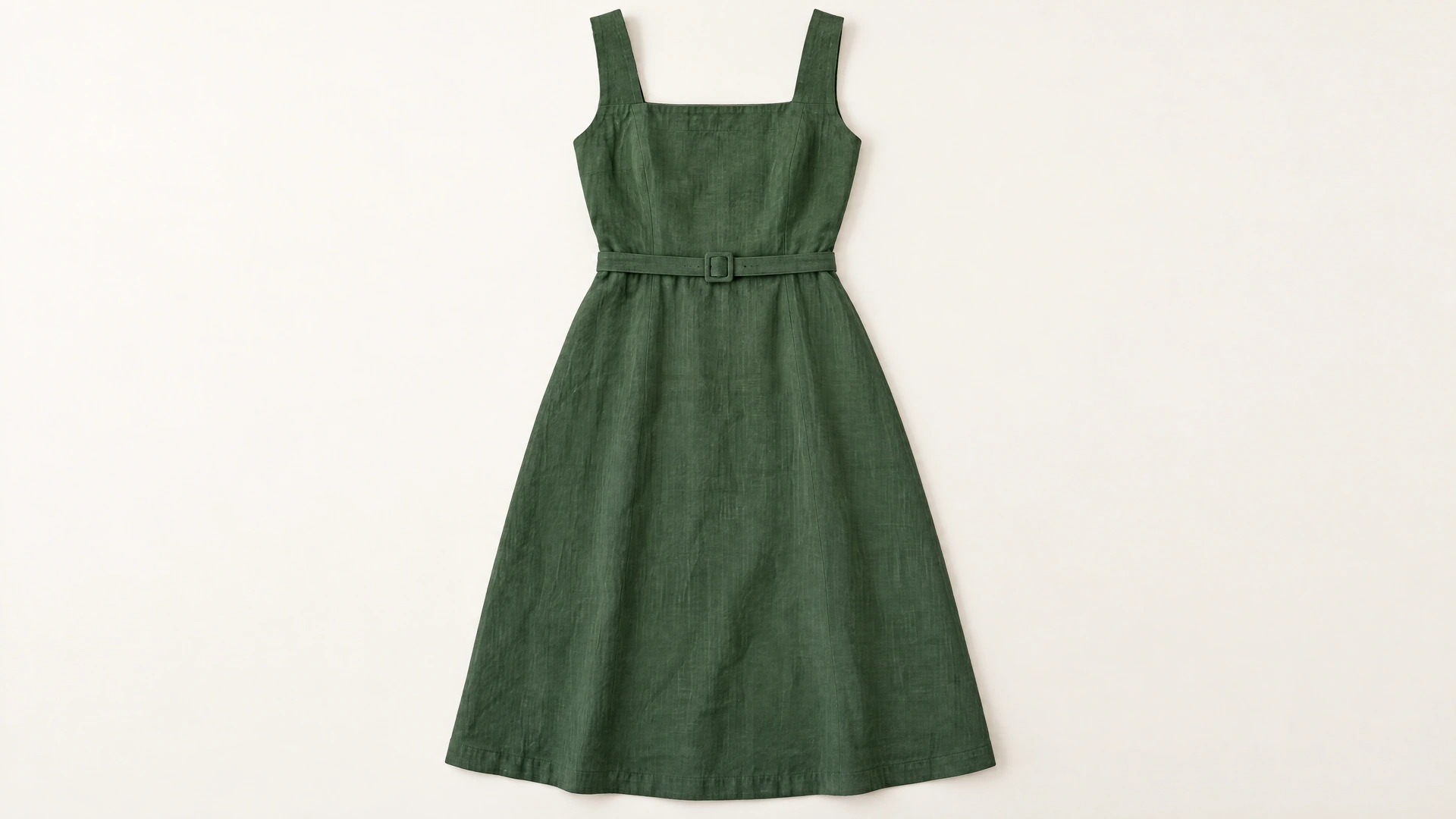
Use the attached garment as the exact clothing reference. Dress an adult woman about 30 years old in this same forest green linen midi dress. Preserve the square neckline, two broad shoulder straps, sleeveless construction, narrow matching belt and small rectangular buckle, natural linen texture and gently flared skirt. Full-length standing studio fashion photograph, relaxed natural posture, both arms away from the waist so the belt is visible, simple flat neutral shoes, plain warm ivory studio background and soft daylight. Natural skin texture, realistic anatomy, truthful folds. The adult model is fictional and not a known person. Do not add sleeves, buttons, pockets, slit, jewelry, text, logos or a collage. Landscape 16:9, model centered, whole garment and hem visible.
Review findings: The wearing visual retains the forest-green color, square neckline, broad straps and matching belt. Fabric folds and the skirt silhouette change with the pose and body context.
Limitations: The adult model and garment reference are synthetic. This example does not establish fit, size accuracy or a real person’s appearance. Inspect neckline, buckle, hem and fabric against the source before use.
A wearing illustration plus the factual flat-lay and detail views.
Start with Product retouching