Virtual clothing try-on
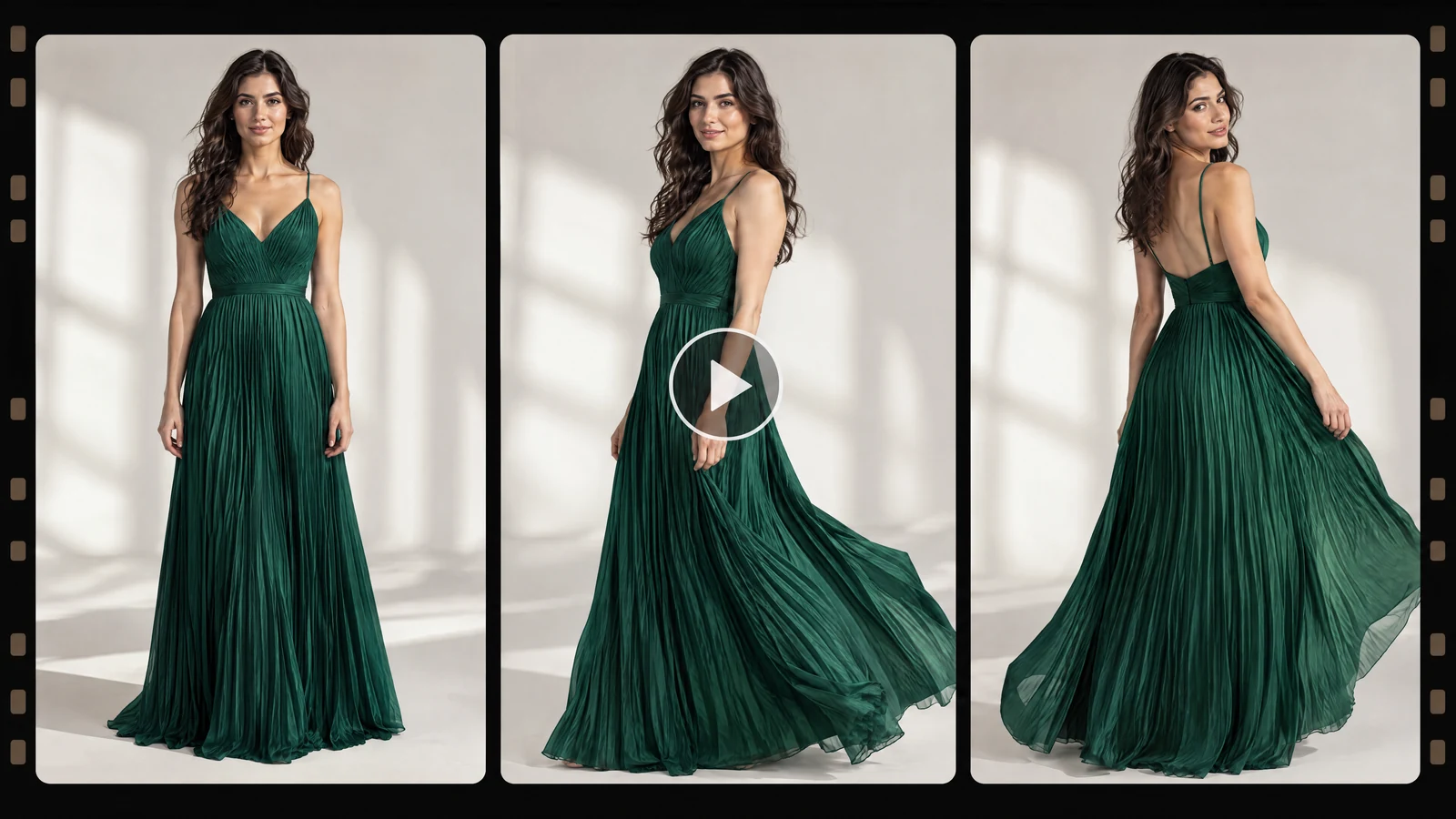
An approved fashion still ready for video direction.

Use a verified clothing still as the source for a short motion shot that helps shoppers read shape and fabric.
Choose the asset your next project needs
An approved fashion still ready for video direction.
A short garment-led motion candidate.
A reference-directed shot with separate appearance and motion roles.
A reusable still-to-motion production structure.
An approved garment still, a permitted adult subject reference and one simple movement brief.
Select a wearing image with readable neckline, sleeves and hem. Compare the print and fastening details with the real garment before using it as motion input.
Open Virtual clothing try-on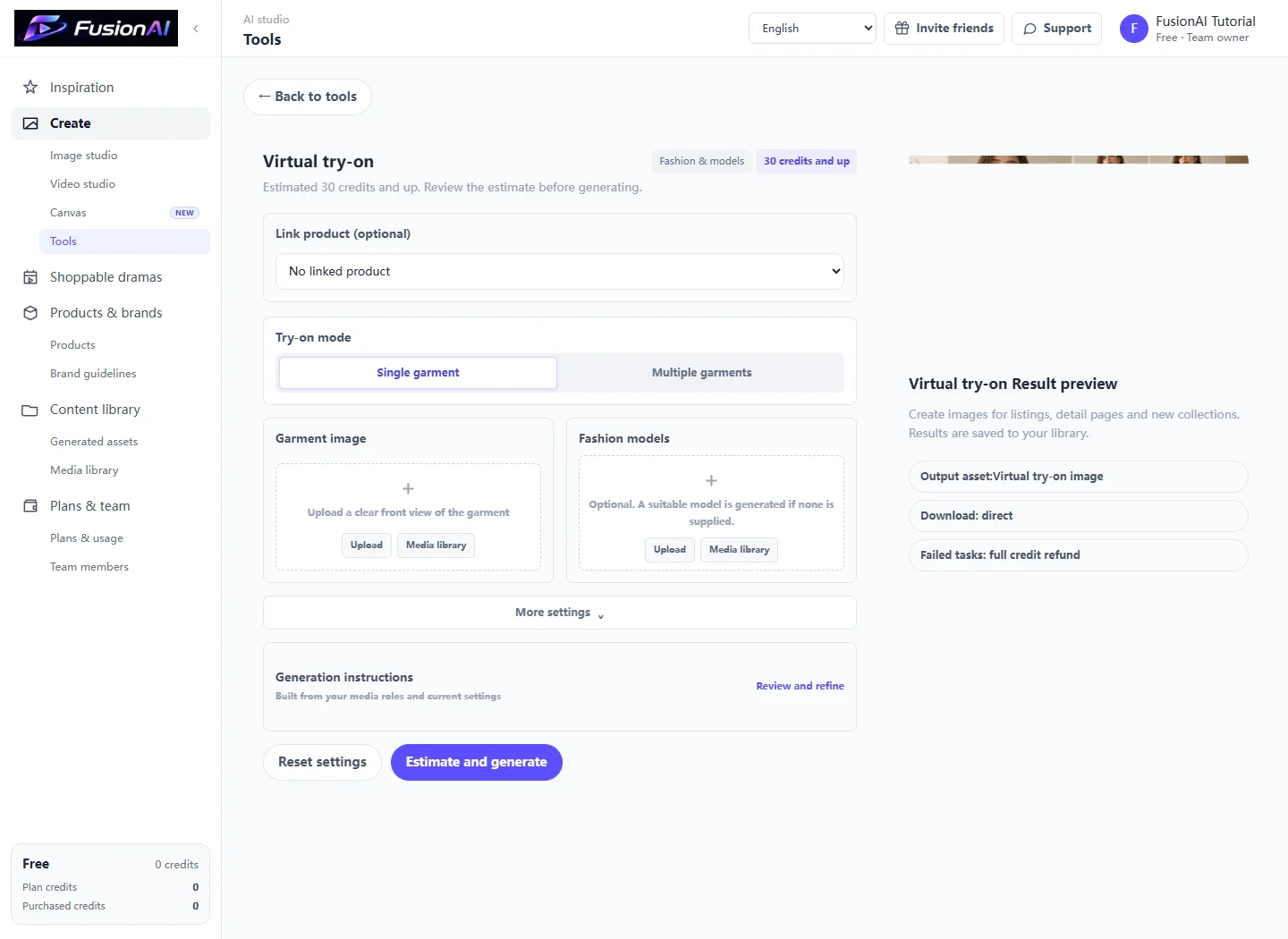
Choose image-to-video and describe a slow quarter turn or a small fabric movement. Keep camera movement simple enough to judge the garment throughout the shot.
Open AI video creation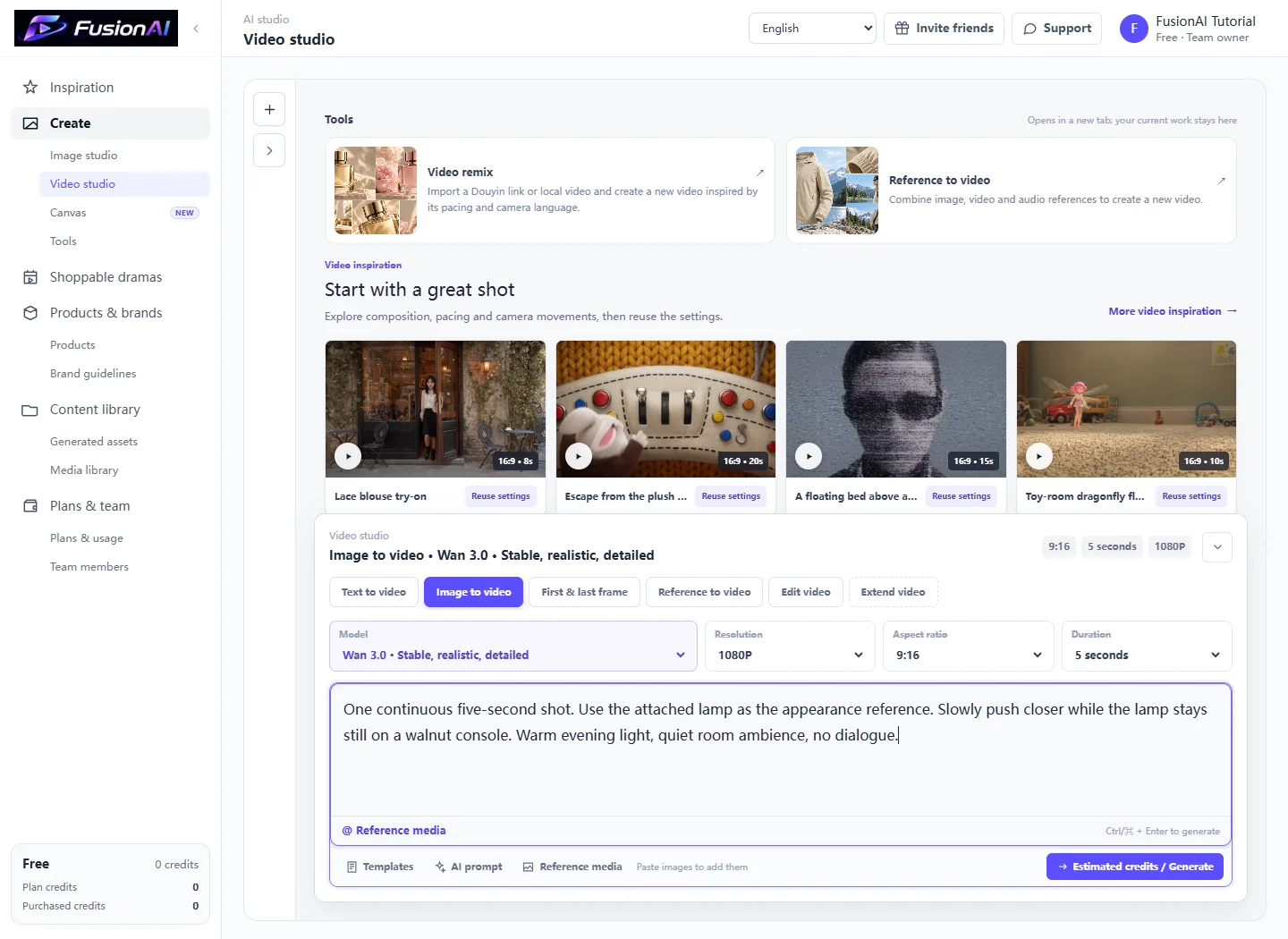
When the chosen mode supports reference video, explain whether it guides pace or camera motion. Keep the garment still responsible for product appearance.
Open Multimodal reference video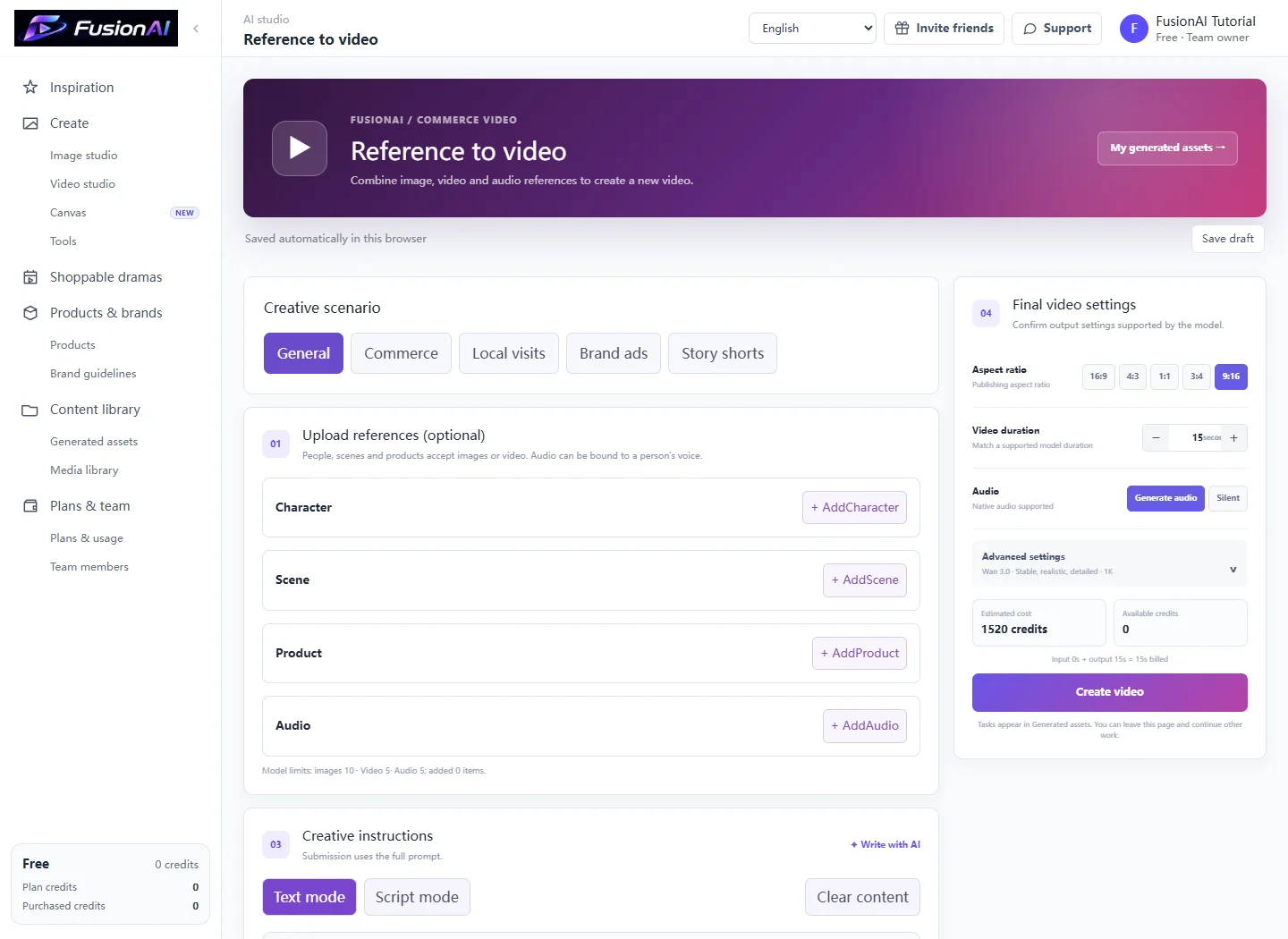
Connect the checked still and supported video stage in a canvas. Review the output before reusing the structure with another garment reference.
Open Canvas workflows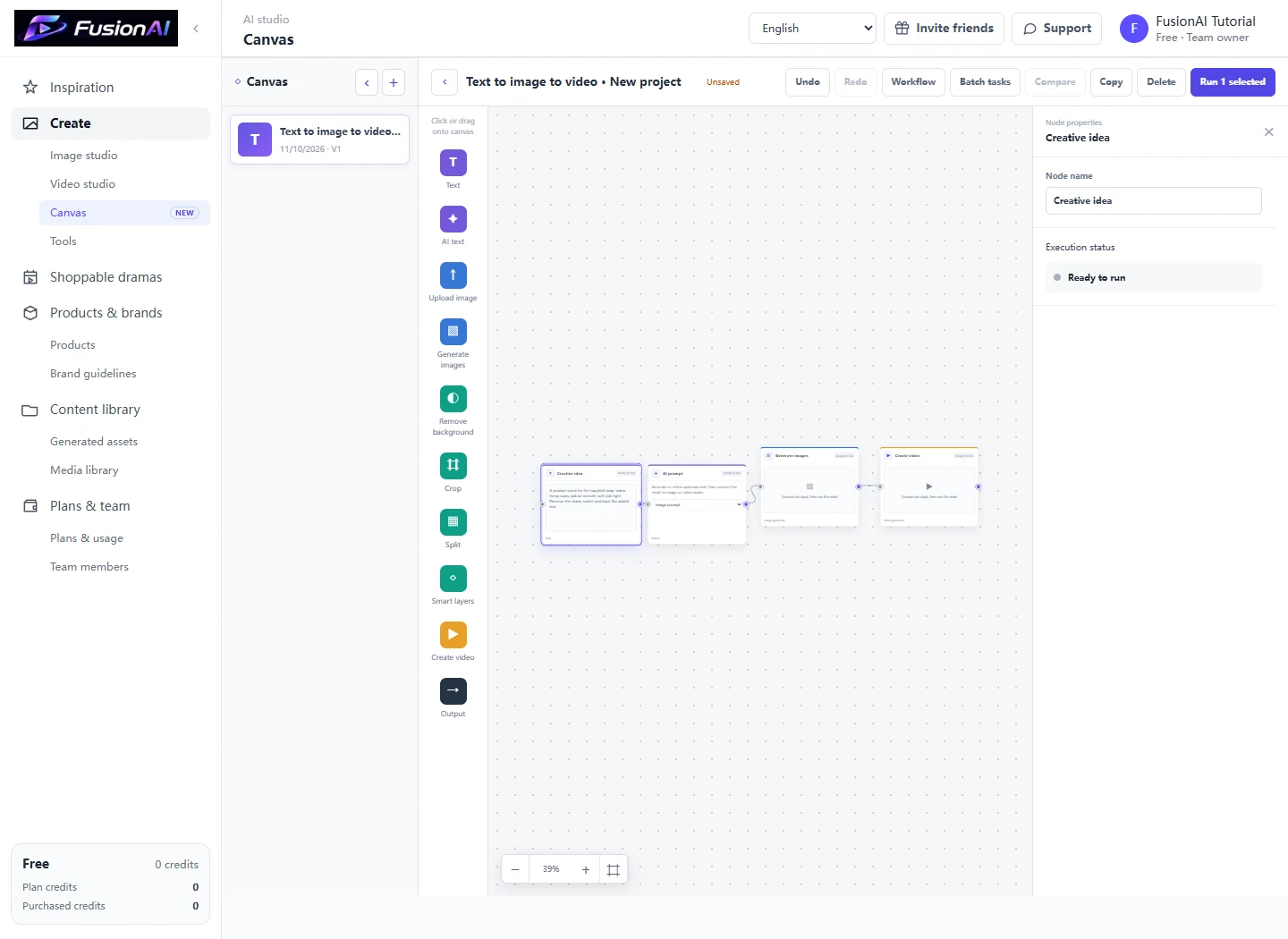
Animate a printed midi dress with one slow turn on a neutral studio background. Keep the hem inside the frame and the camera steady. Review the opening, folds during the turn and the final pose for print drift.
Open Virtual clothing try-onReview prints and seams through the full motion, especially at folds, hands and the final frame.
Inspect the full clip, not only its opening thumbnail.
Watch prints, seams, hands and garment edges through movement.
Reject clips that change the clothing design during the shot.
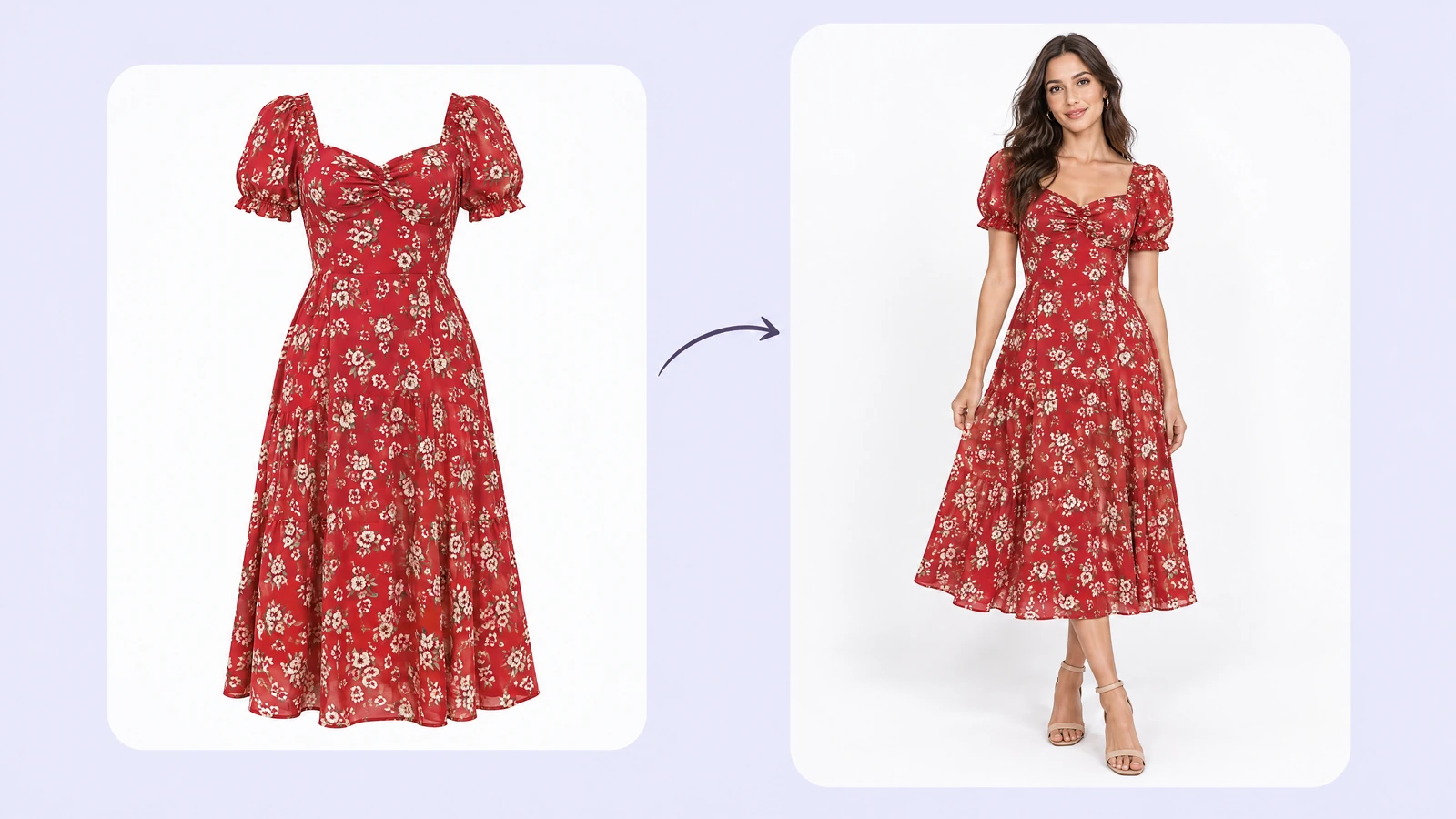
Create a wearing visual from a garment or outfit and an optional model reference. Check prints, construction and fit representation.
 Explore product
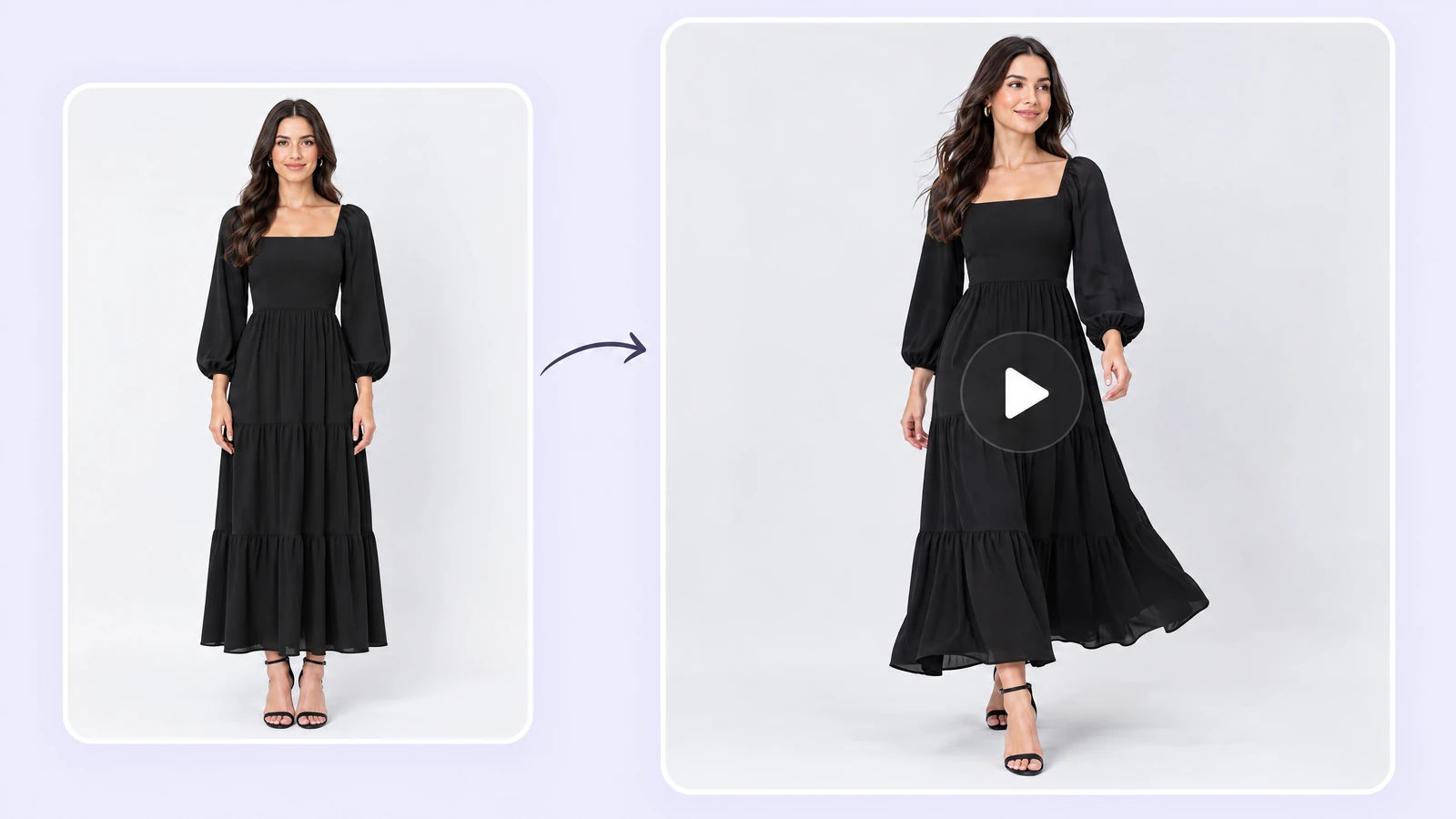
Turn text, images and supported multimodal references into individual video shots.
 Explore product
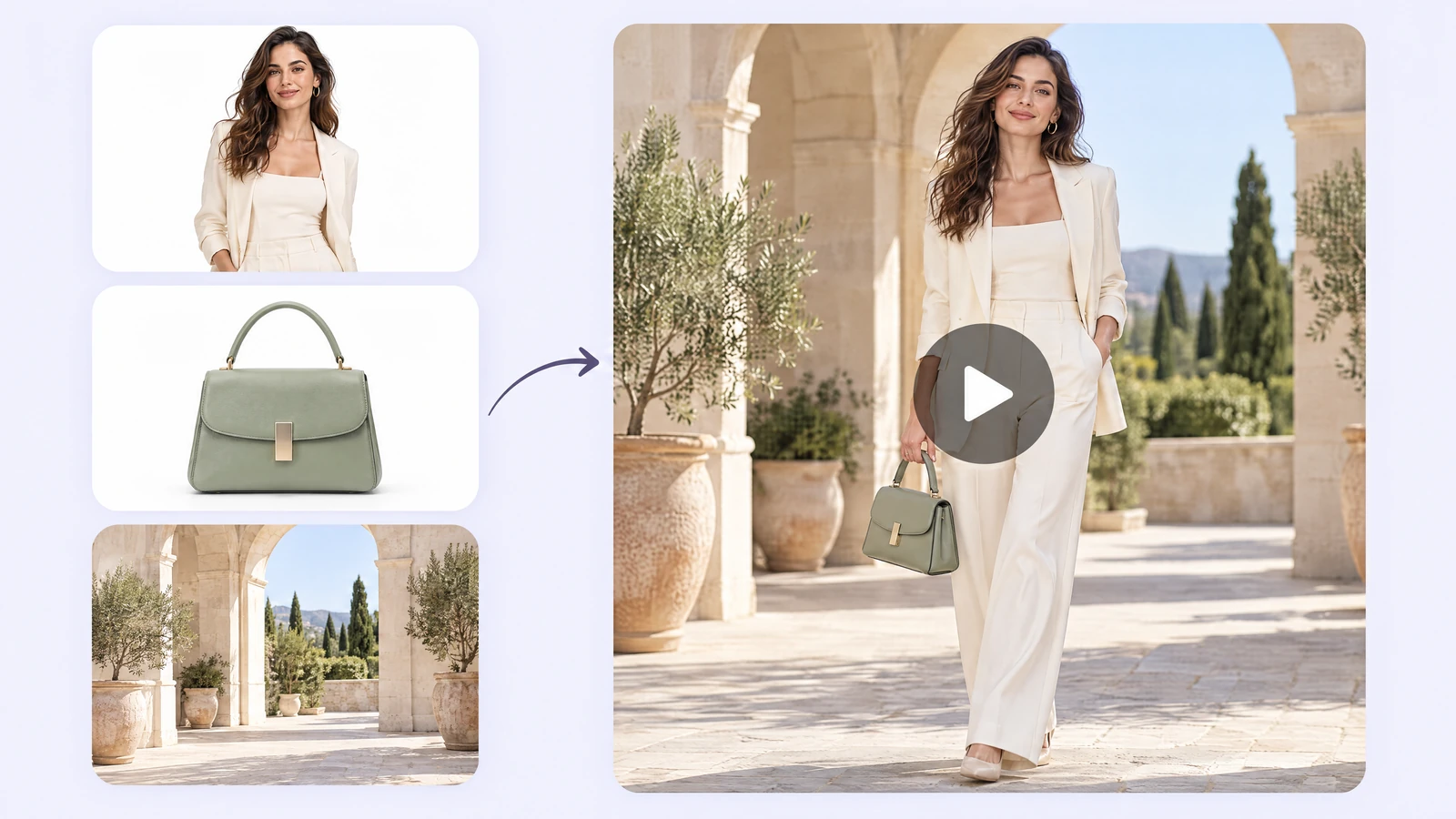
Assign different roles to product images, motion videos and audio references in a supported video model. Review the resulting motion and subject details.
 Explore product
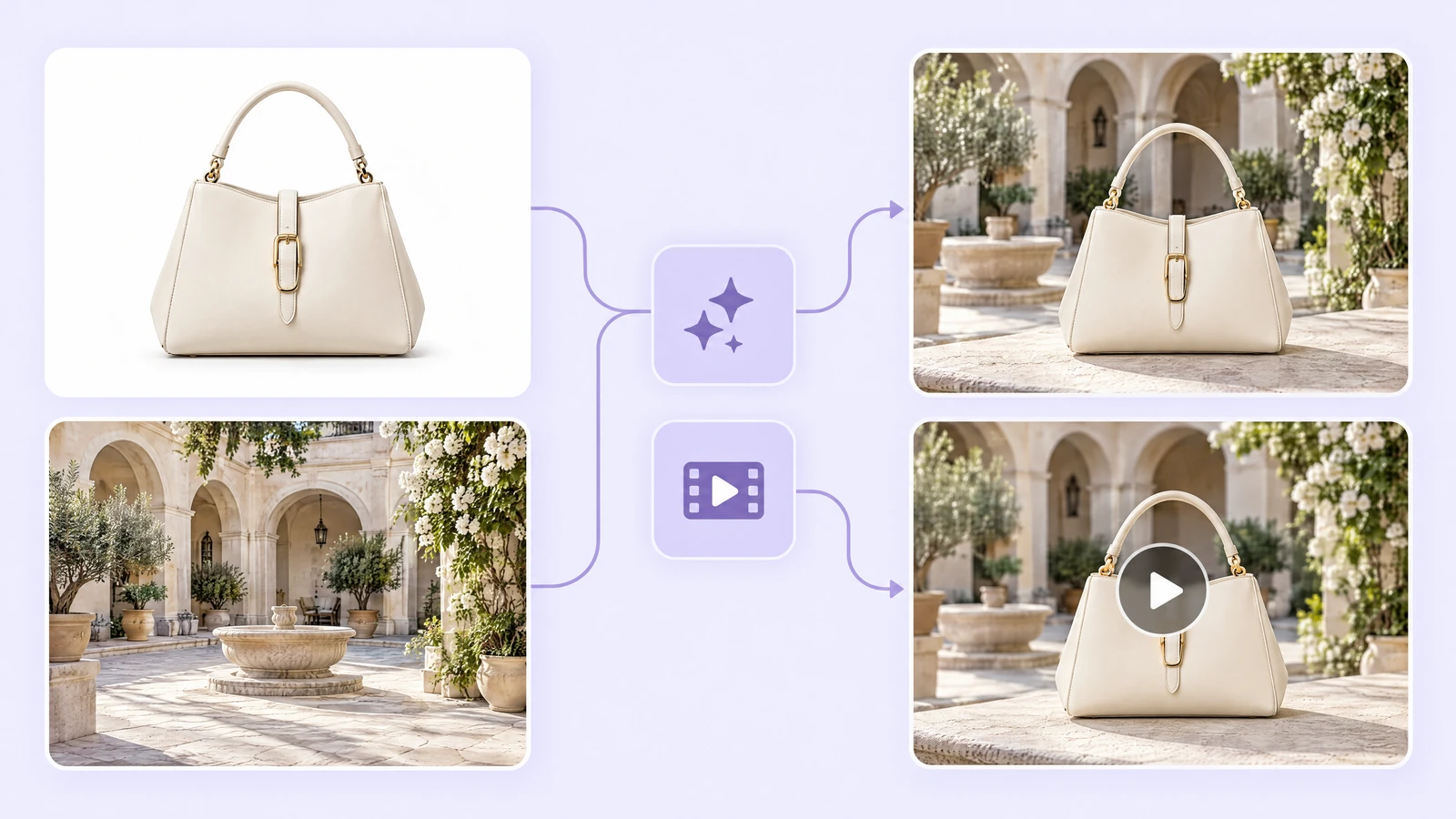
Connect text, uploaded references, image processing and video generation on a reusable creative canvas.
 Explore product
Motion can amplify errors already present in the source. Correct the garment view before using credits to explore movement.
Choose a move that reveals the garment. A simple shot is easier to evaluate for print continuity and product shape.
A short fashion shot derived from a checked still image.
Start with Virtual clothing try-on