
Your product content, from first idea to final asset
Explore image creation, video production, shoppable drama and reusable creative workflows. Choose a product, understand its capabilities, then open the workspace.
Four ways to create
 Creative workspace
AI image creation
Create product scenes, campaign visuals and image variations from your brief and supported reference images.
Explore guide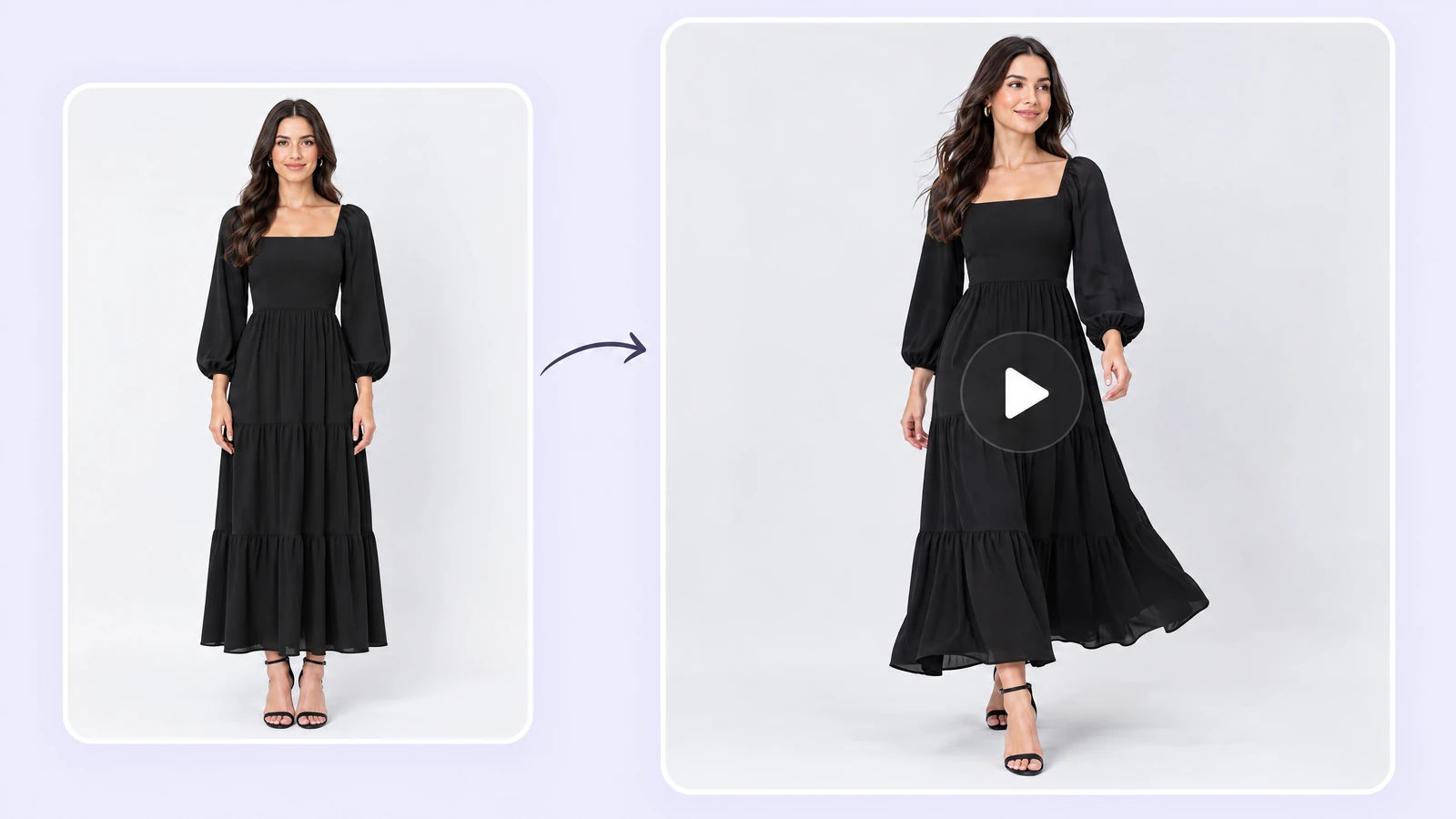 Creative workspace
AI video creation
Turn text, images and supported multimodal references into individual video shots.
Explore guide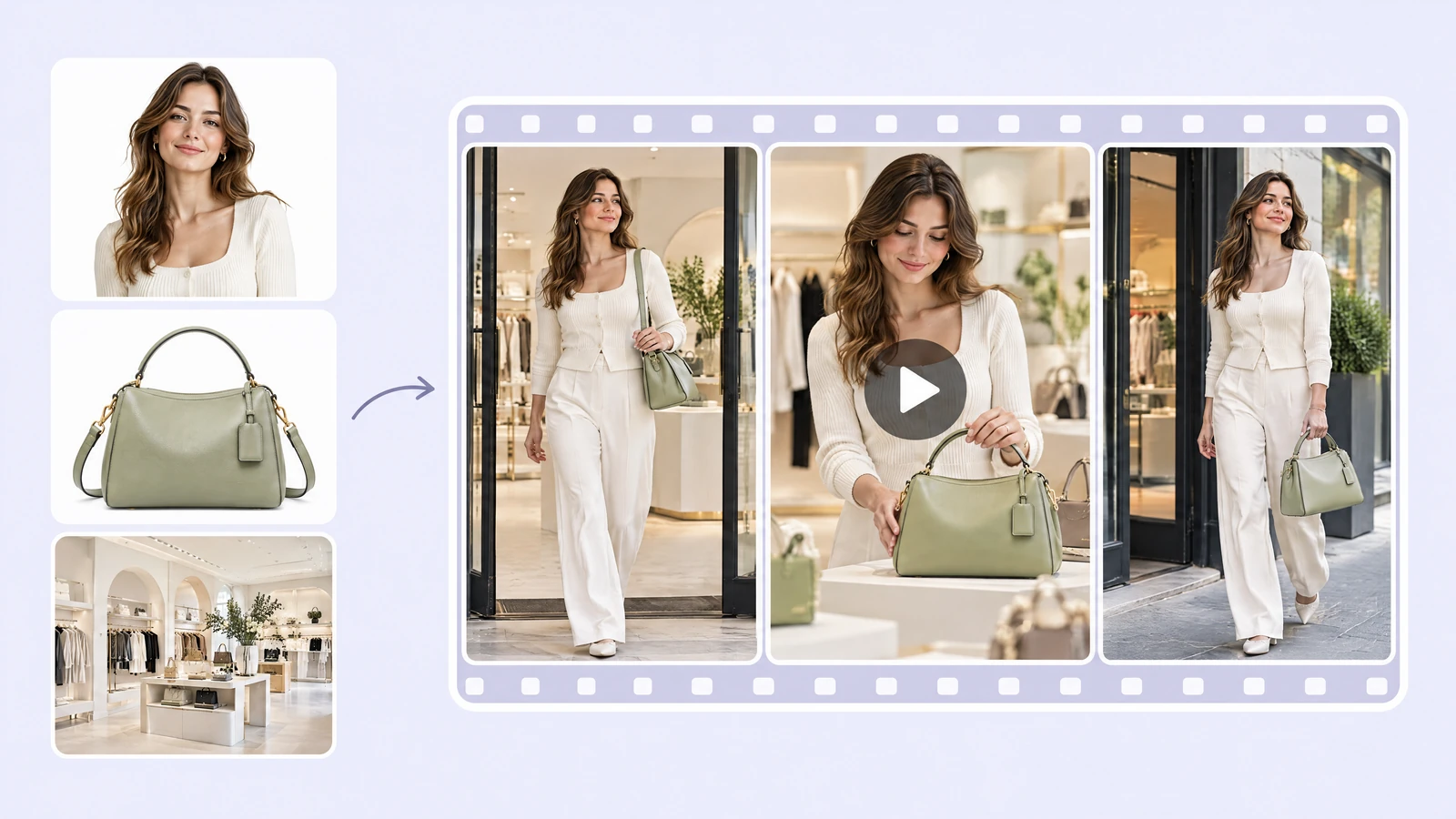 Creative workspace
Shoppable drama studio
Bring scripts, reusable characters, props, scenes, keyframes and video shots into one episode-based production workflow.
Explore guide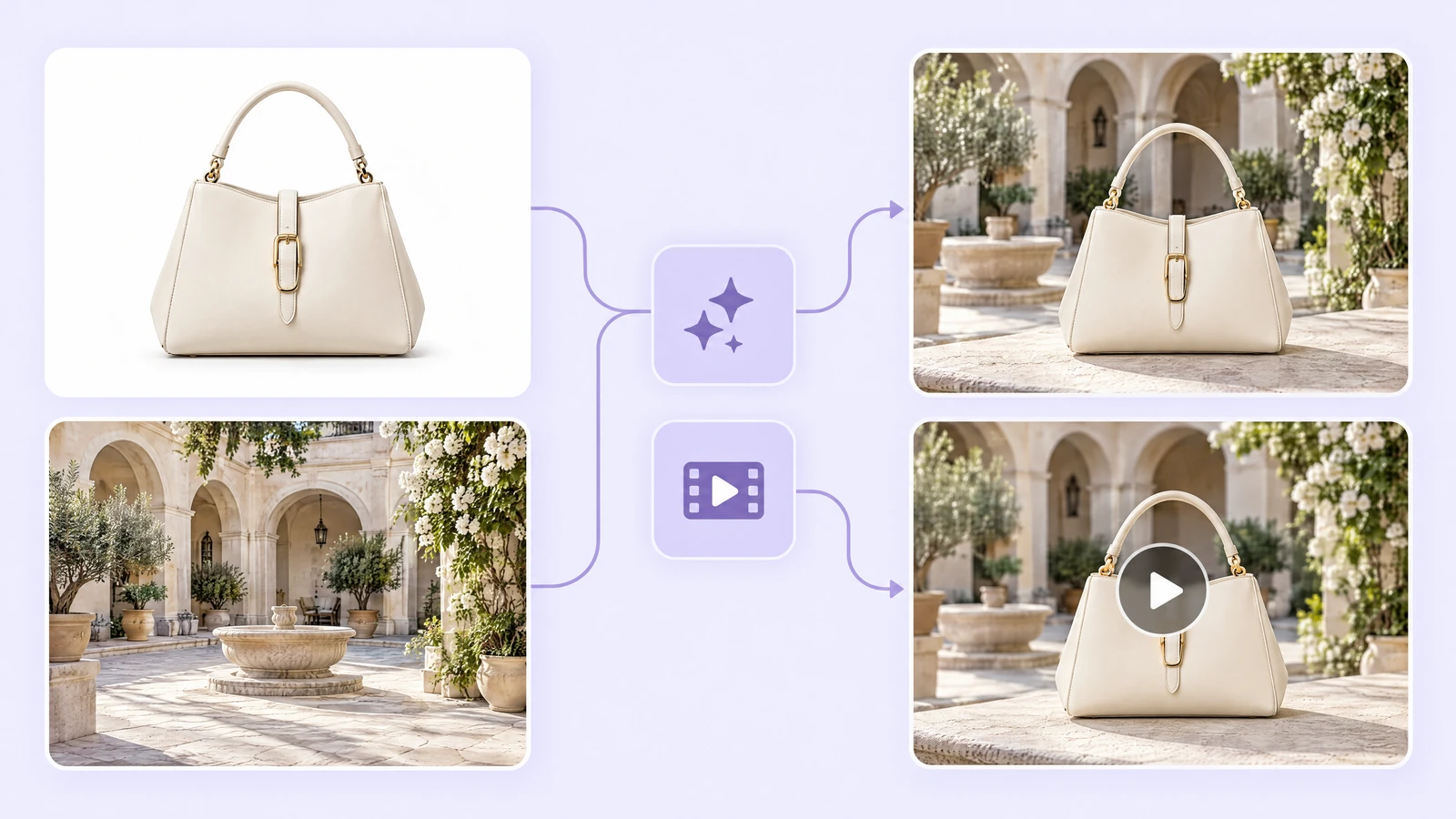 Creative workspace
Canvas workflows
Connect text, uploaded references, image processing and video generation on a reusable creative canvas.
Explore guideTools for everyday ecommerce work
No matching content. Try a different keyword or category.
 Product imagery
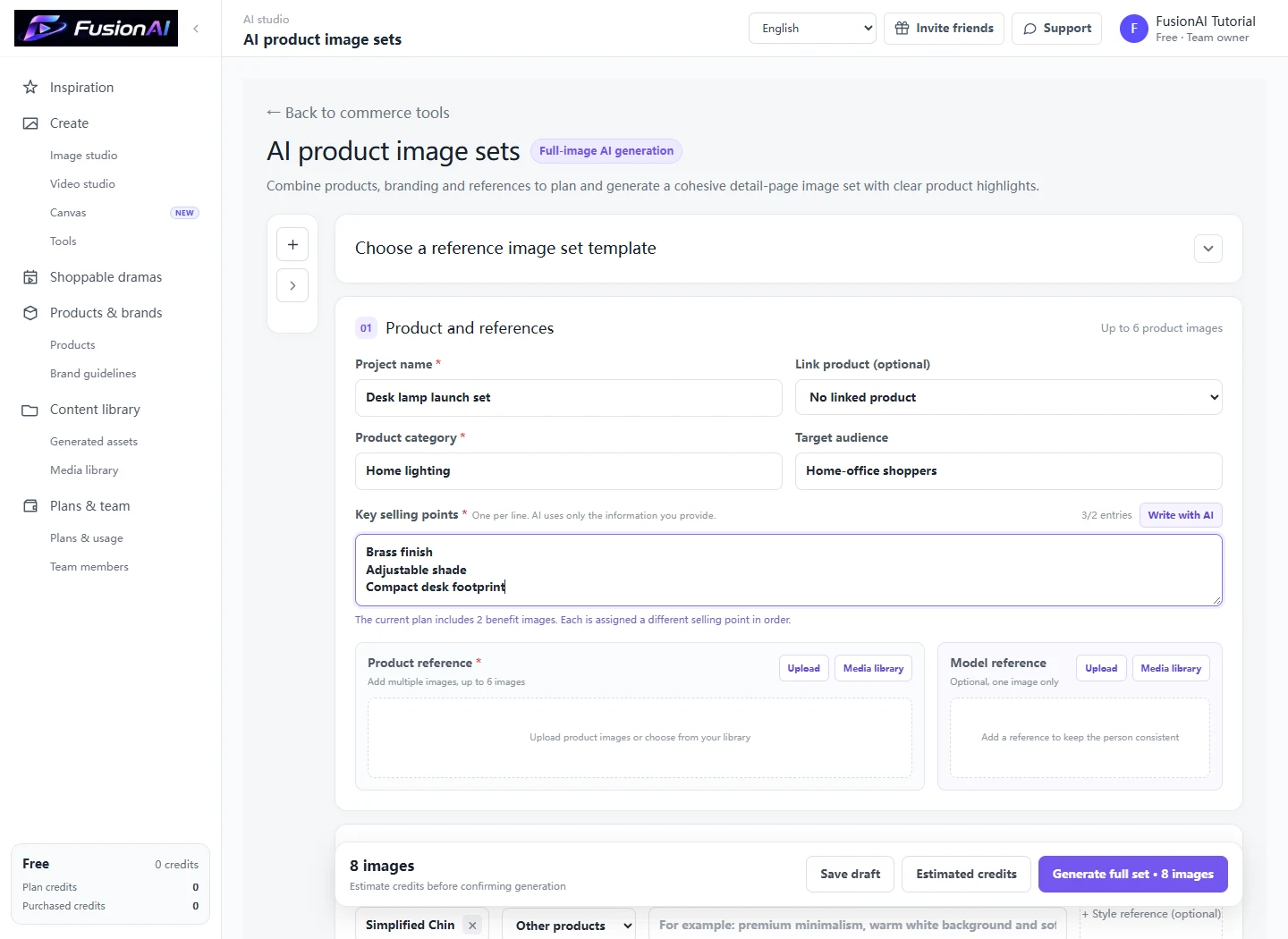
AI product image sets
Plan hero, feature, lifestyle and detail images for one product. Adjust each image purpose, prompt, reference and output language.
Explore guide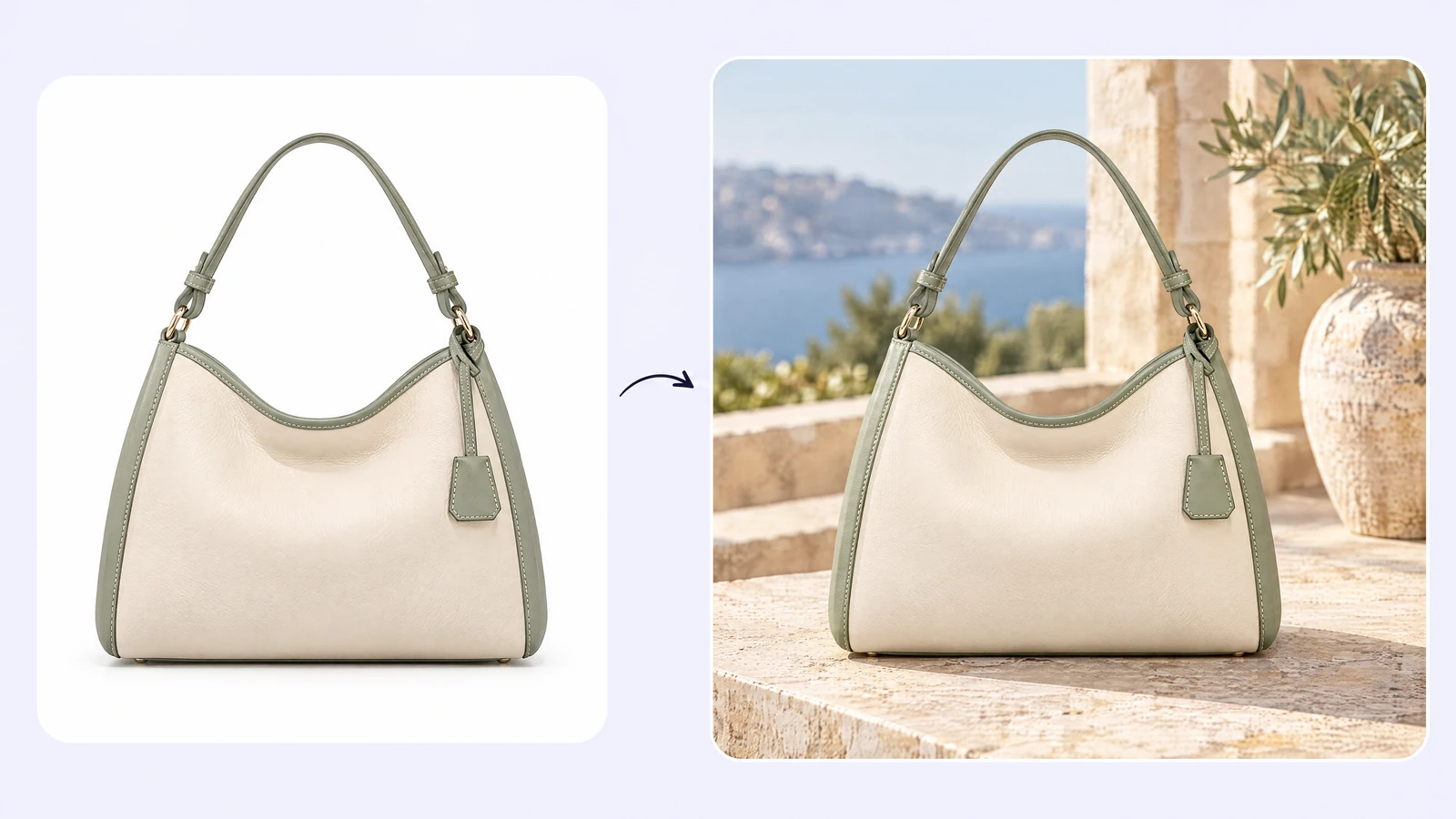 Product imagery
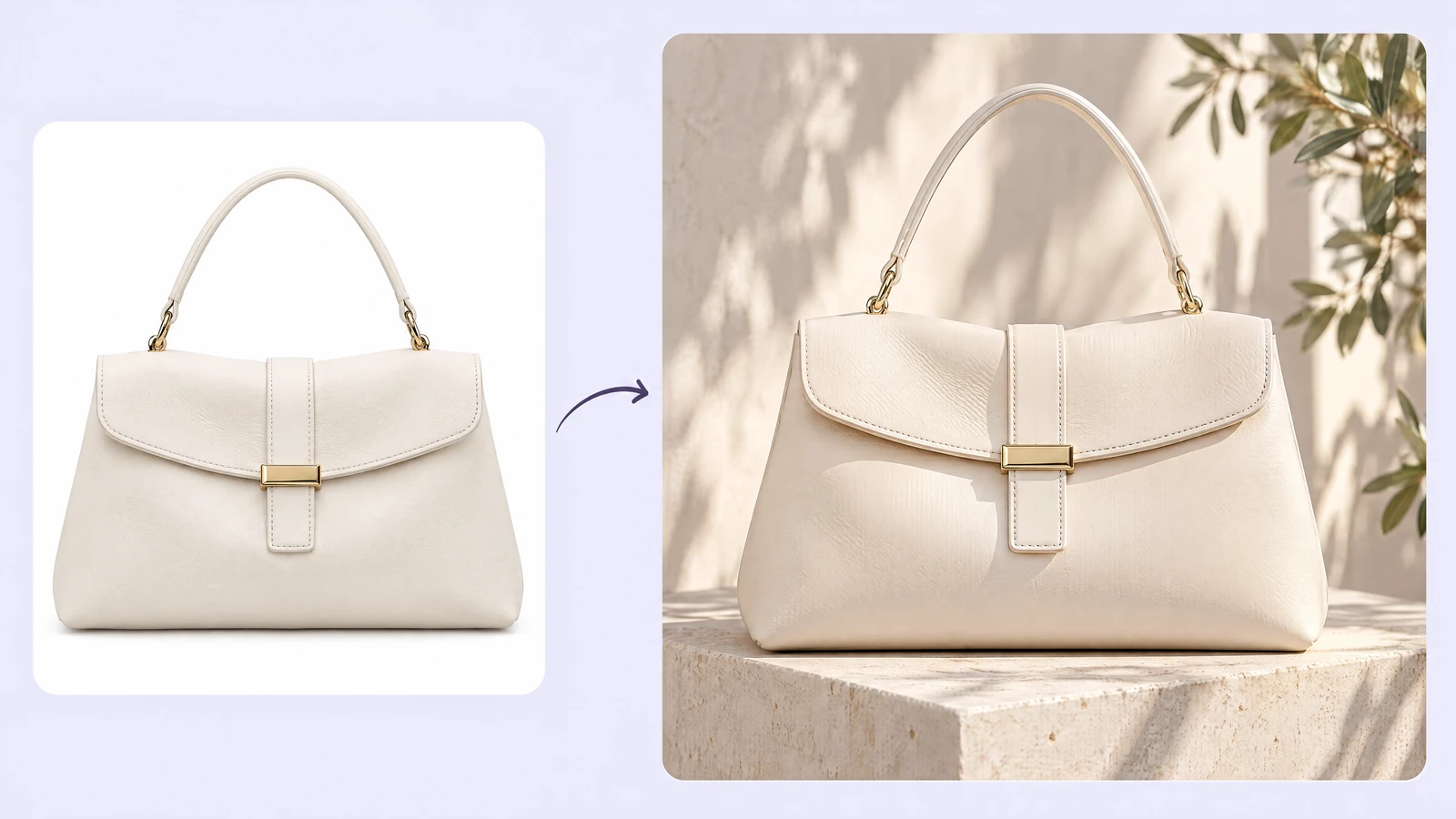
Product background replacement
Place an existing product into a new setting, using a generated scene or reference background. Review scale, lighting, edges and contact shadows.
Explore guide Product imagery
Product retouching
Improve defects, edges and reflections while checking product shape, labels and material against the original.
Explore guide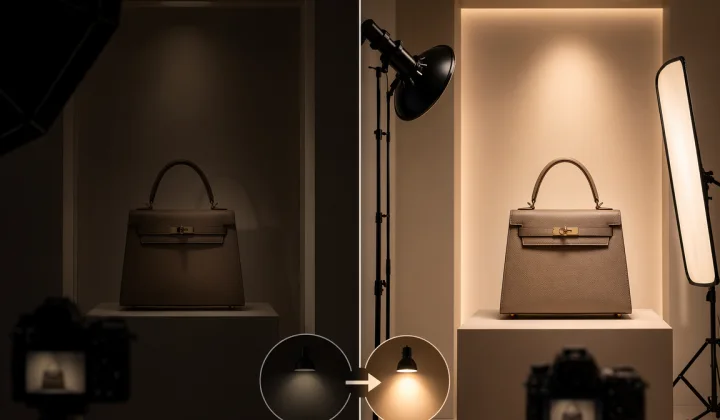 Product imagery
AI product lighting
Explore window light, softbox and other available lighting treatments. Check the resulting color and material appearance.
Explore guide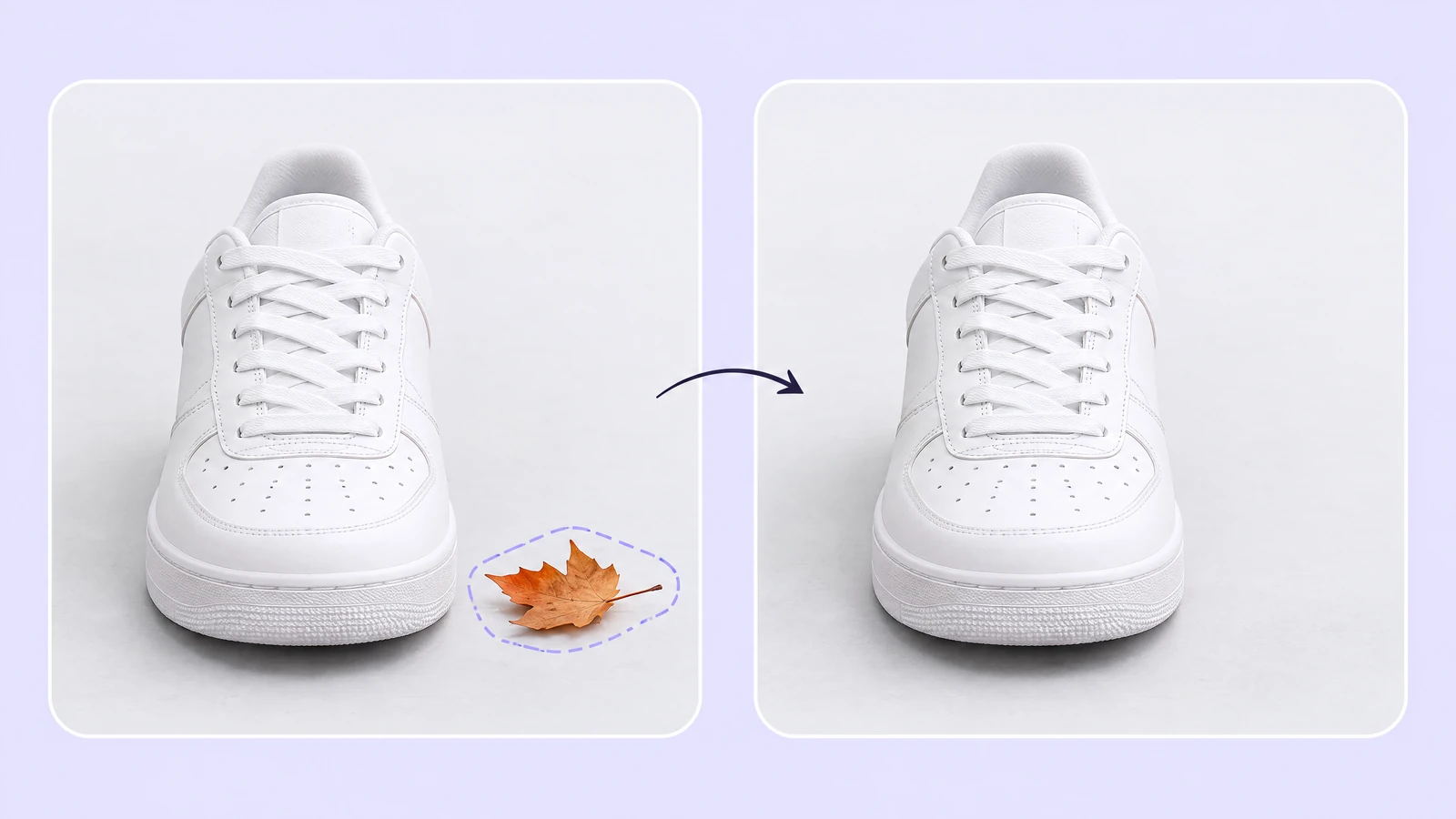 Image editing
AI object removal
Select unwanted objects, temporary labels or background distractions and review the generated fill. Removed details are inferred, not recovered.
Explore guide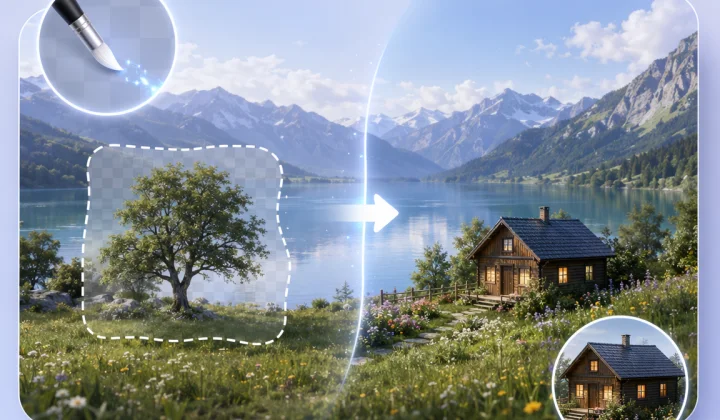 Image editing
AI image inpainting
Mark a region and describe the local replacement, checking the boundary and its fit with the surrounding image.
Explore guide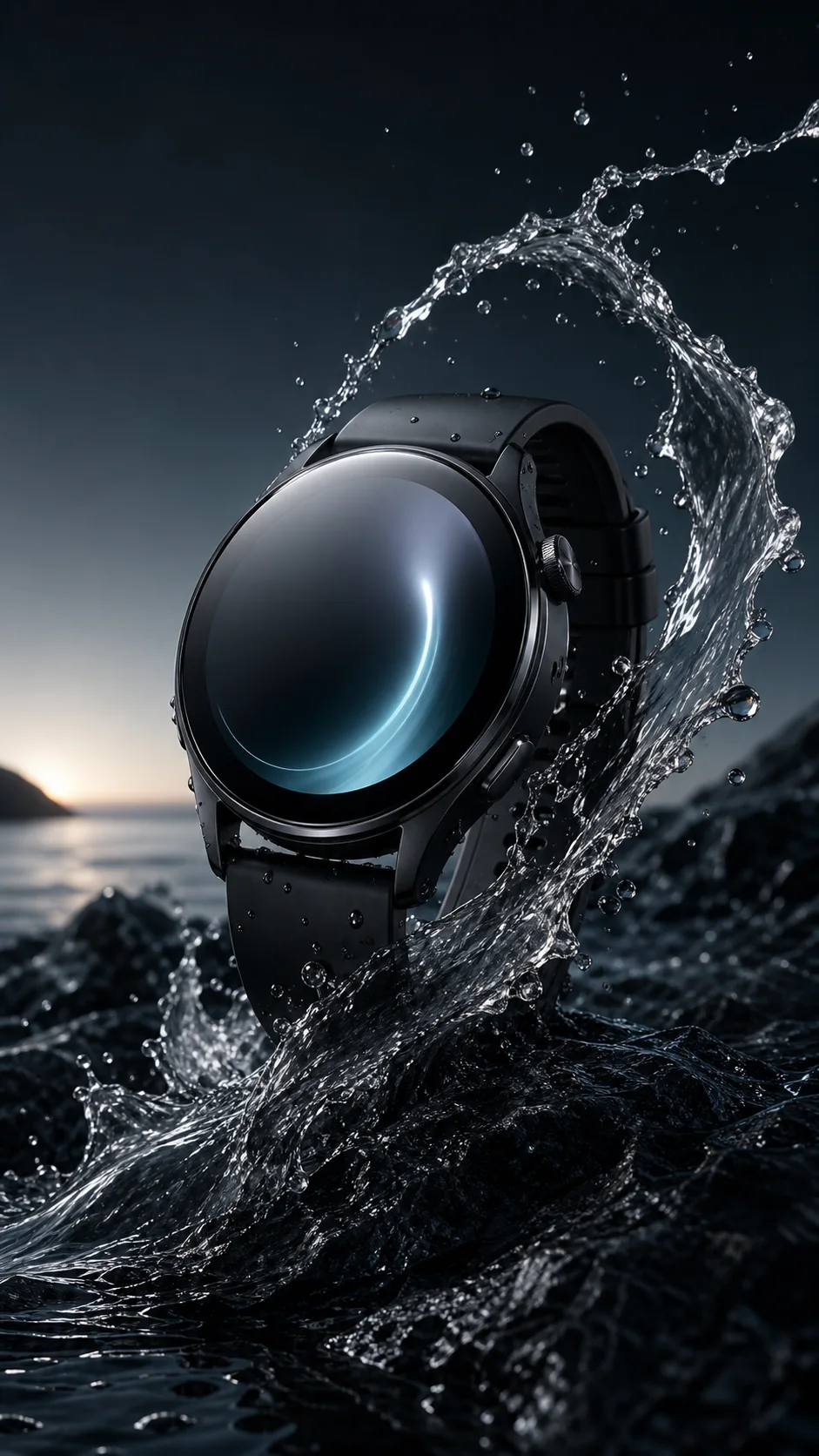 Image editing
AI photo editor
Use natural-language instructions for whole-image or selected-region edits. Keep factual product details under review.
Explore guide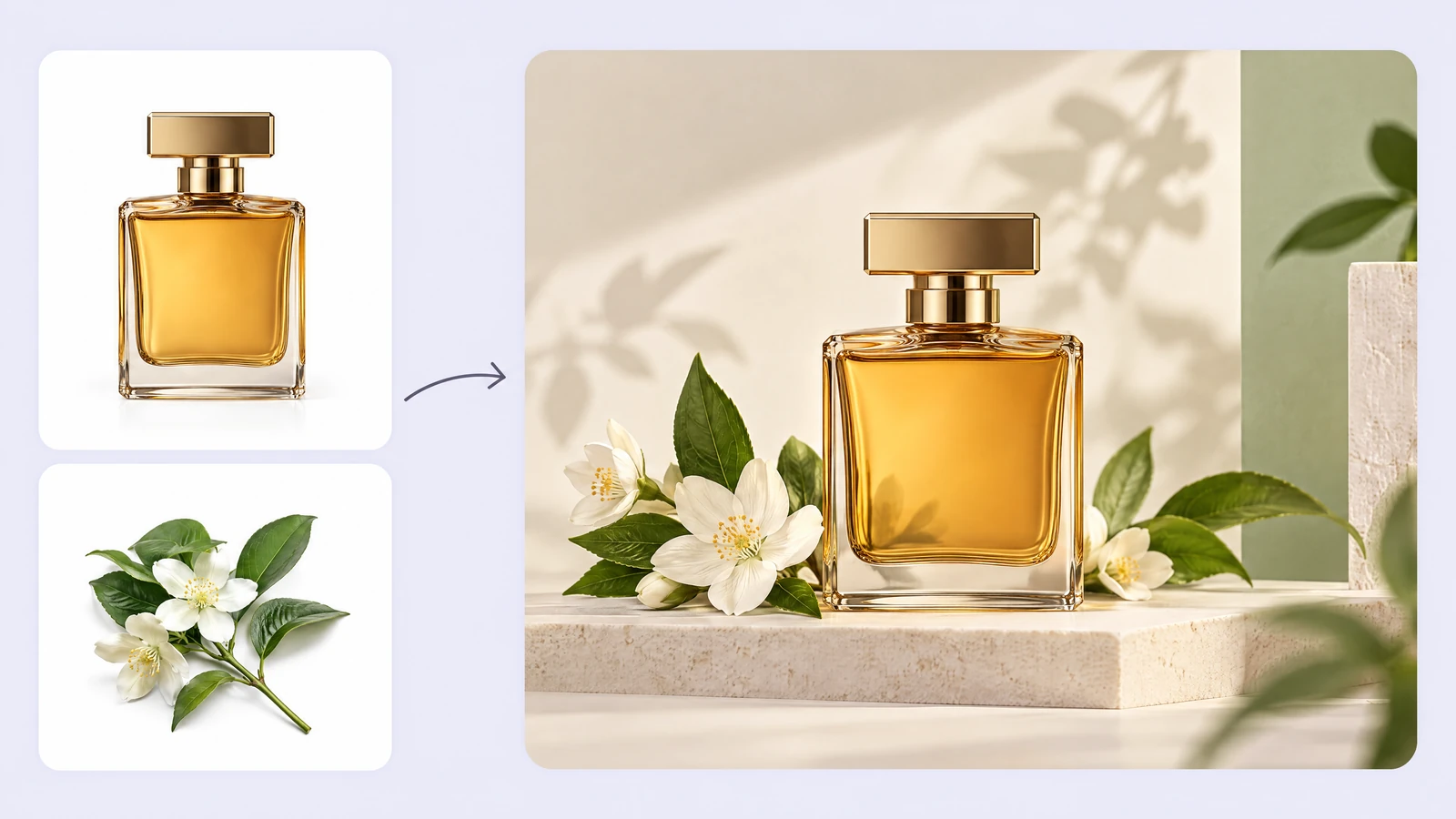 Product imagery
Campaign poster generator
Build a poster from real campaign details, optional references and a chosen style. Verify prices, conditions, dates and generated text.
Explore guide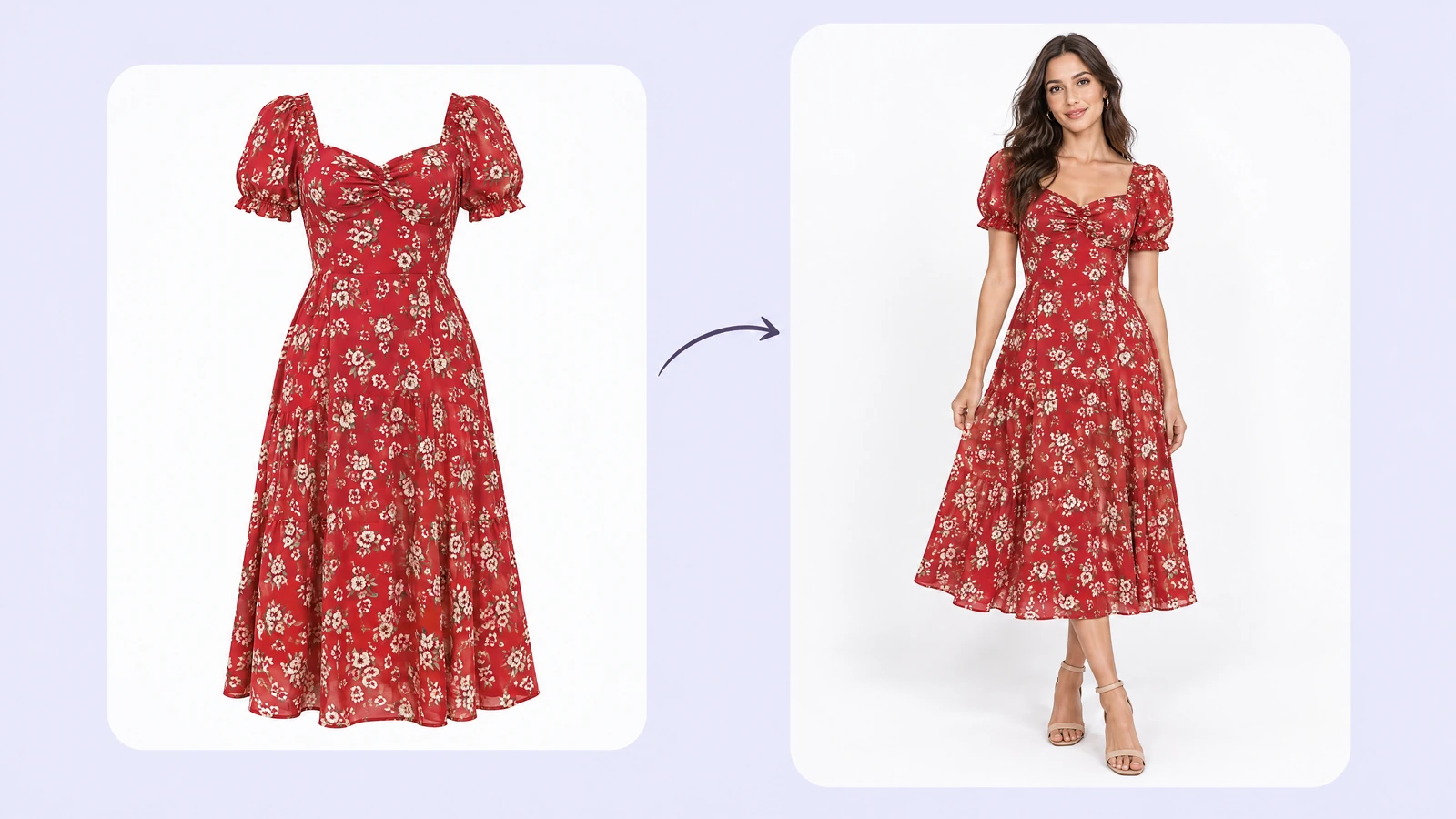 Fashion
Virtual clothing try-on
Create a wearing visual from a garment or outfit and an optional model reference. Check prints, construction and fit representation.
Explore guide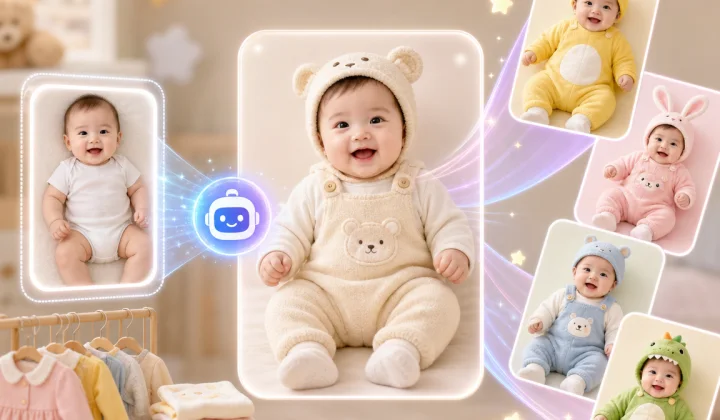 Fashion
Baby outfit visuals
Prepare baby clothing display visuals with permitted references and available age, scene and framing settings. Generated images are not evidence of real fit or safety.
Explore guide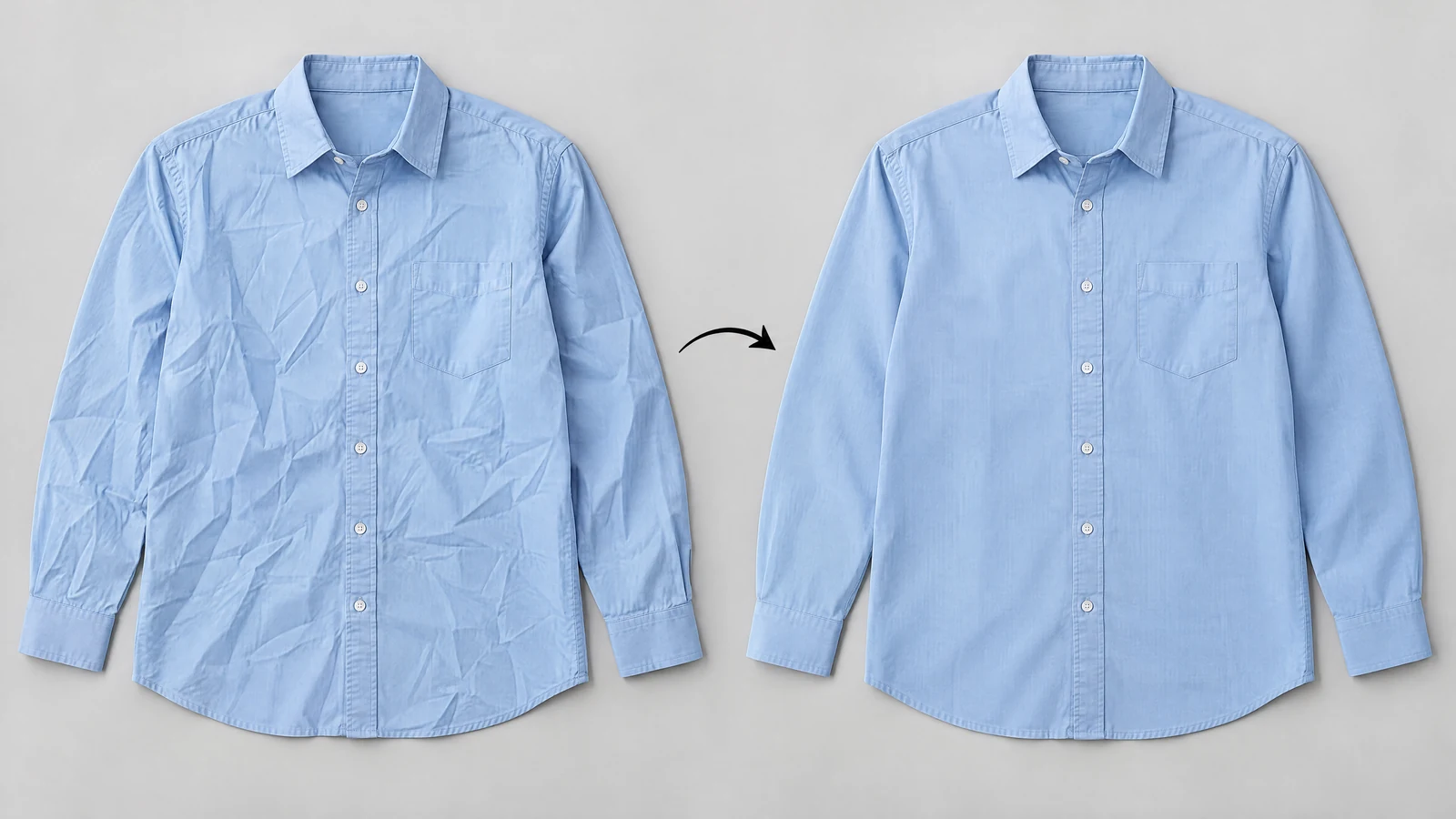 Fashion
Clothing wrinkle removal
Tidy nonessential wrinkles while preserving fabric structure, intentional pleats and the actual condition of the item.
Explore guide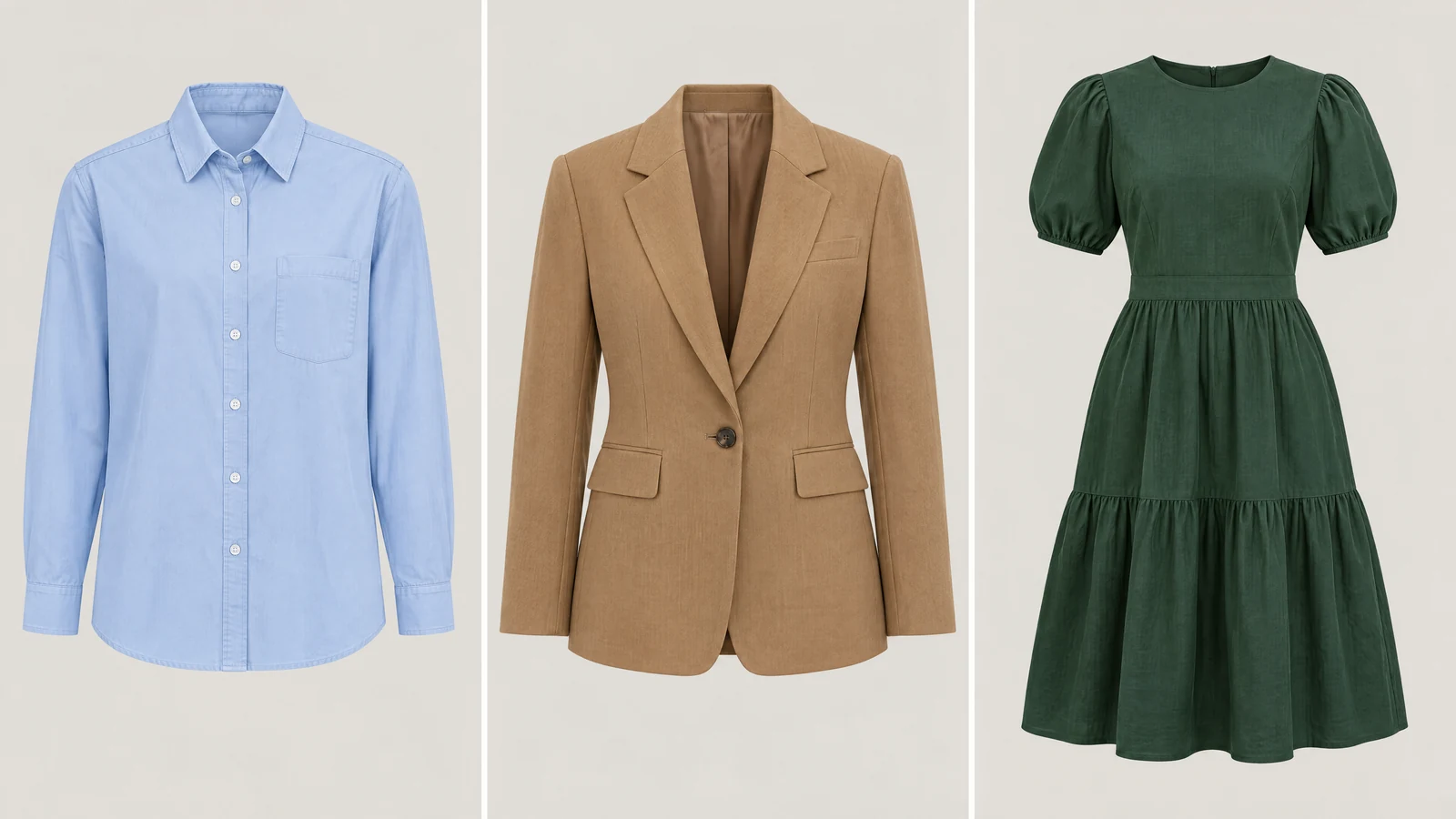 Fashion
Batch fashion retouching
Apply a consistent retouching direction to 2–8 garment photographs. Each input receives its own result and requires an individual review.
Explore guide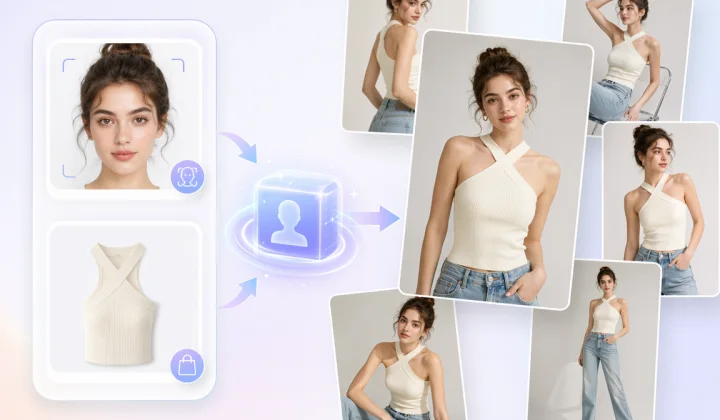 Fashion
Model photo sets
Explore multiple independent model poses around one garment or accessory. Compare identity and garment details across the set.
Explore guide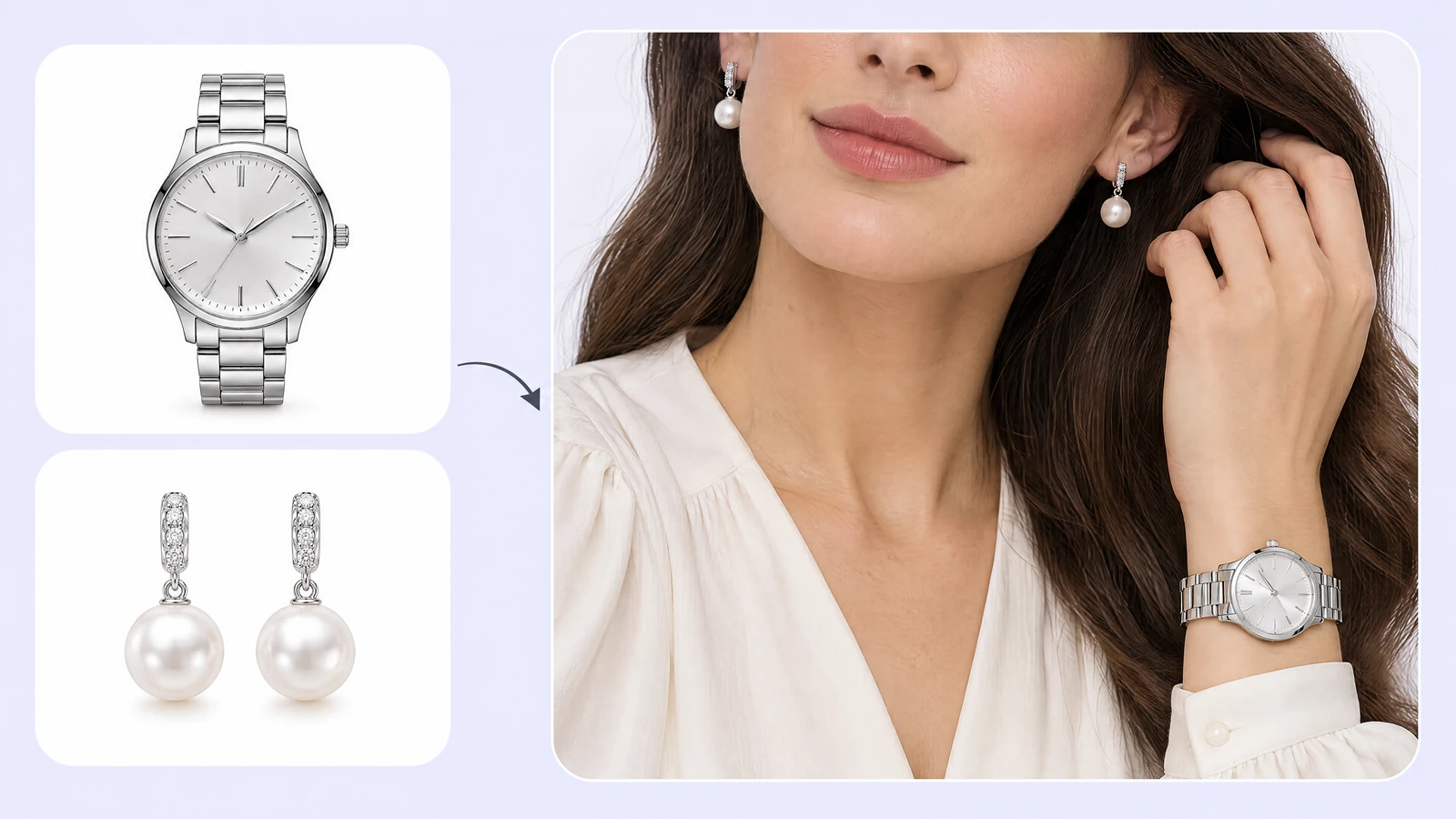 Fashion
Accessories try-on
Place or replace an accessory in a marked wearing region. Review proportion, occlusion, contact and placement.
Explore guide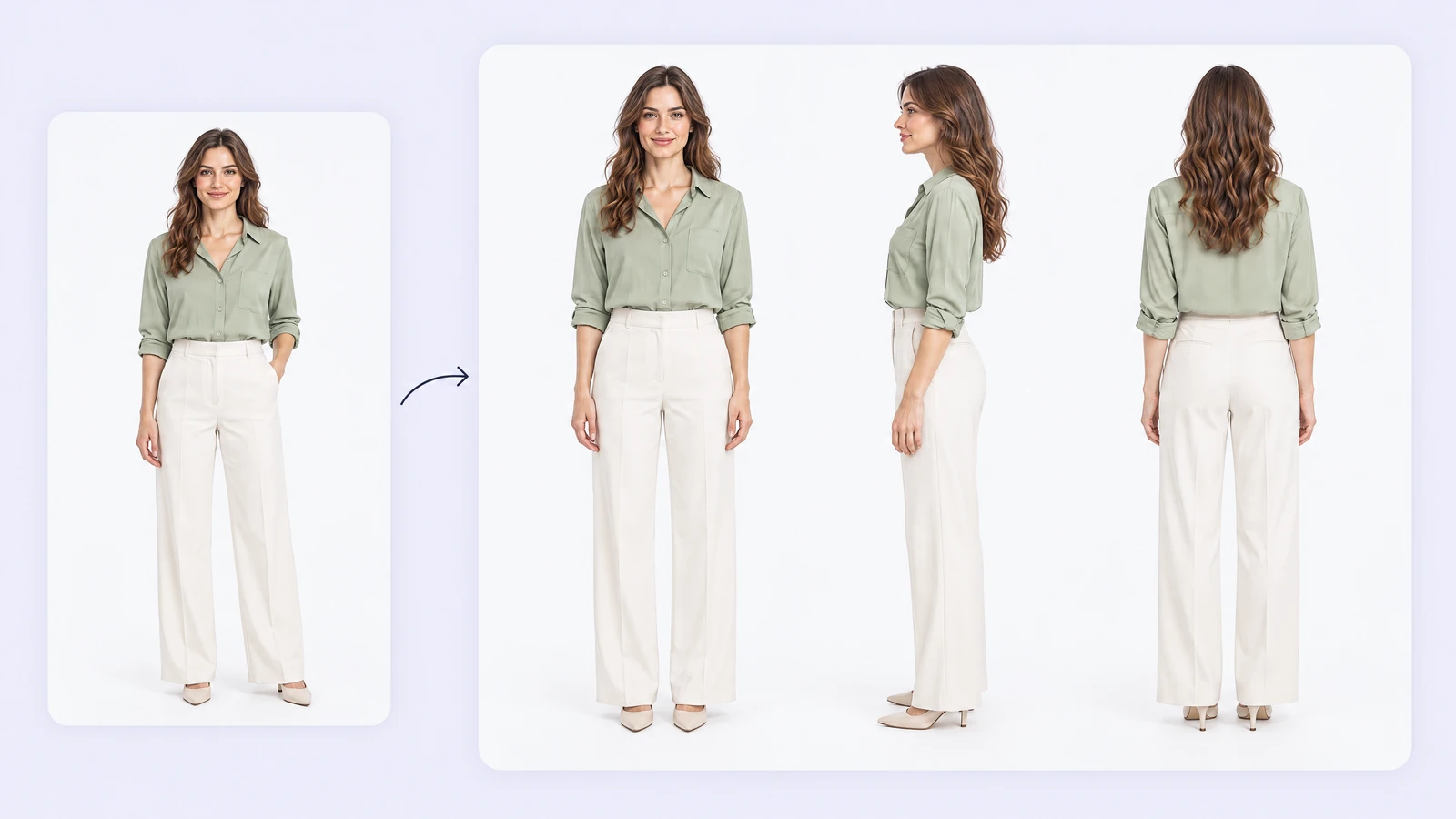 Image editing
Multi-view subject references
Prepare three, four or five views of a subject for further creative work. Unseen views are inferred and are not measurable CAD or 3D assets.
Explore guide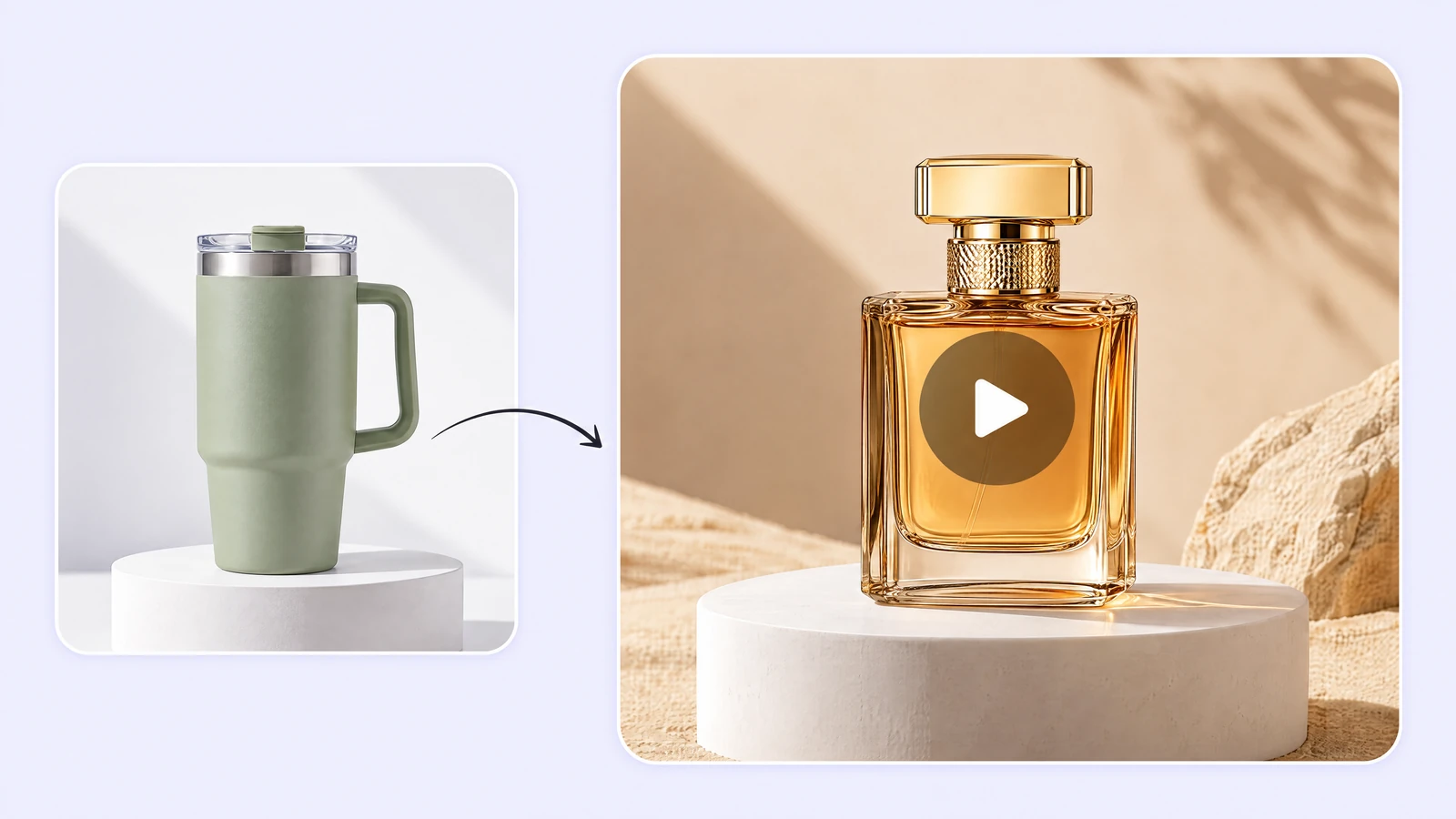 Video production
Video structure remix
Analyze a permitted reference video and adapt its shot structure to your own product, story and assets. A new creative does not guarantee the performance of the reference.
Explore guide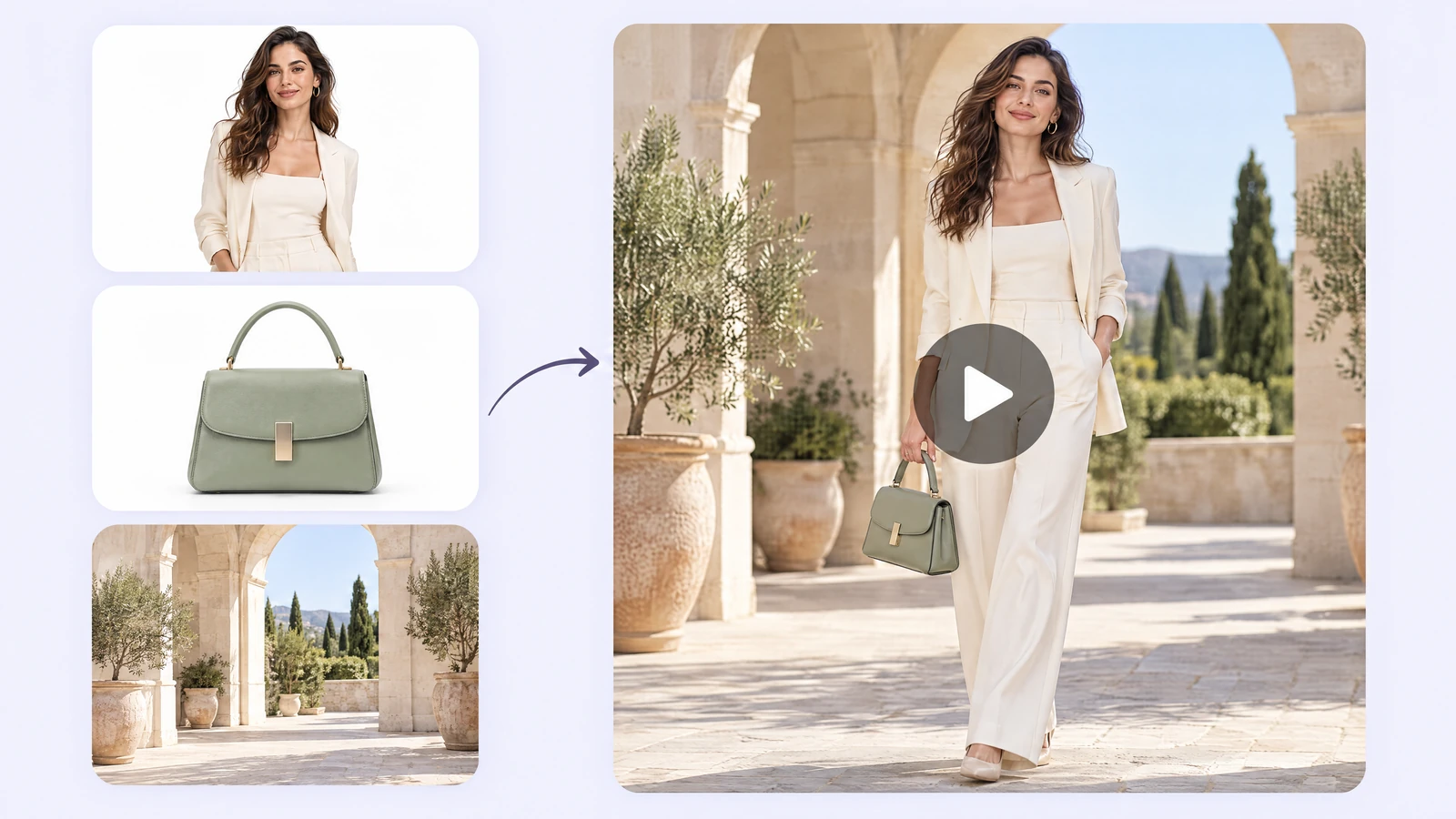 Video production
Multimodal reference video
Assign different roles to product images, motion videos and audio references in a supported video model. Review the resulting motion and subject details.
Explore guideKeep product facts and creative direction together
Reuse your product library, brand guidelines, materials and selected assets in supported workflows. Product facts, output claims and generated details remain yours to review.