Prepare your inputs
Prepare source images with clear garment outlines and a common orientation.

Apply a consistent retouching direction to 2–8 garment photographs. Each input receives its own result and requires an individual review.
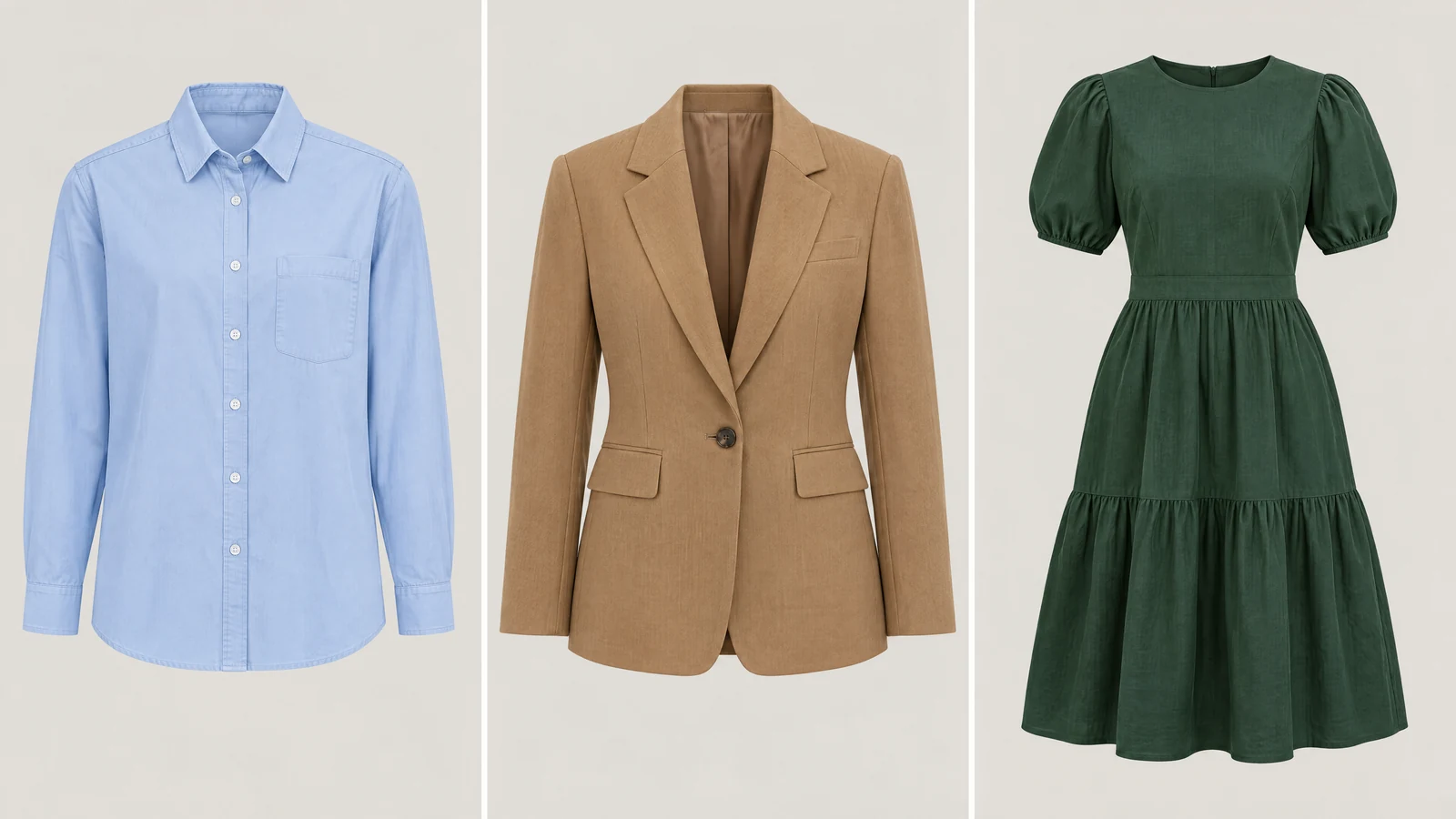
Explore the actual FusionAI interface before opening your workspace.
A set of garment images with a shared presentation goal and consistent source quality.
Try this workflow Interface preview · no generation is started here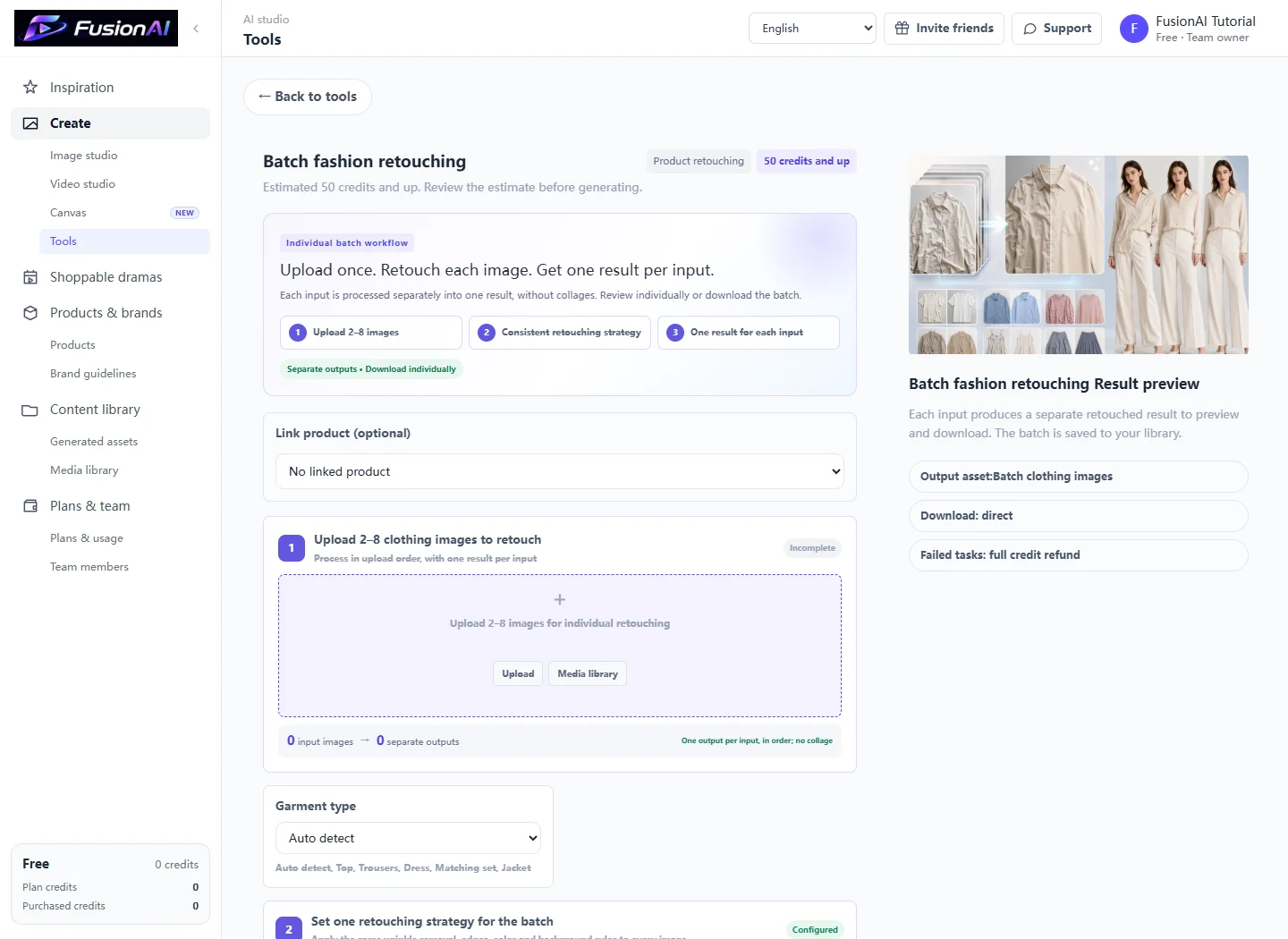
Choose the batch workflow and consistent style settings. Keep an individual record of each SKU and source file.
Try this workflow Interface preview · no generation is started hereCheck SKU mapping, color, prints, neckline, hem length and whether one garment requires separate correction.
Try this workflow Interface preview · no generation is started hereA batch of fashion presentation candidates for a collection.
Try this workflow Interface preview · no generation is started hereApply a consistent retouching direction to 2–8 garment photographs. Each input receives its own result and requires an individual review.
A set of garment images with a shared presentation goal and consistent source quality.
Choose the batch workflow and consistent style settings. Keep an individual record of each SKU and source file.
Check SKU mapping, color, prints, neckline, hem length and whether one garment requires separate correction.
Prepare your references, make intentional choices and inspect the result.
Prepare source images with clear garment outlines and a common orientation.
Choose the batch workflow and consistent style settings. Keep an individual record of each SKU and source file. Review the estimate and submit the intended batch only when its inputs are checked.
Inspect every output individually; consistent settings do not guarantee identical accuracy across garments.
Continue with virtual clothing try-on. Keep your product references and review criteria close as you move into the next part of production.
Explore Virtual clothing try-on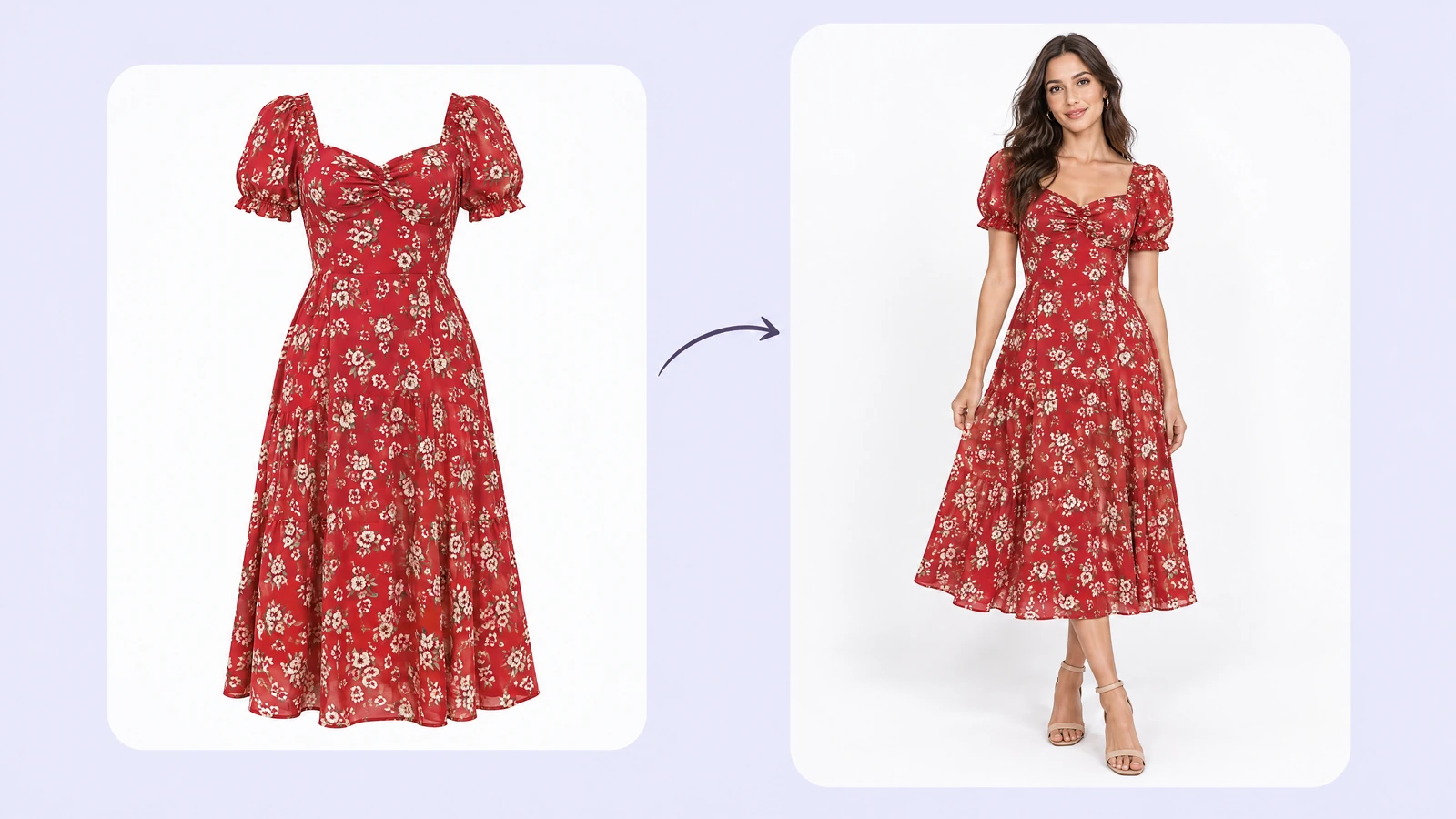
A set of garment images with a shared presentation goal and consistent source quality.
Choose the batch workflow and consistent style settings. Keep an individual record of each SKU and source file.
Check SKU mapping, color, prints, neckline, hem length and whether one garment requires separate correction.
Create a wearing visual from a garment or outfit and an optional model reference. Check prints, construction and fit representation.
Explore product ↗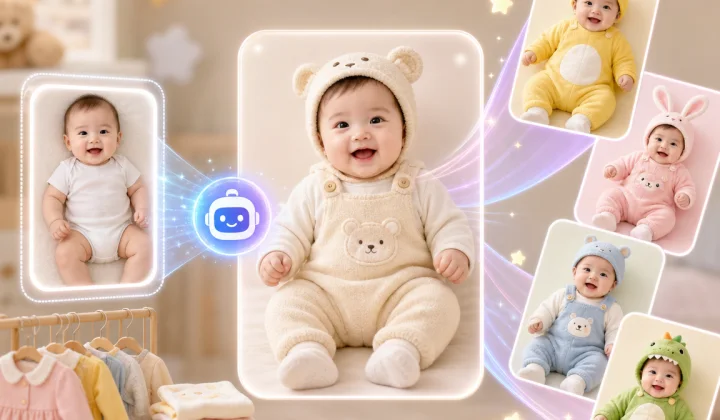
Prepare baby clothing display visuals with permitted references and available age, scene and framing settings. Generated images are not evidence of real fit or safety.
Explore product ↗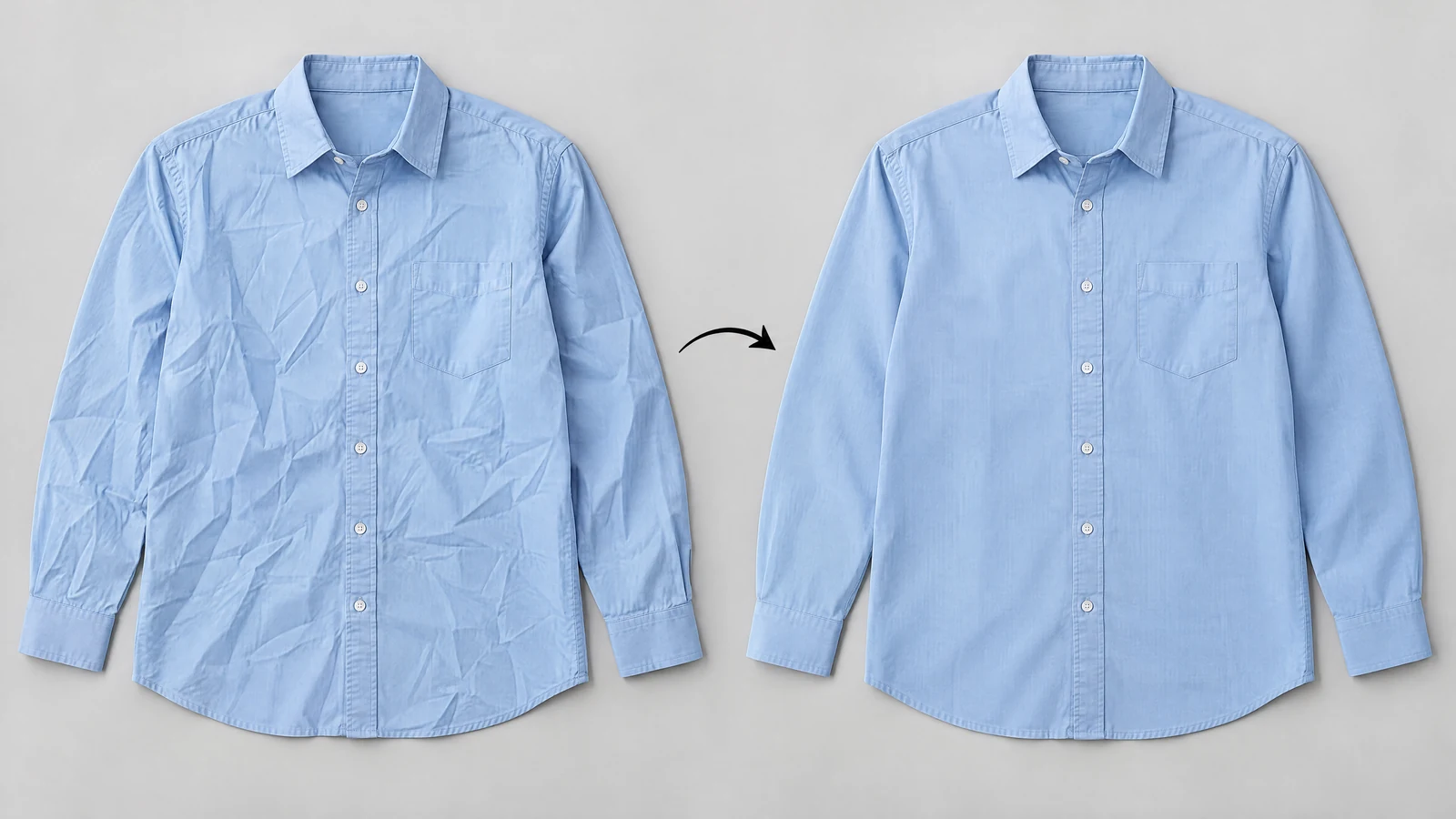
Tidy nonessential wrinkles while preserving fabric structure, intentional pleats and the actual condition of the item.
Explore product ↗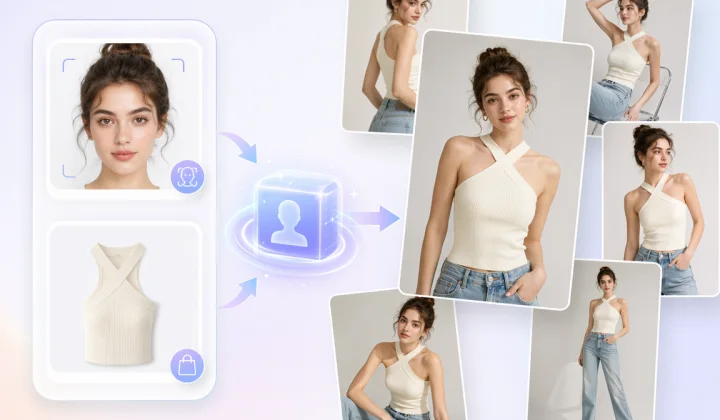
Explore multiple independent model poses around one garment or accessory. Compare identity and garment details across the set.
Explore product ↗A set of garment images with a shared presentation goal and consistent source quality.
A batch of fashion presentation candidates for a collection.
Check SKU mapping, color, prints, neckline, hem length and whether one garment requires separate correction.
Open the workspace, choose the supported model and settings, and review the displayed credit estimate before confirming generation. Subscription plans and credit packs are listed on the pricing page.
Use references you are entitled to use and check the input requirements in the workspace. Available formats, reference counts and output settings depend on the tool and selected model.
Prepare your inputs, explore the possibilities and choose what works for your brand.