
A practical workflow for your next business task
Find a starting point for your role, production process or industry. Each solution connects the required inputs, the right products and a reviewable output.
No matching content. Try a different keyword or category.
 By role
Lingerie and intimate apparel launches
Preserve garment construction, straps, lining and coverage across product detail and adult model visuals.
Explore guide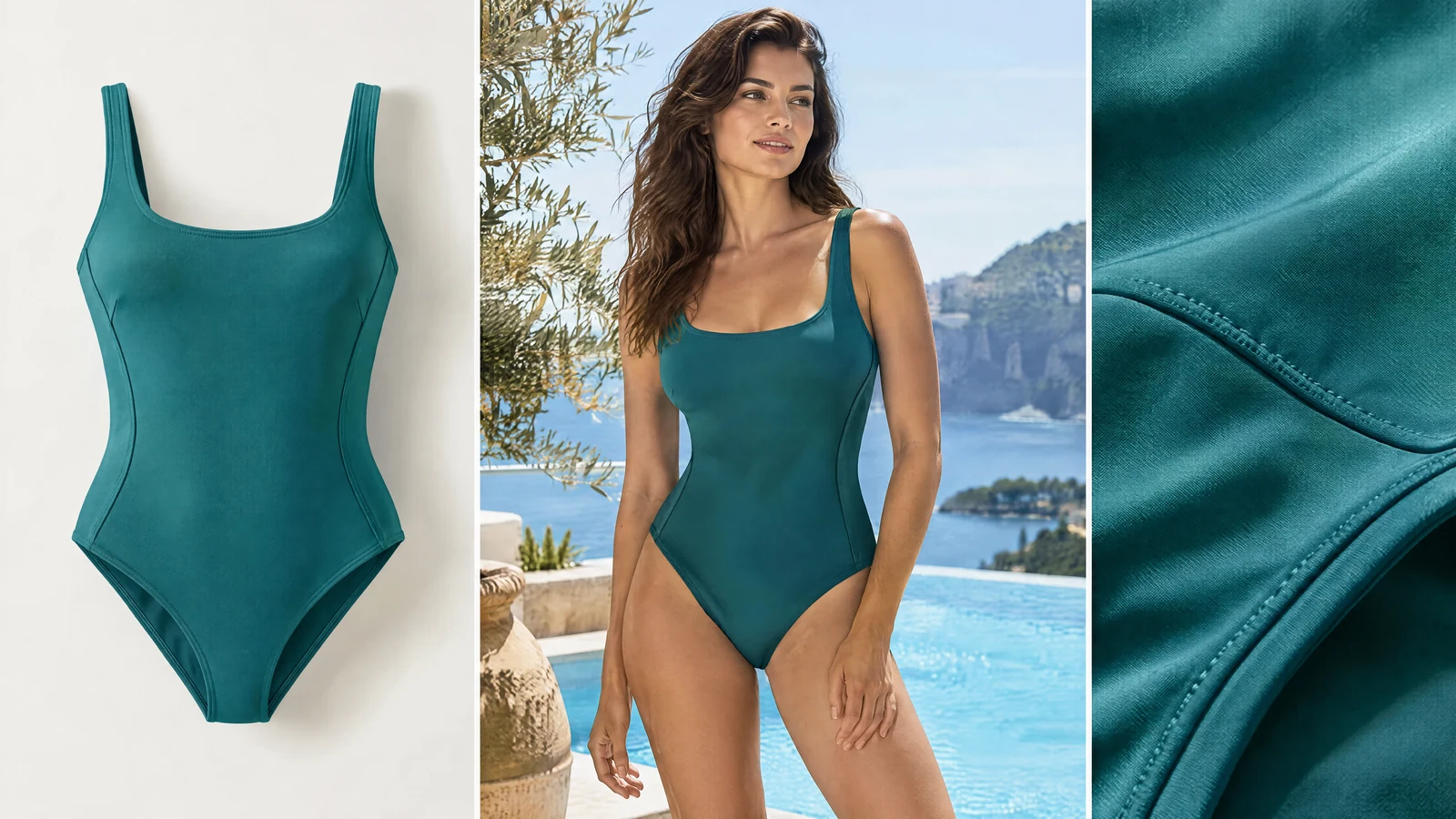 By role
Swimwear seasonal campaigns
Prepare adult model, detail and seasonal setting images while checking the actual swimwear design.
Explore guide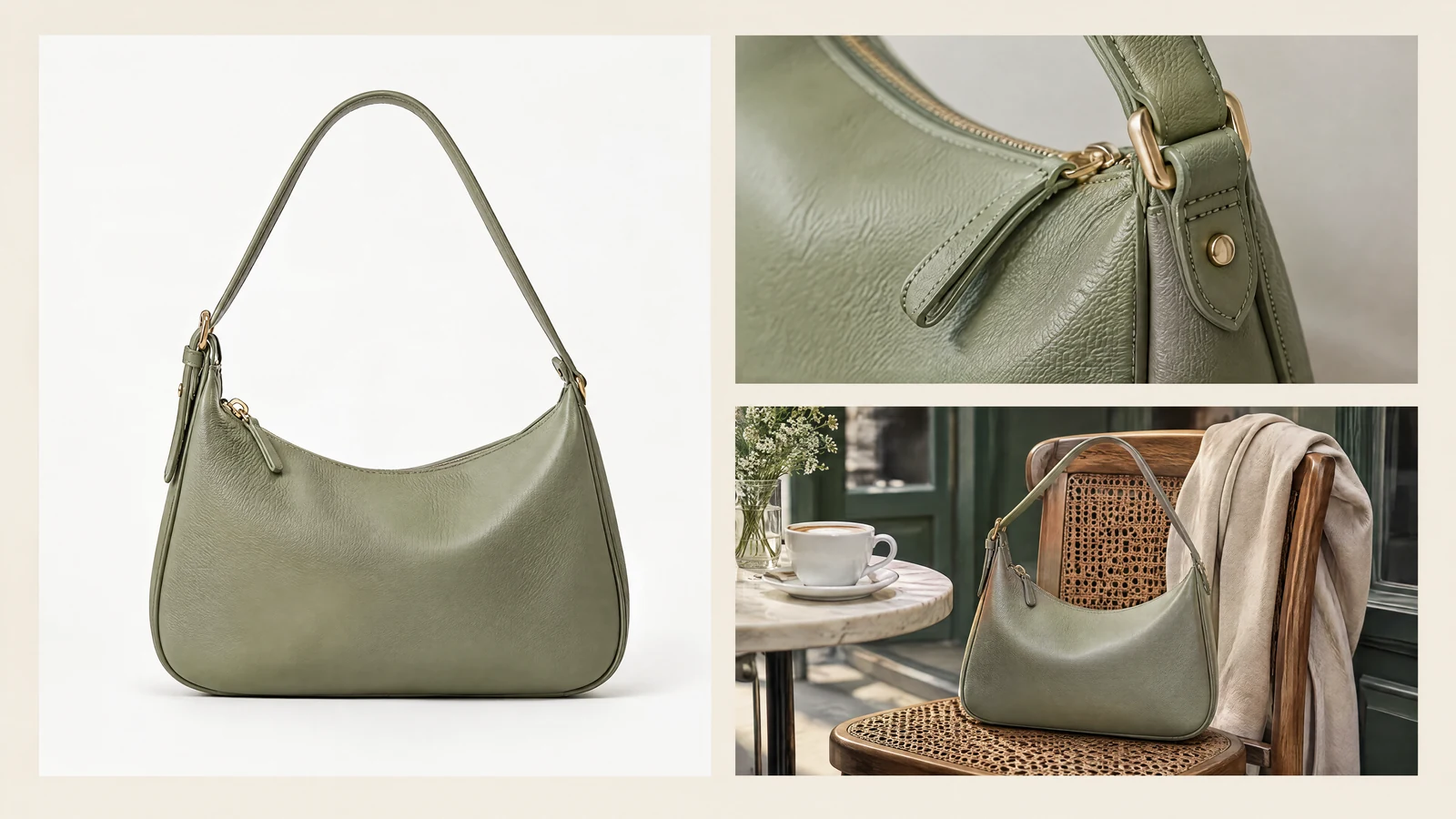 By role
Shopify product launch visuals
Coordinate product image sets, brand direction and storefront campaign assets.
Explore guide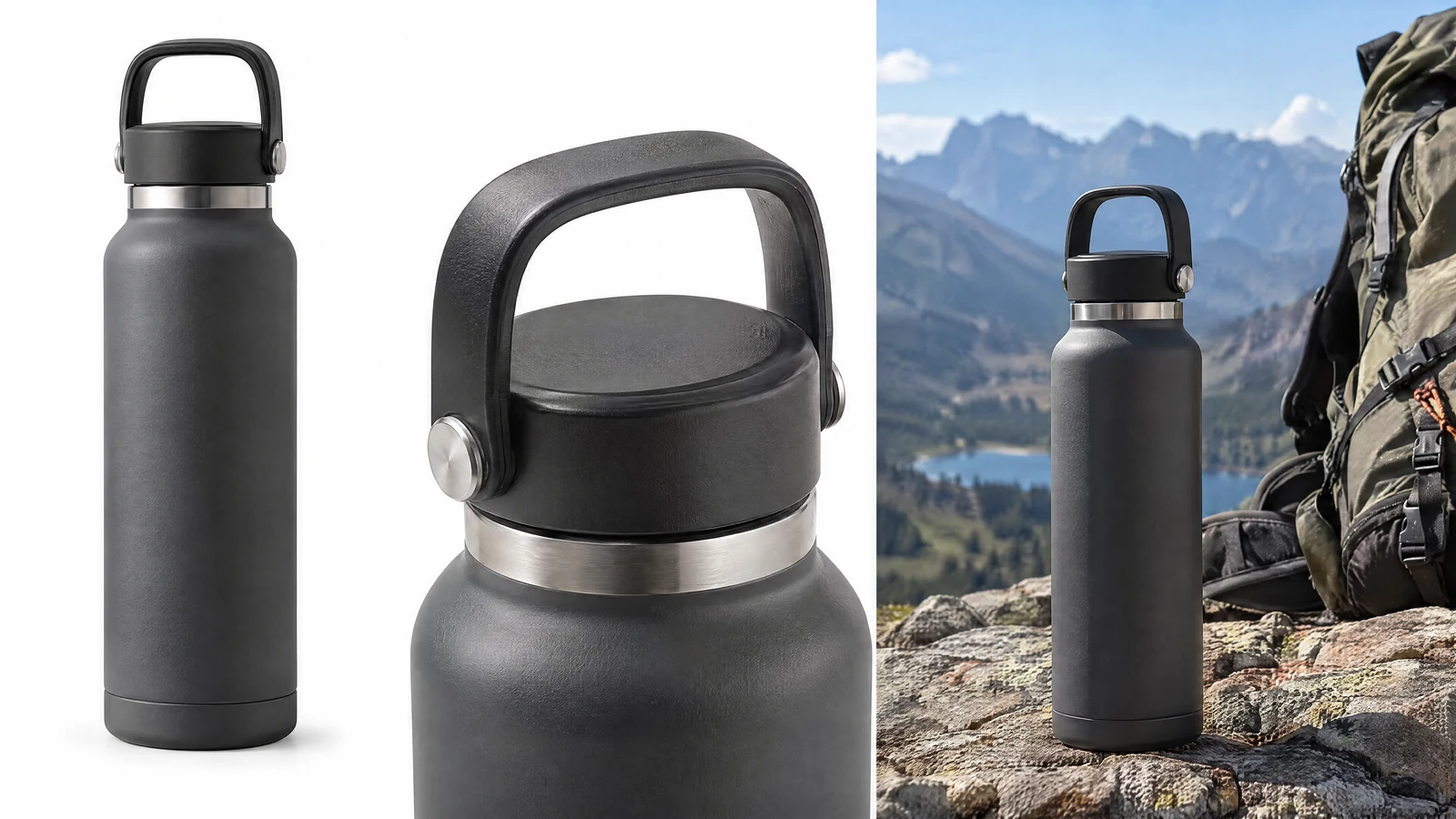 By role
Amazon product image preparation
Prepare product and detail images, then manually check current category rules and product facts.
Explore guide By role
Fashion collection launches
Use consistent retouching, model visuals and settings across a clothing collection.
Explore guide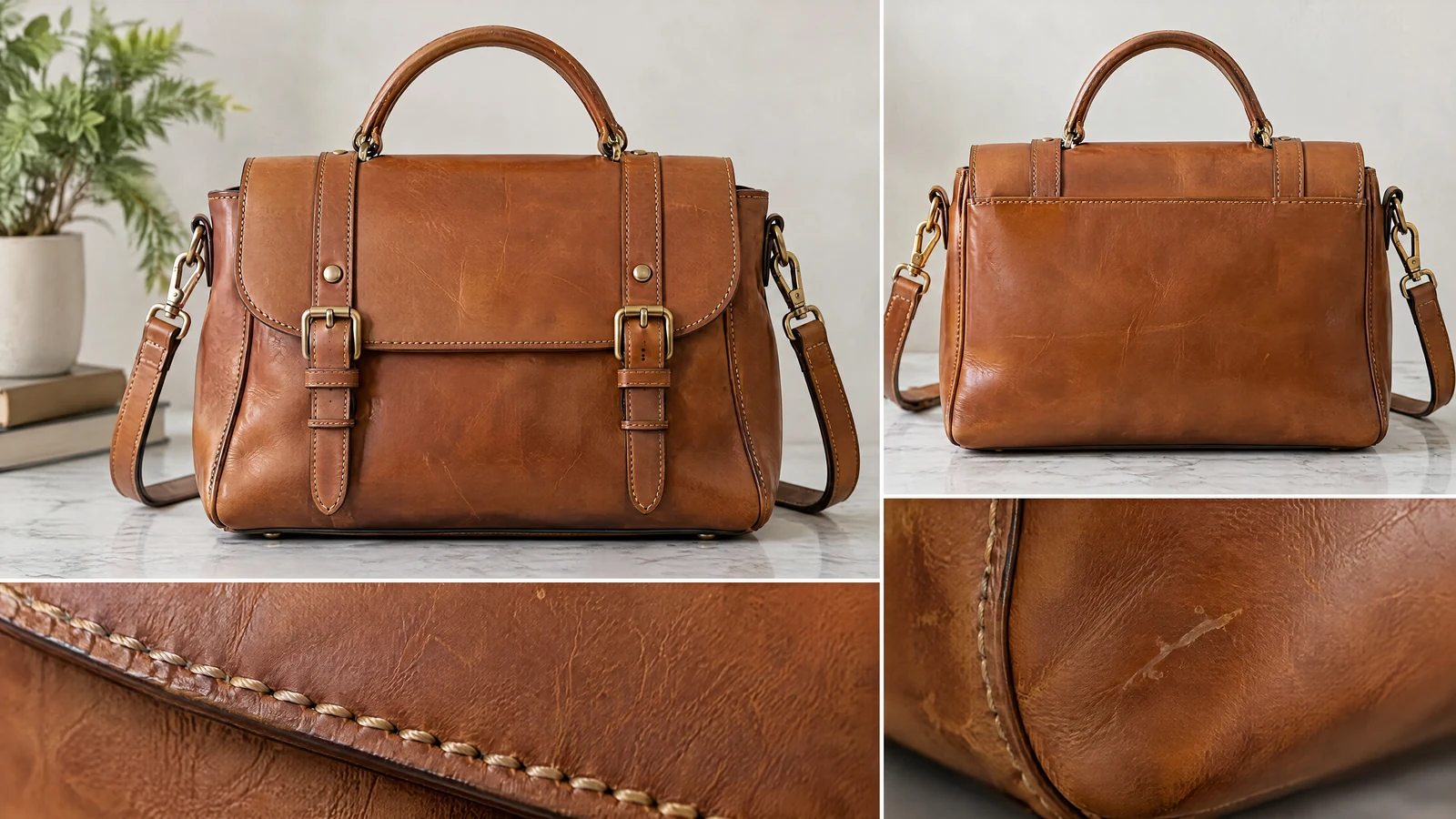 By role
Standardized reseller product images
Improve permitted supplier images and build a consistent store presentation.
Explore guide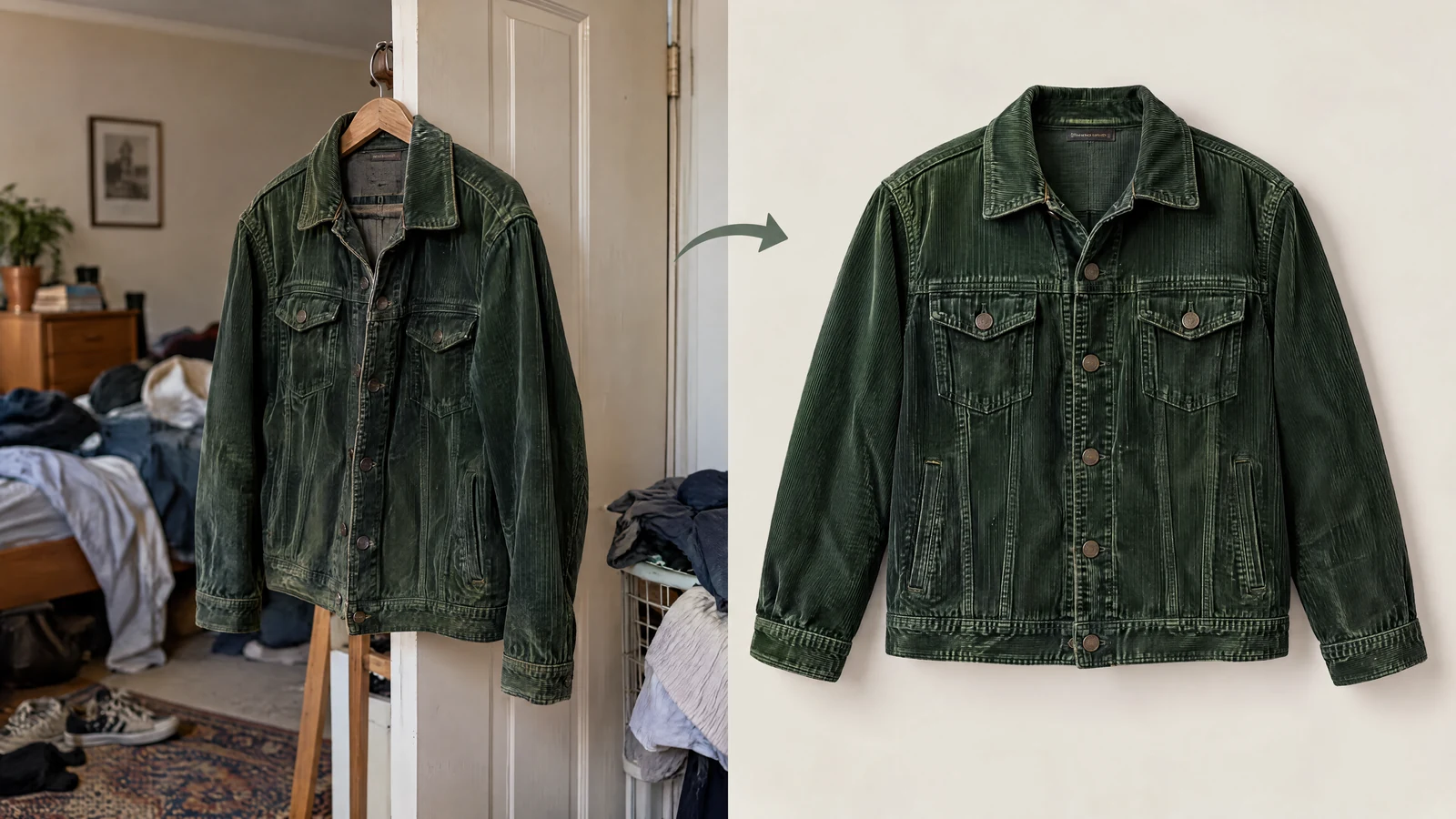 By role
Secondhand clothing presentation
Improve viewing conditions while retaining actual wear, defects and product condition.
Explore guide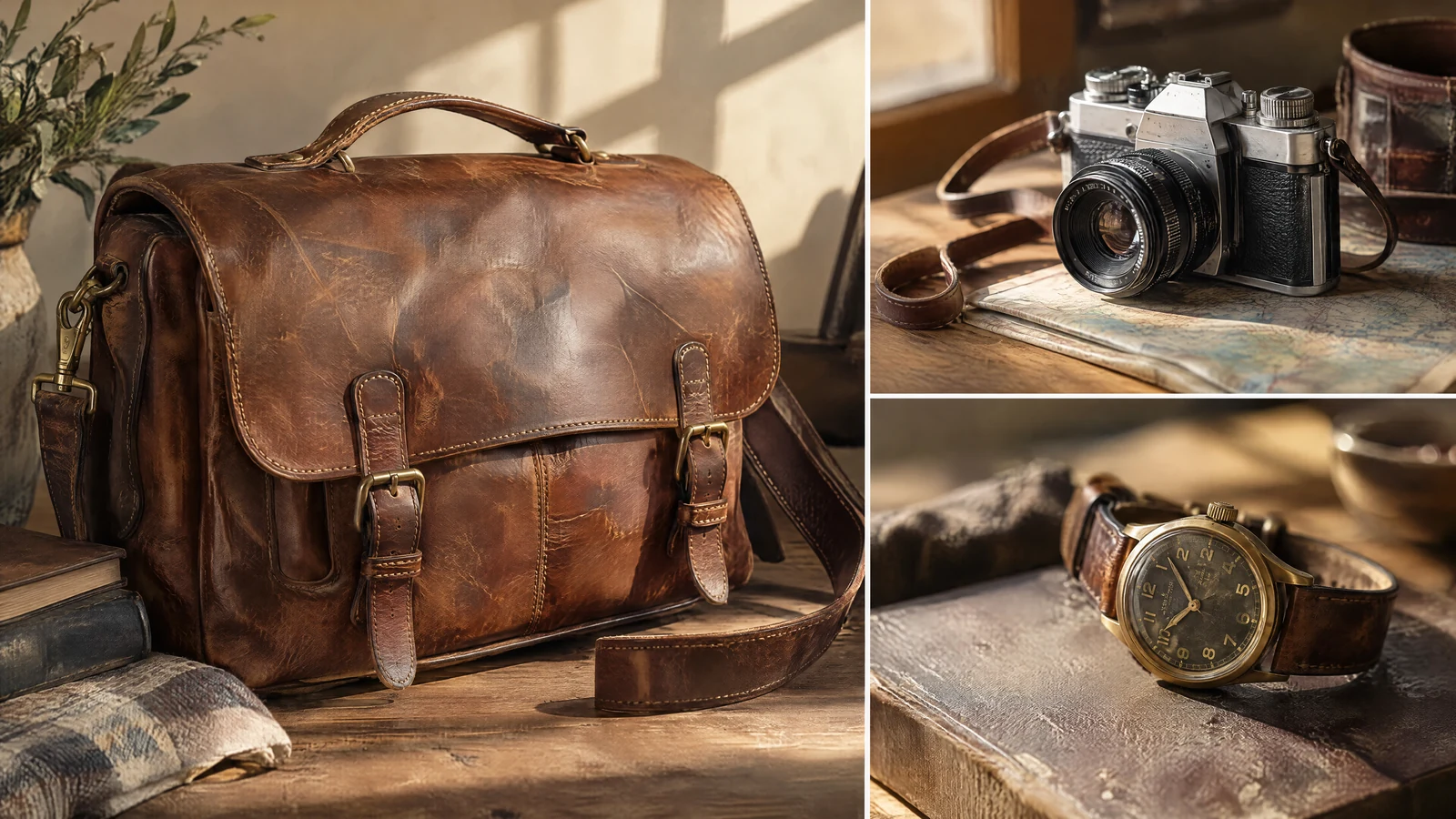 By role
Vintage fashion presentation
Combine readable product detail with styling references without erasing the character of the item.
Explore guide By role
Print-on-demand product previews
Create visual previews and compare generated prints against the original production design.
Explore guide By role
Jewelry product and wearing visuals
Combine product retouching, lighting and accessory placement with factual size and material checks.
Explore guide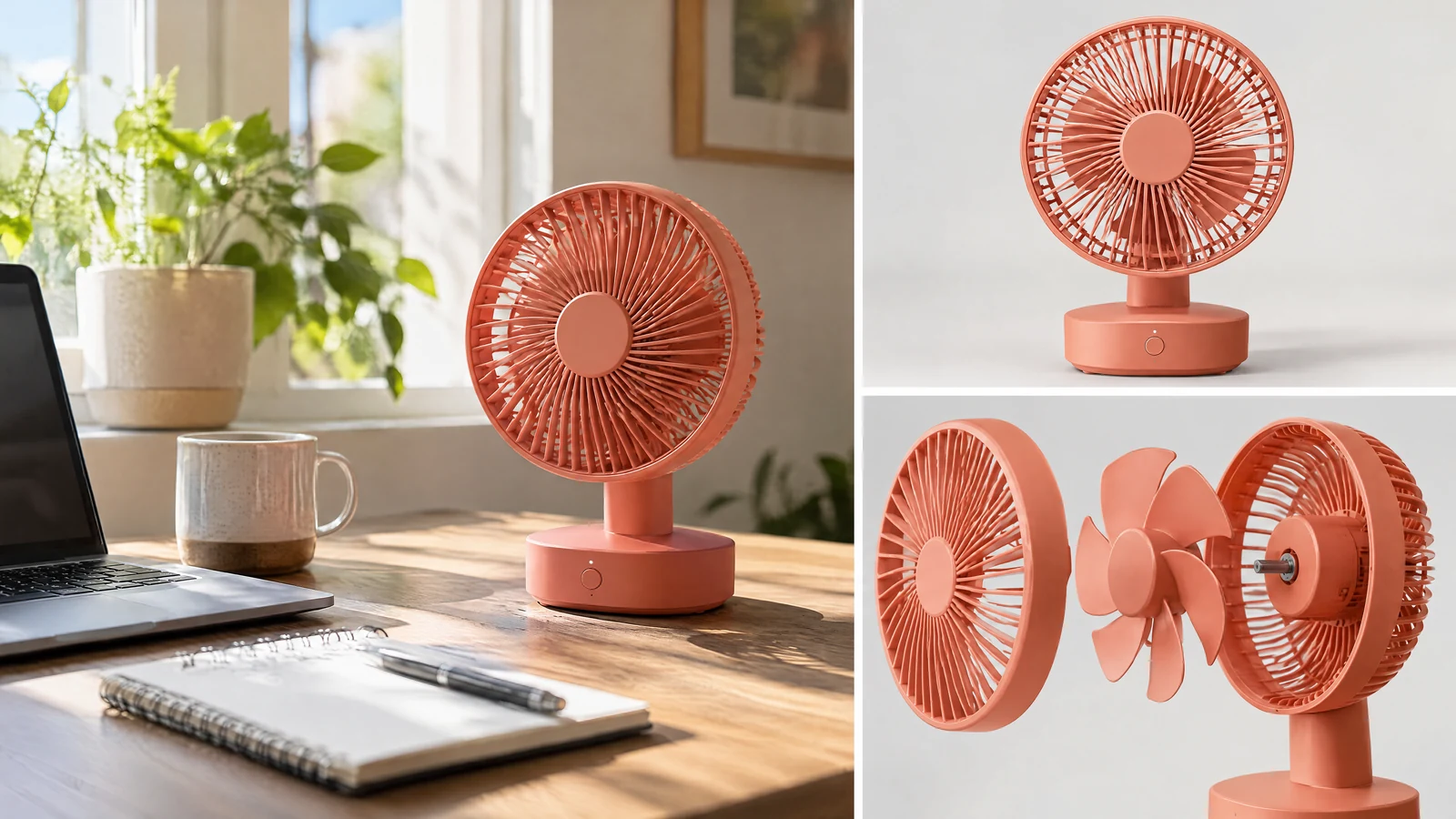 By role
Distinctive dropshipping visuals
Adapt permitted supplier assets into original product scenes and campaign materials.
Explore guide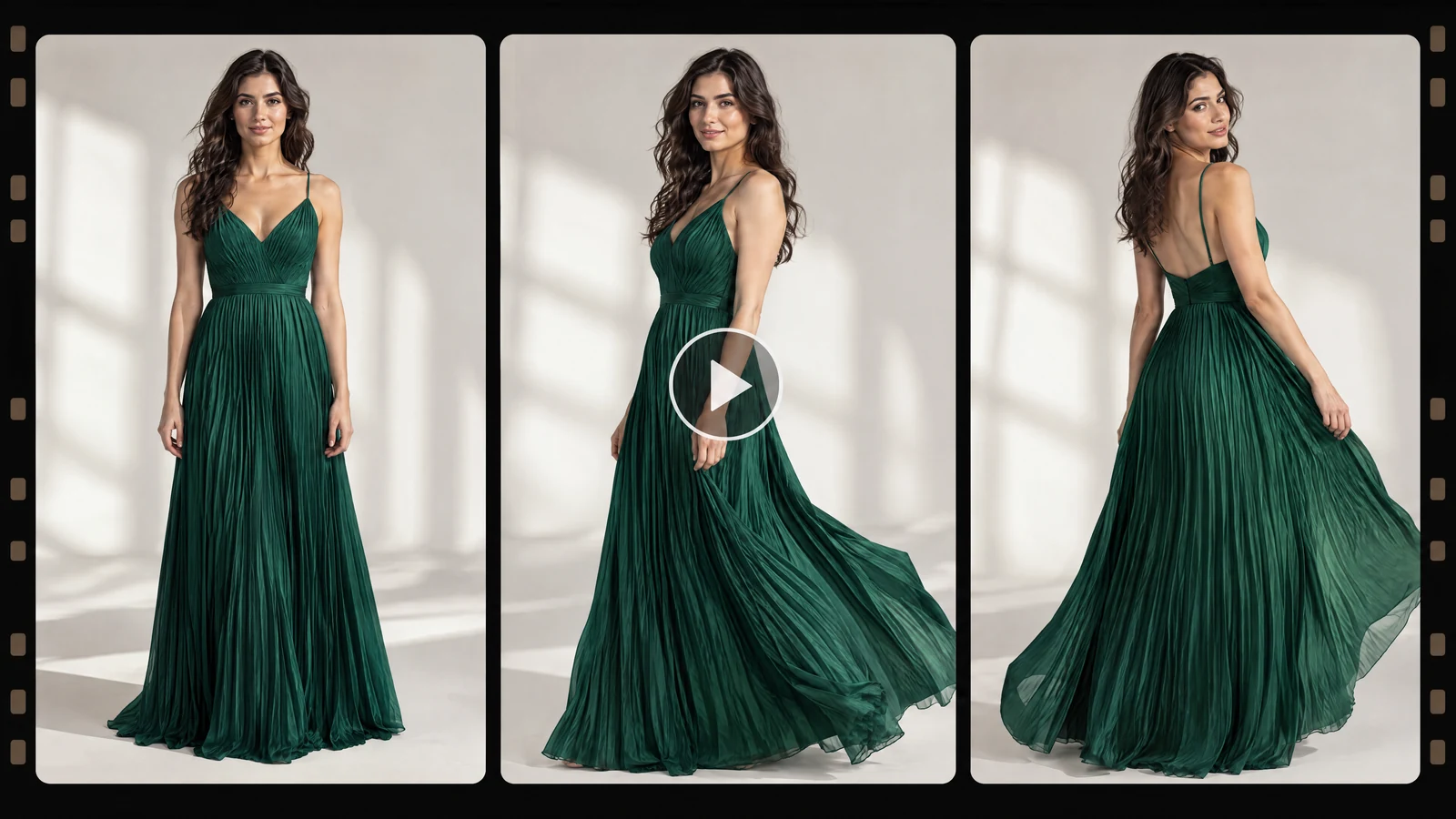 By workflow
Fashion images to product video
Begin with verified clothing visuals and create simple, reviewable motion shots.
Explore guide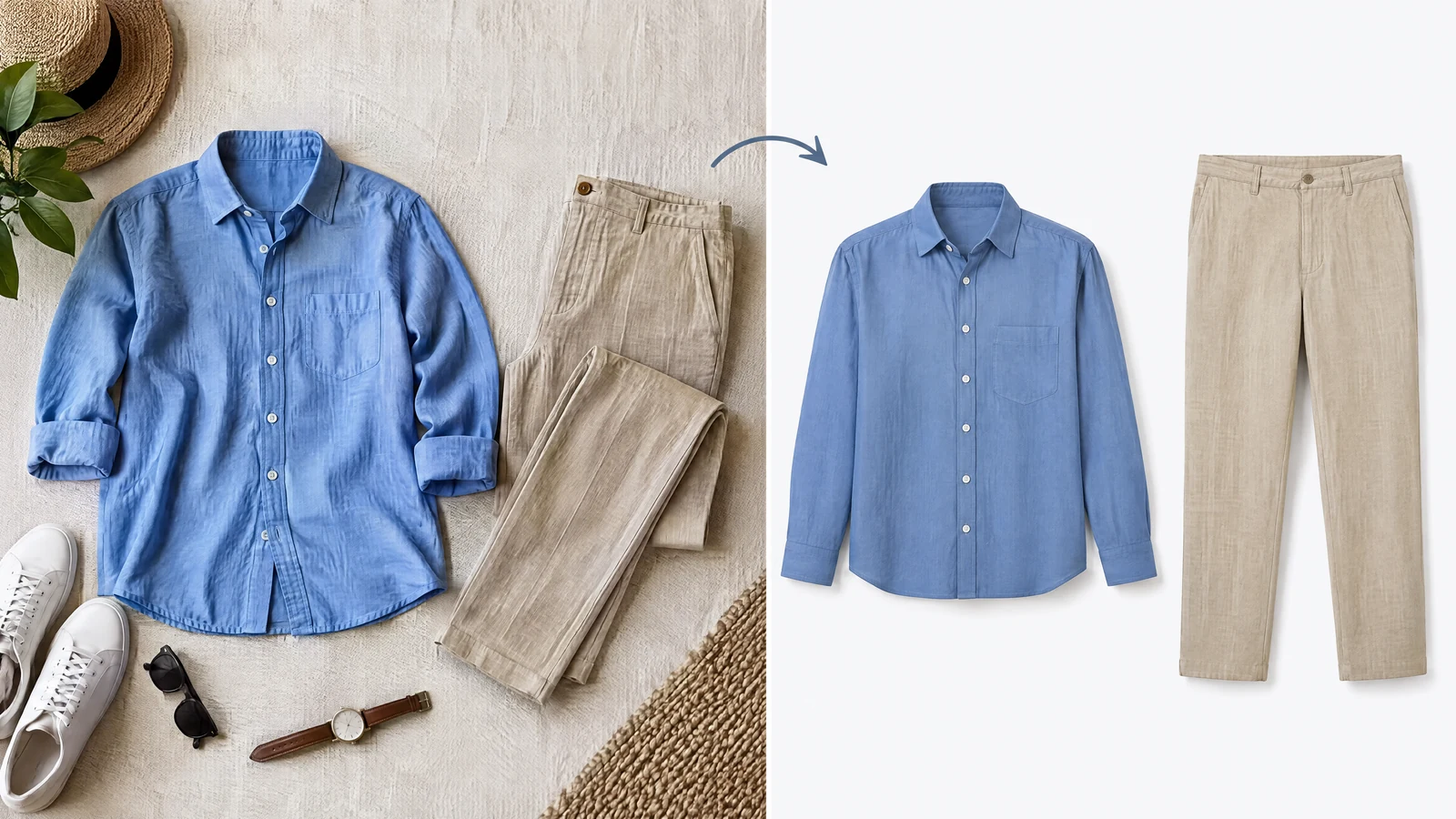 By workflow
Flat lays to fashion catalogs
Retouch flat lays, align the visual direction and prepare collection detail images.
Explore guide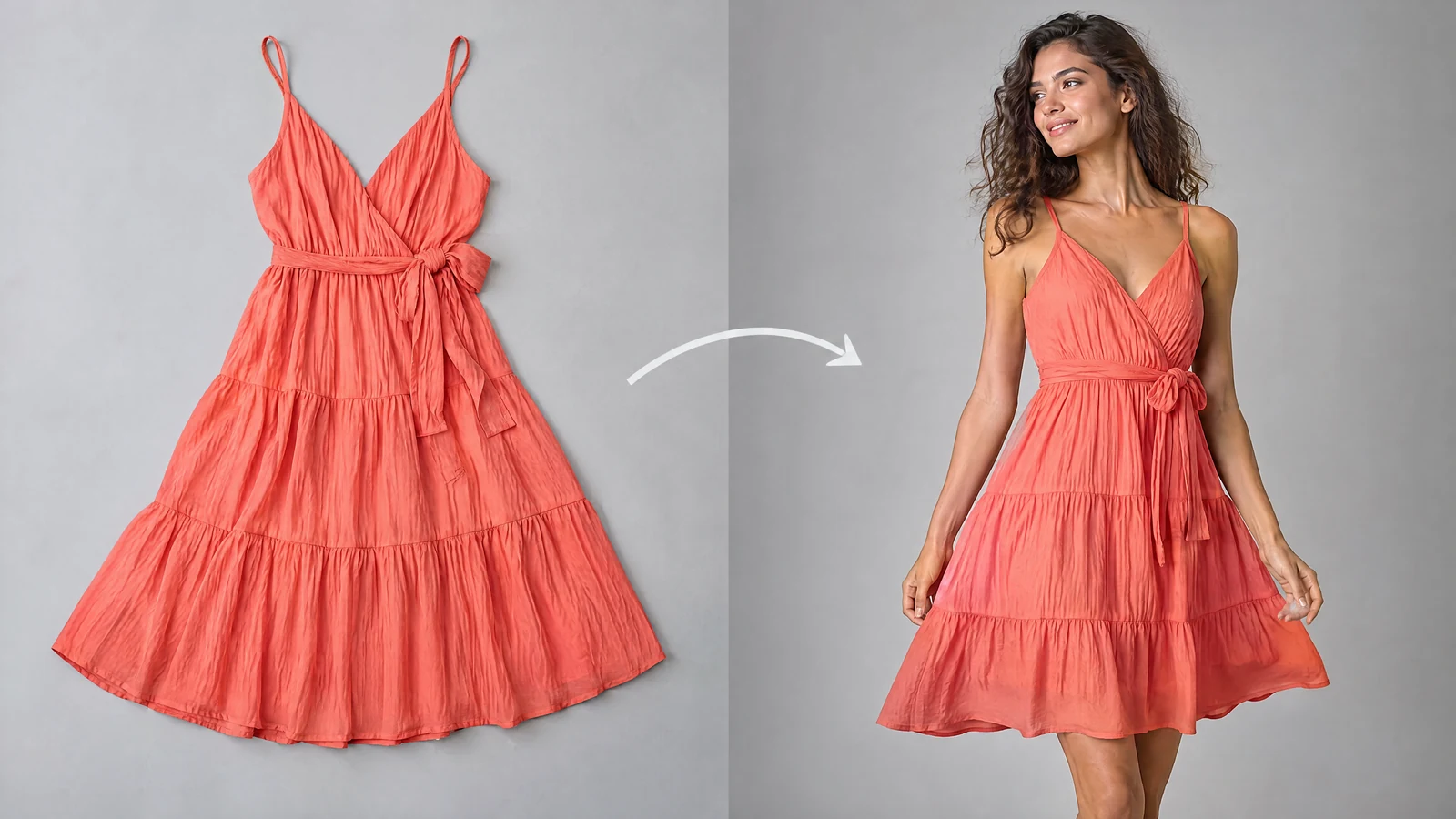 By workflow
Flat lays to model outfits
Turn garment references into wearing visuals and check prints, neckline, sleeves and length.
Explore guide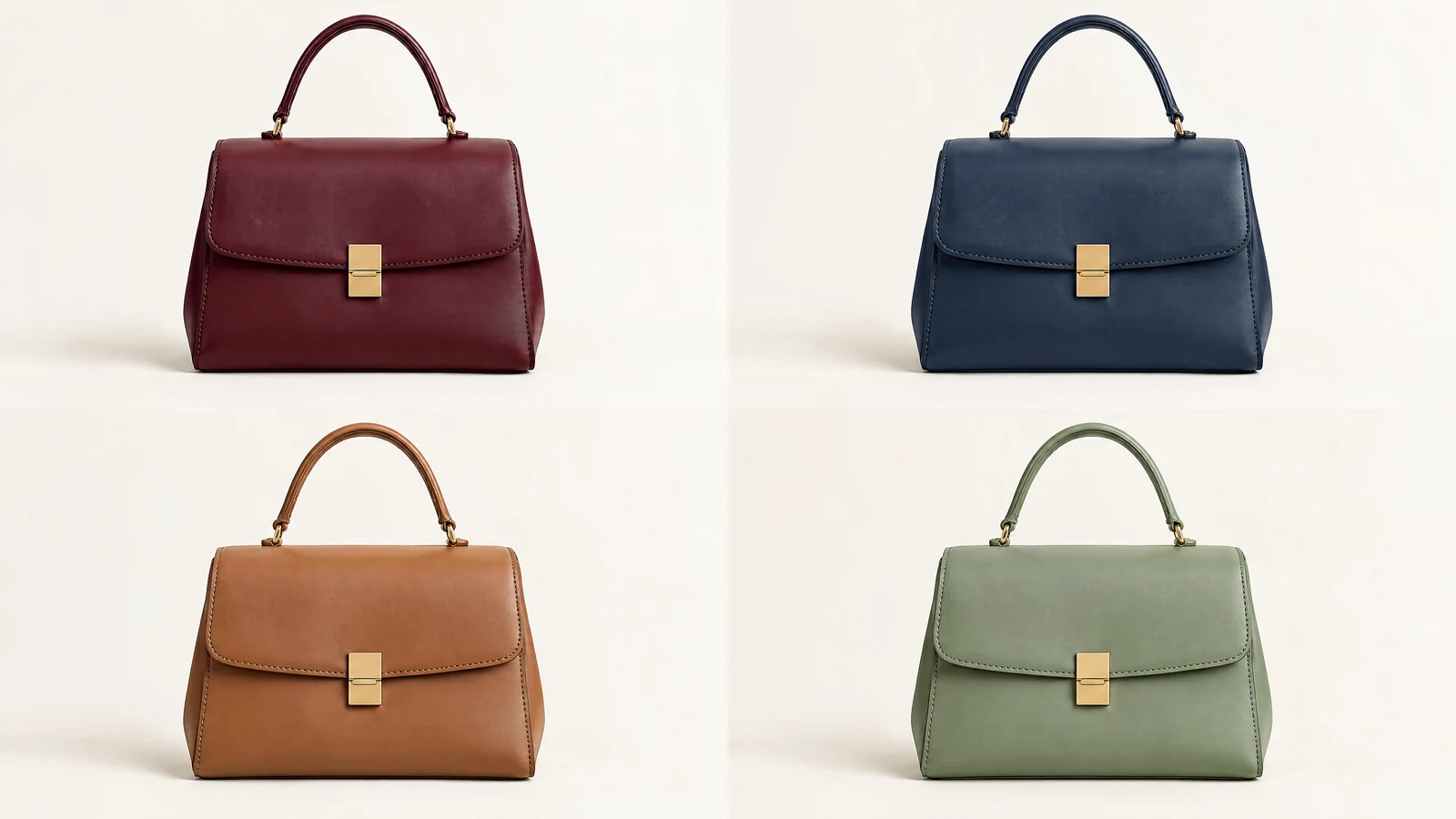 By workflow
Product image color variations
Specify editable regions and confirmed color references, then compare the output with the original.
Explore guide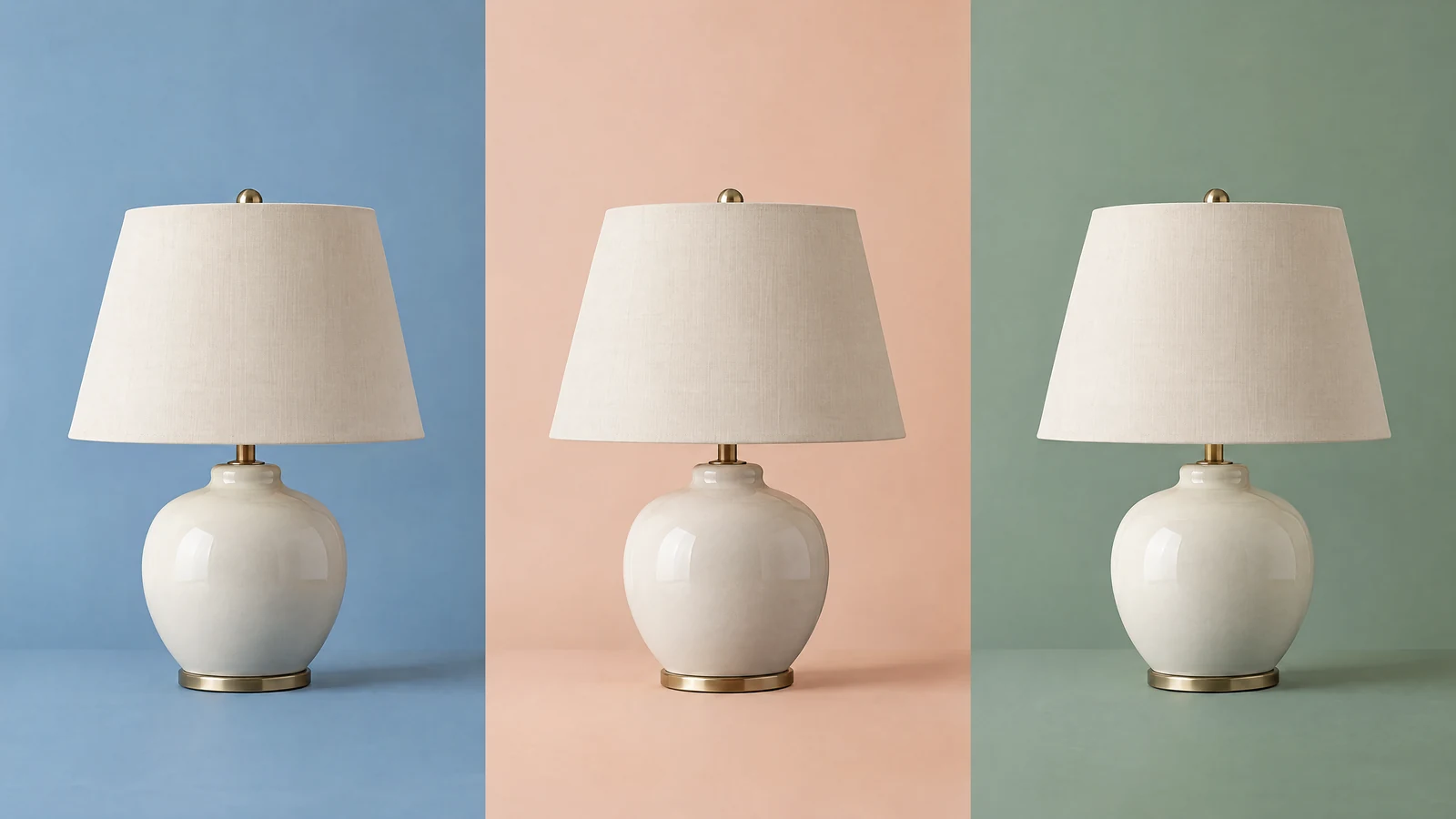 By workflow
Consistent product backgrounds
Coordinate backgrounds, product placement and lighting across a series.
Explore guide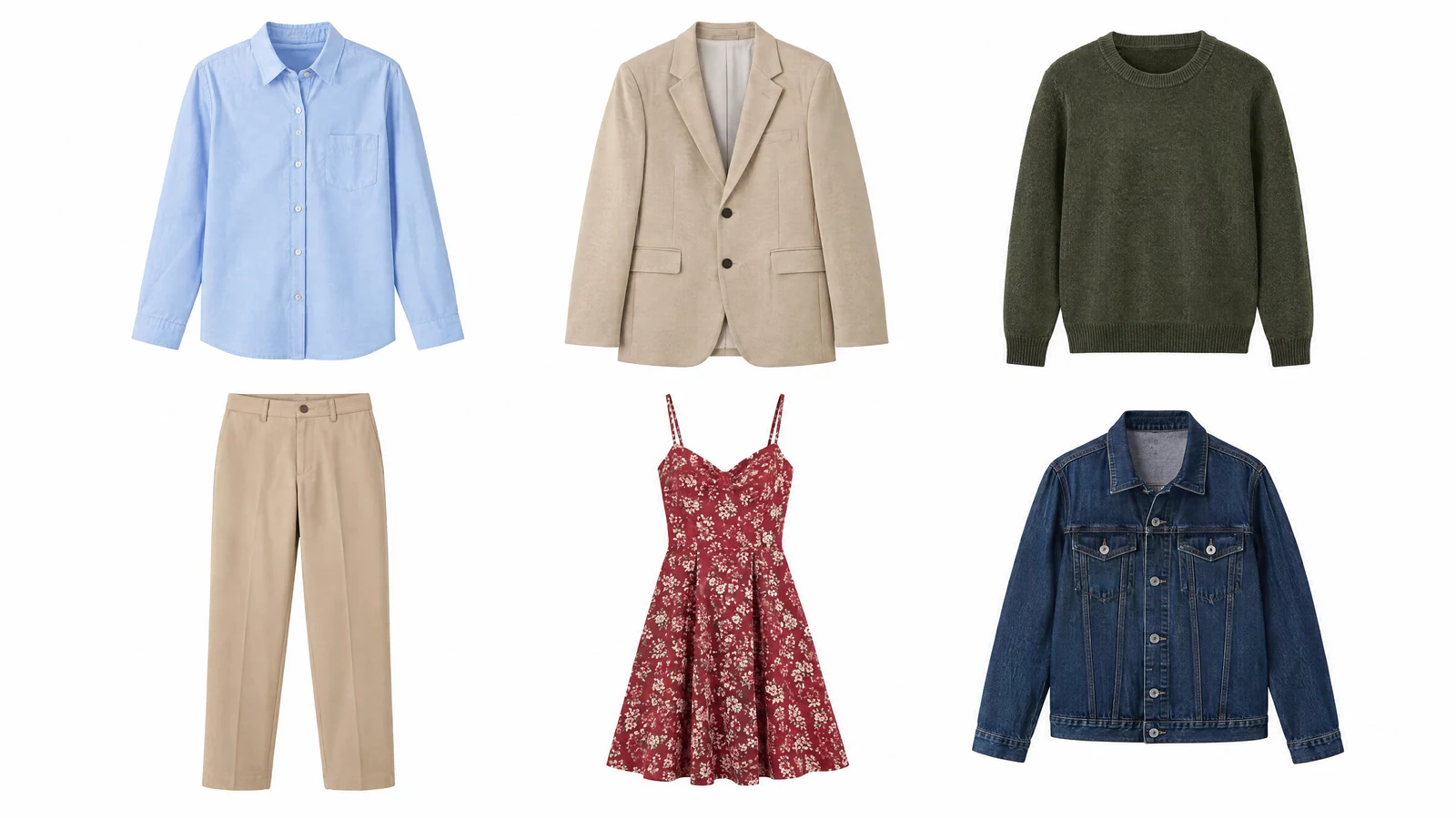 By workflow
Amazon apparel image workflow
Prepare apparel images and manually verify category rules, garment details and text before listing.
Explore guide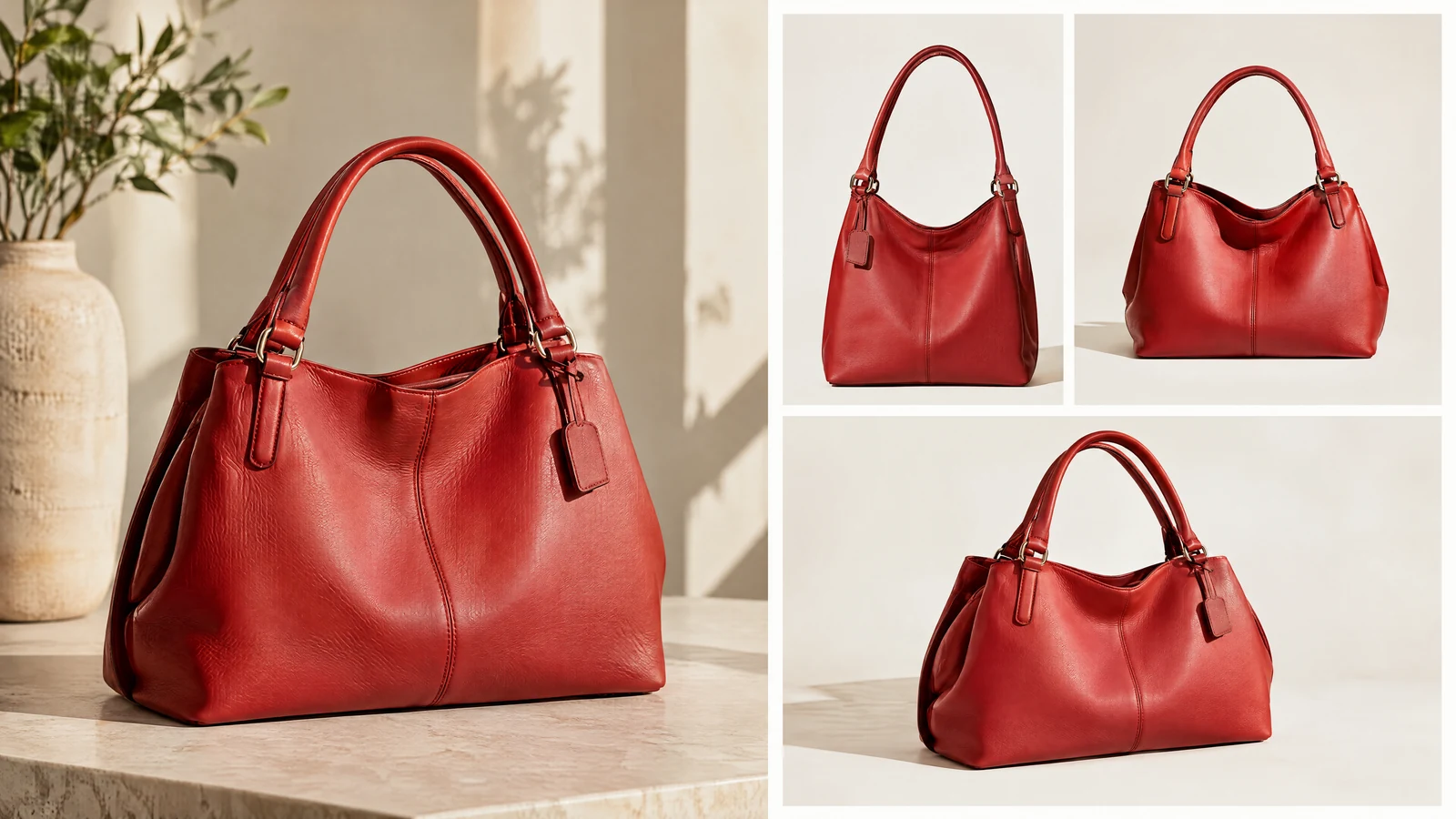 By workflow
Multi-channel listing visuals
Plan output purposes and framing for each channel while preserving product facts.
Explore guide By workflow
Jewelry catalog and wearing sets
Pair independent product photography visuals with clearly identified wearing illustrations.
Explore guide Industry workflow
Beauty and skincare launches
Preserve packaging and labels and use only verified ingredient and benefit claims.
Explore guide Industry workflow
Home and living product scenes
Place products in useful room settings and check scale, materials and included items.
Explore guide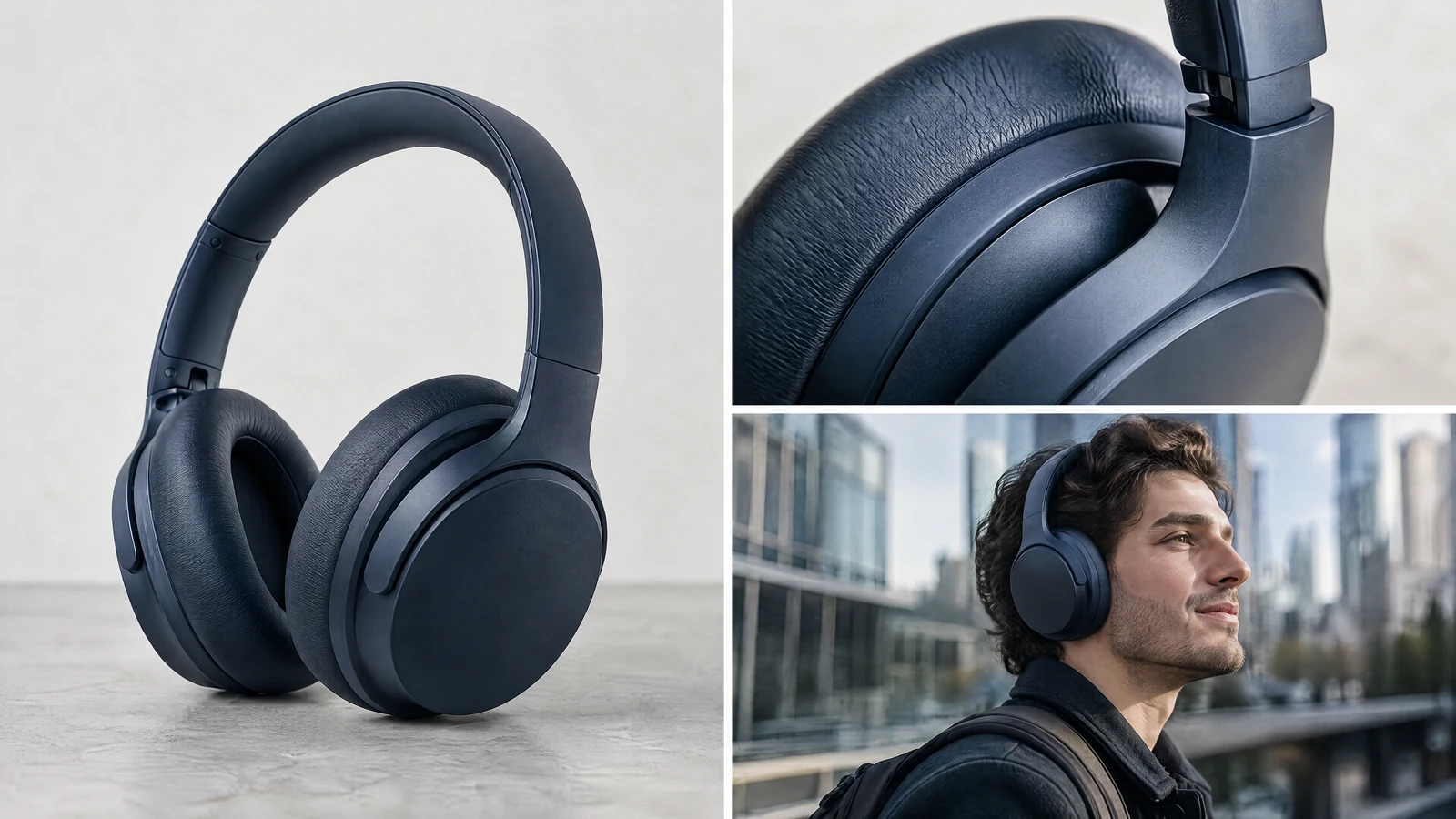 Industry workflow
Electronics and small appliances
Show design, controls and use context while checking product geometry and factual features.
Explore guide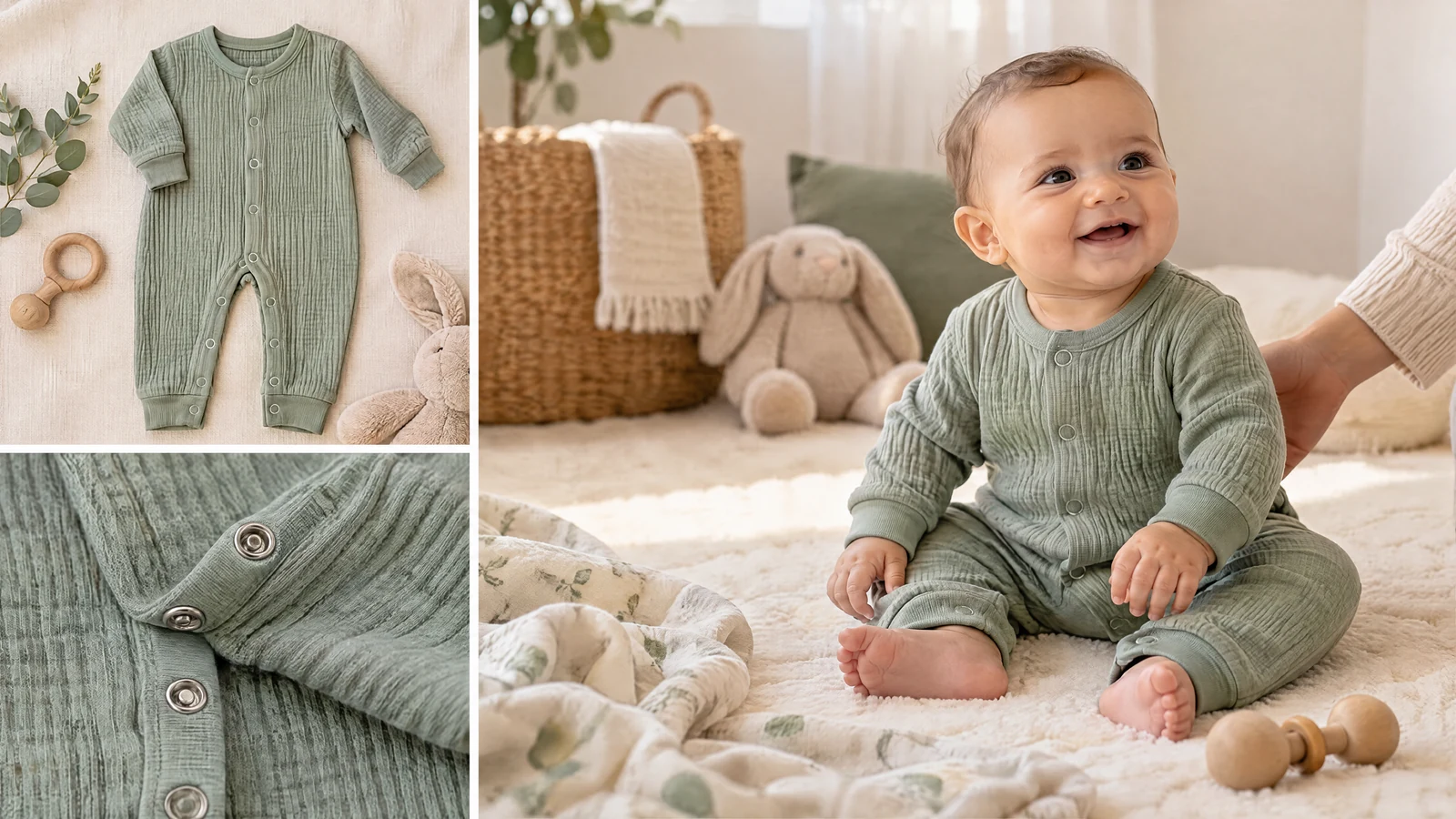 Industry workflow
Baby clothing and family product visuals
Create gentle product presentation visuals with permitted references and careful garment review.
Explore guide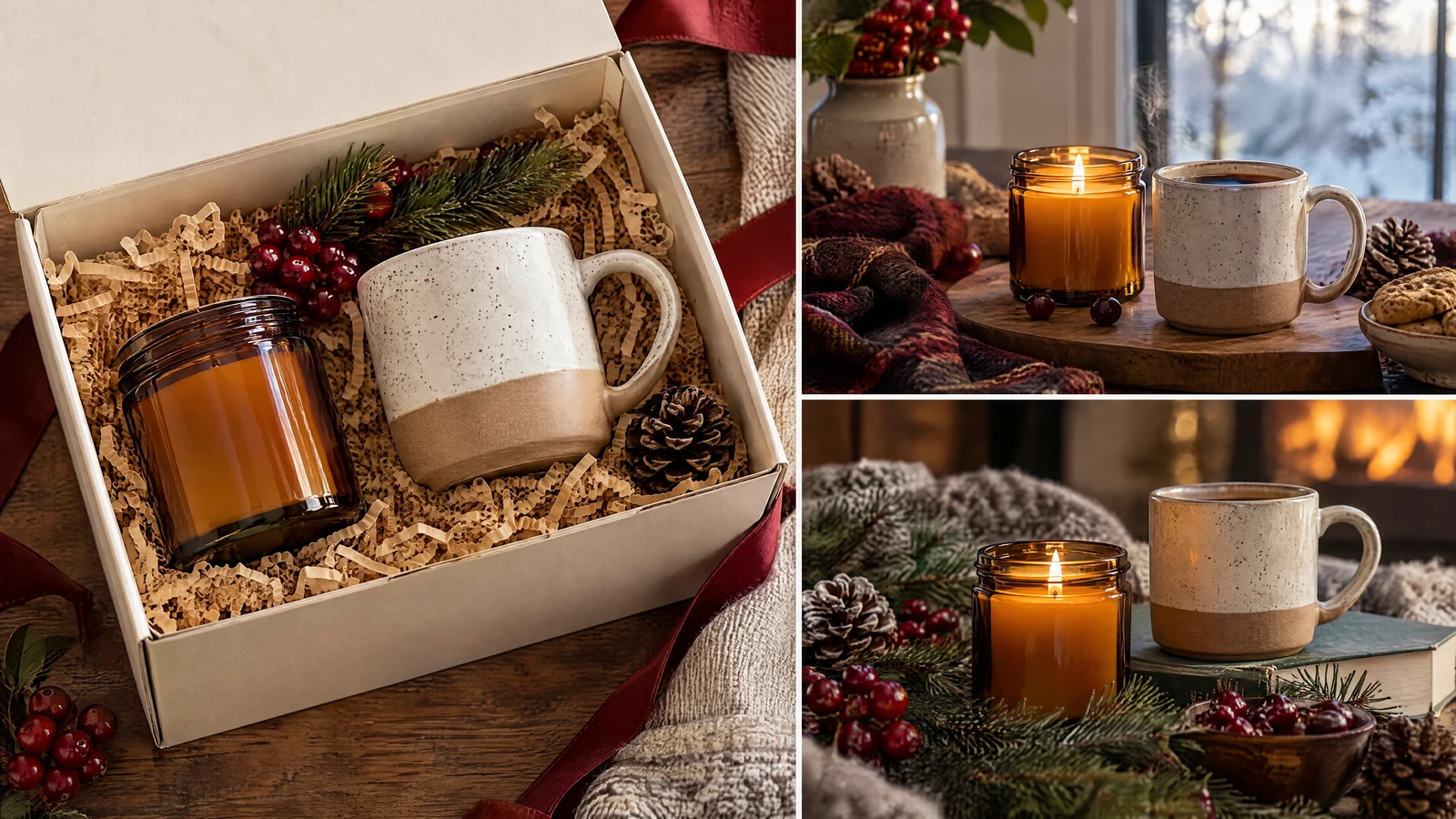 Industry workflow
Seasonal campaign asset packs
Coordinate posters, product scenes and short videos using confirmed campaign terms.
Explore guide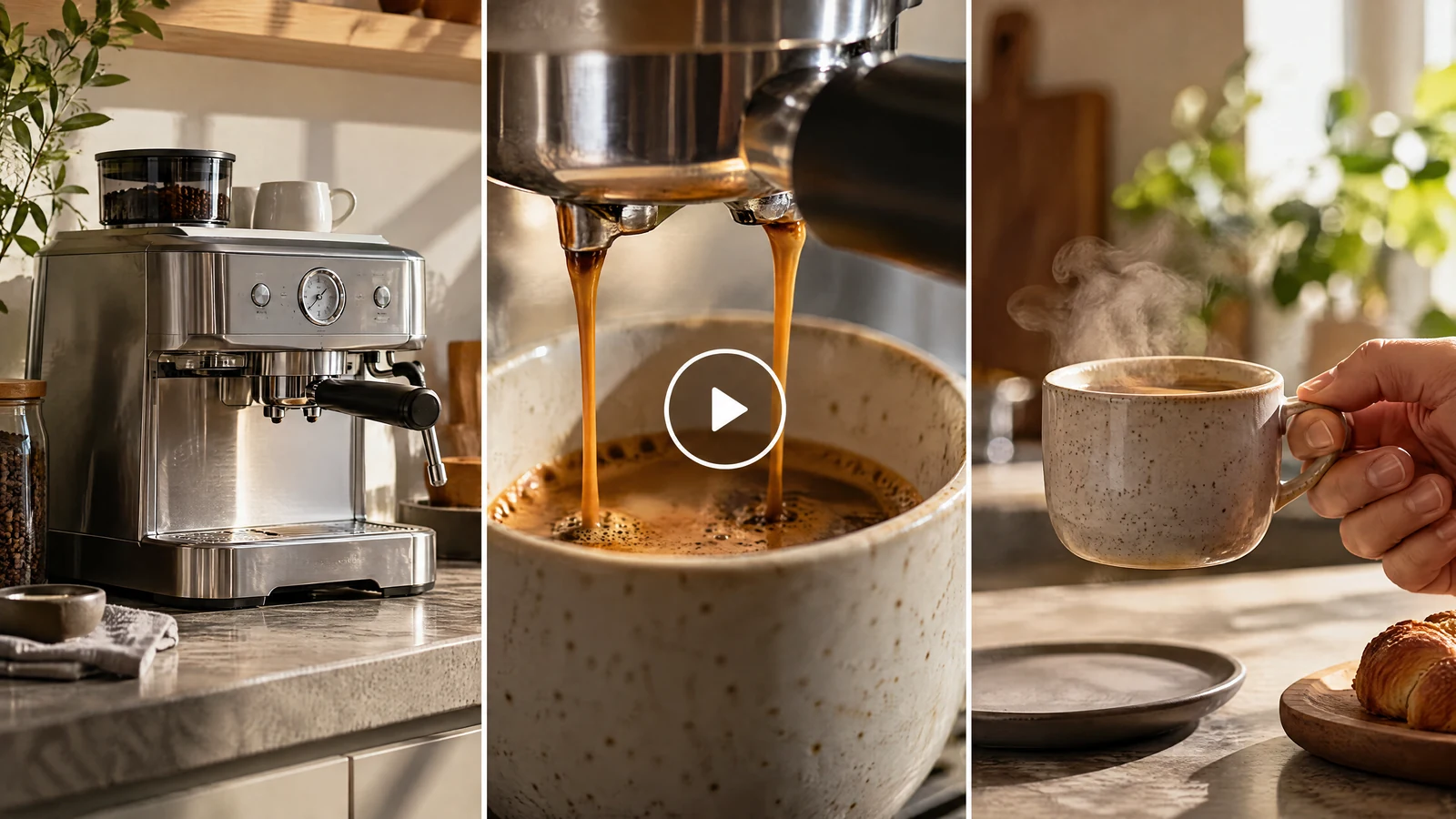 Industry workflow
Original ads from reference structure
Use a permitted video structure as a planning aid and create original product shots.
Explore guide Industry workflow
Story-led product short dramas
Connect a product story to scripts, reusable assets, keyframes and video shots.
Explore guide Industry workflow
Recurring series and episode assets
Reuse characters, scenes and props while writing shot-specific direction for each episode.
Explore guide Industry workflow
One product, multiple markets
Adapt visual framing and supplied copy to different audiences; verify each output language.
Explore guide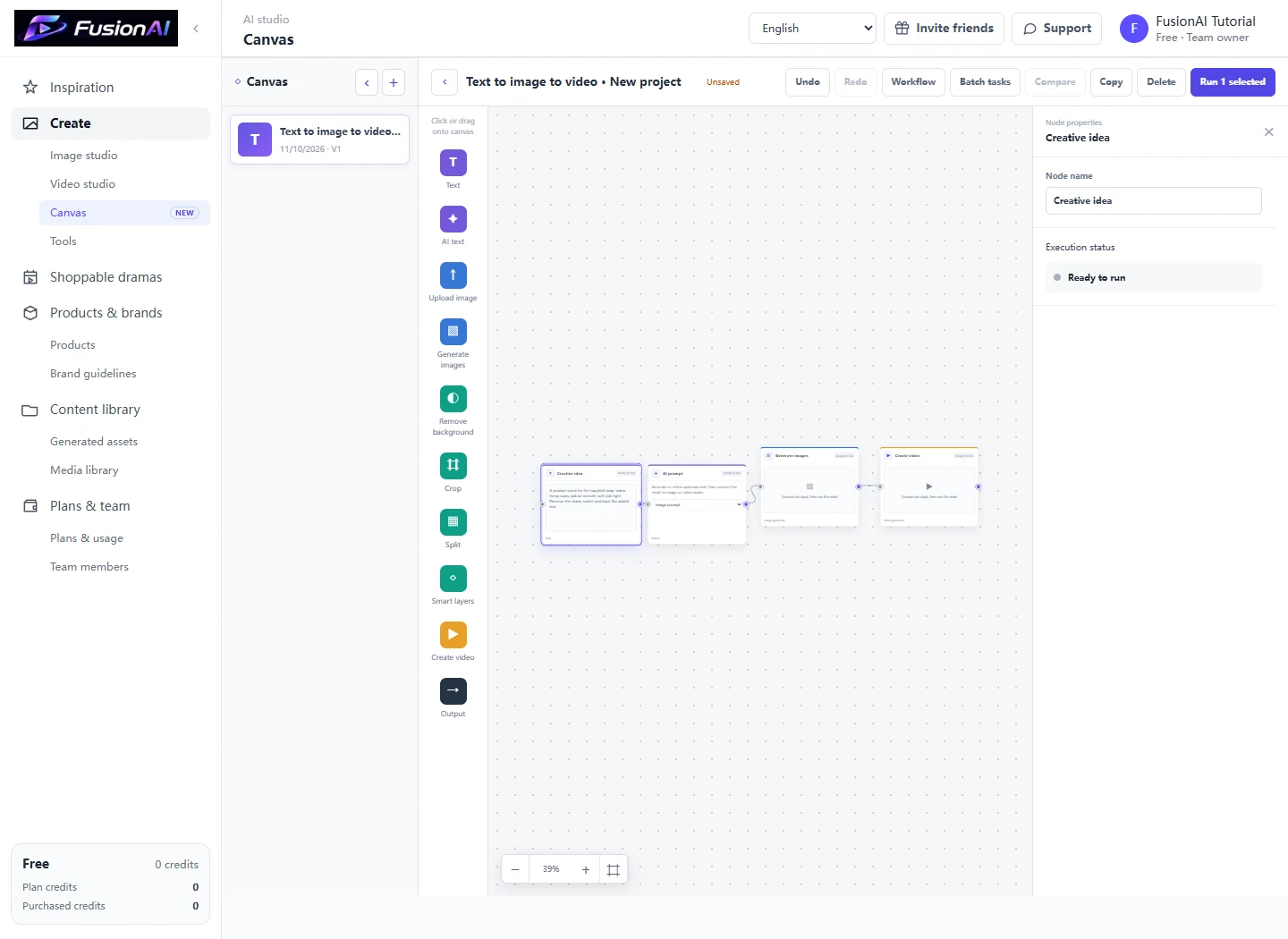 Industry workflow
Reusable brand and agency workflows
Organize product facts, brand context, references and reusable canvas workflows.
Explore guide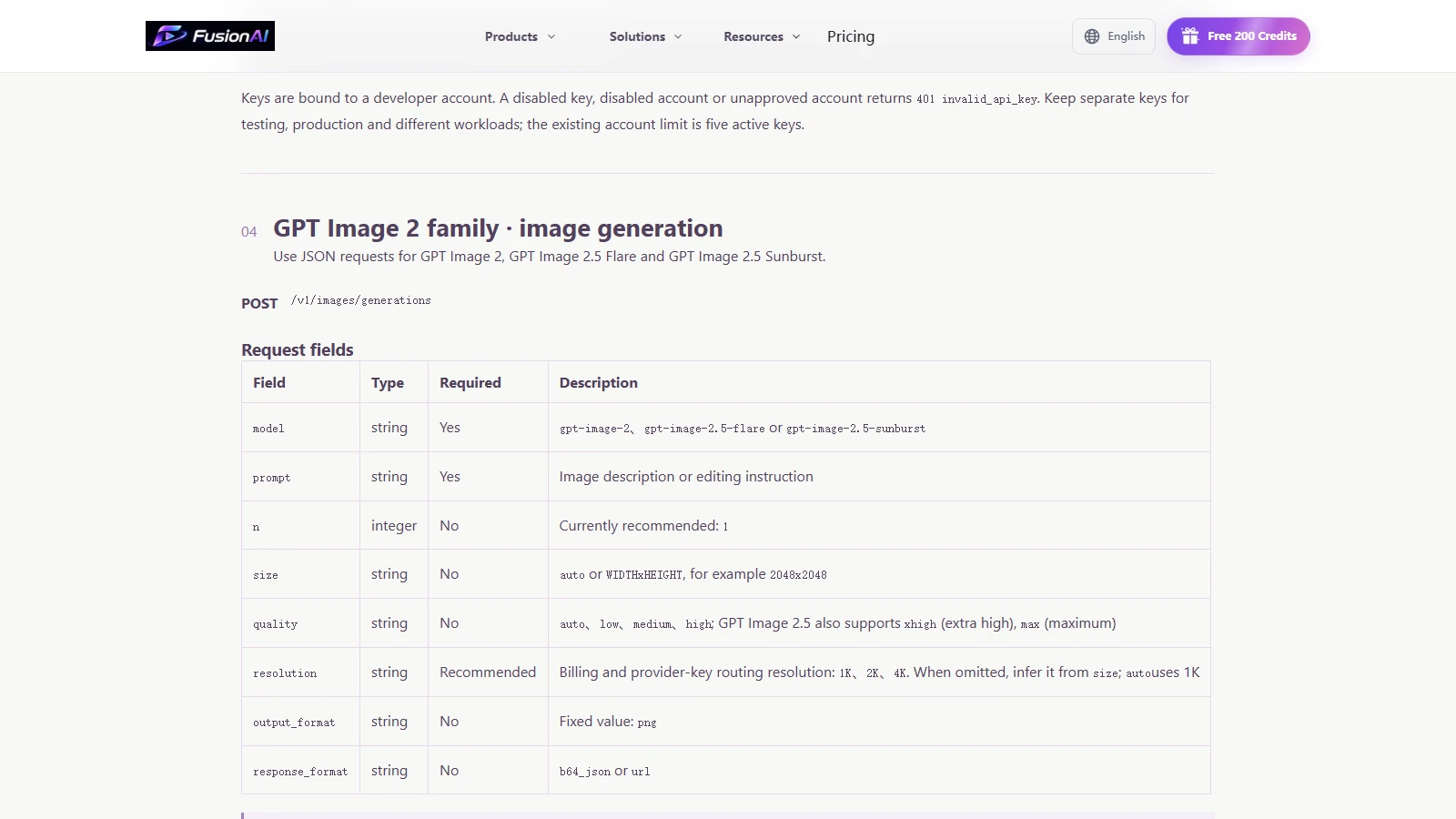 Industry workflow
Image generation for ecommerce SaaS
Connect published image APIs to a product-content workflow and review results before downstream use.
Explore guide