Product retouching
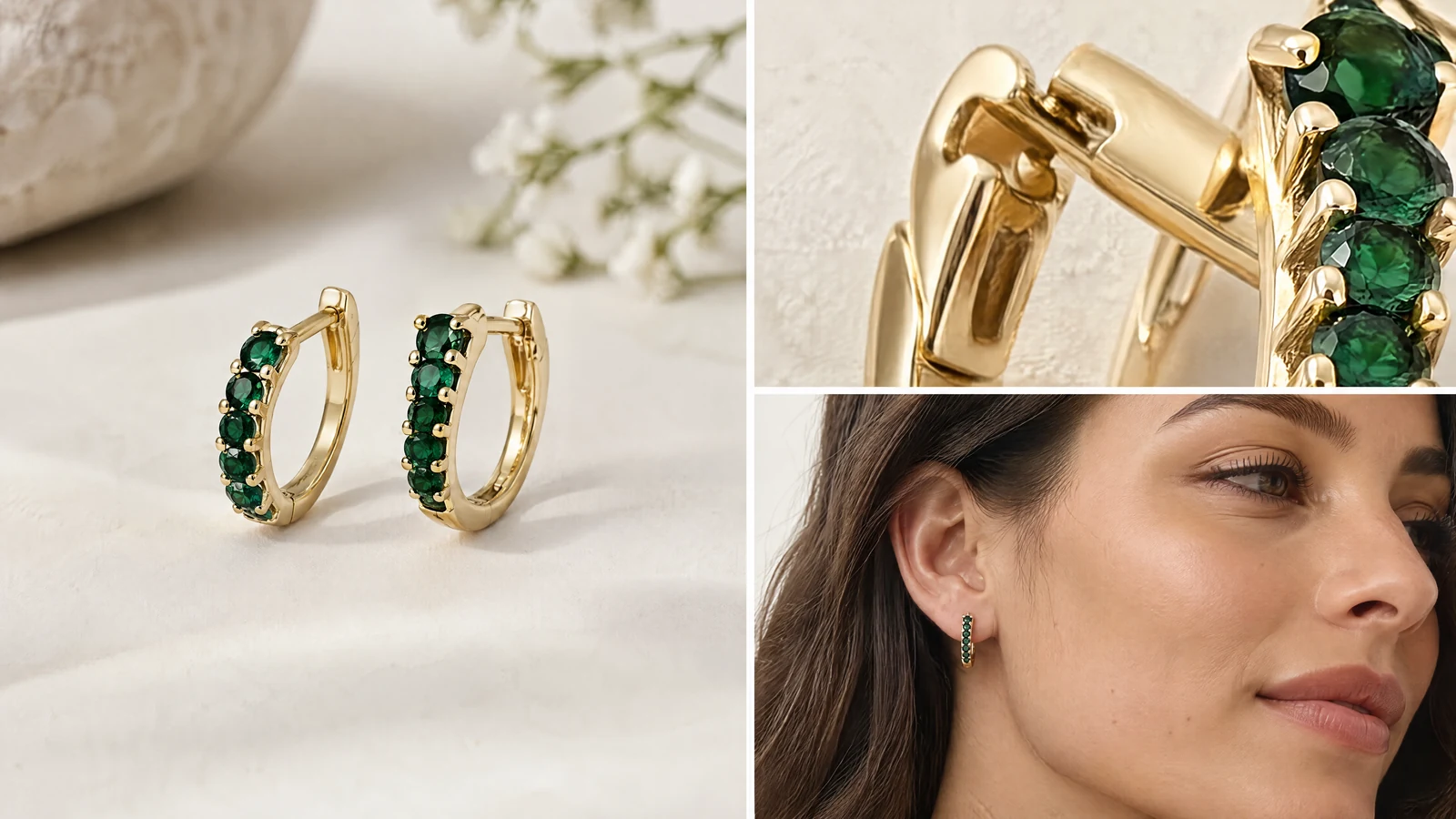
A product still with the original setting and hardware.

Help a shopper understand one jewelry SKU through its construction, measured scale and carefully checked wearing context.
Choose the asset your next project needs
A product still with the original setting and hardware.
A controlled material-detail view.
A reviewed wearing illustration with factual dimensions alongside.
A purchase-oriented gallery for one exact jewelry SKU.
Sharp product macro images, measured dimensions, confirmed materials, stone counts and permitted adult model references.
Refine dust or distracting reflections while preserving stone count, prongs, clasps and engraving. Keep real macro photographs beside every candidate.
Open Product retouching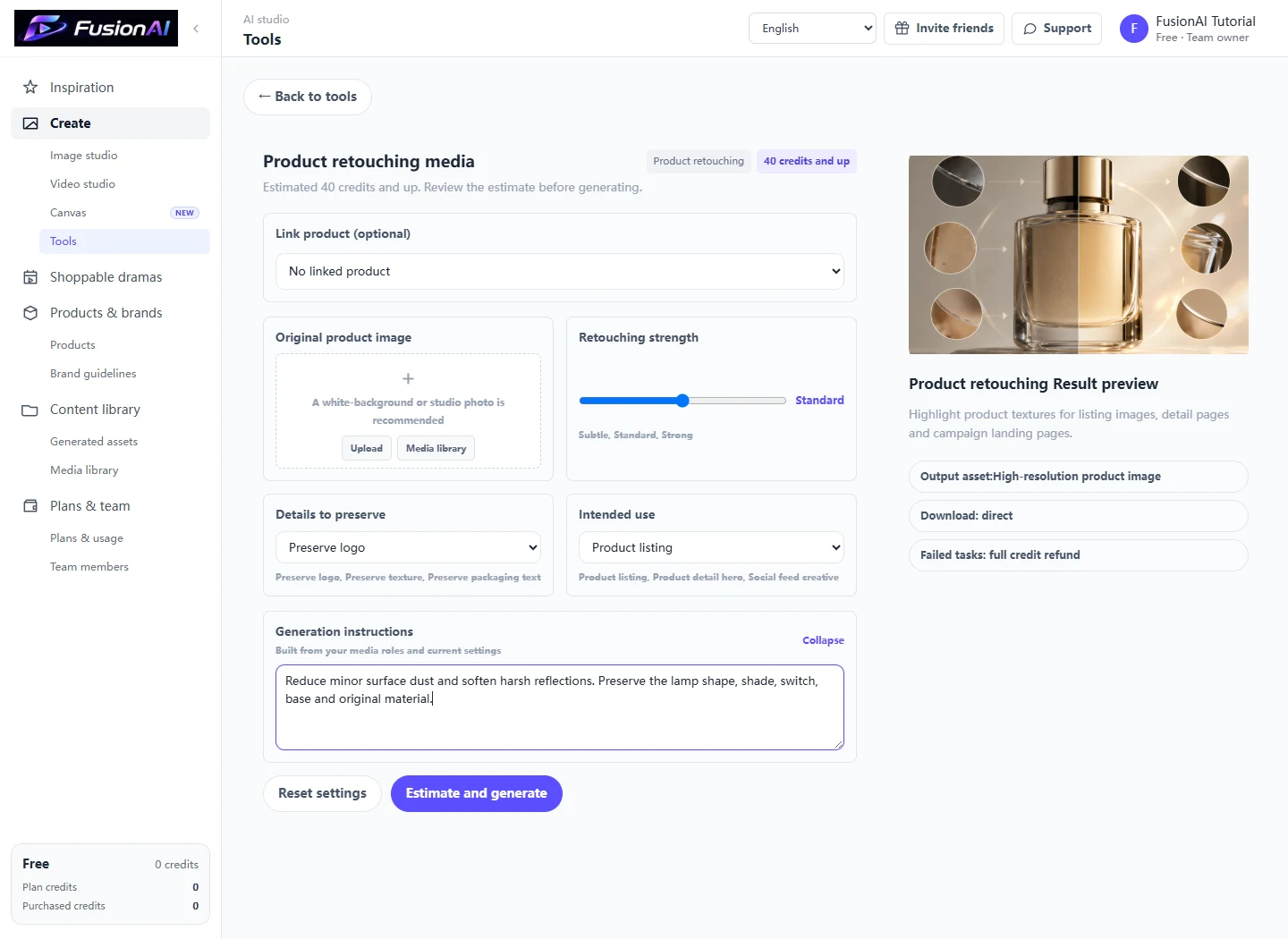
Use broad highlights to describe metal and stone surfaces. Reject lighting changes that imply a different metal color, stone cut or material.
Open AI product lighting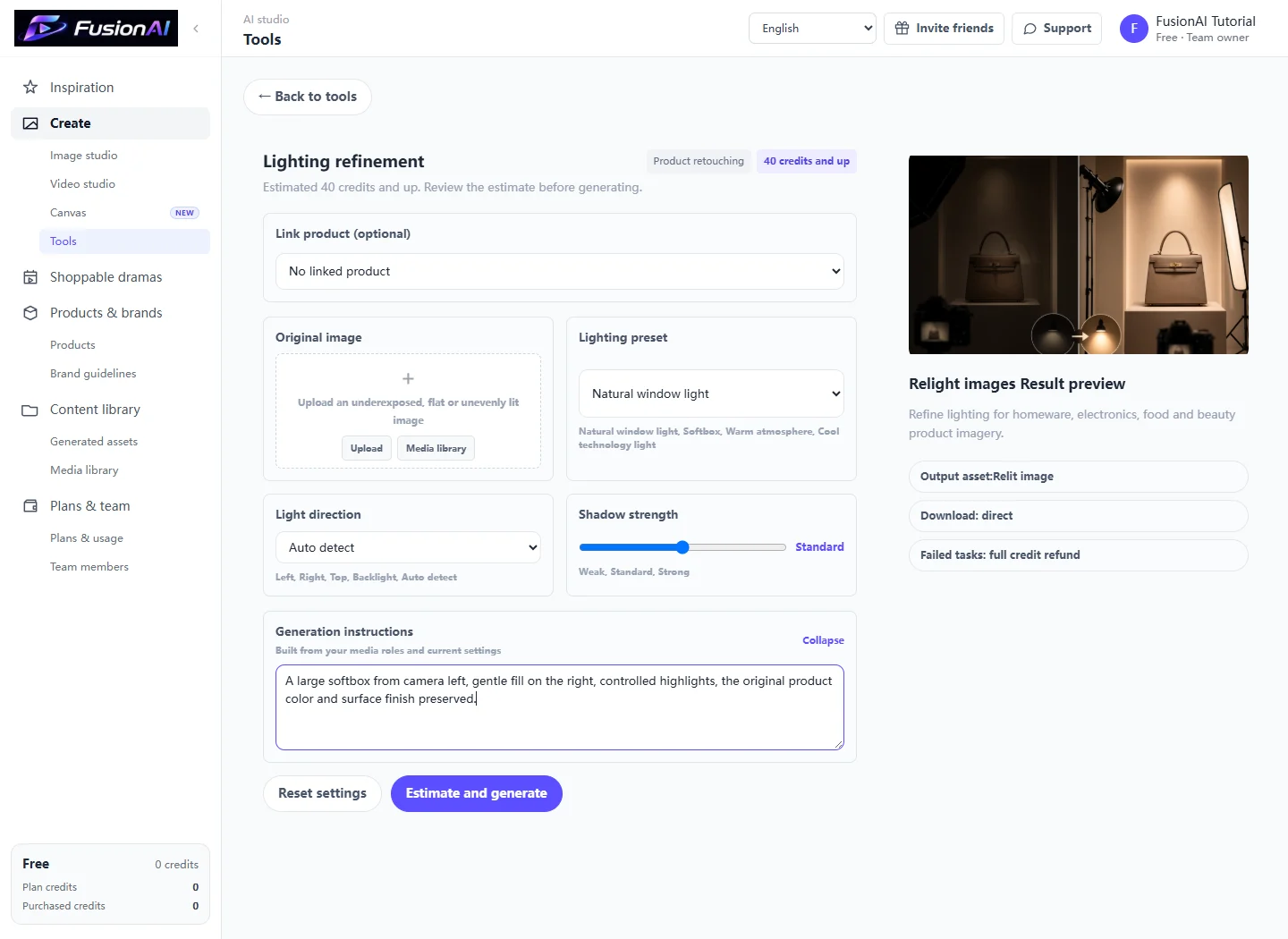
Place the accessory on a permitted reference using the intended region. Compare chain length, clasp position and apparent size with actual measurements.
Open Accessories try-on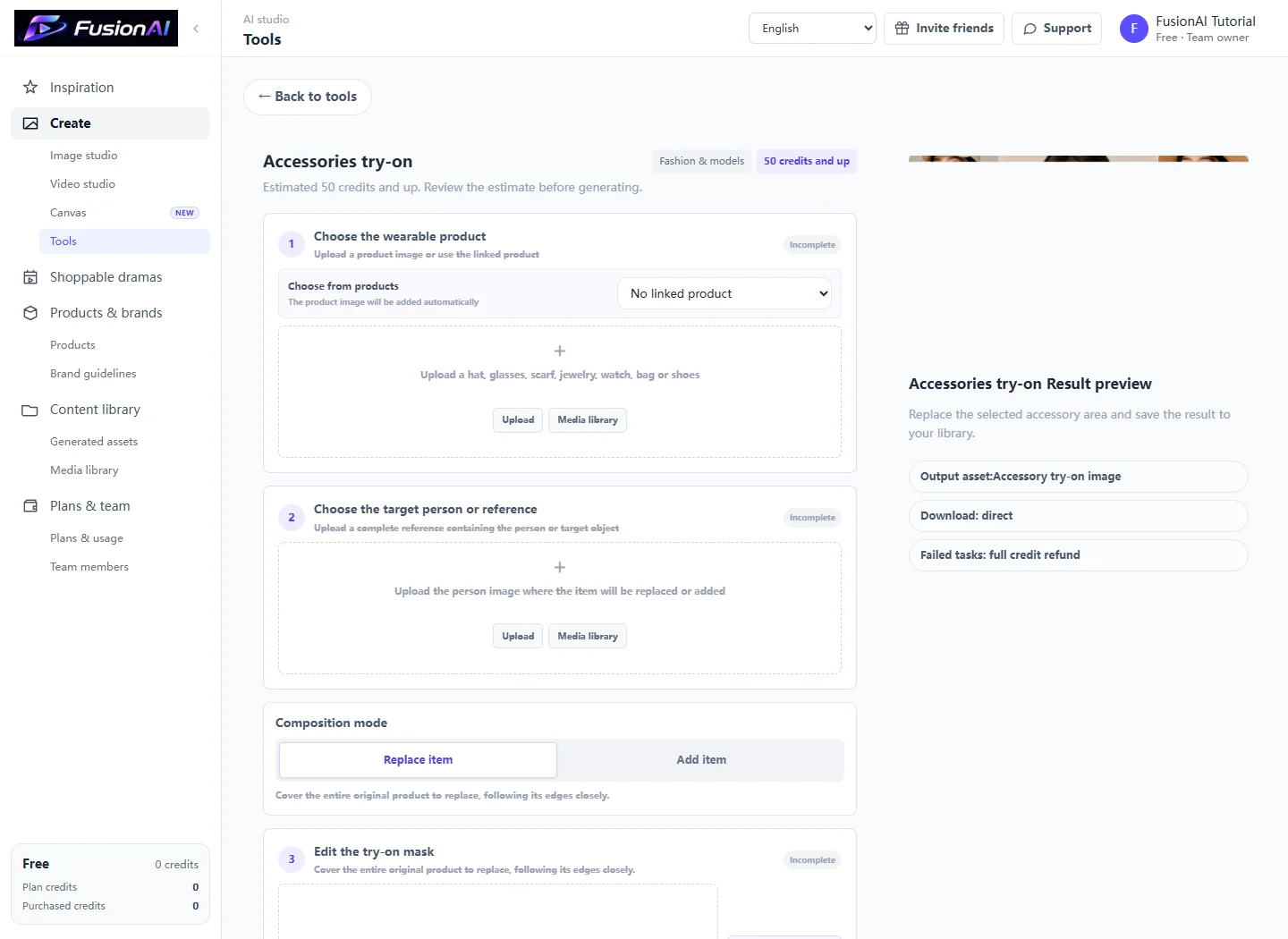
Plan separate views for the complete piece, fastening, macro detail and included packaging. Use verified material and measurement records in the brief.
Open AI product image sets
For a pendant necklace, keep the real clasp, chain attachment and stone arrangement visible. Pair a clean product still with one wearing illustration, then publish the actual chain and pendant measurements as factual copy.
Open Product retouchingInspect stone count, settings, clasps, metal color and relative scale.
Inspect tiny settings and chain joins at full resolution.
Do not infer carat weight or certification from appearance.
Keep measured scale separate from the generated wearing illustration.
Improve defects, edges and reflections while checking product shape, labels and material against the original.
 Explore product
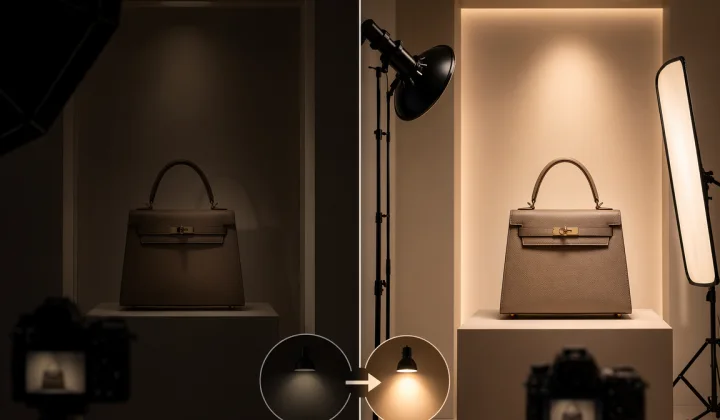
Explore window light, softbox and other available lighting treatments. Check the resulting color and material appearance.
 Explore product
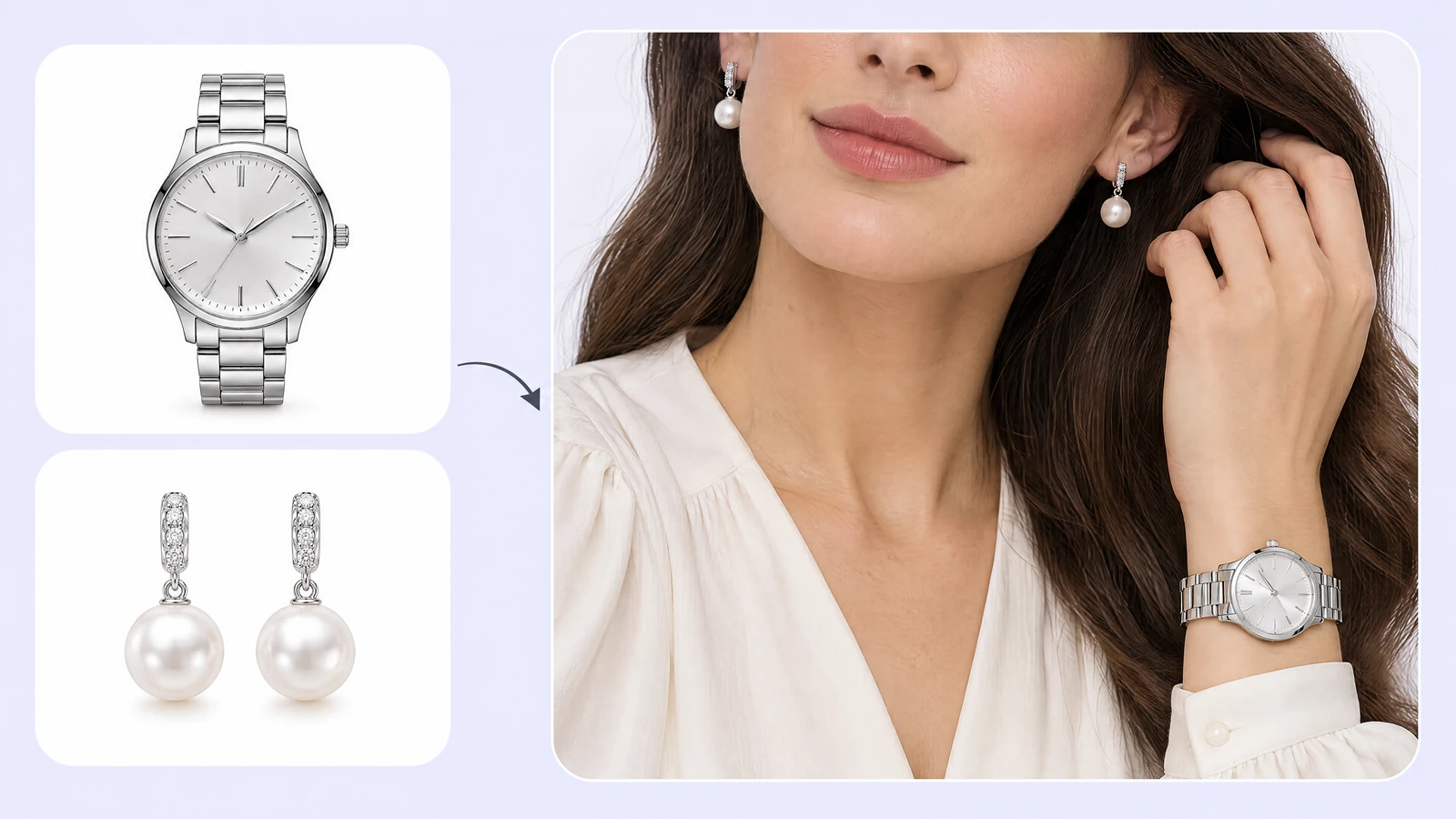
Place or replace an accessory in a marked wearing region. Review proportion, occlusion, contact and placement.
 Explore product
Plan hero, feature, lifestyle and detail images for one product. Adjust each image purpose, prompt, reference and output language.
 Explore product
Use measured dimensions for size information. A generated wearing view can communicate styling but may change relative scale.
Do not add stones or imply a different grade. Improve readability while retaining the actual piece and its documented materials.
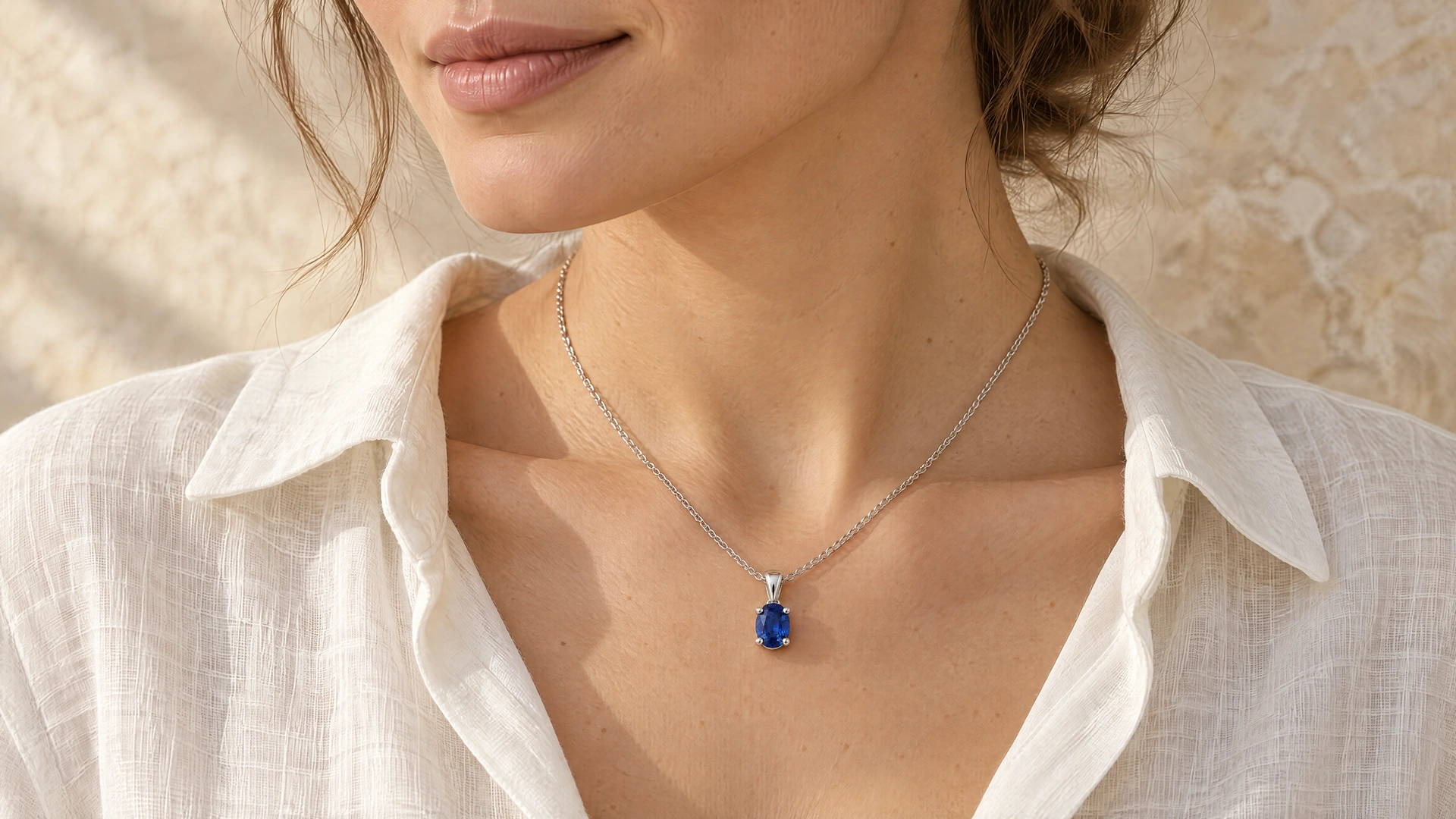
Model: GPT Image 2.5 Sunburst · FusionAI Open API
Parameters: Requested: 4K, 3840 × 2160, high quality, 1 image. Received: 3840 × 2160.
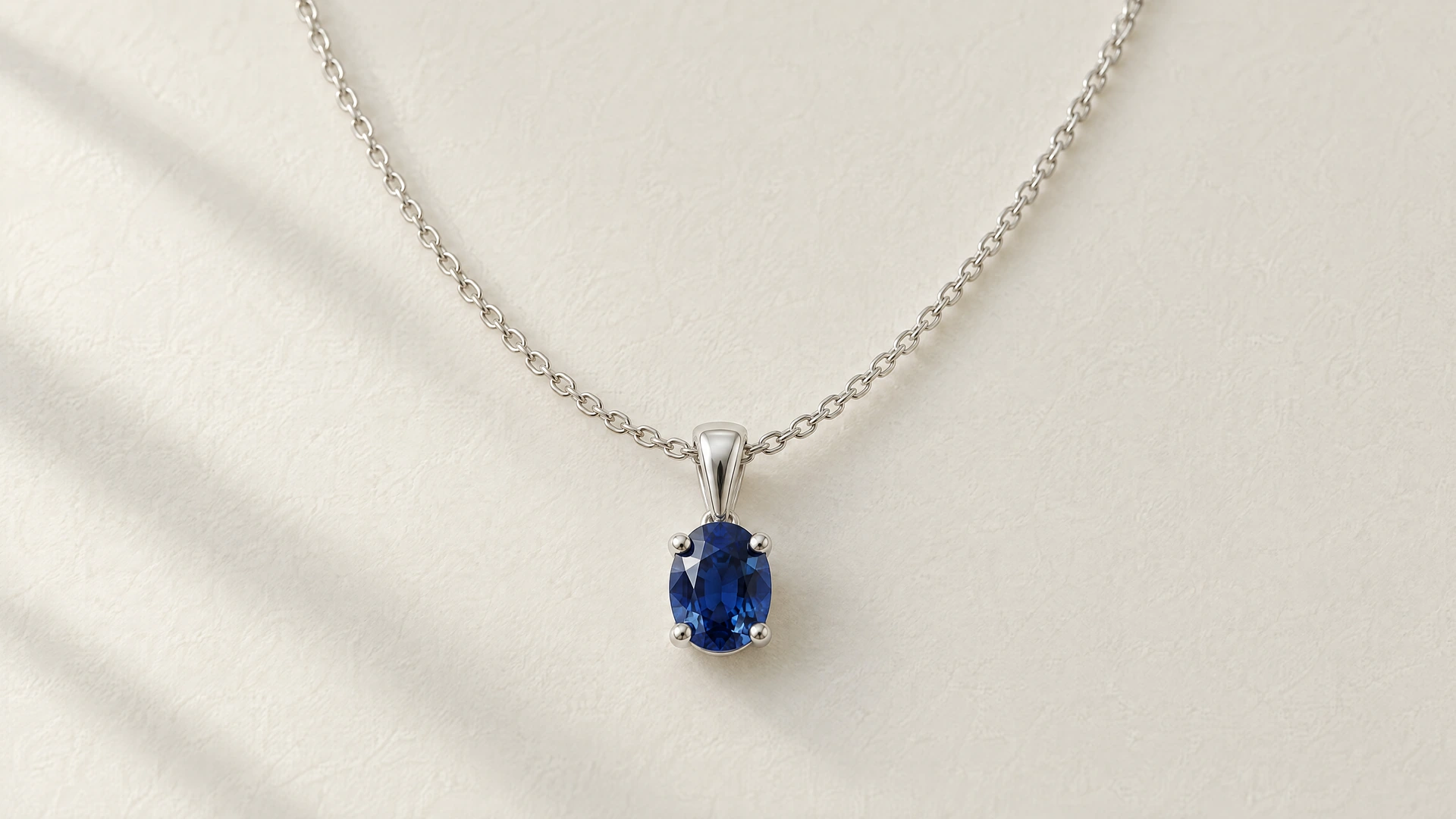
Use the attached necklace as the sole exact jewelry reference. Create a refined close-up editorial photograph showing the same delicate silver cable chain and one oval sapphire-blue gemstone pendant on the neck and upper chest of an adult woman wearing a simple ivory open-neck linen shirt. Preserve the four-prong silver setting, oval stone shape and blue facets. The pendant is modest and physically plausible, not oversized. Frame from lower face to upper chest, neutral pose, soft natural side light, real skin texture, simple warm stone background. No other jewelry, rings, fingers, earrings, extra pendants, text, labels, logos, diagrams or collage. Landscape 16:9, understated premium ecommerce wearing-context photograph.
Review findings: The result shows a blue oval stone on a delicate silver chain against a simple ivory shirt. The composition makes the wearing position readable, while the small setting still needs close inspection.
Limitations: Generated scale is illustrative and cannot replace measured dimensions. Check the setting, prongs, chain and metal color against original macro photographs. The source and adult model are synthetic.
A catalog still, a material detail and a clearly reviewed wearing illustration.
Start with Product retouching