Batch fashion retouching
A checked pilot batch with clear SKU-to-image mapping.

Launch a coherent clothing collection while retaining the design and fabric differences that make every SKU distinct.
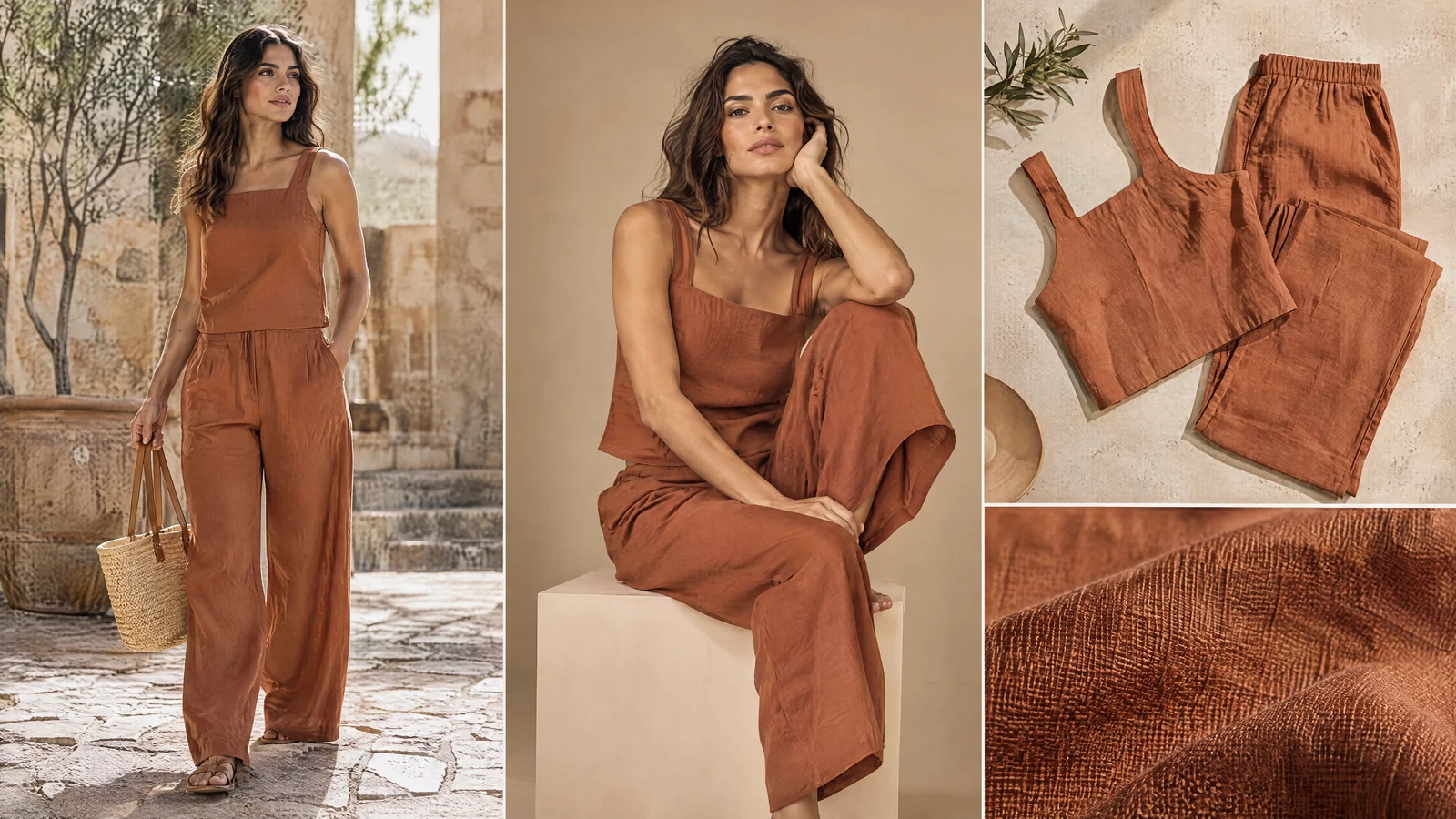
Choose the asset your next project needs
A checked pilot batch with clear SKU-to-image mapping.
A model-led series with item-specific construction intact.
Product galleries aligned by style, differentiated by garment facts.
A coordinated set of selected fashion clips.
Collection SKU list, garment references, an adult model direction and a shared lighting and background brief.
Work with 2–8 garment photographs per batch. Include difficult textures in the pilot, then inspect each source-to-output pair before using the direction again.
Open Batch fashion retouching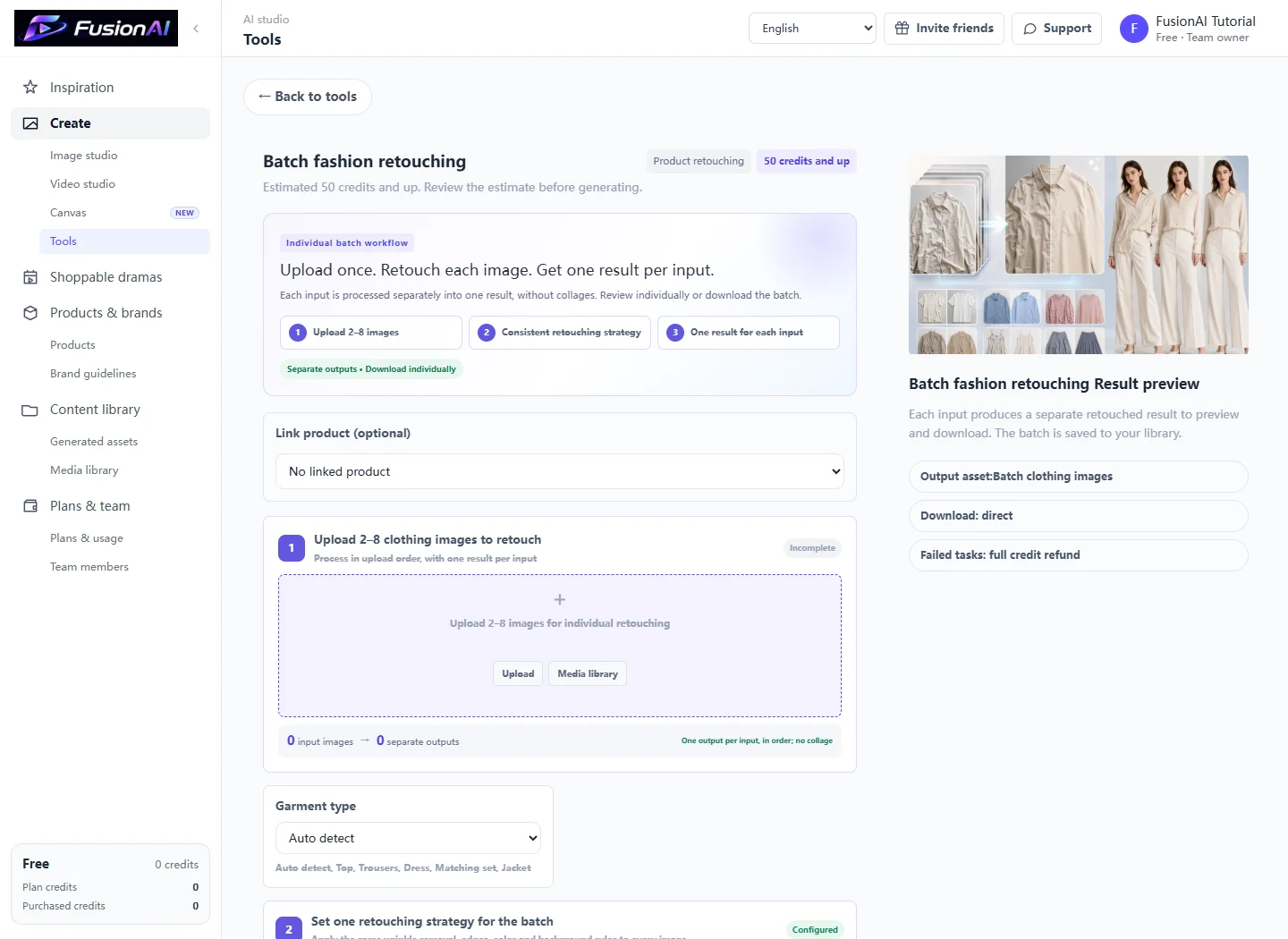
Use a permitted adult model direction across the collection. Compare neckline, sleeve length, buttons and hem separately for every garment.
Open Virtual clothing try-on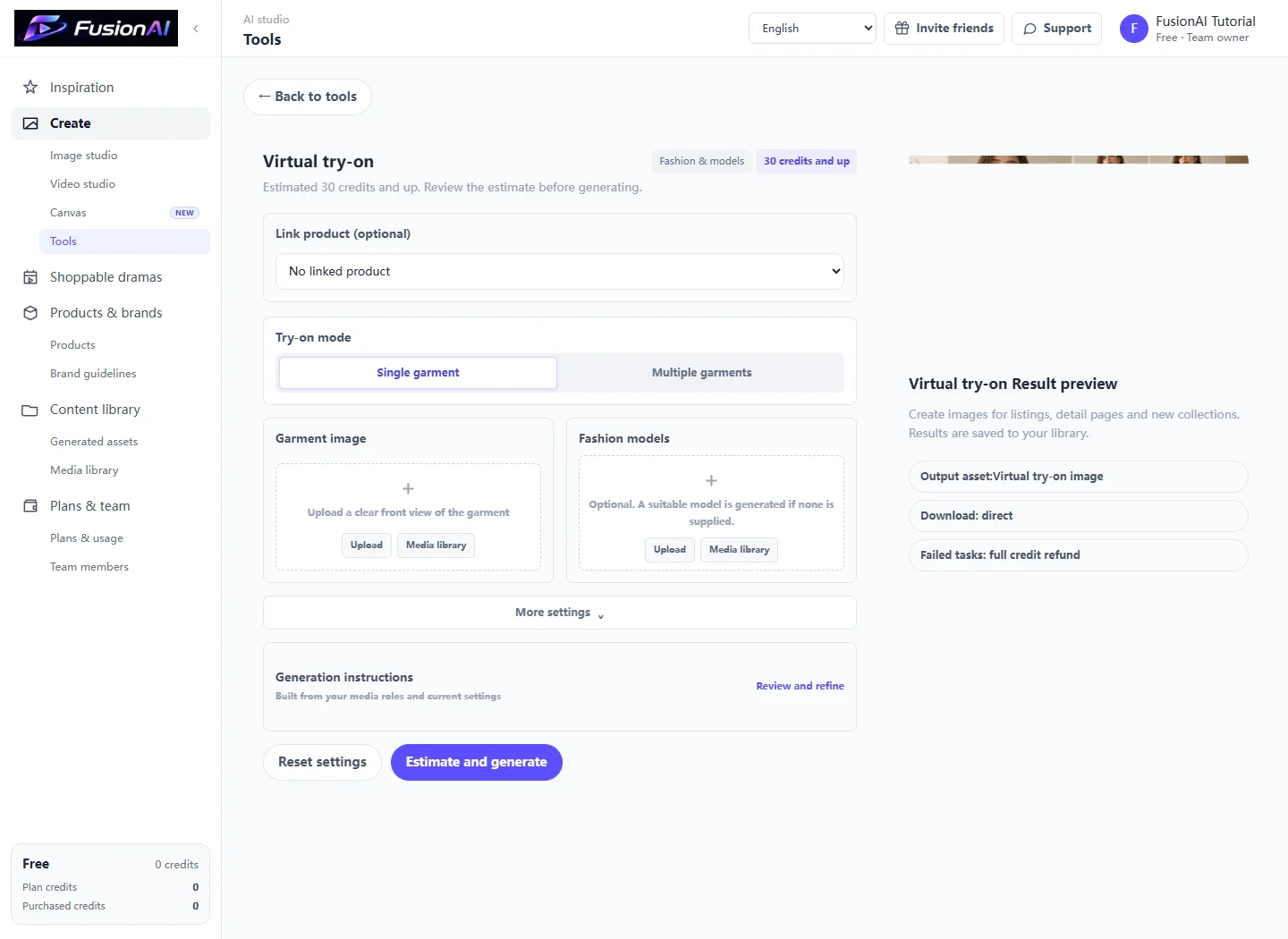
Build an image plan around the actual fabric and design of the selected SKU. Keep common framing while varying the detail views shoppers need.
Open AI product image sets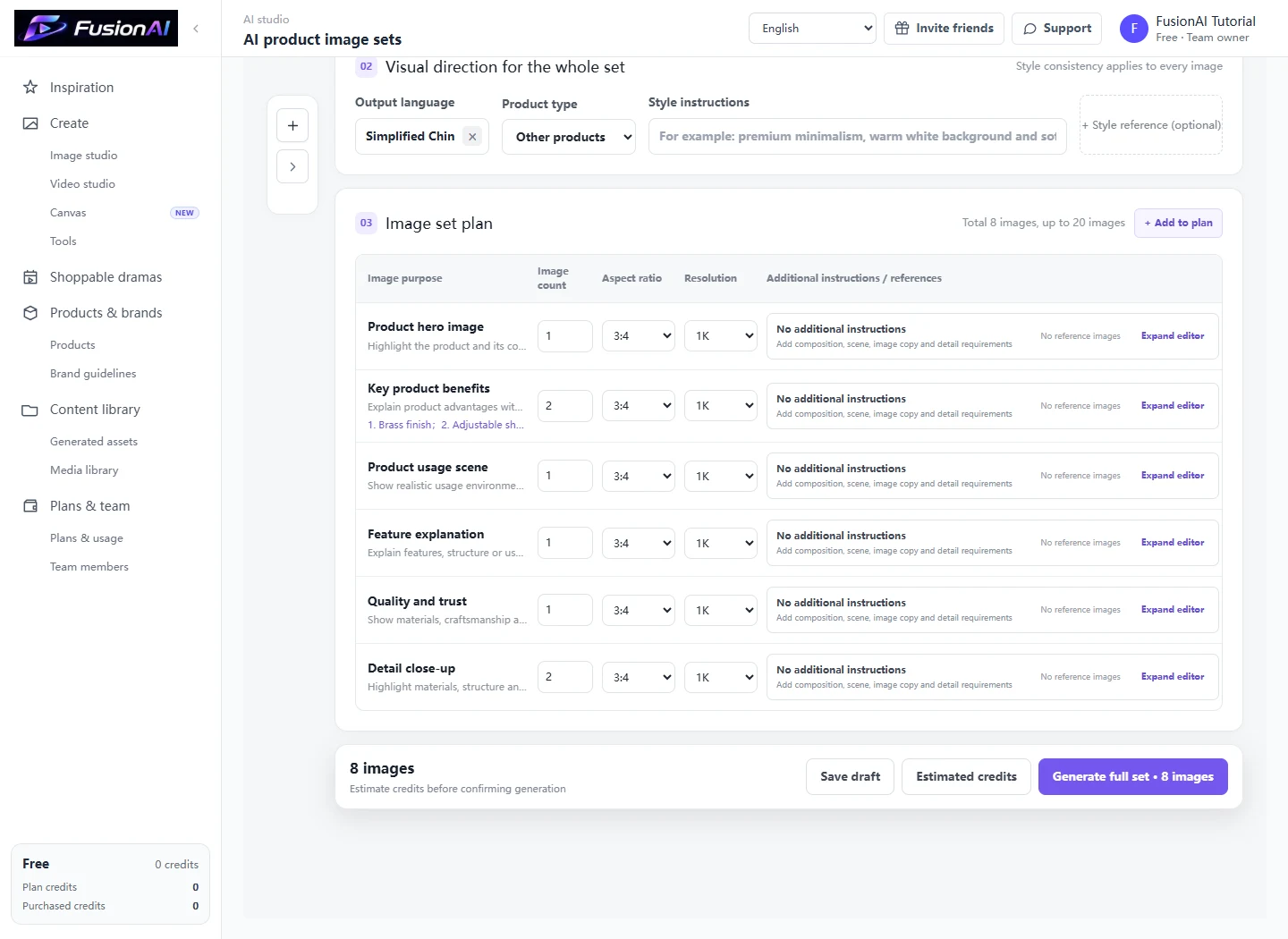
Start from approved collection stills and keep the camera brief consistent. Review each clip for fabric drift and changing garment proportions.
Open AI video creation
For a linen capsule, compare ivory, olive and striped garments under one warm-white studio direction. Keep the striped item in the pilot batch, preserve intentional creases and save separate construction checks for each SKU.
Open Batch fashion retouchingIllustrative collection checklist for a linen dress, a striped shirt and a knit cardigan. The matrix shows what a coordinated handoff needs; it does not claim these three products were generated or photographed as a completed batch.
| Example SKU | Keep consistent across the collection | Check independently |
|---|---|---|
| Linen dress | Background family, light direction, featured crop and file naming | Neckline, belt buckle, hem, natural linen texture and intended folds. |
| Striped shirt | The same model direction and gallery sequence | Stripe alignment at the placket, collar shape, button count and cuff construction. |
| Knit cardigan | The same neutral color policy and review process | Knit gauge, actual color, fastening and sleeve/hem texture. |
| Selected outputs | A consistent collection grid and individual product folders | Every source maps to its own selected results; no detail image is reused as proof for a different SKU. |
| Team handoff | A named owner, version and placement for each file | Retain original references and changes requested during review. |
Run a representative pilot before expanding a batch. Include a difficult pattern or fabric in the pilot, inspect each source/result pair and save the approved direction. A shared prompt does not guarantee identical treatment across garments.
Check every SKU’s color, print, neckline, hem, fasteners and correct source-to-output mapping.
A matching background must not change the individual fabric texture.
Review the complete collection grid as well as each full-size item.
Retain SKU names and selected versions through the launch handoff.
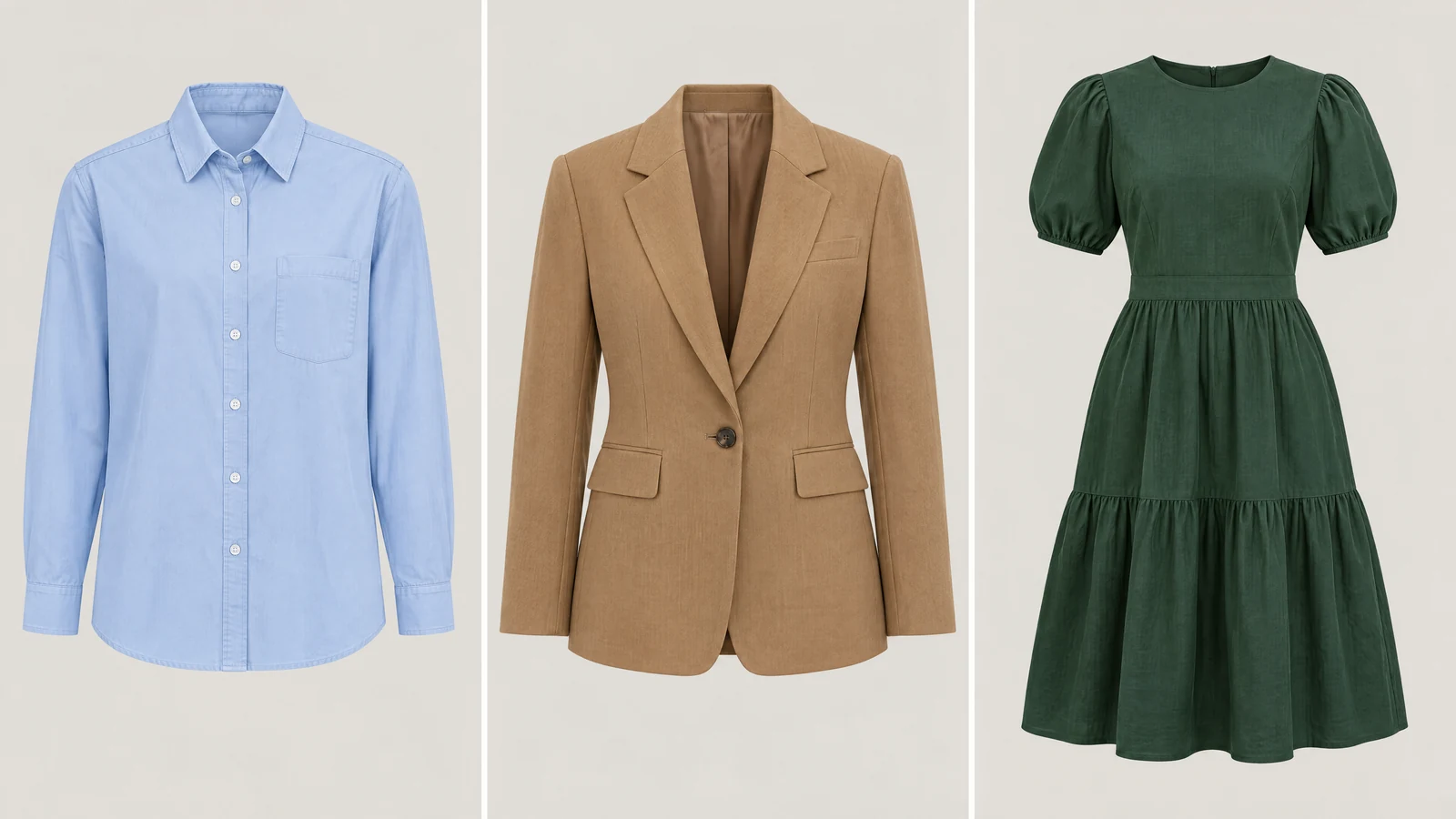
Apply a consistent retouching direction to 2–8 garment photographs. Each input receives its own result and requires an individual review.
 Explore product
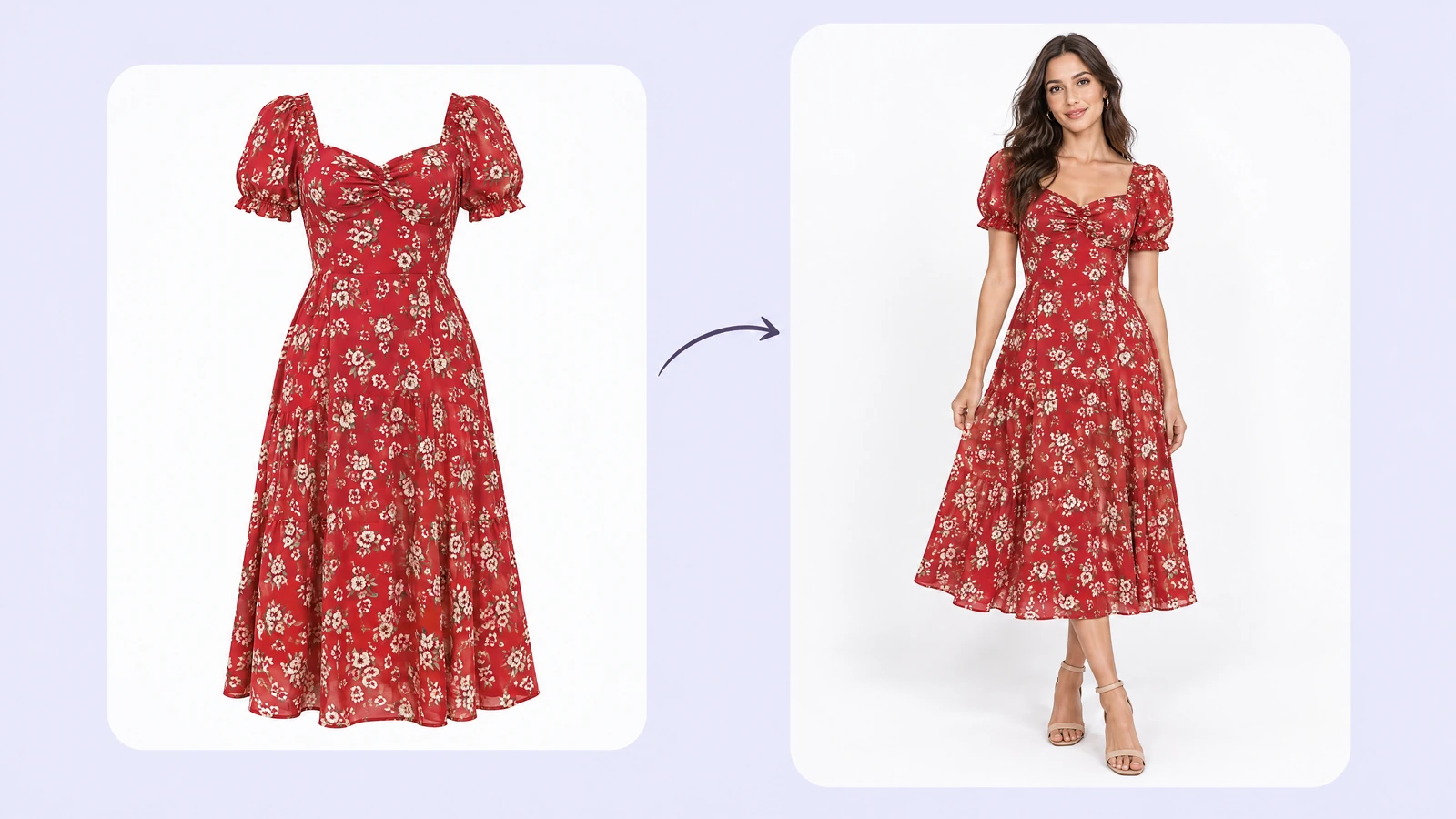
Create a wearing visual from a garment or outfit and an optional model reference. Check prints, construction and fit representation.
 Explore product
Plan hero, feature, lifestyle and detail images for one product. Adjust each image purpose, prompt, reference and output language.
 Explore product
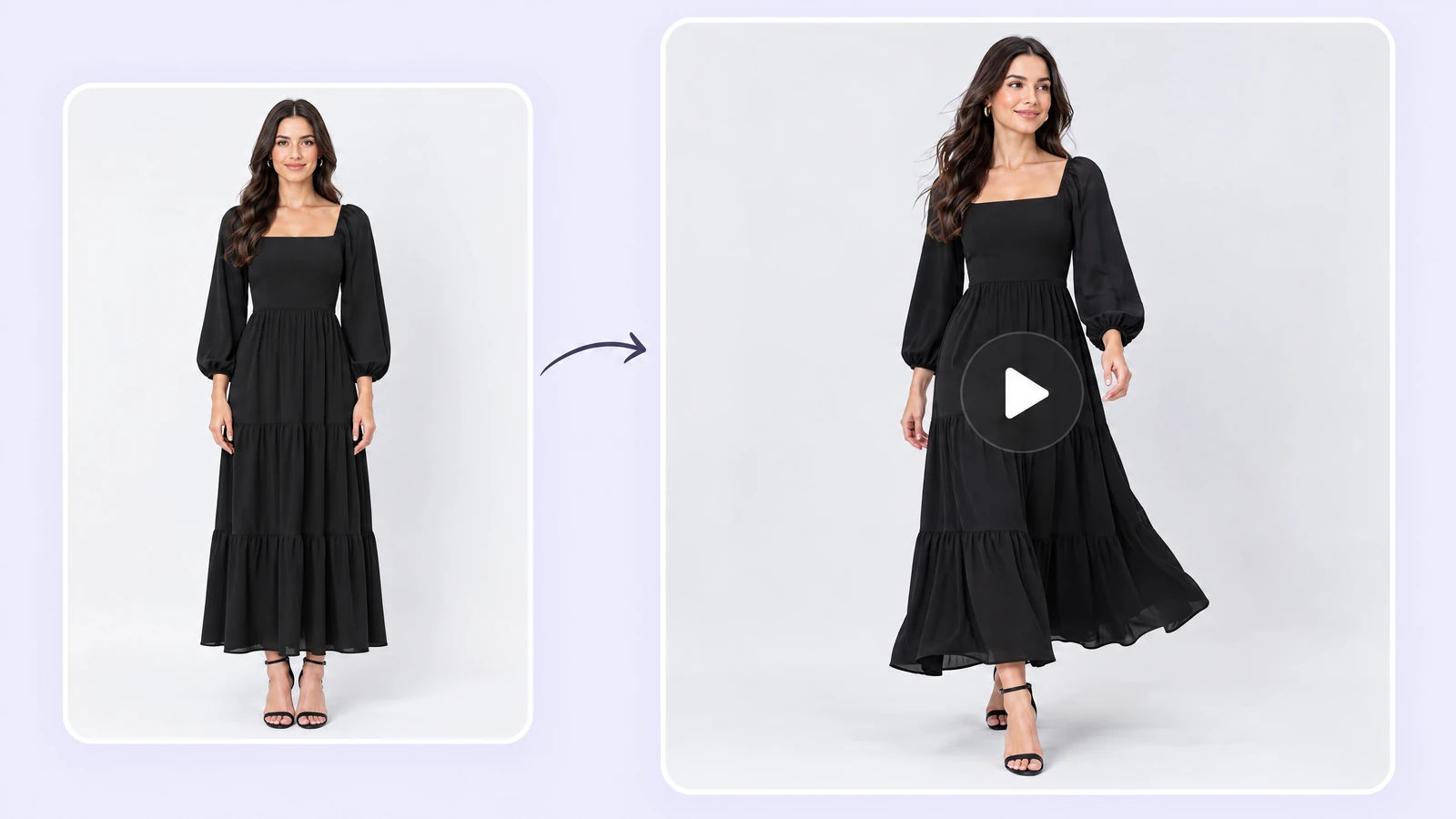
Turn text, images and supported multimodal references into individual video shots.
 Explore product
The current clothing batch tool accepts 2–8 photographs. Review every result individually; a shared brief does not guarantee identical treatment.
Keep the visual system consistent, but photograph and check each actual fabric, fastening and label. One garment’s detail is not evidence for another SKU.
A coordinated collection with consistent framing and item-specific detail.
Start with Batch fashion retouching