Read the structure
Identify the hook, demonstration, detail and ending. A source’s popularity is not proof that its structure suits another product.

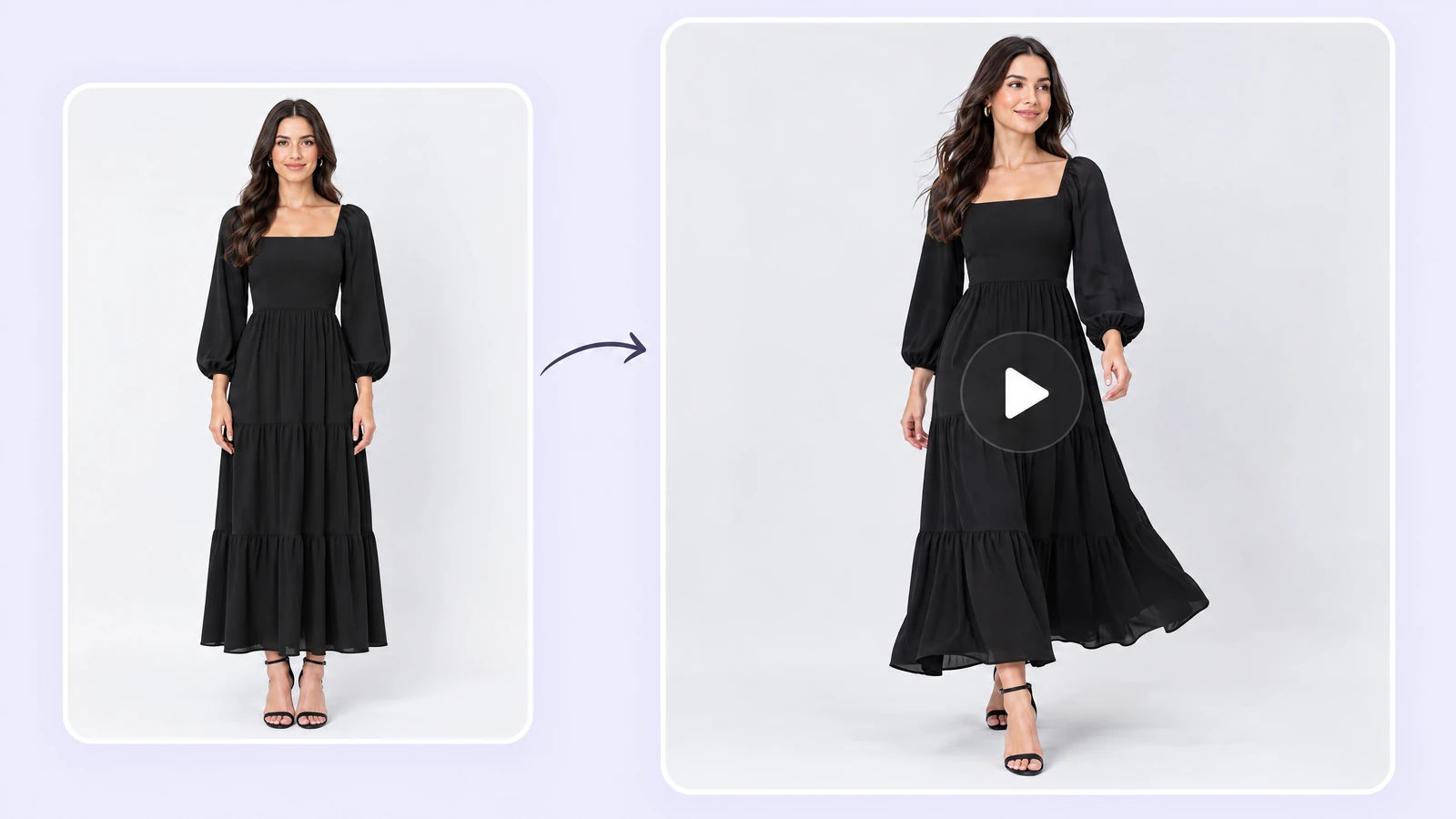
Use a permitted video to study its shot structure, then create a new version with your product and selected references. Keep pacing separate from the source’s branding, person and claims.
Choose settings and review the credit estimate in the workspace.

Identify the hook, demonstration, detail and ending. A source’s popularity is not proof that its structure suits another product.
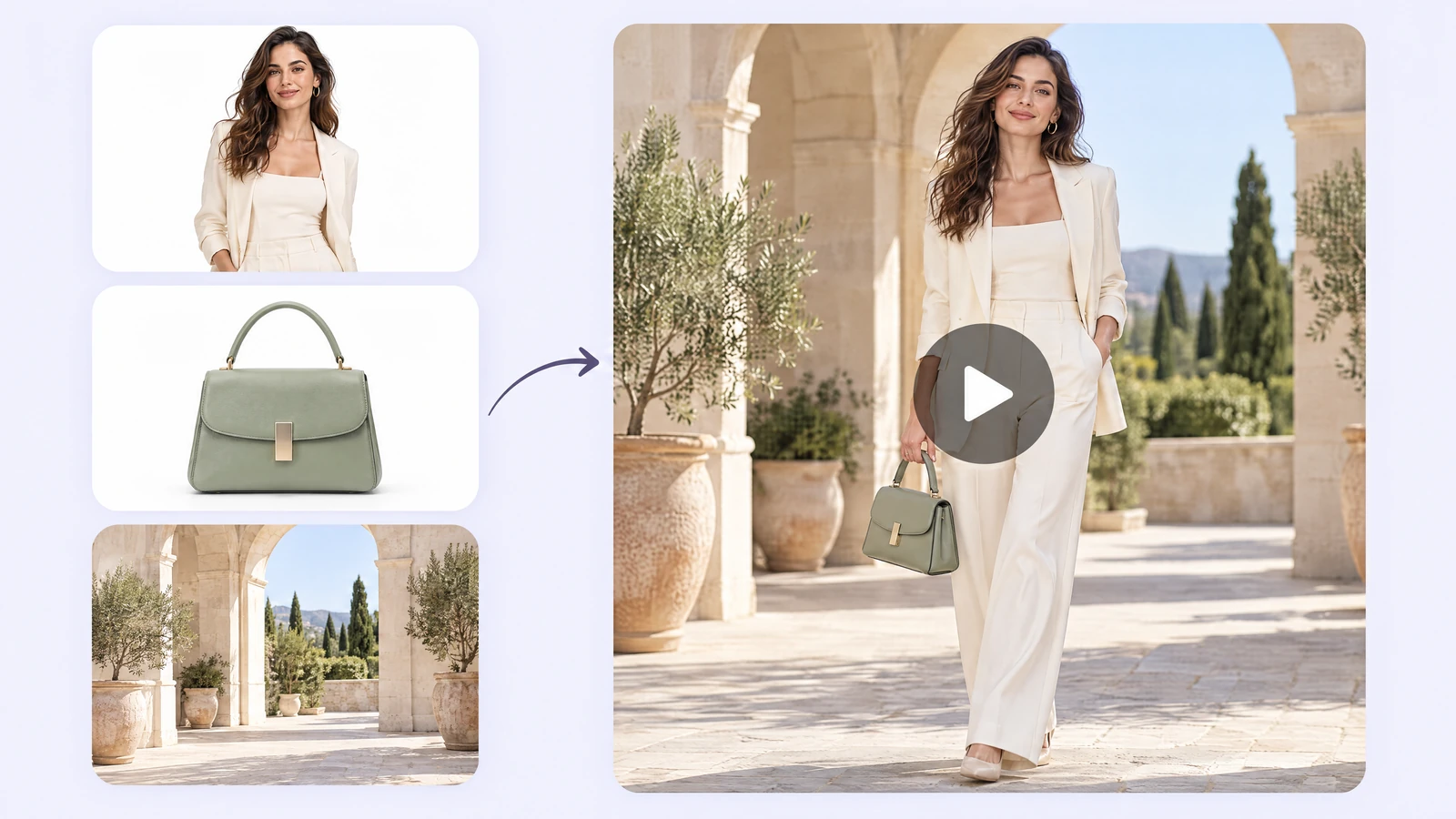
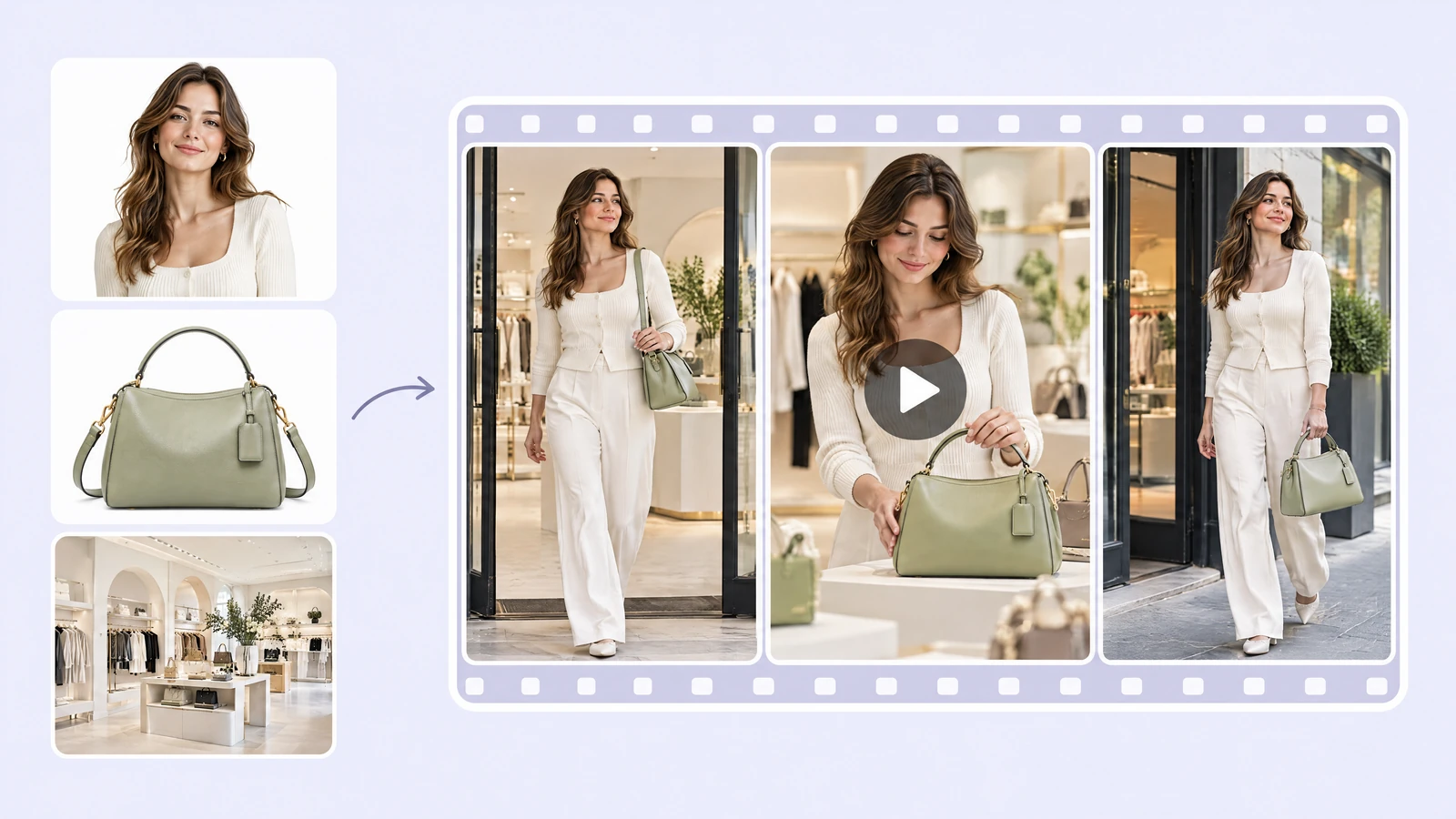
Separate product, person and scene roles. State which reference controls each role before generating.
Check source marks, unsupported claims, motion and continuity. Judge the new result on its own, not the source’s performance.
Replace a handheld product with your own SKU in FusionAI Video Remix. Set one product reference, preserve the original action, and review grips, labels, and occlusion throughout the clip.
Read the step-by-step guideMove a product or presenter into a new setting with FusionAI Video Remix. Use a matching camera angle and lighting direction, then check foreground edges and background stability across the shot.
Read the step-by-step guideUse an authorized portrait to replace a person in a reference clip. Learn how to request a face-only change, preserve expression timing, and compare head turns and audio before exporting.
Read the step-by-step guideUse the supported source input and review the reference analysis before accepting its shot plan.
List the replacements and attach the corresponding media. Match the action to what your real product can do.
Watch the whole new clip and compare its subject identity and shot rhythm with the intended brief. Retain only the usable version.
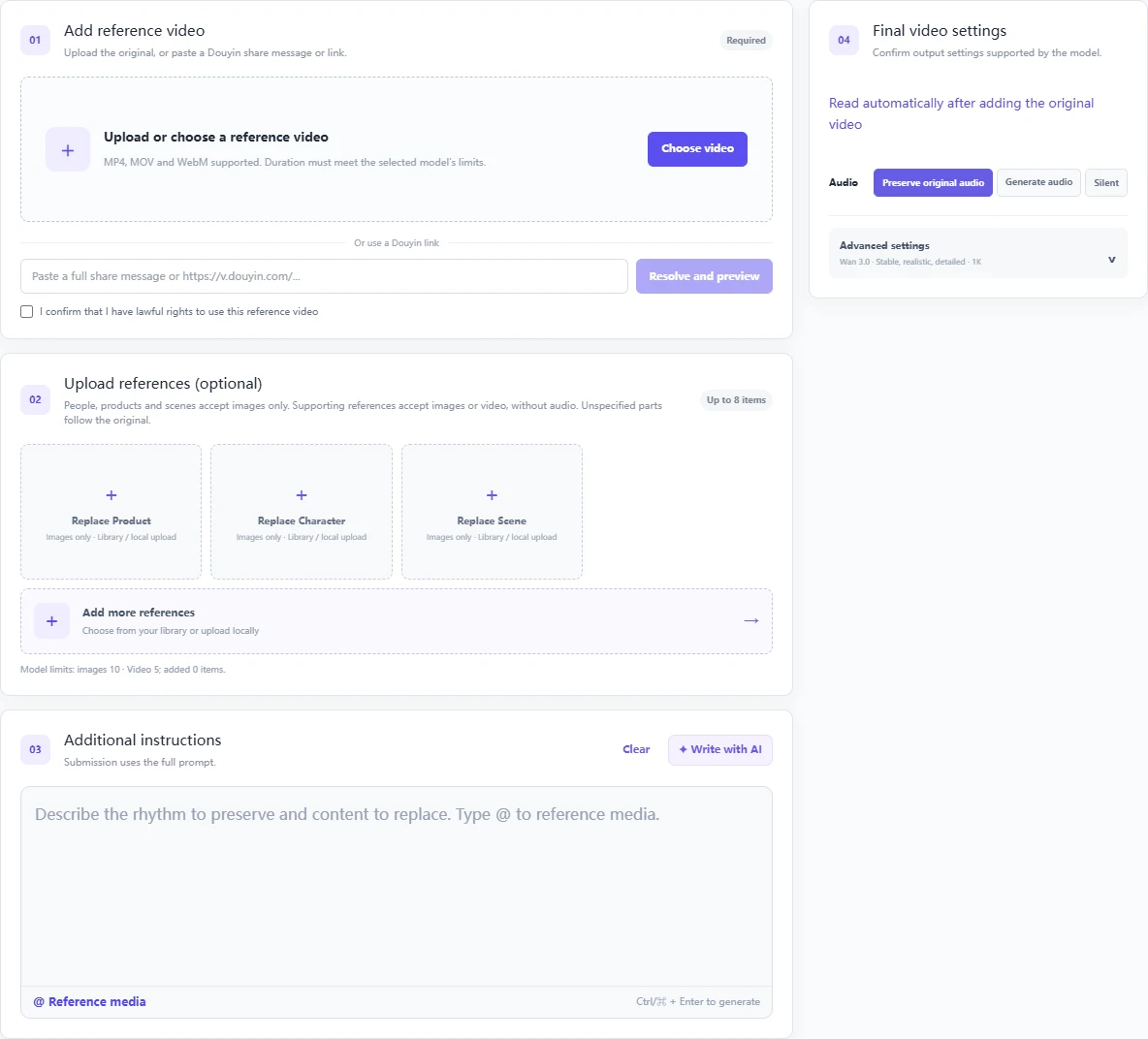
The workflow helps adapt a reference’s creative structure. It does not grant rights to the source or guarantee identical frames and performance.
Use the replacements supported by the active workflow and attach the corresponding reference media. Review which details actually carry over.
Use the video studio when your main need is an original shot from text, a starting image or multimodal references rather than adapting a source structure.
Bring the right inputs. Keep the result that works for your brief.