AI photo editor
A candidate placement checked against the source design.

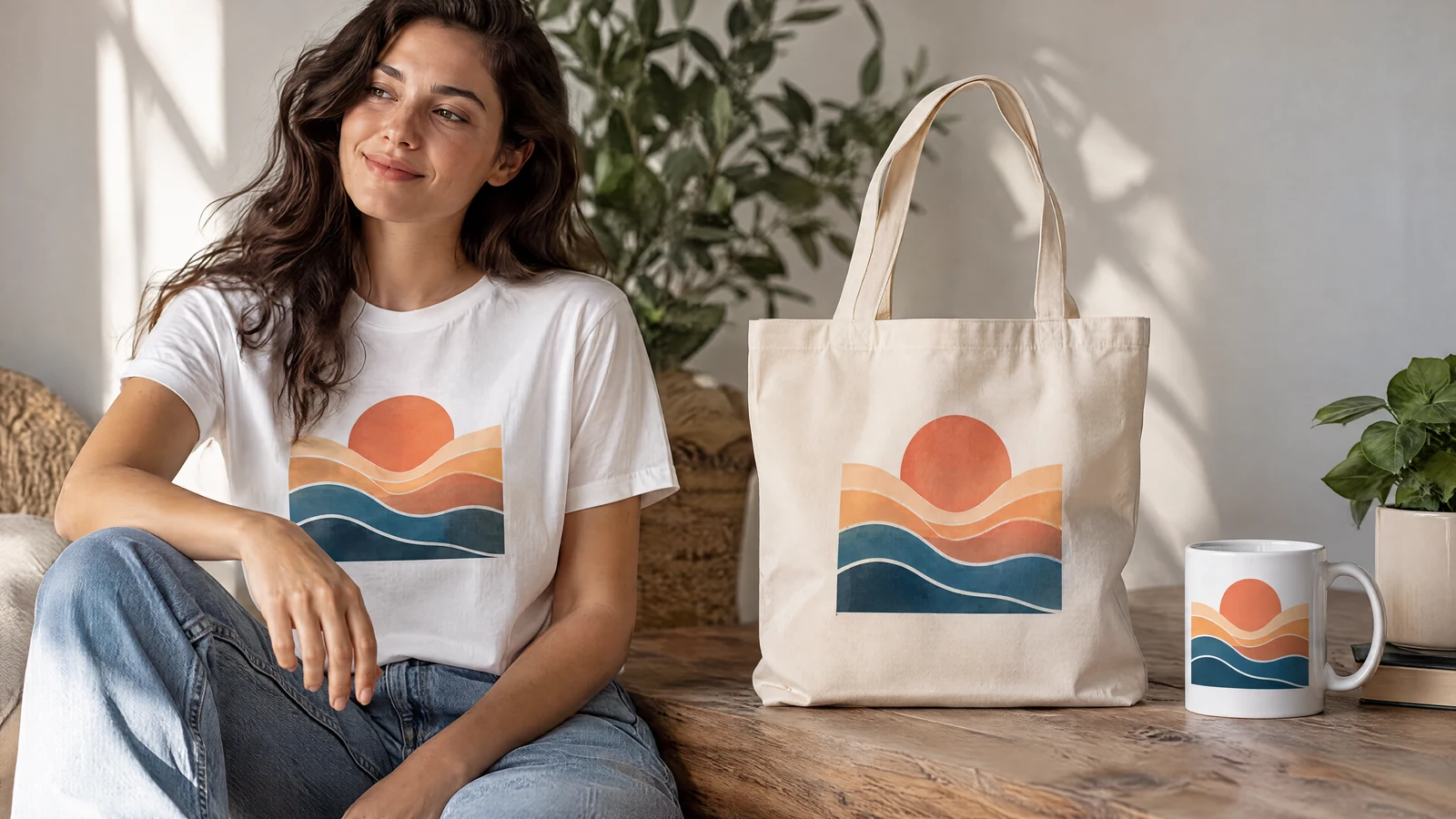
Present a real print design on the correct blank while keeping artwork accuracy and production approval as separate decisions.
Choose the asset your next project needs
A candidate placement checked against the source design.
A wearing illustration of the correct blank and design.
A product gallery tied to the approved print reference.
A promotional layout separate from the production artwork.
The original production artwork, product color and construction references, and permitted model media if used.
Start with an approved sample or product reference. Describe the design region and compare lettering, alignment and scale with the original artwork.
Open AI photo editor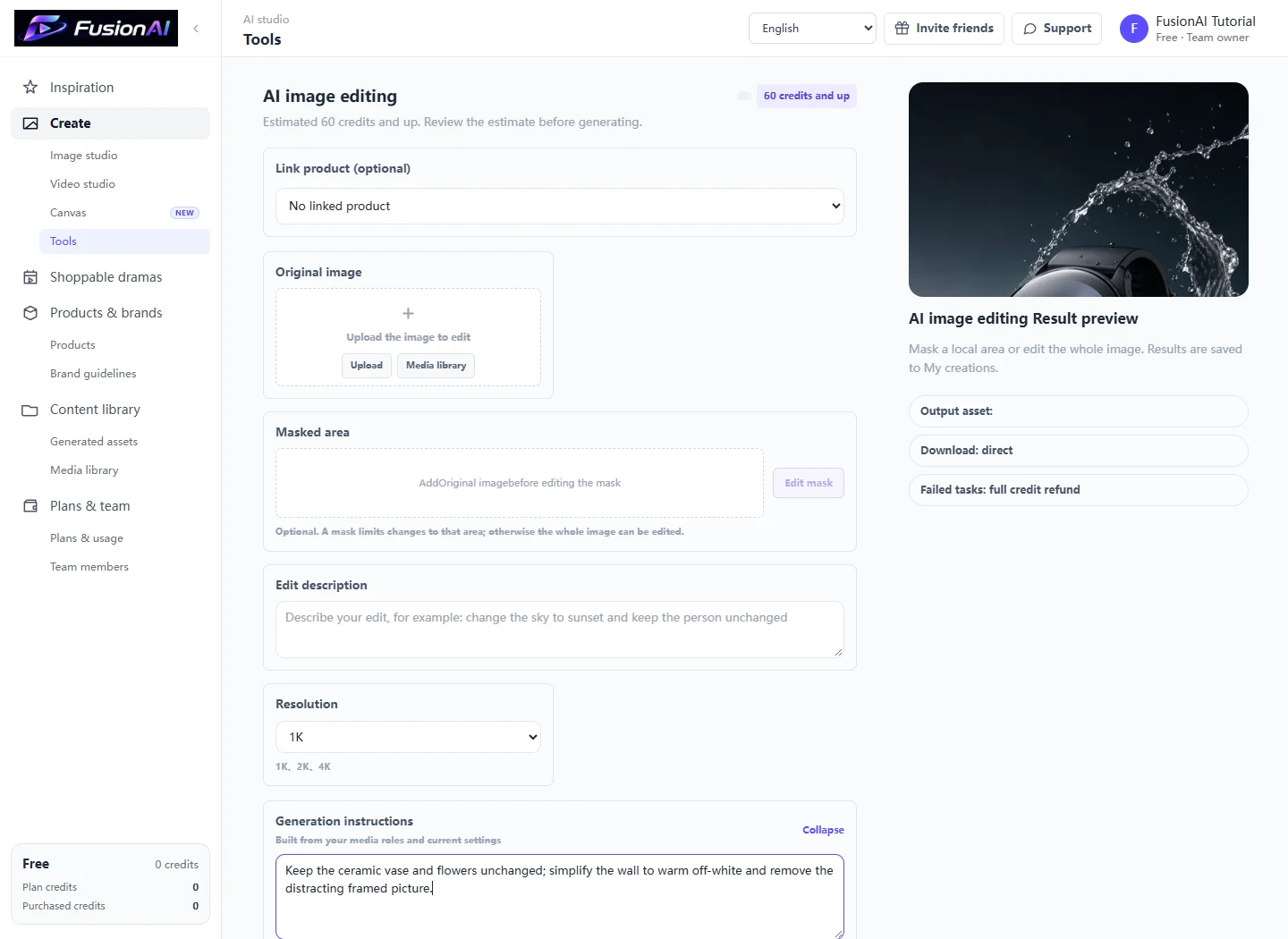
Use the sold blank and a permitted adult model reference. Check whether folds alter lettering, logo geometry or the apparent printable area.
Open Virtual clothing try-on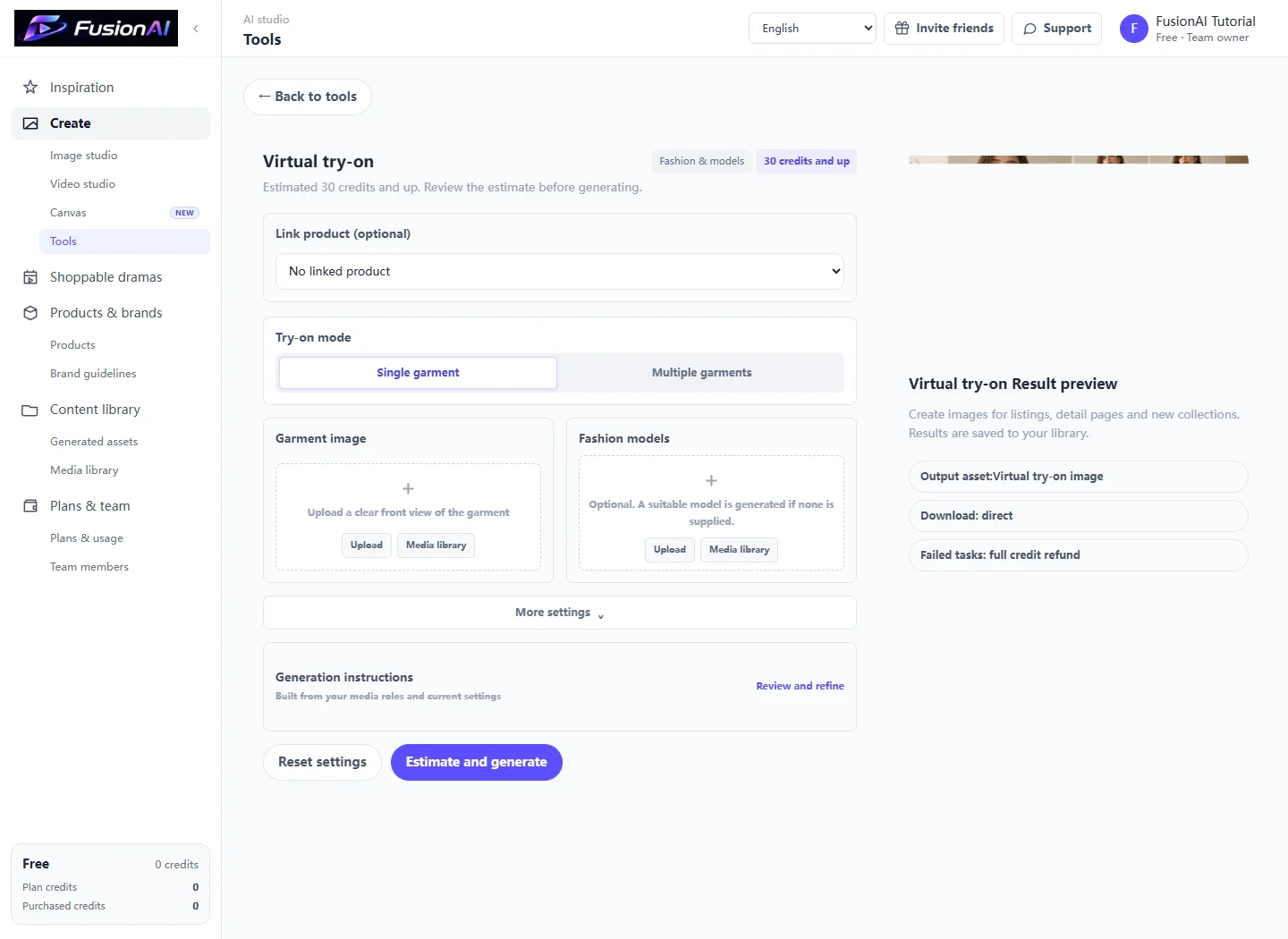
Plan views for the product silhouette, actual print detail and verified sizing information. Keep supplier specifications out of generated visual guesses.
Open AI product image sets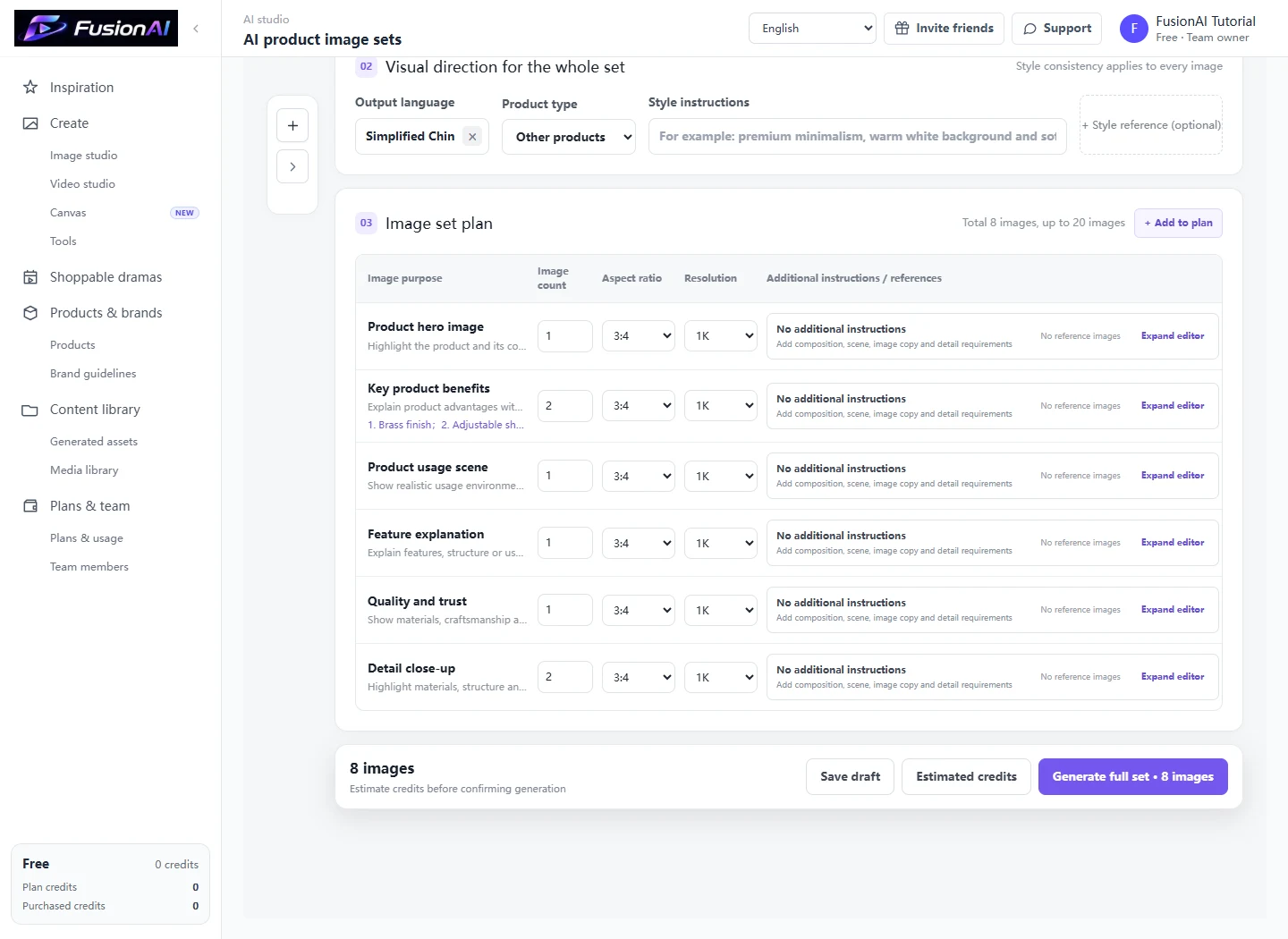
Use the checked product visual for a campaign layout. Proofread design text and offer copy independently, and keep the production file unchanged.
Open Campaign poster generator
For a two-color graphic T-shirt, retain the original vector artwork and a photographed print sample. Prepare one front product view, an adult wearing illustration and a separate campaign crop; compare lettering at full size.
Open AI photo editorCompare the output with the production artwork: lettering, scale, position, colors and repeat orientation.
Generated lettering must match the approved artwork before publication.
Confirm blank color, garment construction and actual print position.
Approve production files and physical samples outside the illustration workflow.
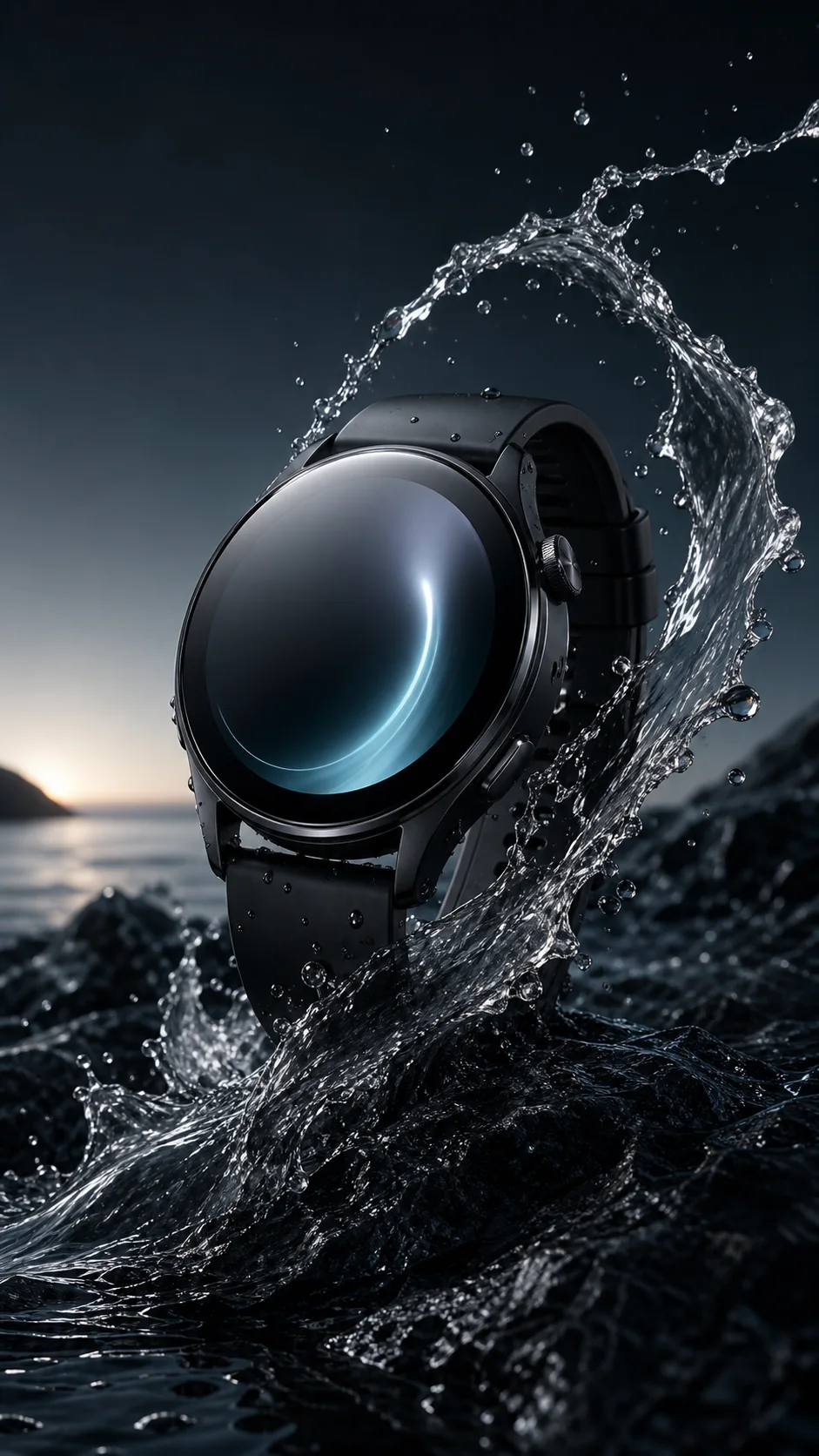
Use natural-language instructions for whole-image or selected-region edits. Keep factual product details under review.
 Explore product
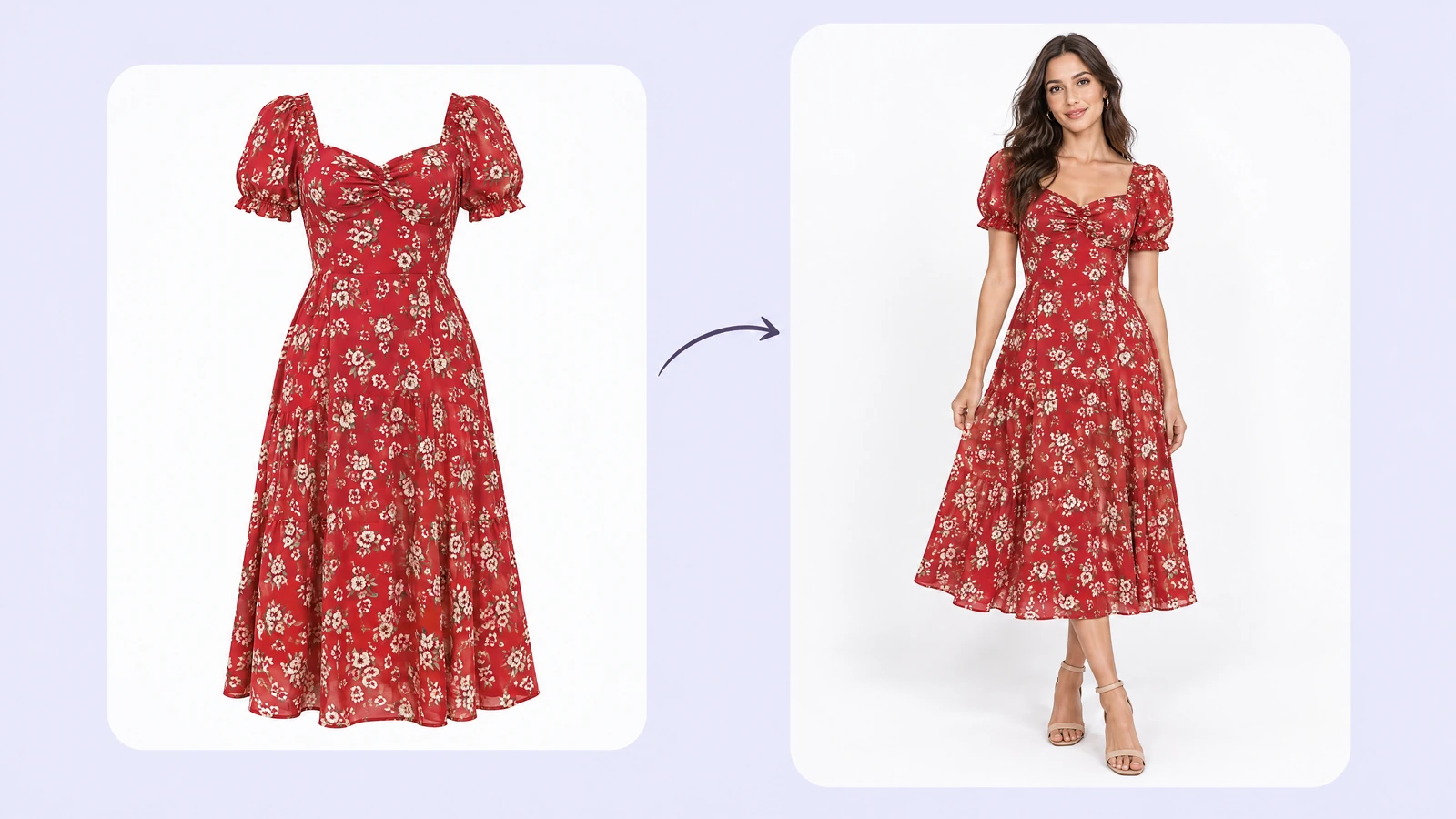
Create a wearing visual from a garment or outfit and an optional model reference. Check prints, construction and fit representation.
 Explore product
Plan hero, feature, lifestyle and detail images for one product. Adjust each image purpose, prompt, reference and output language.
 Explore product
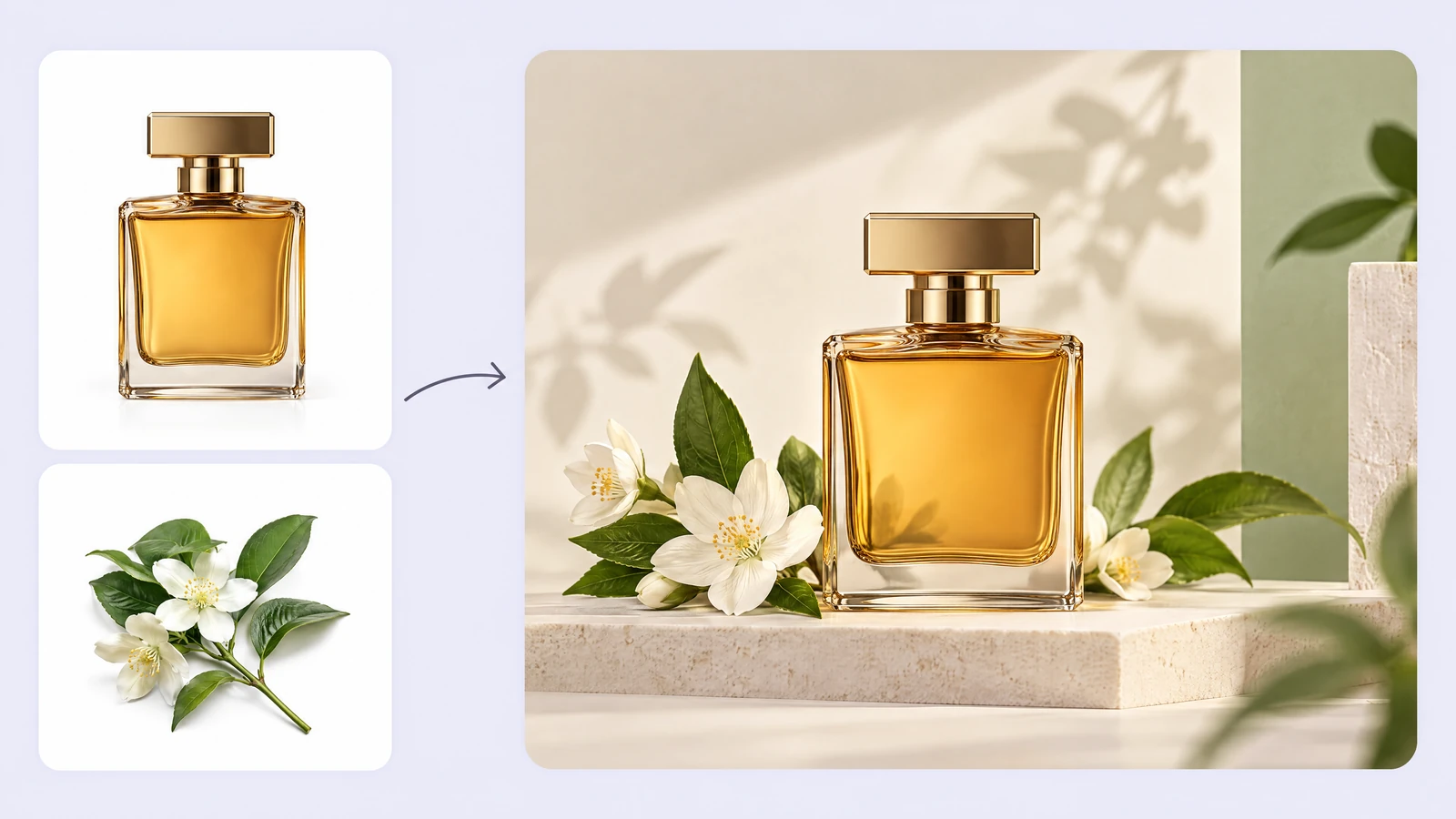
Build a poster from real campaign details, optional references and a chosen style. Verify prices, conditions, dates and generated text.
 Explore product
No. Use the production artwork and the supplier’s proofing process for print approval. The generated image is a presentation candidate.
Compare every character with the original design. If it cannot be preserved accurately, retain the verified sample photograph for that detail.
Illustrative print placements and campaign concepts.
Start with AI photo editor