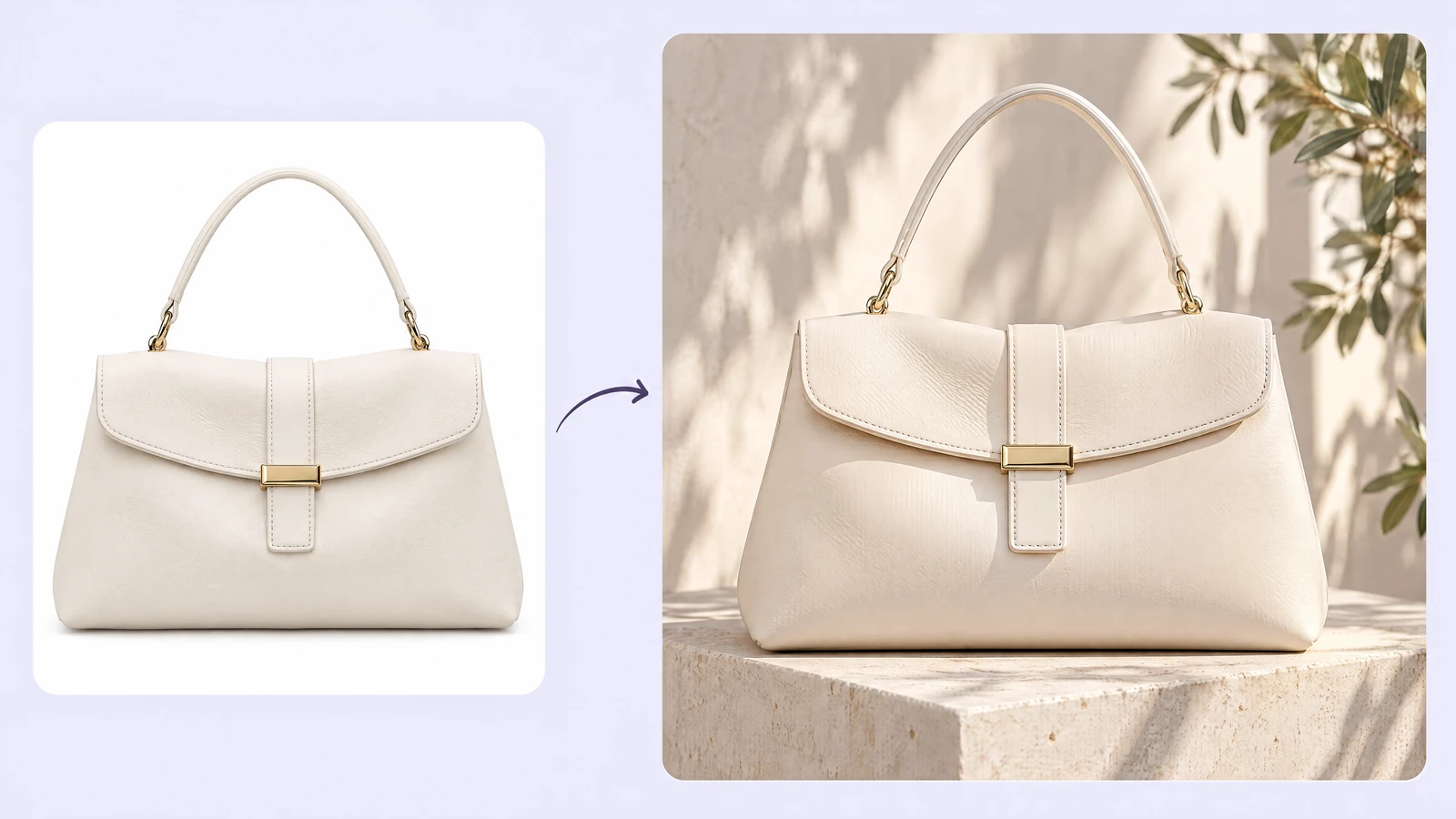
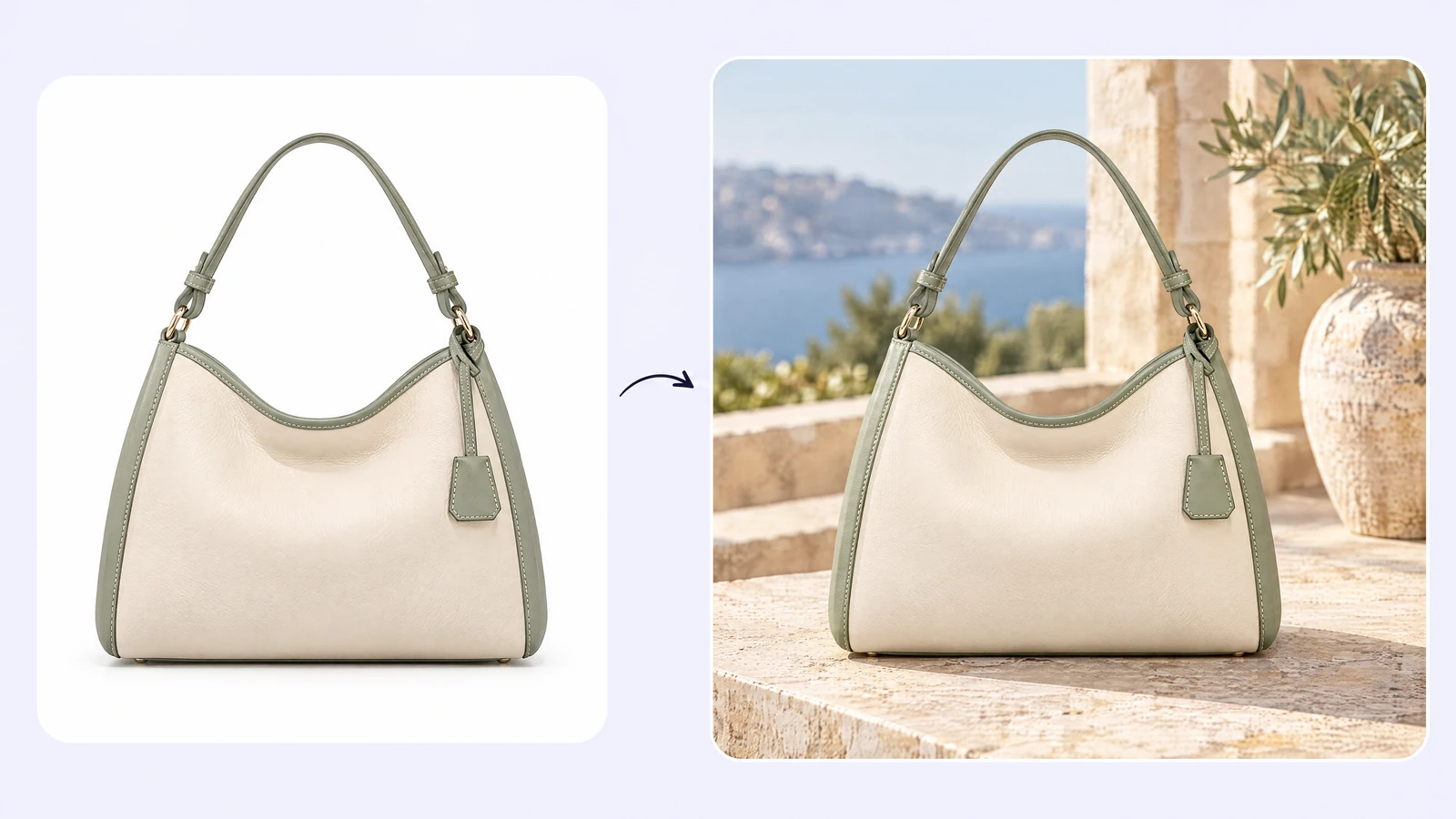
Change the lighting
Describe light direction, softness and color. Specify the original metal finish or material color as a detail to keep.

Upload an existing photo, describe a change to lighting, color or background, and name the product details you want to keep. Start in the image workspace.
Choose settings and review the credit estimate in the workspace.

Describe light direction, softness and color. Specify the original metal finish or material color as a detail to keep.
Describe the studio look and keep the original crop, product placement and proportions in the brief.
Upload a clear product photo as the reference. Leave the edit unmasked when the goal is to change the entire scene’s lighting.
Ask for a cool blue-gray studio and soft side light. Keep the brass shade, stem, switch and circular base recognizable. Keep the crop and add no props.
Check the cool background separately from the brass color. Zoom in on the switch and base and compare their shape and position before using the image.
This unmasked edit was run in the dedicated editor in a local test and completed without a mask. The public button opens Image Studio, where model and output controls may differ.
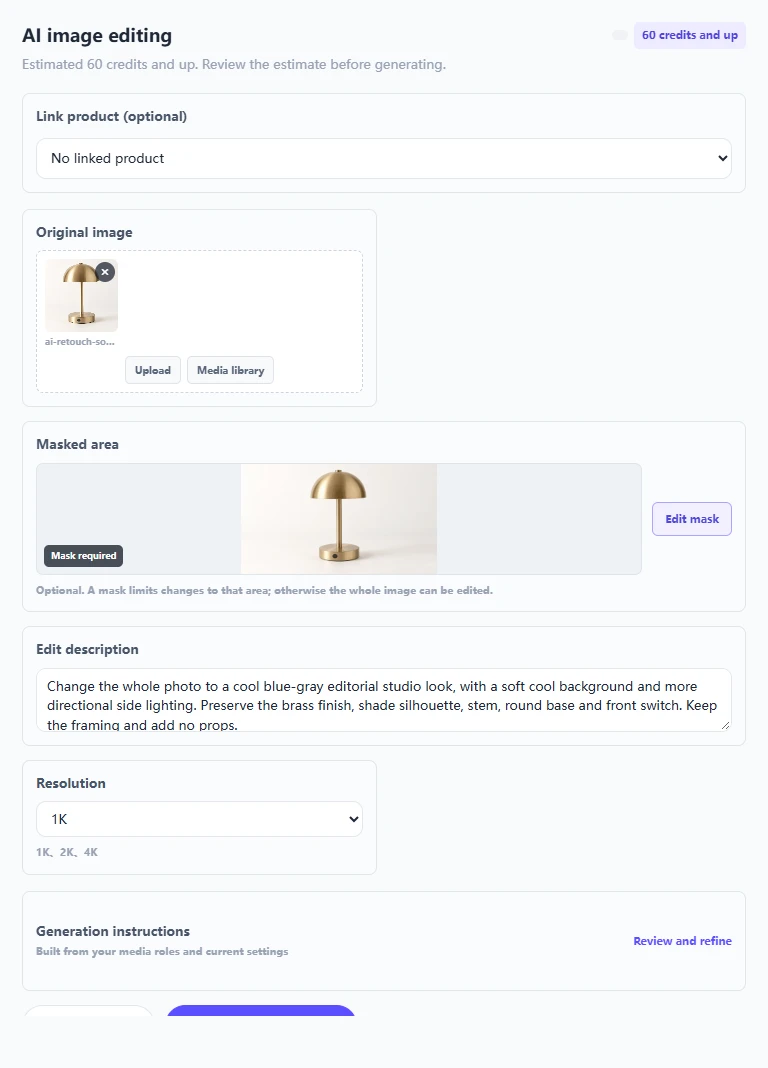
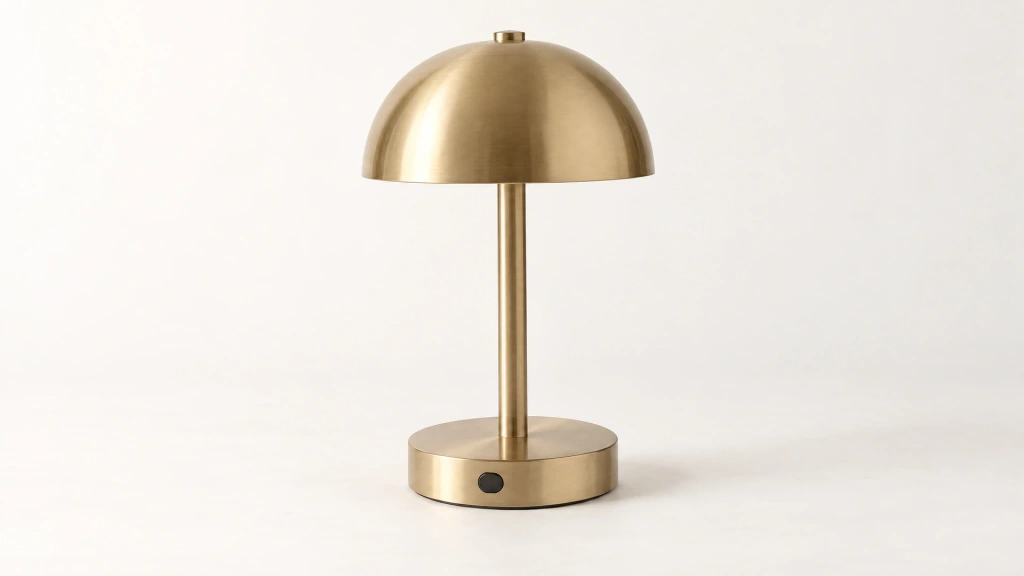
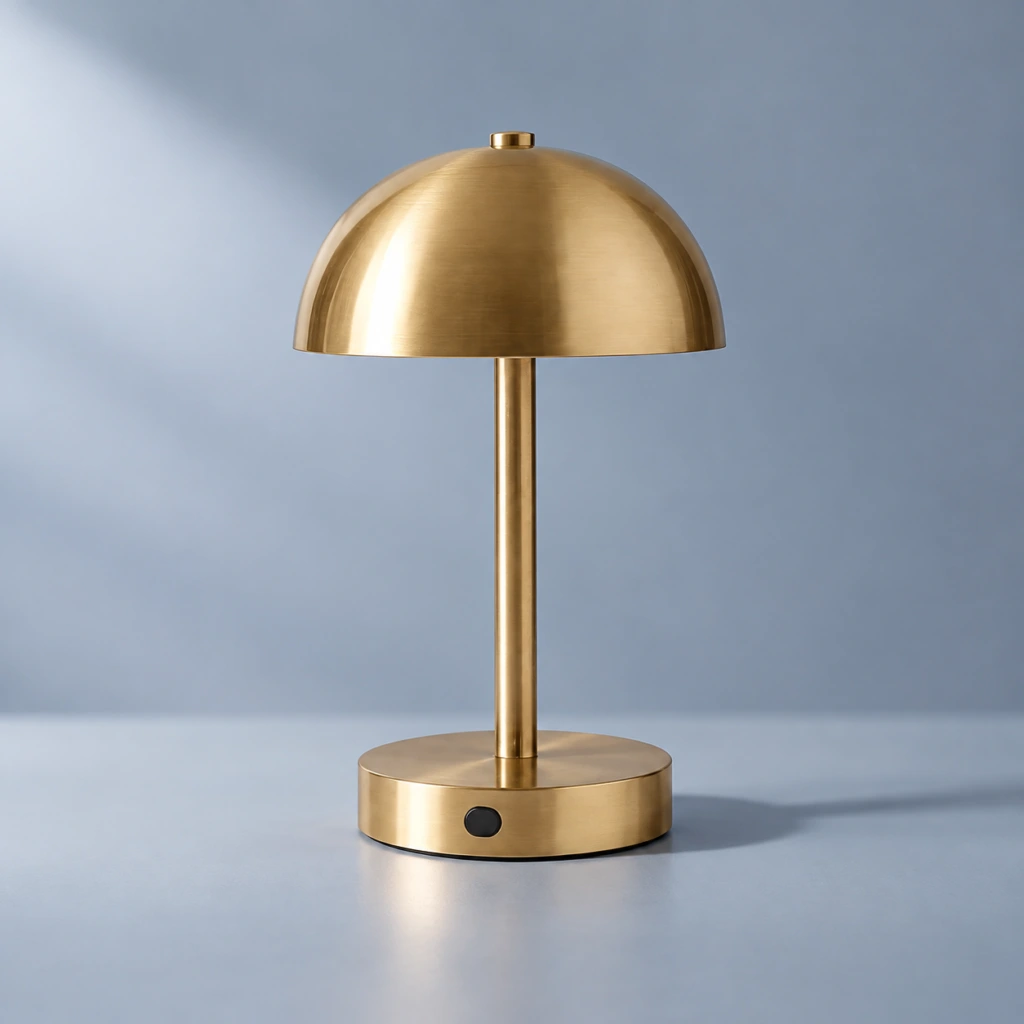
The editor returned a 1024 × 1024 image with a blue-gray background and stronger side light. The brass finish and front switch are visible, but the original landscape framing became square and the lamp fills more of the frame. Recheck the aspect ratio and product proportions before use.
Change the whole photo to a cool blue-gray editorial studio look, with a soft cool background and more directional side lighting. Preserve the brass finish, shade silhouette, stem, round base and front switch. Keep the framing and add no props.No. Upload the original and describe the overall edit, including what needs to stay. Use Inpainting if the modification must be limited to a region.
Open Image Studio and choose a model that accepts an image input. The demonstration below uses the dedicated editor in a local test; its controls differ from Image Studio.
Bring the right inputs. Keep the result that works for your brief.