Shoppable drama studio
A returning-asset inventory for the next episode.

Maintain recognizable characters, product props and locations across episodes while keeping each new episode’s action distinct.

Choose the asset your next project needs
A returning-asset inventory for the next episode.
A reviewed multi-view reference set for recurring subjects.
Episode-specific keyframes linked to approved assets.
New episode clips with a documented continuity review.
Approved character, prop and scene assets, episode notes and a record of selected versions.
Identify which characters, props and scenes return. Reuse approved episode assets where available and keep revised references separate from older versions.
Open Shoppable drama studio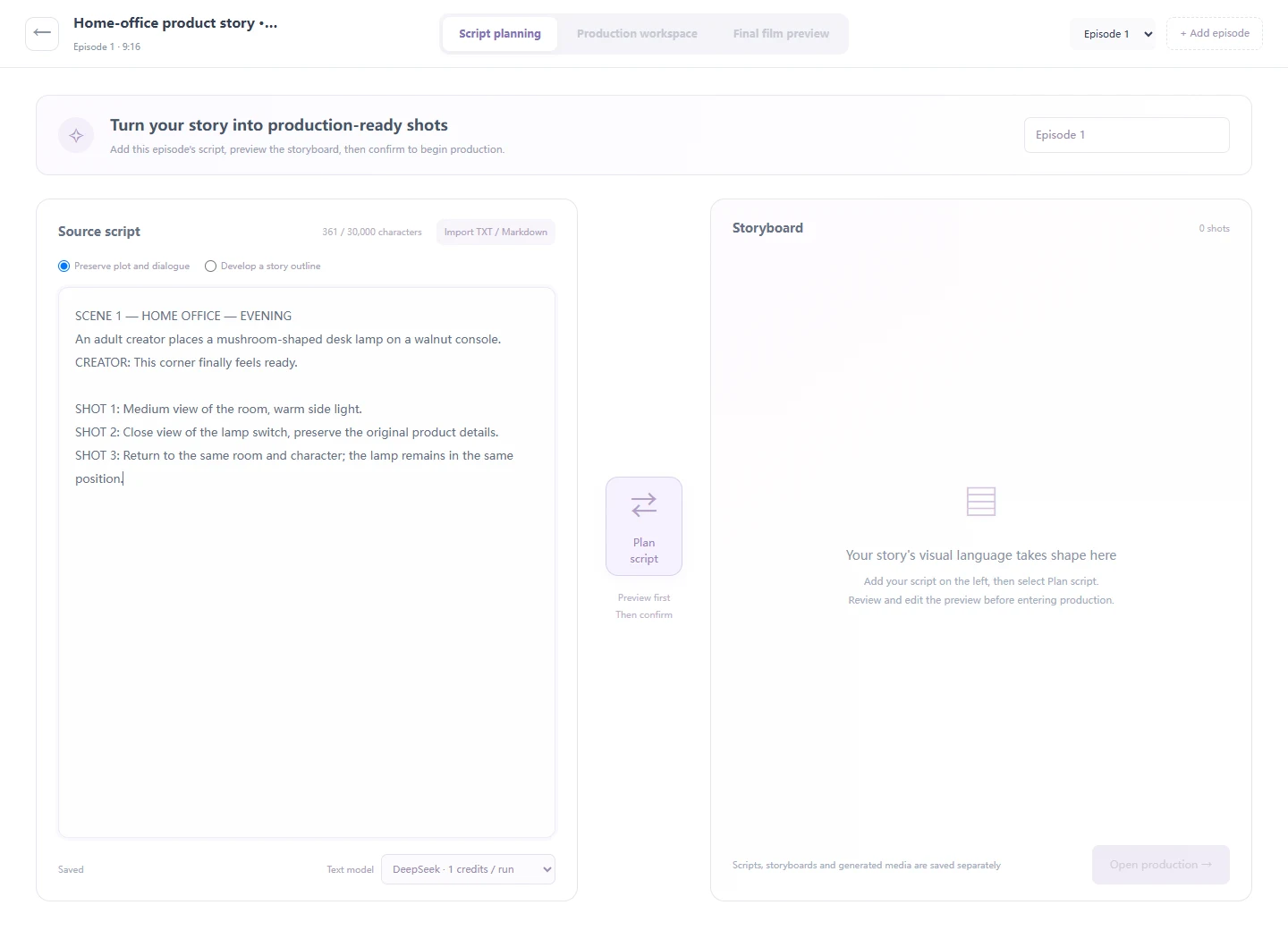
Create useful additional subject views when the tool fits the task. Inspect inferred sides and details before treating them as continuity references.
Open Multi-view subject references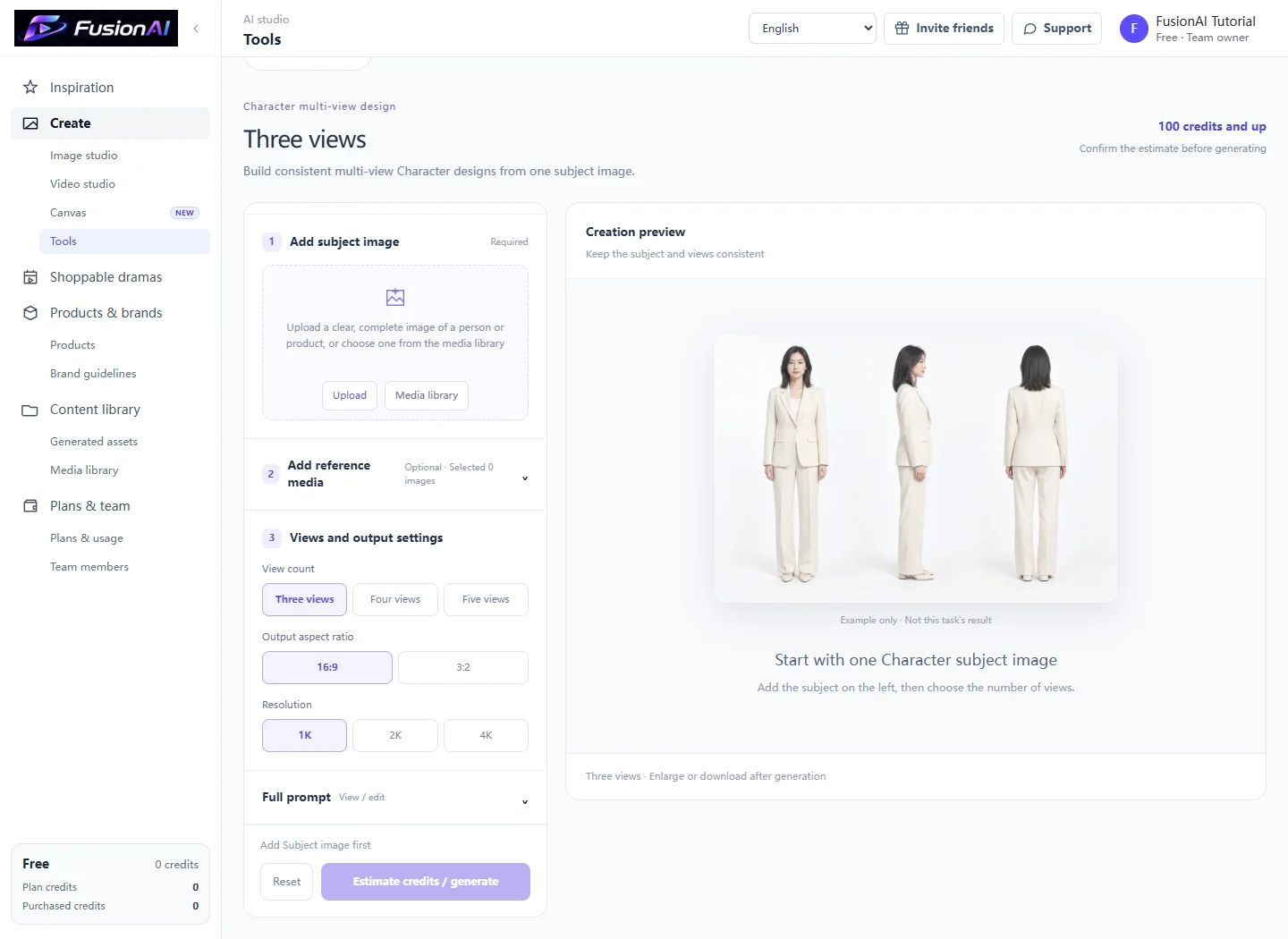
Keep subject identity and product details fixed while changing only the new shot’s setting or action. Reference the selected asset versions explicitly.
Open AI image creation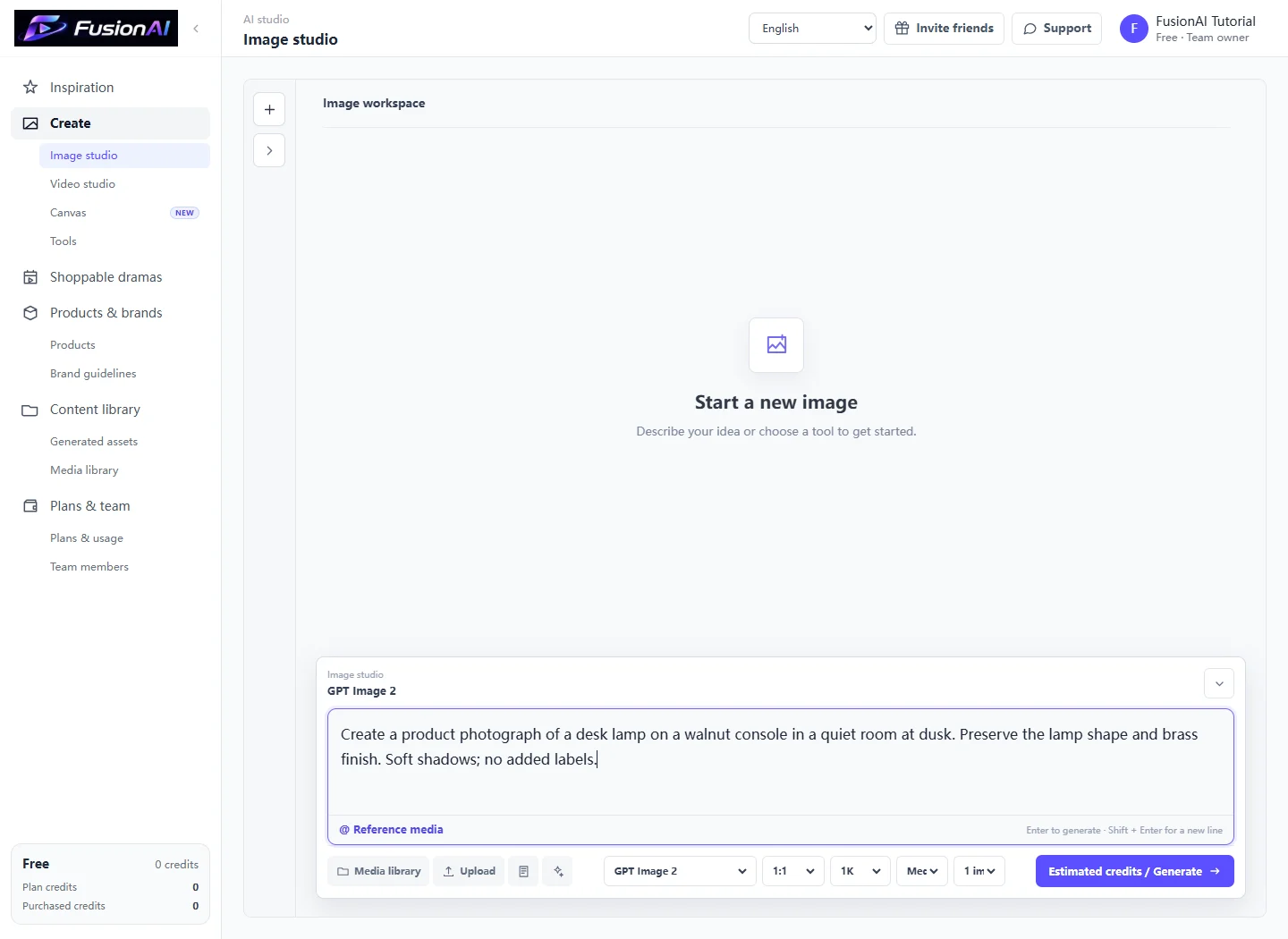
Review the previous ending and new opening together. Inspect wardrobe, product orientation, scene layout and motion before choosing the new clips.
Open AI video creation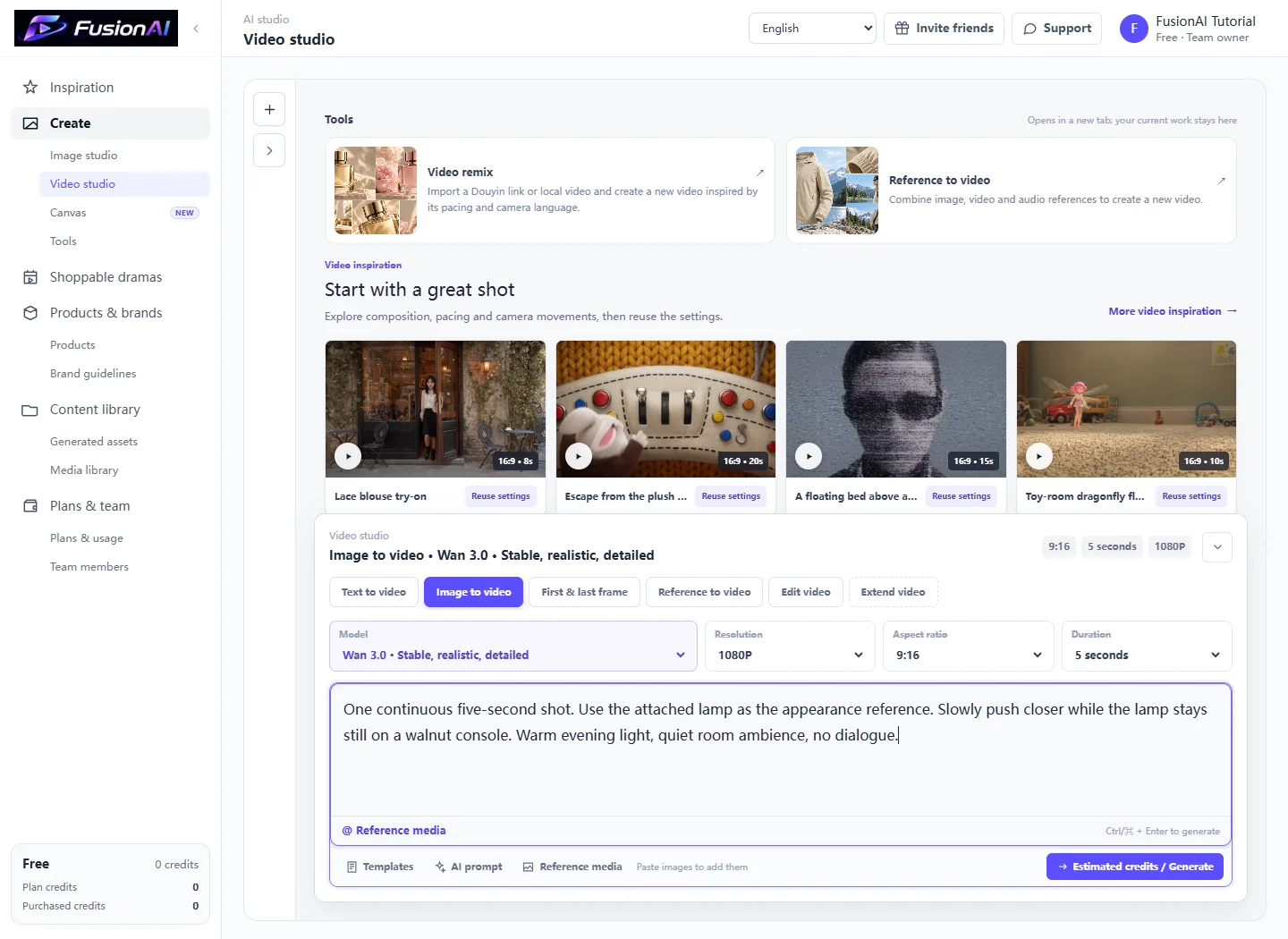
Continue a recurring kitchen story with the same presenter, cup and countertop. Reuse approved assets, then write a new demonstration rather than repeating the previous episode. Compare the old final frame with the new opening before selecting shots.
Open Shoppable drama studioCheck face, hair, clothing, prop placement, room orientation and changed assets across episodes.
Do not silently mix old and revised character references.
Check recurring props for material, labels and orientation changes.
Keep the new story action distinct from previous episodes.
Bring scripts, reusable characters, props, scenes, keyframes and video shots into one episode-based production workflow.
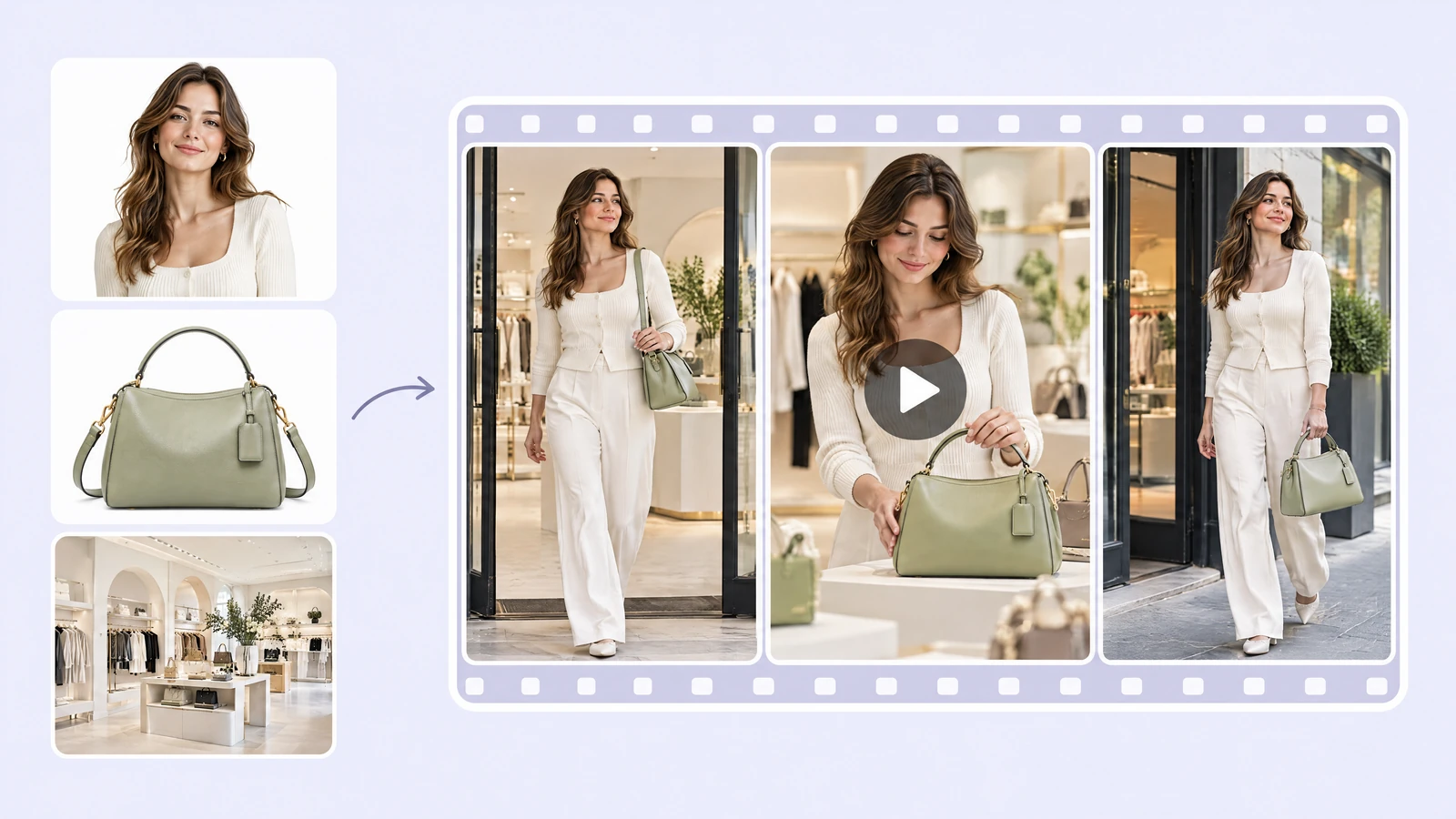 Explore product
Prepare three, four or five views of a subject for further creative work. Unseen views are inferred and are not measurable CAD or 3D assets.
 Explore product
Create product scenes, campaign visuals and image variations from your brief and supported reference images.
 Explore product
Turn text, images and supported multimodal references into individual video shots.
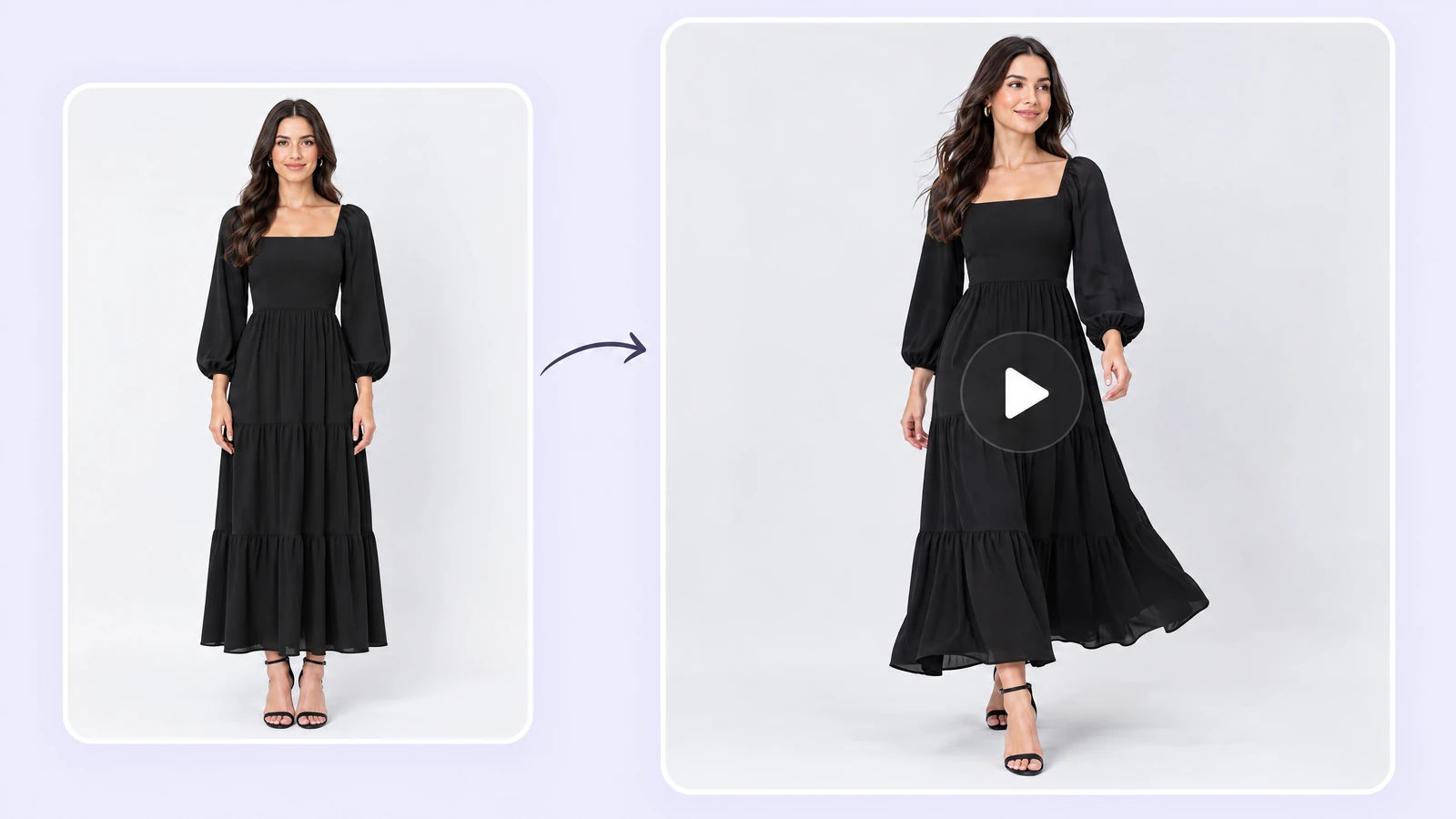 Explore product
Reuse provides a stronger starting reference, but generated results still need comparison. Keep the selected versions and review each shot’s visible details.
Change the situation or demonstrated action deliberately. Keep returning character and product references stable unless the script specifically requires a documented change.
A repeatable episode asset baseline and shot-specific variations.
Start with Shoppable drama studio