Product retouching
A factual front and back product presentation.

Explain the construction and styling of an adult intimate-apparel SKU without obscuring coverage, lining or the pieces actually included.
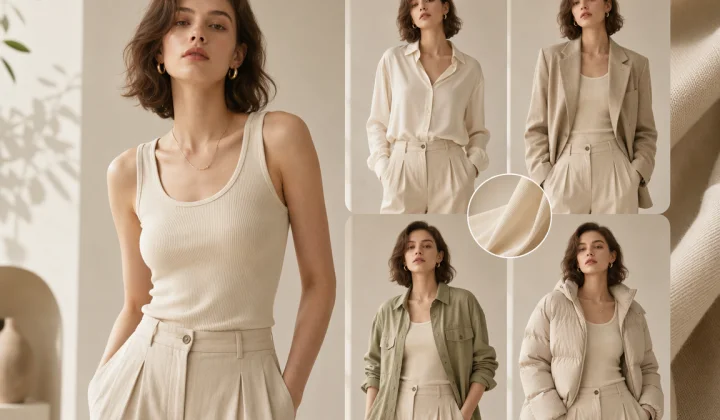
Choose the asset your next project needs
A factual front and back product presentation.
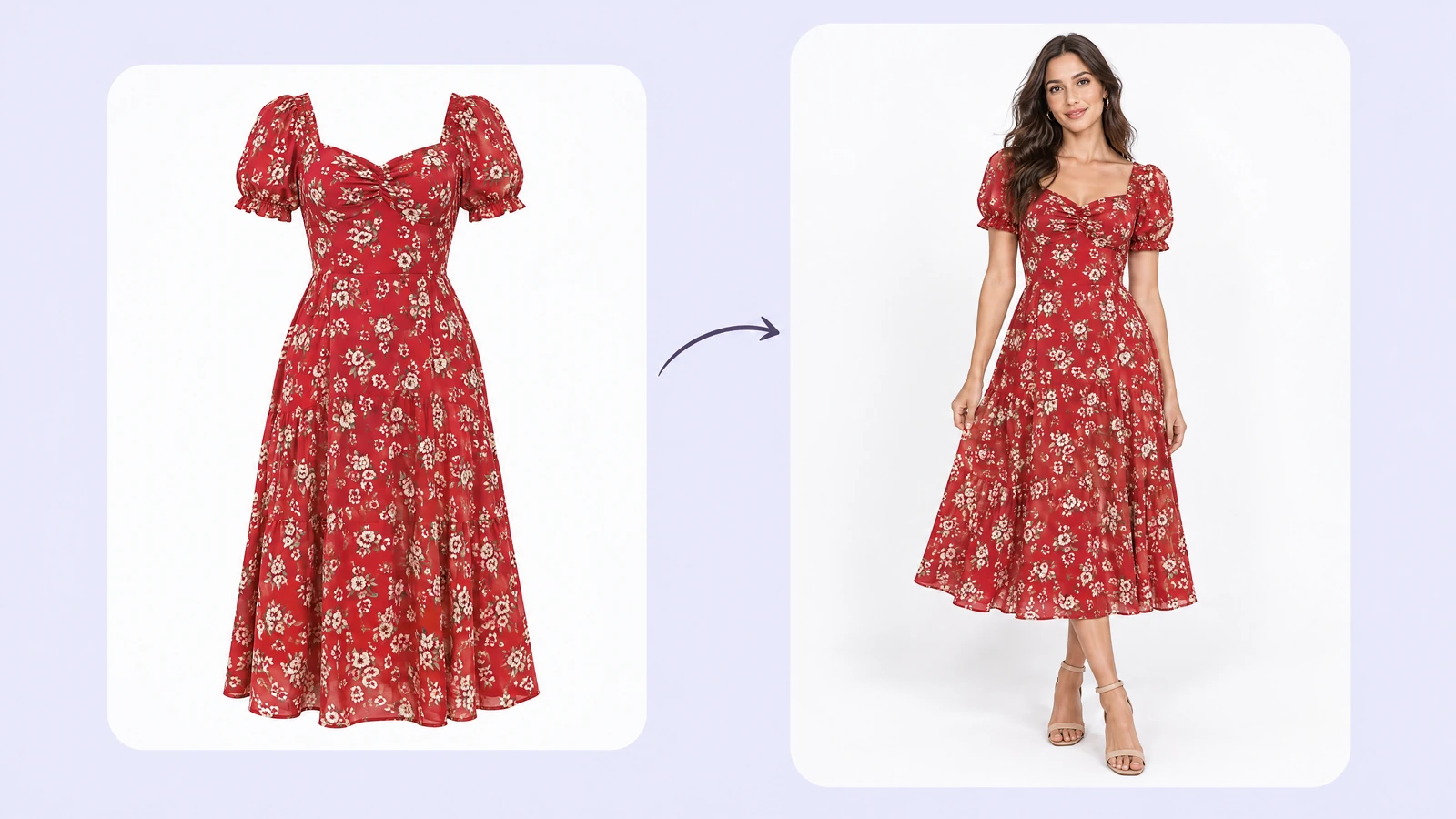
A wearing illustration with visible garment boundaries.
A gallery that distinguishes construction from styling.
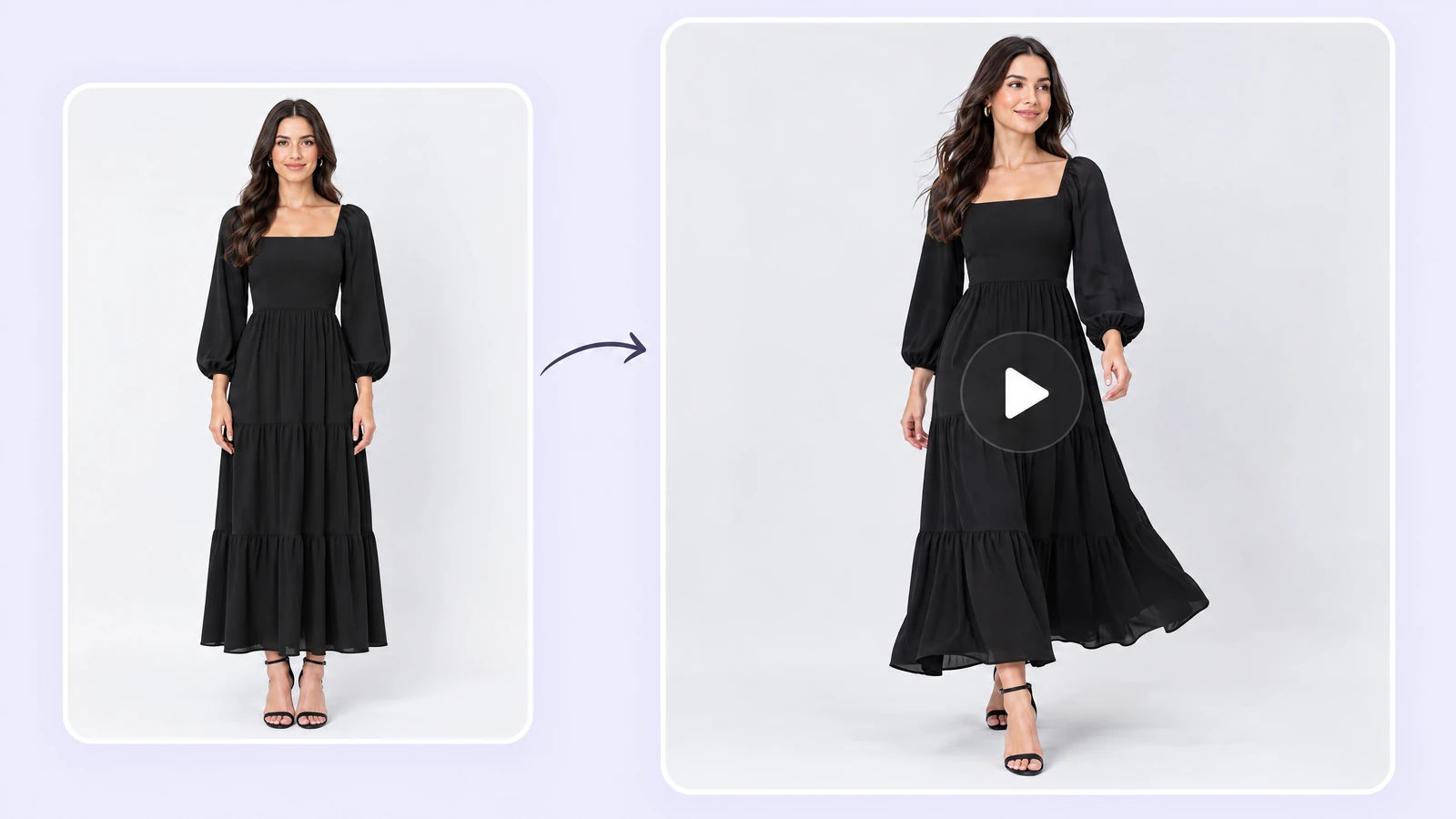
A restrained styling clip reviewed from start to finish.
Front and back garment photographs, close-ups of straps, lining and fasteners, verified fabric details, and a permitted adult model reference.
Refine exposure around cups, straps and fasteners. Compare lace, lining and stitching with close photographs before accepting the product view.
Open Product retouching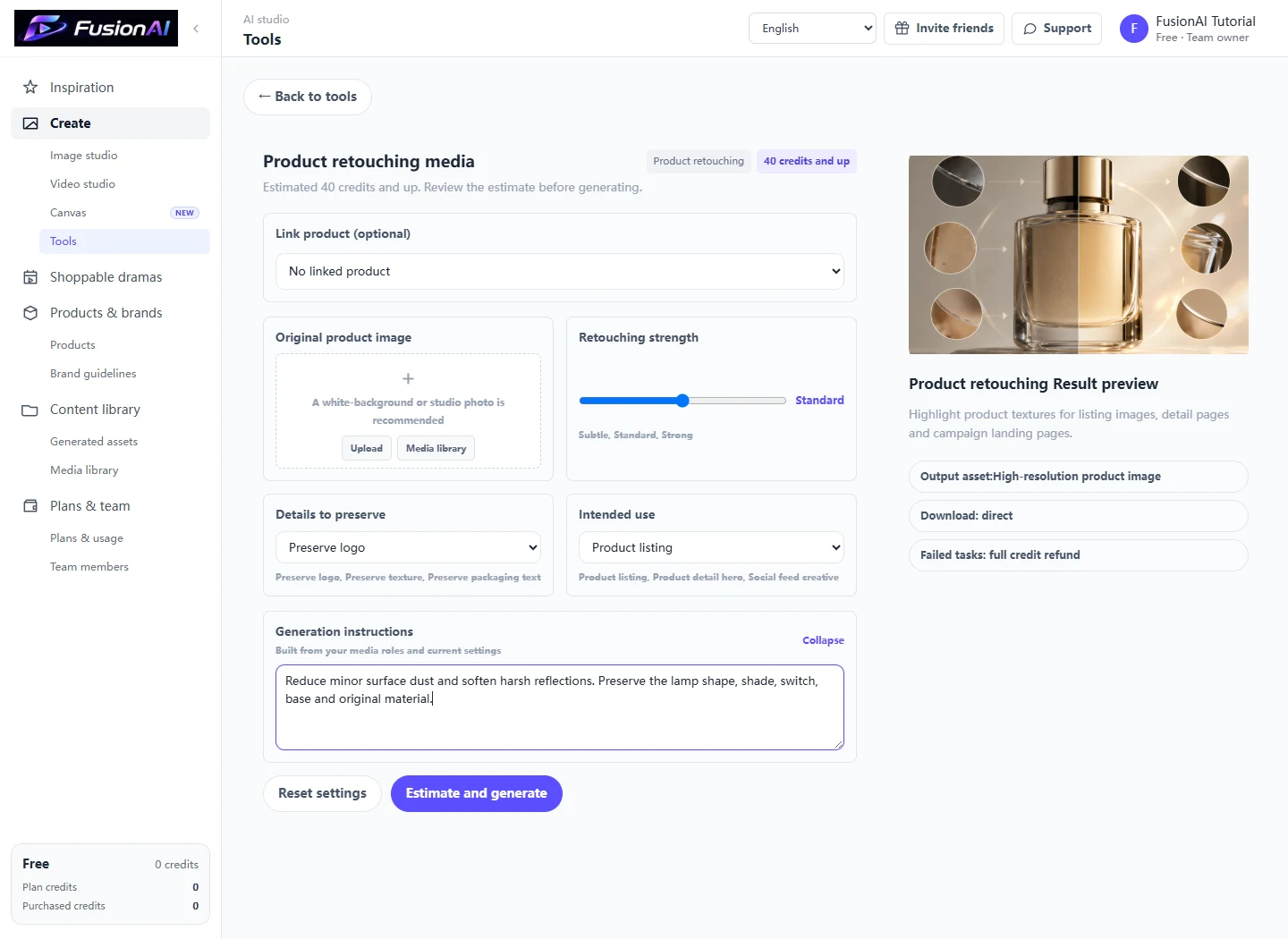
Use a suitable adult model reference and a simple pose. Inspect strap count, cup seams and the garment edges against the source.
Open Virtual clothing try-on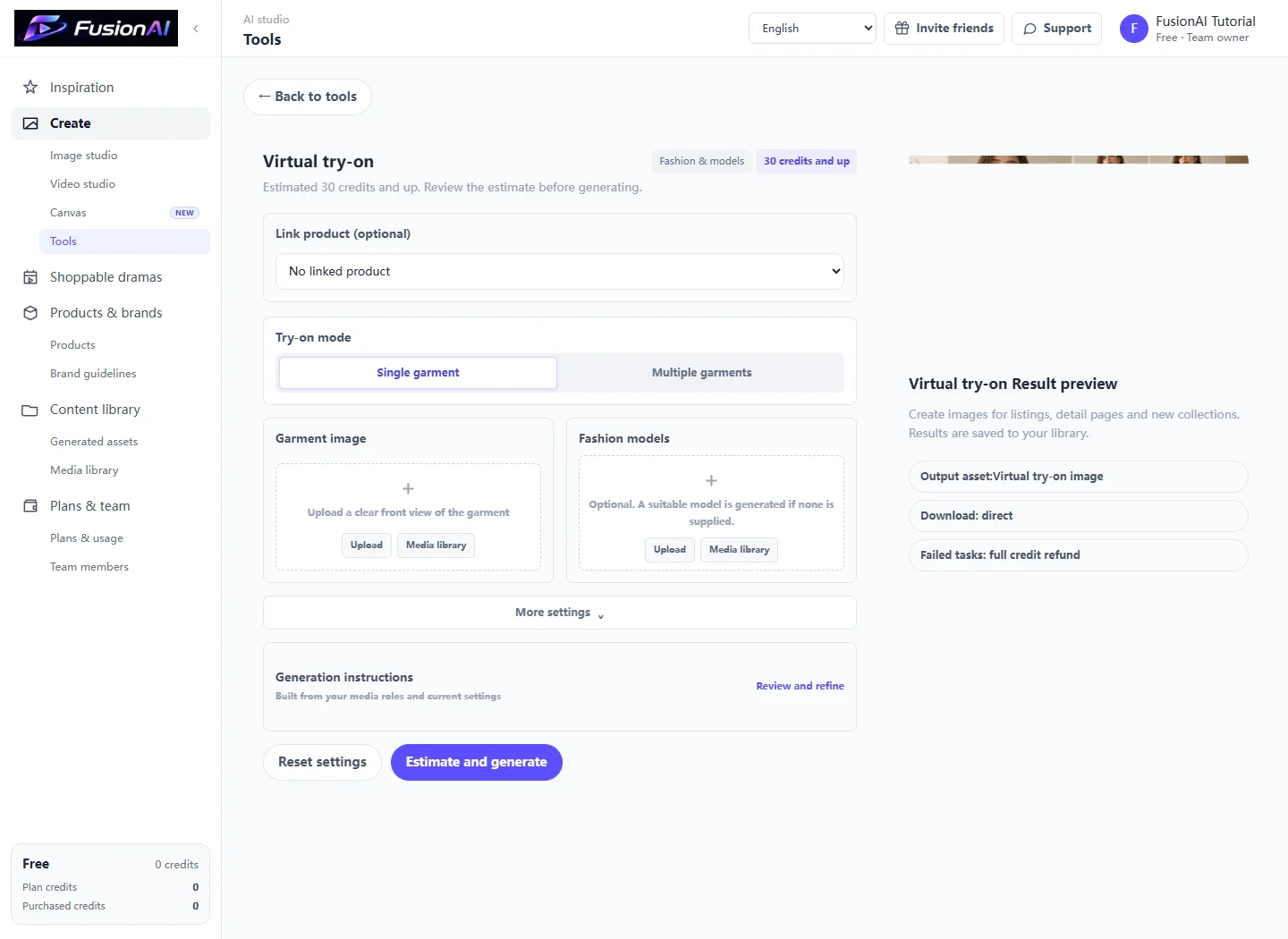
Assign separate planned images to the real lace texture, closure and package contents. Keep any unsupported fit or comfort claim out of the brief.
Open AI product image sets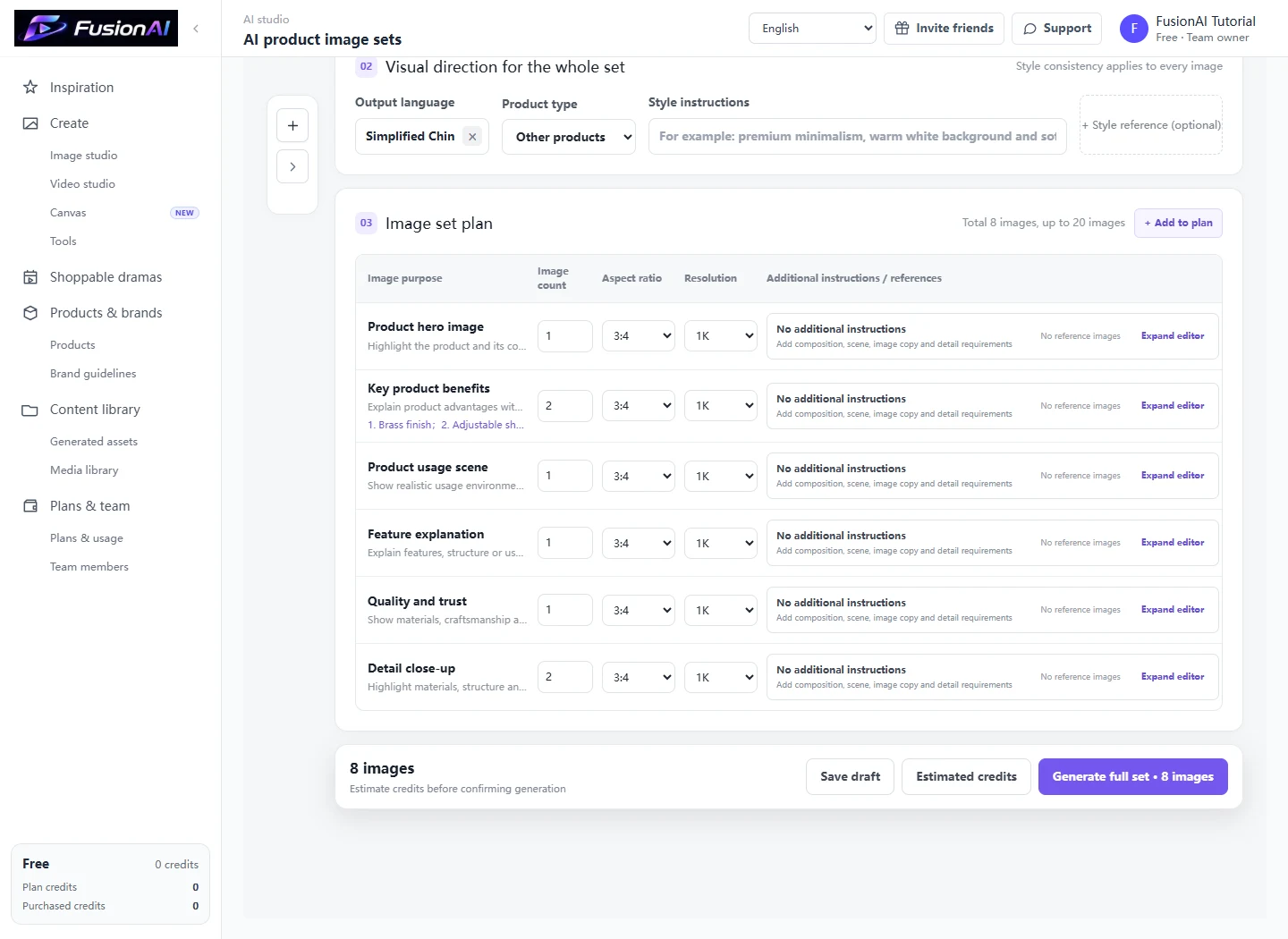
Begin with an approved adult wearing image and request a small turn. Watch for changing straps, lace patterns and added or missing pieces.
Open AI video creation
For a two-piece lace set, retain real front, rear and fastening photographs. Prepare one neutral adult wearing illustration and one hardware close-up. Keep each component count visible; use the motion shot only to communicate styling.
Open Product retouchingStrap count, lining, coverage, seam placement, fasteners and fabric transparency must match the actual item.
Do not change lining opacity, coverage or the number of garment pieces.
Use real construction photographs alongside the wearing illustration.
Confirm adult source permissions and inspect fine lace at full size.
Improve defects, edges and reflections while checking product shape, labels and material against the original.
 Explore product
Create a wearing visual from a garment or outfit and an optional model reference. Check prints, construction and fit representation.
 Explore product
Plan hero, feature, lifestyle and detail images for one product. Adjust each image purpose, prompt, reference and output language.
 Explore product
Turn text, images and supported multimodal references into individual video shots.
 Explore product
It illustrates presentation. Publish real measurements and fit information from the garment records; do not infer support or sizing from generated anatomy.
Keep an inventory photograph of the exact included pieces and use it to check every candidate. Styling props should be clearly separate from the sold set.
A coordinated garment hero, construction detail and adult wearing illustration.
Start with Product retouching