Virtual clothing try-on
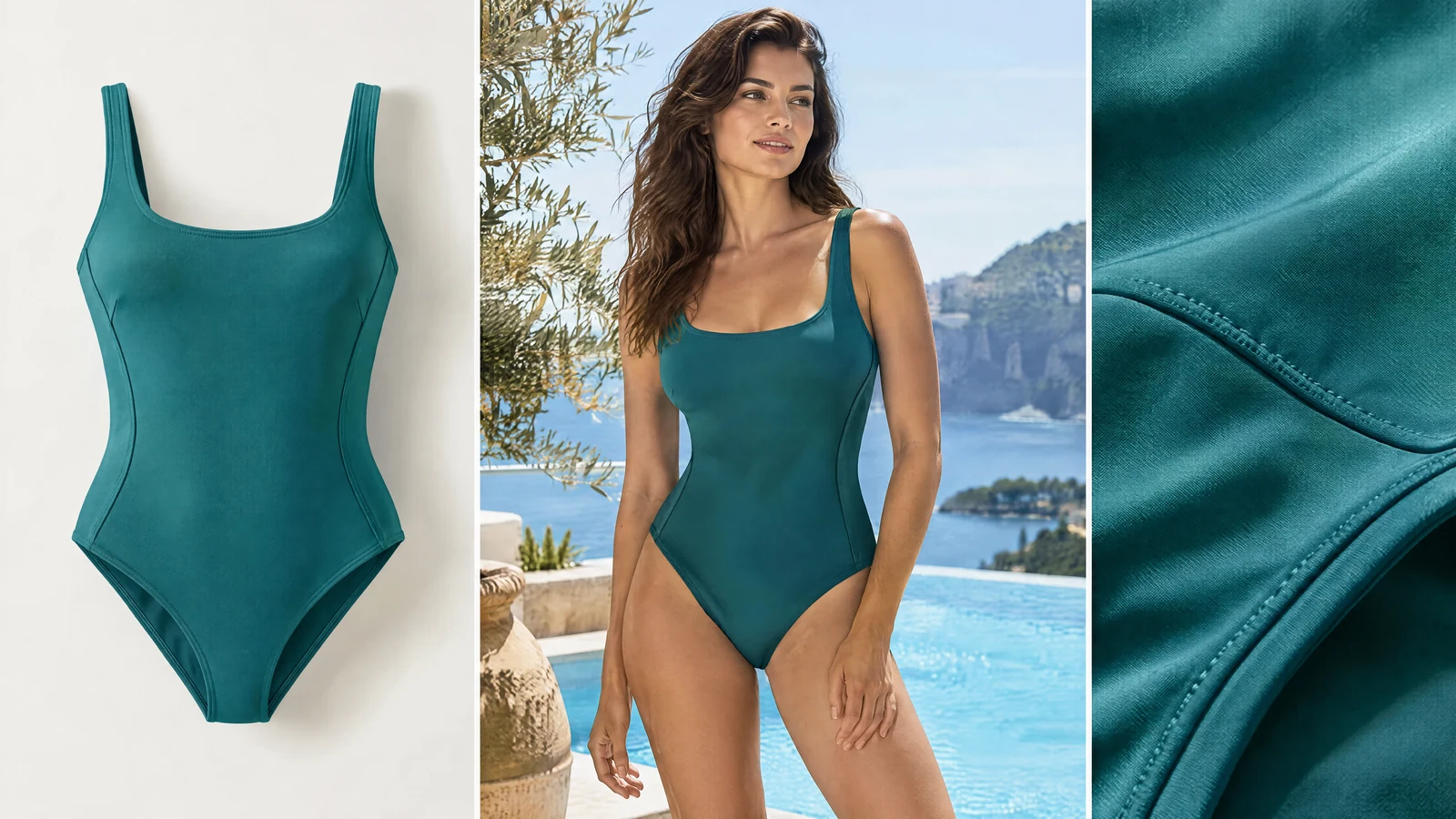
An adult wearing image for the correct swimsuit variant.

Prepare a seasonal swimwear campaign while keeping the actual cut, coverage and colorway easy to verify.
Choose the asset your next project needs
An adult wearing image for the correct swimsuit variant.
A destination image with the swimsuit clearly visible.
Construction details that complement the seasonal campaign.
A short movement study with stable swimwear detail.
Front and rear swimwear photographs, fabric and fastening details, permitted adult model media and an approved seasonal palette.
Use the exact front and rear swimsuit references with a permitted adult subject. Choose a pose that leaves straps and cut-outs readable.
Open Virtual clothing try-on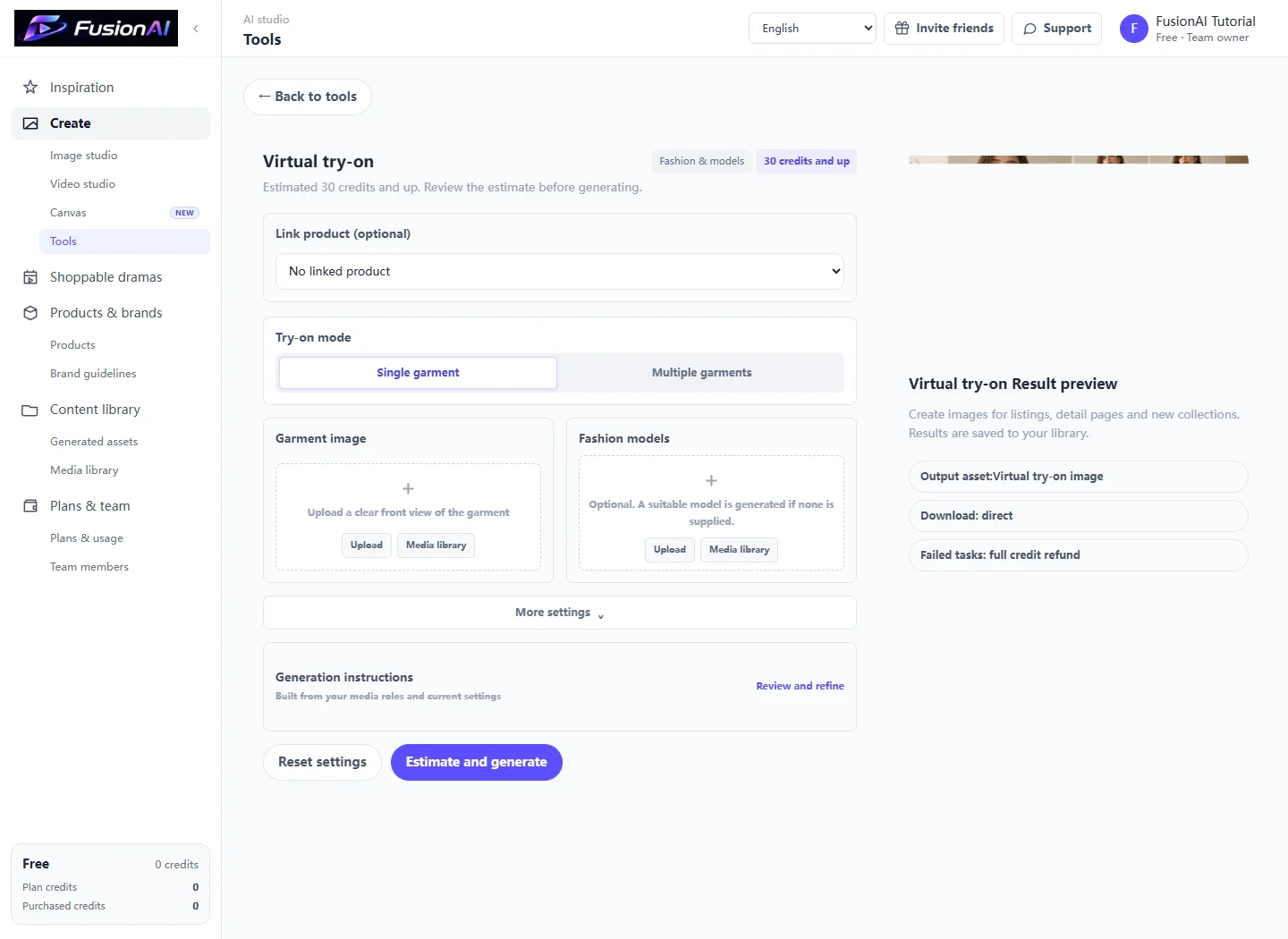
Create a poolside, beach or studio setting that does not hide the garment behind water, towels or props. Inspect edges against the new background.
Open Product background replacement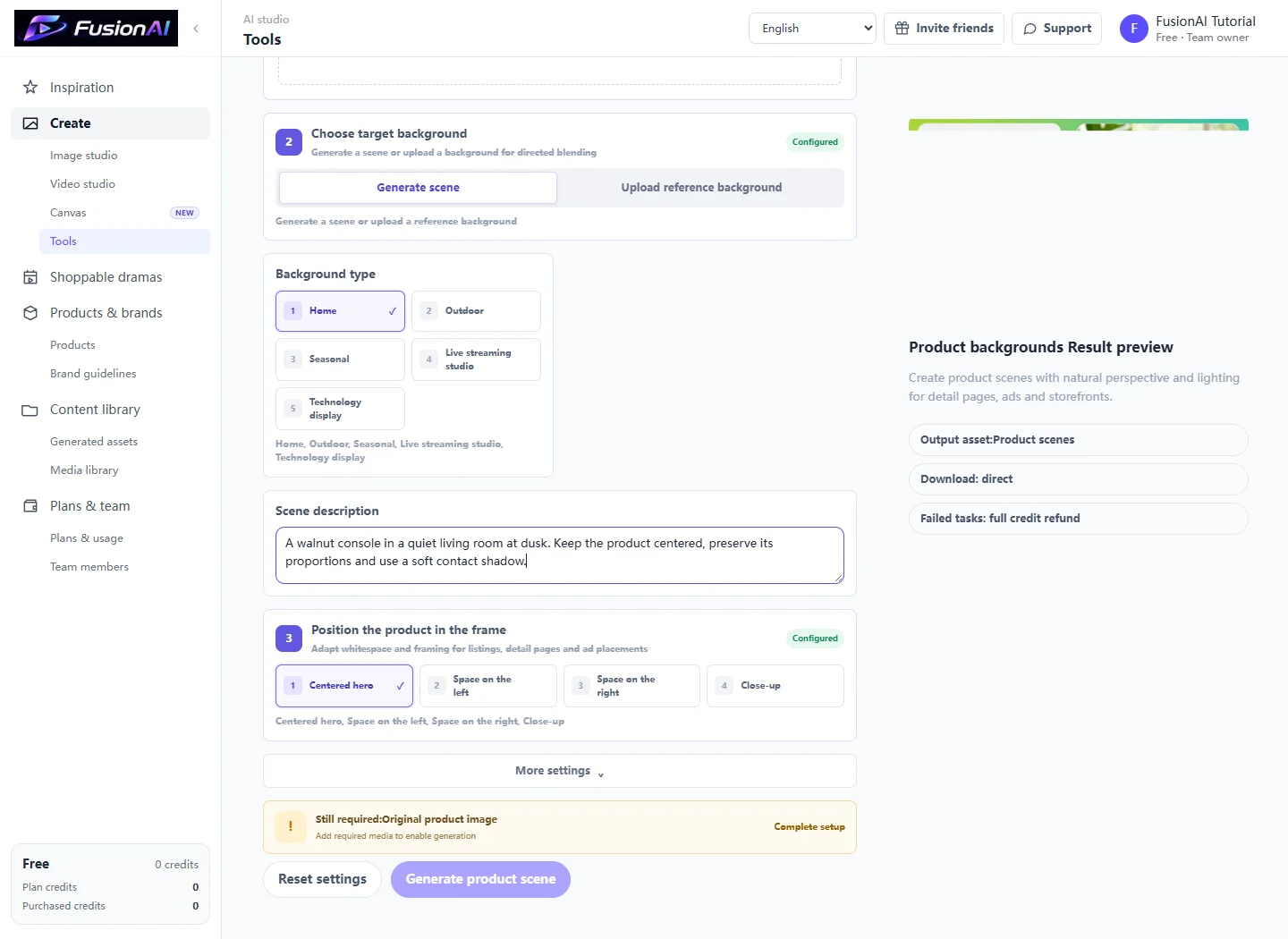
Plan individual images for real fabric details, back fastening and set contents. Keep seasonal styling separate from factual construction views.
Open AI product image sets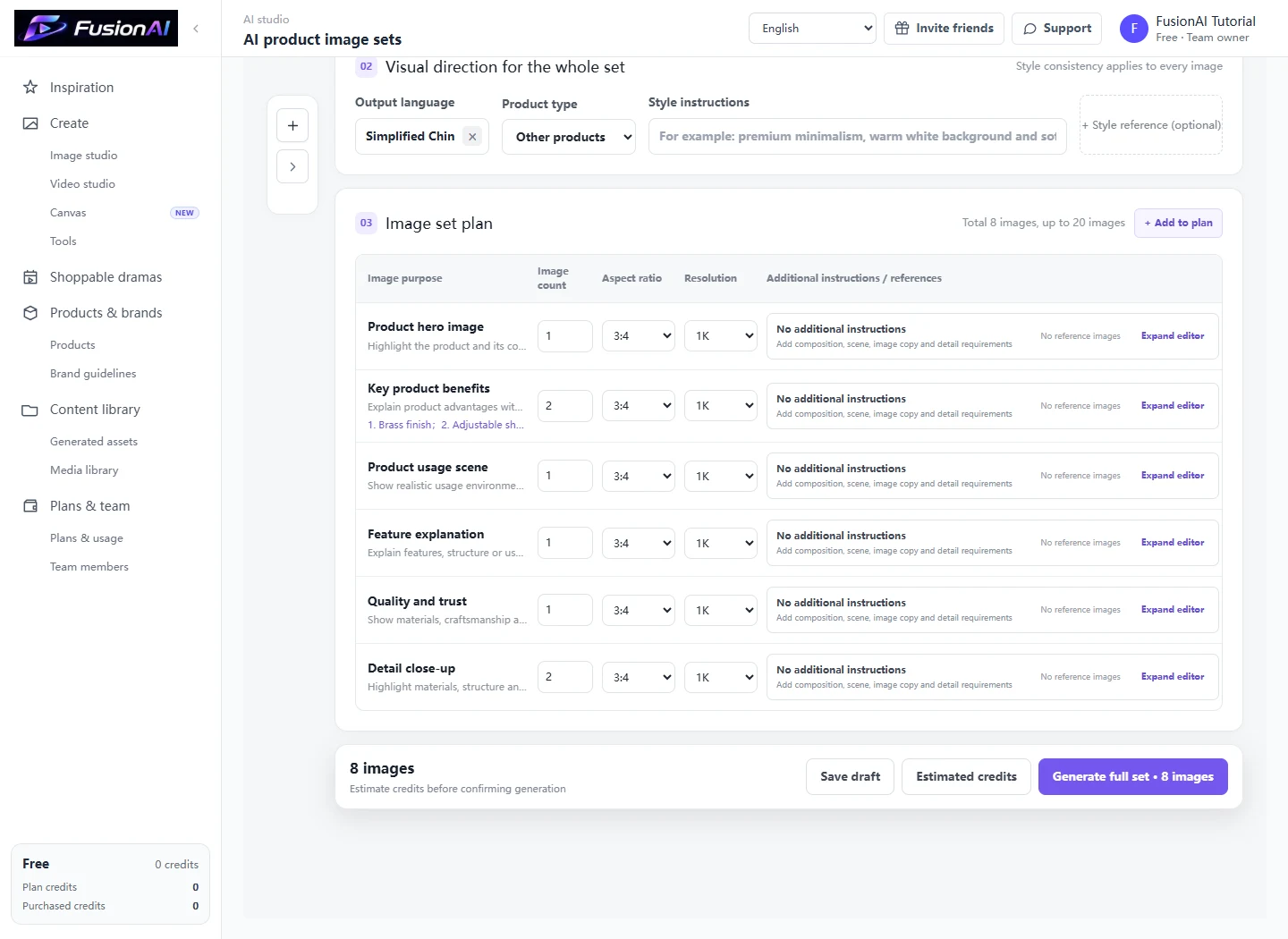
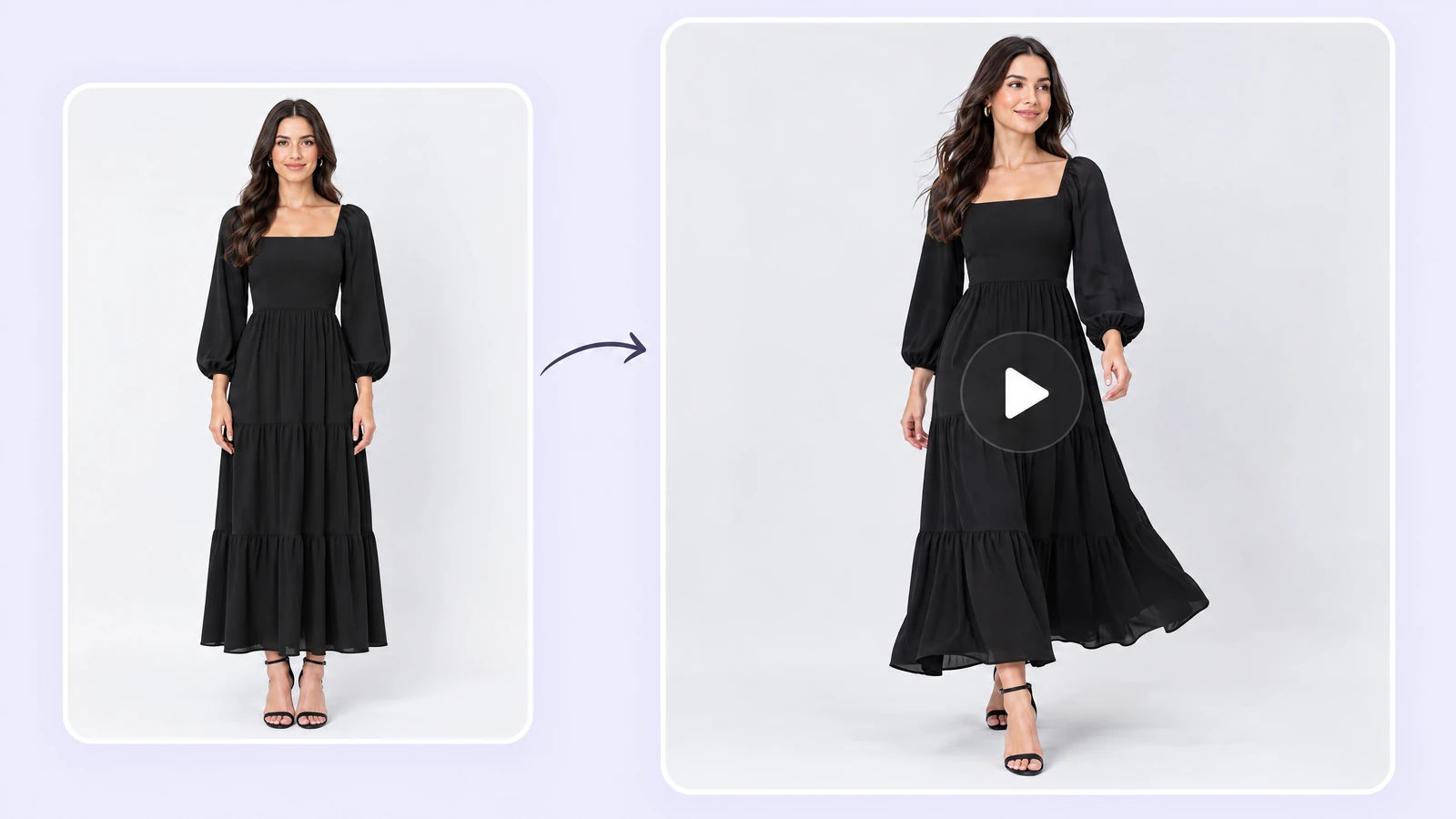
Animate an approved adult still with one gentle turn. Review prints at folds, garment edges and the final frame before selecting the clip.
Open AI video creation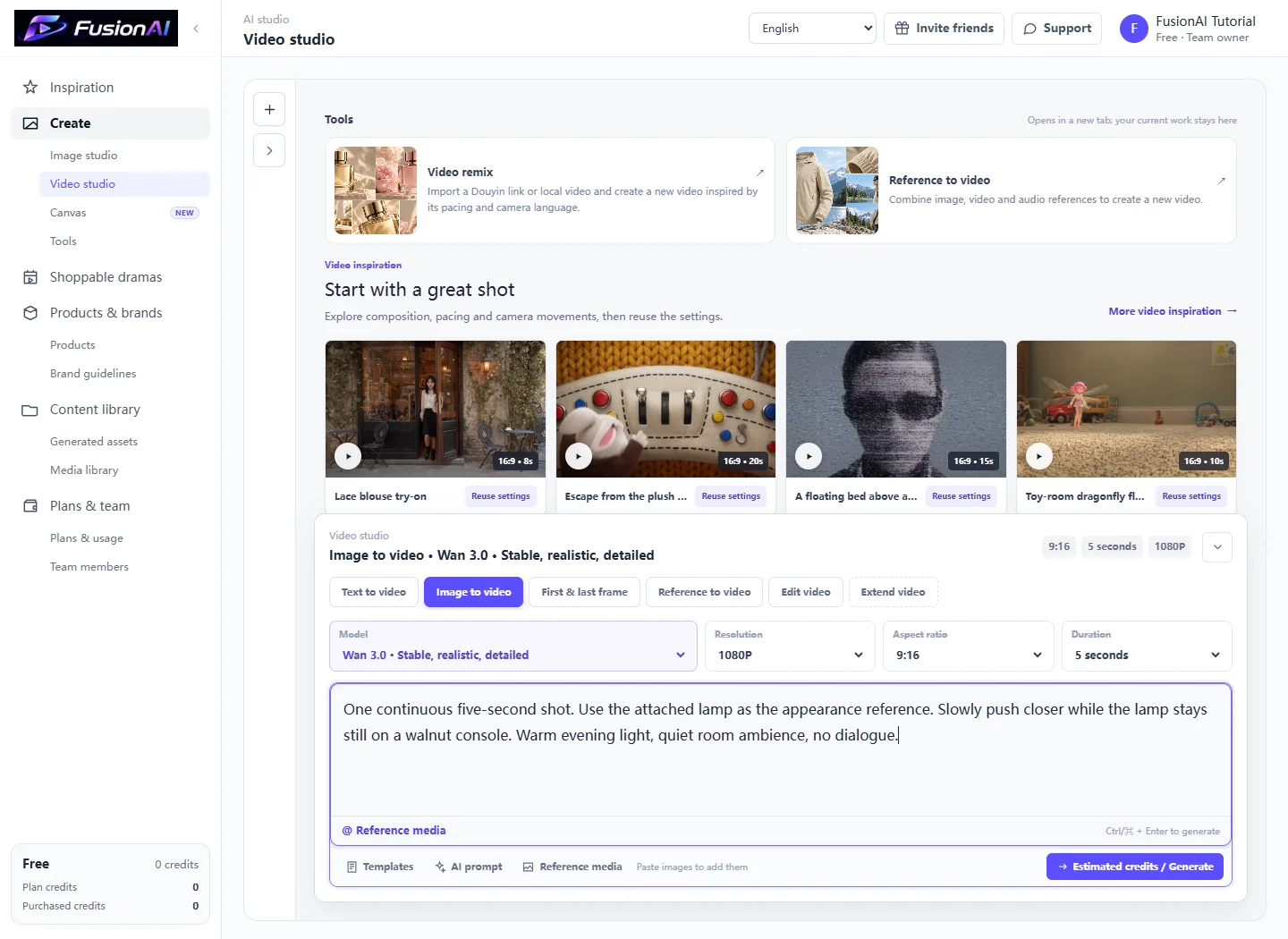
A coastal launch for a printed two-piece needs separate references for the print, lining and ties. Use soft morning light and an uncluttered setting, retaining the same garment coverage in every selected image.
Open Virtual clothing try-onCheck strap placement, cut, lining, print alignment and the actual level of coverage.
Check print alignment at seams and every fastening point.
Keep wet-look effects from changing the apparent material or transparency.
Do not add unsupported UV, water-resistance or fit claims.
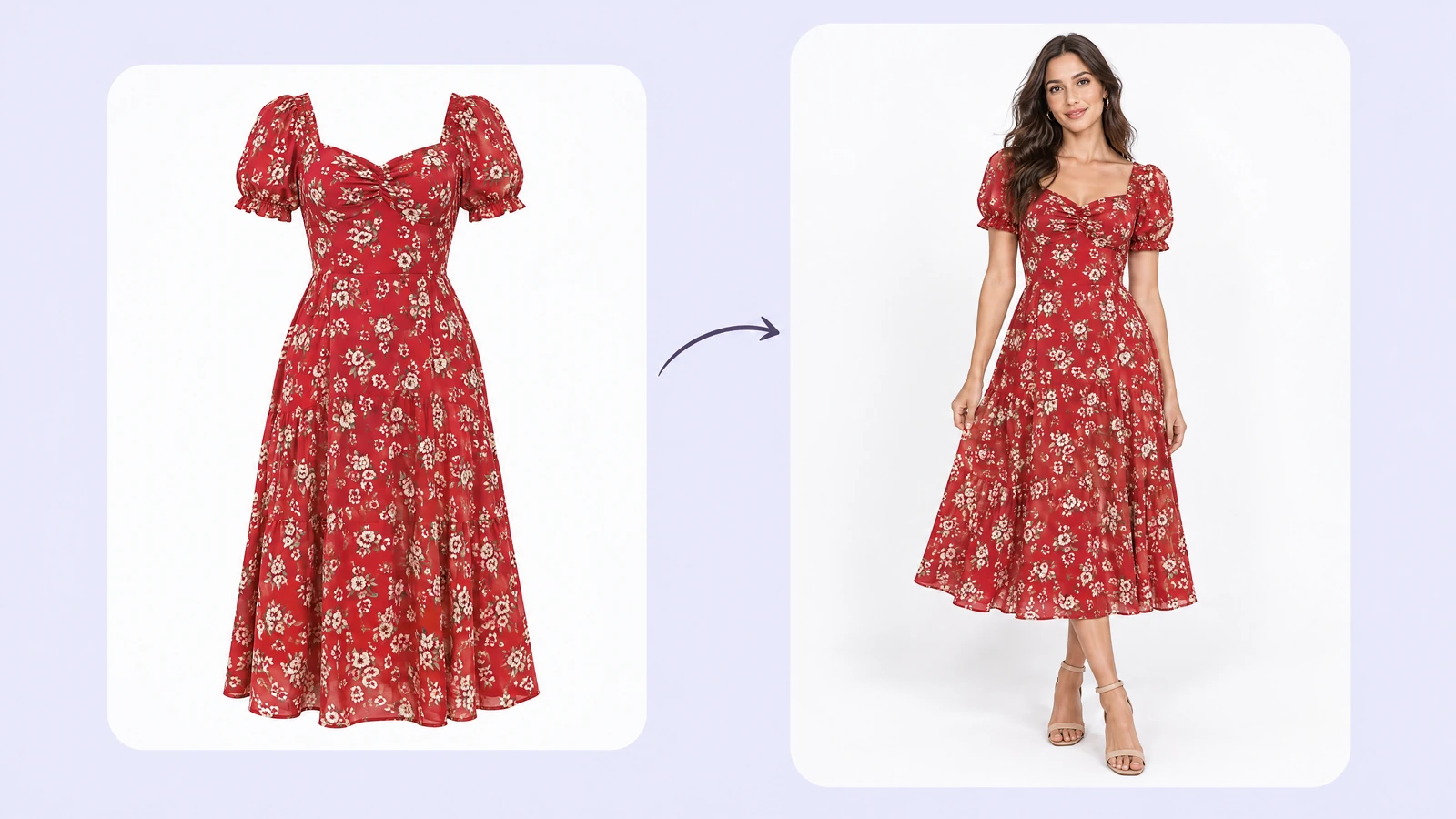
Create a wearing visual from a garment or outfit and an optional model reference. Check prints, construction and fit representation.
 Explore product
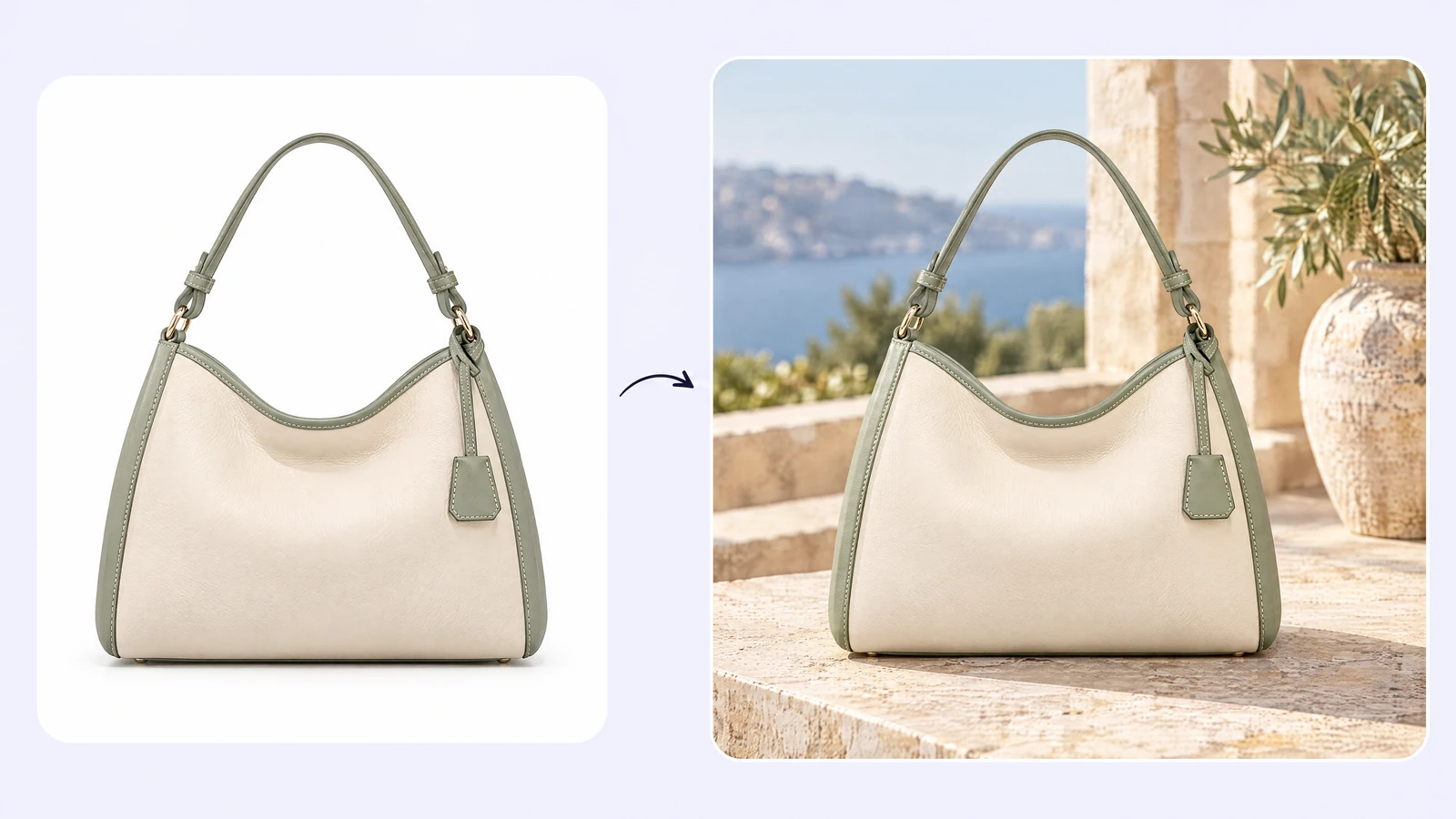
Place an existing product into a new setting, using a generated scene or reference background. Review scale, lighting, edges and contact shadows.
 Explore product
Plan hero, feature, lifestyle and detail images for one product. Adjust each image purpose, prompt, reference and output language.
 Explore product
Turn text, images and supported multimodal references into individual video shots.
 Explore product
Use a confirmed reference for each sold color. A color-edit candidate needs comparison with the actual variant, especially for prints and contrasting ties.
Choose movement that reveals the silhouette without covering the item. A simple reviewed turn is more informative than a complex scene that hides construction.
A studio wearing image, a seasonal setting and readable garment-detail images.
Start with Virtual clothing try-on