AI image creation
A documented model and protocol selection.

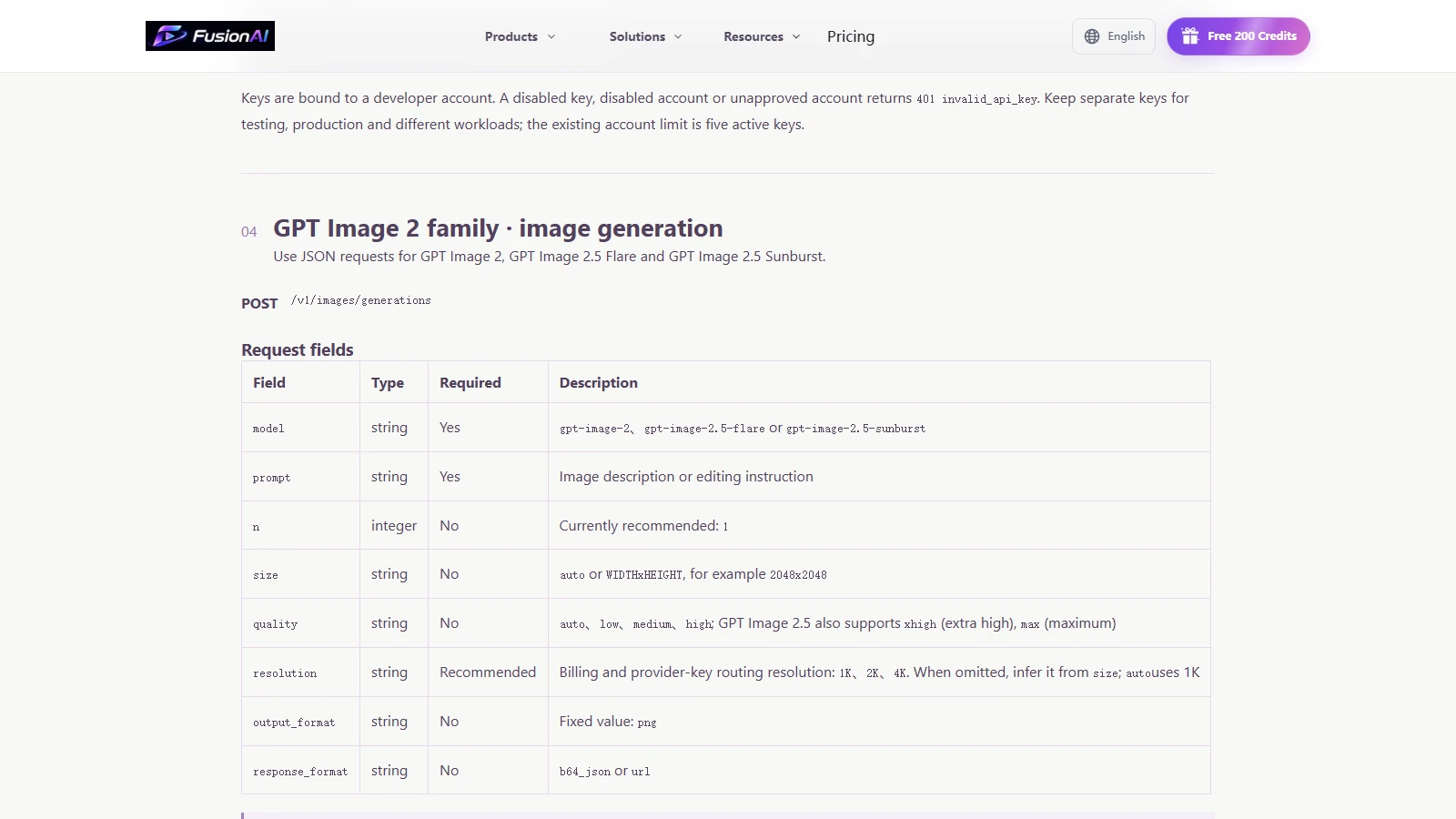
Add published FusionAI image operations to a server-side product workflow with explicit input validation, cost decisions and output review.
Choose the asset your next project needs
A documented model and protocol selection.
A bounded generation or edit request.
A server-side integration with deliberate failure handling.
A reviewed application output tied to its source request.
A published API model, server-side credentials, user-permitted inputs and a product review workflow.
Read the existing API documentation and discover available models before implementation. Choose the documented protocol and supported image operation instead of assuming workspace features are all API endpoints.
Open AI image creation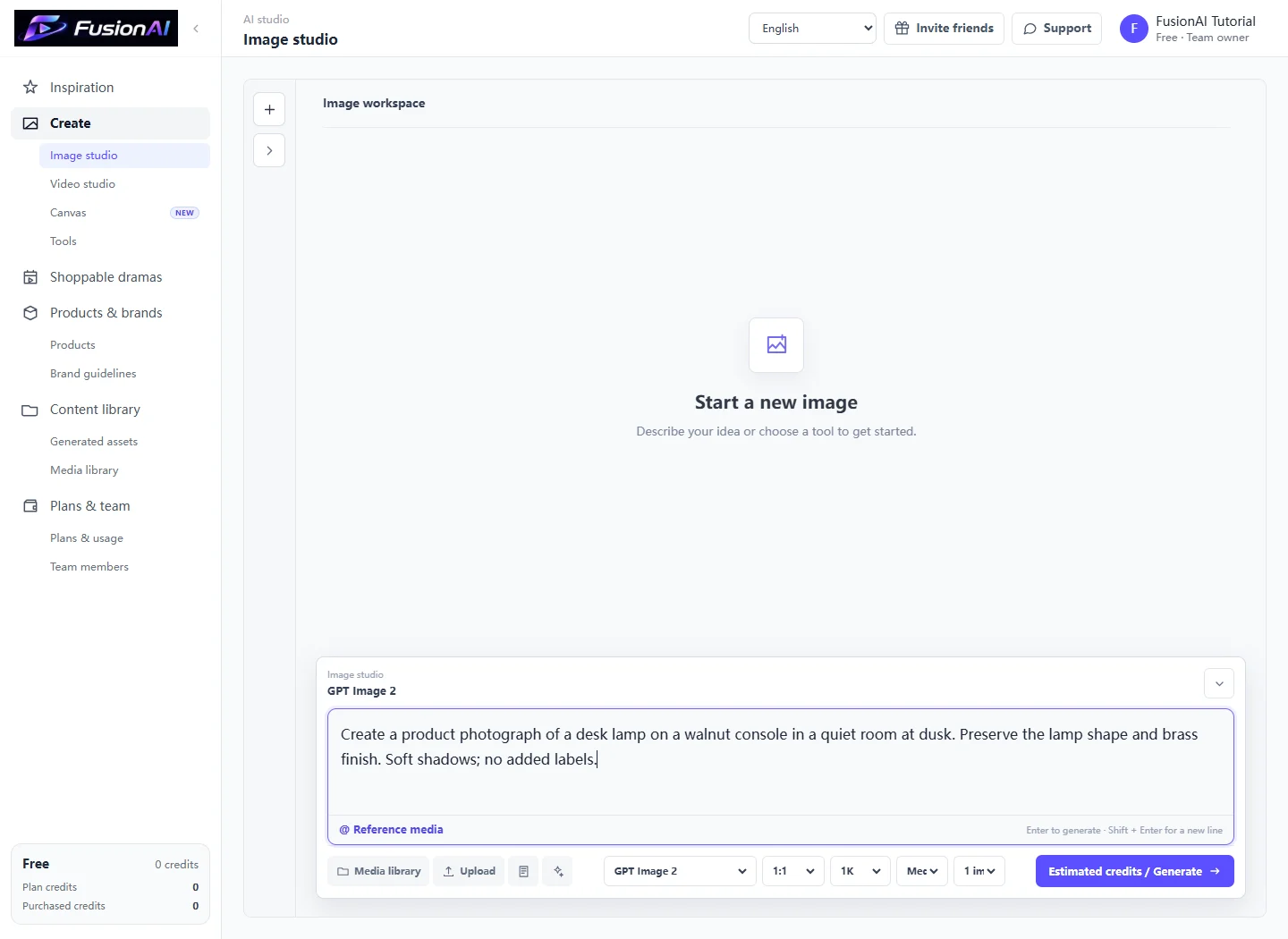
Check the selected model’s edit support and accepted image format. Keep product references explicit and reject unsupported inputs in your own integration.
Open AI photo editor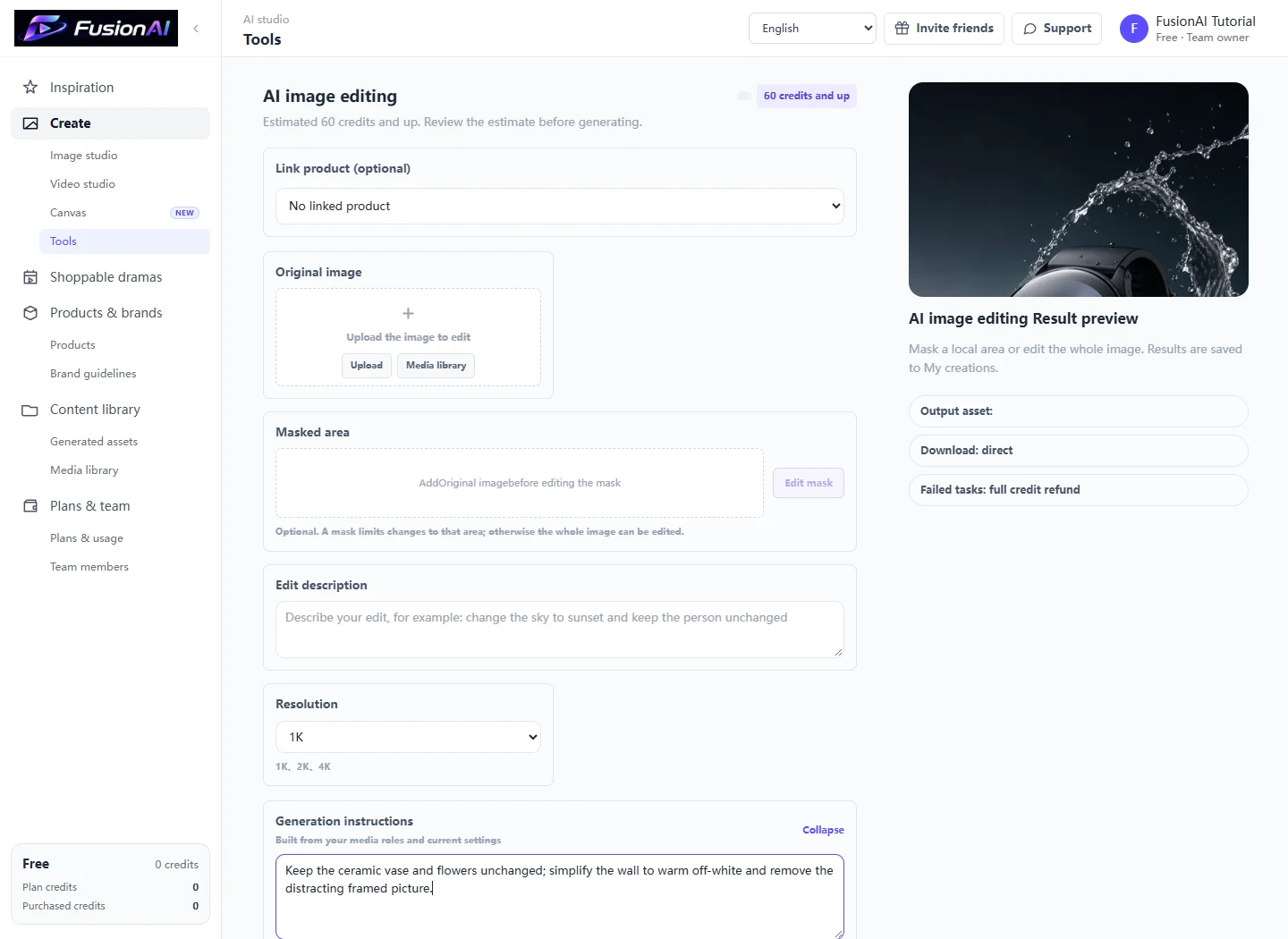
Keep credentials on the server and inspect API errors before retrying. Decide how the application communicates pending, failed and successful requests to its users.
Open Canvas workflows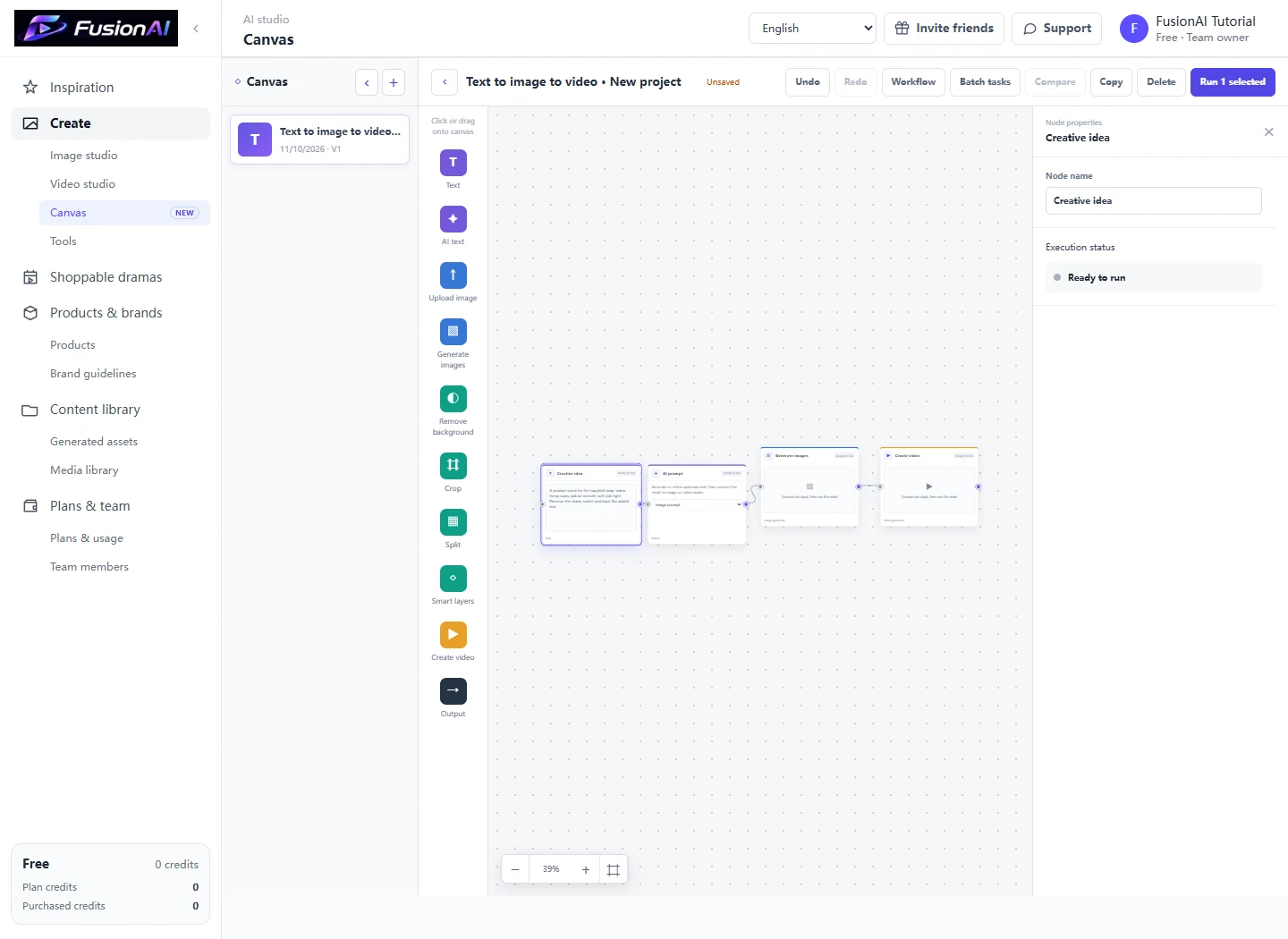
Connect returned media to the originating product and request. Apply product-fact and rights checks before your application publishes or offers an export.
Open AI product image sets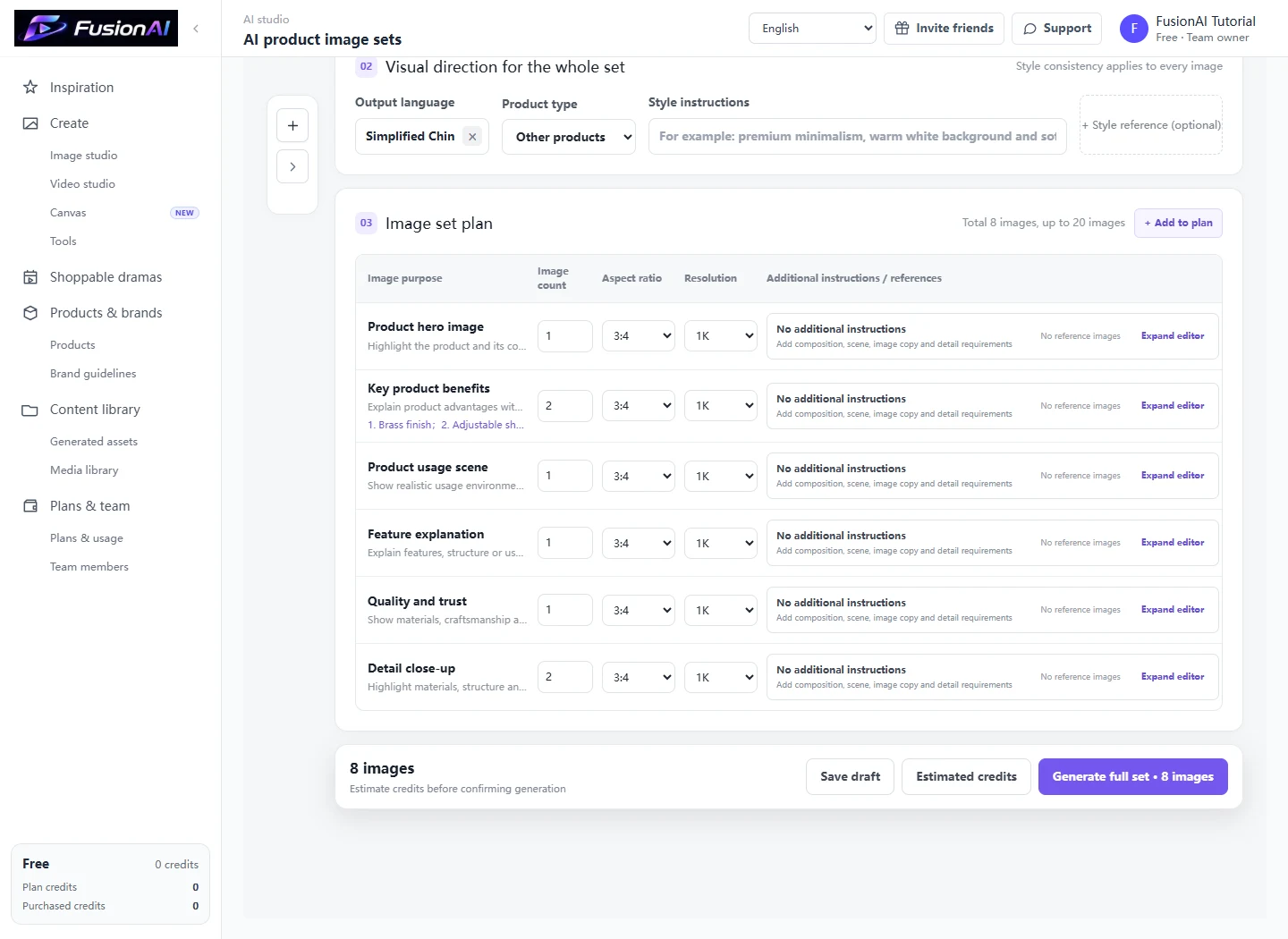
A catalog SaaS can request an image edit for an approved product reference, show the returned candidate to a reviewer and release only the selected version. Keep the API key server-side and document how an unsupported image or failed request is handled.
Read the API documentationValidate supported endpoints, model IDs, input limits, errors and returned assets before exposing the feature.
Use the documented protocol and currently published model capabilities.
Do not expose API credentials in browser code or public exports.
Keep billing and retry behavior explicit in your application design.
Create product scenes, campaign visuals and image variations from your brief and supported reference images.
 Explore product
Use natural-language instructions for whole-image or selected-region edits. Keep factual product details under review.
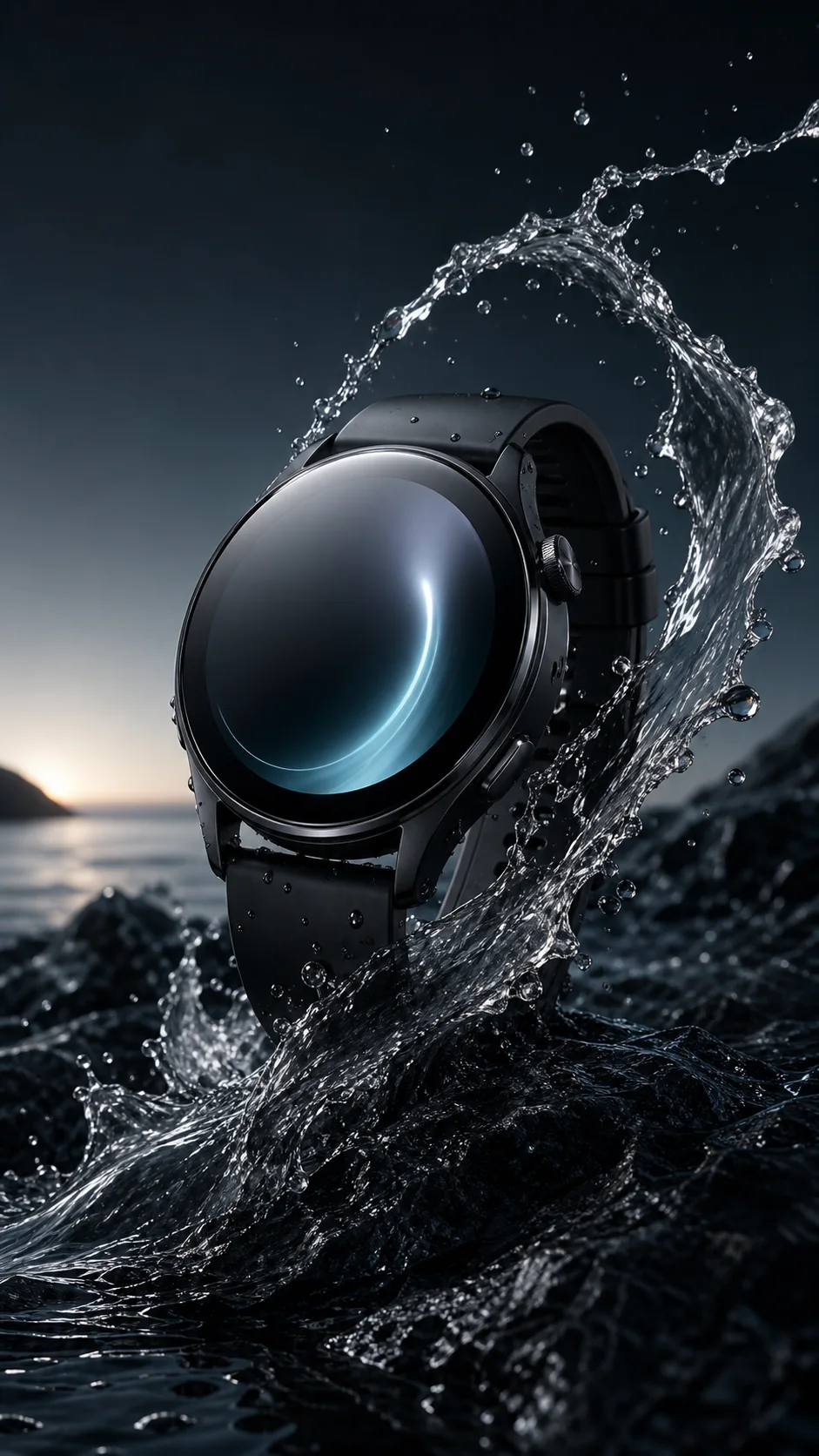 Explore product
Connect text, uploaded references, image processing and video generation on a reusable creative canvas.
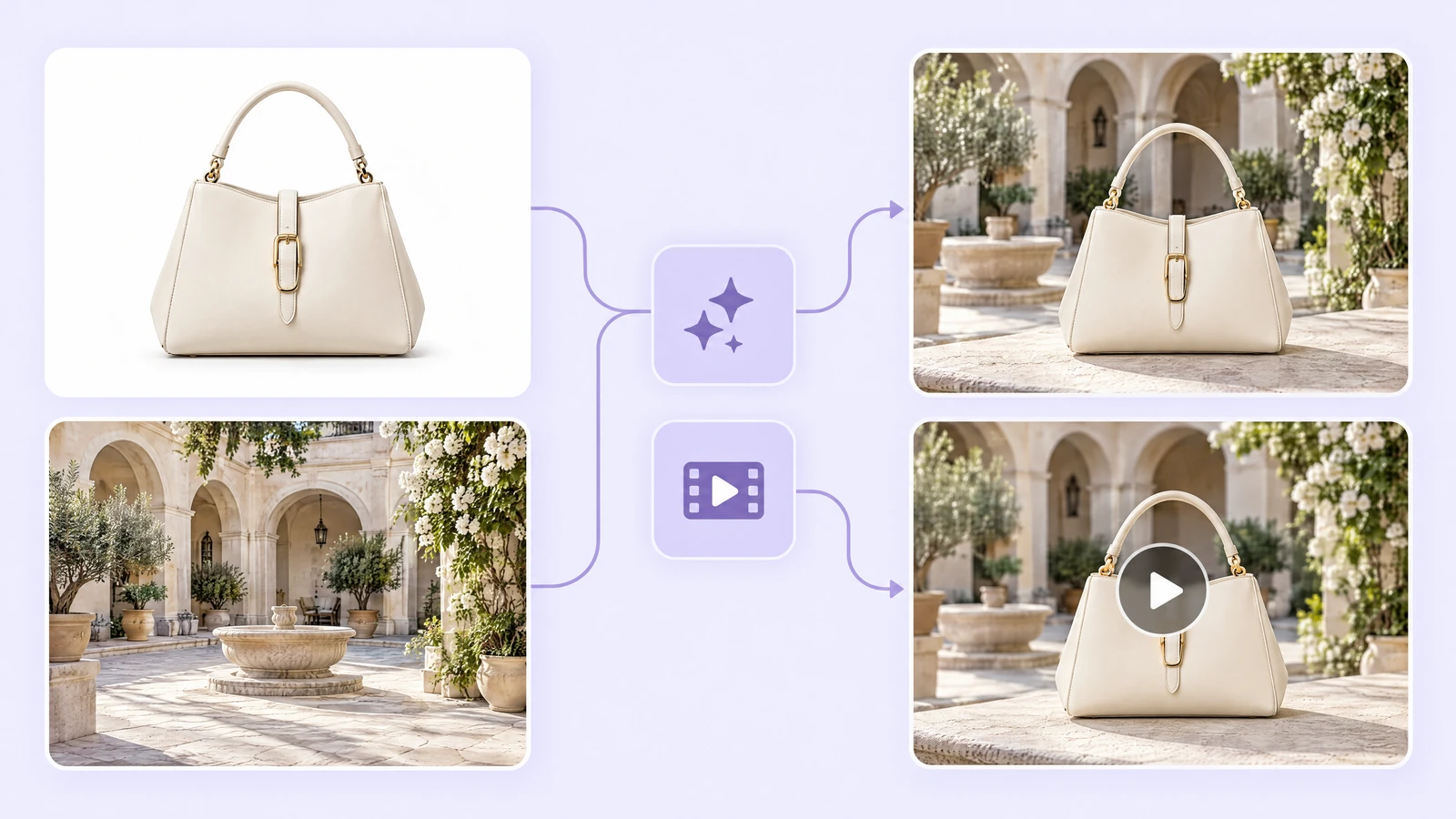 Explore product
Plan hero, feature, lifestyle and detail images for one product. Adjust each image purpose, prompt, reference and output language.
 Explore product
Use only operations documented for the published API model. Canvas, project management and a tool’s interface do not by themselves establish an API contract.
Start at /openapi/docs, confirm the model and protocol, then test one bounded request with your own approved media before adding a wider product workflow.
A server-integrated image-generation or supported edit flow with traceable results.
Read the API documentation