AI product image sets
A named asset plan for each channel and placement.

Adapt one verified product reference set into distinct marketplace deliverables, keeping channel rules and file versions visible.
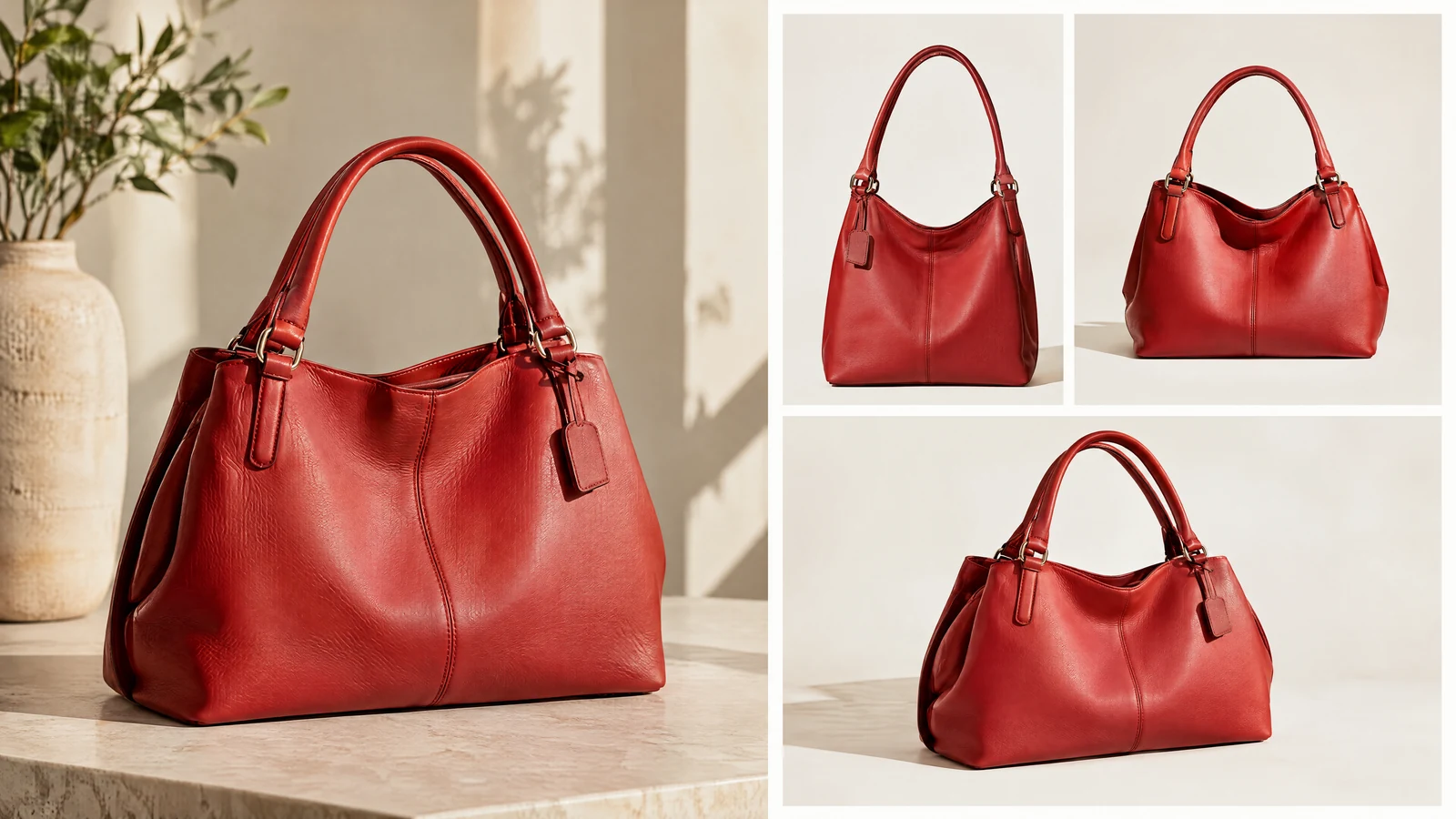
Choose the asset your next project needs
A named asset plan for each channel and placement.
Background variants with an explicit destination.
Campaign files distinct from factual listing images.
A reusable multi-channel preparation structure.
A verified master product set and your own requirements for each marketplace or ad placement.
List the required image roles for each destination before generation. Keep a product-only marketplace image separate from a store hero or promotional layout.
Open AI product image sets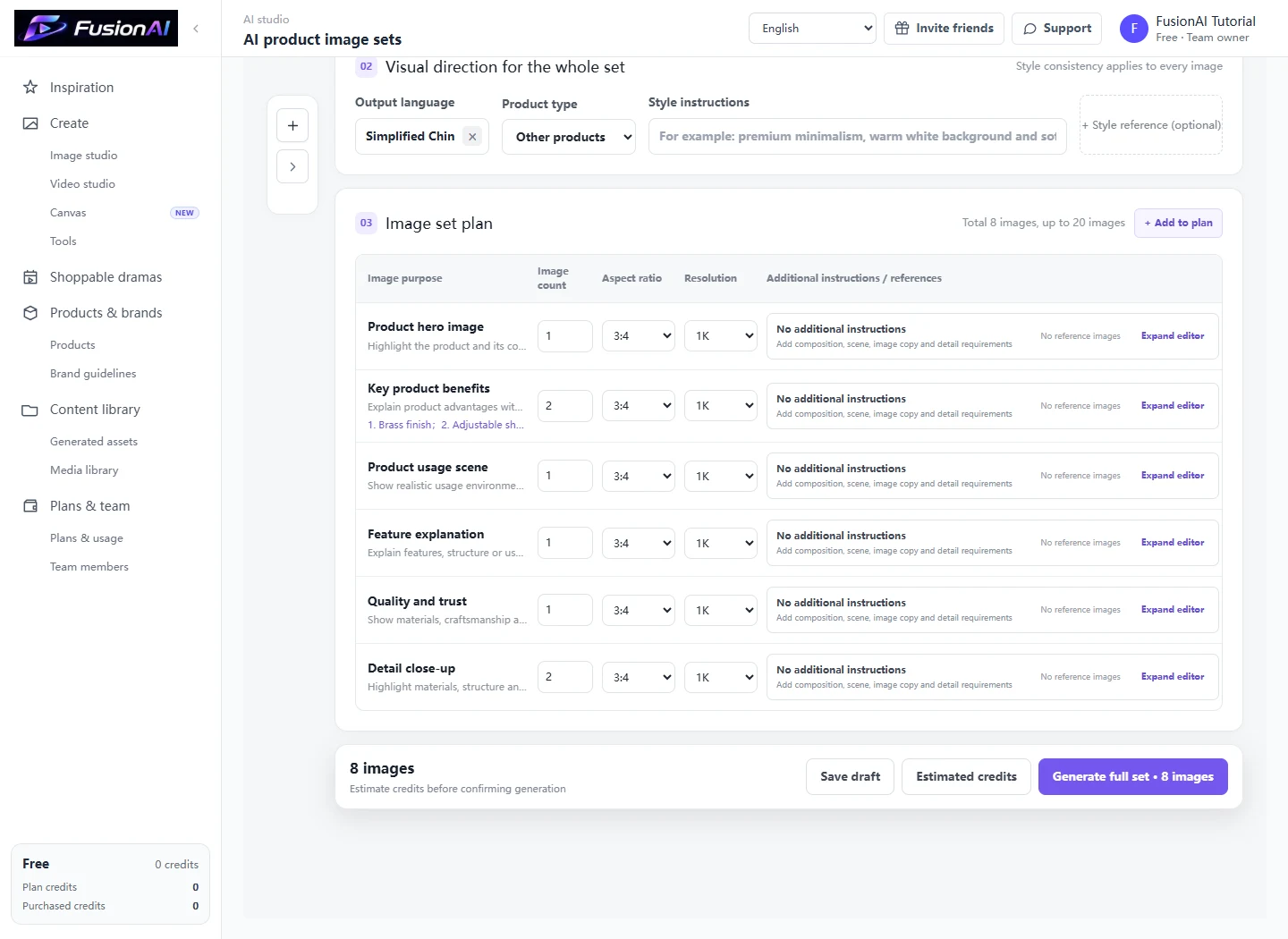
Build distinct catalog and lifestyle candidates from the same factual product source. Check which destination permits the planned background and props.
Open Product background replacement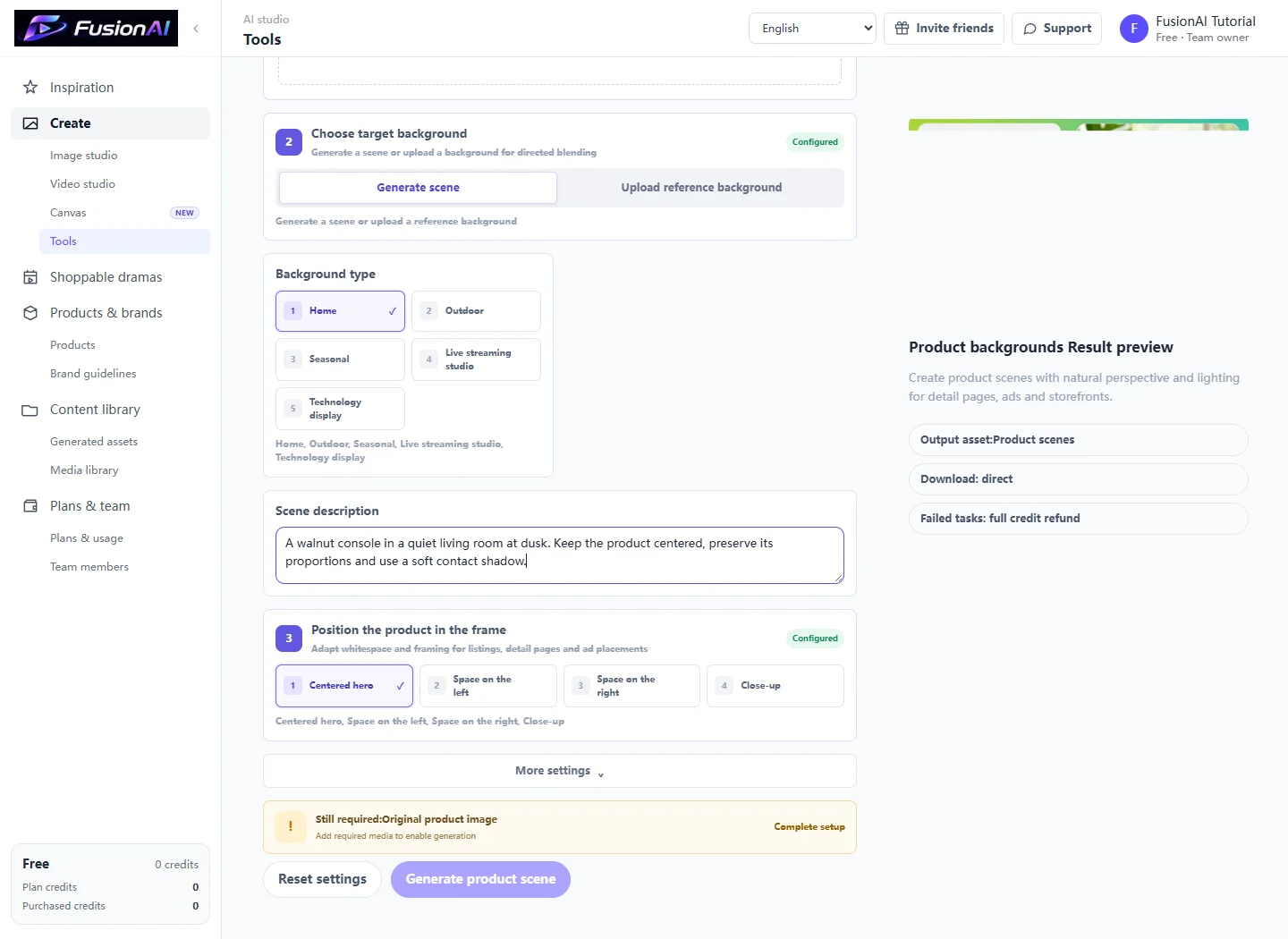
Use verified campaign terms for placements that permit them. Keep promotional text out of exports intended for restricted main-image slots.
Open Campaign poster generator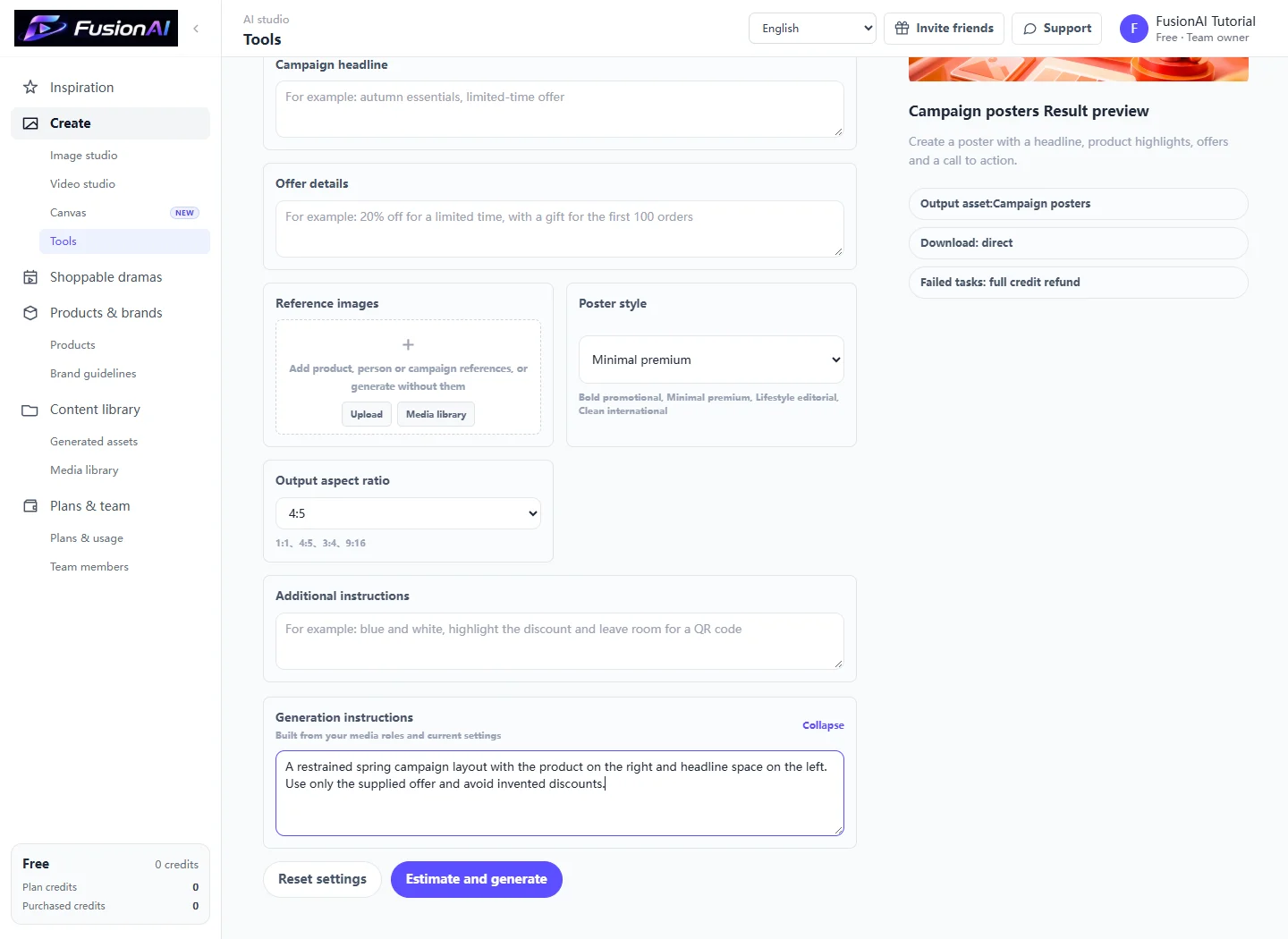
Keep a master reference node and separate channel branches. Inspect each branch’s crop, text and product identity before naming the selected output.
Open Canvas workflows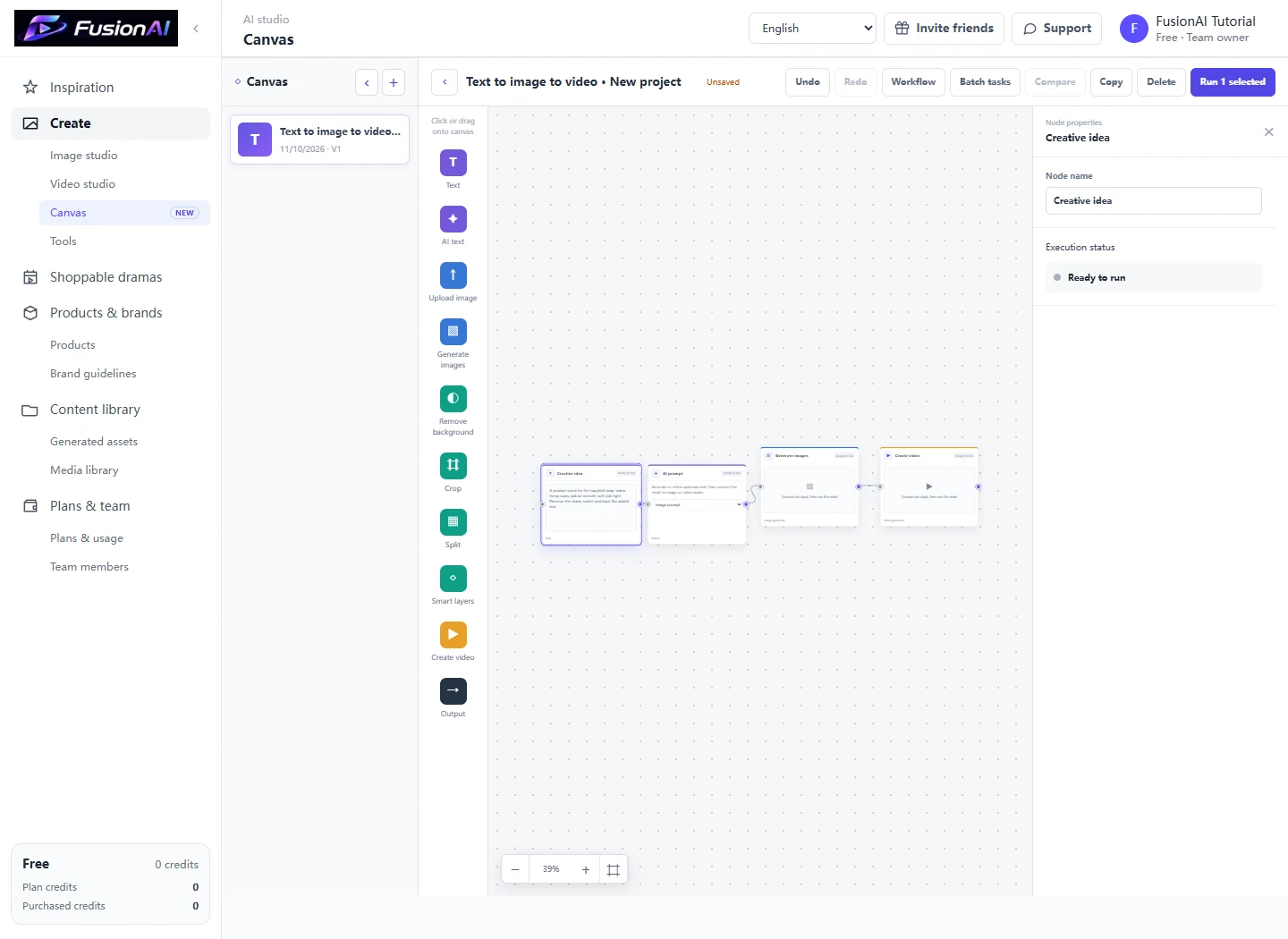
A lamp launch needs a product-only marketplace candidate, a branded store scene and a portrait campaign. Use the same approved lamp reference, but review each layout against its own placement rules and export with channel-specific names.
Open AI product image setsCheck the product is not cropped incorrectly, copy is legible and each channel’s rules are met.
Keep product identity stable while changing crop and context.
Apply the rule for the destination, not the easiest source channel.
Prevent older campaign versions from replacing current product evidence.
Plan hero, feature, lifestyle and detail images for one product. Adjust each image purpose, prompt, reference and output language.
 Explore product
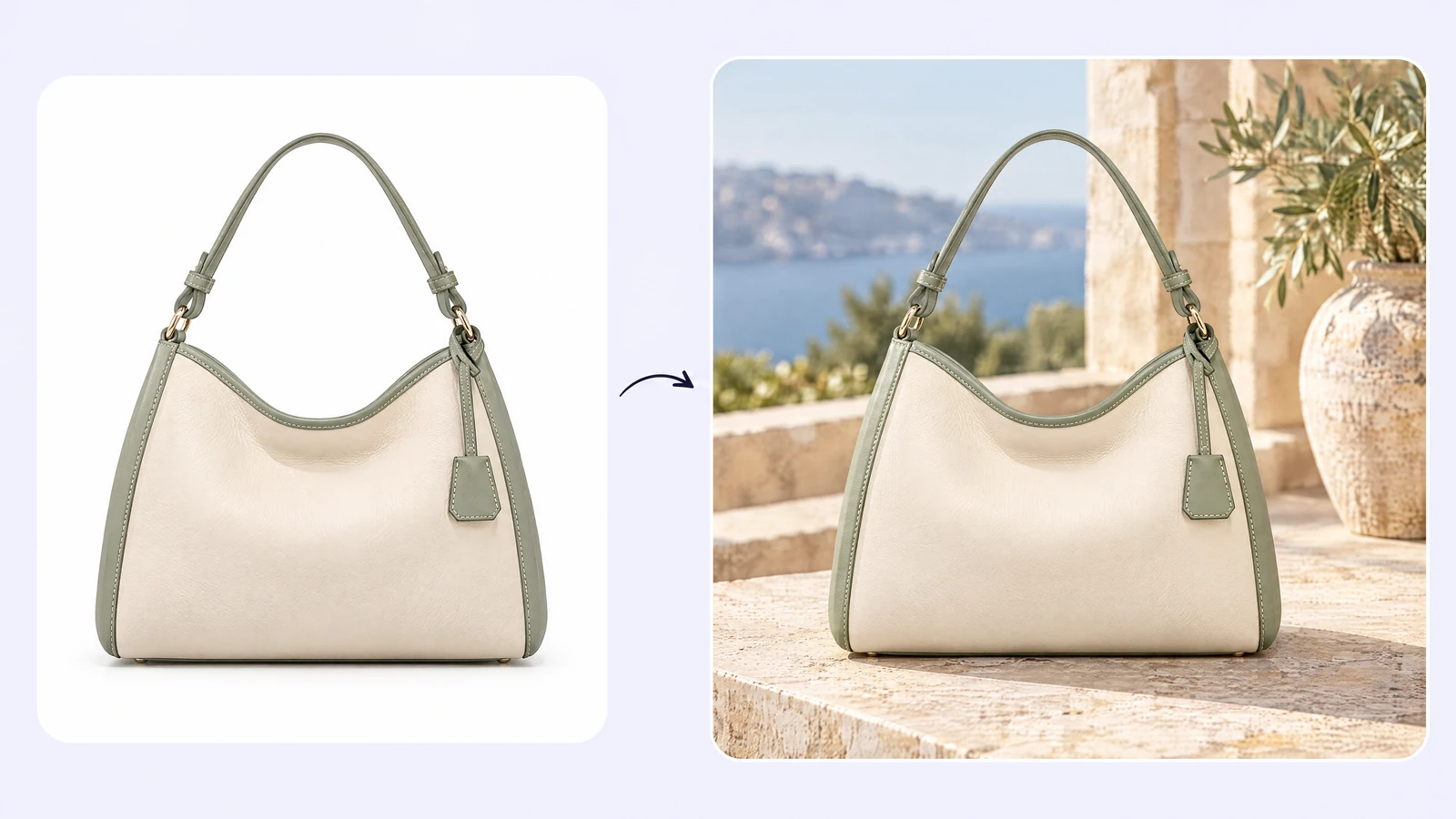
Place an existing product into a new setting, using a generated scene or reference background. Review scale, lighting, edges and contact shadows.
 Explore product
Build a poster from real campaign details, optional references and a chosen style. Verify prices, conditions, dates and generated text.
 Explore product
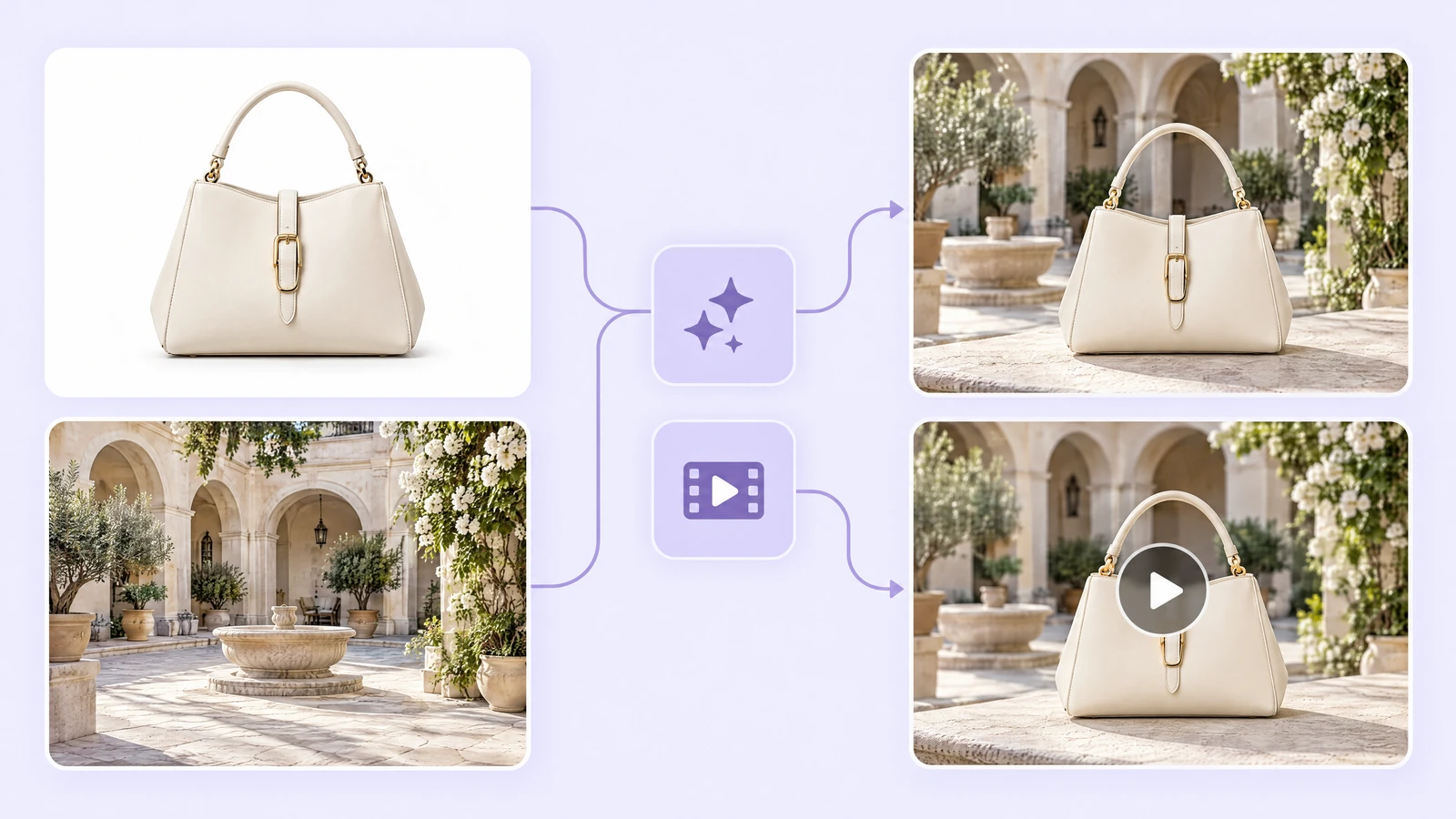
Connect text, uploaded references, image processing and video generation on a reusable creative canvas.
 Explore product
Only if it independently meets every destination’s rules and crop needs. Channel-specific versions are often clearer than forcing a universal asset.
The canvas organizes supported creative stages. Select and download approved files, then publish through each channel’s own workflow.
Channel-specific crops and layouts derived from a shared product brief.
Start with AI product image sets