Campaign poster generator
A campaign layout tied to approved commercial terms.

Turn one confirmed seasonal offer into a coordinated campaign pack with placement-specific layouts and reliable version control.

Choose the asset your next project needs
A campaign layout tied to approved commercial terms.
A seasonal product scene with accurate offer contents.
A selected motion asset aligned with the campaign look.
A traceable set of campaign-specific exports.
Approved campaign terms, offer dates, currency, product references and a shared seasonal palette.
Confirm dates, prices and applicable products before preparing the poster. Proofread offer terms independently from the generated decorative text.
Open Campaign poster generator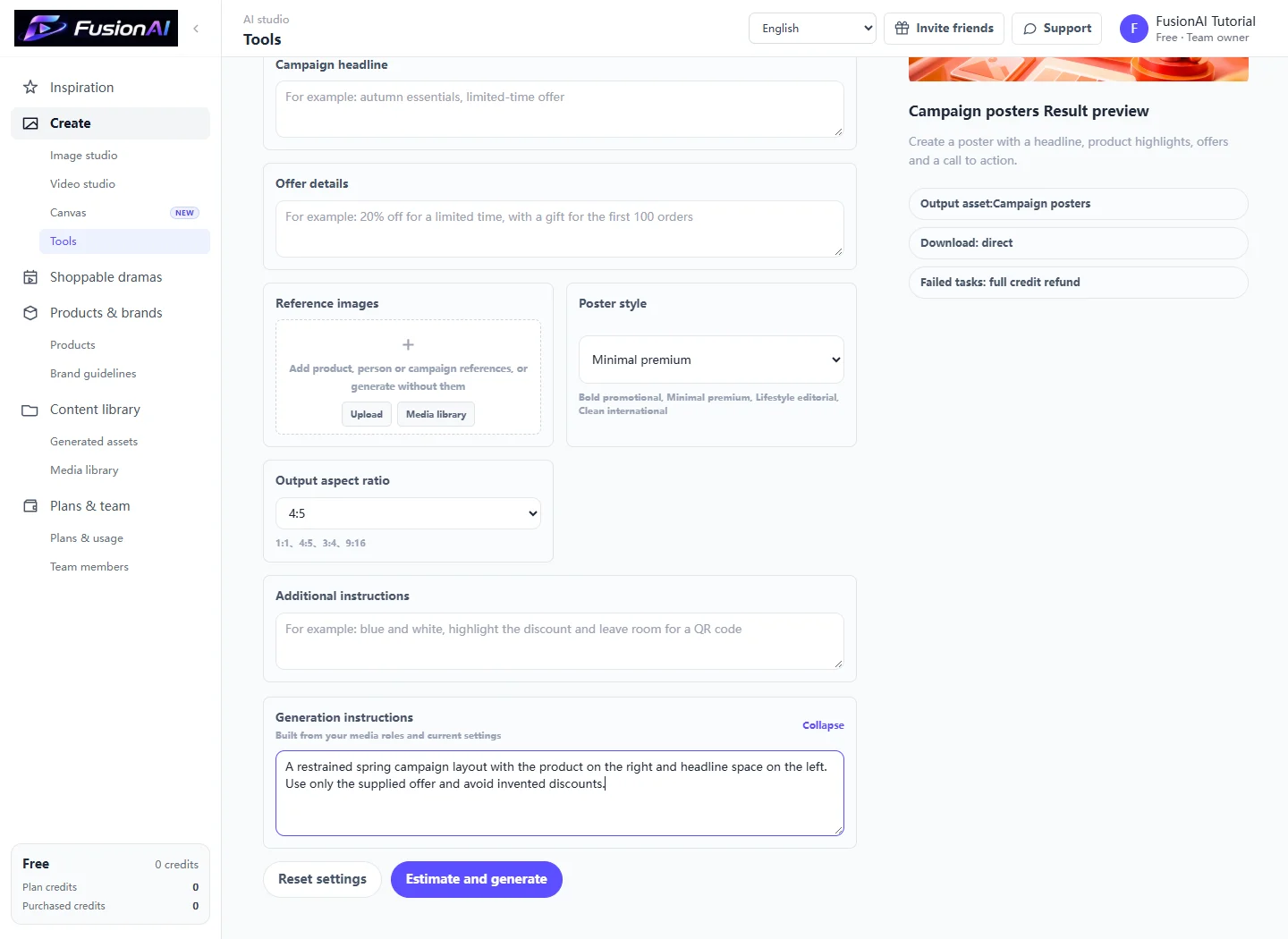
Build a seasonal setting from an approved product reference. Keep props from hiding labels or implying extra goods are part of the promotion.
Open Product background replacement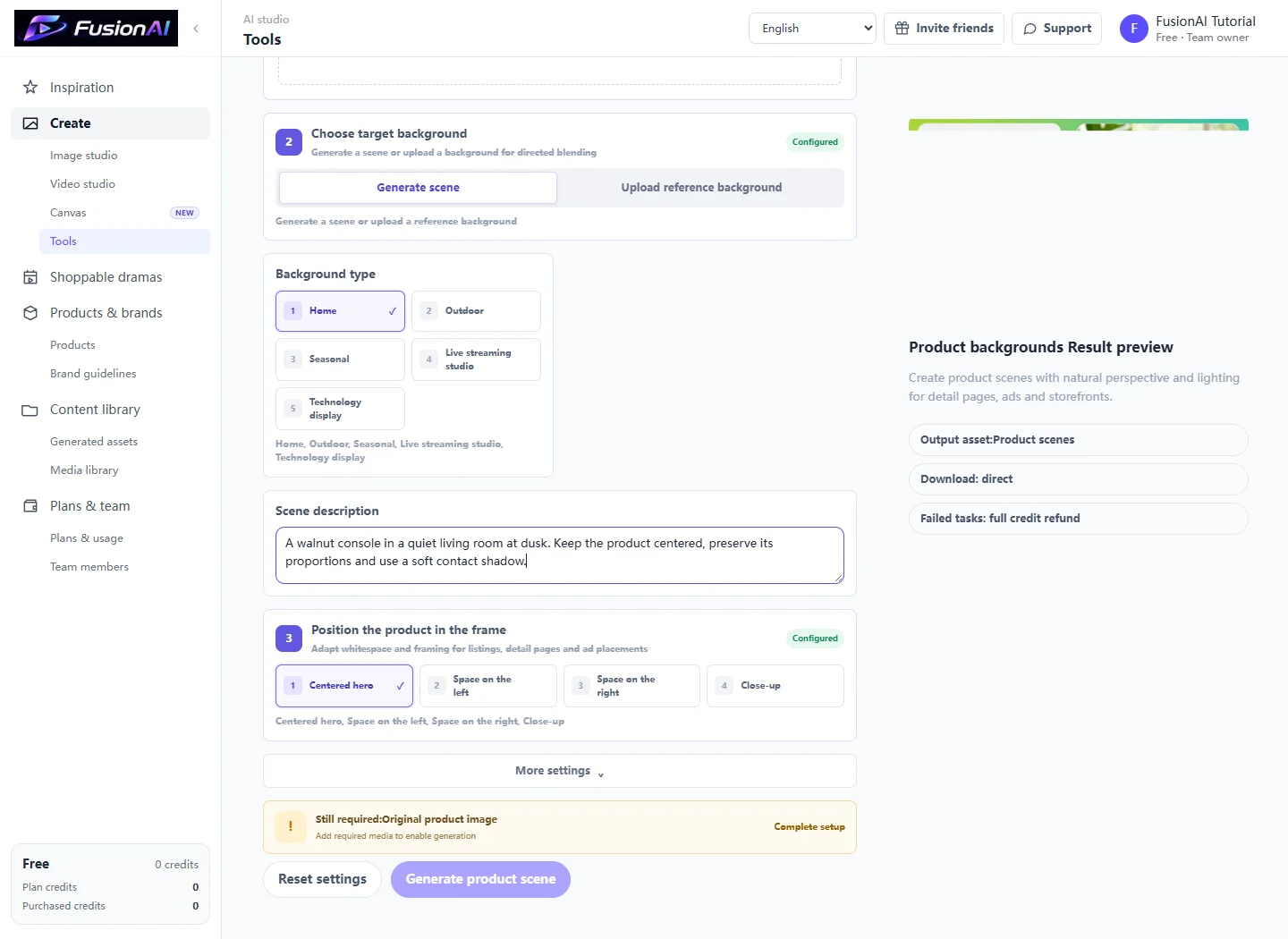
Select a reviewed still and one action that fits the campaign. Check the whole clip for changing packaging, disappearing offer text and altered products.
Open AI video creation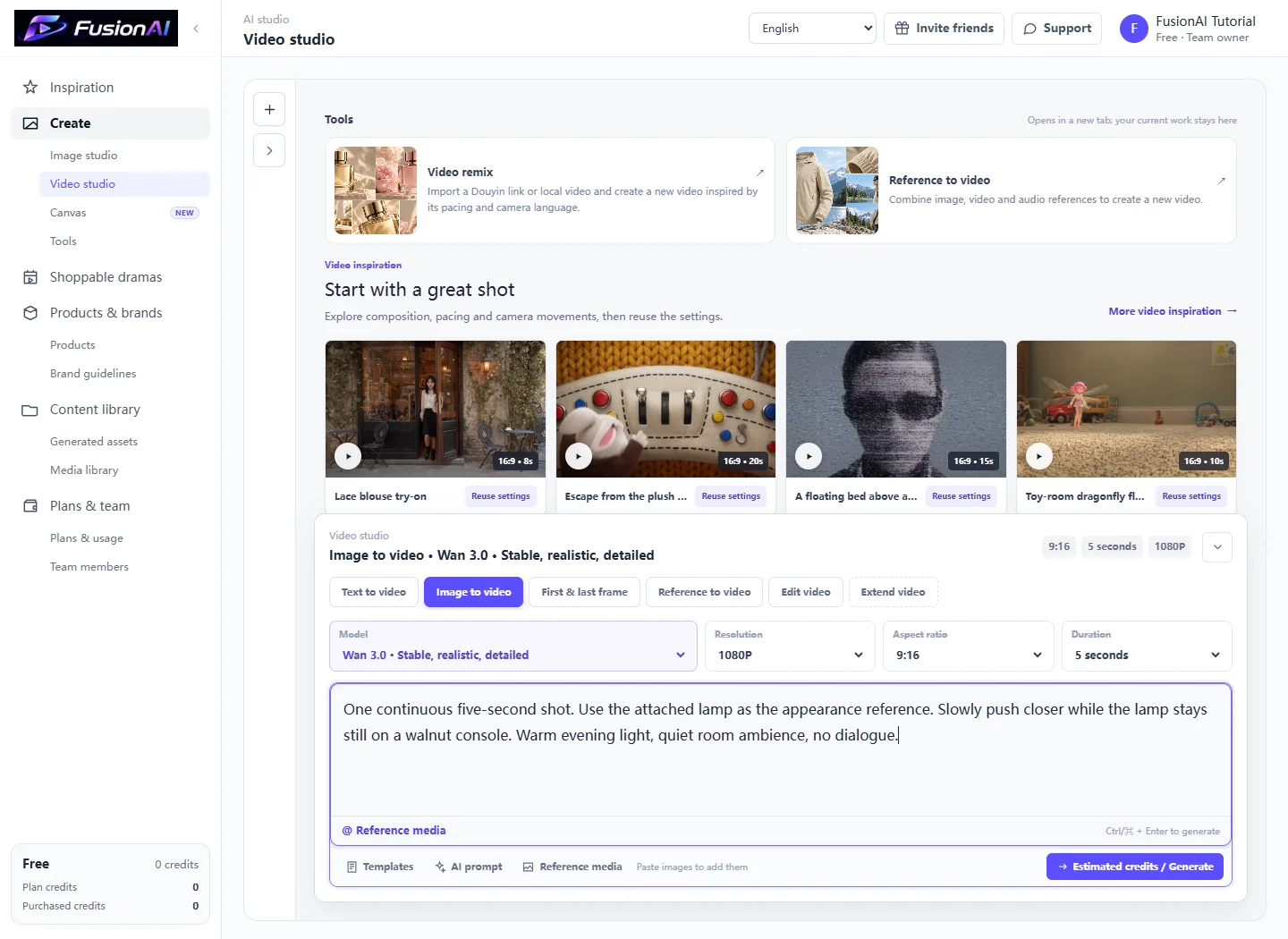
Connect approved references and creative stages in a reusable canvas. Name final exports by campaign, placement and version so expired offers are easy to identify.
Open Canvas workflows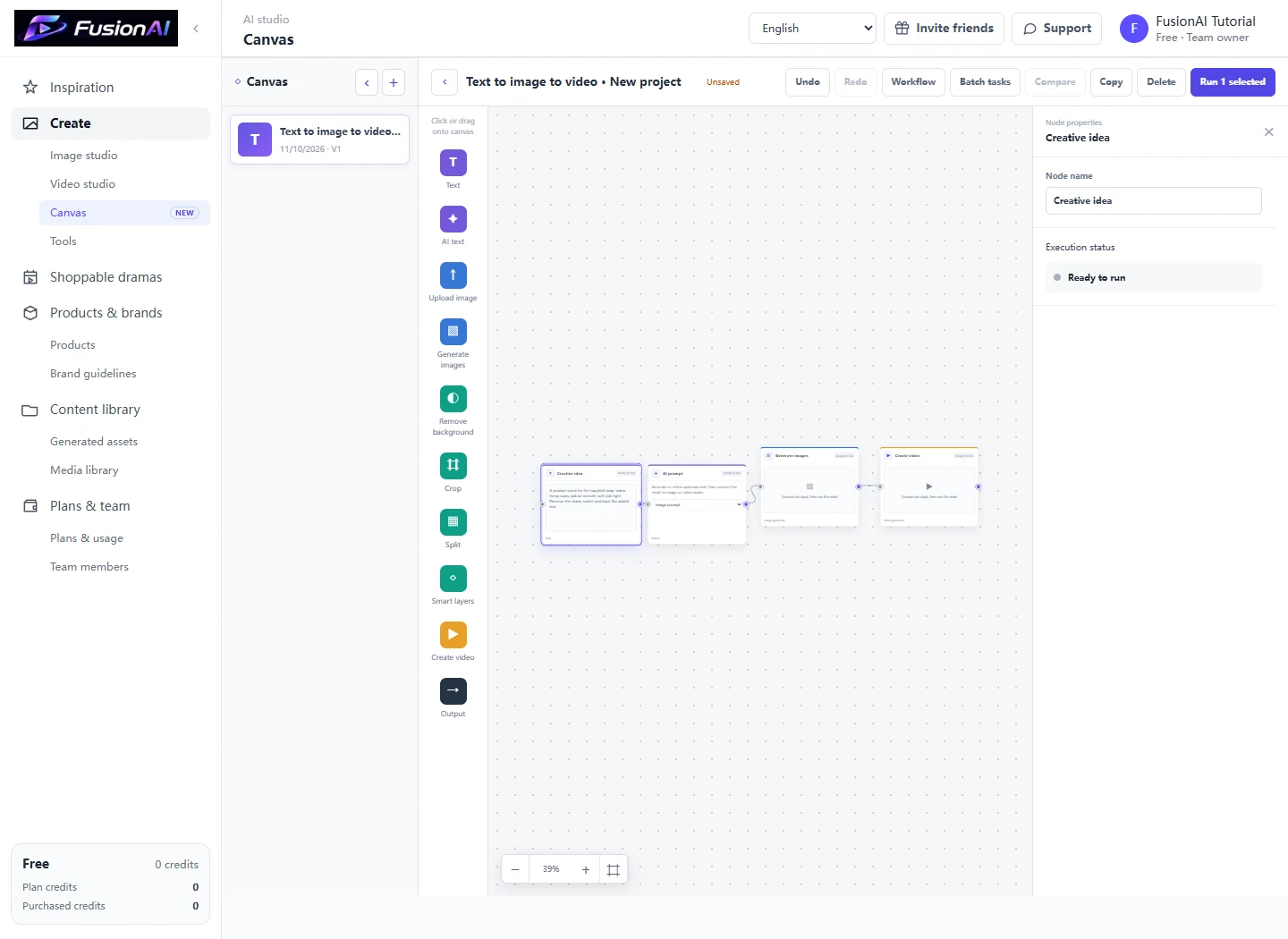
For a winter gift launch, confirm the actual bundle and offer dates first. Build a warm indoor scene, a square store card and a portrait campaign layout, keeping the same product references and approved wording.
Open Campaign poster generatorProofread the offer, dates and currency; check that variations do not invent discounts or scarcity claims.
Verify offer dates and products in every exported placement.
Maintain text legibility within the intended mobile crop.
Remove expired campaign versions from the publishing handoff.
Build a poster from real campaign details, optional references and a chosen style. Verify prices, conditions, dates and generated text.
 Explore product
Place an existing product into a new setting, using a generated scene or reference background. Review scale, lighting, edges and contact shadows.
 Explore product
Turn text, images and supported multimodal references into individual video shots.
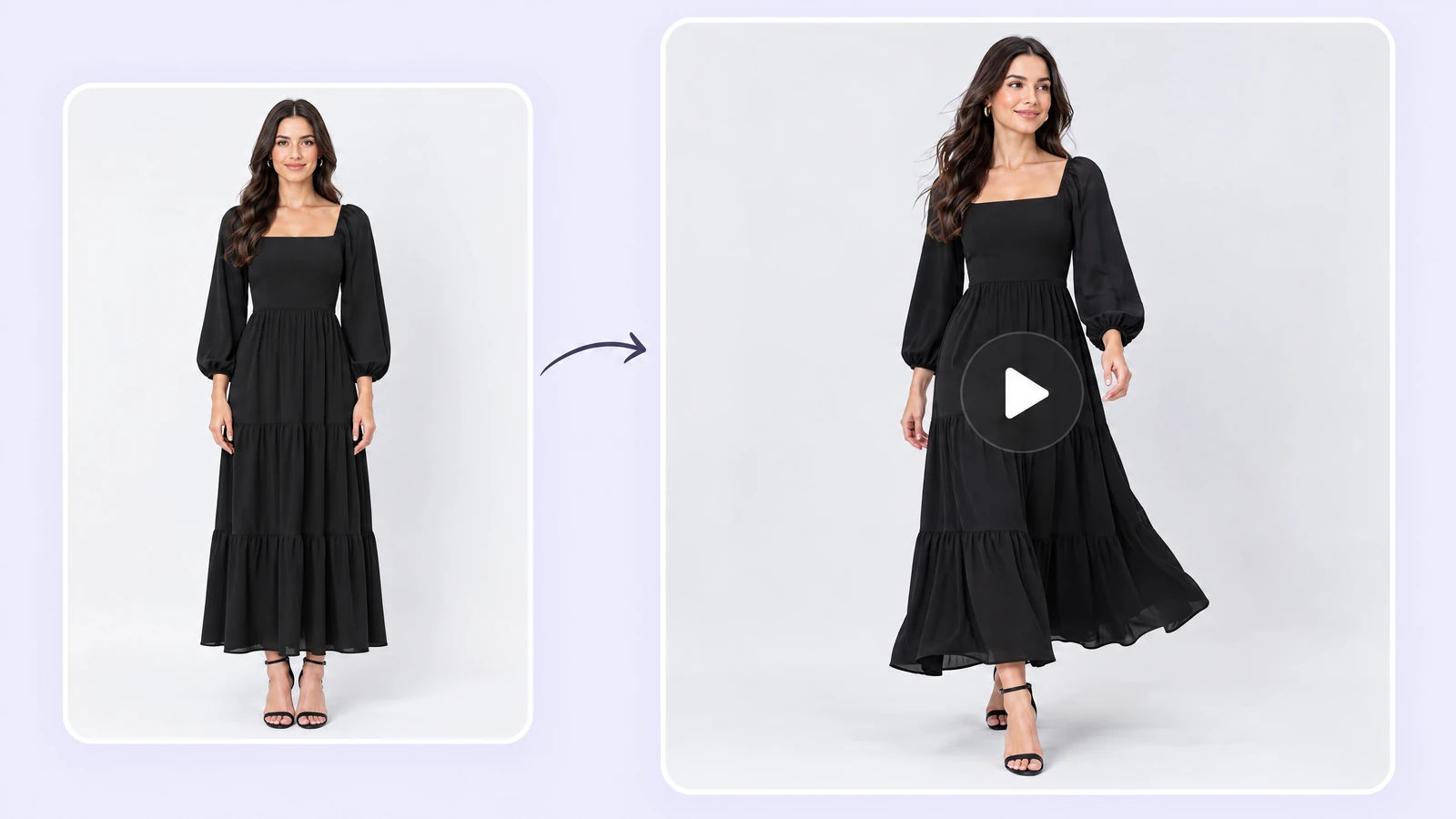 Explore product
Connect text, uploaded references, image processing and video generation on a reusable creative canvas.
 Explore product
Check each crop and text-safe area. A clear square layout may need a different composition for portrait or wide placements.
Confirm the new terms before producing new versions, then recheck every export. Editing a source brief does not update files already downloaded or published.
A campaign still, poster layout and short motion variation around one message.
Start with Campaign poster generator