Product background replacement
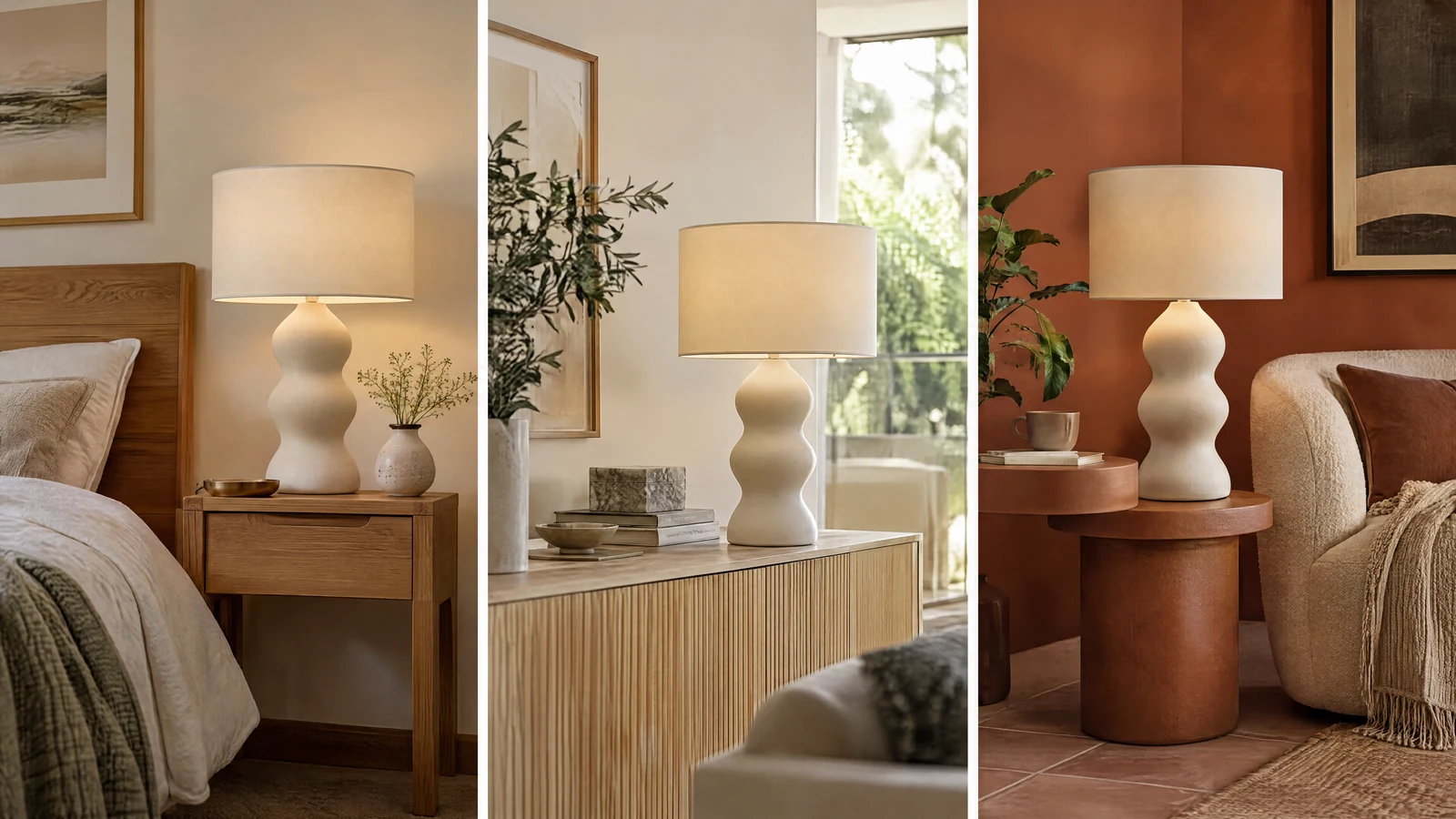
A room scene directed by a specific use situation.

Show how a home product belongs in a real space while keeping dimensions, material and included objects understandable.
Choose the asset your next project needs
A room scene directed by a specific use situation.
A material and lighting treatment consistent with the setting.
A gallery linking room context to real product details.
A short room-context clip based on a checked scene.
A product reference, real dimensions, material details and a room brief.
Describe the placement, surrounding furniture and intended use. Supply actual dimensions so the scene brief does not rely on an imagined product scale.
Open Product background replacement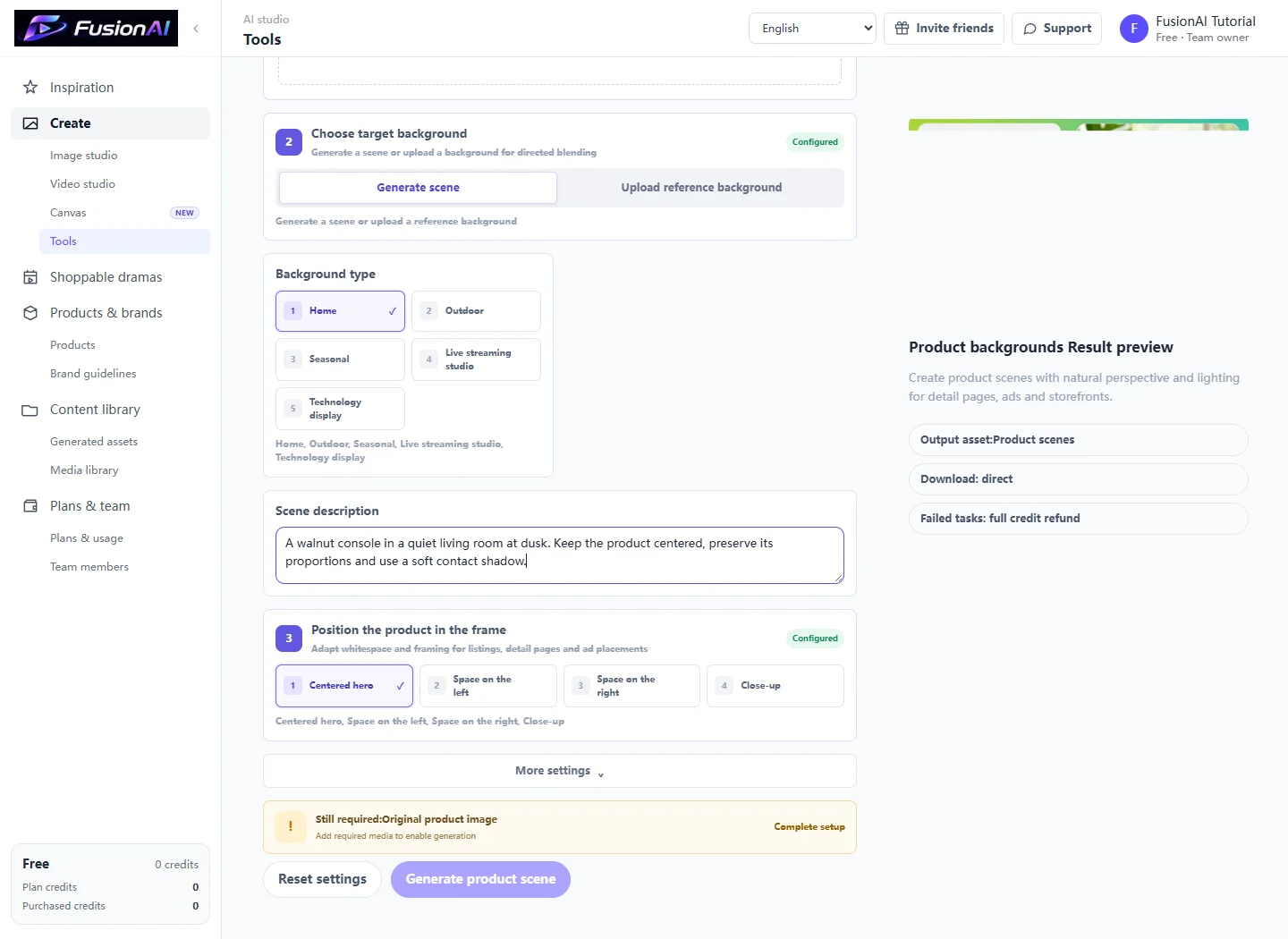
Check contact shadows, reflected light and the product’s own light source where applicable. Compare surface finish with the neutral product reference.
Open AI product lighting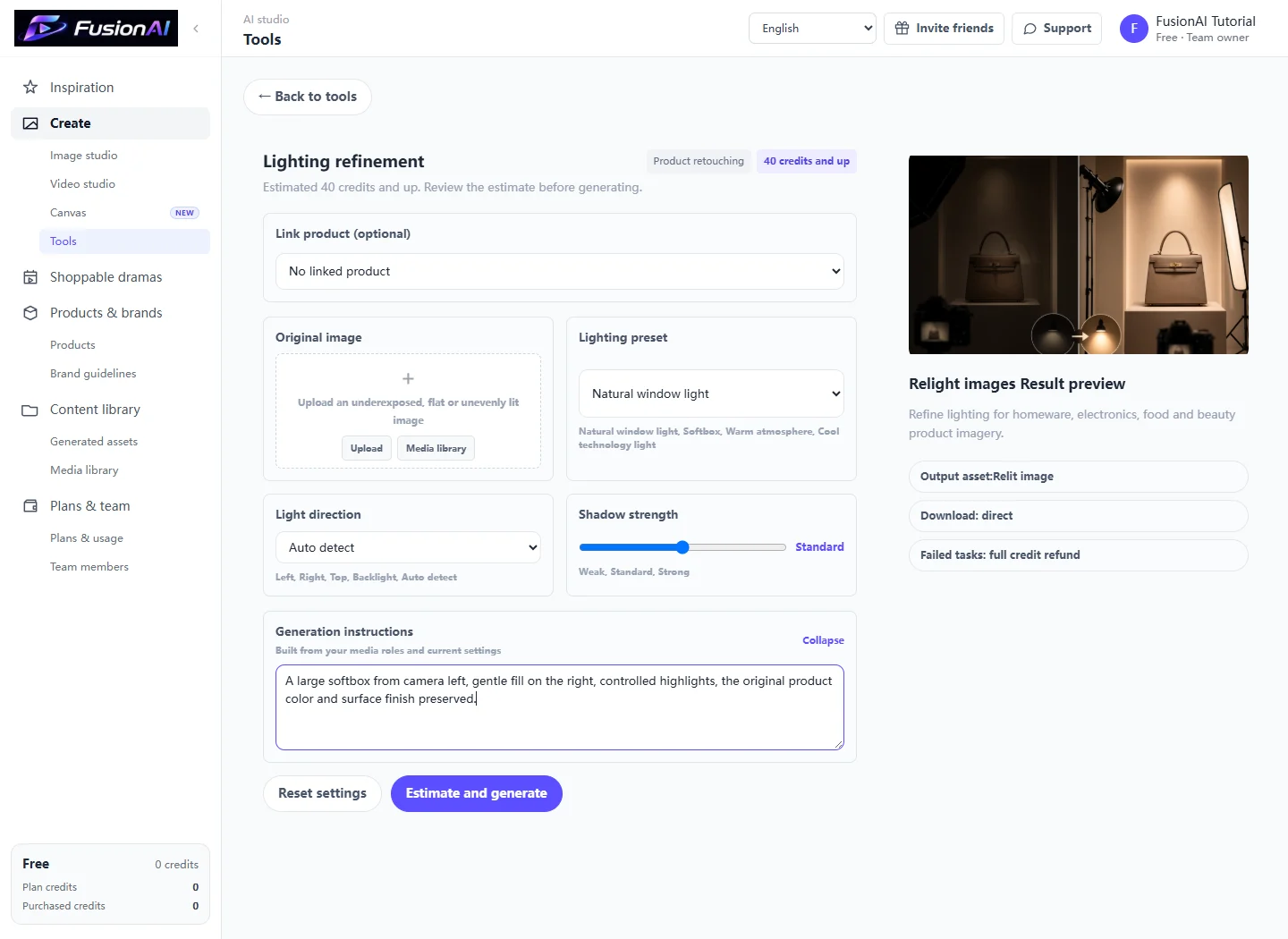
Plan original views of controls, mounting points and supplied parts separately from the room image. Keep measurements legible in verified product copy.
Open AI product image sets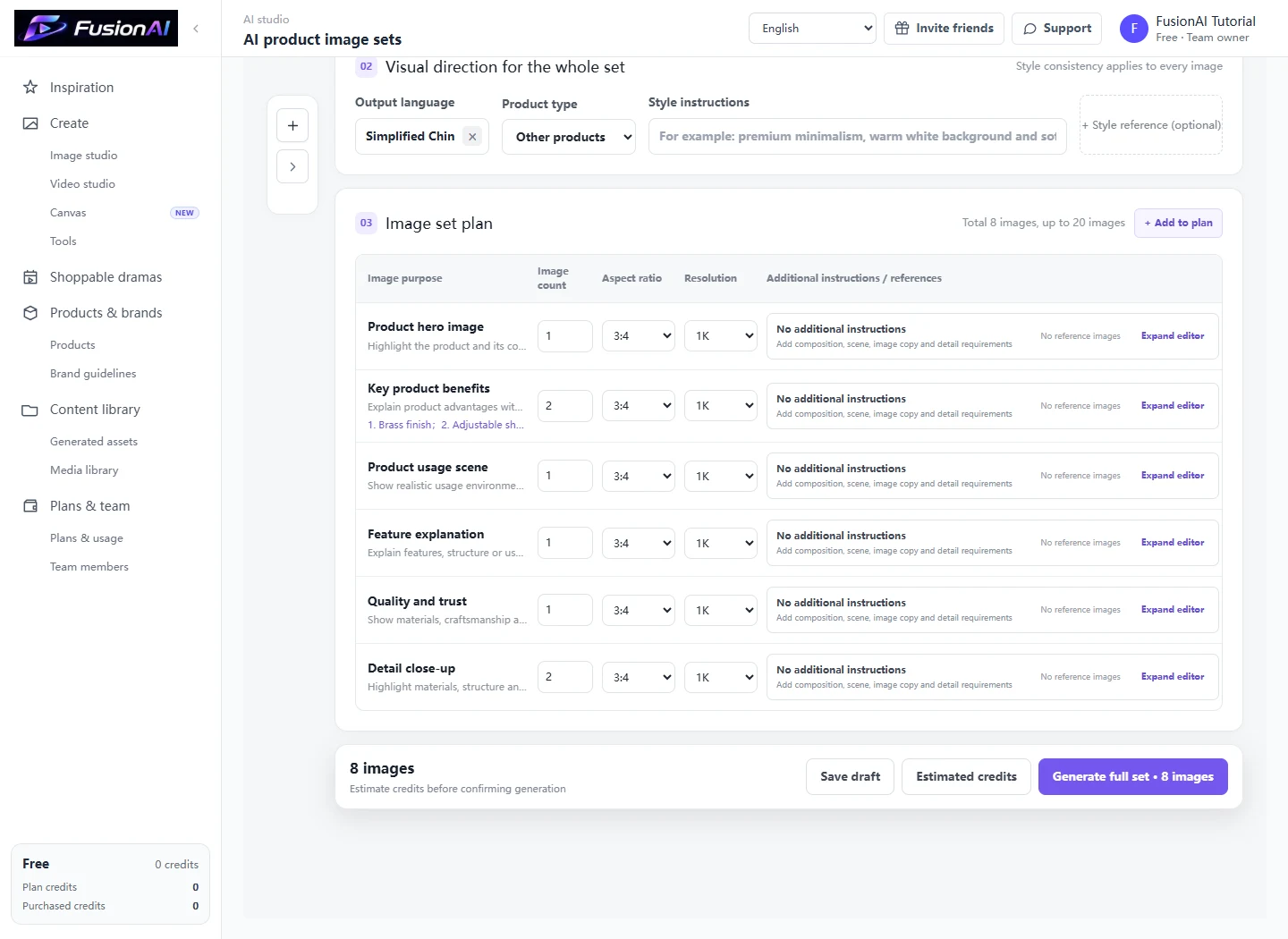
Animate an approved room still with one restrained camera move or real product action. Check that furniture scale and product geometry remain stable.
Open AI video creation
Place a reading lamp beside an armchair using its actual dimensions. Keep the real shade, switch and base unchanged, with warm light reaching the book. Show separate original detail views for controls and assembly.
Open Product background replacementCheck scale against furniture, product proportions, contact shadows and items implied as included.
Compare scale against actual dimensions rather than surrounding furniture alone.
Make clear which furniture and props are not included.
Inspect contact shadows and support points at full size.
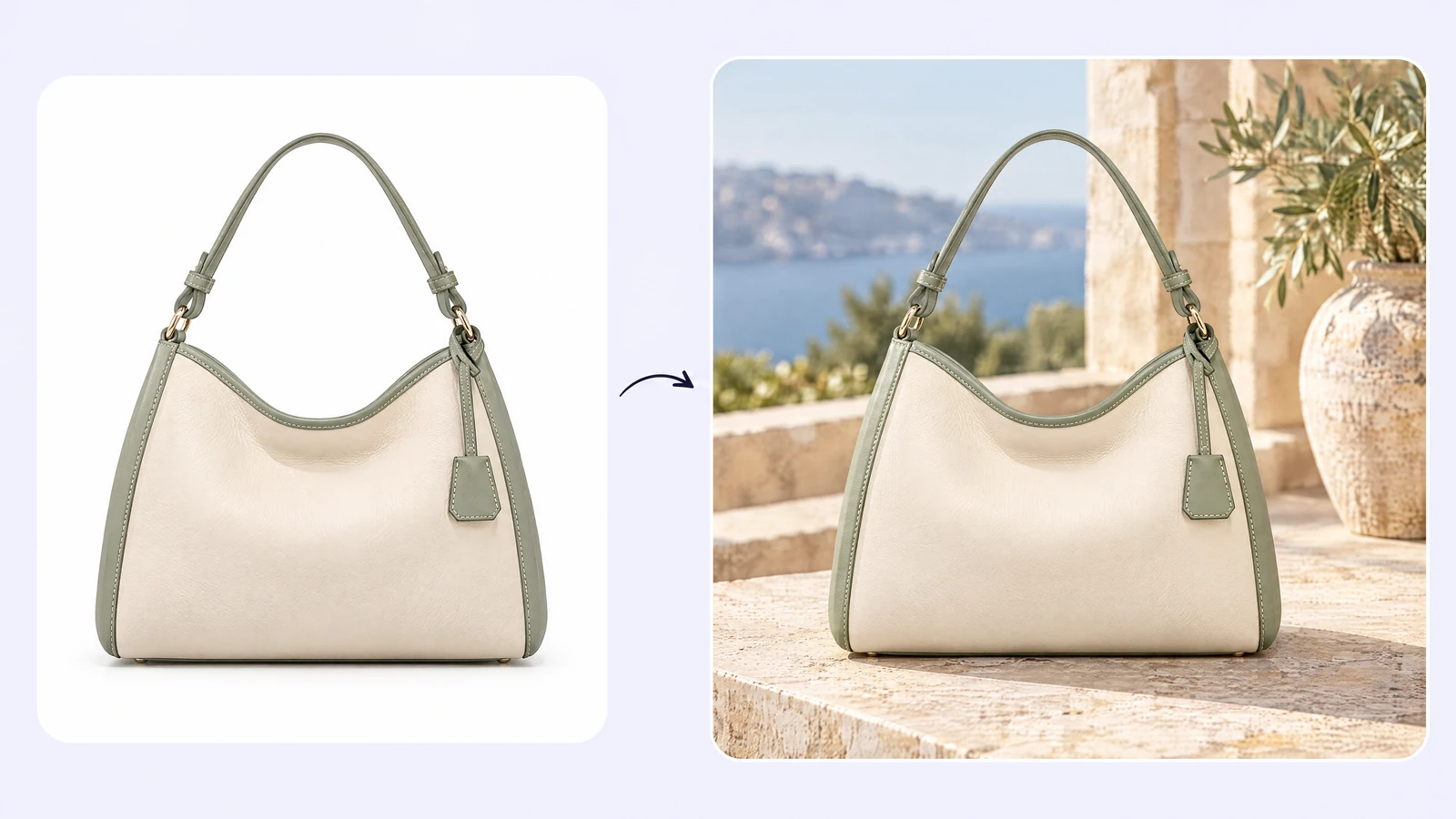
Place an existing product into a new setting, using a generated scene or reference background. Review scale, lighting, edges and contact shadows.
 Explore product
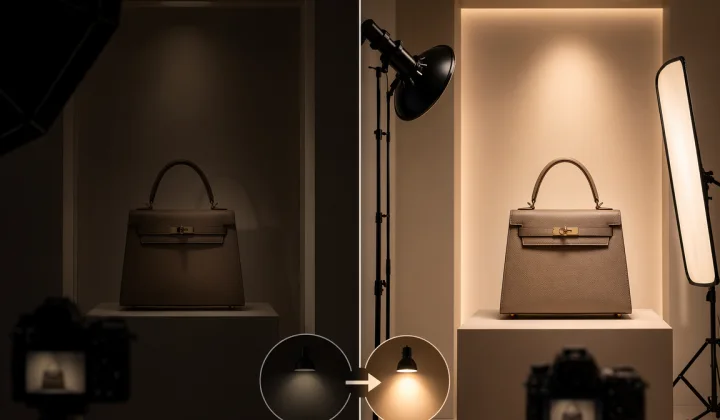
Explore window light, softbox and other available lighting treatments. Check the resulting color and material appearance.
 Explore product
Plan hero, feature, lifestyle and detail images for one product. Adjust each image purpose, prompt, reference and output language.
 Explore product
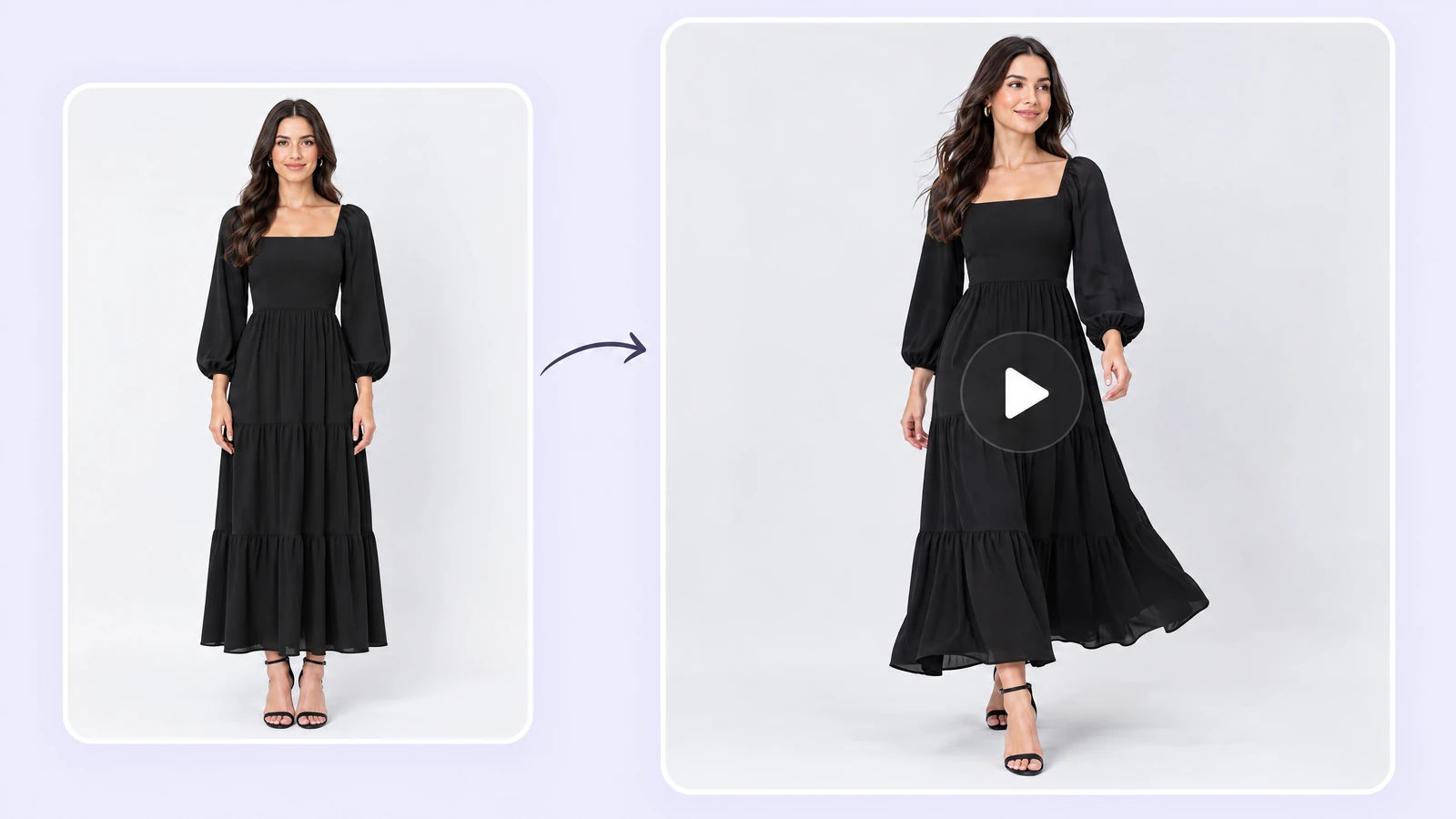
Turn text, images and supported multimodal references into individual video shots.
 Explore product
No. Use actual dimensions for planning purchases and installation. The room scene provides context and may distort relative scale.
Choose a camera move or product action that clarifies placement and use. Avoid complex motion that hides controls or changes the item’s structure.
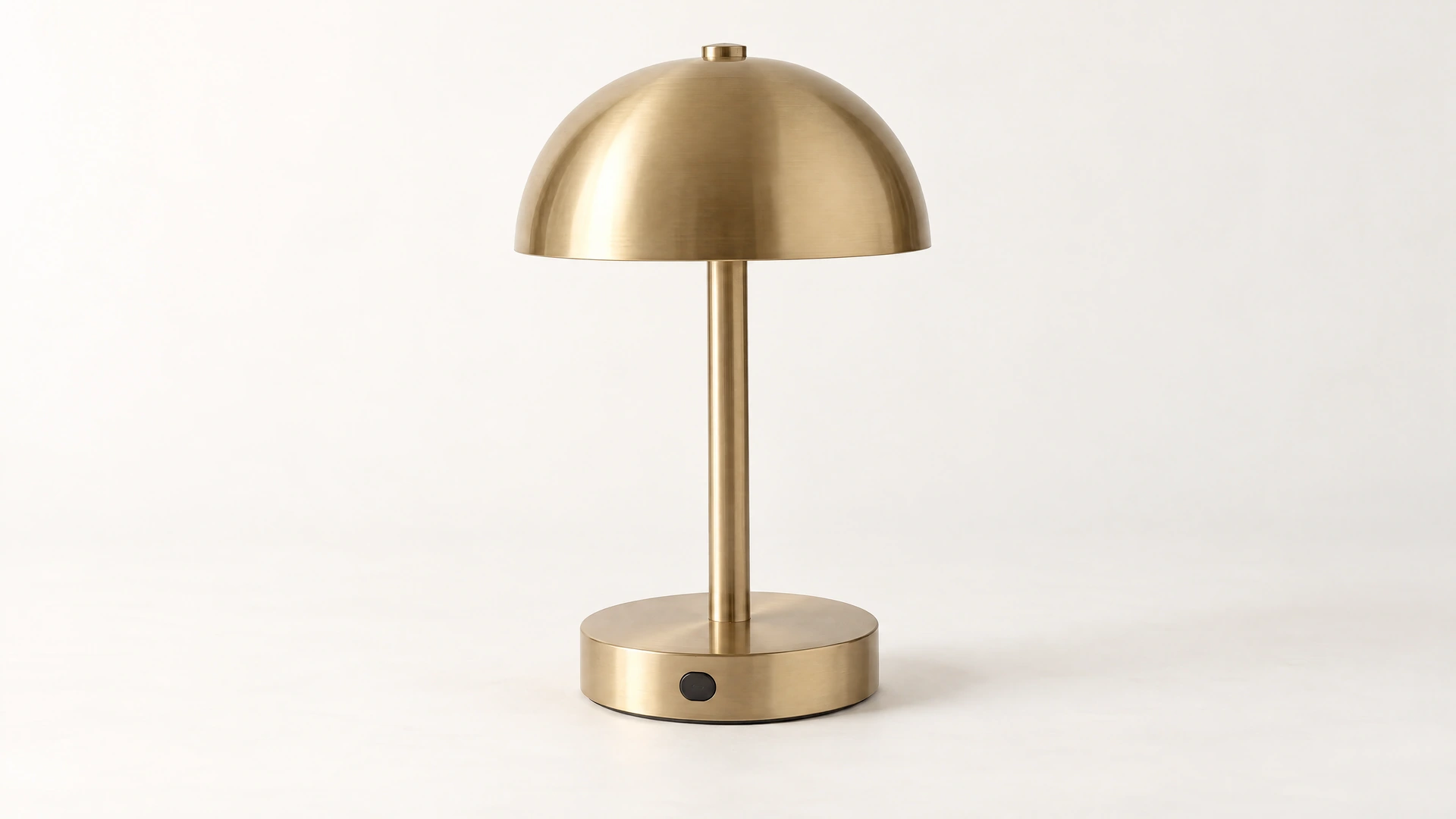
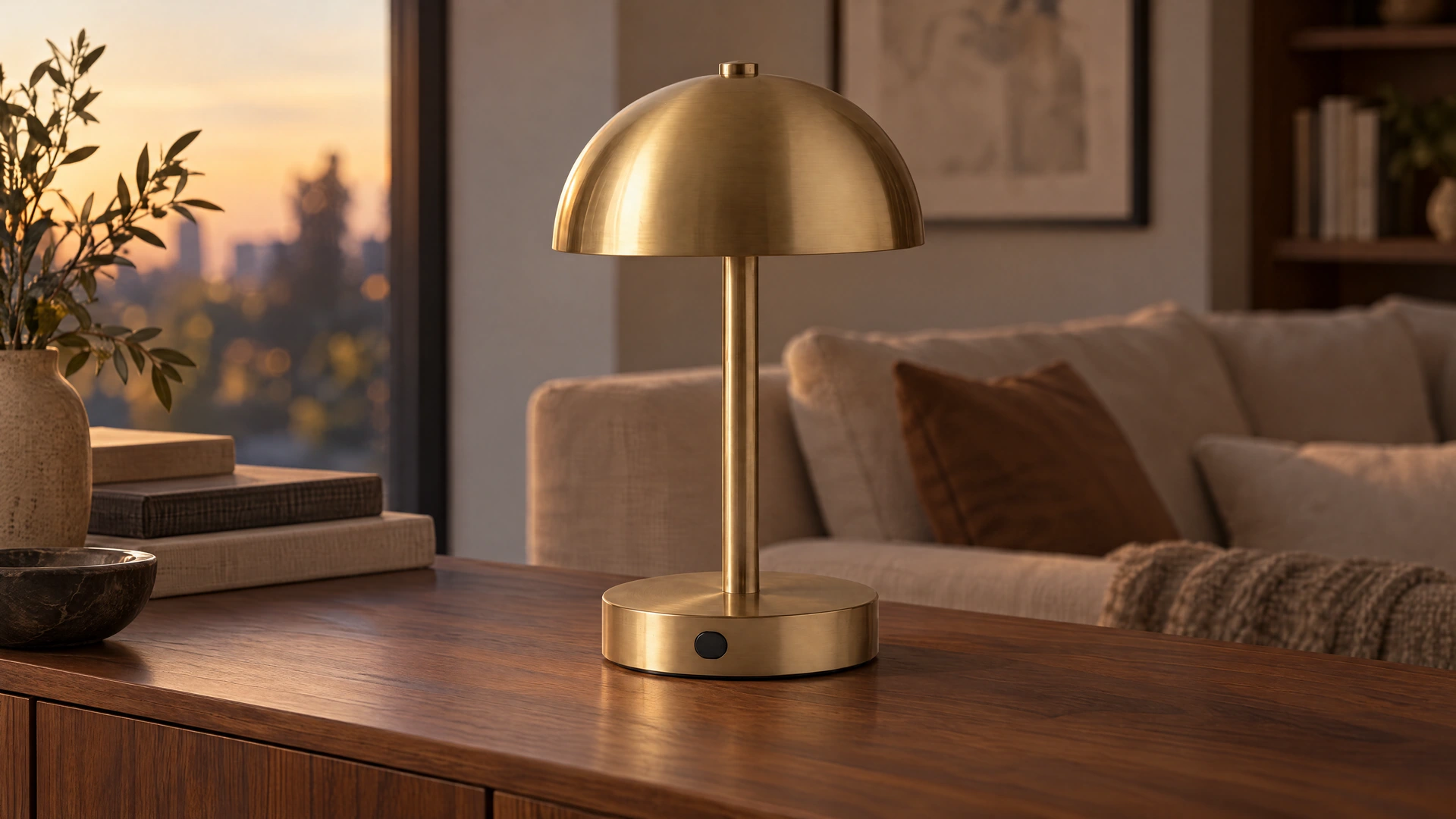
Model: GPT Image 2.5 Sunburst · FusionAI Open API
Parameters: Requested: 4K, 3840 × 2160, high quality, 1 image. Received: 3840 × 2160.
Use the attached original lamp as the exact product reference. Keep the dome profile, top knob, thin stem, circular base, front dark button and champagne-brass material unchanged. Place this same lamp, switched off, on a walnut console in a calm real living room at dusk. A linen sofa and softly defocused books may appear in the background, no other lamps. Warm window side light, accurate natural contact shadow and restrained metal reflections. Photograph at the same three-quarter angle and approximate relative lamp proportions as the reference. The lamp is the main subject, fully visible with breathing room, realistic high-end interior editorial photograph. No labels, branding, text, diagrams, extra lamp parts or collage. Landscape 16:9.
Review findings: The edited image carries over the dome, top knob, stem, round base and front button. The new console has a visible contact shadow, while the room changes the reflected color of the metal.
Limitations: This is an original synthetic product reference and an actual model edit through FusionAI Open API. It is not a customer case or a test of exact physical dimensions. Compare the product and lighting before commercial use.
Model: Wan 3.0 · FusionAI Video studio
Parameters: Image to video; 5 seconds; 16:9; 1K setting. Verified file: 1280 × 720, 30 fps, 5.000 s, no audio track. Displayed estimate: 500 credits for this test.
Use the attached brass table lamp as the exact first-frame subject. A single continuous five-second product shot: a slow, gentle camera push towards the lamp, which remains stationary on its neutral studio surface. Preserve the dome shade, top knob, slim stem, circular base, dark front button and brushed brass material. Soft stable side lighting and realistic shadows. No people, no speech, no music, no text, no added objects. End on a steady close view.
Review findings: The completed clip starts from the attached lamp, keeps one continuous shot and moves gradually closer. The five-second file plays through to the final frame without an audio track. The framing moves towards the base; the shade leaves the frame as the shot becomes a detail view.
Limitations: This controlled test uses a synthetic product reference. It does not establish the behavior of every duration or model. Compare the full clip for changes in product shape and reflections; the 500-credit estimate applies to the recorded model and settings, not a fixed price for all videos.
Read the full example and task record →
Task record: 6344a5bf-e779-4b8f-a895-6d0ace134b21 · Checked: 2026-11-10
A room scene, a detail still and an optional short atmospheric shot.
Start with Product background replacement