AI image creation
An approved source pack for one brand and brief.

Make multi-brand creative production reusable without mixing client products, approvals or visual guidelines.
Choose the asset your next project needs
An approved source pack for one brand and brief.
A deliverable plan with explicit review responsibilities.
A reusable structure with client-specific references.
A reviewed handoff with traceable creative versions.
Client-approved product records, brand direction, source rights and an output checklist.
Keep approved product references, factual claims and brand direction together before exploring visuals. Do not start a new client brief from another client’s product image.
Open AI image creation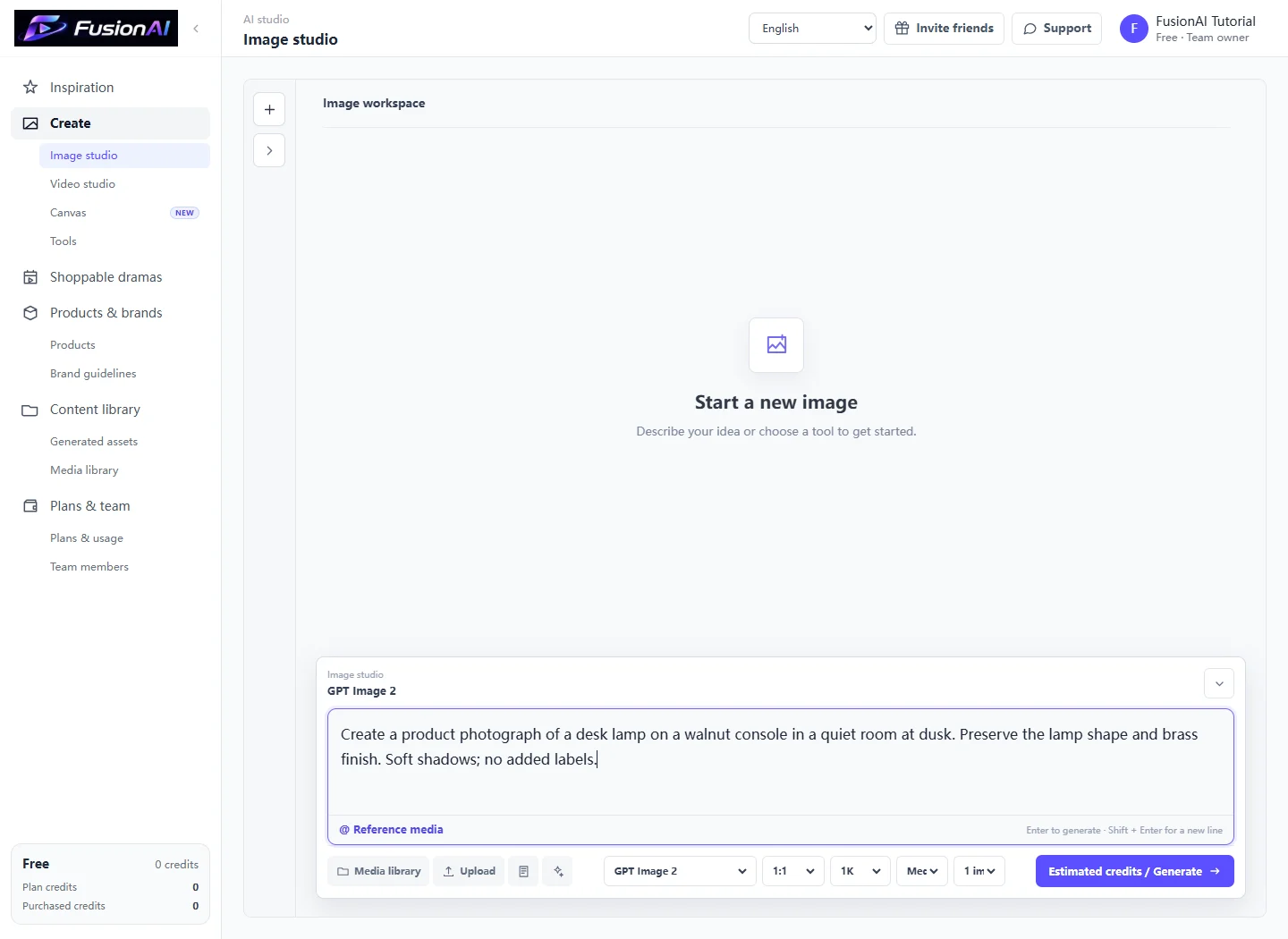
Plan what each image must communicate and who approves its facts, design and use rights. Keep revisions tied to the exact product and campaign.
Open AI product image sets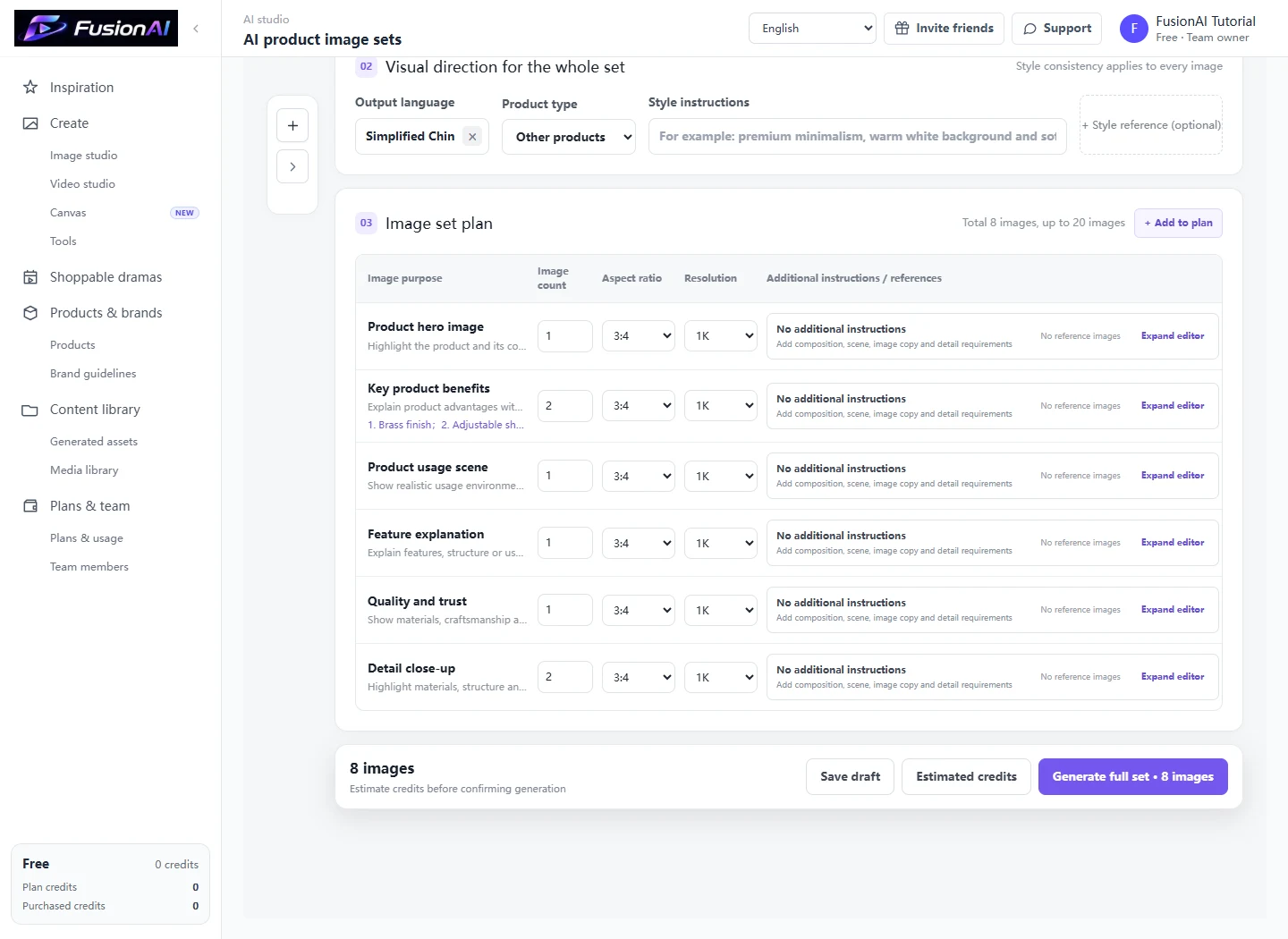
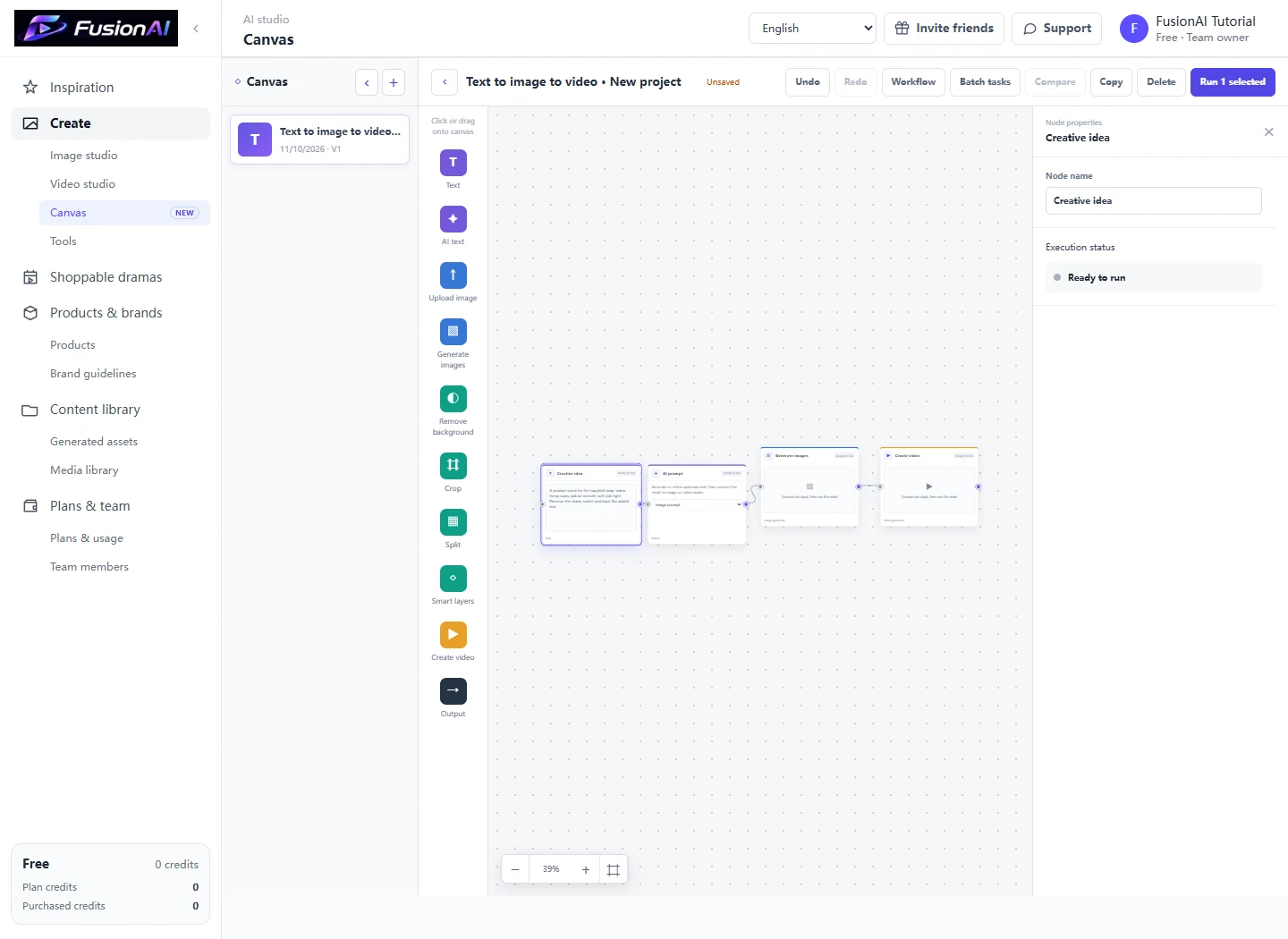
Save supported creative stages in a reusable canvas. Review all reference nodes and text before running it for a different client or product.
Open Canvas workflowsReview complete clips against the approved brief. Keep selected versions, references and factual notes beside the files sent to the client’s publishing team.
Open AI video creation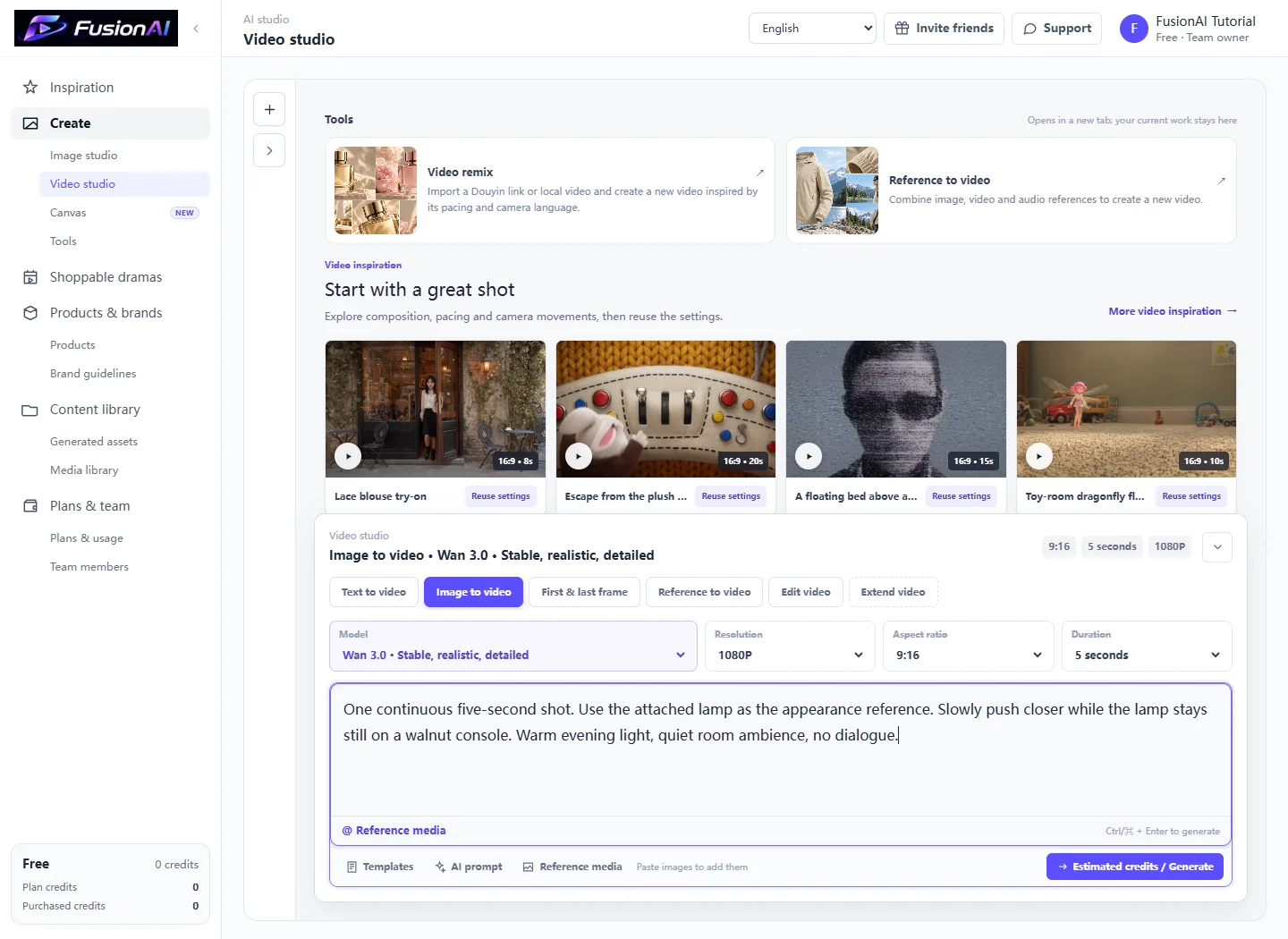
An agency preparing two skincare launches should keep separate package references, claim approvals and brand palettes. Reuse the canvas structure, replace every client-specific input and record which output version each brand approved.
Open AI image creationCheck client separation, asset sources, current brand rules and per-stage model settings and estimates.
Check for cross-client references and inherited campaign wording.
Record the selected version rather than an ambiguous latest file.
Separate factual approval from creative preference and publication.
Create product scenes, campaign visuals and image variations from your brief and supported reference images.
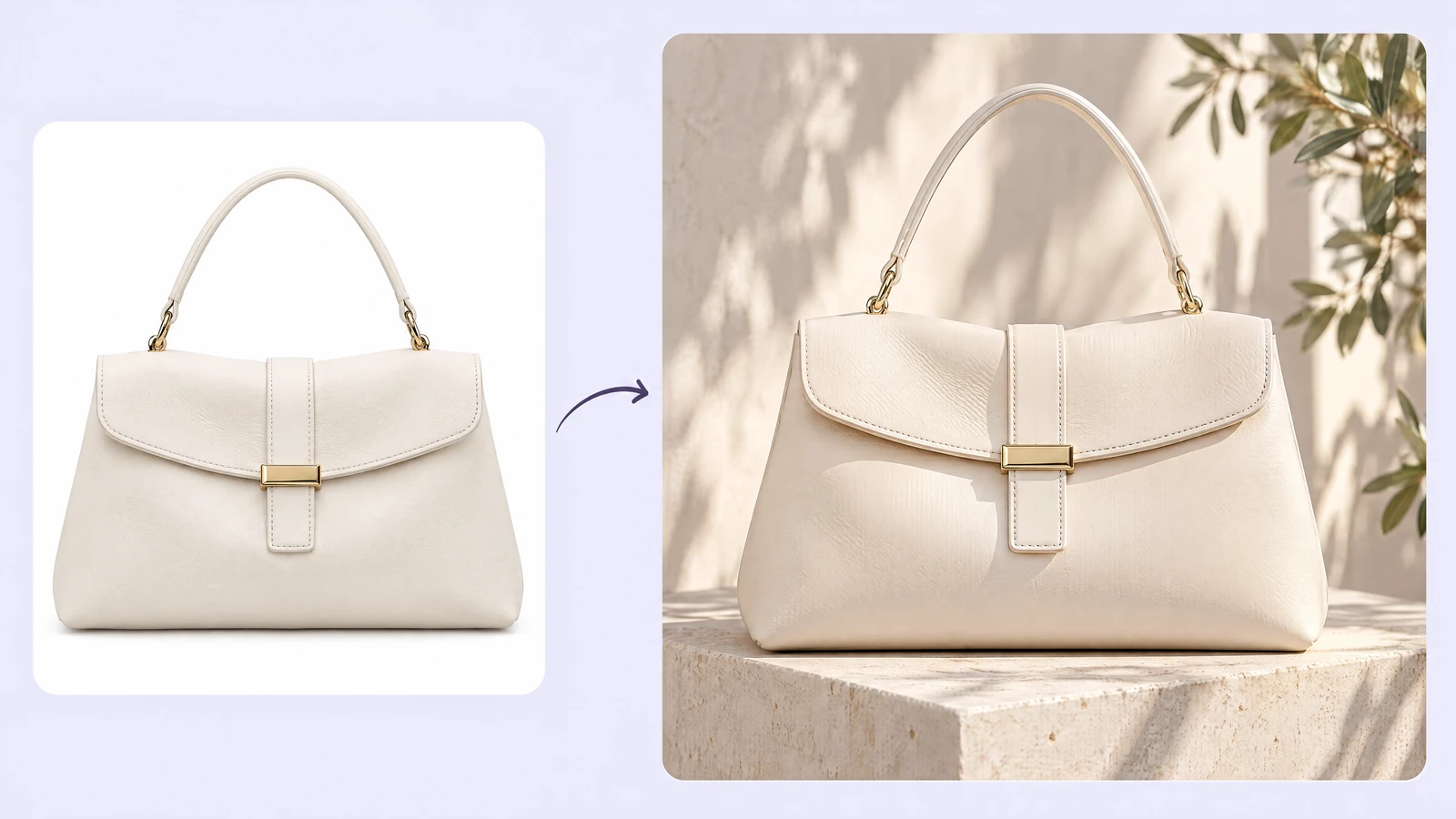 Explore product
Plan hero, feature, lifestyle and detail images for one product. Adjust each image purpose, prompt, reference and output language.
 Explore product
Connect text, uploaded references, image processing and video generation on a reusable creative canvas.
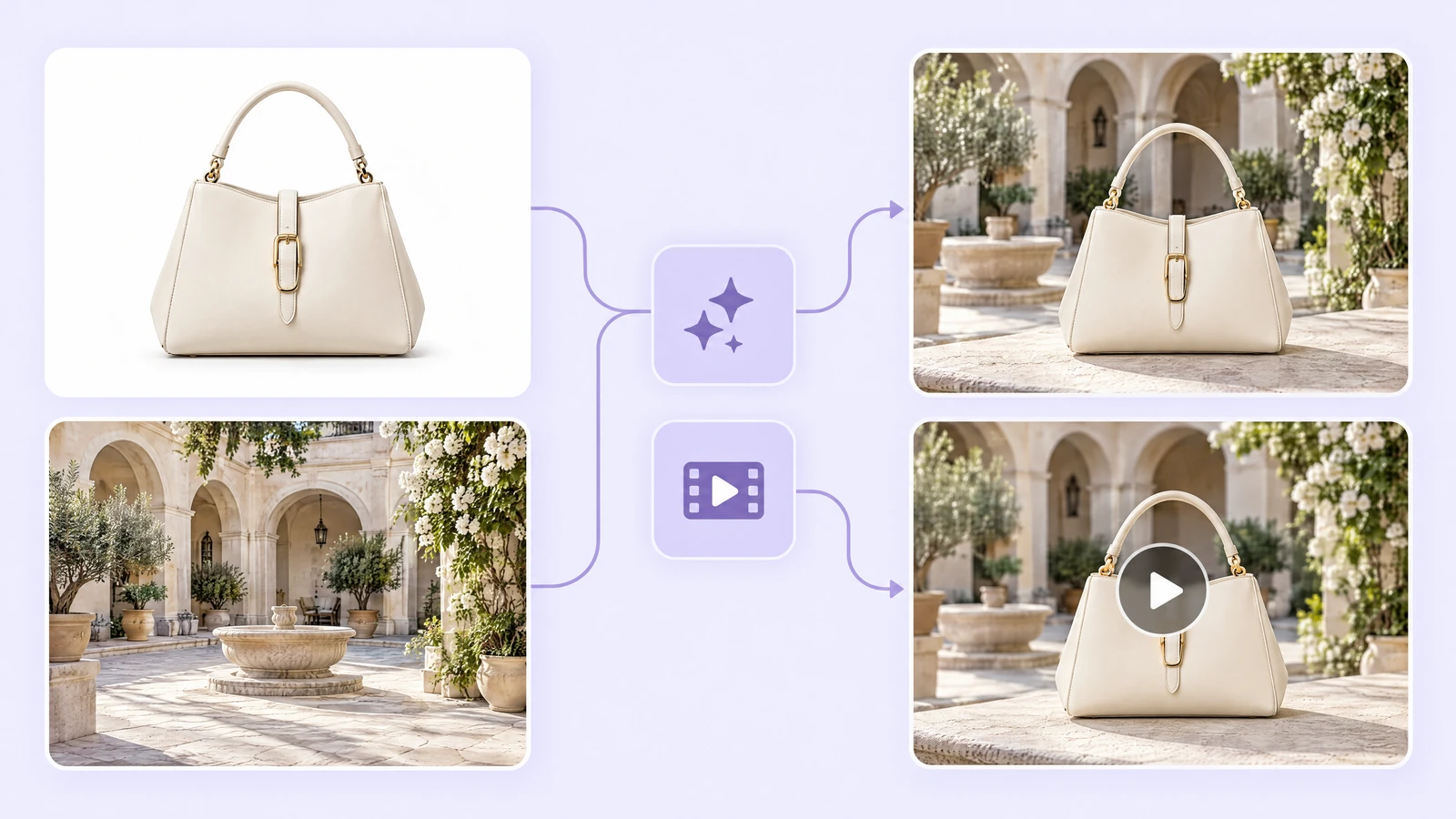 Explore product
Turn text, images and supported multimodal references into individual video shots.
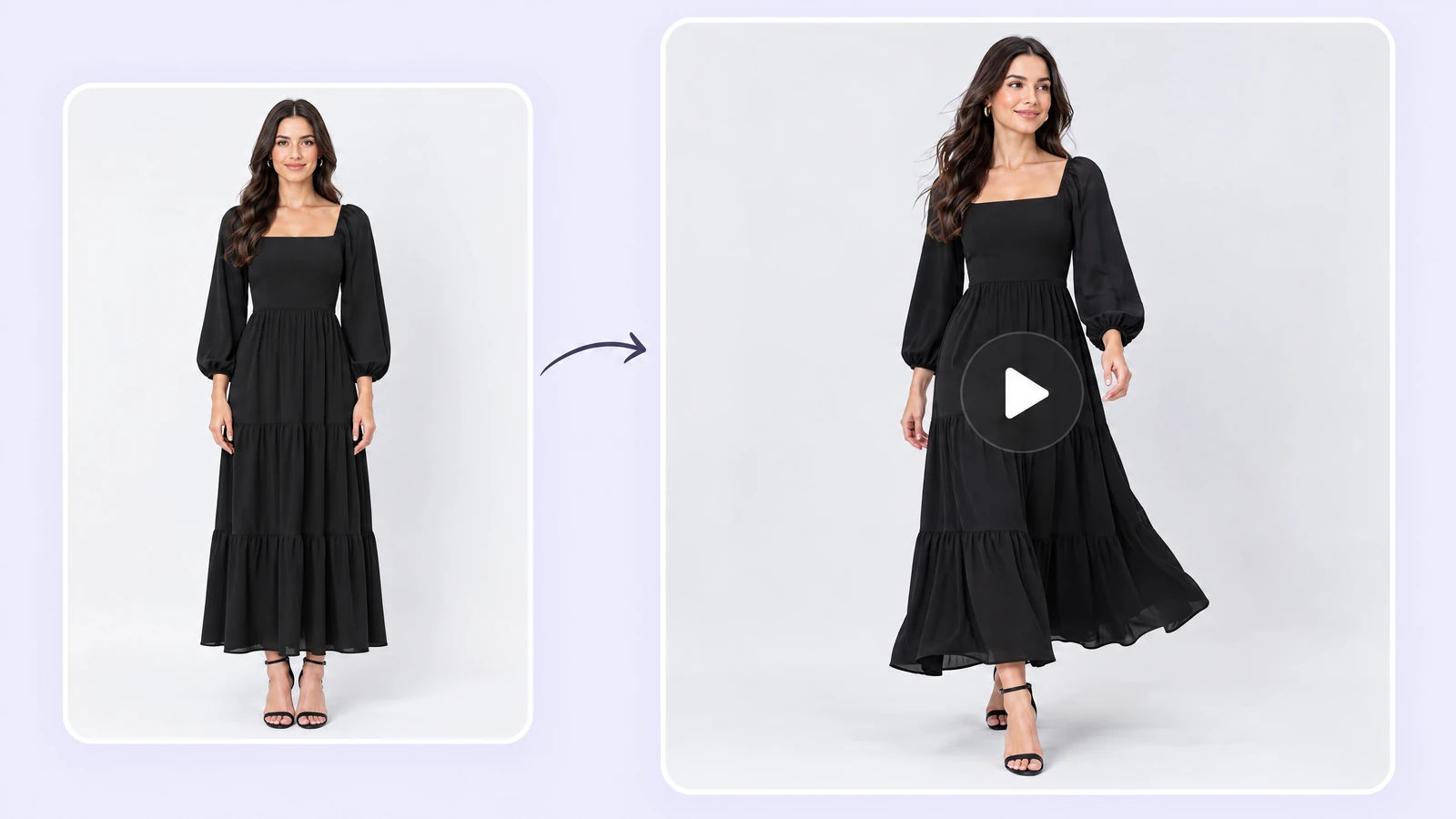 Explore product
No. The structure can be reused, but new product inputs and outputs need their own factual, brand and rights checks.
Tie feedback to an exact output and brief version. Keep accepted files distinct from experiments so a rejected variation cannot be published accidentally.
A reusable brief and canvas that connects reviewed creative stages.
Start with AI image creation