Product retouching
A clear product view with condition honestly represented.

Make a one-off secondhand item easier to inspect without removing the evidence that defines its condition.
Choose the asset your next project needs
A clear product view with condition honestly represented.
A tidy background that does not conceal wear.
An inspection-oriented gallery for the exact one-off item.
A clearly supplementary promotional styling image.
Your own photographs of the actual item, including wear, repairs, labels and condition close-ups.
Correct exposure and background distractions while retaining stains, fading, pilling and missing fasteners. Use the actual item’s condition photographs as the reference.
Open Product retouching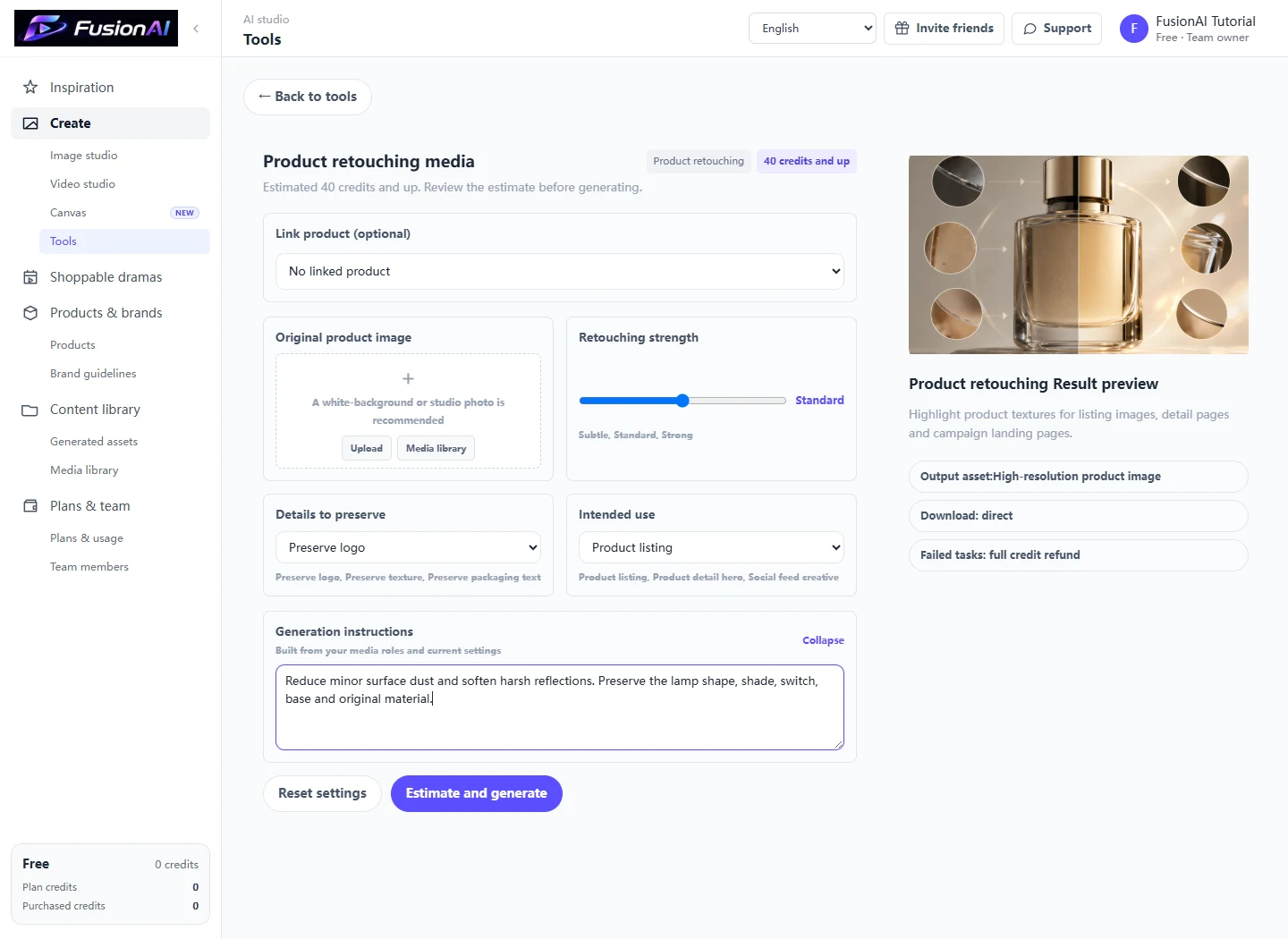
Replace the setting rather than the garment surface. Compare cuffs, elbows and high-wear areas after the edit to ensure visible wear remains.
Open Product background replacement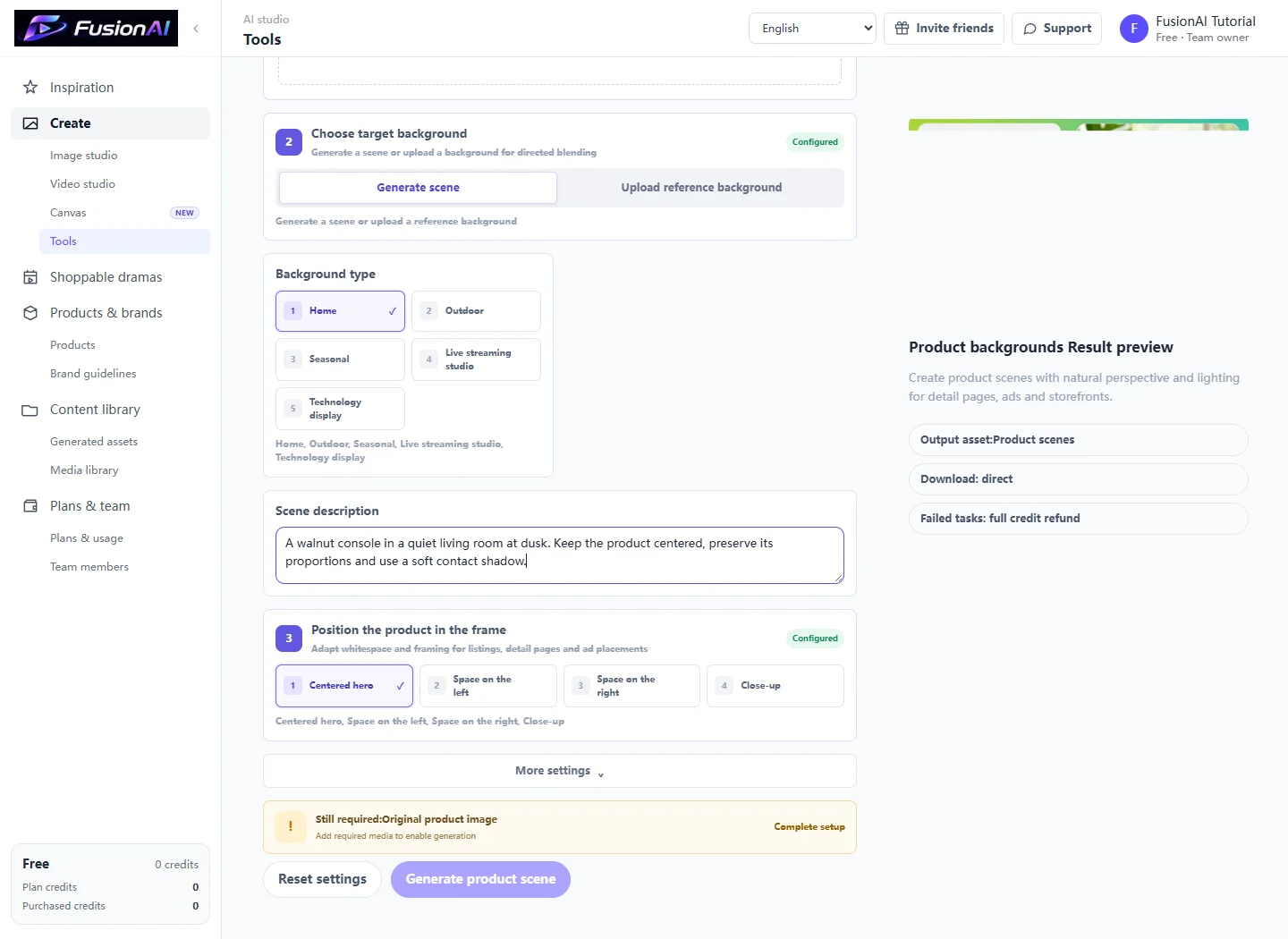
Plan the front, rear, original label, measurements and defect close-ups as different image purposes. Keep original evidence photographs in the listing set.
Open AI product image sets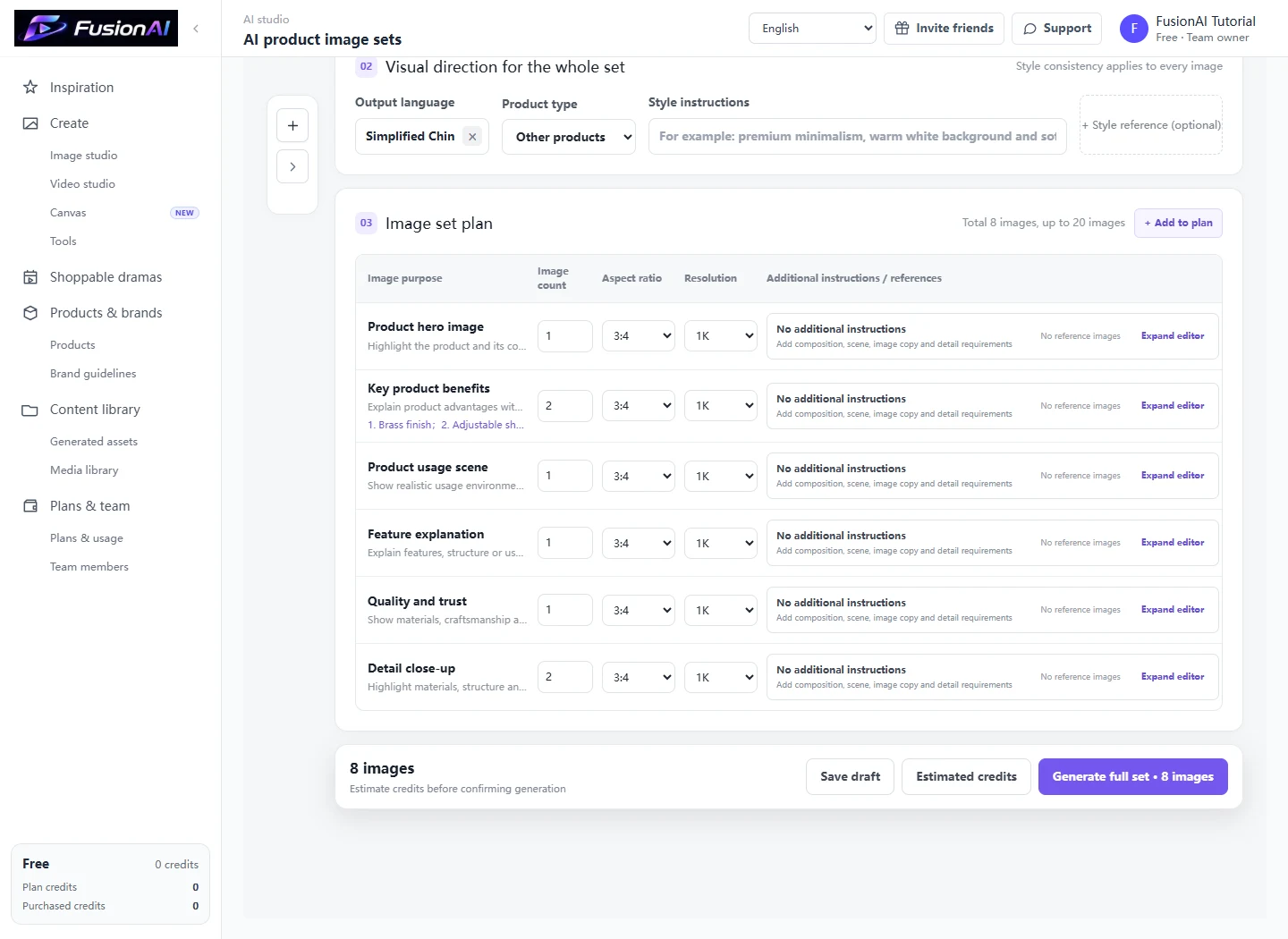
Create a restrained styling asset for promotion using the same item reference. Do not let a cleaned-up campaign image replace factual listing photographs.
Open Campaign poster generator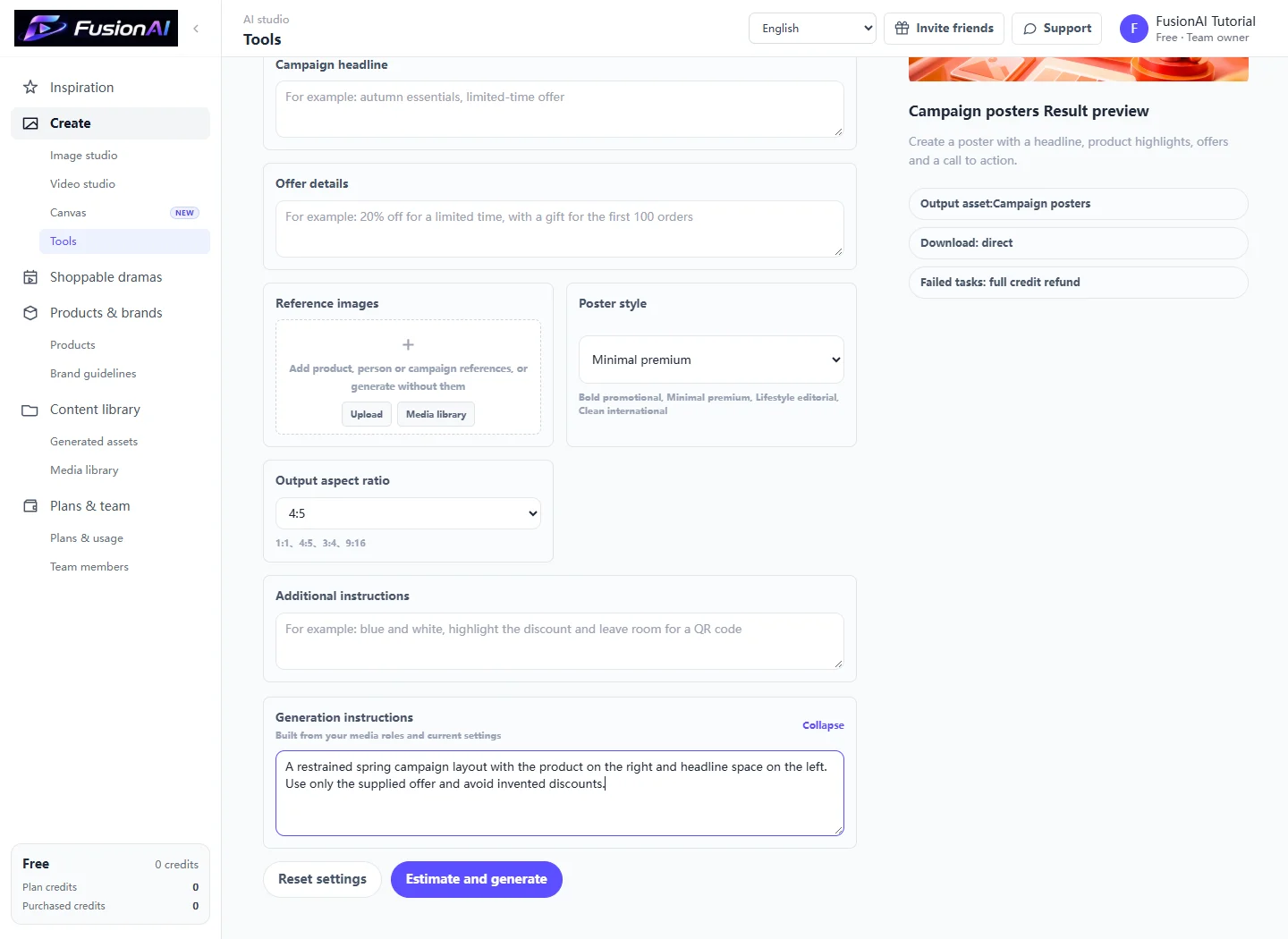
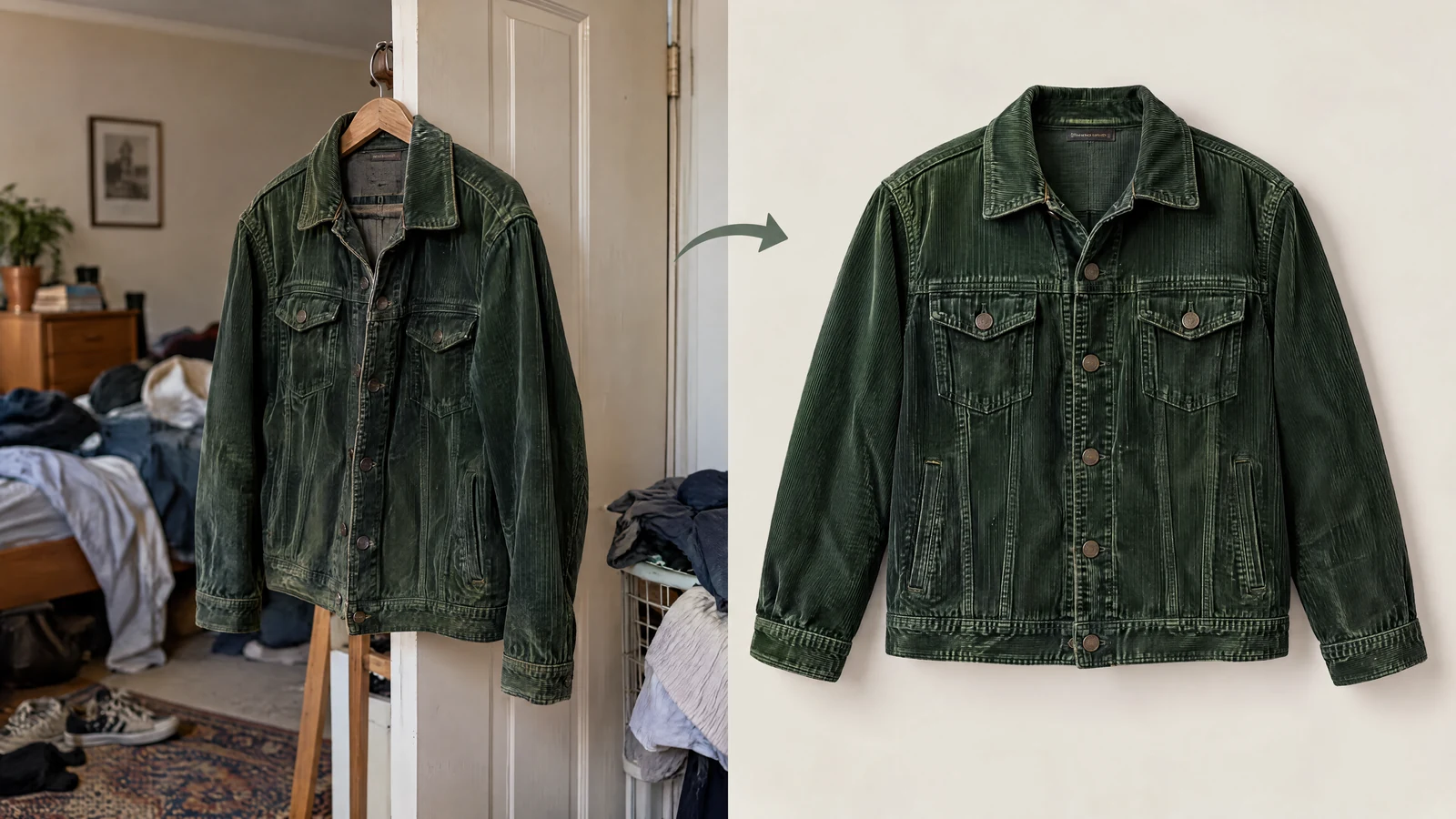
For a used denim jacket, retain the faded shoulder, repaired cuff and original size label. Brighten the viewing conditions and remove room clutter, then publish the unedited repair close-up with accurate condition notes.
Open Product retouchingStains, fading, pilling, repairs and other relevant condition must remain accurately represented.
Do not erase defects that affect the buying decision.
Keep evidence photographs tied to the item identifier.
Verify color under neutral light before publishing.
Improve defects, edges and reflections while checking product shape, labels and material against the original.
 Explore product
Place an existing product into a new setting, using a generated scene or reference background. Review scale, lighting, edges and contact shadows.
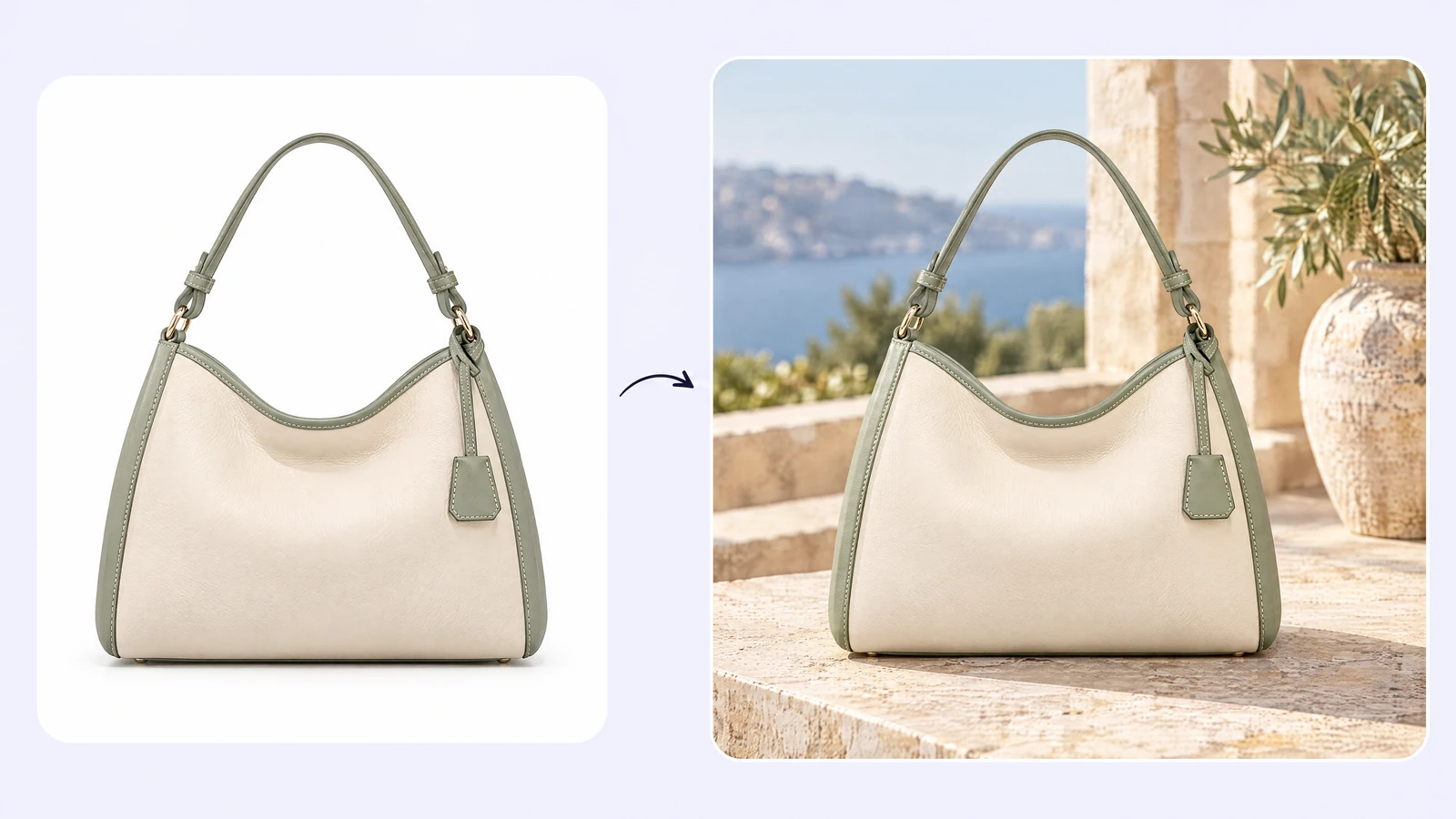 Explore product
Plan hero, feature, lifestyle and detail images for one product. Adjust each image purpose, prompt, reference and output language.
 Explore product
Build a poster from real campaign details, optional references and a chosen style. Verify prices, conditions, dates and generated text.
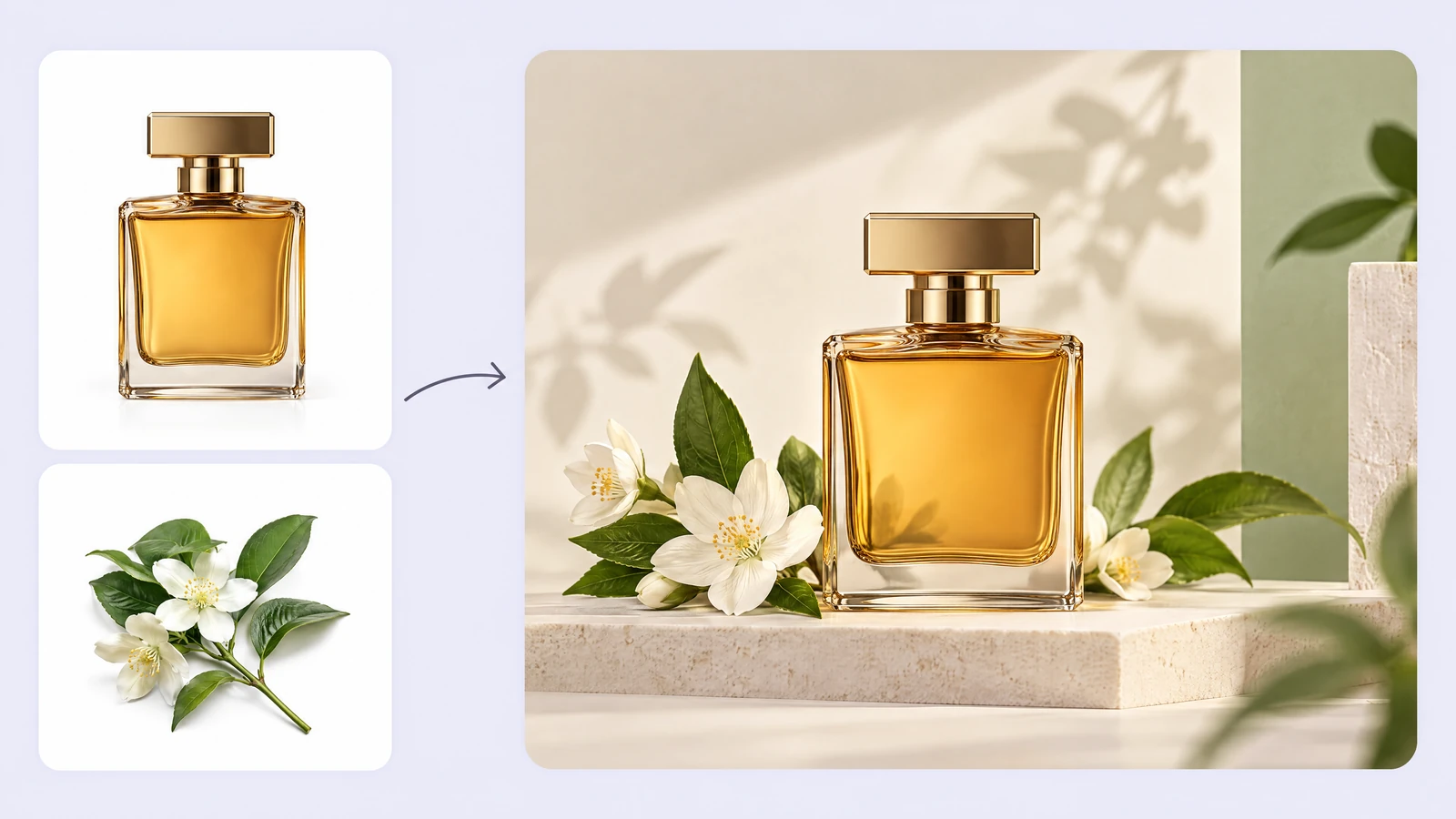 Explore product
A stain that exists on the sold item is relevant condition evidence. Improve lighting around it if needed, but do not erase it from factual listing images.
Use it only as supplementary styling. Buyers still need the actual item’s condition, construction, label and measurement photographs.
Clear secondhand product views with readable condition evidence.
Start with Product retouching