Product background replacement
A controlled backdrop specification for the range.

Build a recognizable background system across a catalog without changing the color, scale or edges of the products themselves.
Choose the asset your next project needs
A controlled backdrop specification for the range.
Believable placement on the selected background.
A checked edge and material treatment.
A catalog pack with purposeful background variations.
Product images, a brand background palette, framing rules and light-direction examples.
Choose a small approved palette and consistent product margins. Describe the surface and horizon so different product shapes can sit in one catalog system.
Open Product background replacement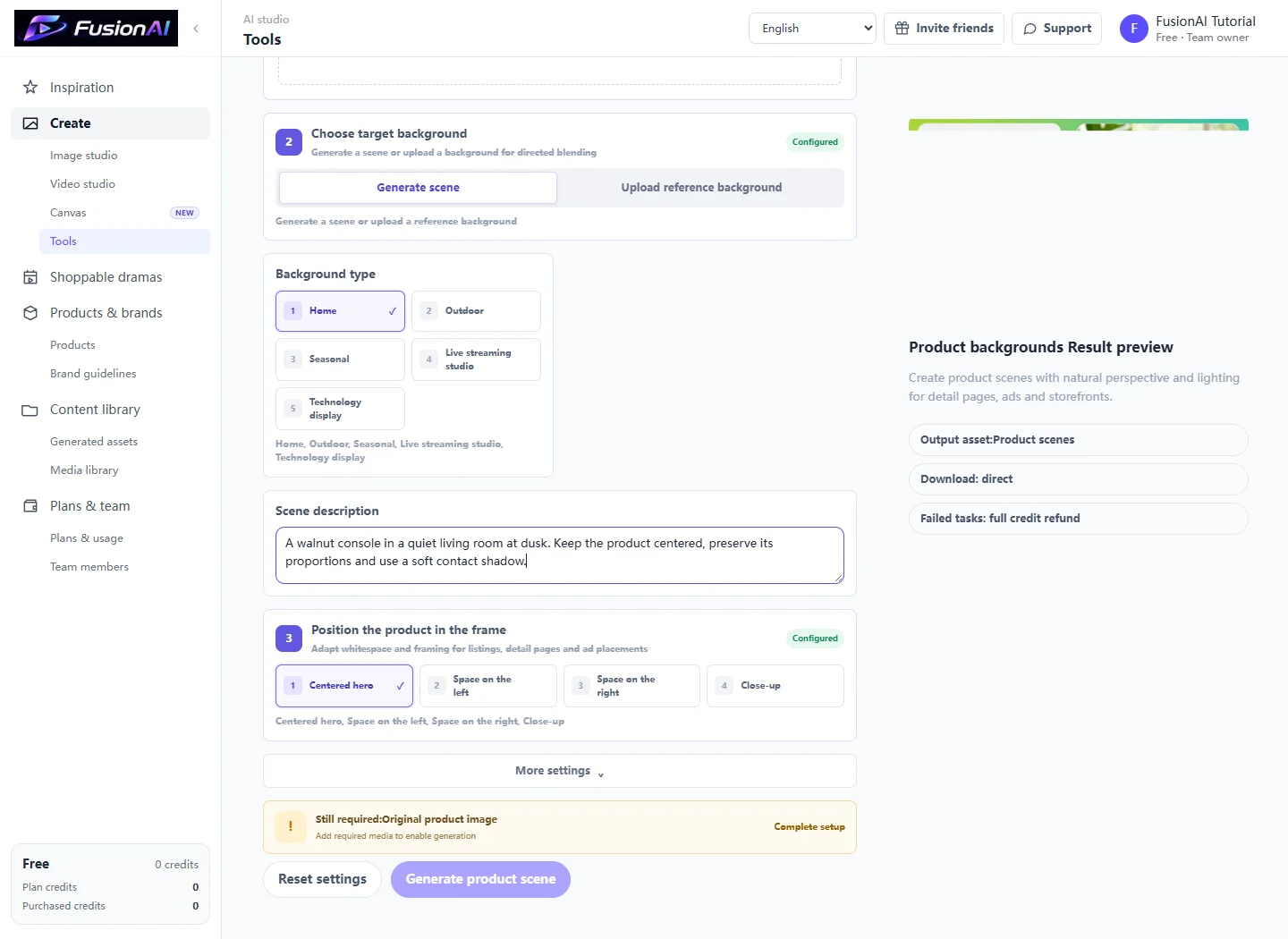
Compare light direction, contact shadows and reflections after replacement. Watch transparent and metallic products, where the old environment can remain visible.
Open AI product lighting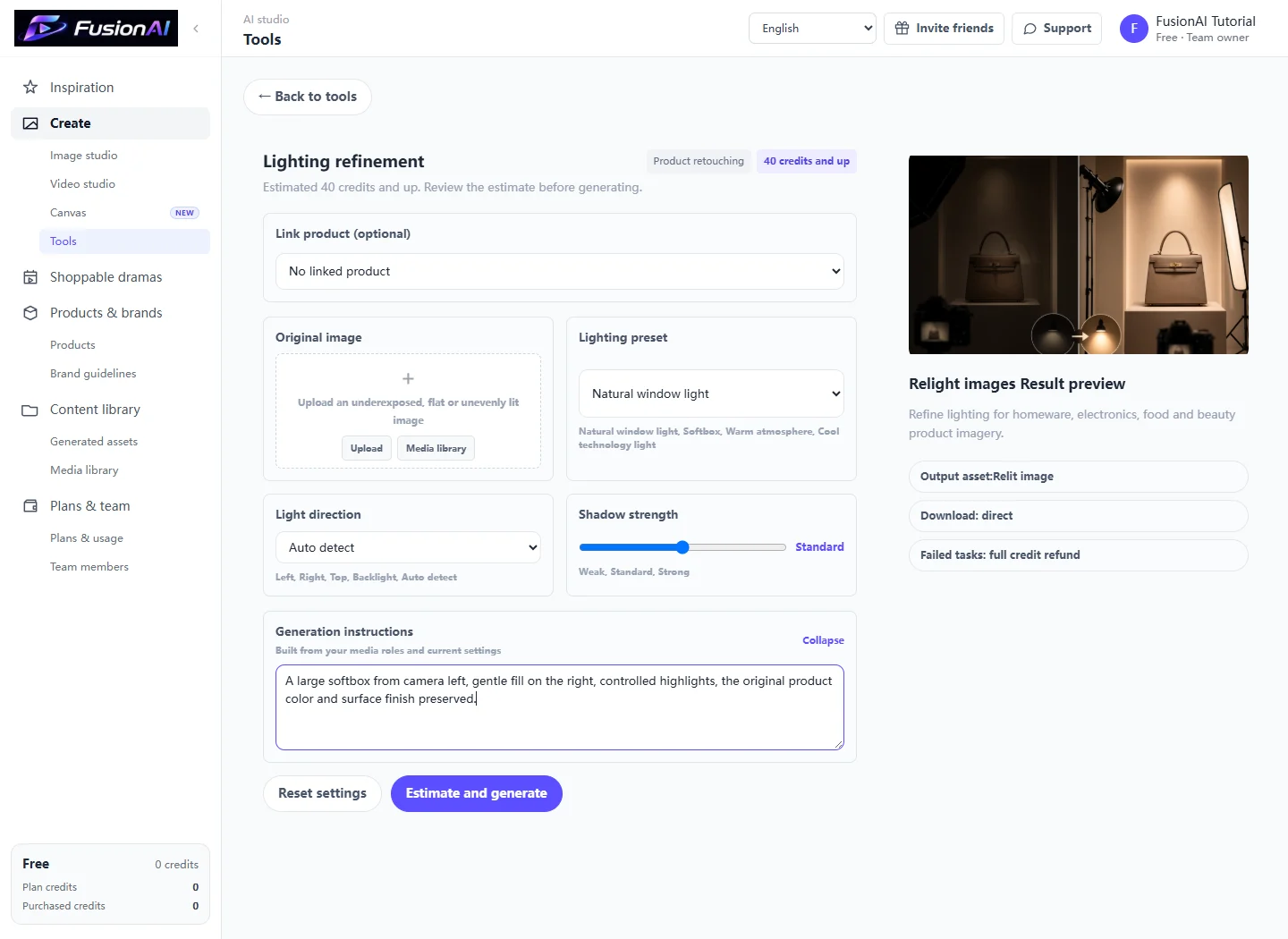
Review handles, fine straps, glass rims and translucent regions at full size. Refine distractions without simplifying the actual silhouette.
Open Product retouching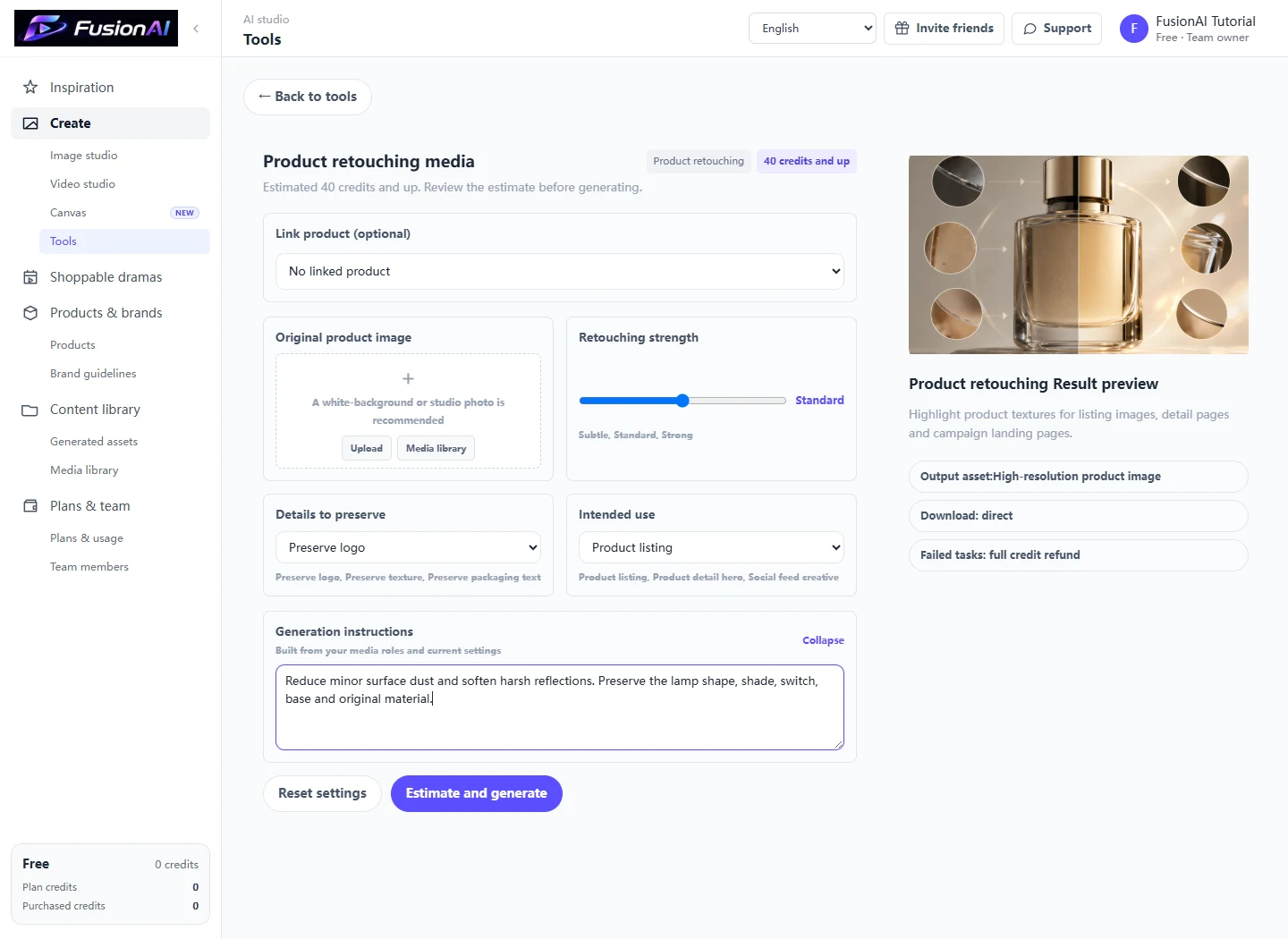
Use the approved background family for hero and detail plans. Reserve a distinct lifestyle treatment when context needs more than a catalog color.
Open AI product image sets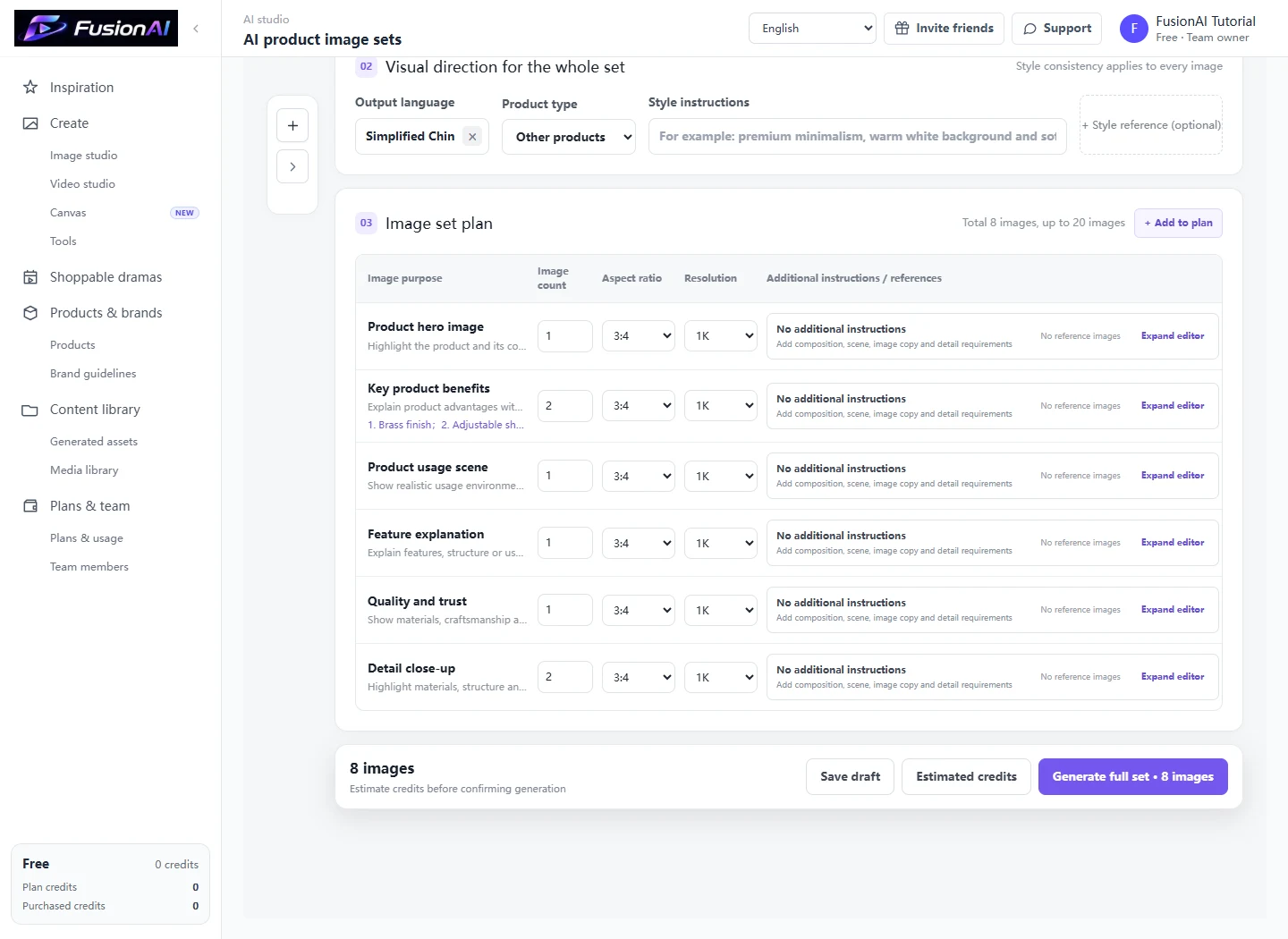
For a channel that requires pure white, sample several background points away from the subject and shadow. For a brand color, compare the output with the approved color swatch in the delivery color space. Inspect the edge at full size, especially around translucent packaging.
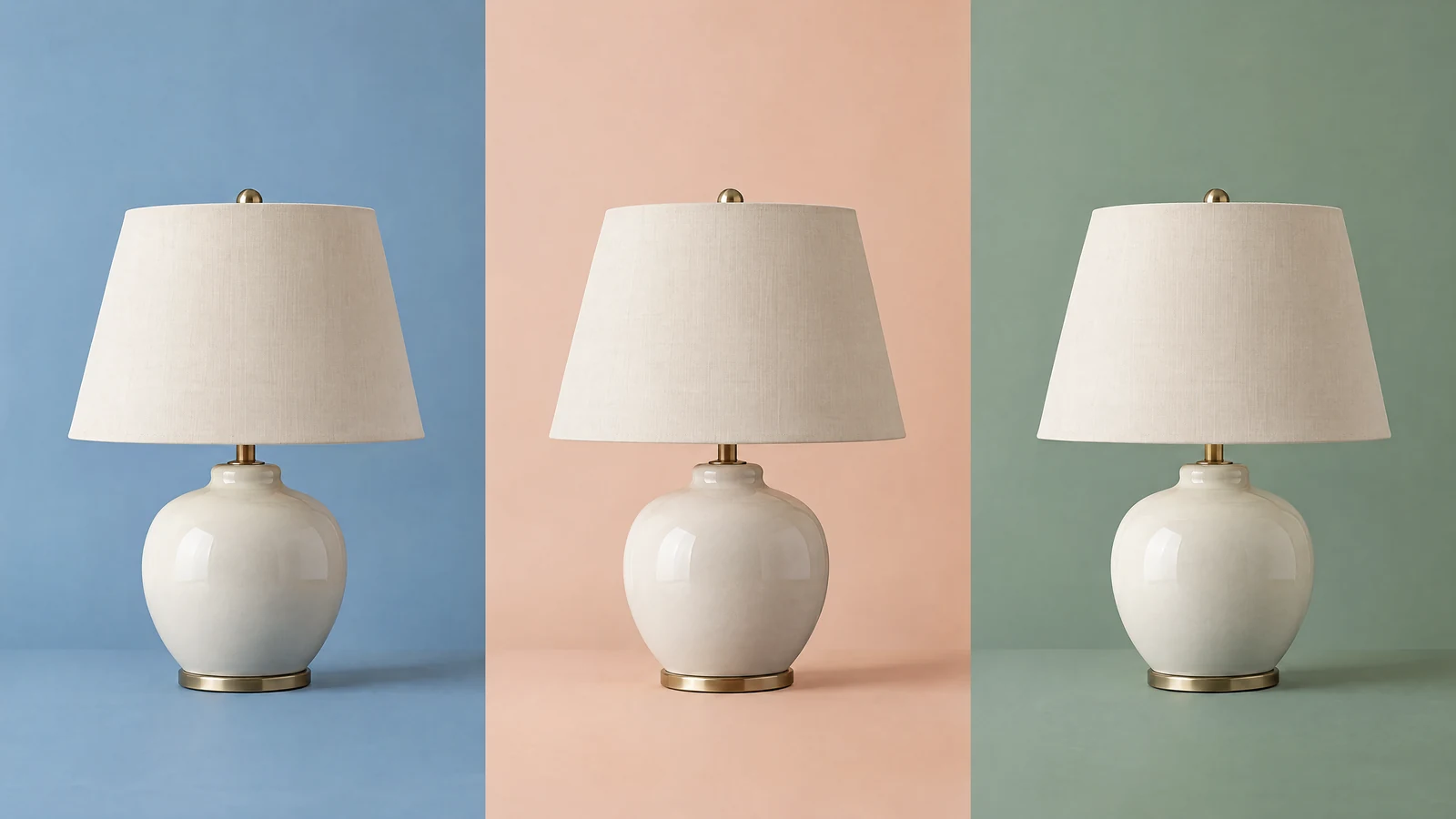
Explore: Verify actual exported pixelsPrepare cream, charcoal and sage catalog backgrounds for a ceramics range. Keep identical framing rules and the actual glaze color, then compare handles and contact shadows before choosing a treatment for the next SKU.
Open Product background replacementCheck contact shadows, crop, scale and foreground edges for every product.
Background color must not tint the product into another sold variant.
Check translucent edges against both light and dark backdrops.
Keep the approved palette and crop with the brand brief.
Place an existing product into a new setting, using a generated scene or reference background. Review scale, lighting, edges and contact shadows.
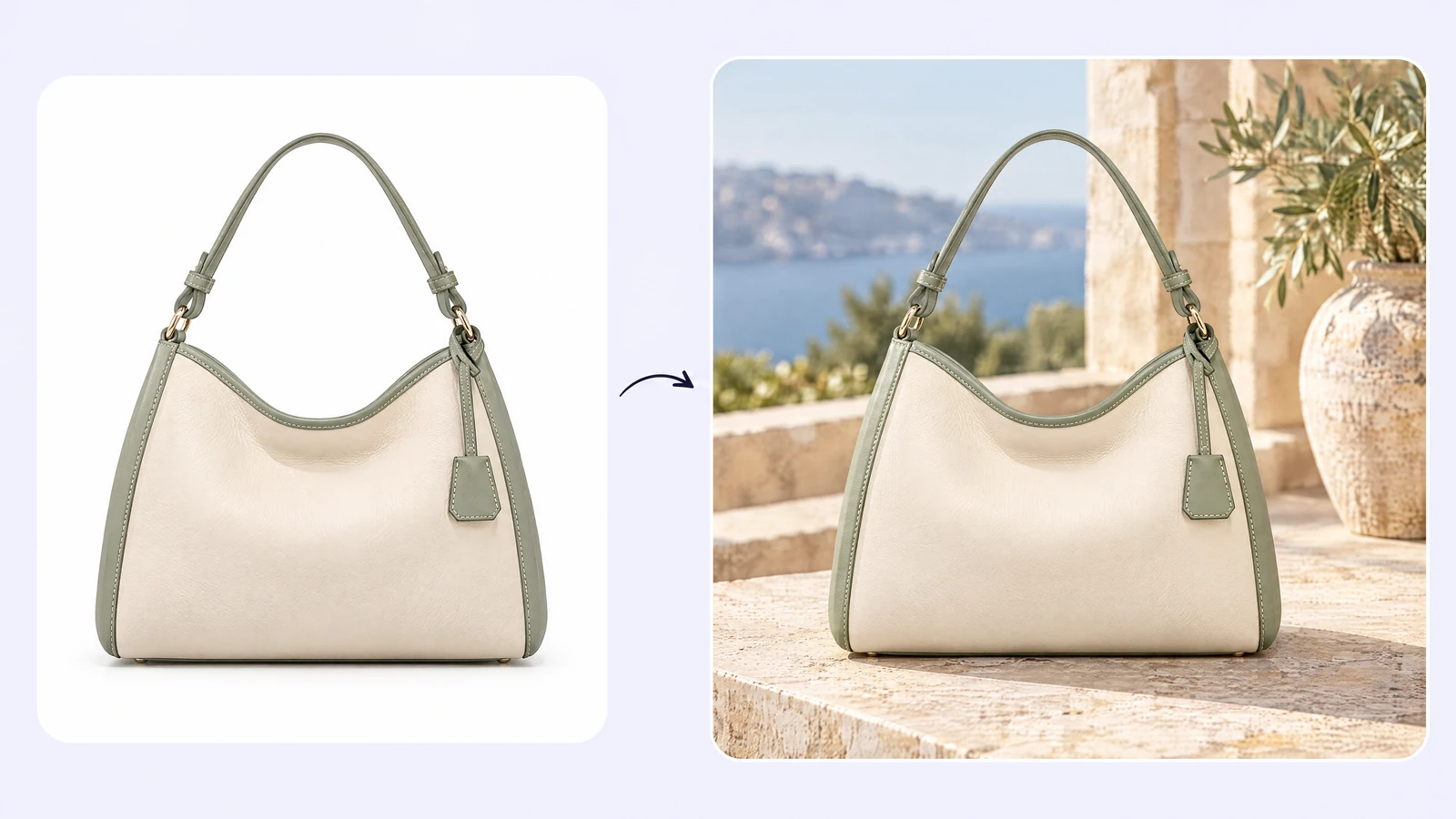 Explore product
Explore window light, softbox and other available lighting treatments. Check the resulting color and material appearance.
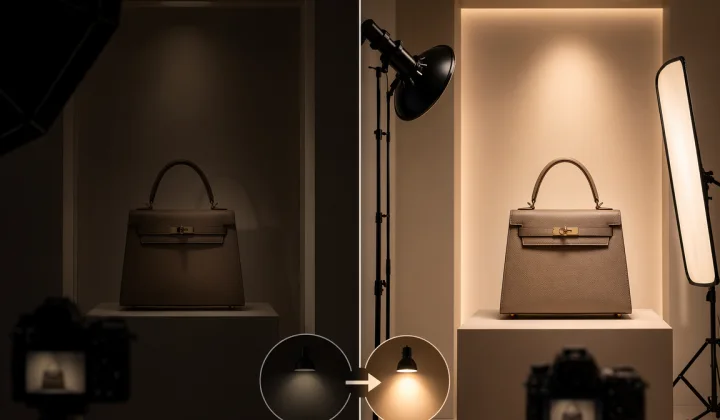 Explore product
Improve defects, edges and reflections while checking product shape, labels and material against the original.
 Explore product
Plan hero, feature, lifestyle and detail images for one product. Adjust each image purpose, prompt, reference and output language.
 Explore product
Test representative matte, metallic and transparent items. A shared palette can work with different light treatments, but every material needs edge and reflection review.
A catalog background supports comparison across products. A lifestyle scene explains use and scale, so it needs a separate composition and factual review.
A coordinated catalog with comparable placement and background treatment.
Start with Product background replacement