Product retouching
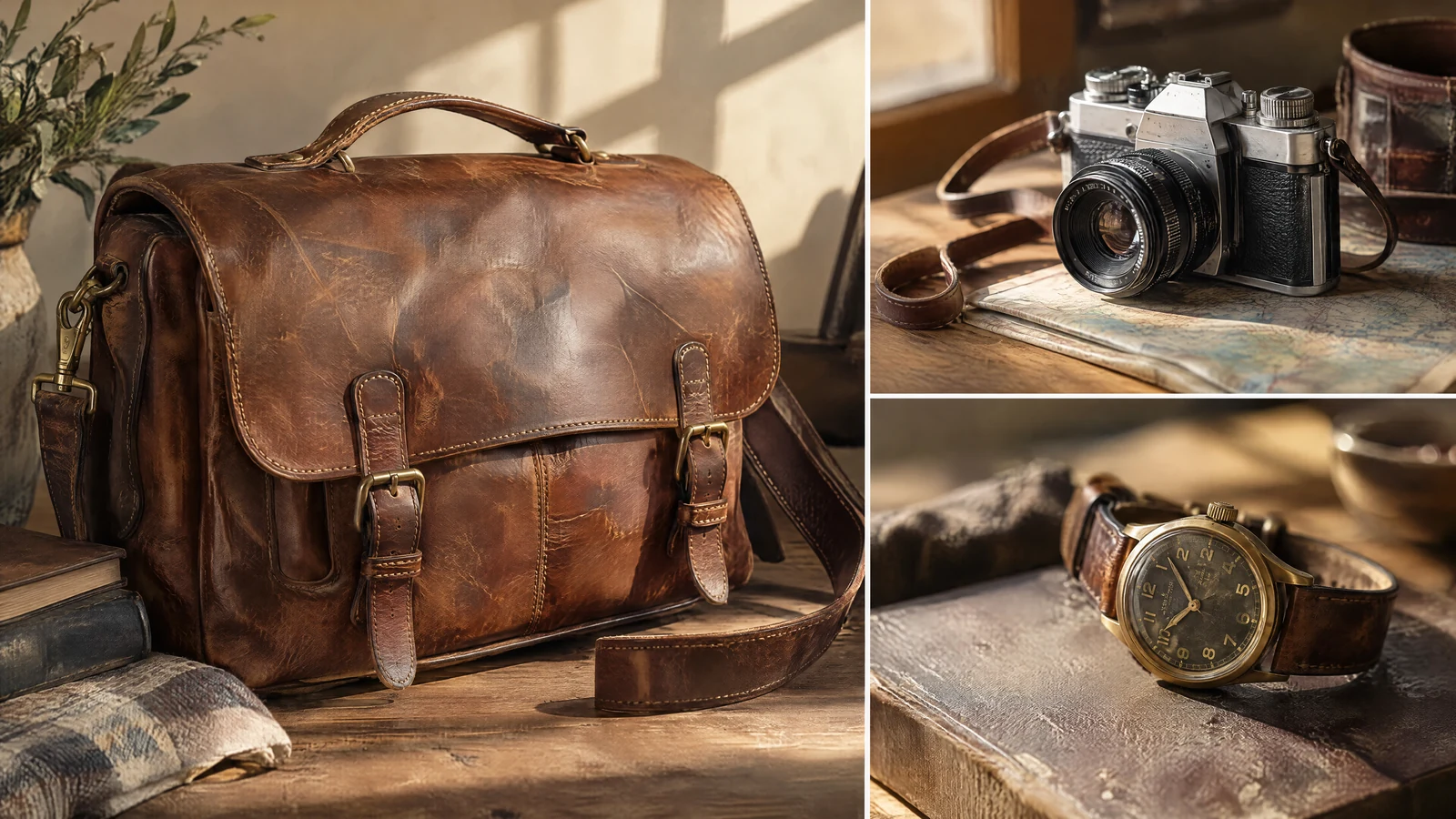
A readable view of the actual aged surface.

Show the character of an individual vintage piece while keeping age, condition and provenance separate from creative styling.
Choose the asset your next project needs
A readable view of the actual aged surface.
Material detail with restrained, believable highlights.
An editorial scene distinguished from evidence photographs.
A gallery with traceable detail and condition views.
Actual item photographs, labels, texture close-ups, condition records and a restrained period-inspired mood brief.
Balance exposure on worn leather or faded fabric. Preserve scuffs, repairs and label details rather than treating them as retouching defects.
Open Product retouching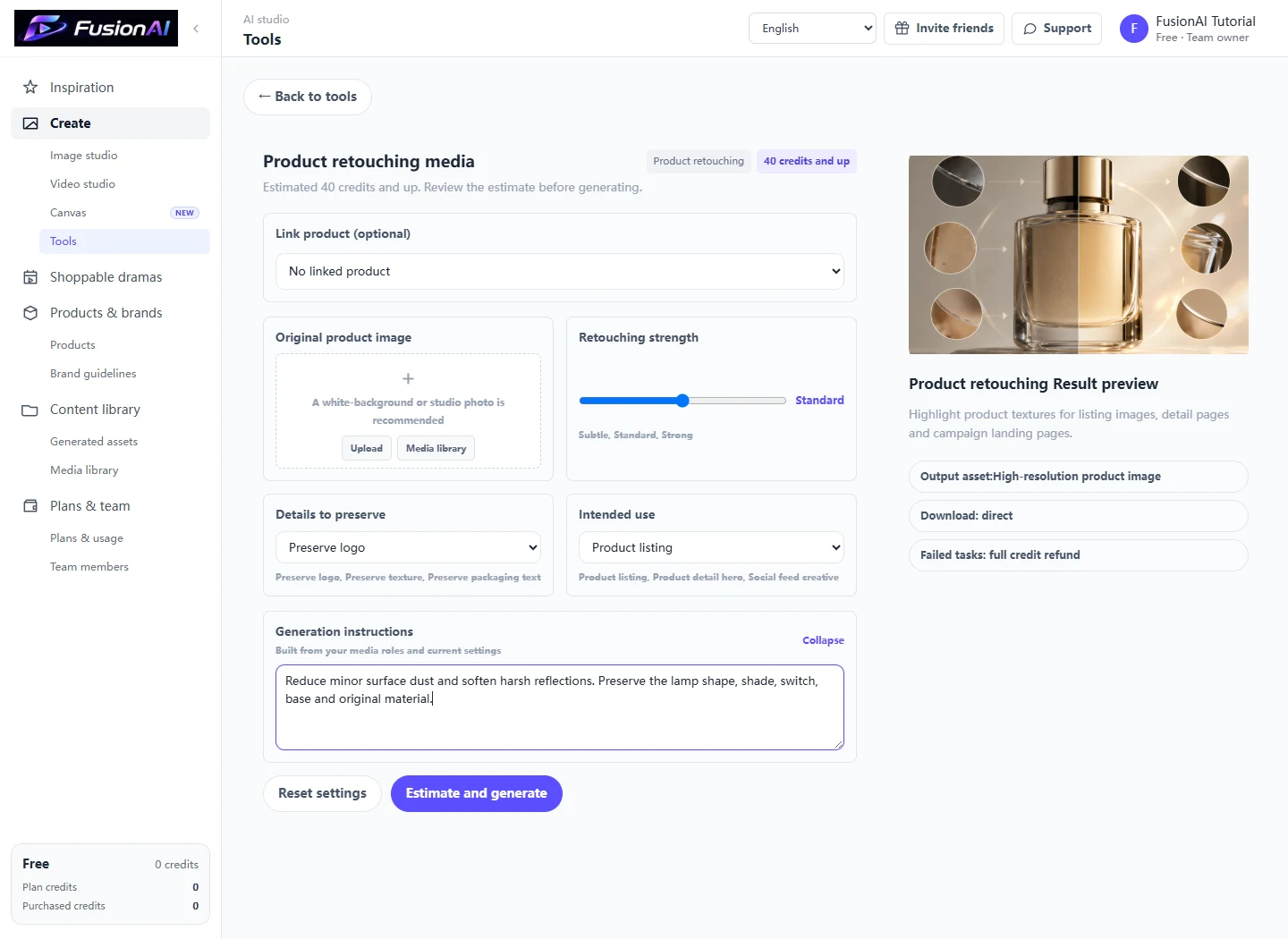
Use controlled highlights to reveal grain, stitching and hardware. Compare the result with neutral-light source photographs so warmth does not change apparent color.
Open AI product lighting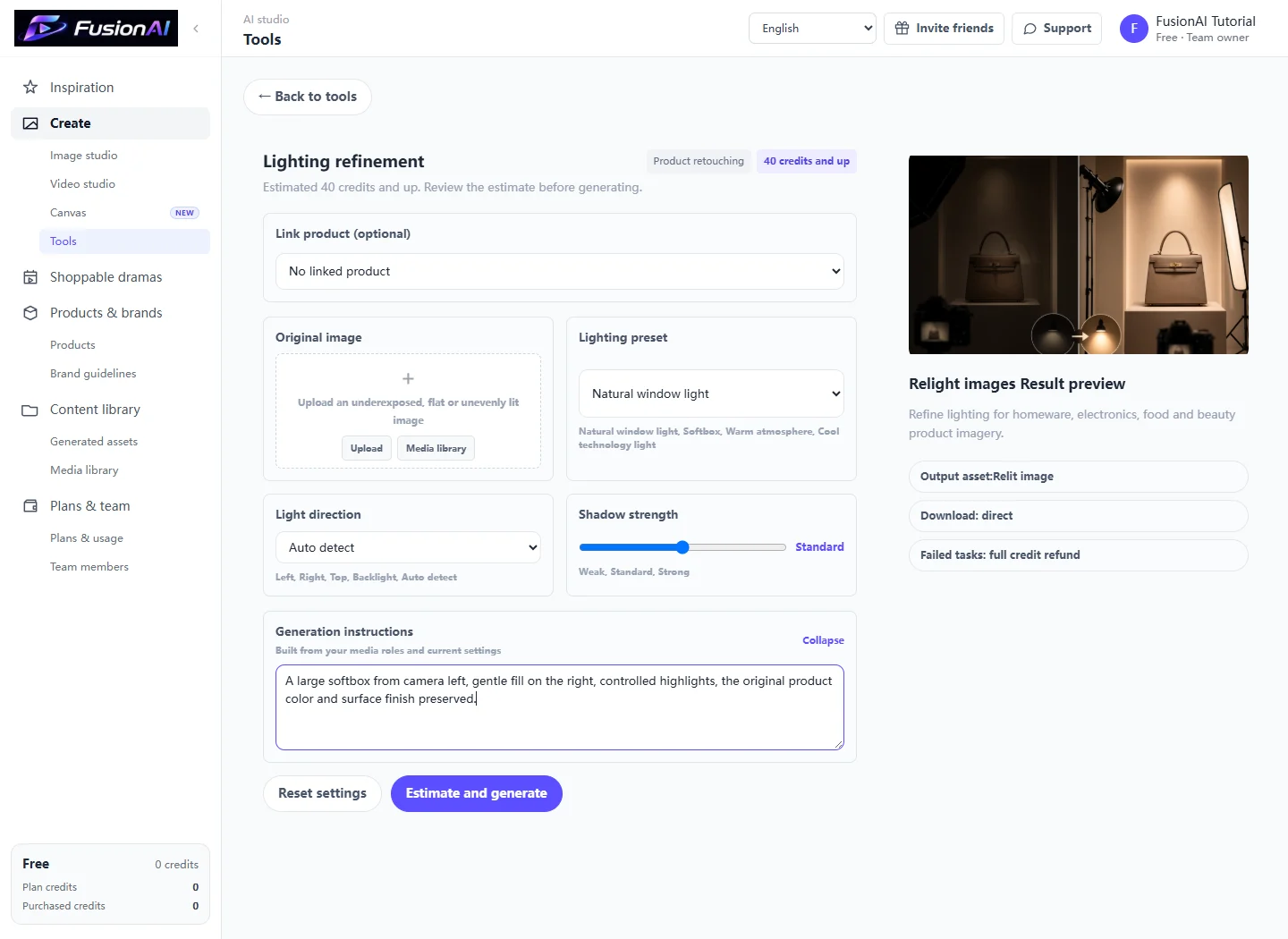
Use a period-inspired setting only as creative direction. Do not add historical labels, authenticity badges or props that appear included with the item.
Open Product background replacement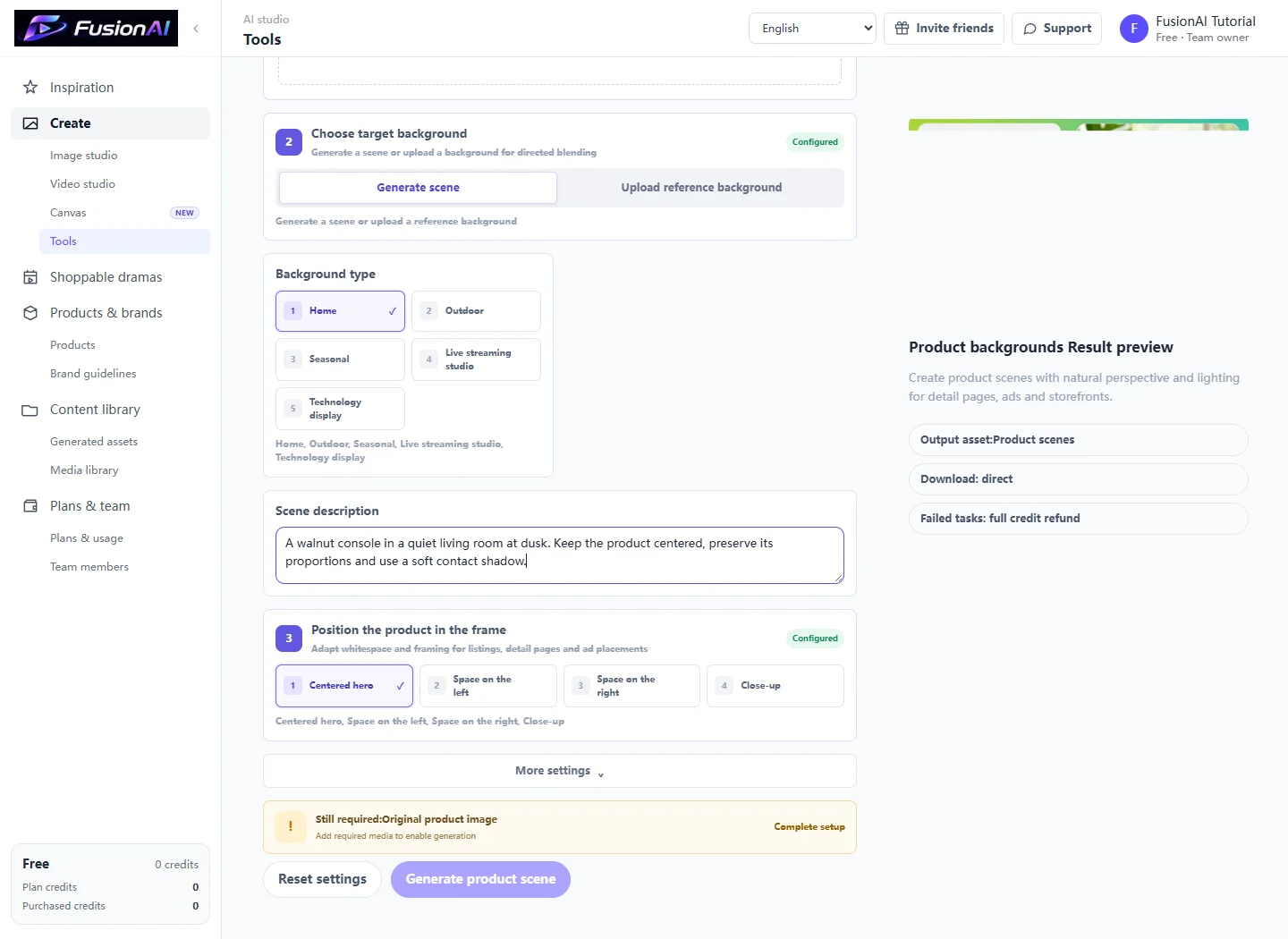
Plan separate views for the label, lining, hardware and repaired areas. Retain the originals and connect them to the same one-off inventory record.
Open AI product image sets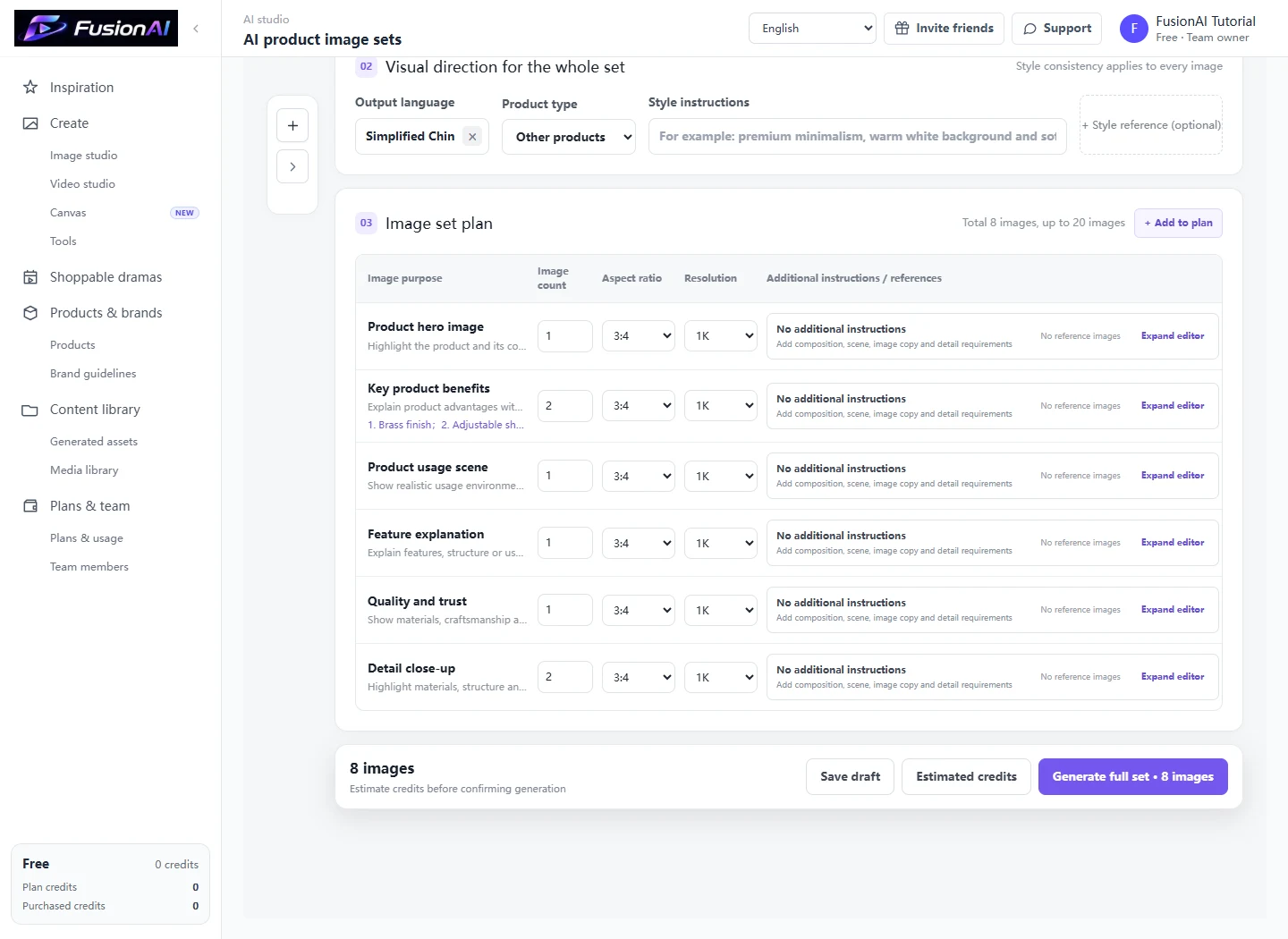
Present a vintage leather satchel with its original scratches and repaired strap. Use soft side light for the grain and a quiet editorial surface for styling; publish the label and repair photographs separately.
Open Product retouchingDo not erase patina, wear, repair details or labels; do not invent provenance or historical claims.
Keep patina and repairs visible in factual product views.
Support dating and authenticity statements with independent records.
Do not turn an editorial setting into a provenance claim.
Improve defects, edges and reflections while checking product shape, labels and material against the original.
 Explore product
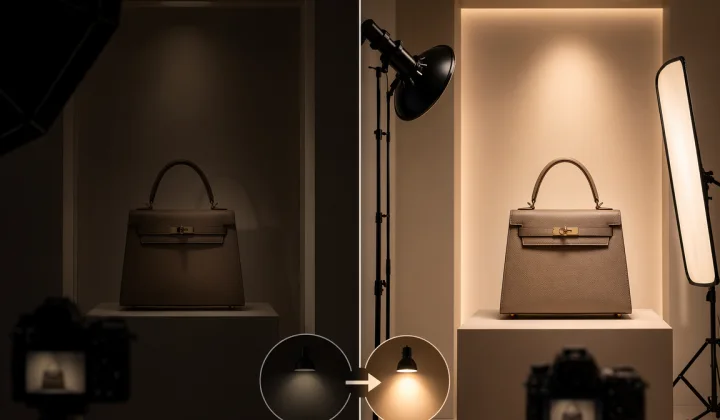
Explore window light, softbox and other available lighting treatments. Check the resulting color and material appearance.
 Explore product
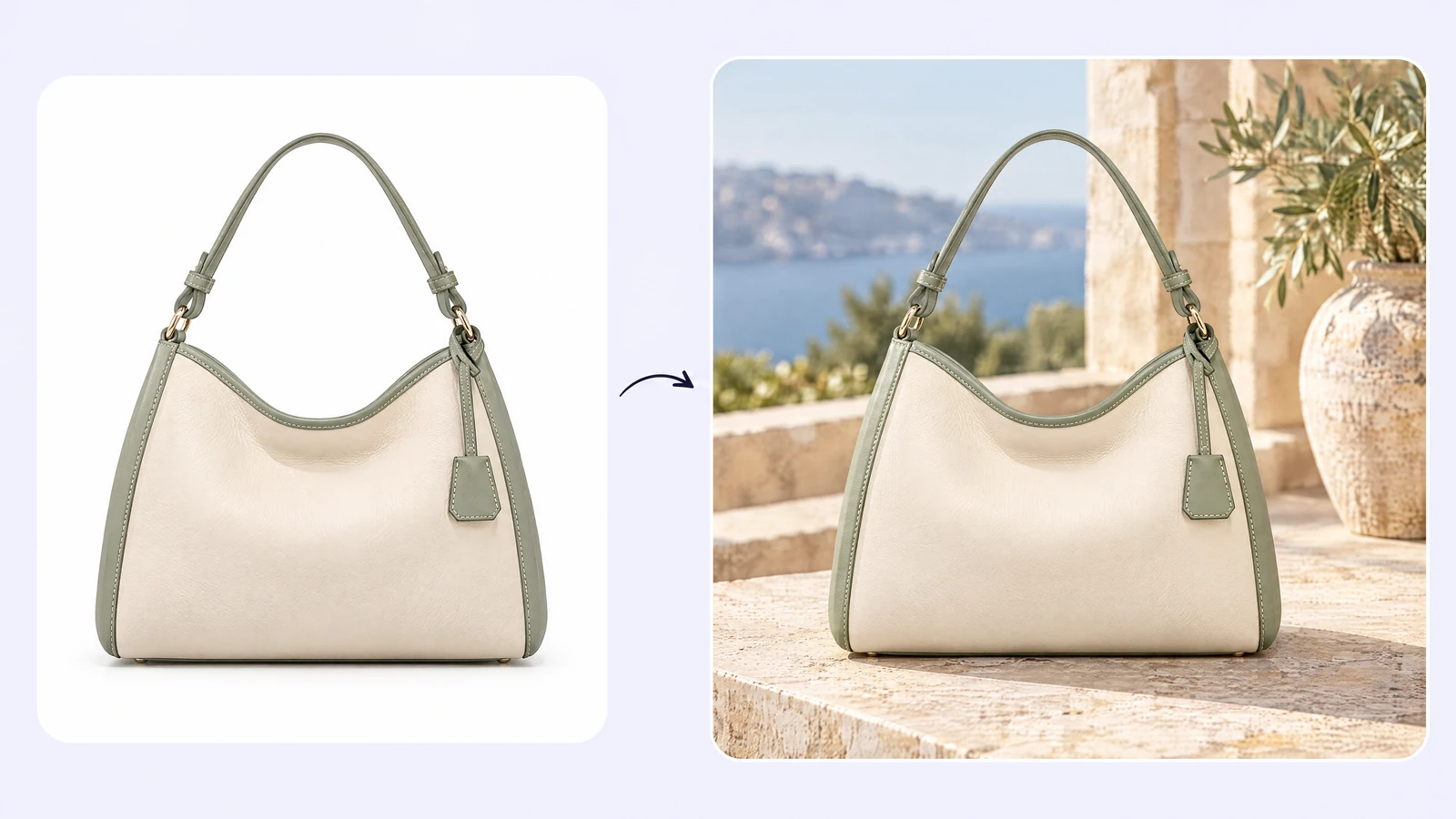
Place an existing product into a new setting, using a generated scene or reference background. Review scale, lighting, edges and contact shadows.
 Explore product
Plan hero, feature, lifestyle and detail images for one product. Adjust each image purpose, prompt, reference and output language.
 Explore product
No. A setting is styling. Dating and provenance must come from labels, records or other reliable evidence for the actual item.
Wear can define both value and condition. Retain it and improve the lighting so buyers can inspect it clearly.
A readable product set plus an optional editorial styling image.
Start with Product retouching