Product retouching
A clear device view with identifying geometry intact.

Explain a device through its actual controls, connections and use actions, keeping visual polish separate from verified technical performance.
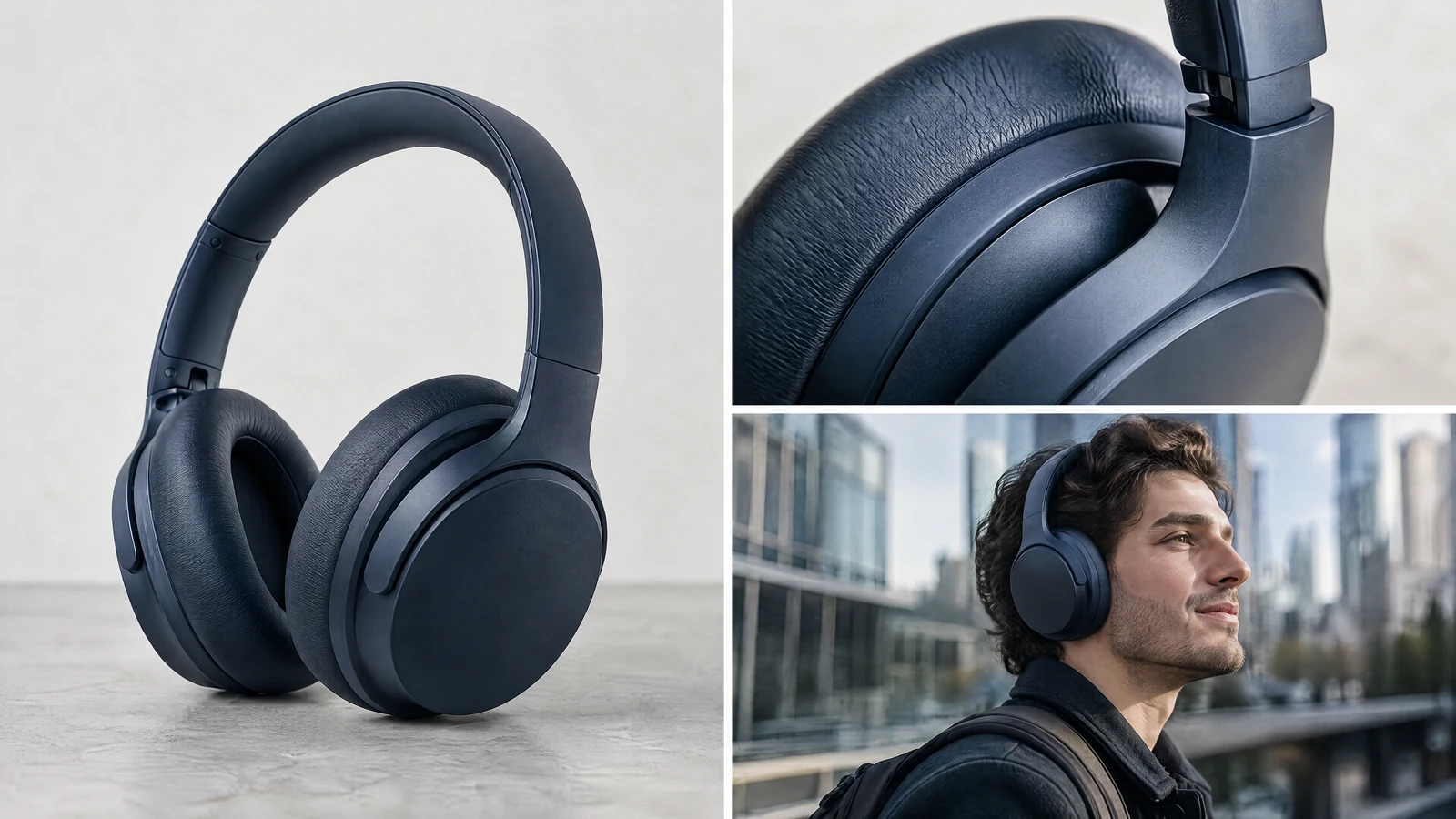
Choose the asset your next project needs
A clear device view with identifying geometry intact.
A gallery that explains setup and included components.
A use scene with carefully bounded accessory claims.
A reviewed action demonstration for the actual device.
Product photographs from useful angles, visible controls, verified specifications and included accessories.
Refine distracting reflections without changing button count, port shape, vents or connector orientation. Compare every close-up with the real device.
Open Product retouching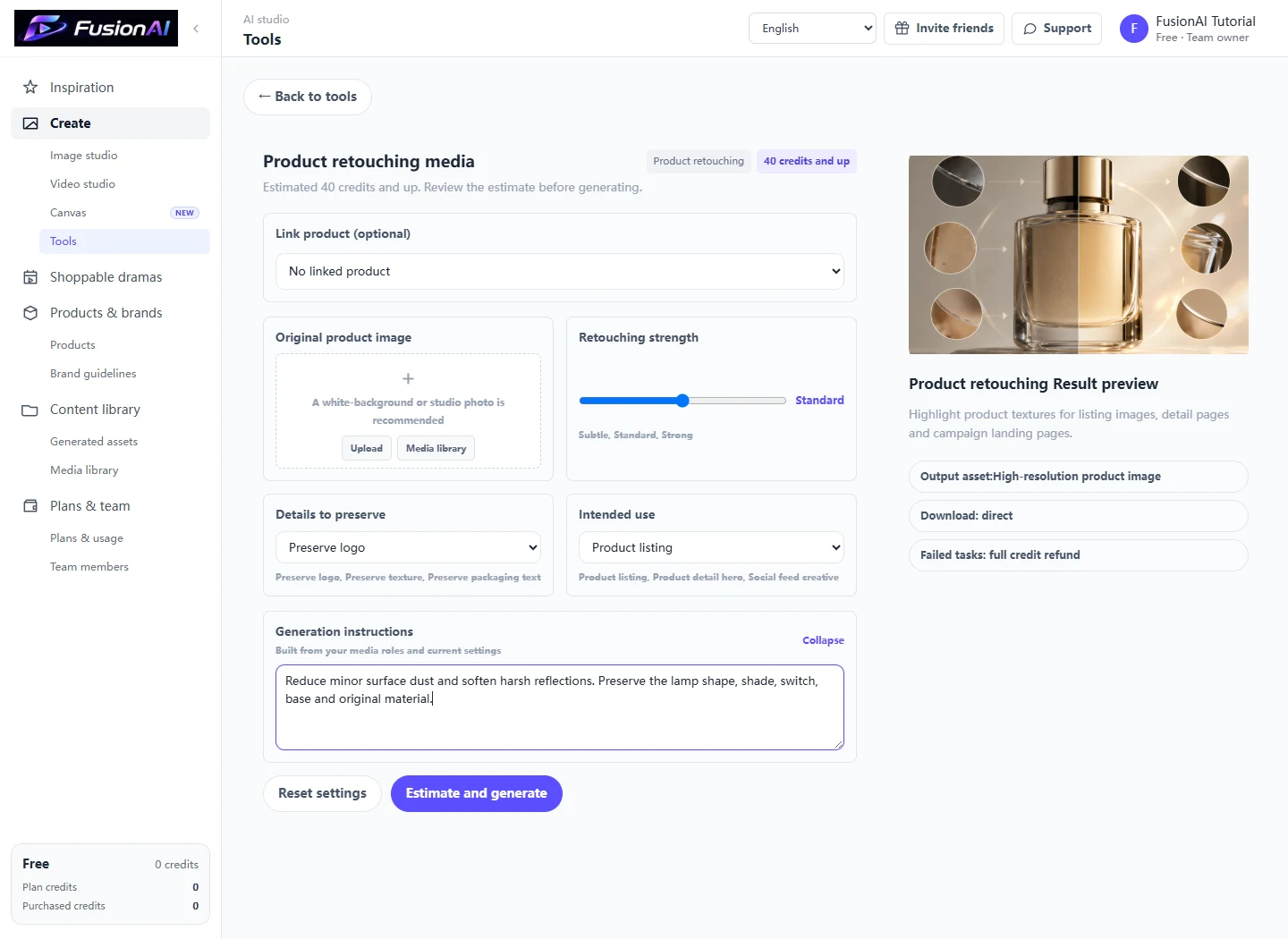
Plan included parts, connections, controls and verified dimensions separately. Supply specifications from product records instead of asking the model to invent them.
Open AI product image sets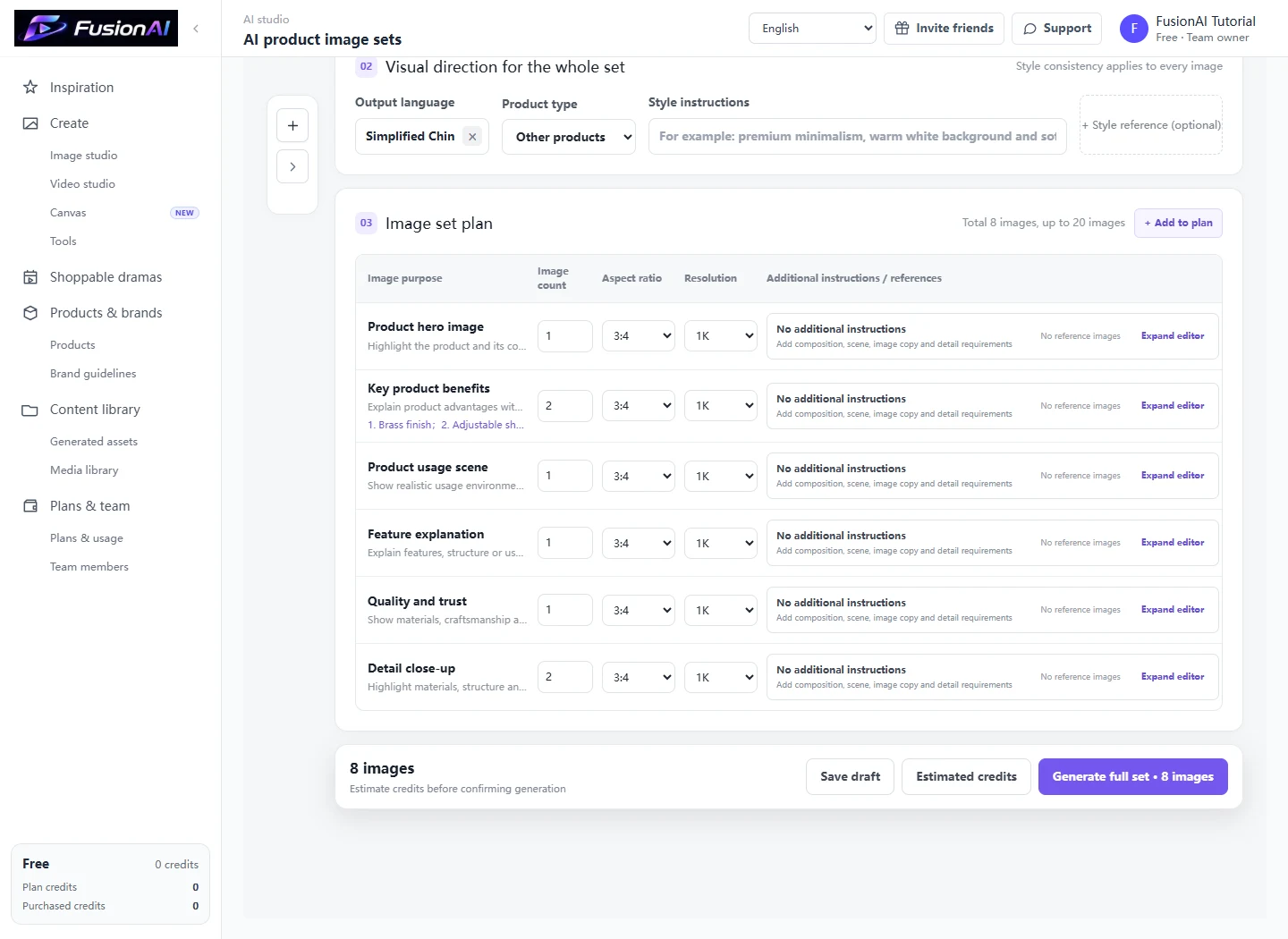
Place the device in a relevant setting. Keep nearby cables, accessories and other equipment from implying connections or compatibility that have not been tested.
Open Product background replacement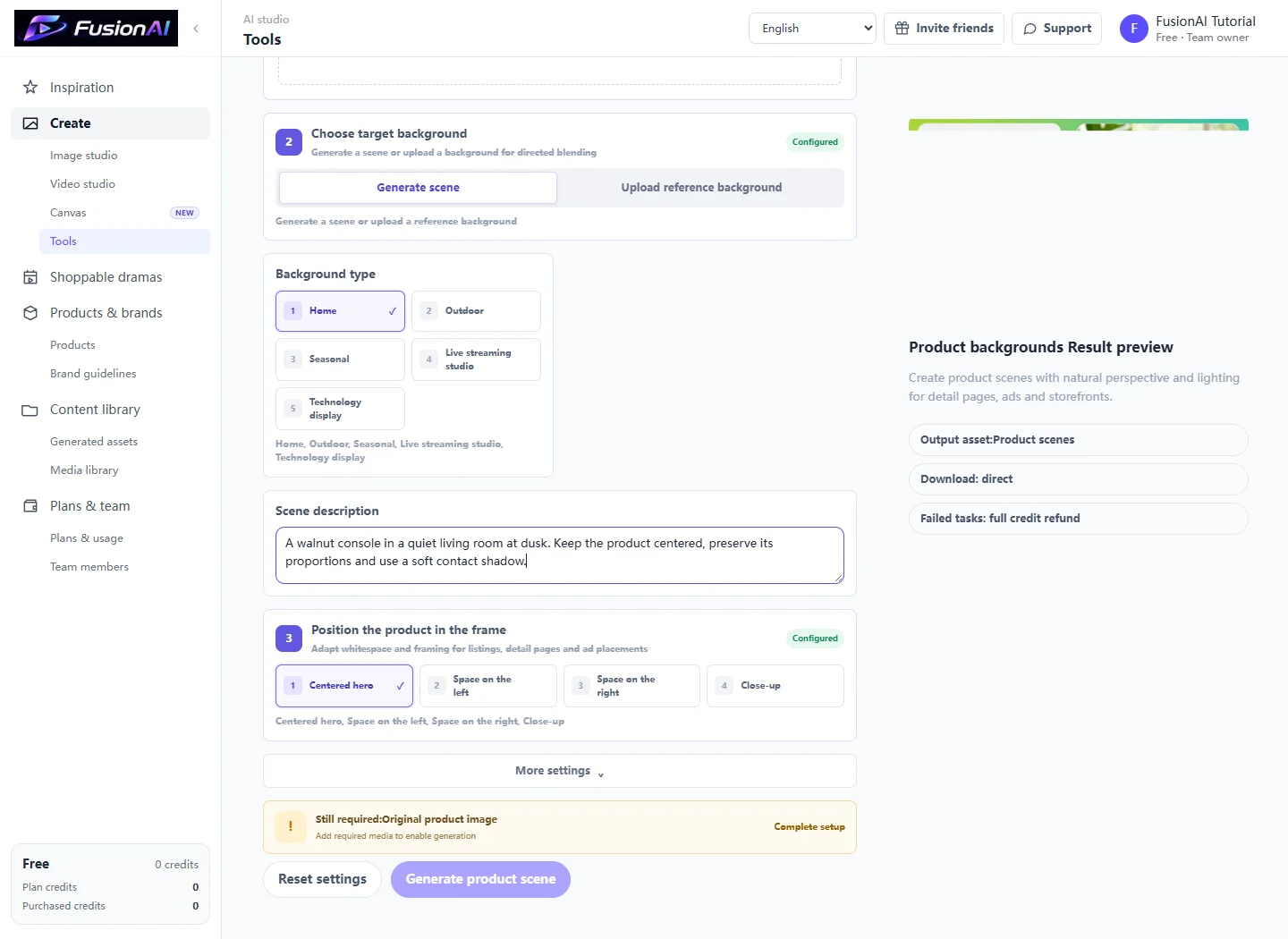
Choose one supported operation such as pressing the actual switch. Inspect display text, moving parts and cable placement throughout the generated clip.
Open AI video creation
For a compact blender, retain the real blade assembly, lid lock and button layout. Show the supplied cup separately and use one simple operating action without invented indicators, attachments or performance statistics.
Open Product retouchingCheck ports, buttons, screen content, vents and any behavior that implies an unverified feature.
Match ports, switches and cables to the correct model.
Use verified specifications for capacity, power and compatibility.
Reject motion that invents a mechanism or screen readout.
Improve defects, edges and reflections while checking product shape, labels and material against the original.
 Explore product
Plan hero, feature, lifestyle and detail images for one product. Adjust each image purpose, prompt, reference and output language.
 Explore product
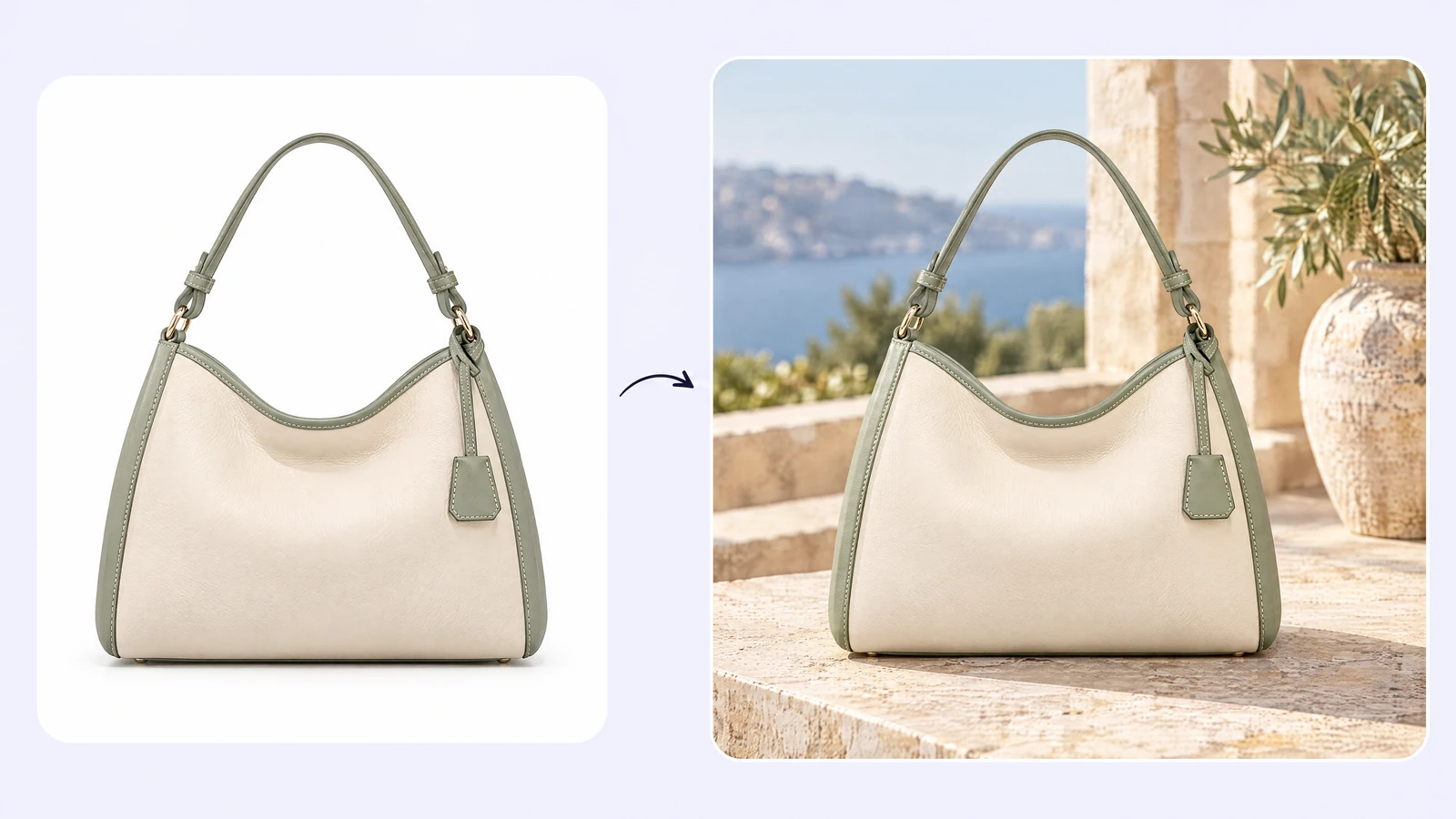
Place an existing product into a new setting, using a generated scene or reference background. Review scale, lighting, edges and contact shadows.
 Explore product
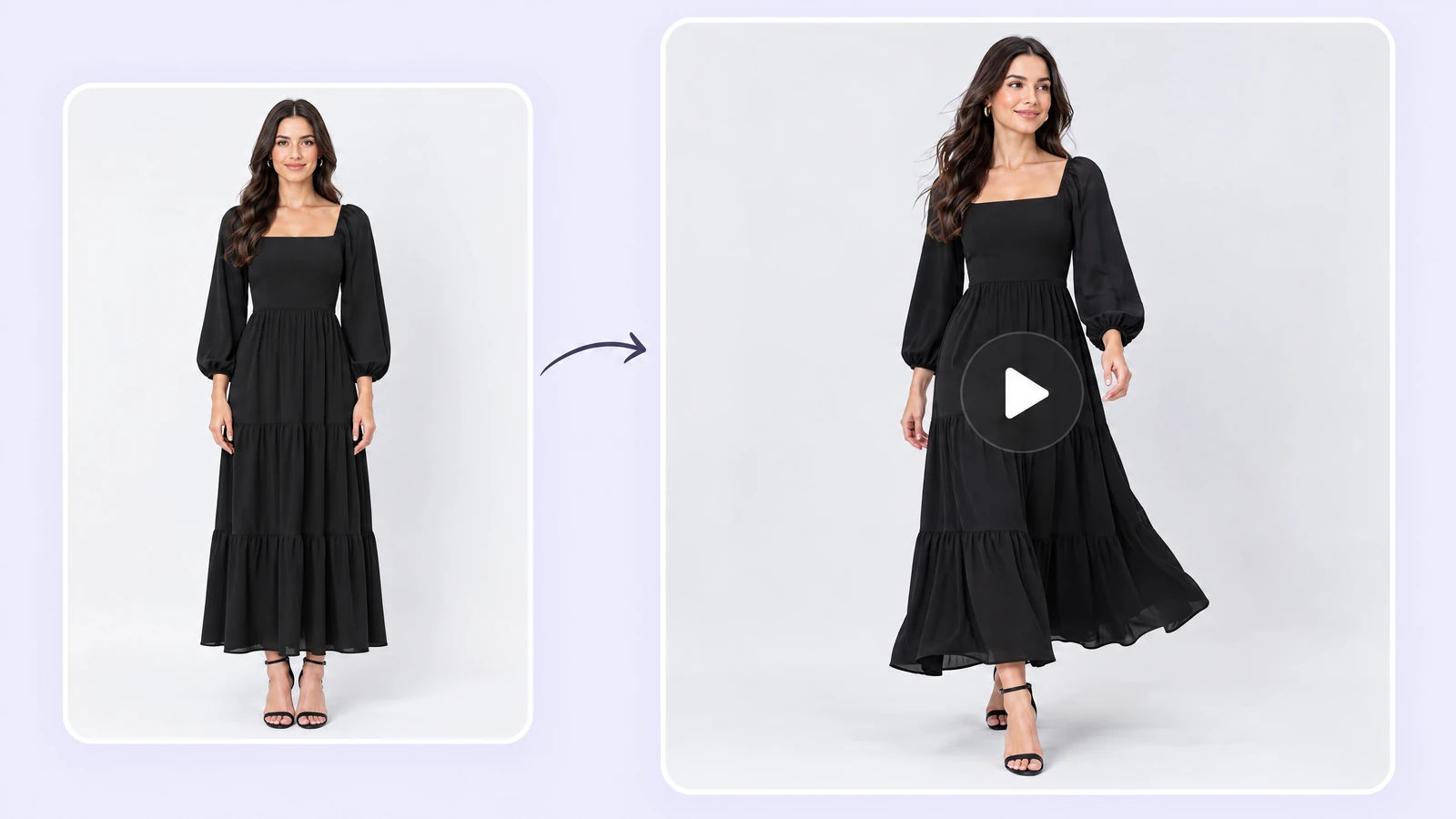
Turn text, images and supported multimodal references into individual video shots.
 Explore product
Use verified interface captures or product records. Generated text can be incorrect and should not establish what the device supports.
Show supplied accessories accurately and distinguish optional props. Do not imply tested compatibility with another device unless you have supporting evidence.
A clear hero, control detail, use-context still and restrained reveal clip.
Start with Product retouching