Product retouching
A checked source for the variant customers can order.

Create a distinctive storefront from permitted supplier media while keeping variant, package contents and actual delivery claims under control.
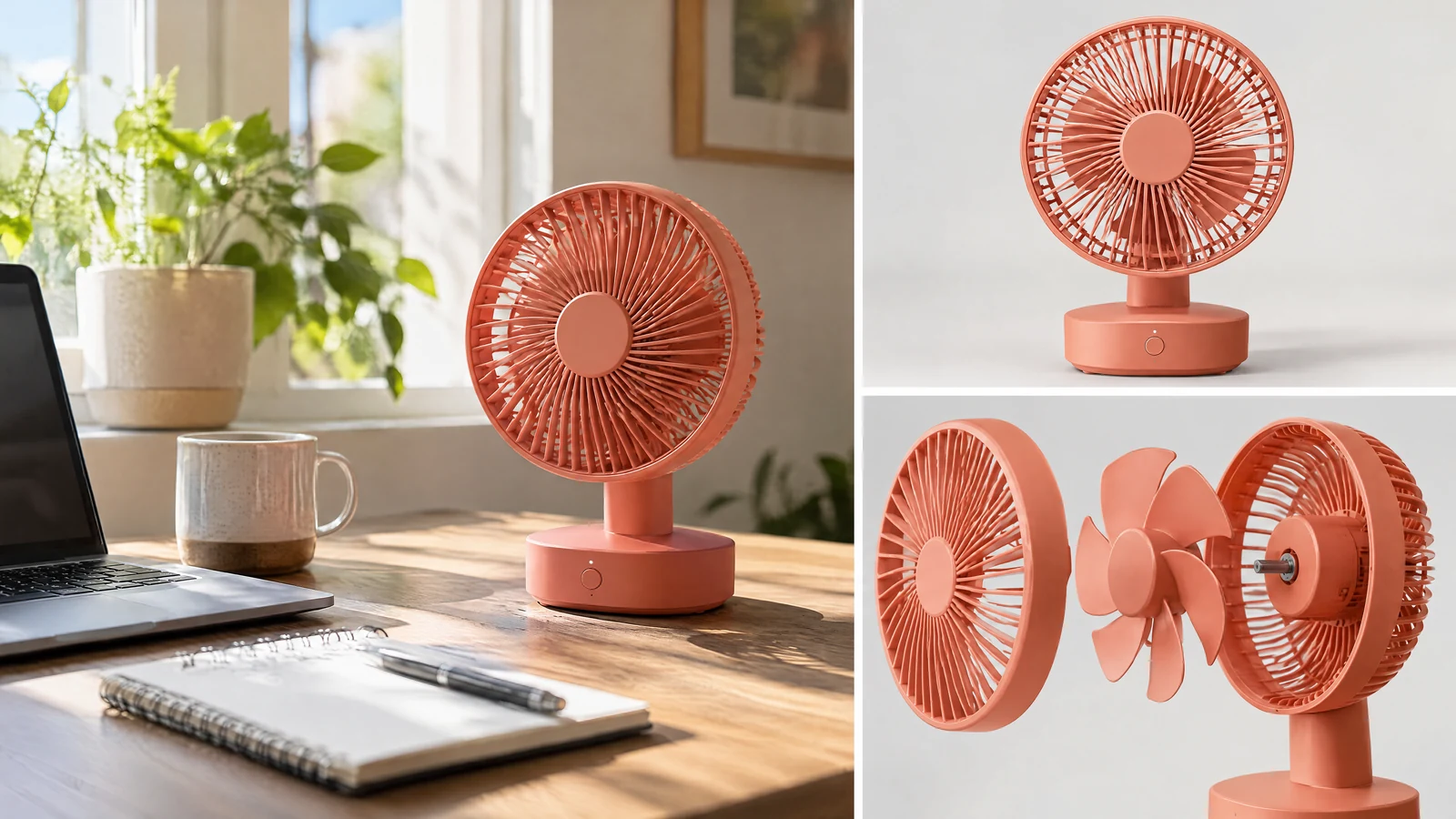
Choose the asset your next project needs
A checked source for the variant customers can order.
An original scene with accurate offer contents.
A differentiated listing set with traceable product claims.
A campaign asset aligned with the actual customer offer.
Permitted supplier images, the exact sold variant, included items and verified shipping or offer information.
Match the source photograph to the sold option before refining it. Check plugs, buttons, labels and included pieces that distinguish similar supplier SKUs.
Open Product retouching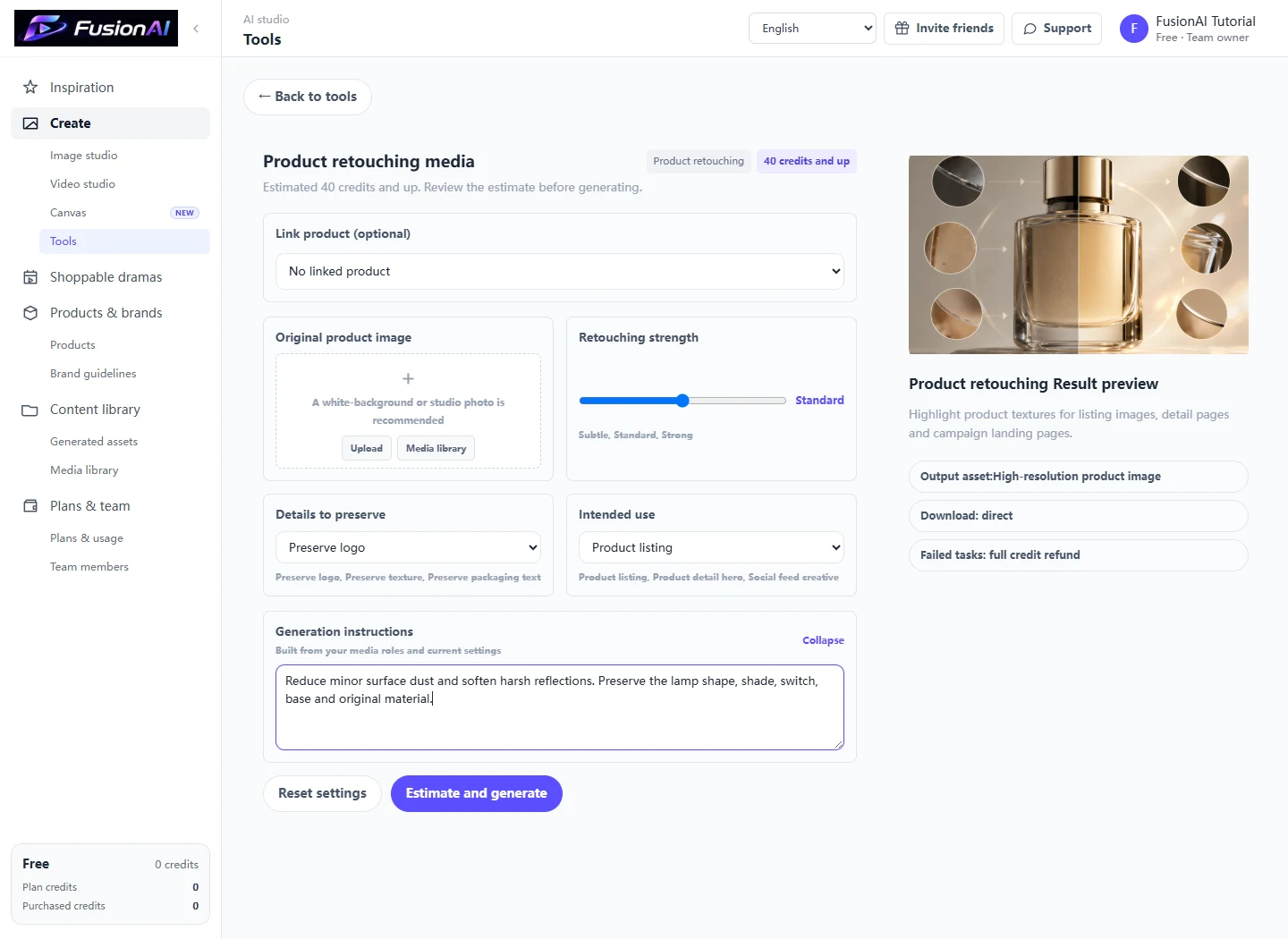
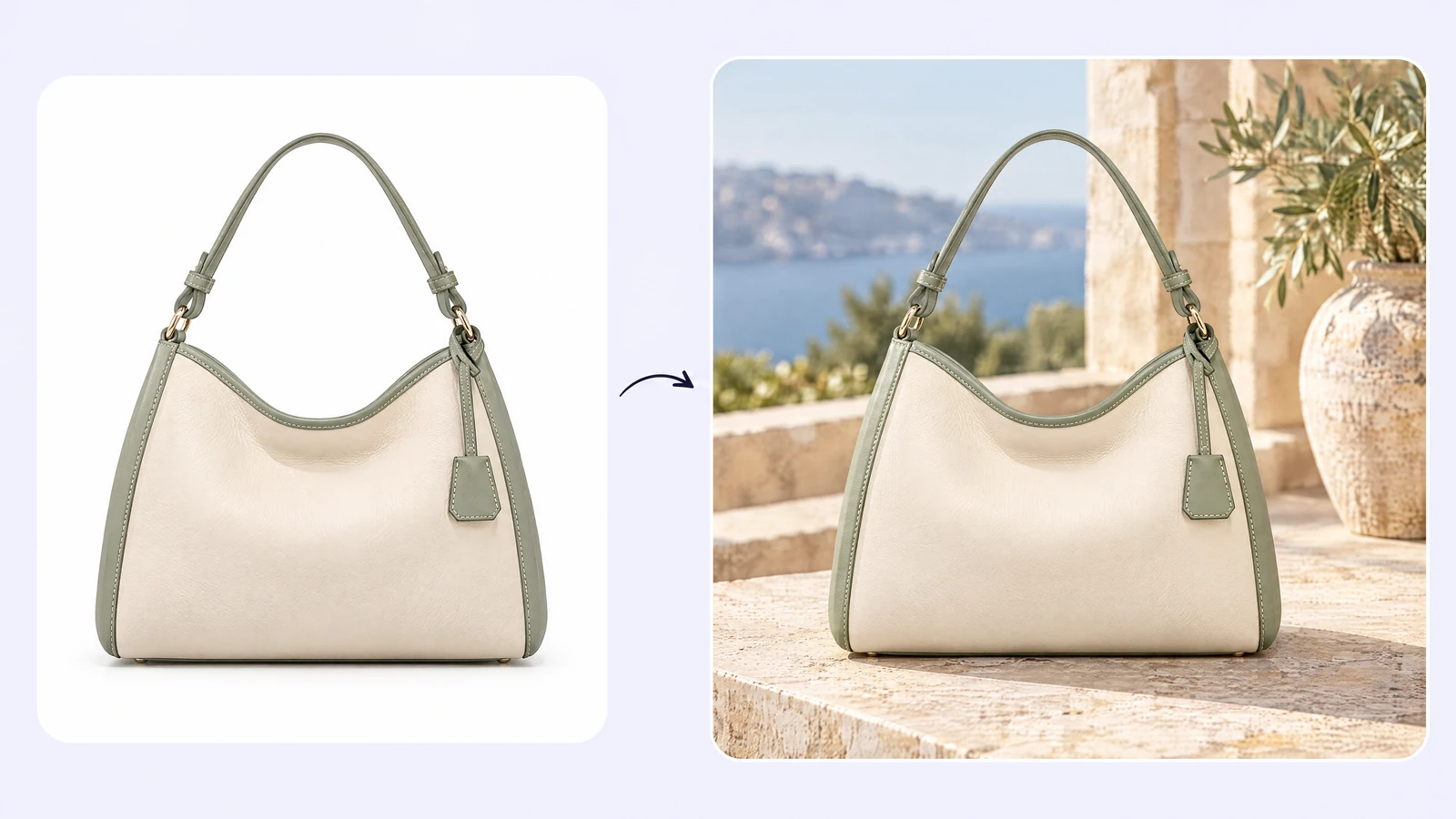
Describe an original use setting built around the actual product. Avoid extra parts or packaging that make the offer appear more complete than it is.
Open Product background replacement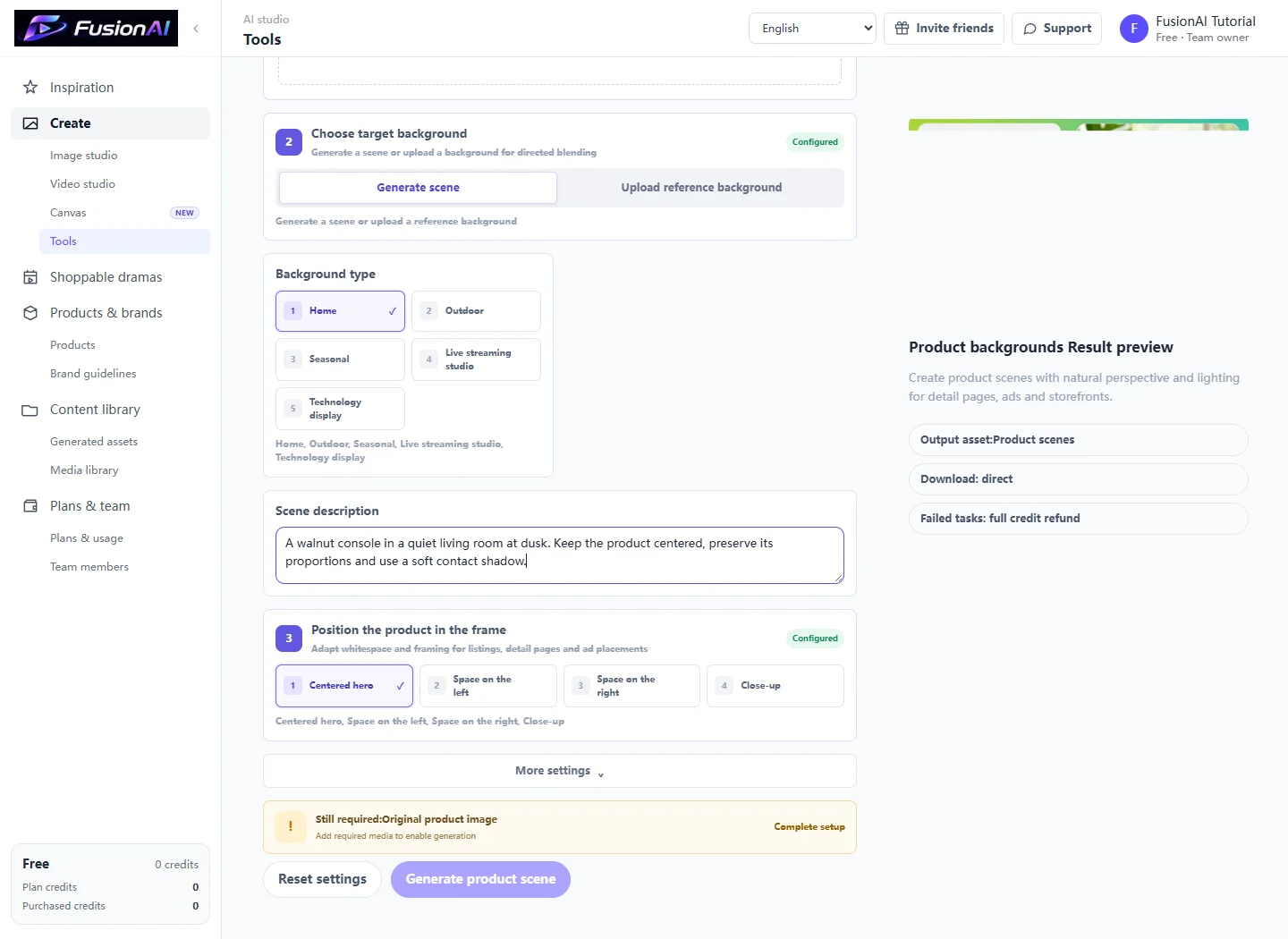
Assign each image a confirmed feature, detail or use purpose. Do not transfer specifications from a visually similar product or a competitor’s listing.
Open AI product image sets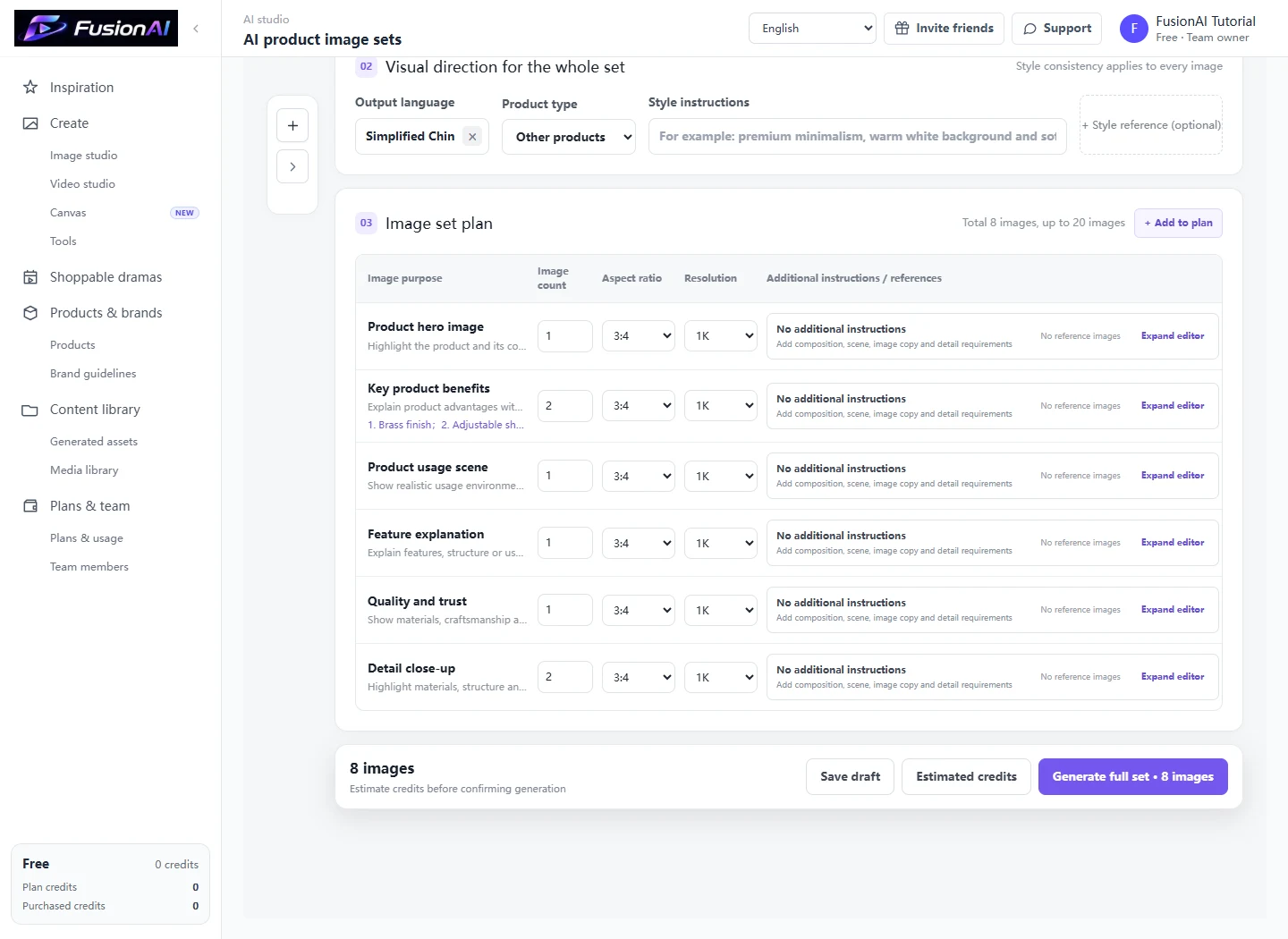
Prepare promotional layouts only after confirming price, included items and applicable shipping information. Proofread text independently of the generated product scene.
Open Campaign poster generator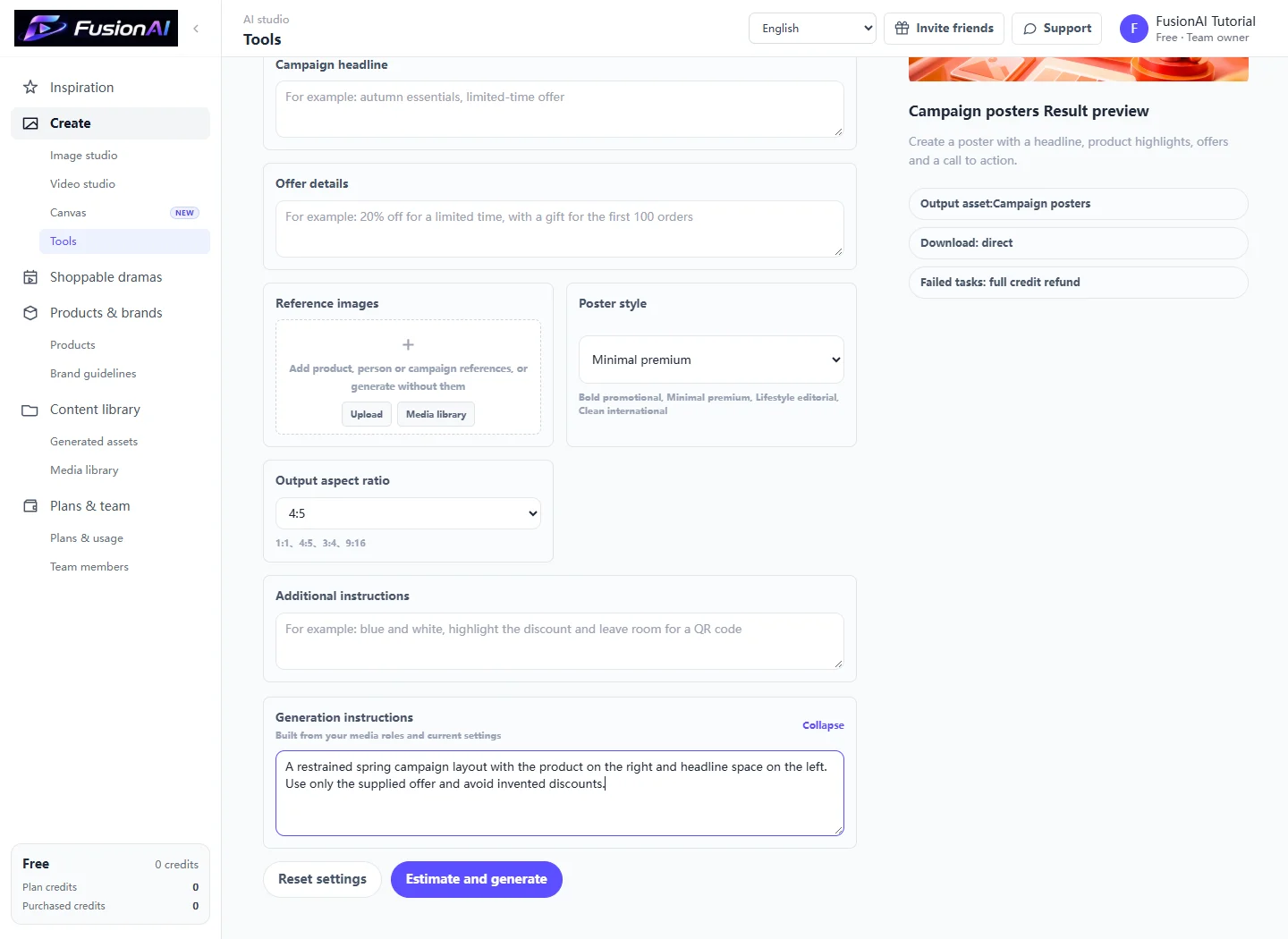
For a supplier desk organizer, confirm the exact compartment layout and sold color. Create a home-office scene with empty compartments, then use real detail photographs to explain construction without implying stationery is included.
Open Product retouchingCheck that the visual does not add unavailable variants, accessories, packaging or delivery promises.
Record permission to edit and publish the supplier media.
Compare the visual with the fulfillment SKU, not only the supplier title.
Keep shipping and performance promises supported by current records.
Improve defects, edges and reflections while checking product shape, labels and material against the original.
 Explore product
Place an existing product into a new setting, using a generated scene or reference background. Review scale, lighting, edges and contact shadows.
 Explore product
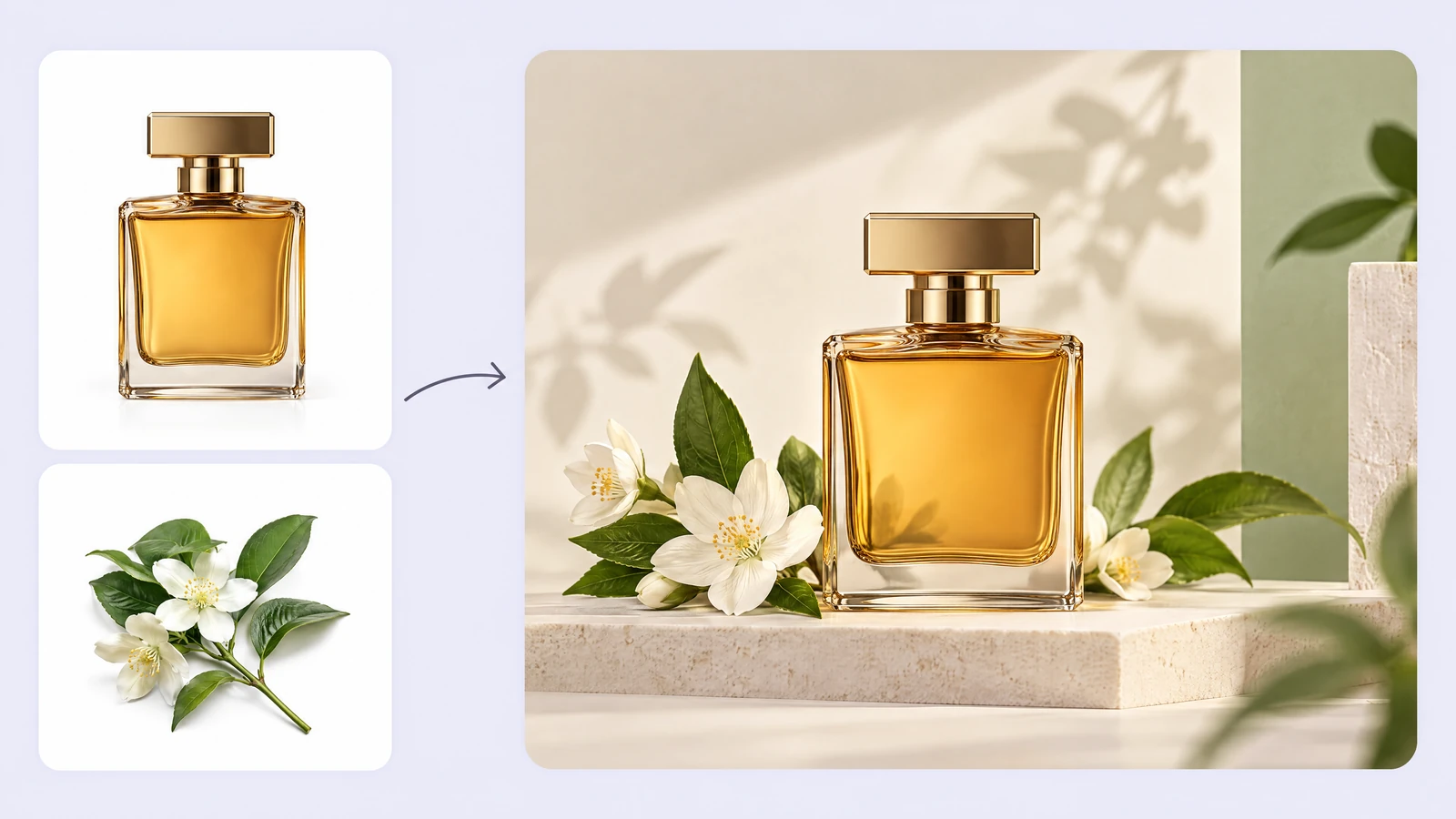
Plan hero, feature, lifestyle and detail images for one product. Adjust each image purpose, prompt, reference and output language.
 Explore product
Build a poster from real campaign details, optional references and a chosen style. Verify prices, conditions, dates and generated text.
 Explore product
Use media you have rights to edit and publish. A competing listing does not verify your supplier’s variant, contents or performance.
Scenes differentiate presentation. The actual product and claims still need verification, and a new visual should not imply an exclusive product design.
Original product scenes and a campaign layout built around the actual SKU.
Start with Product retouching