Product retouching
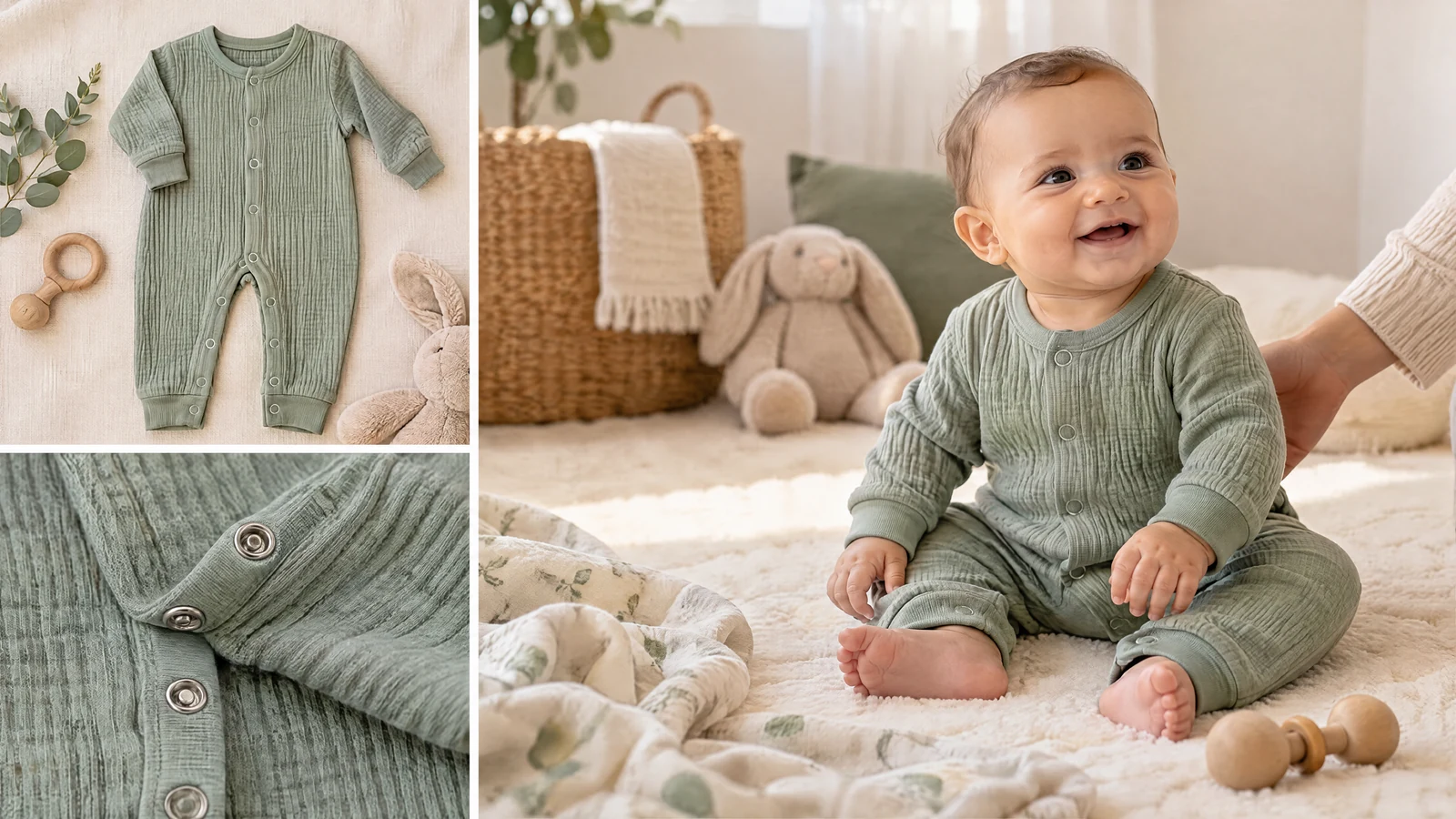
A garment-led product image with factual details.

Present baby clothing with readable fabric and fastening details, using gentle creative settings without turning imagery into a safety claim.
Choose the asset your next project needs
A garment-led product image with factual details.
A carefully reviewed baby-clothing illustration.
A gallery with practical garment information.
A soft campaign scene with clear garment boundaries.
Actual garment or family-product photographs, verified material details and appropriate permitted references.
Refine the garment photograph while retaining snaps, seams, embroidery and labels. Compare soft fabric texture with the actual item rather than an idealized surface.
Open Product retouching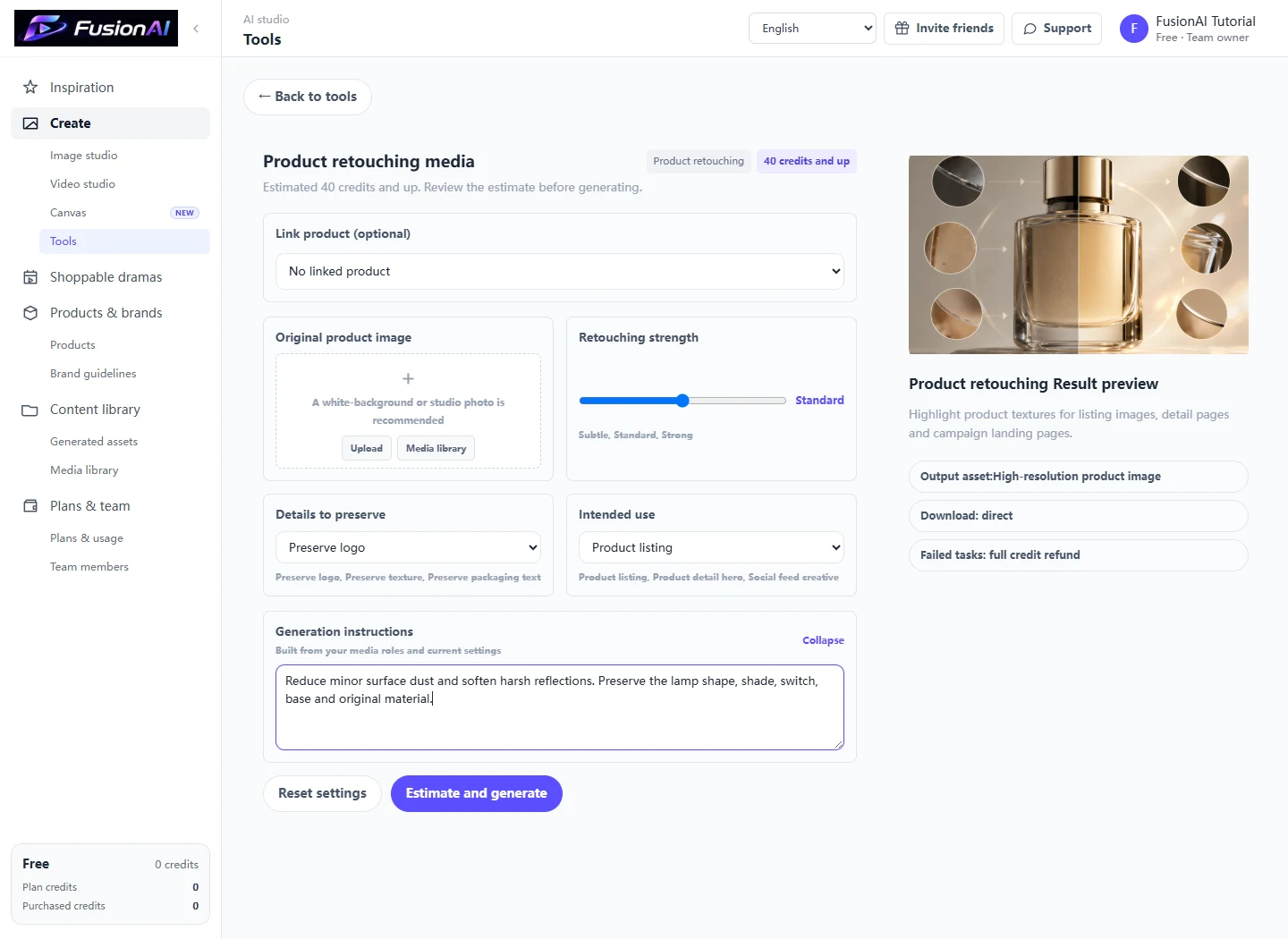
Use permitted source media and the available baby-clothing settings. Keep the garment readable and review the scene for unsuitable props or misleading use situations.
Open Baby outfit visuals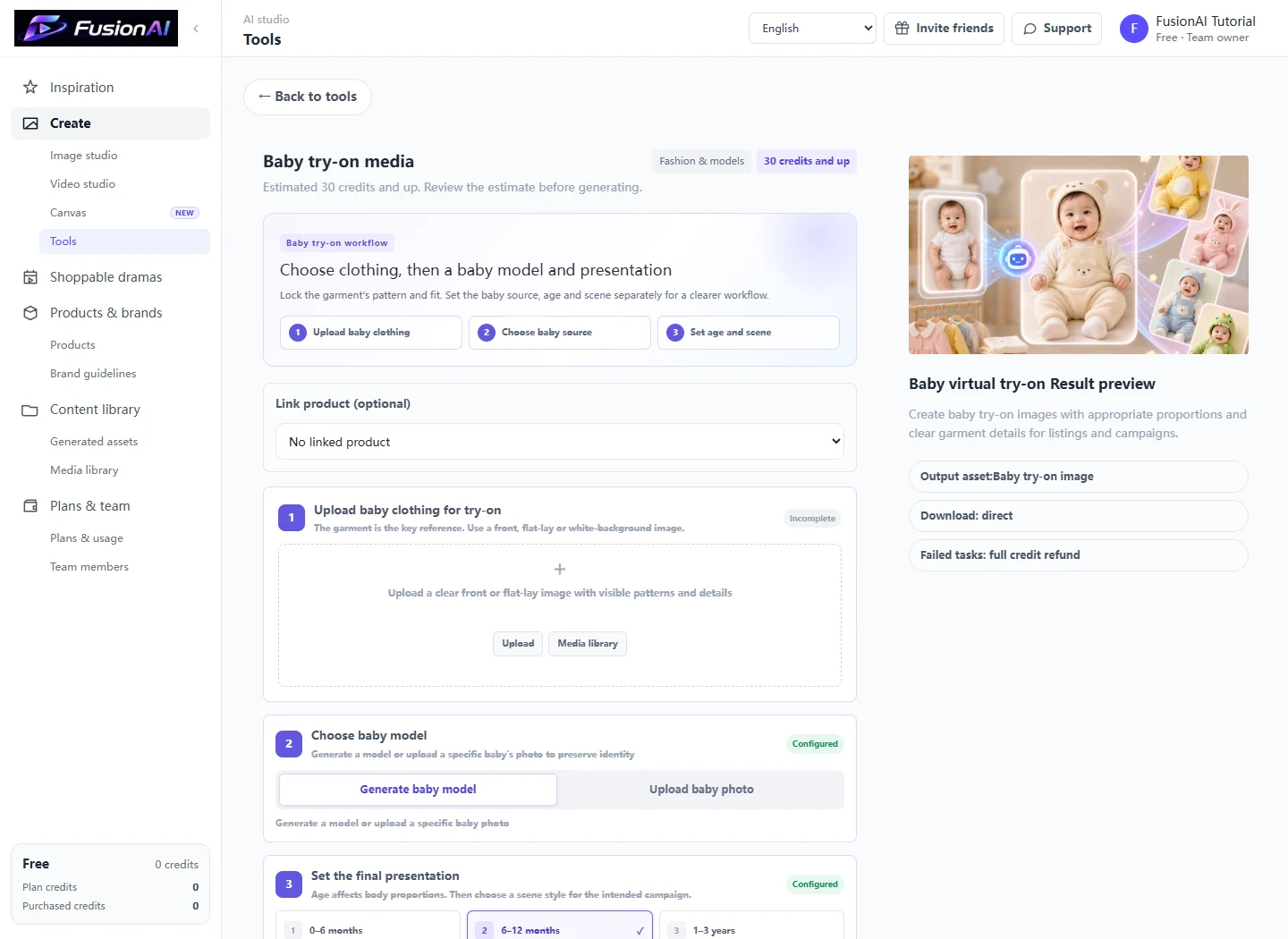
Plan original fastening, fabric and label views. Enter care and material information from approved product records, not from the generated appearance.
Open AI product image sets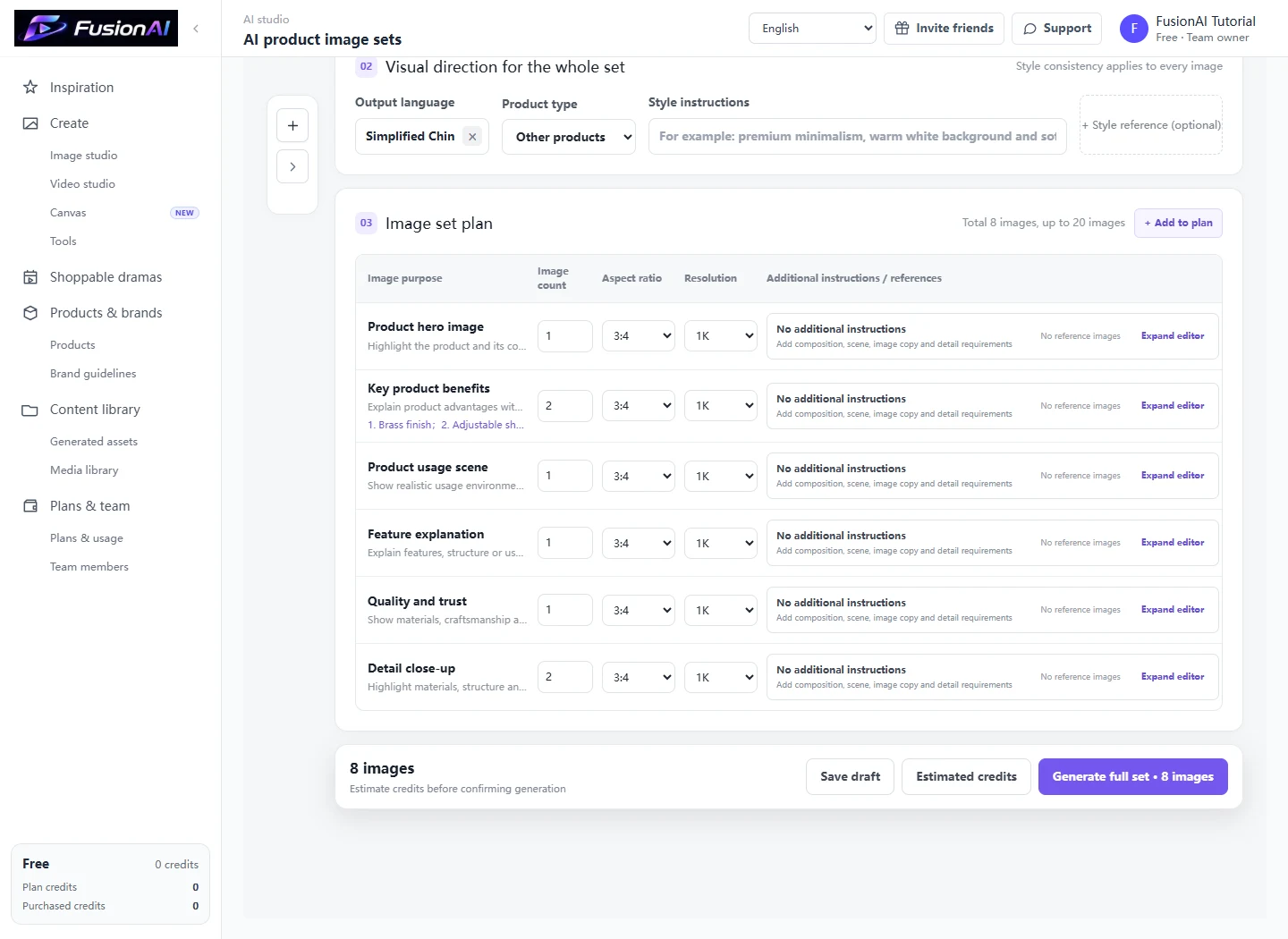
Choose a restrained studio or family-product setting. Keep blankets and decorative objects from hiding fastenings or implying items are included.
Open Product background replacement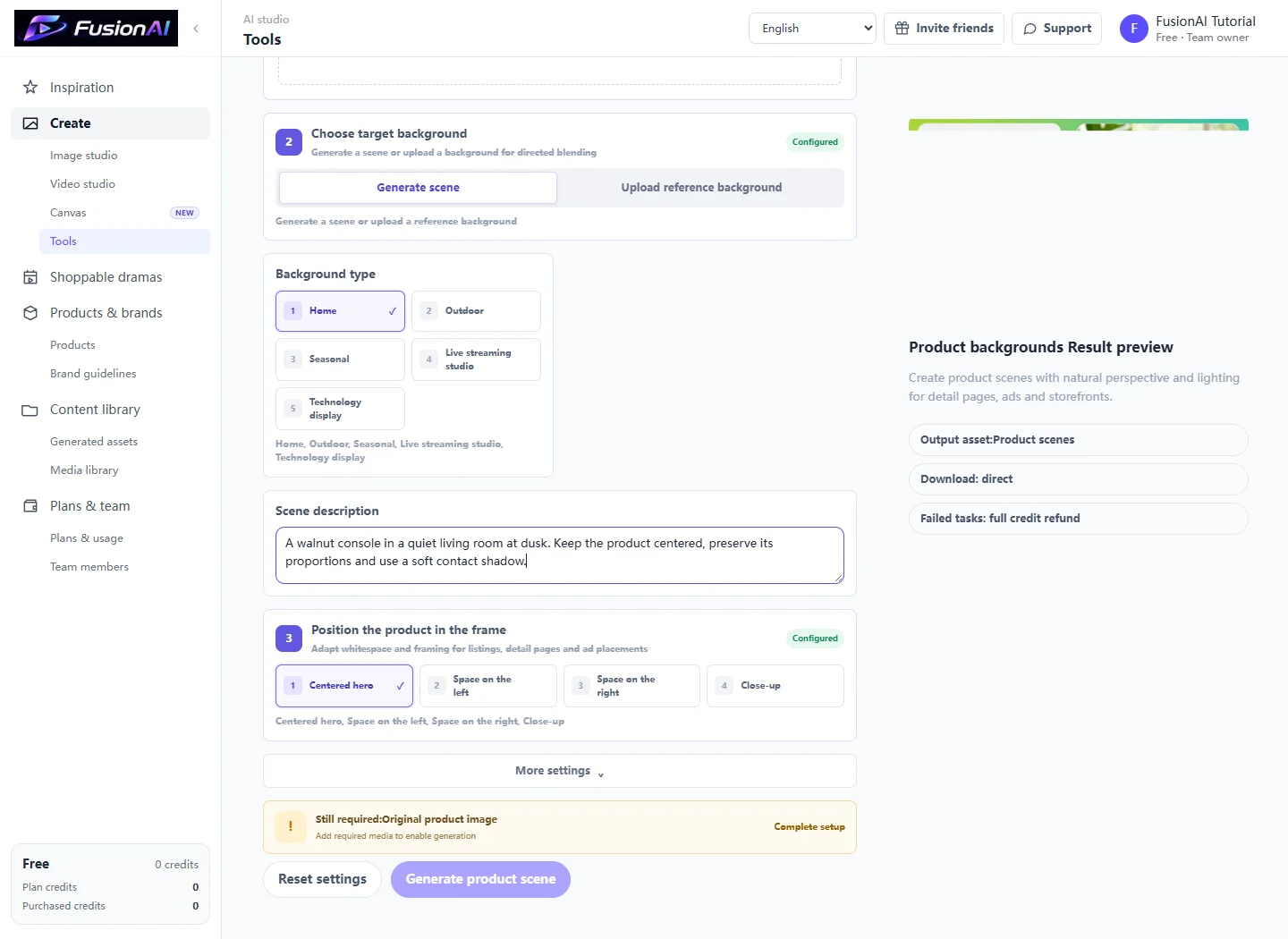
For a cotton romper, show the actual snaps, neckline and care label in original detail photos. Prepare a gentle neutral campaign visual while preserving the embroidery and exact garment pieces included with the SKU.
Open Product retouchingCheck age-appropriate styling, anatomy, coverage, product scale and claims about comfort or safety.
Retain real labels and fastening details alongside illustrations.
Do not infer safety certification or material suitability from visuals.
Review every prop and pose for the intended product context.
Improve defects, edges and reflections while checking product shape, labels and material against the original.
 Explore product
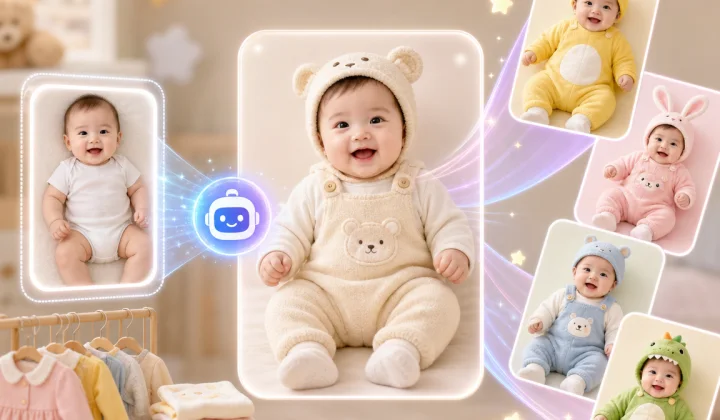
Prepare baby clothing display visuals with permitted references and available age, scene and framing settings. Generated images are not evidence of real fit or safety.
 Explore product
Plan hero, feature, lifestyle and detail images for one product. Adjust each image purpose, prompt, reference and output language.
 Explore product
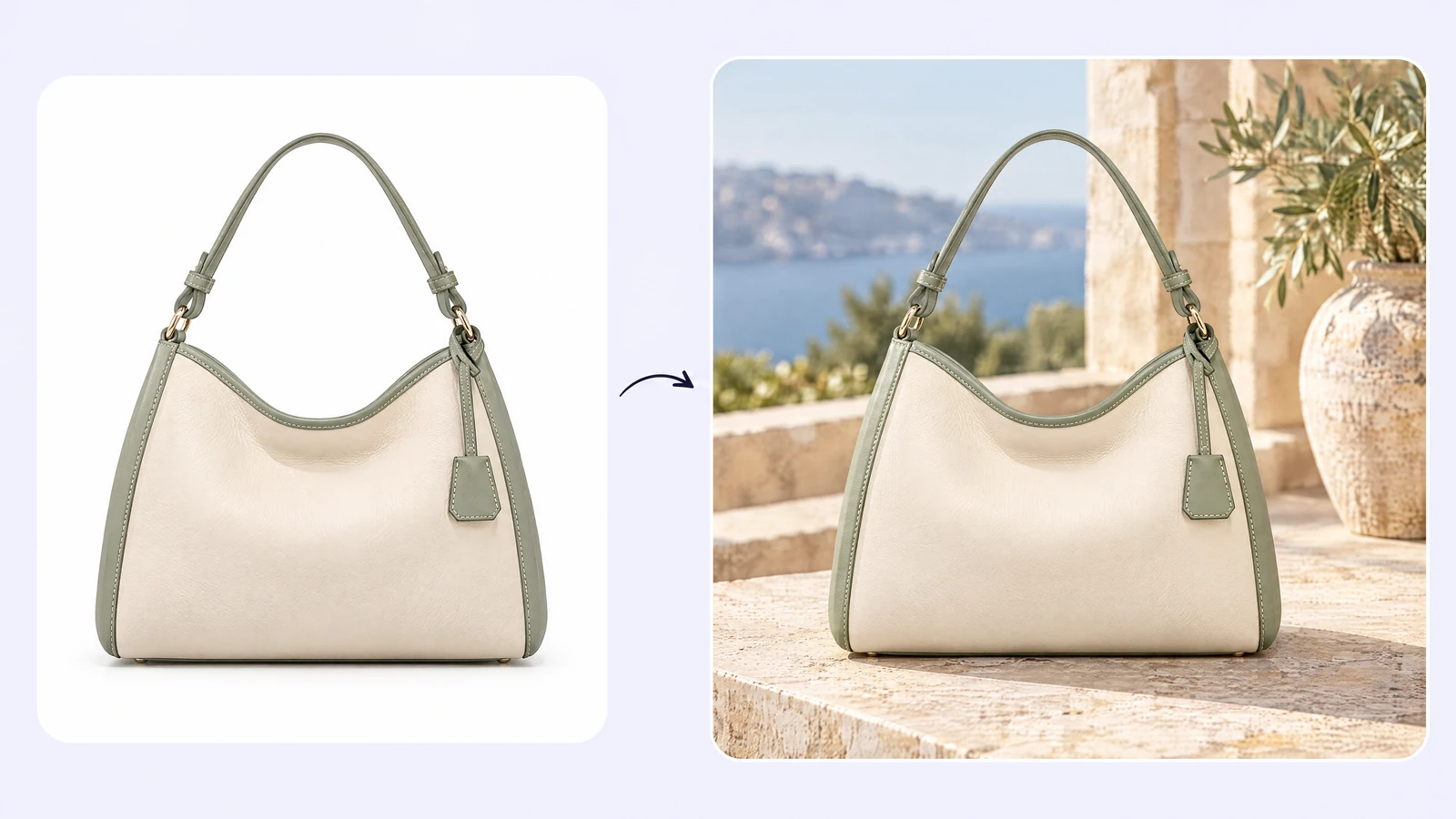
Place an existing product into a new setting, using a generated scene or reference background. Review scale, lighting, edges and contact shadows.
 Explore product
Use supplier and product evidence for material claims. A generated soft appearance is a creative treatment, not a test of the garment.
Keep labels, closures, fabric close-ups and any details relevant to care or use. These help buyers verify the actual garment.
Gentle product presentations with clear garment or packaging detail.
Start with Product retouching